
Skip to content
View in the app

A better way to browse. Learn more.

Flight Sim Labs Forums

A full-screen app on your home screen with push notifications, badges and more.

To install this app on iOS and iPadOS
  1. Tap the Share icon in Safari
  2. Scroll the menu and tap Add to Home Screen.
  3. Tap Add in the top-right corner.
To install this app on Android
  1. Tap the 3-dot menu (⋮) in the top-right corner of the browser.
  2. Tap Add to Home screen or Install app.
  3. Confirm by tapping Install.

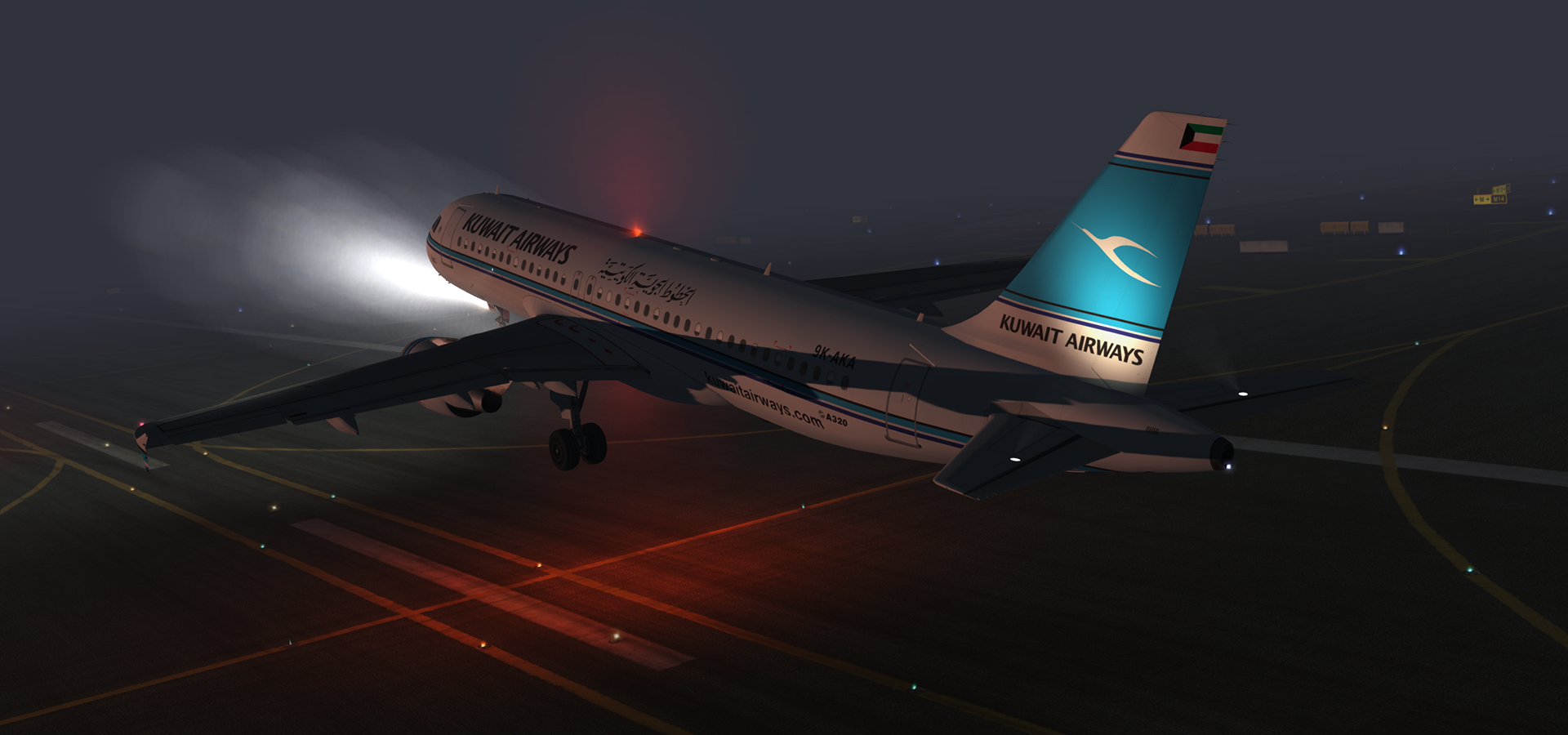
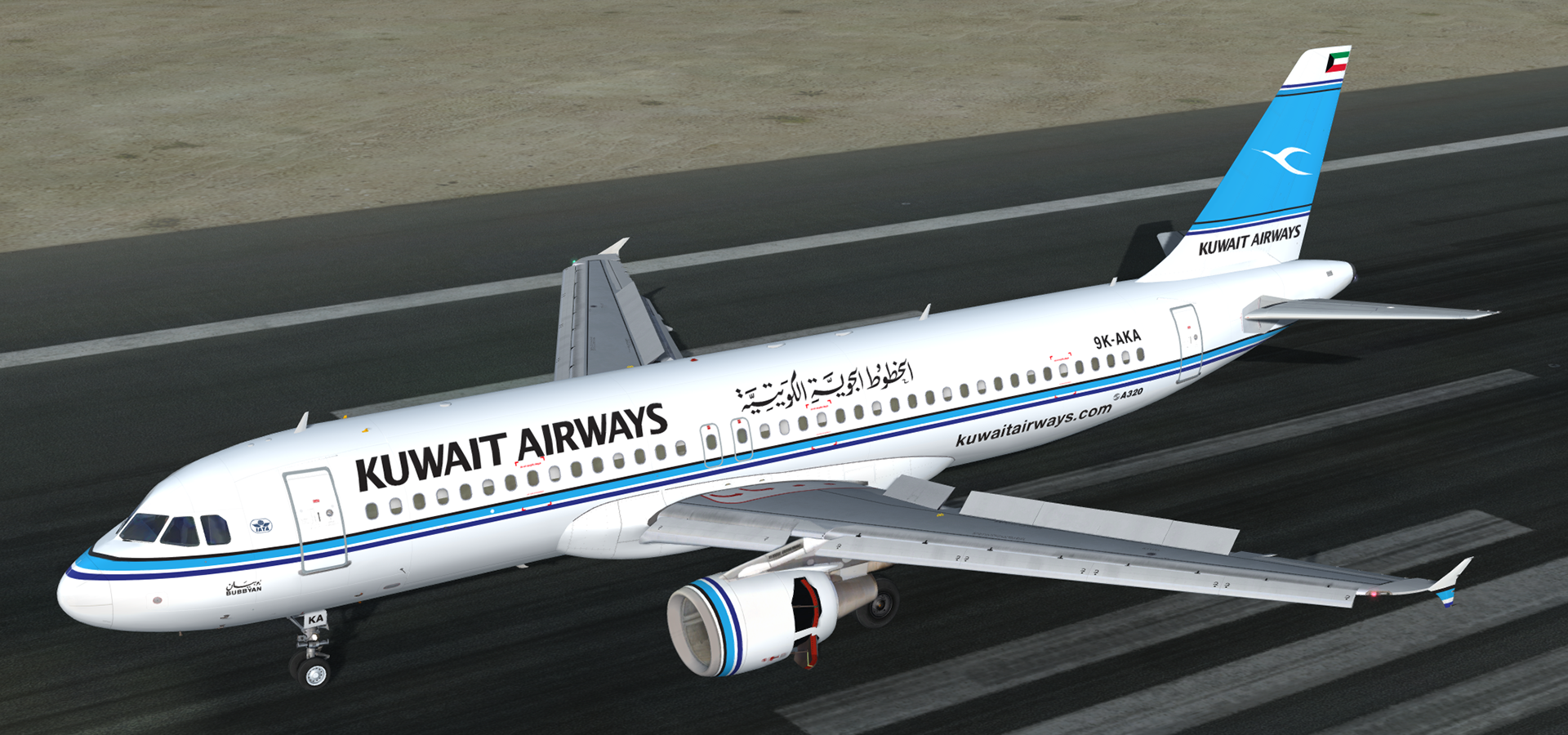
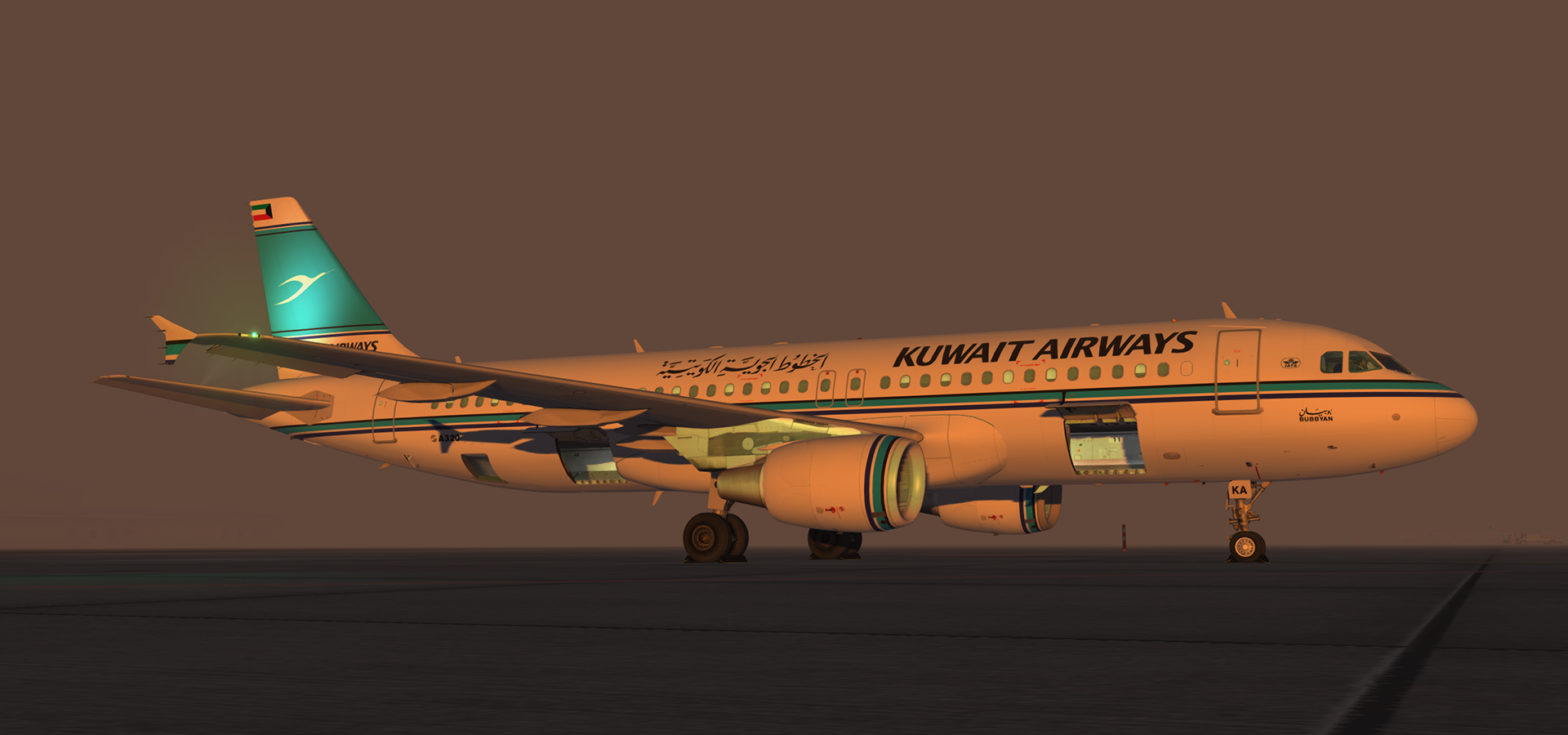
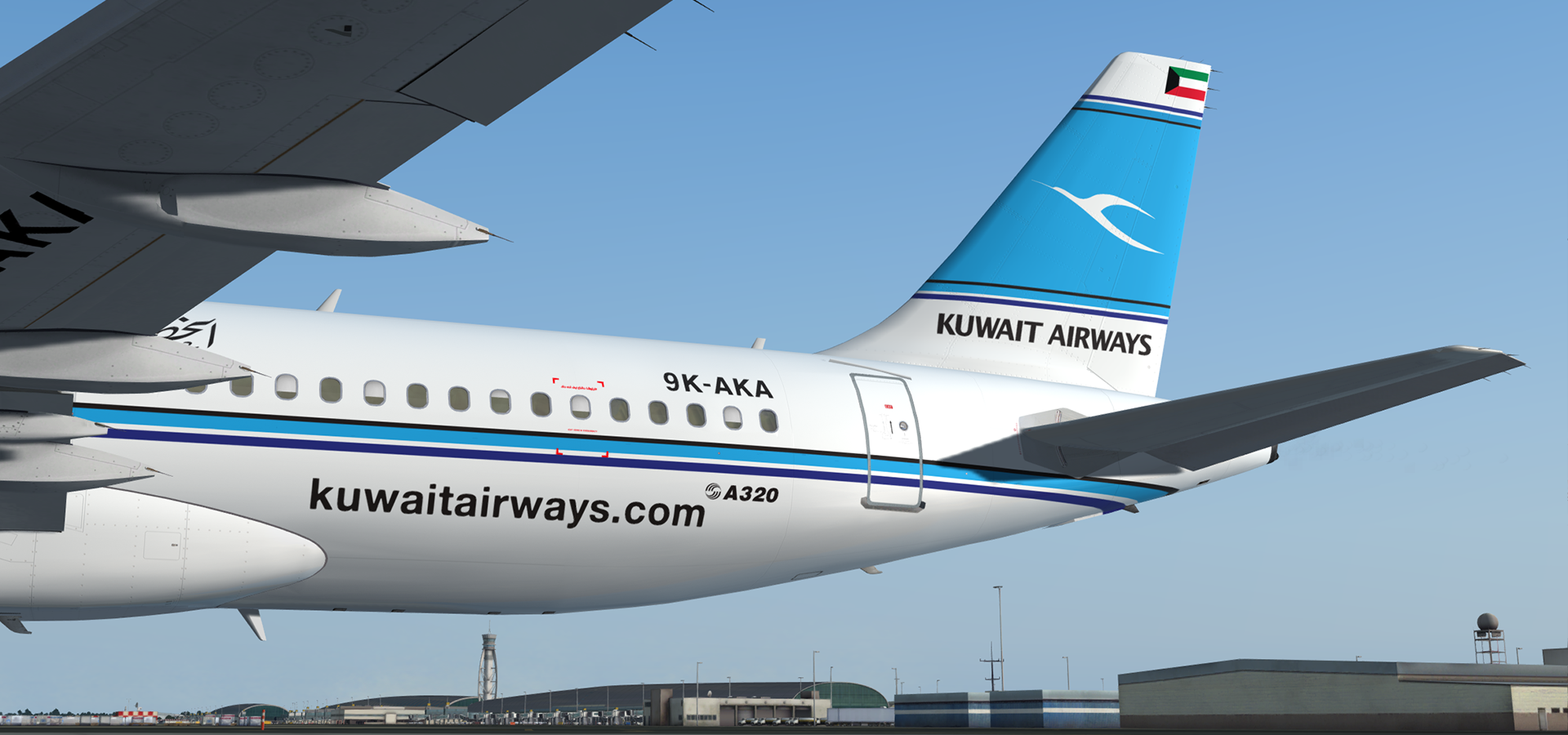
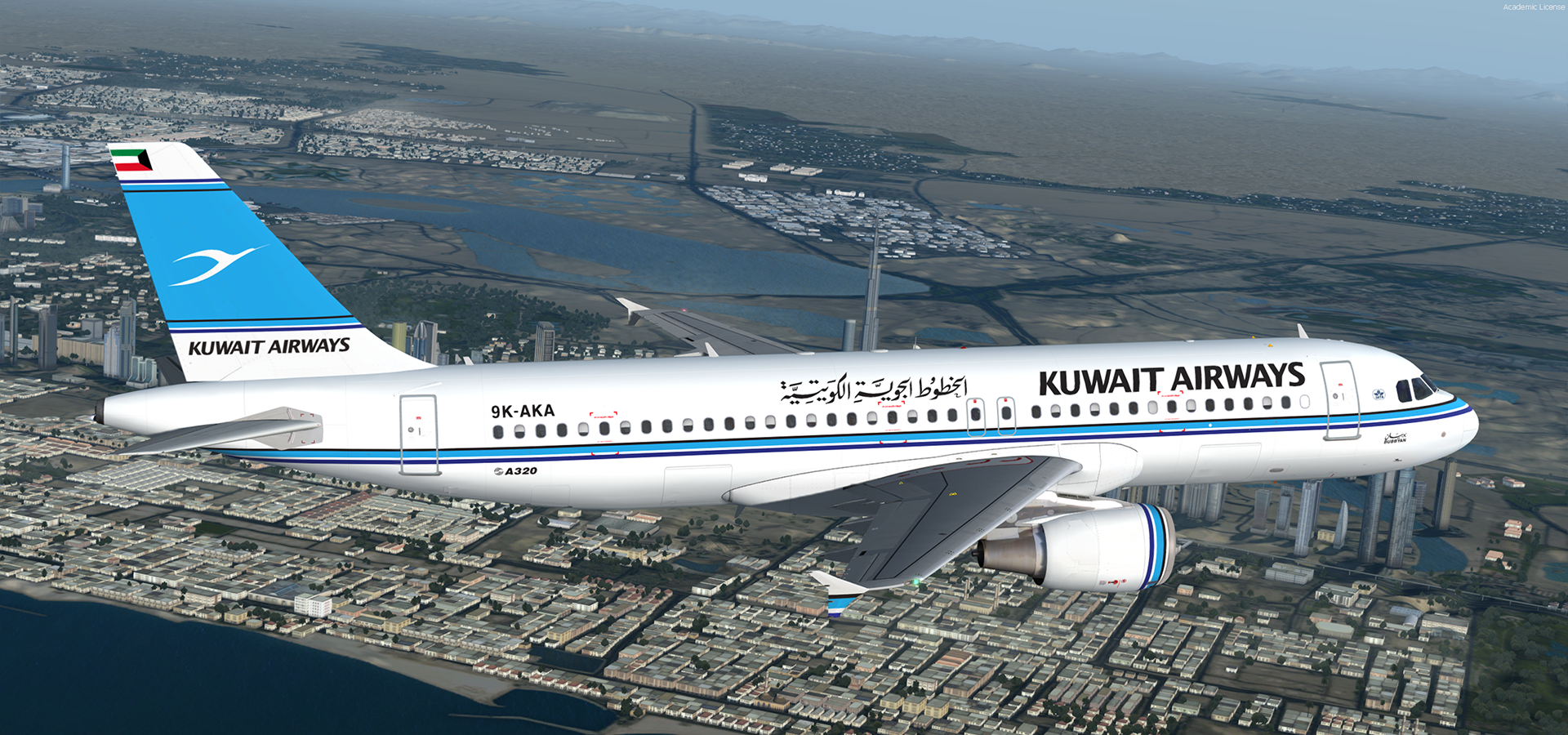
Airbus A320-212 CFM Kuwait Airways 9K-AKA 3.0.0

(3 reviews)

5 Screenshots

A320-212 CFM in Kuwait Airways' livery.  This airframe, 9K-AKA (MSN 181), was delivered to Kuwait Airways as an Airbus A320-211 on the 29th of October 1992, making it one of the older active A320s still in service.  It was later converted to an Airbus A320-212 and still flies for the airline.  Source material for this aircraft was scarce so if you could help me with the aircraft as it appears today that'll be much appreciated and I'll update her accordingly.  From the pictures it appears as if the web titles are not present on the right hand side of the aircraft.  The position of the aircraft name is also questionable on the right hand side.  I've based her primarily from a picture taken in 2016.

Many thanks to @Tavers for allowing me to use his excellent A320 master textures and to @Christian Mohr for allowing me to use his wing textures.  You can find both of these gents' excellent repaints on the flightsimlabs forums.

Tavers Repaints

Christian Mohr Repaints

What's New in Version 2.0.0

Released

Minor colour correction for default P3D HDR lighting.  This release has also been updated to feature my custom CFM56 engine texture mod which can be found here in the library:

User Feedback

SAMI ALRESHEDI

SAMI ALRESHEDI


Hi ..

can you update to v 5.0.1.151 thanks

TH0R5T€N KlRCHH€lM

TH0R5T€N KlRCHH€lM

   2 of 2 members found this review helpful 2 / 2 members

And another good bird from the Gulf. I have to say that I love heading to Kuwait due to it´s lovely approach. Thanks for sharing the livery. 

thefpr

thefpr

   2 of 2 members found this review helpful 2 / 2 members

Perfect!

Account

Navigation

Search

Search

Configure browser push notifications

Chrome (Android)
  1. Tap the lock icon next to the address bar.
  2. Tap Permissions → Notifications.
  3. Adjust your preference.
Chrome (Desktop)
  1. Click the padlock icon in the address bar.
  2. Select Site settings.
  3. Find Notifications and adjust your preference.

