
Skip to content
View in the app

A better way to browse. Learn more.

Flight Sim Labs Forums

A full-screen app on your home screen with push notifications, badges and more.

To install this app on iOS and iPadOS
  1. Tap the Share icon in Safari
  2. Scroll the menu and tap Add to Home Screen.
  3. Tap Add in the top-right corner.
To install this app on Android
  1. Tap the 3-dot menu (⋮) in the top-right corner of the browser.
  2. Tap Add to Home screen or Install app.
  3. Confirm by tapping Install.

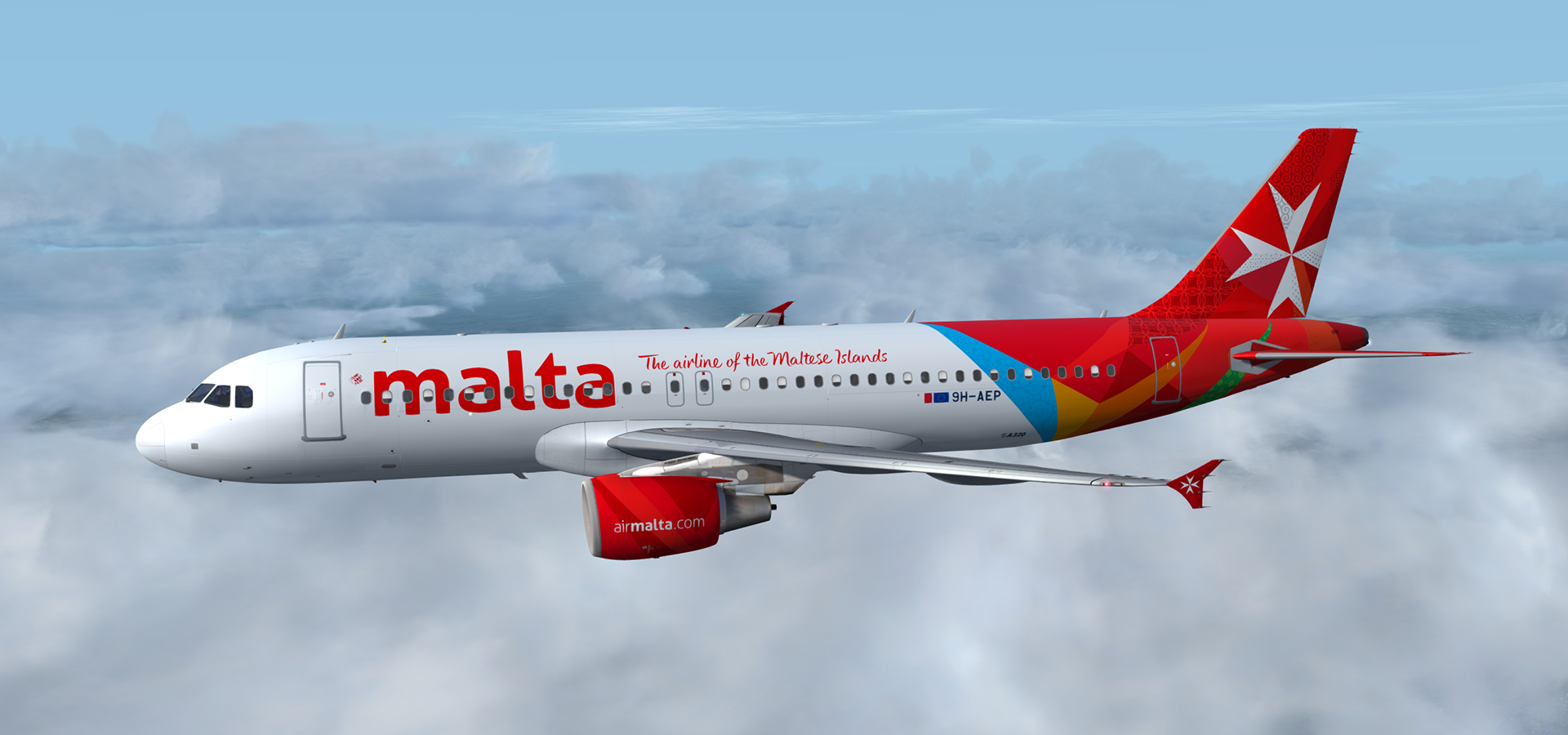
Airbus A320-214 CFM Air Malta 9H-AEP 3.0.0

(4 reviews)

5 Screenshots

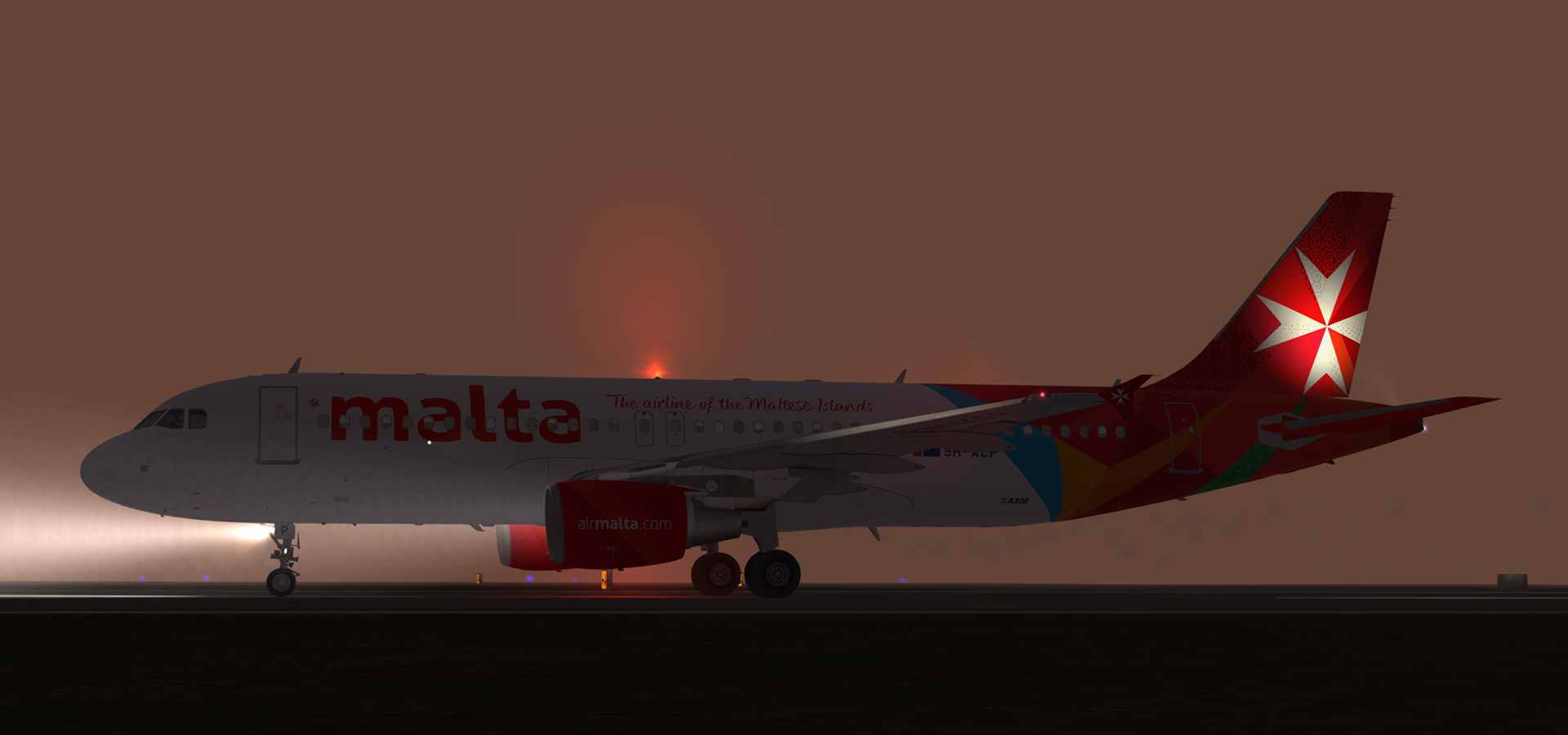
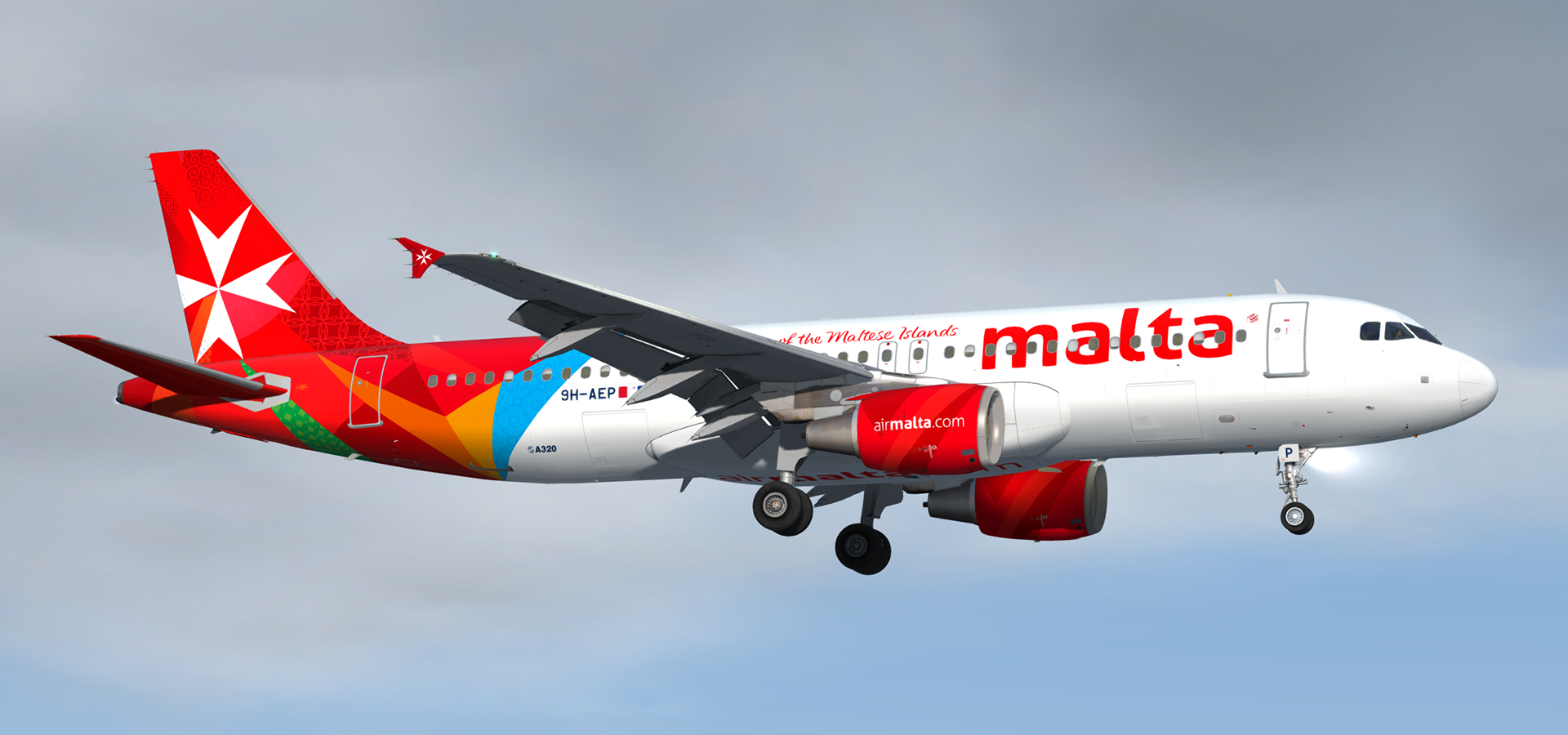
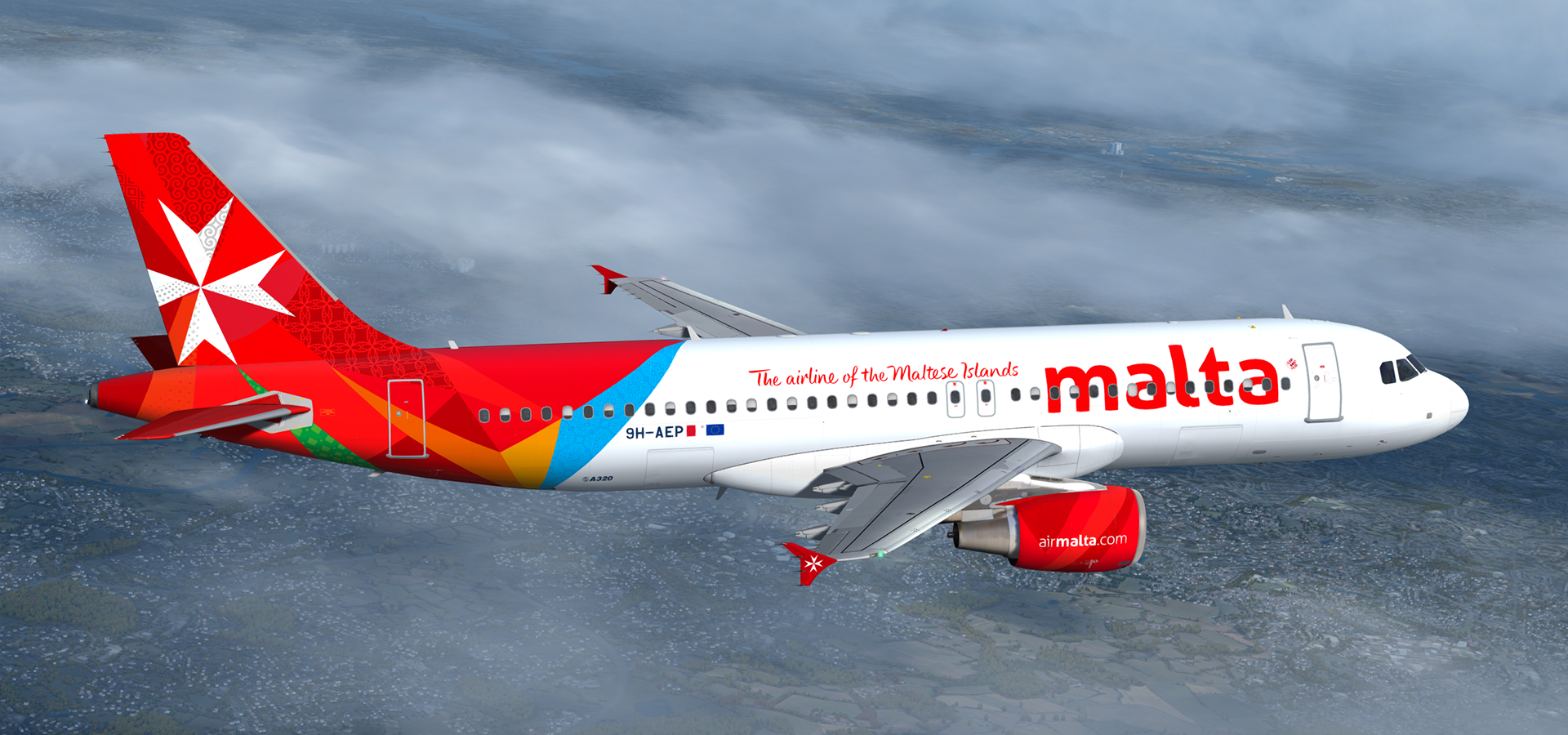
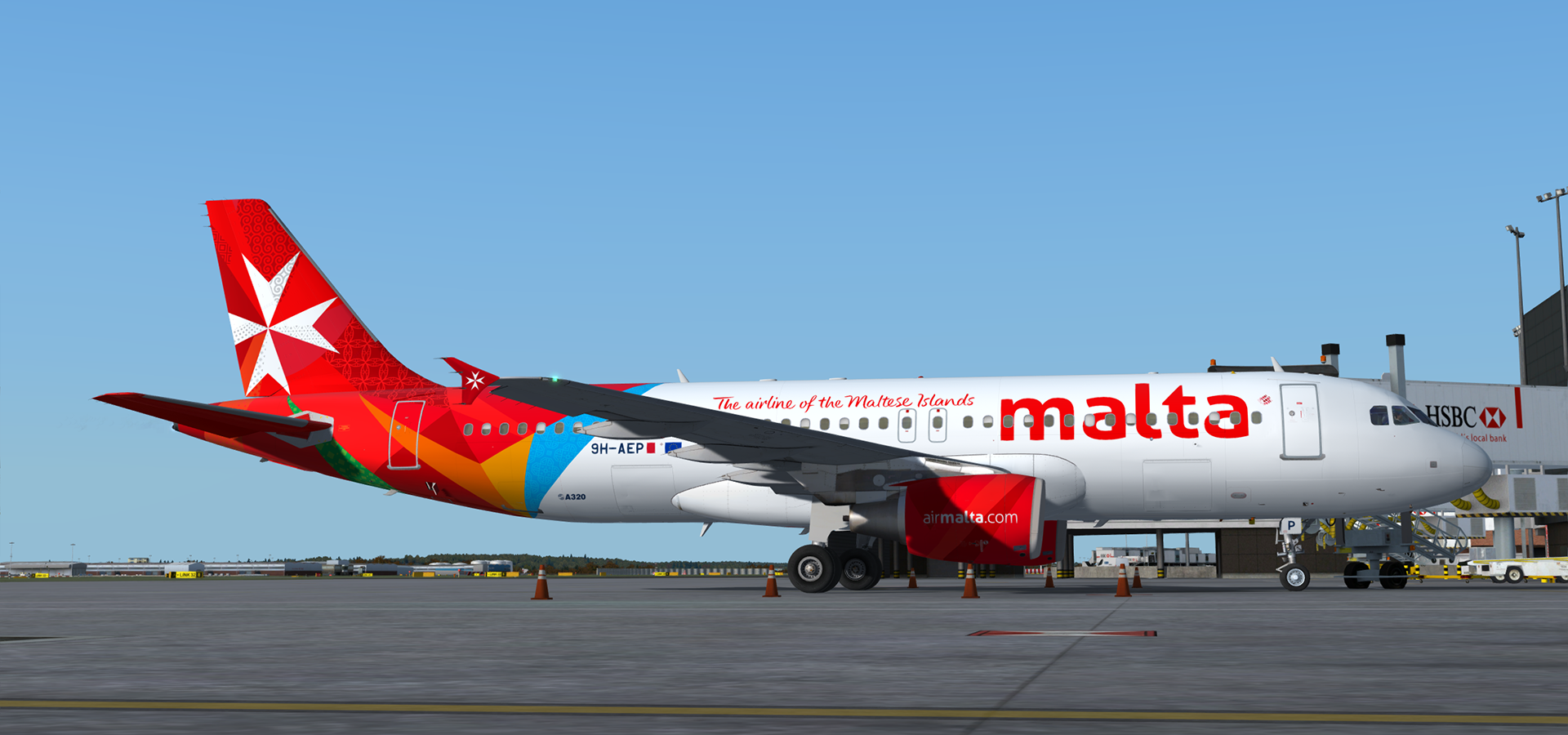
A320-214 CFM in Air Malta's current livery.  This airframe, 9H-AEP (MSN 3056), joined the Air Malta fleet in March 2007.  It was wetleased to Etihad Airways in October of that same year but returned to Air Malta in April 2008.

This release features my custom CFM56 engine texture mod which can be found here in the library:

Many thanks to @Tavers for allowing me to use his excellent A320 master textures and to @Christian Mohr for allowing me to use his wing textures.  You can find both of these gents' excellent repaints on the flightsimlabs forums.

Tavers Repaints

Christian Mohr Repaints

What's New in Version 1.0.0

Released

No changelog available for this version.

User Feedback

Ian Probets

Ian Probets


An excellent repaint. You can really see that a lot of time and effort went into making this. A pleasure to fly. Thank you :)


2019-2-8_1-40-40-656.png

2019-2-8_1-56-15-735.png

2019-2-8_1-56-27-341.png

TH0R5T€N KlRCHH€lM

TH0R5T€N KlRCHH€lM

   1 of 1 member found this review helpful 1 / 1 member

I love the livery as well as the airline. Good job, Sir

Norman Blackburn

Norman Blackburn

   1 of 1 member found this review helpful 1 / 1 member

Looks well Daniel.  Its one of a couple user liveries I have installed in v4 to test.

2017-10-15_13-47-19-213.jpg

2017-10-15_13-50-59-668.jpg

Marc Aussant

Marc Aussant

   2 of 2 members found this review helpful 2 / 2 members

Nice achievement Daniel.

Just about THS leading edges, there are completely painted in red. Only the leading edge intersection part (most inner part) is painted in red.

Regards,

Marc

Account

Navigation

Search

Search

Configure browser push notifications

Chrome (Android)
  1. Tap the lock icon next to the address bar.
  2. Tap Permissions → Notifications.
  3. Adjust your preference.
Chrome (Desktop)
  1. Click the padlock icon in the address bar.
  2. Select Site settings.
  3. Find Notifications and adjust your preference.

