
Skip to content
View in the app

A better way to browse. Learn more.

Flight Sim Labs Forums

A full-screen app on your home screen with push notifications, badges and more.

To install this app on iOS and iPadOS
  1. Tap the Share icon in Safari
  2. Scroll the menu and tap Add to Home Screen.
  3. Tap Add in the top-right corner.
To install this app on Android
  1. Tap the 3-dot menu (⋮) in the top-right corner of the browser.
  2. Tap Add to Home screen or Install app.
  3. Confirm by tapping Install.

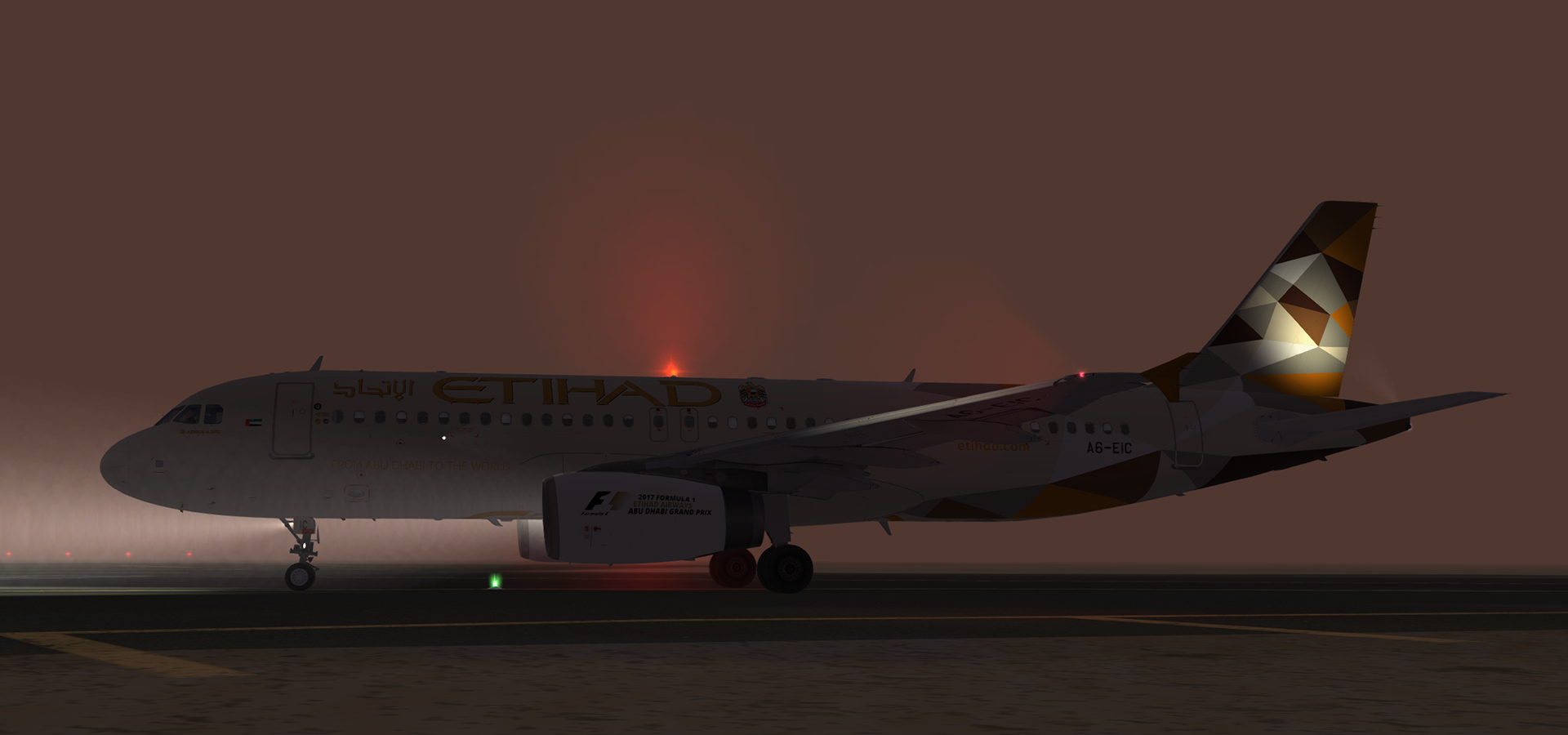
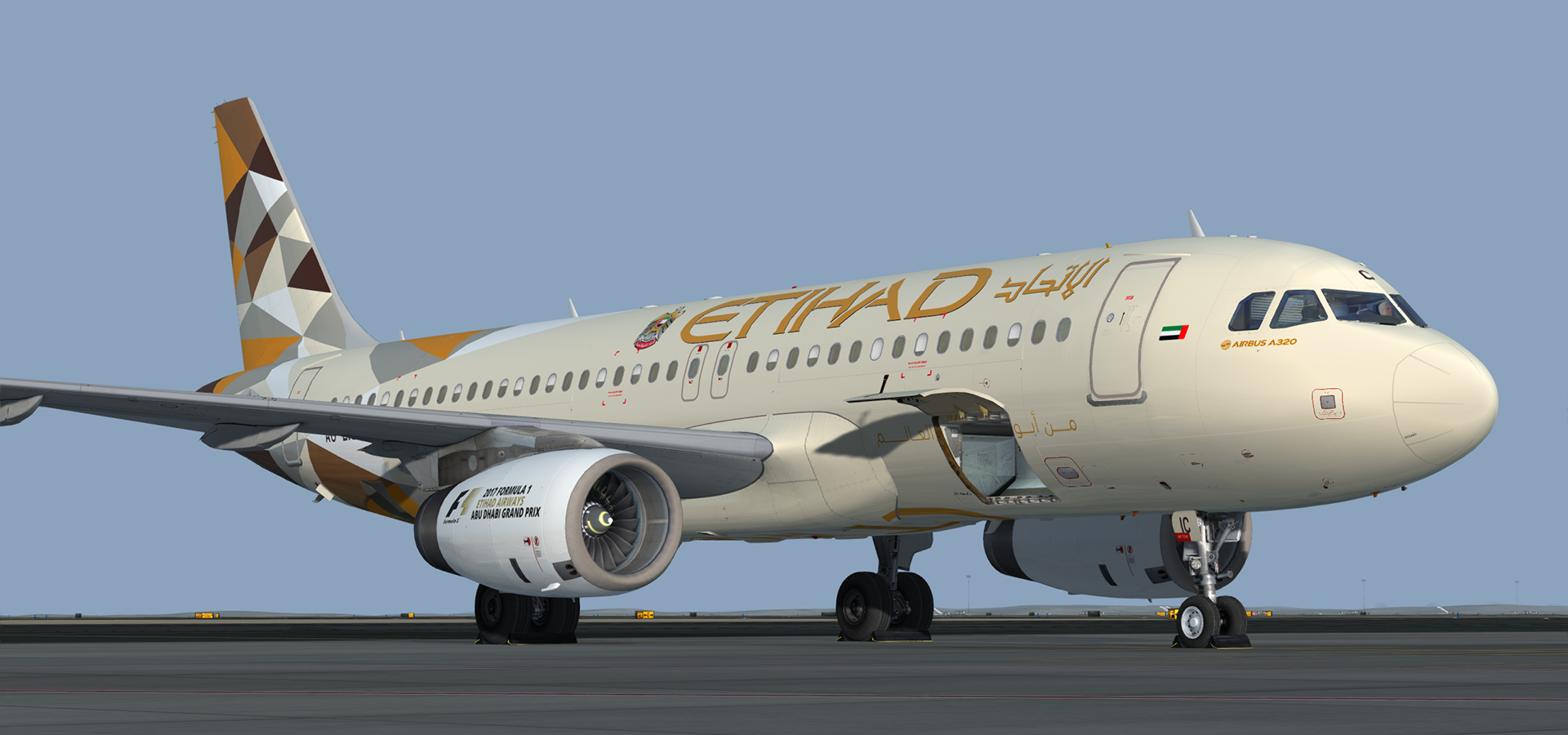
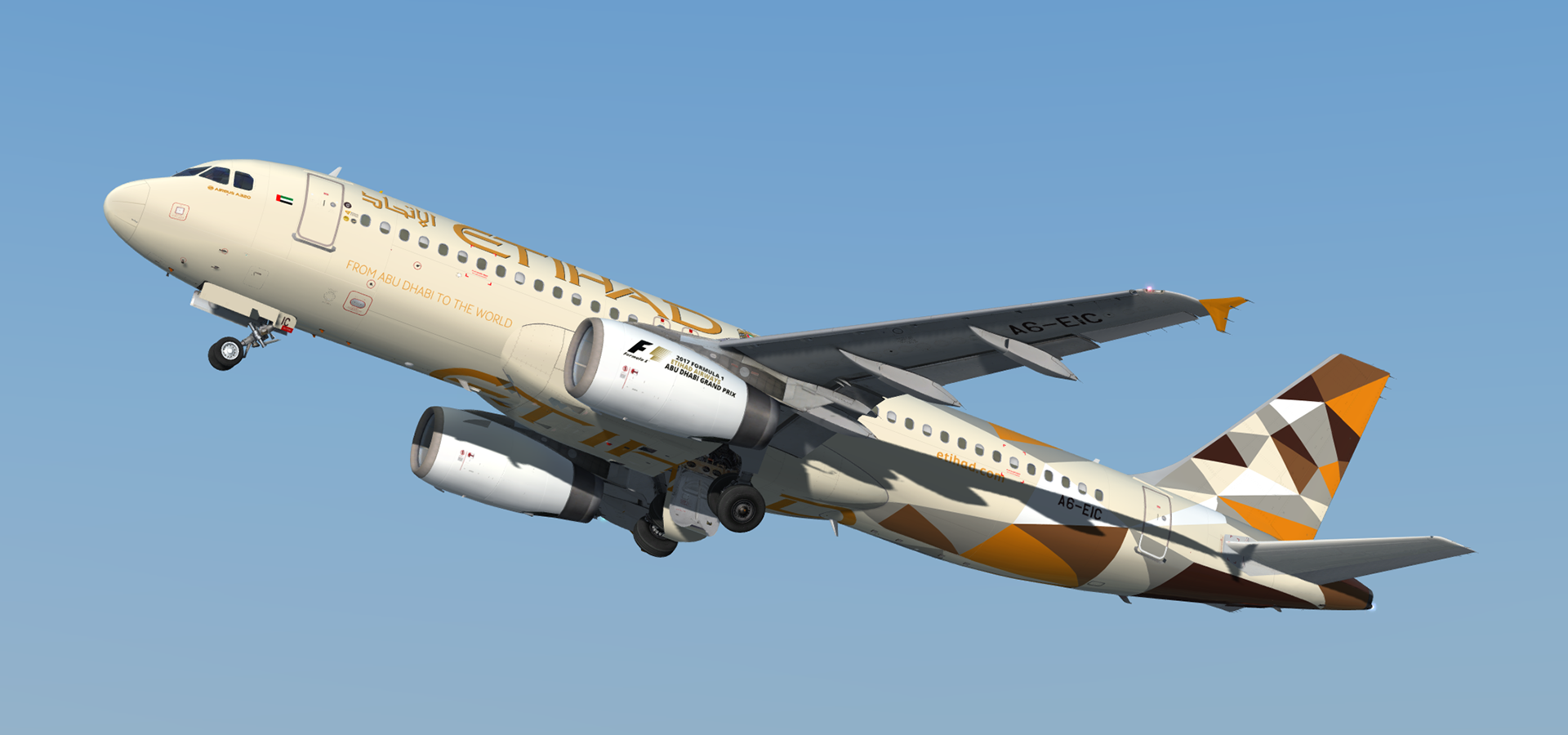
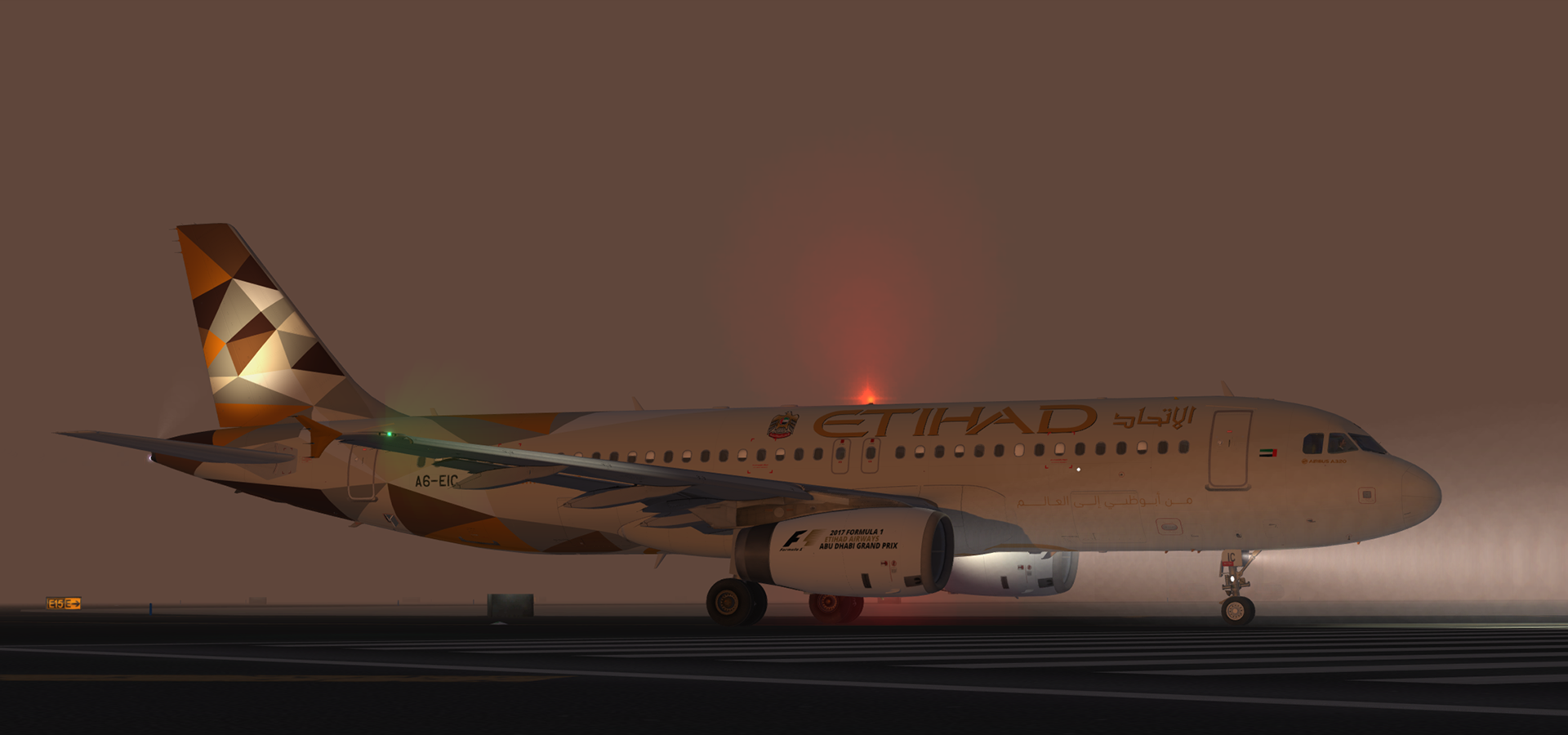
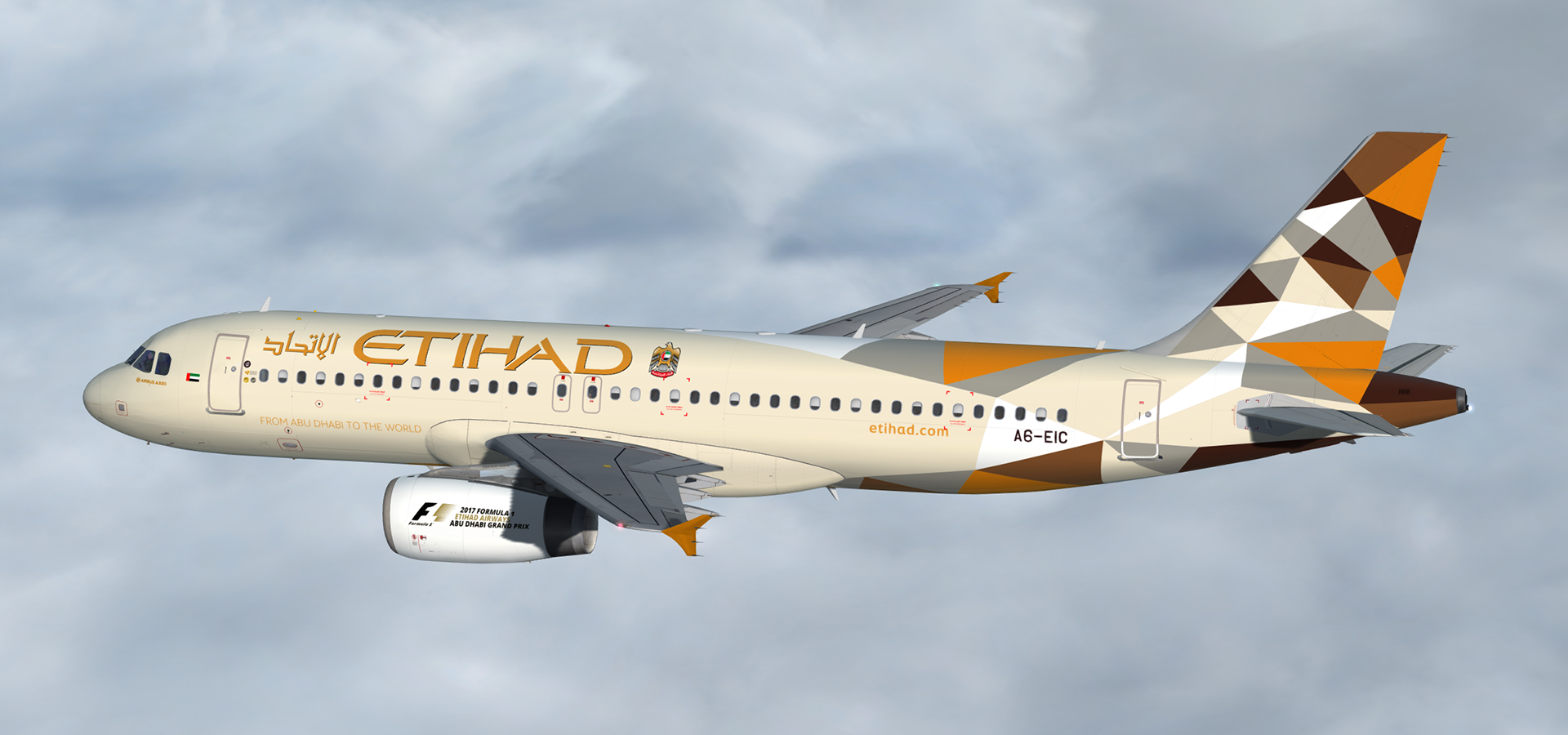
Airbus A320-232 IAE Etihad Airways A6-EIC 3.0.0

(2 reviews)

5 Screenshots

A320-232 IAE in Etihad Airways' new livery.  This airframe, A6-EIC (MSN 2167), was delivered to Etihad Airways on the 14th of December 2007.  It previously operated for Martinair as PH-MPF

Many thanks to @Tavers for allowing me to use his excellent A320 master textures and to @Christian Mohr for allowing me to use his wing textures.  You can find both of these gents' excellent repaints on the flightsimlabs forums.

Tavers Repaints

Christian Mohr Repaints


What's New in Version 1.1.0

Released

- Added window shades

User Feedback

BasileDesquiens

BasileDesquiens

   1 of 1 member found this review helpful 1 / 1 member

This livery is one of the most accurate I’ve ever seen however it seems not to be up to date, Would it be possible to update it ? 


Thanks for your amazing work 


Response from the author:

Hi, yes I'm hoping to update all my liveries once FSLabs releases the PBR update for the A320/319 but this may take some time.  I'm not updating anything until we have v5 compatbility so that the necessary PBR adjustments can be made.  Also a newer release of the Etihad is available here as this one is not compatible with the latest updates for P3Dv4


TH0R5T€N KlRCHH€lM

TH0R5T€N KlRCHH€lM

   1 of 1 member found this review helpful 1 / 1 member

Great job, Daniel ... I really enjoyed the first livery from Etihad already. But this one even tops it :-)

Account

Navigation

Search

Search

Configure browser push notifications

Chrome (Android)
  1. Tap the lock icon next to the address bar.
  2. Tap Permissions → Notifications.
  3. Adjust your preference.
Chrome (Desktop)
  1. Click the padlock icon in the address bar.
  2. Select Site settings.
  3. Find Notifications and adjust your preference.

