

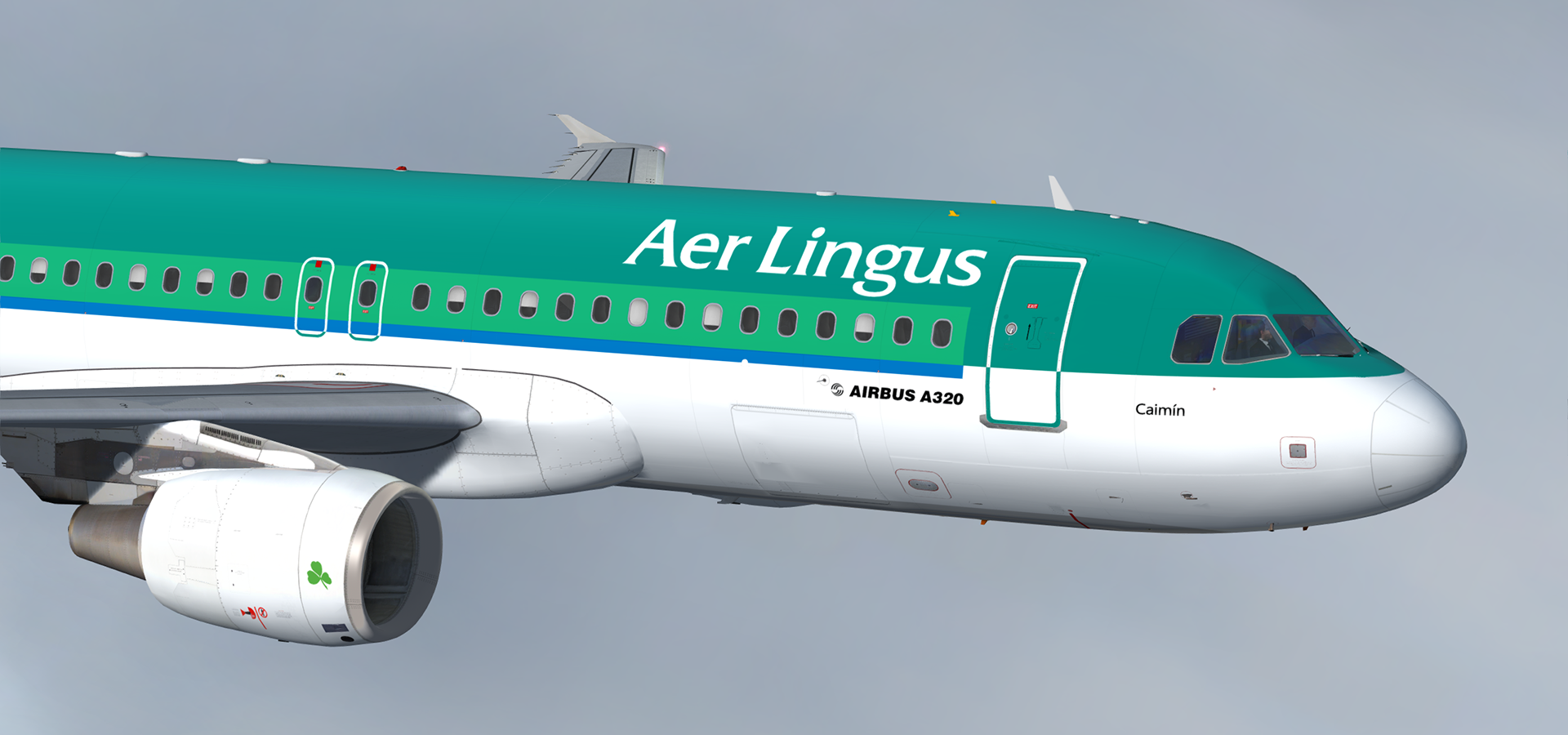
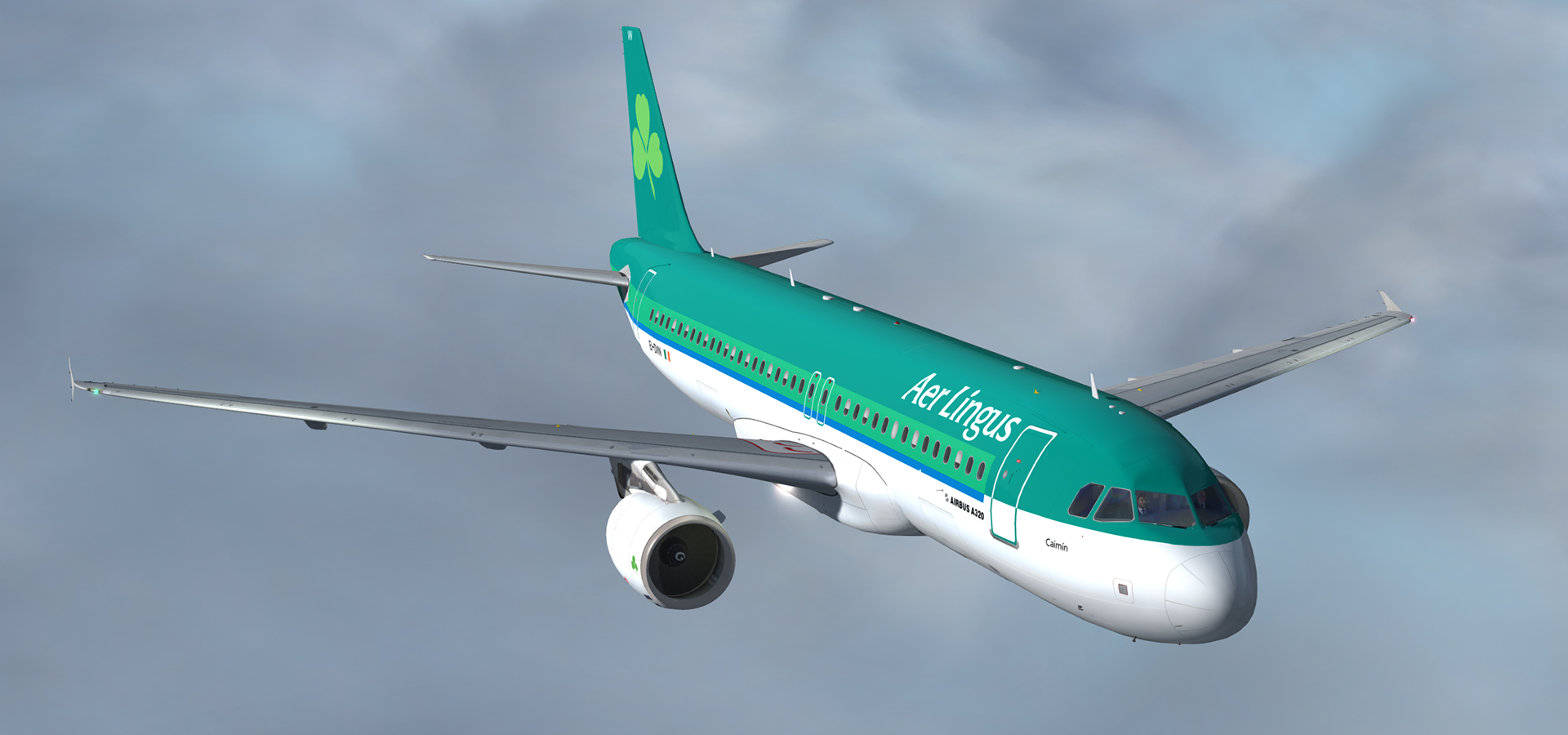
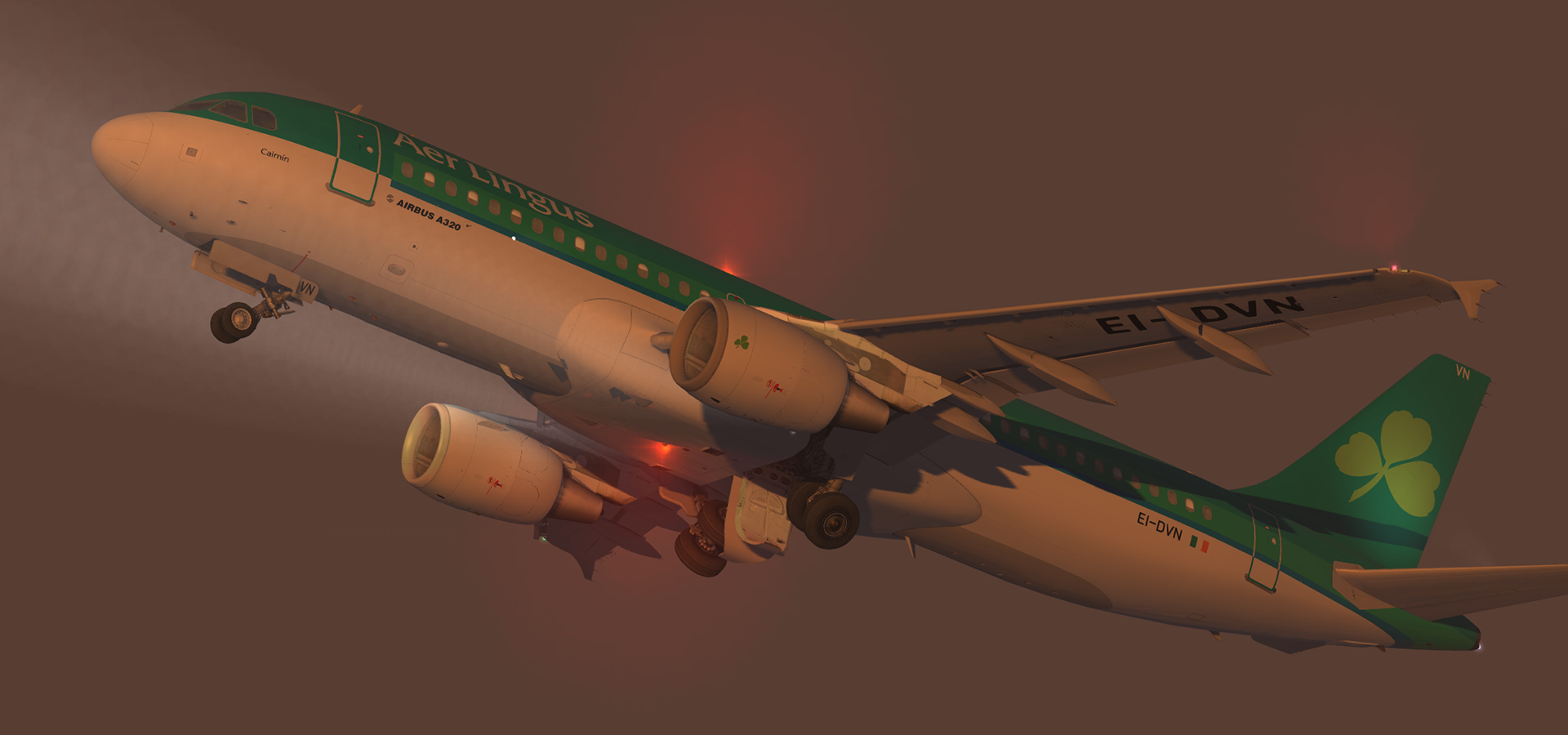
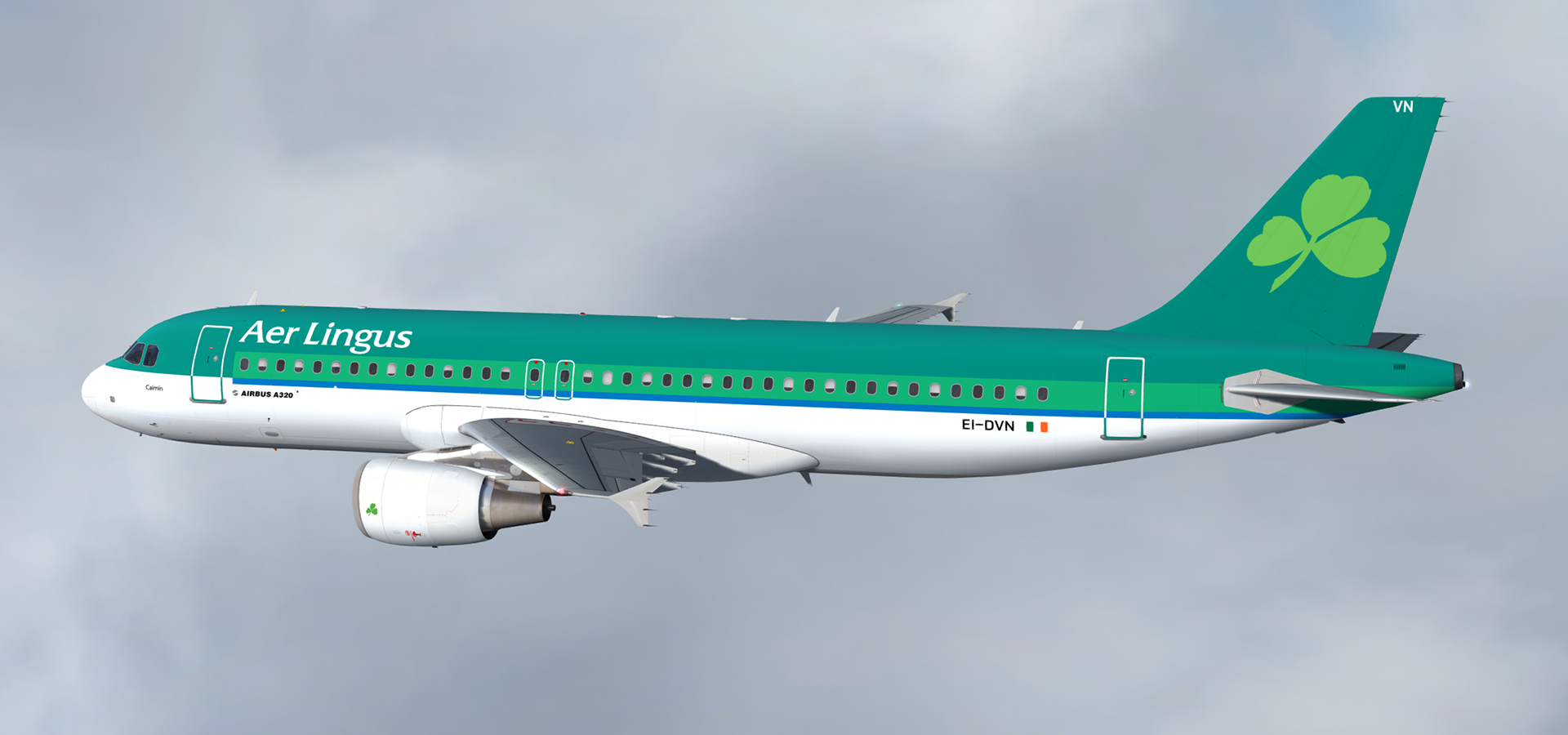
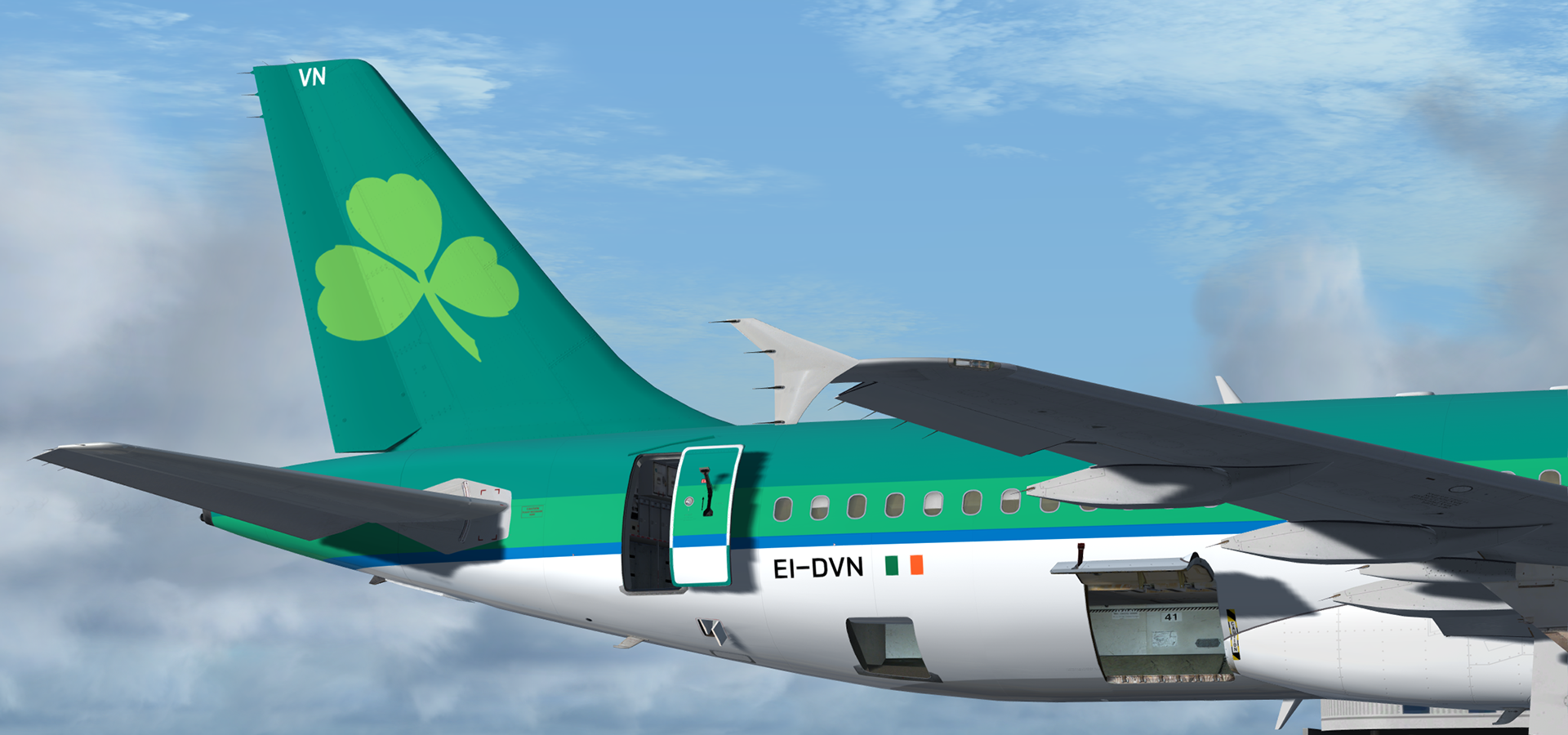
A320-214 CFM in Aer Lingus' beautiful green livery . This airframe, EI-DVN (MSN 4715), was delivered to the airline on the 24th of May 2011.
The green on this livery is very difficult to reproduce in a simulator so it may not look accurate under certain light conditions.
Many thanks to @Tavers for allowing me to use his excellent A320 master textures and to @Christian Mohr for allowing me to use his wing textures. You can find both of these gents' excellent repaints on the flightsimlabs forums.
What's New in Version 3.0.0
Released
- P3D v4.1 compatibility. You can now simply drop the Texture.XXX folder into your sim and the aircraft will automatically be added to the vehicles list. A ReadMe with instructions are included in the archive.
- Updated Fresnel light maps (A special thanks to @John Tavendale for discovering this trick)
- New fuselage, tail and engine specular maps
- Minor livery adjustments and colour corrections
NB: The CFM variant in P3Dv4.1 is NOT compatible with my CFM engine mod and those textures will not be used in this version. I've included the textures for legacy FSX/P3Dv3.x users regardless.
-
 2
2