

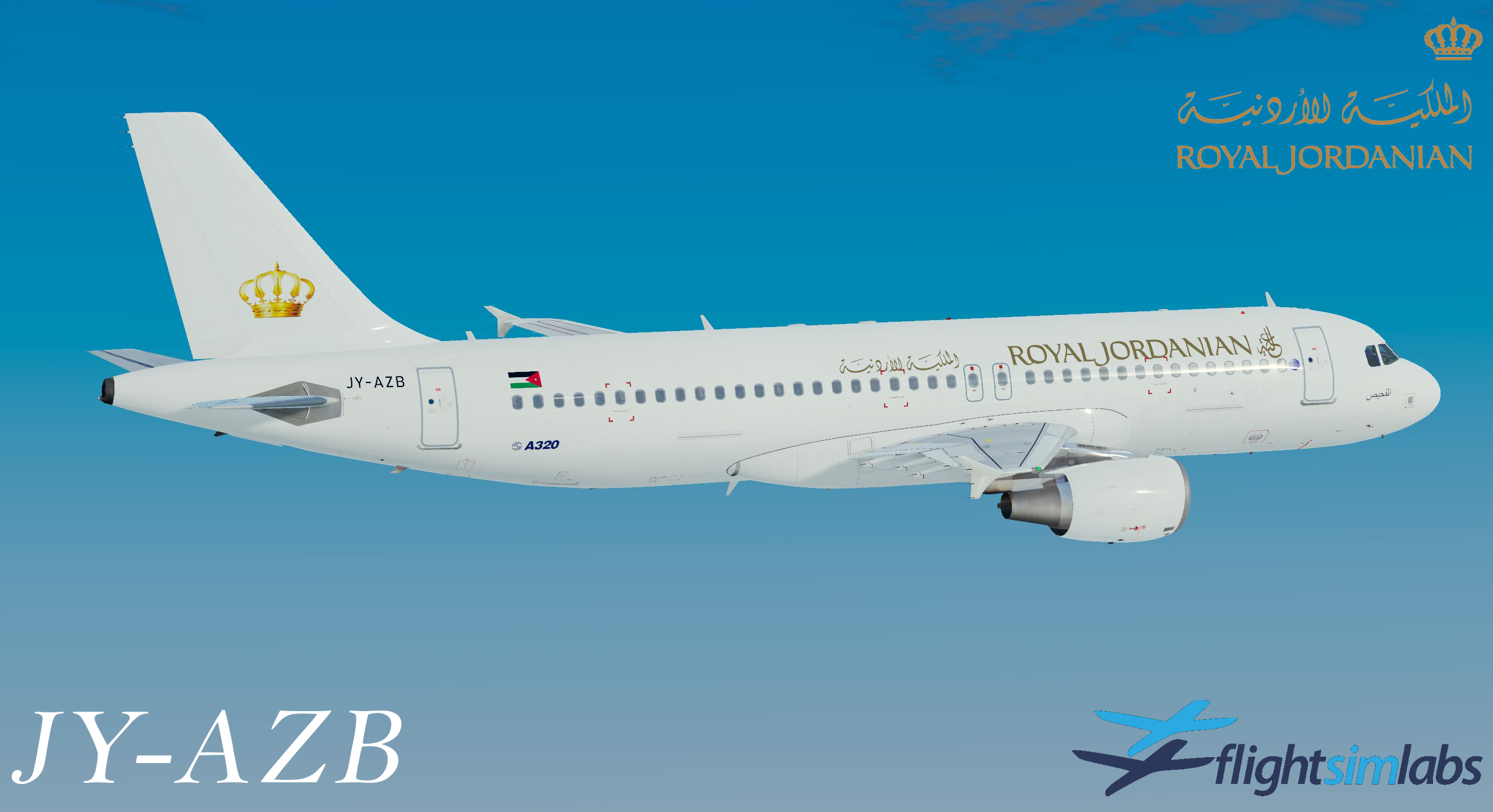
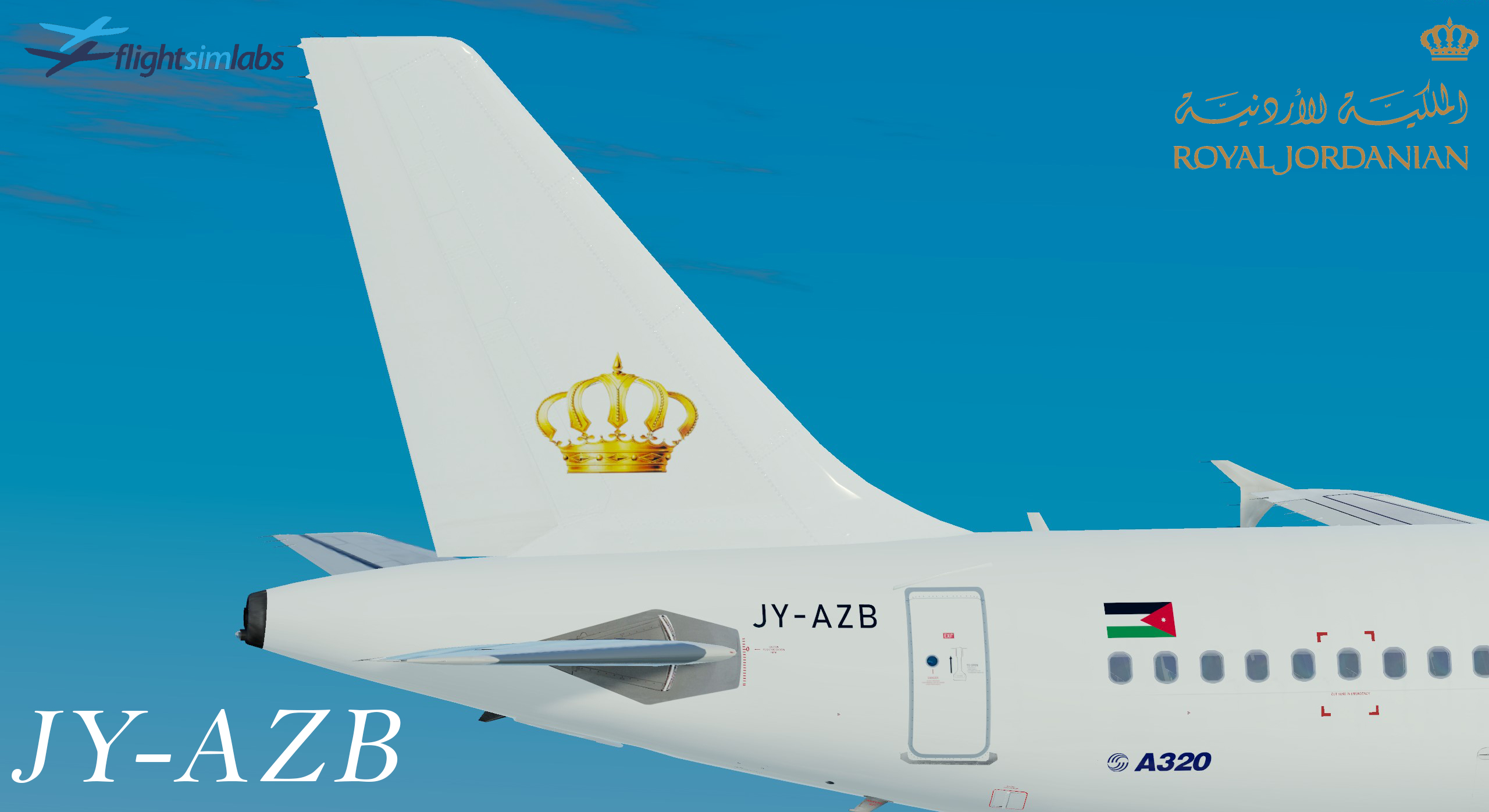
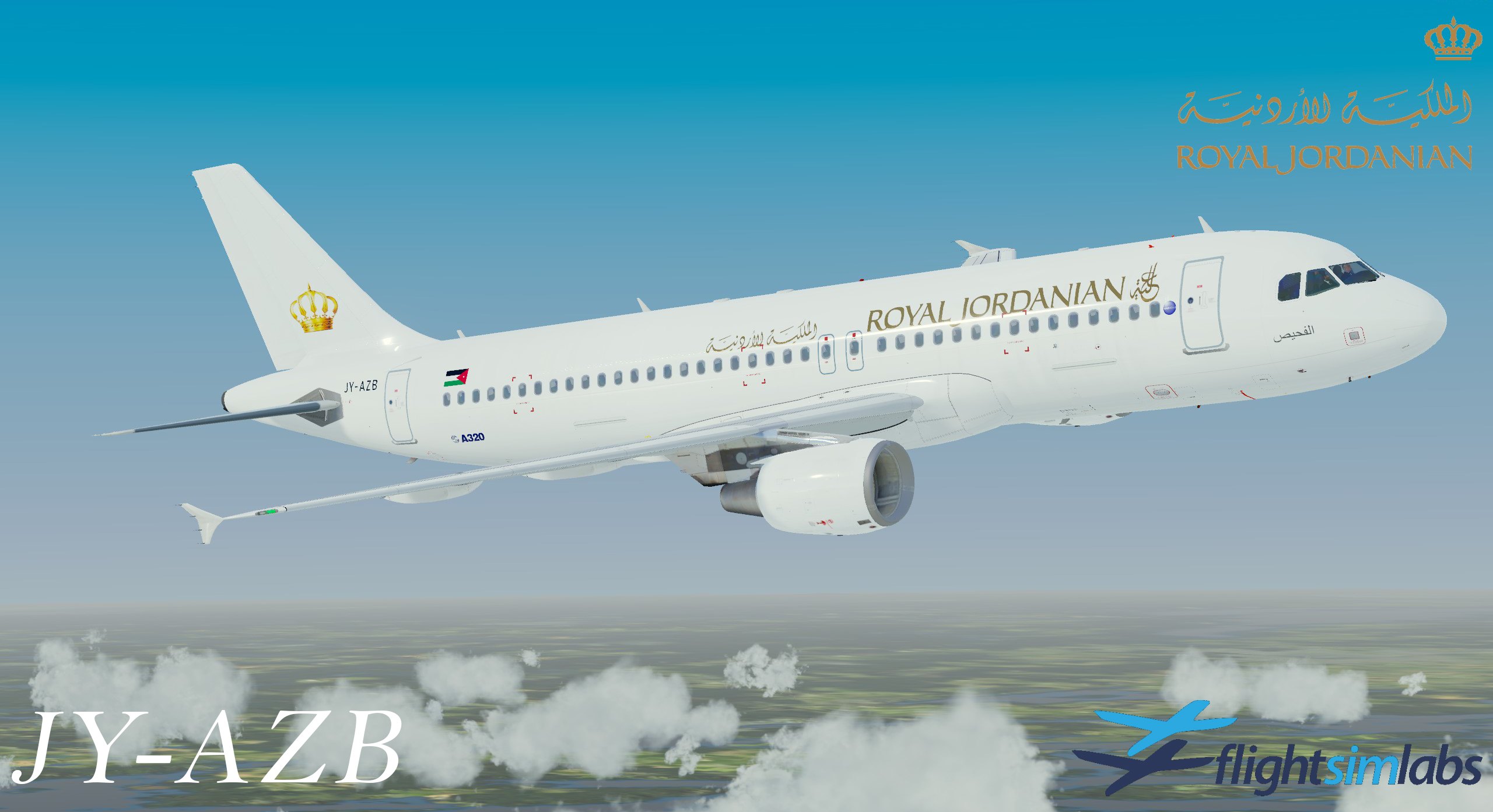
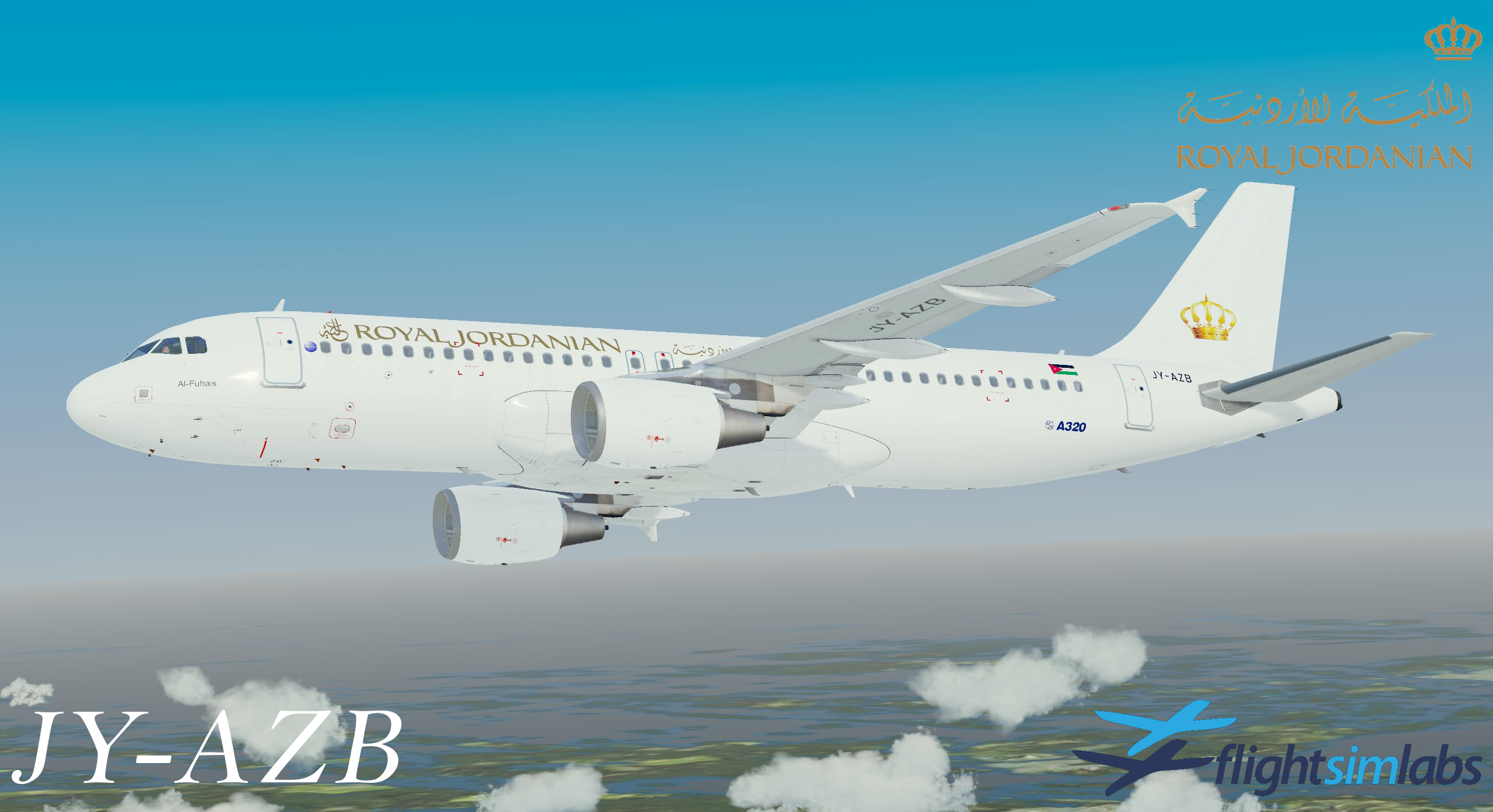
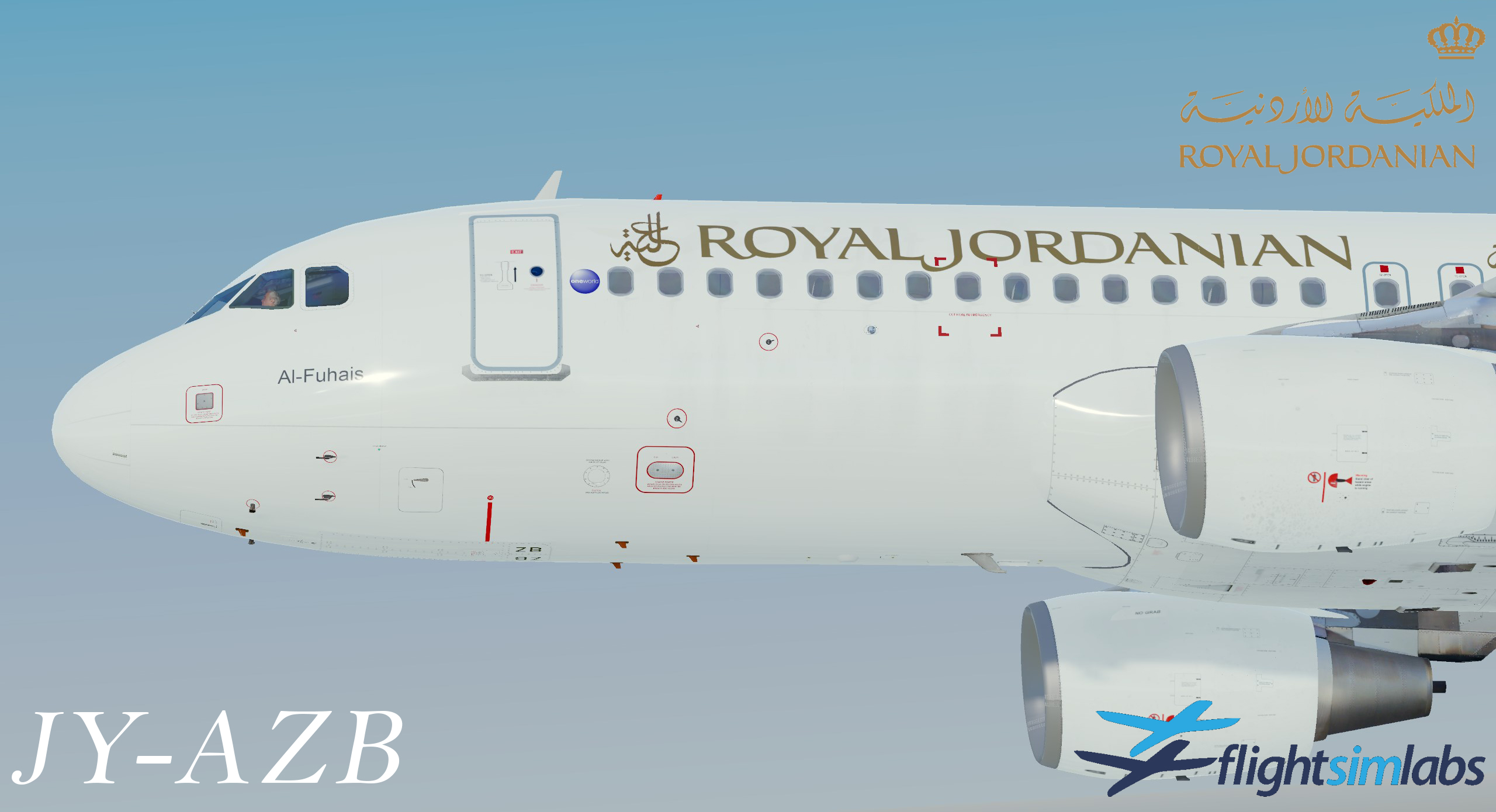
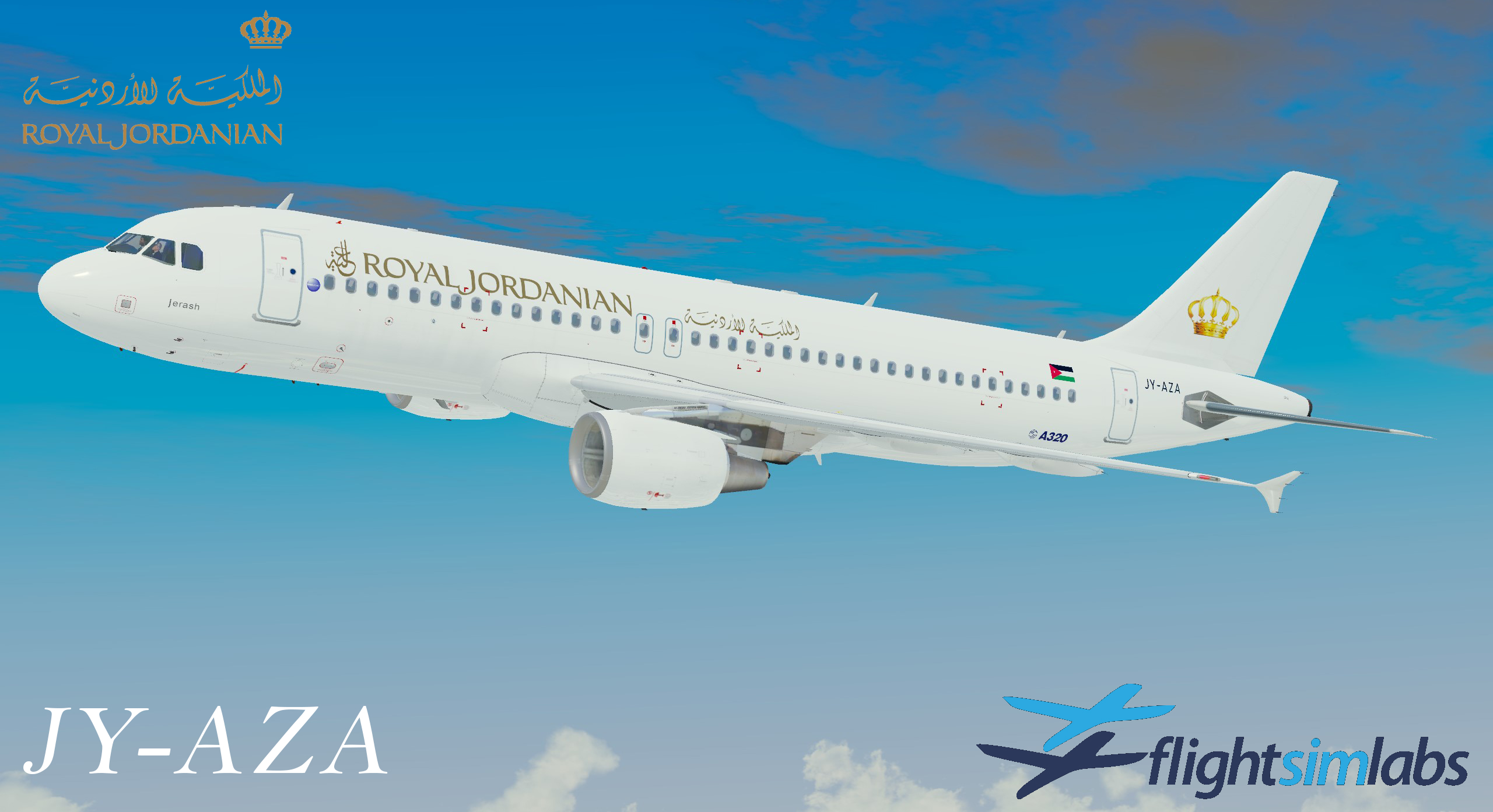
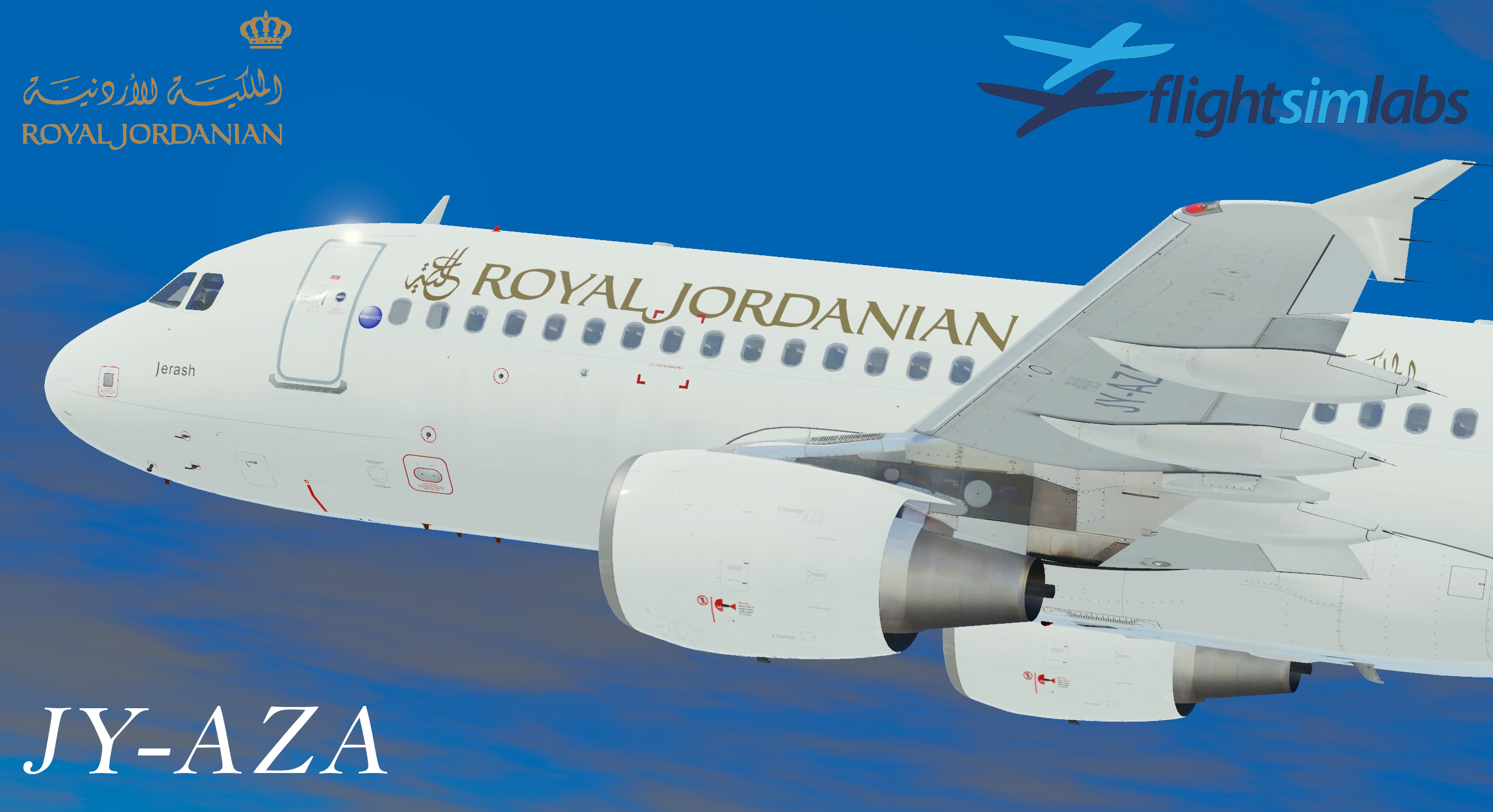
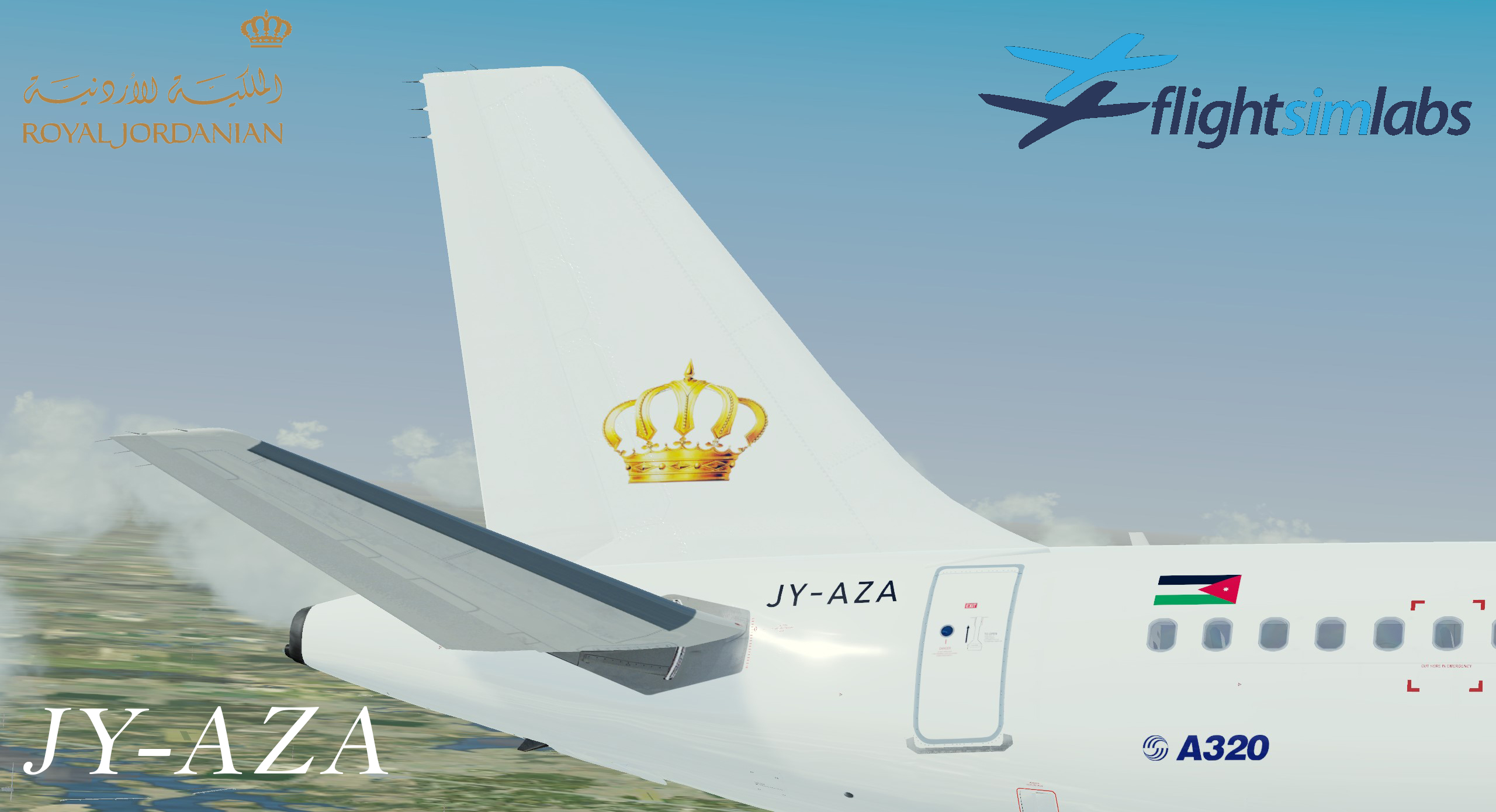
Royal Jordanian Livery Package in white scheme for A320X.
This Package include:
JY-AZA
JY-AZB
Very big Thankss for @Nadeem Zabaneh for providing the info regarding the planes and motivated me to do these livery's.
What's New in Version 3.0.0
Released
Version 3.0 is available!
This is a major update for the current aircraft i uplodaded earlier, JY-AZA.
The update fixes many things, but mostly bring new stuff.
IMPORANT MESSAGE!!
If you have downloaded my older JY-AZA livery, PLEASE REMOVE it before you INSTALL this update!
The old livery file is namned: Texture.JY-AZA
The update has new folders with new names, that's why 
Here is a change log of all changes made:
NEW - Textures folders will get new names
NEW - added A320 (JY-AZB) - Same scheme as JY-AZA
NEW - added cabin textures, incl seat and carpets.
NEW - PBR textures for better rendering on metal surfaces.
FIX - changed logo on tail. Replaced with a better quality, as the first ver had a lot of pixels around.
FIX - Adjusted the tail logo to match the real a/c
FIX - Adjusted the A320 logo - to smaller size - to match the real a/c
FIX - Removed logo on wingtip - to match the real
FIX - Adjusted registration under the wing.
FIX - Adjusted Registration on fuselage - To match the real a/c
FIX - Jordanian flag adjusted on right side - To match the real a/c
FIX - Adjusted "One World" logo on right side - To match the real a/c
-
 1
1
-
 2
2