
Skip to content
View in the app

A better way to browse. Learn more.

Flight Sim Labs Forums

A full-screen app on your home screen with push notifications, badges and more.

To install this app on iOS and iPadOS
  1. Tap the Share icon in Safari
  2. Scroll the menu and tap Add to Home Screen.
  3. Tap Add in the top-right corner.
To install this app on Android
  1. Tap the 3-dot menu (⋮) in the top-right corner of the browser.
  2. Tap Add to Home screen or Install app.
  3. Confirm by tapping Install.

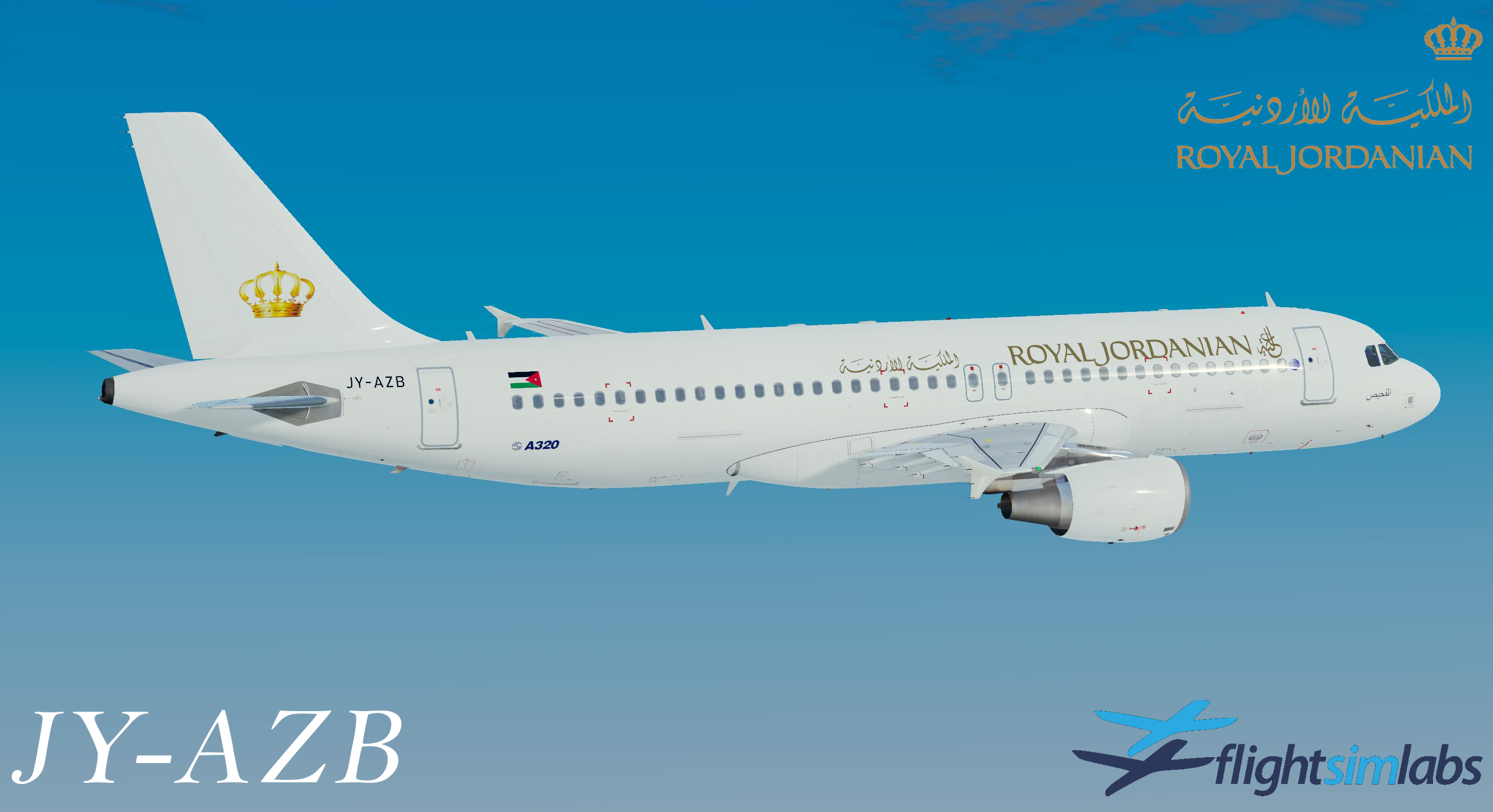
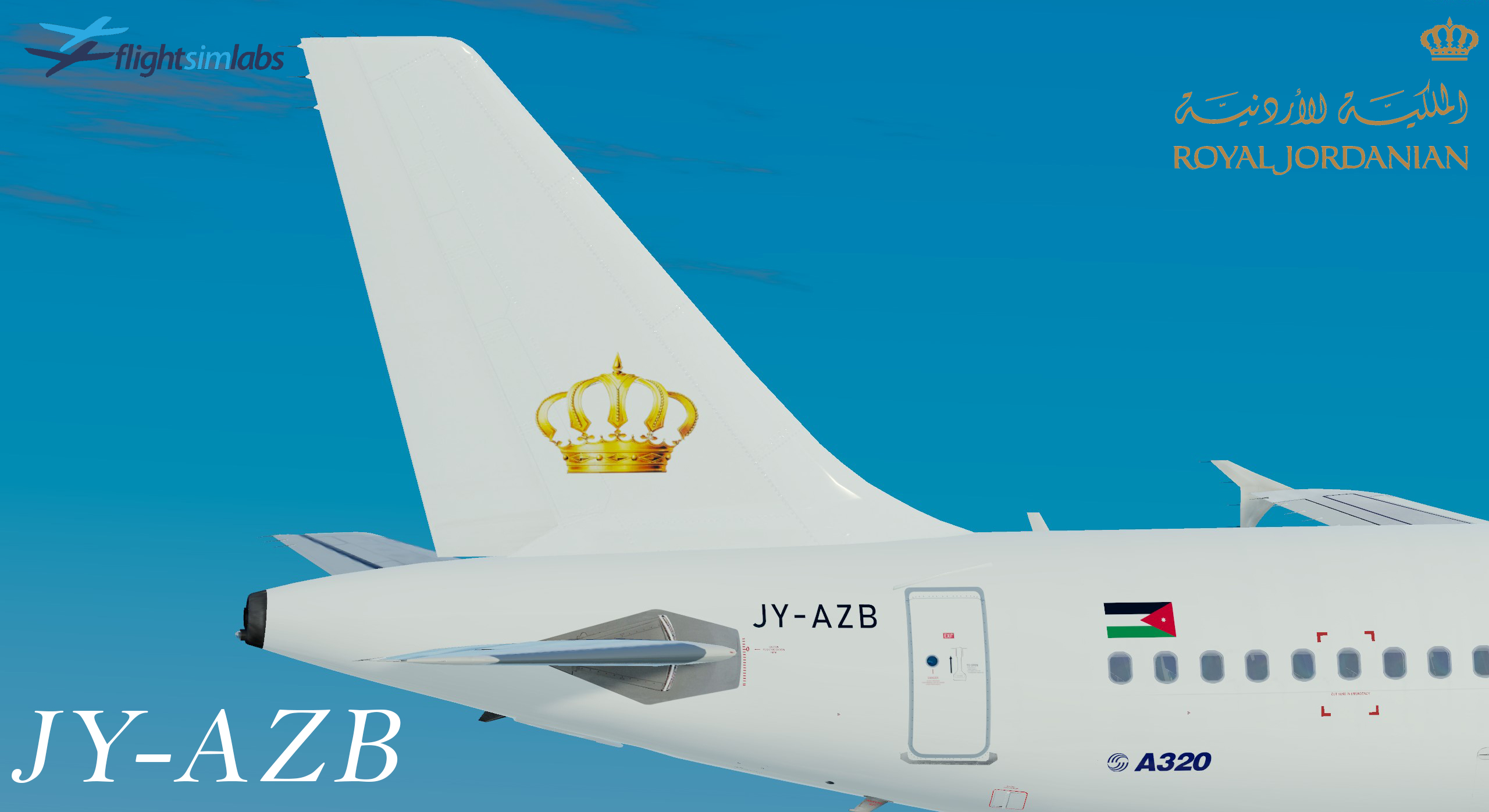
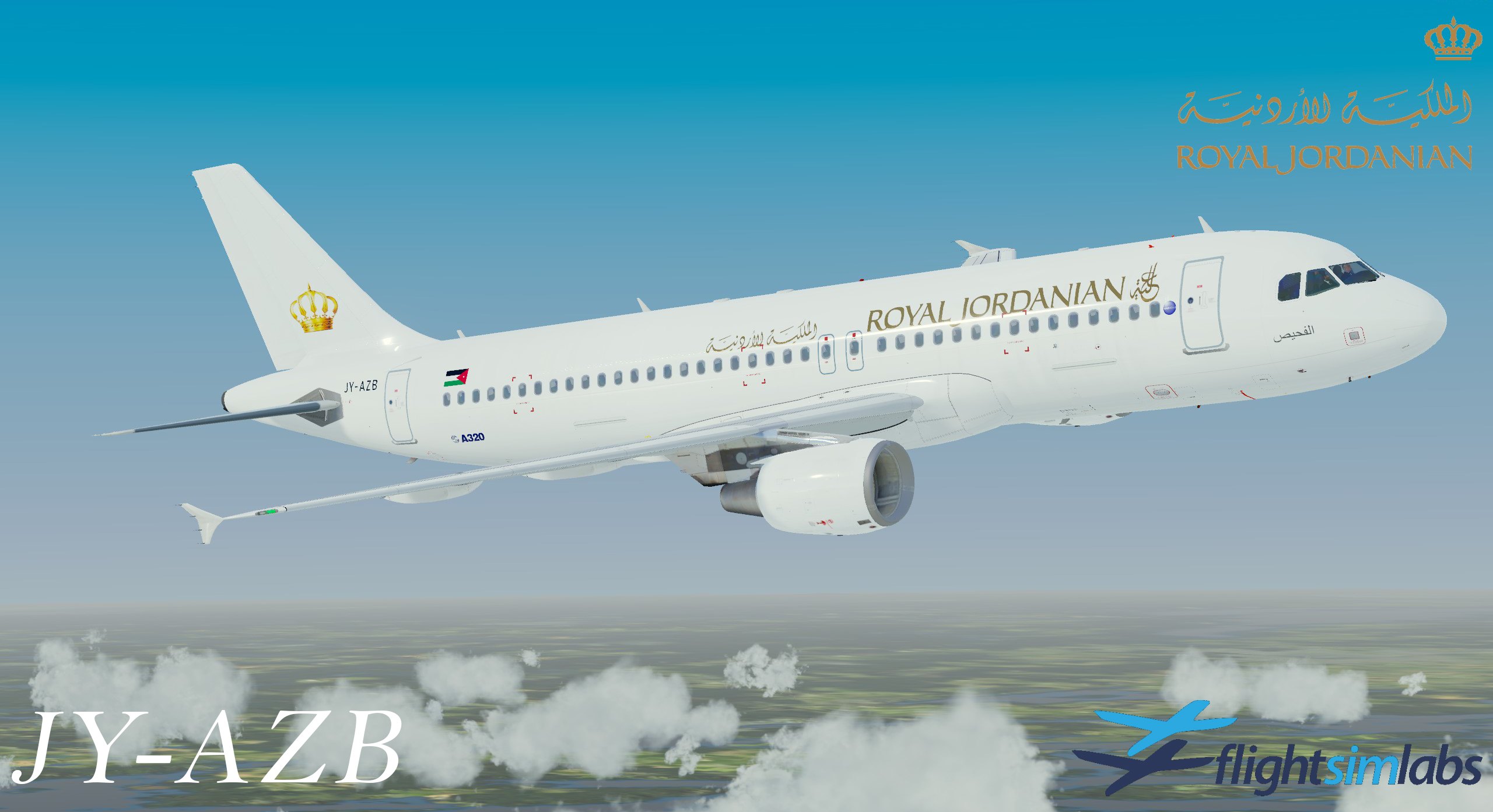
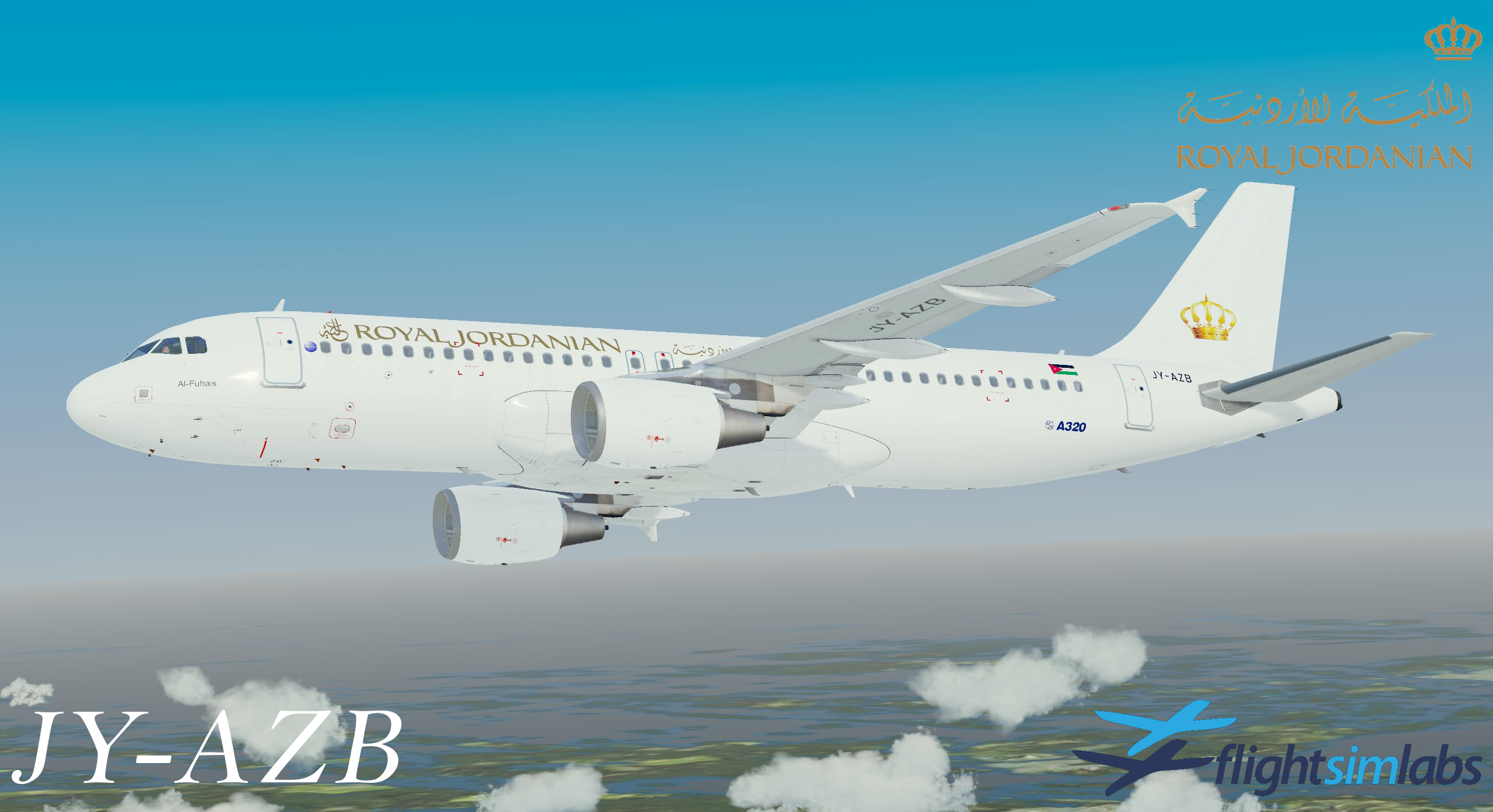
Royal Jordanian Livery Package (White Scheme) 3.0.1

(2 reviews)

8 Screenshots

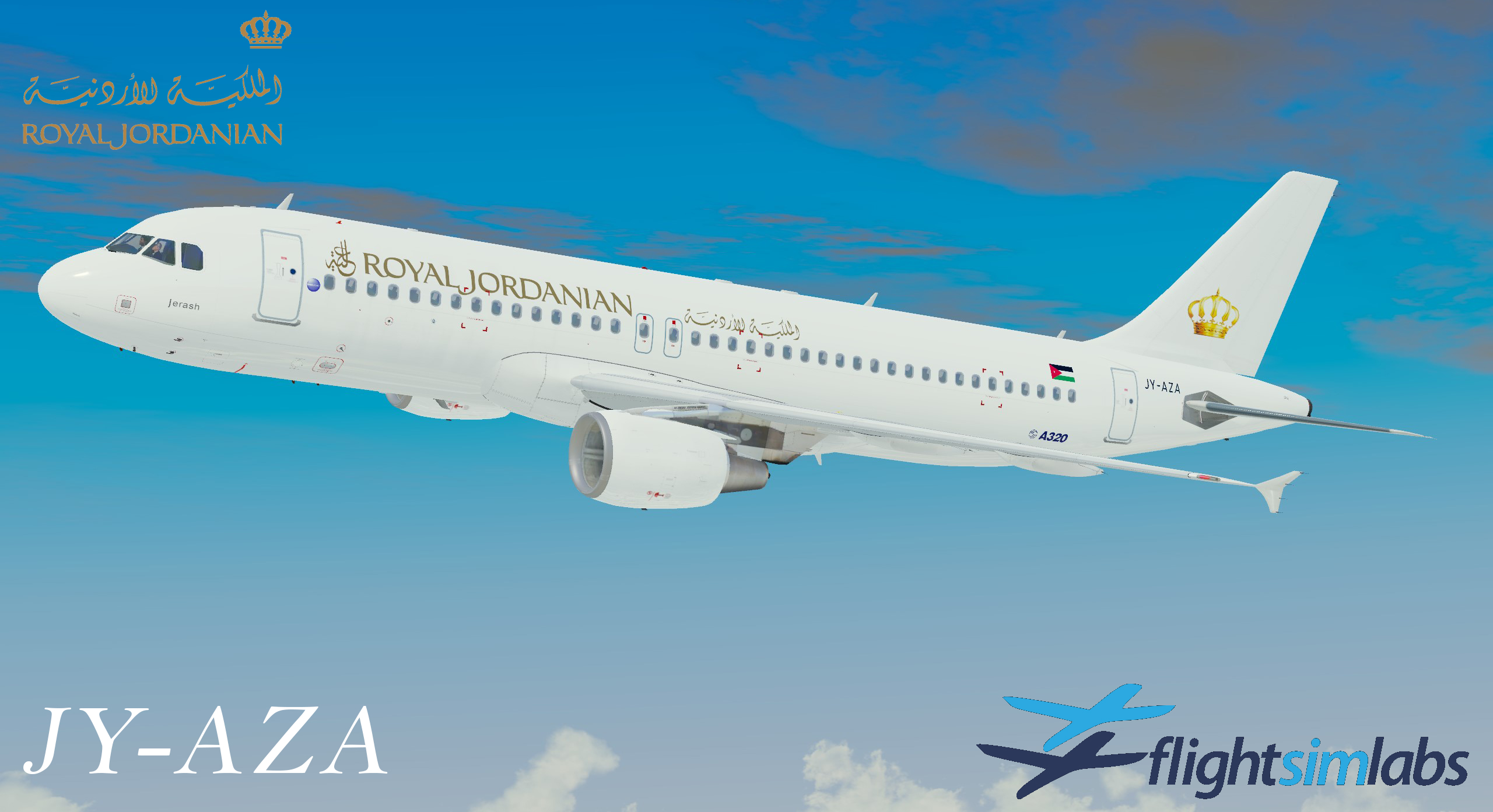
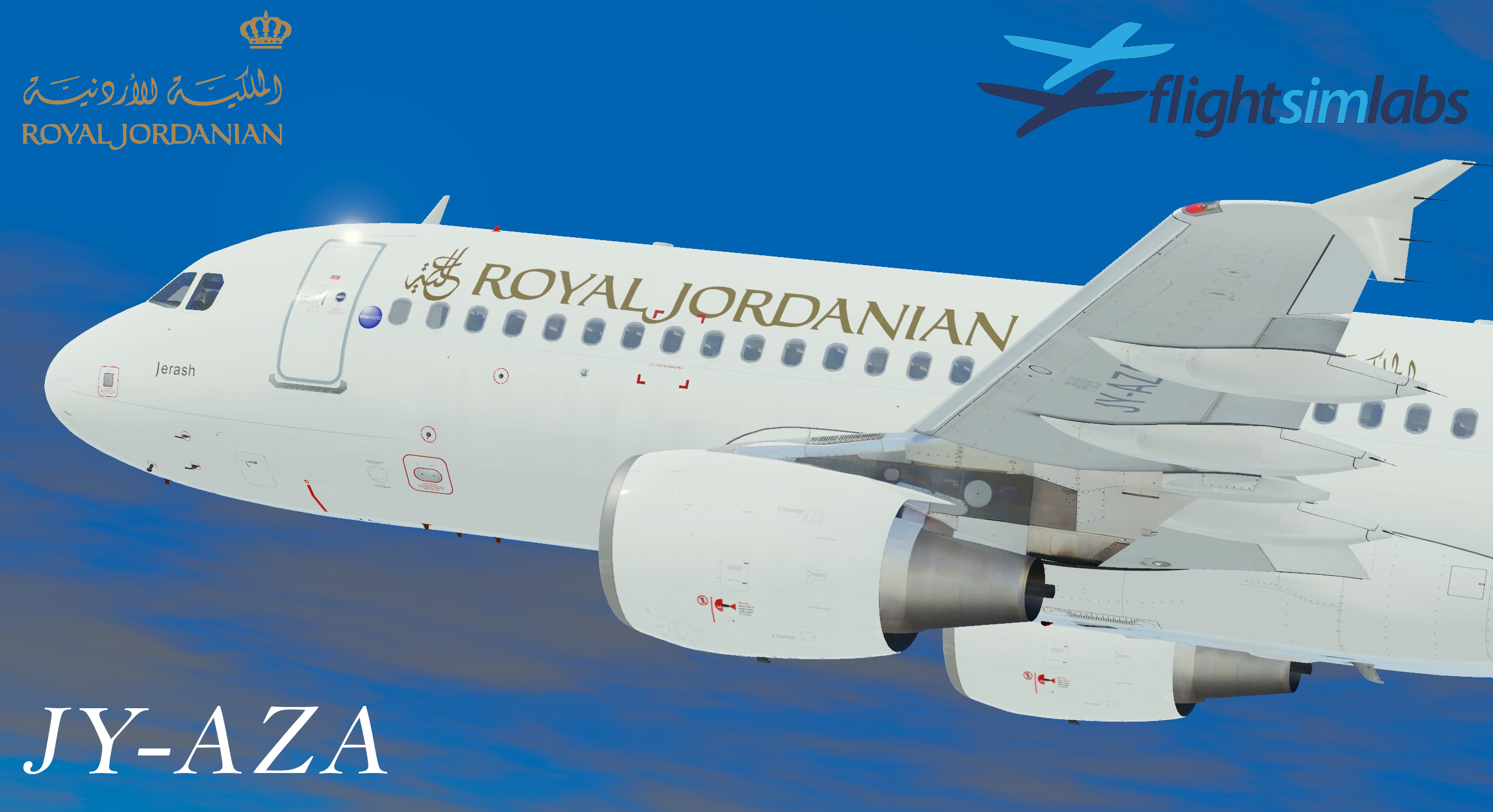
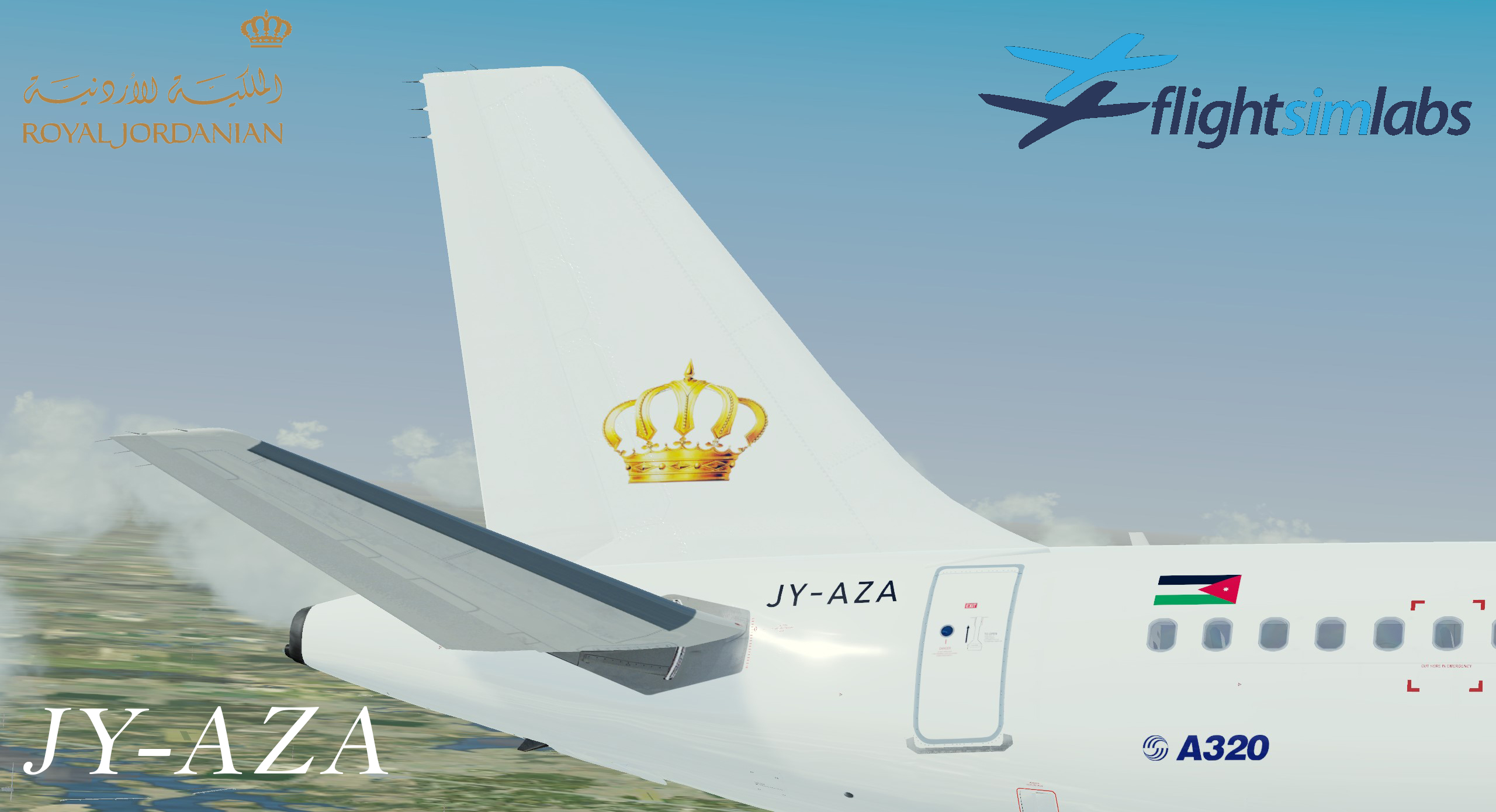
Royal Jordanian Livery Package in white scheme for A320X.

This Package include:

JY-AZA

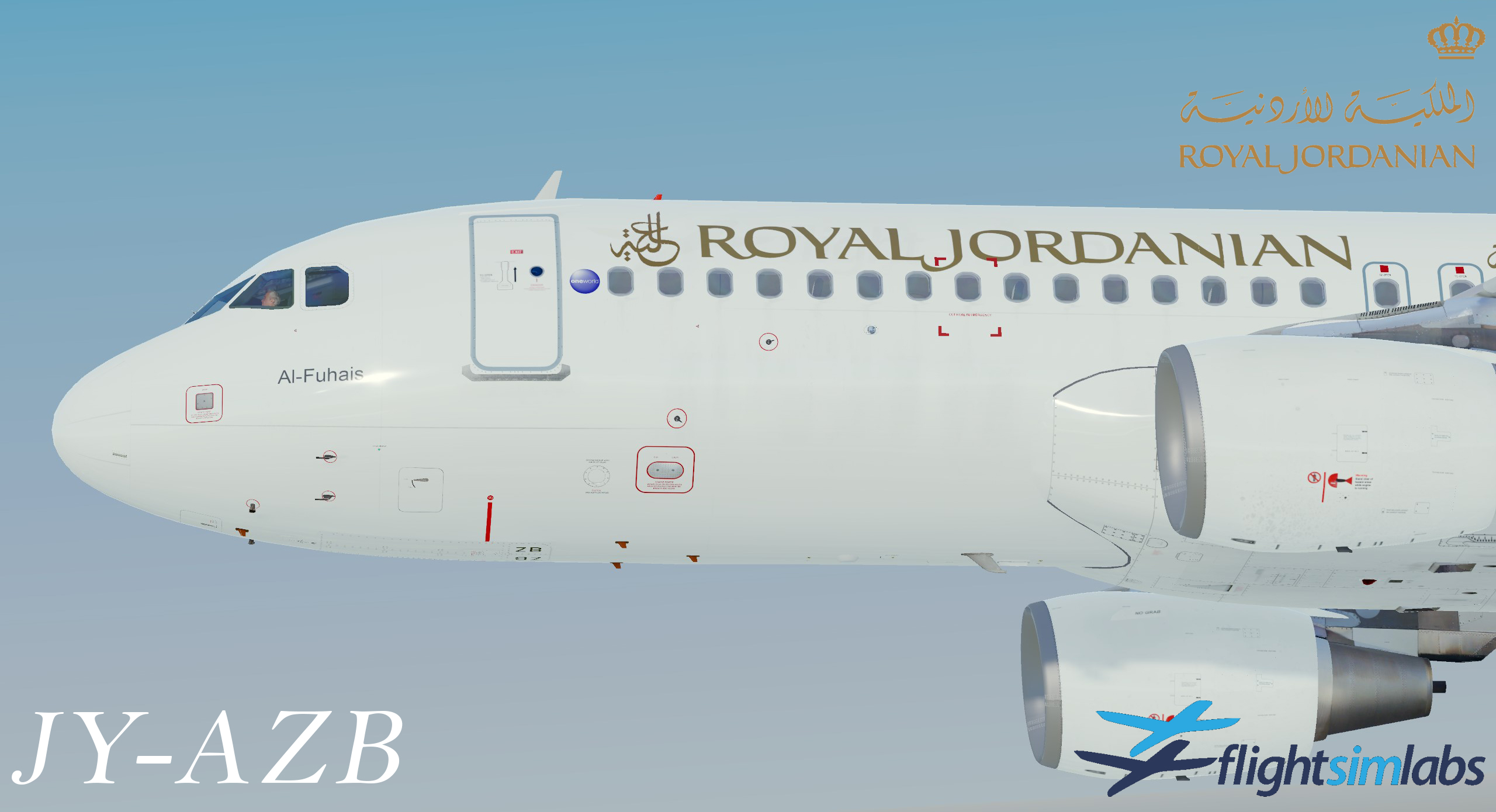
JY-AZB


Very big Thankss for @Nadeem Zabaneh for providing the info regarding the planes and motivated me to do these livery's.


What's New in Version 3.0.1

Released

3.0.1 is avail

What's new?

  • JY-AZB has changed namned to Fuhais (Before Al-Fuhais - Wrong)
  • New metallic files for better render on royal jordanian text 

INSTALL:

  • Just open the zipped file and extract both folders to same location as provided in desc above. And accept the overwrite when asked. 

User Feedback

Mustafa Al-Amin

Mustafa Al-Amin


Nice work Rickard!

Thank you!

Nadeem Zabaneh

Nadeem Zabaneh

   2 of 2 members found this review helpful 2 / 2 members

Amazing Work Rickard!

Many Thanks!

Account

Navigation

Search

Search

Configure browser push notifications

Chrome (Android)
  1. Tap the lock icon next to the address bar.
  2. Tap Permissions → Notifications.
  3. Adjust your preference.
Chrome (Desktop)
  1. Click the padlock icon in the address bar.
  2. Select Site settings.
  3. Find Notifications and adjust your preference.

