

Skip to content
View in the app

A better way to browse. Learn more.

Flight Sim Labs Forums

A full-screen app on your home screen with push notifications, badges and more.

To install this app on iOS and iPadOS
  1. Tap the Share icon in Safari
  2. Scroll the menu and tap Add to Home Screen.
  3. Tap Add in the top-right corner.
To install this app on Android
  1. Tap the 3-dot menu (⋮) in the top-right corner of the browser.
  2. Tap Add to Home screen or Install app.
  3. Confirm by tapping Install.

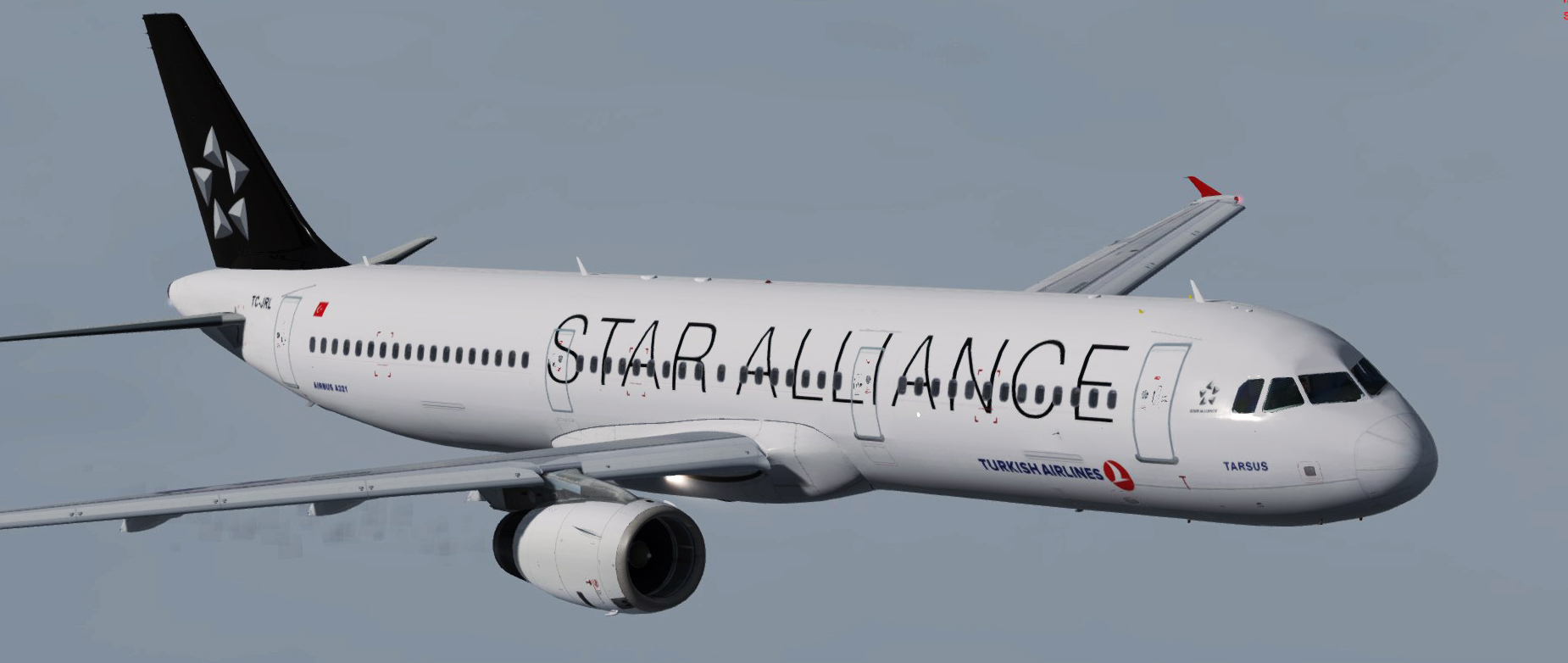
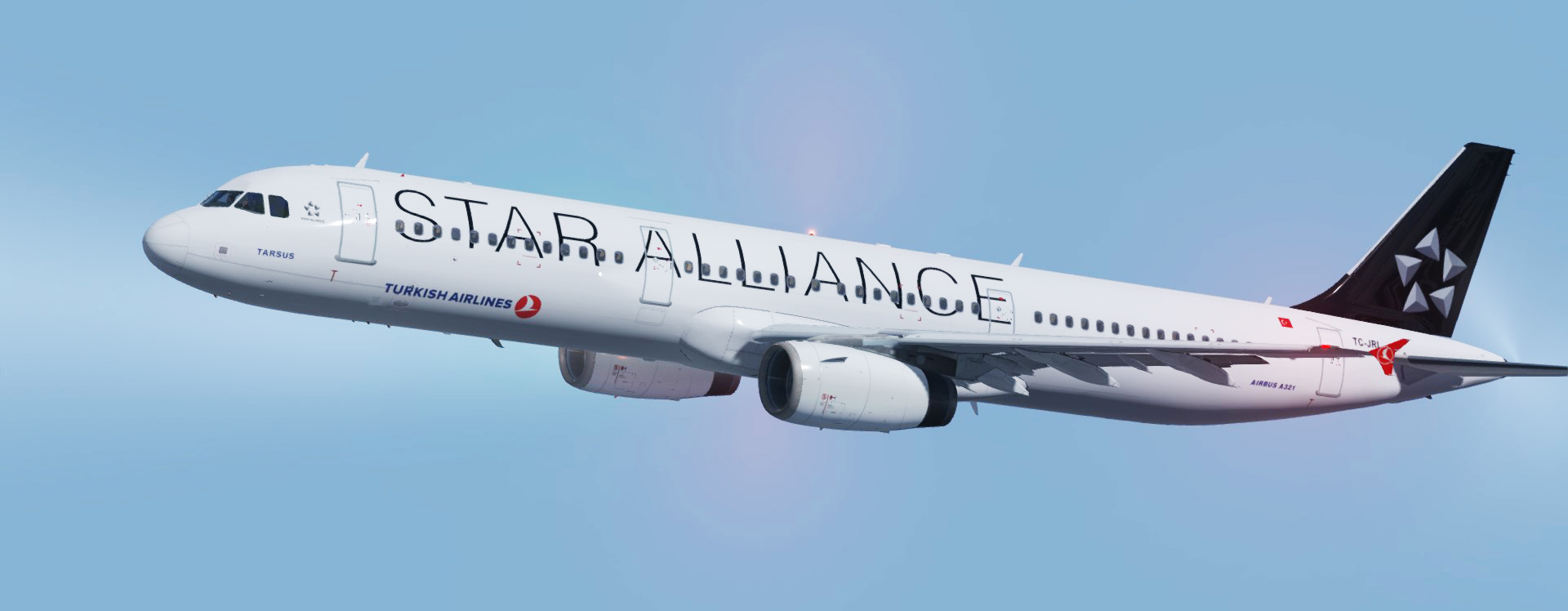
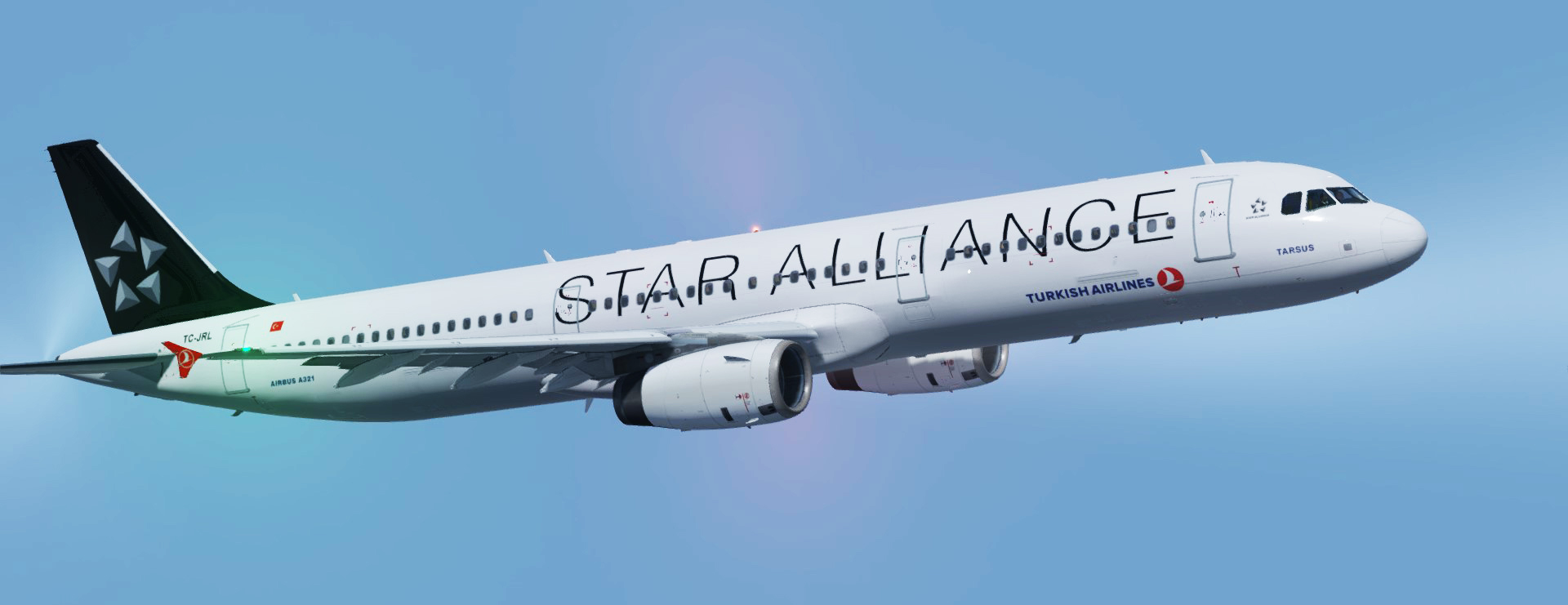
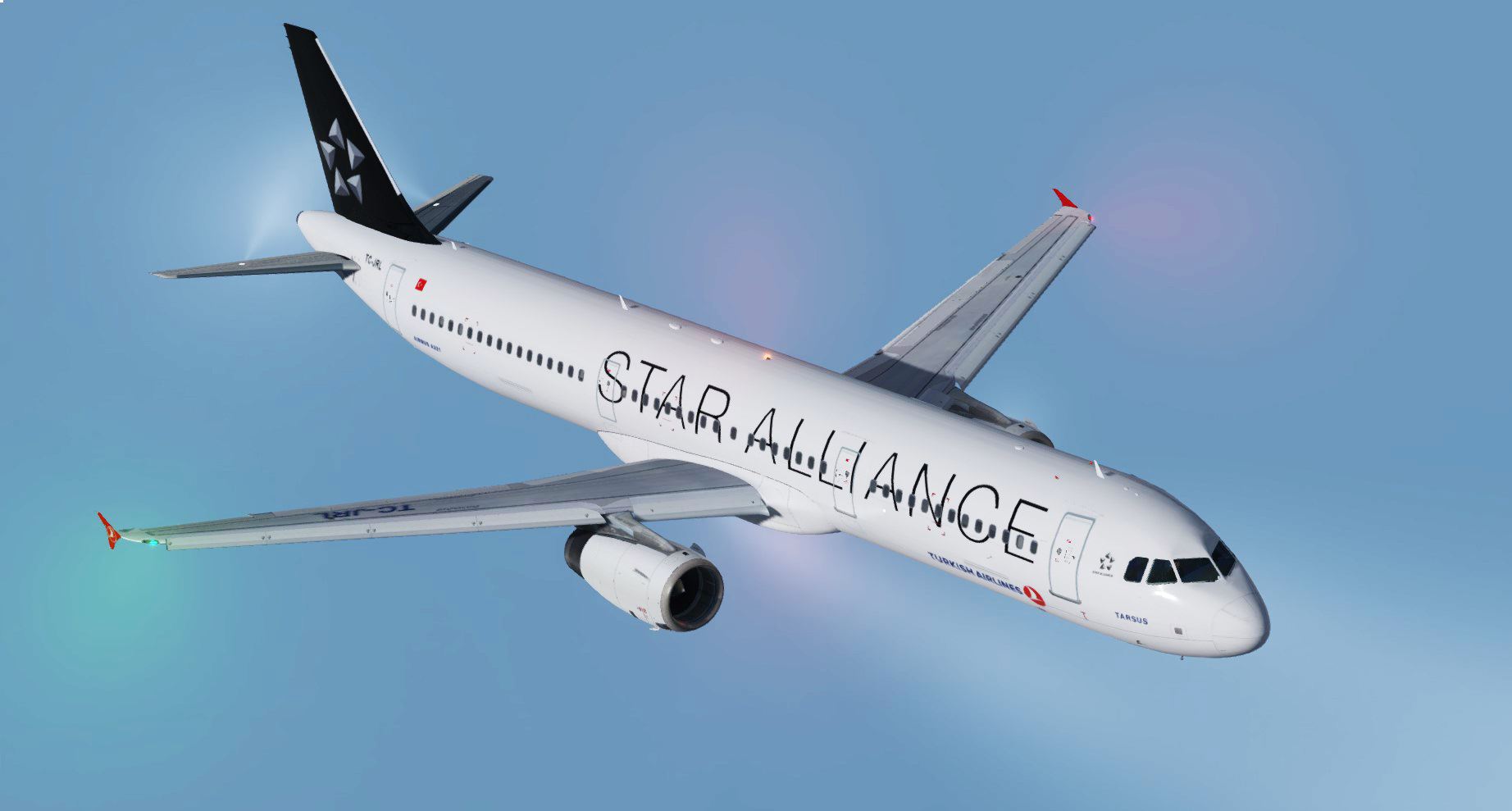
Turkish Airlines (star allince) fslabs A321 TC-JRL 1.1.2

(1 review)

4 Screenshots


792026386206fa9d84fda862d7efca3e1a4db24e

Just add it to your \FSLabs\SimObjects\Airplanes\FSLabs A321 IAE
=====


*updated to work on the last version of FSlabs a321 

*registration added on the upper right wing 

*registration  color is corrected

=======


Its not necessary but if you want to get me a cup of coffee I will be tankful <3
www.paypal.me/Htextures

=======

Give my site a visit to get more textures 
moho43.wixsite.com/htextures

What's New in Version 1.0.0

Released

No changelog available for this version.

User Feedback

Bedran Batkitar

Bedran Batkitar


Amazing job done here by Mohamed. Recommend it definitly ! Thank you Mohamed !

Account

Navigation

Search

Search

Configure browser push notifications

Chrome (Android)
  1. Tap the lock icon next to the address bar.
  2. Tap Permissions → Notifications.
  3. Adjust your preference.
Chrome (Desktop)
  1. Click the padlock icon in the address bar.
  2. Select Site settings.
  3. Find Notifications and adjust your preference.
