Skip to content
View in the app

A better way to browse. Learn more.

Flight Sim Labs Forums

A full-screen app on your home screen with push notifications, badges and more.

To install this app on iOS and iPadOS
  1. Tap the Share icon in Safari
  2. Scroll the menu and tap Add to Home Screen.
  3. Tap Add in the top-right corner.
To install this app on Android
  1. Tap the 3-dot menu (⋮) in the top-right corner of the browser.
  2. Tap Add to Home screen or Install app.
  3. Confirm by tapping Install.

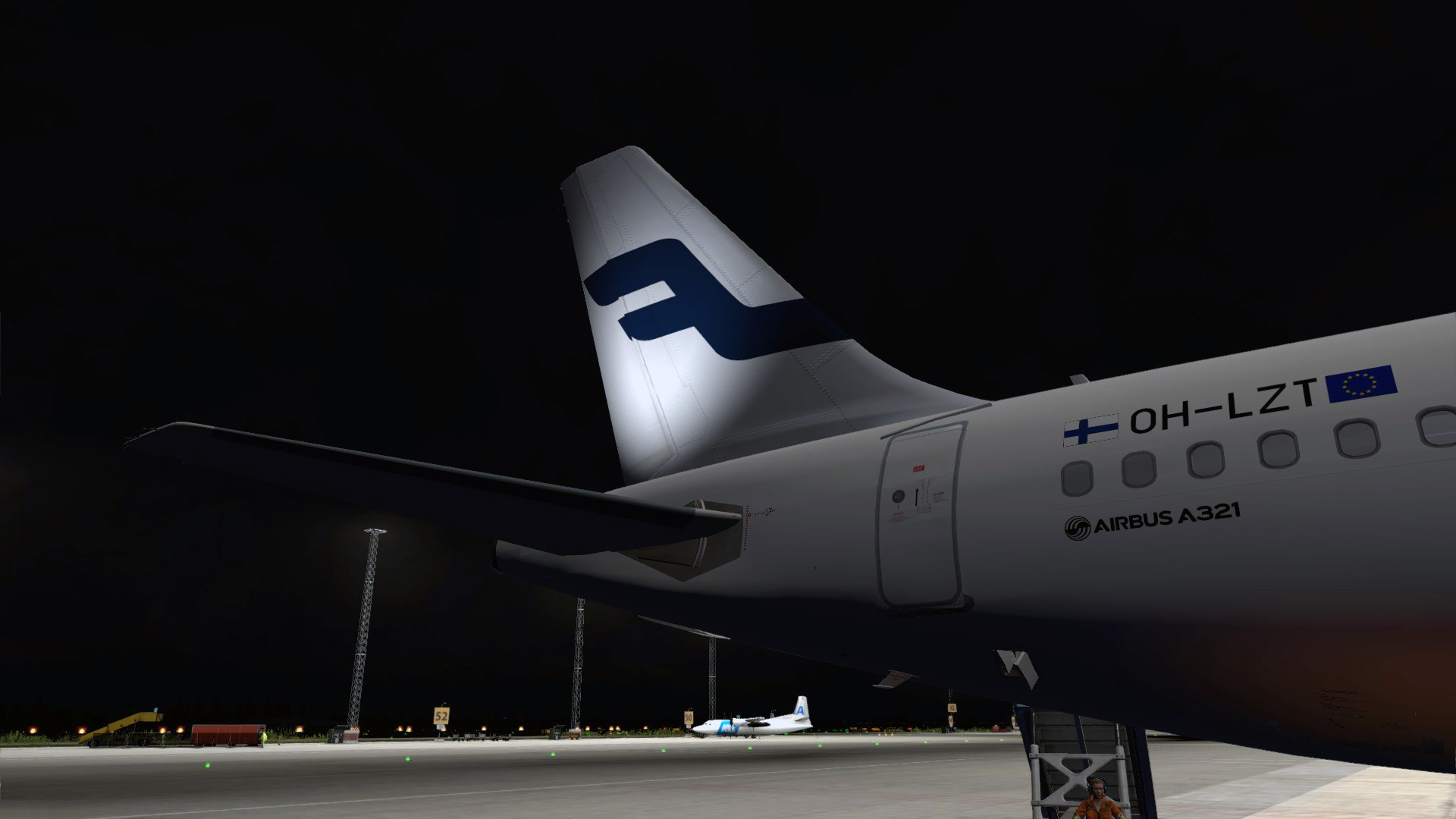
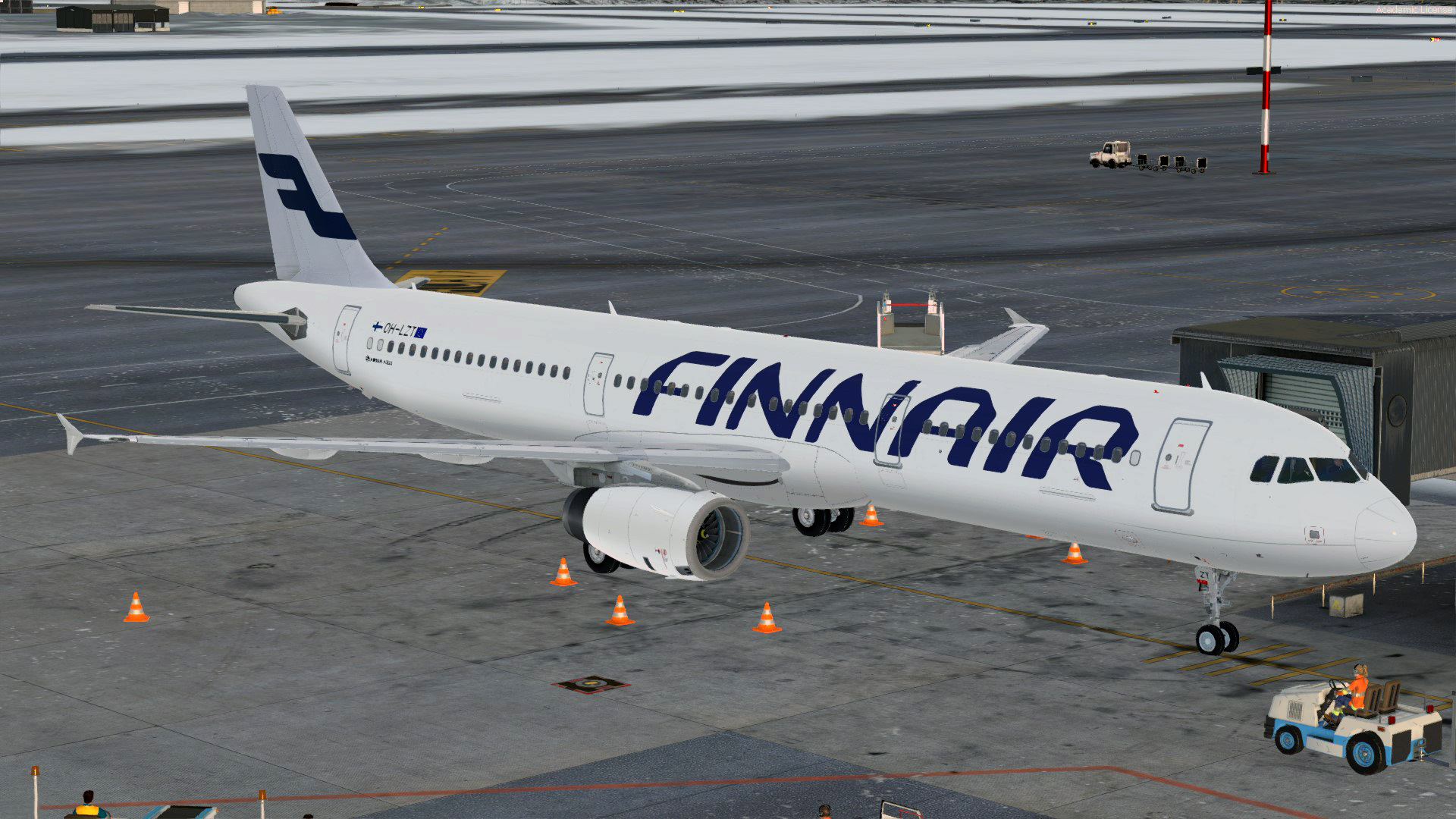
Finnair A321 OH-LZT 1.0.0

(1 review)

2 Screenshots

Finnair A321 OH-LZT. Standard installation into your \FSLabs\SimObjects\Airplanes\FSLabs A321 IAE folder

Happy landings

/Niklas Kull

User Feedback

Samuel May

Samuel May

   0 of 1 member found this review helpful 0 / 1 member

Nice! But can you make a Finnair A321 with CFM (Non sharklet) for us realism-fans :P

Response from the author:

Thanks. Yeah, I think that wouldn't be much trouble. Figured the upcoming sharklets will fit nicely to this airframe when they're released later on.

Account

Navigation

Search

Search

Configure browser push notifications

Chrome (Android)
  1. Tap the lock icon next to the address bar.
  2. Tap Permissions → Notifications.
  3. Adjust your preference.
Chrome (Desktop)
  1. Click the padlock icon in the address bar.
  2. Select Site settings.
  3. Find Notifications and adjust your preference.