

.png.bc985322ed324d4586fd17dab05fc90b.png)
.png.84396bae9357856ea7bb46d40fdbc117.png)
This version is only compatible with A320X V5.0.1.100+
Please read the readme for more information.
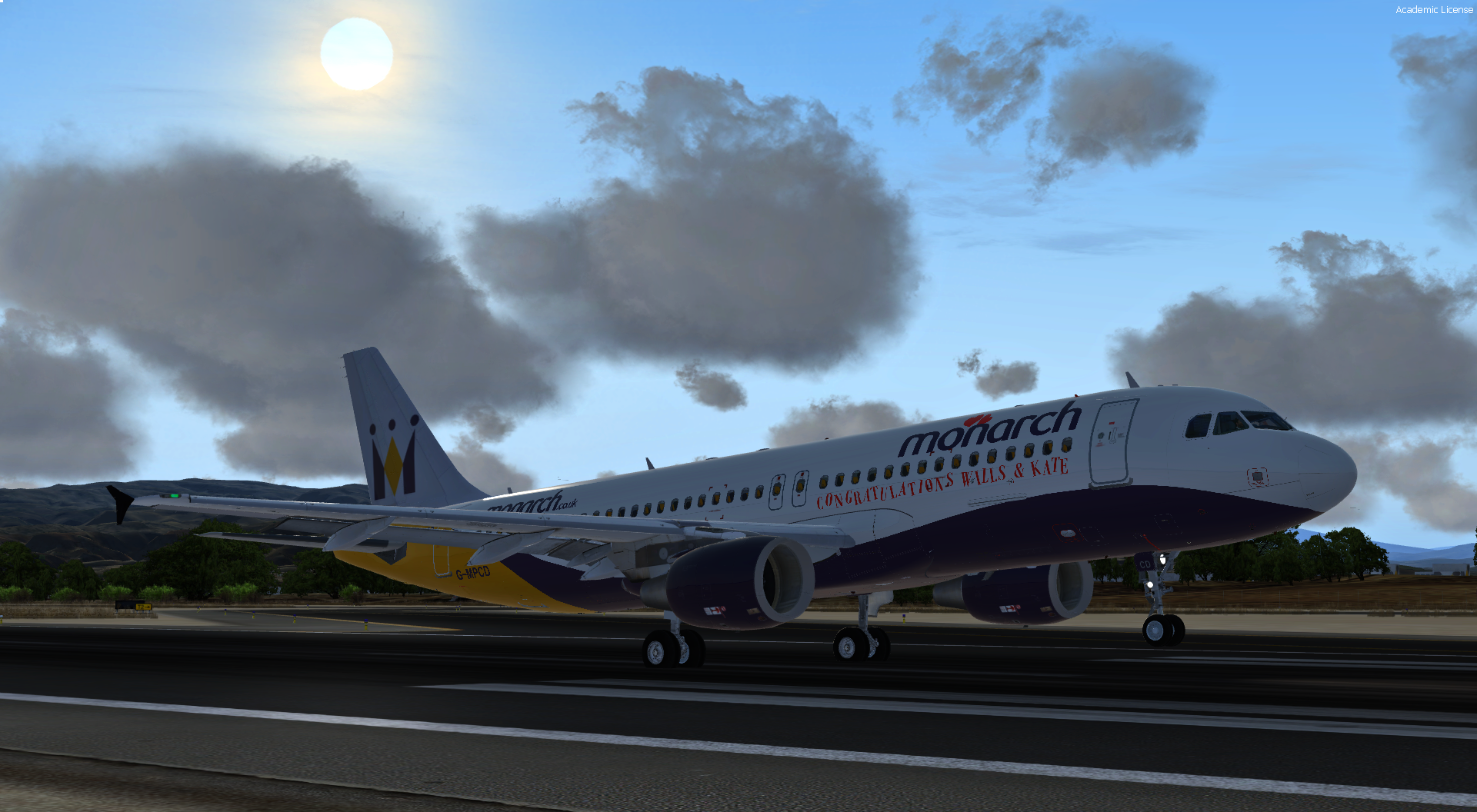
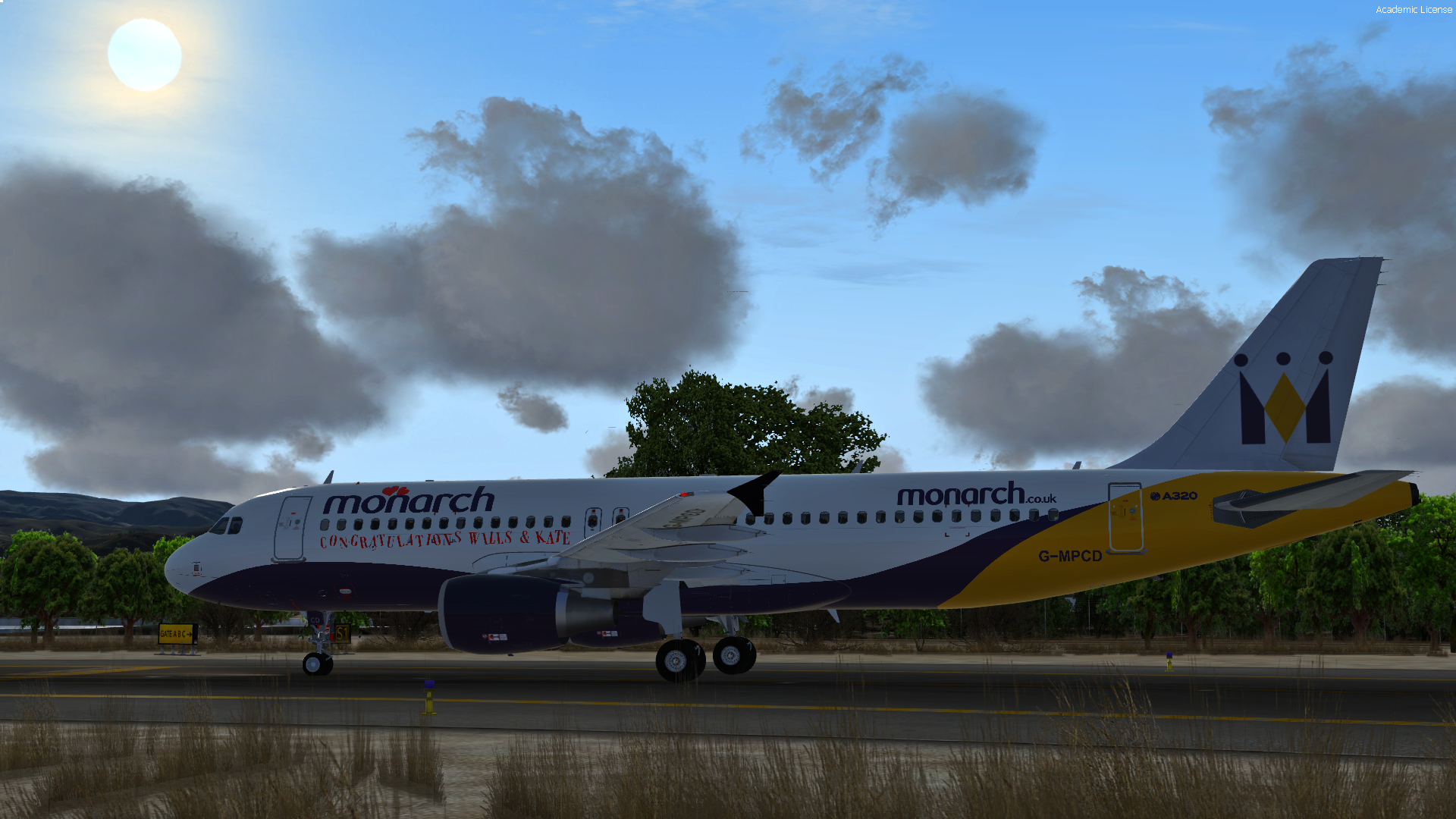
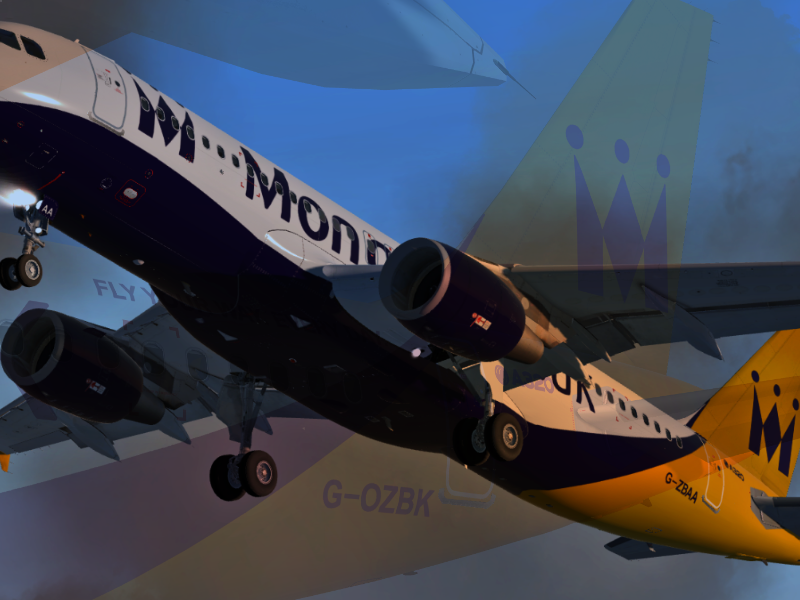
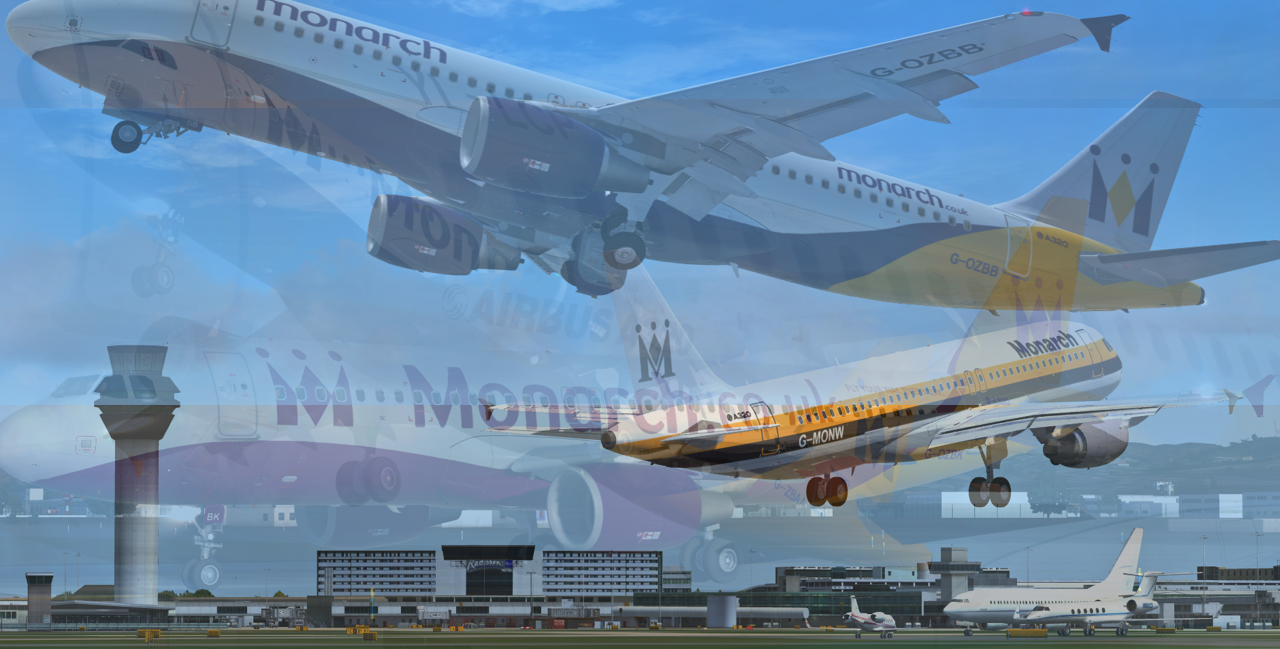
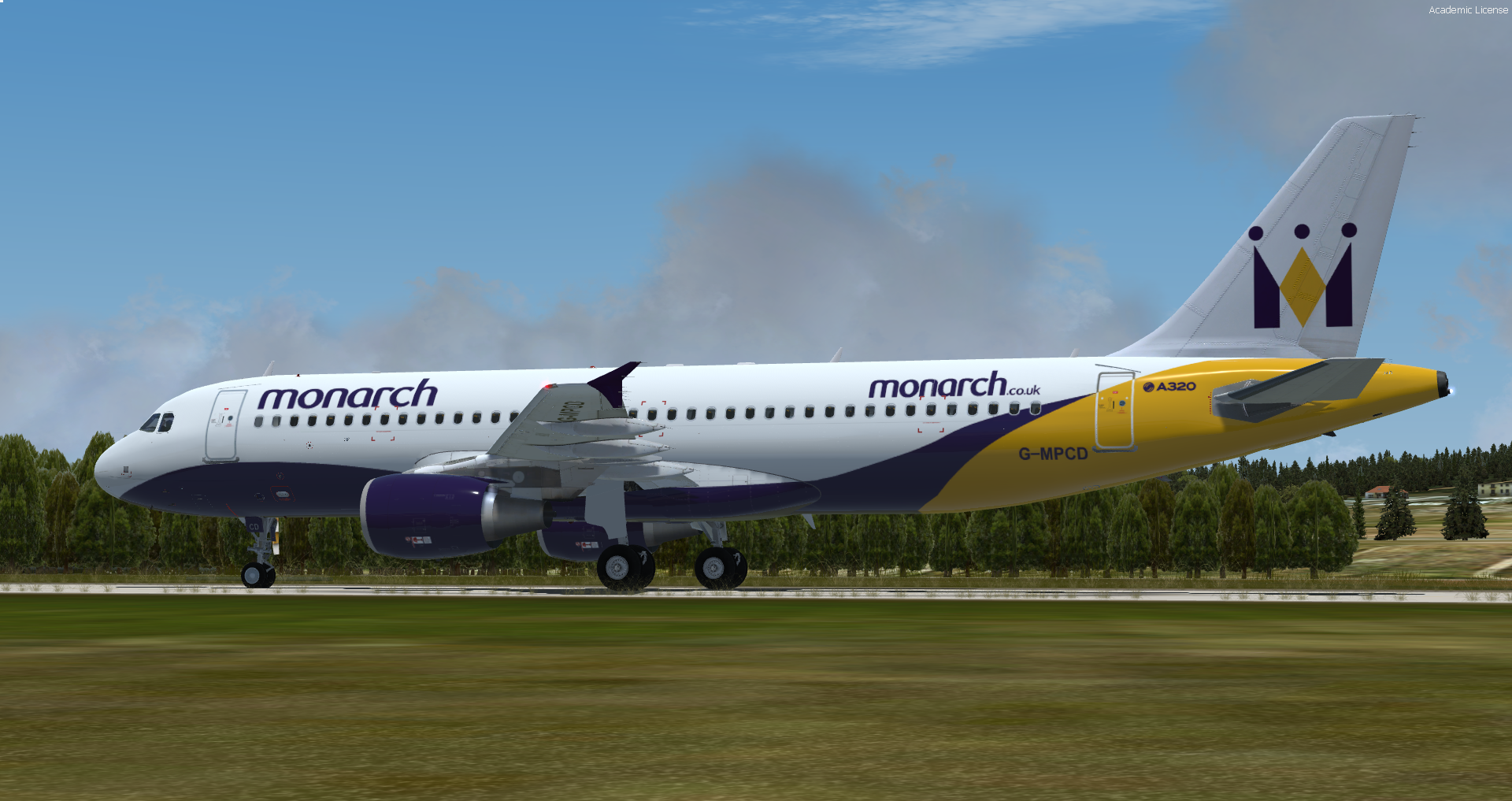
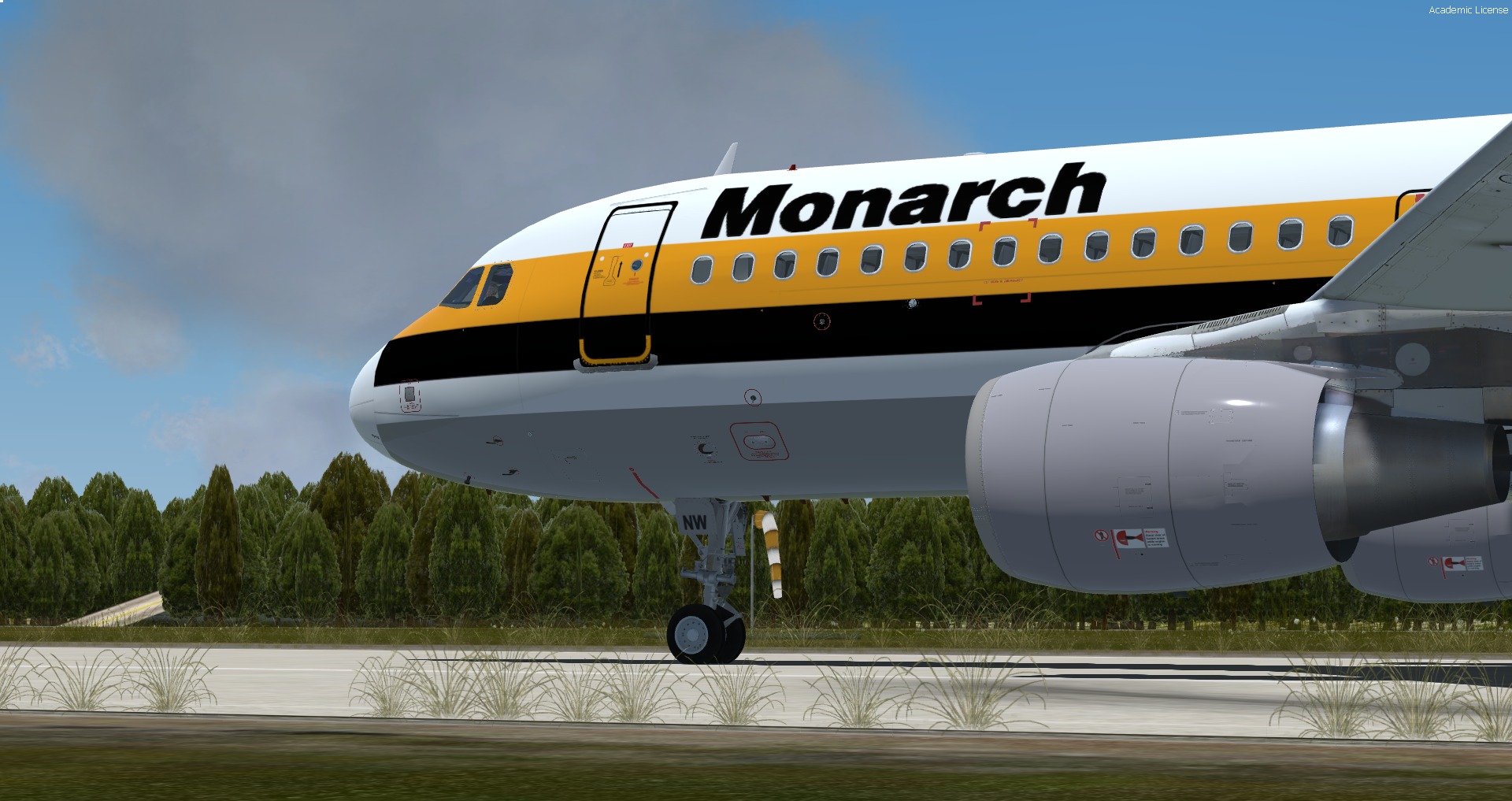
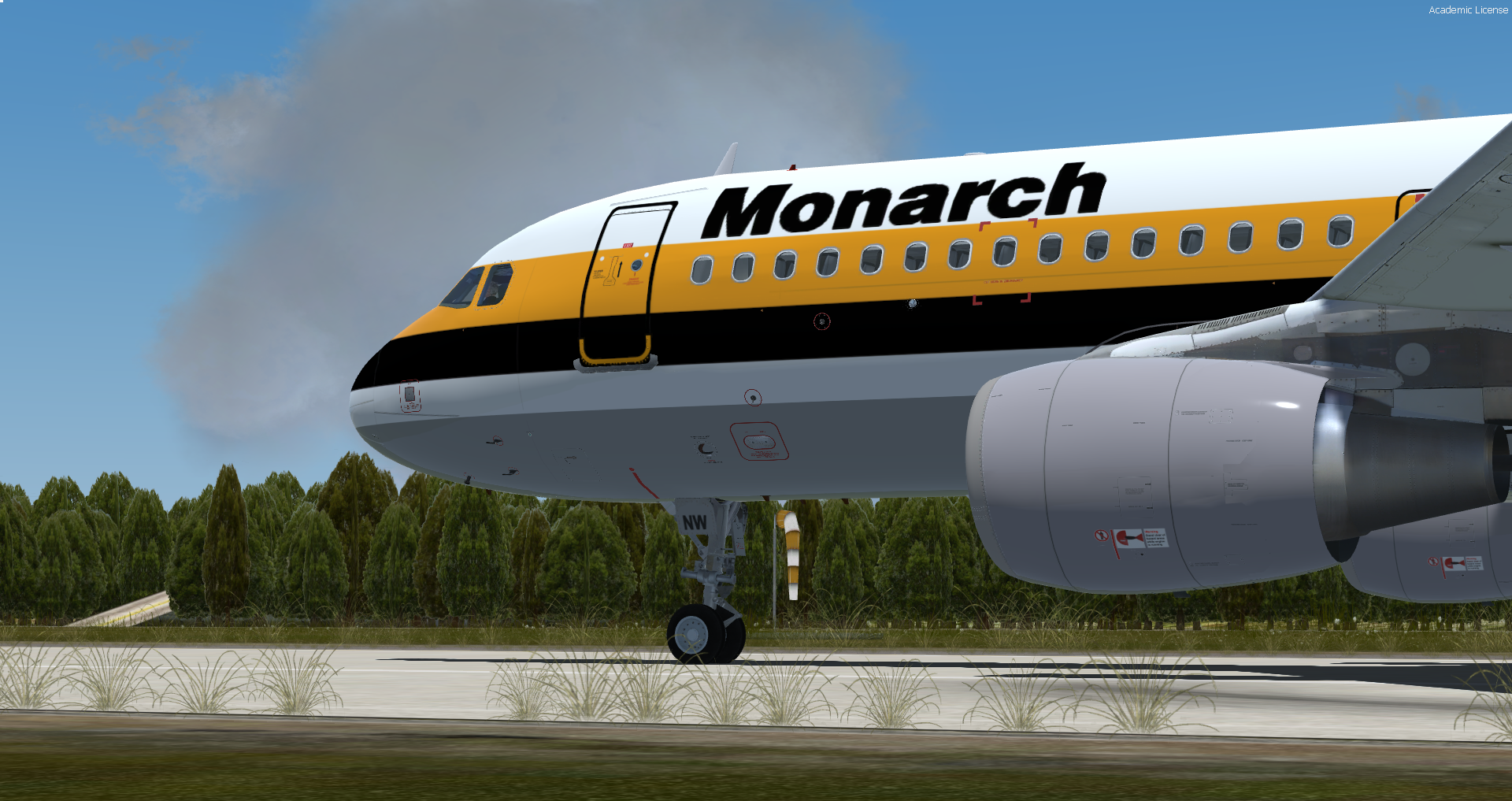
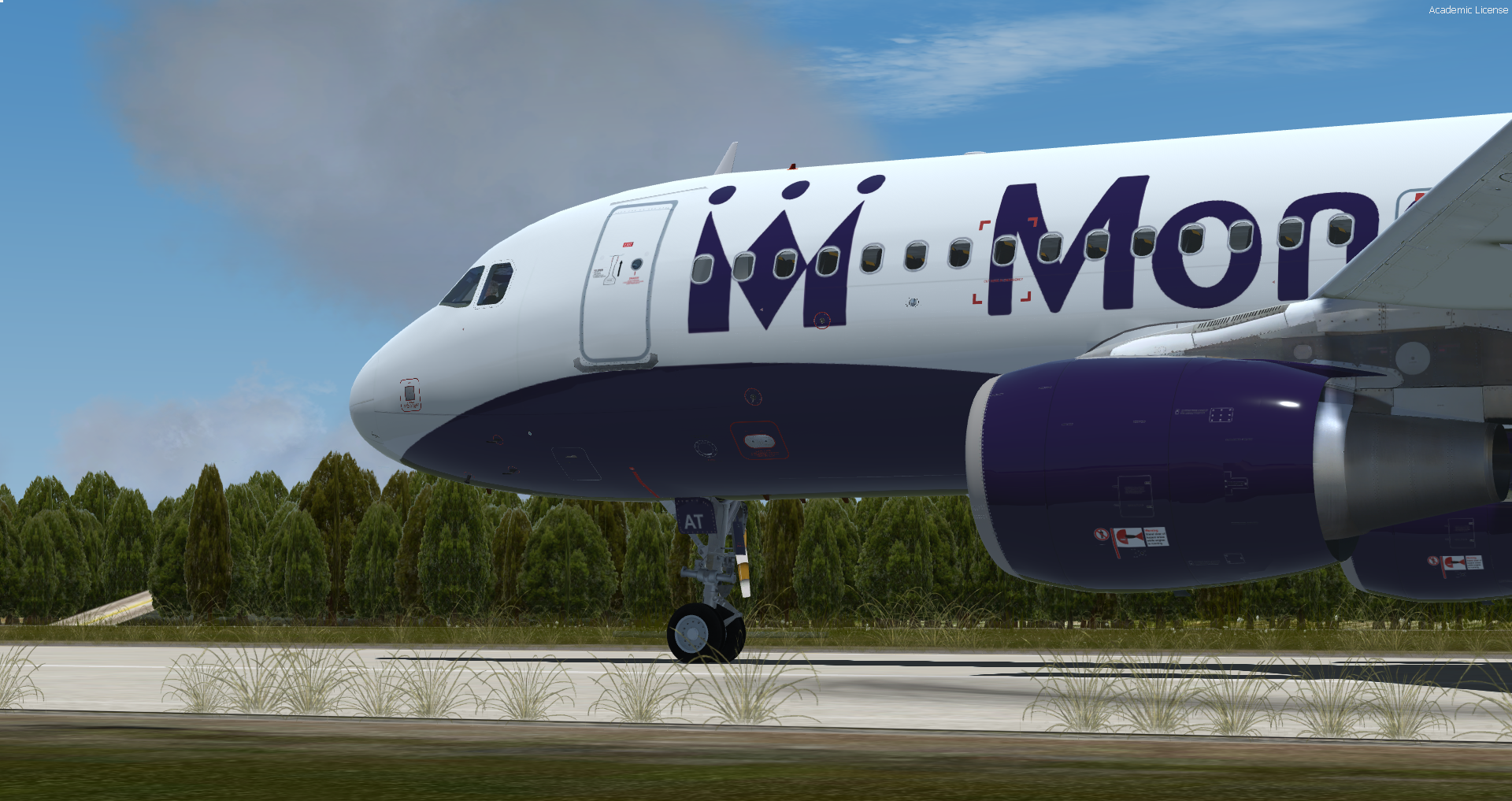
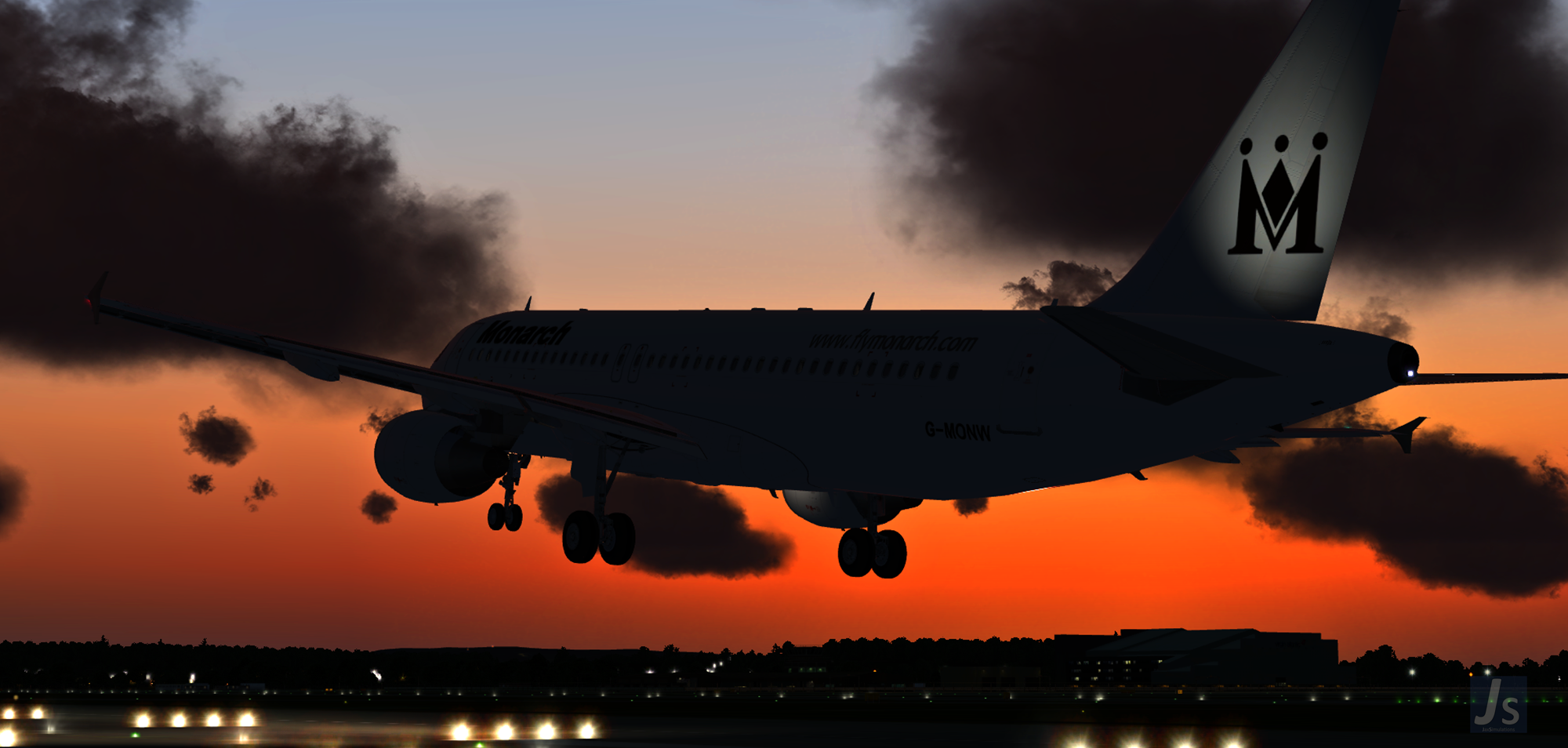
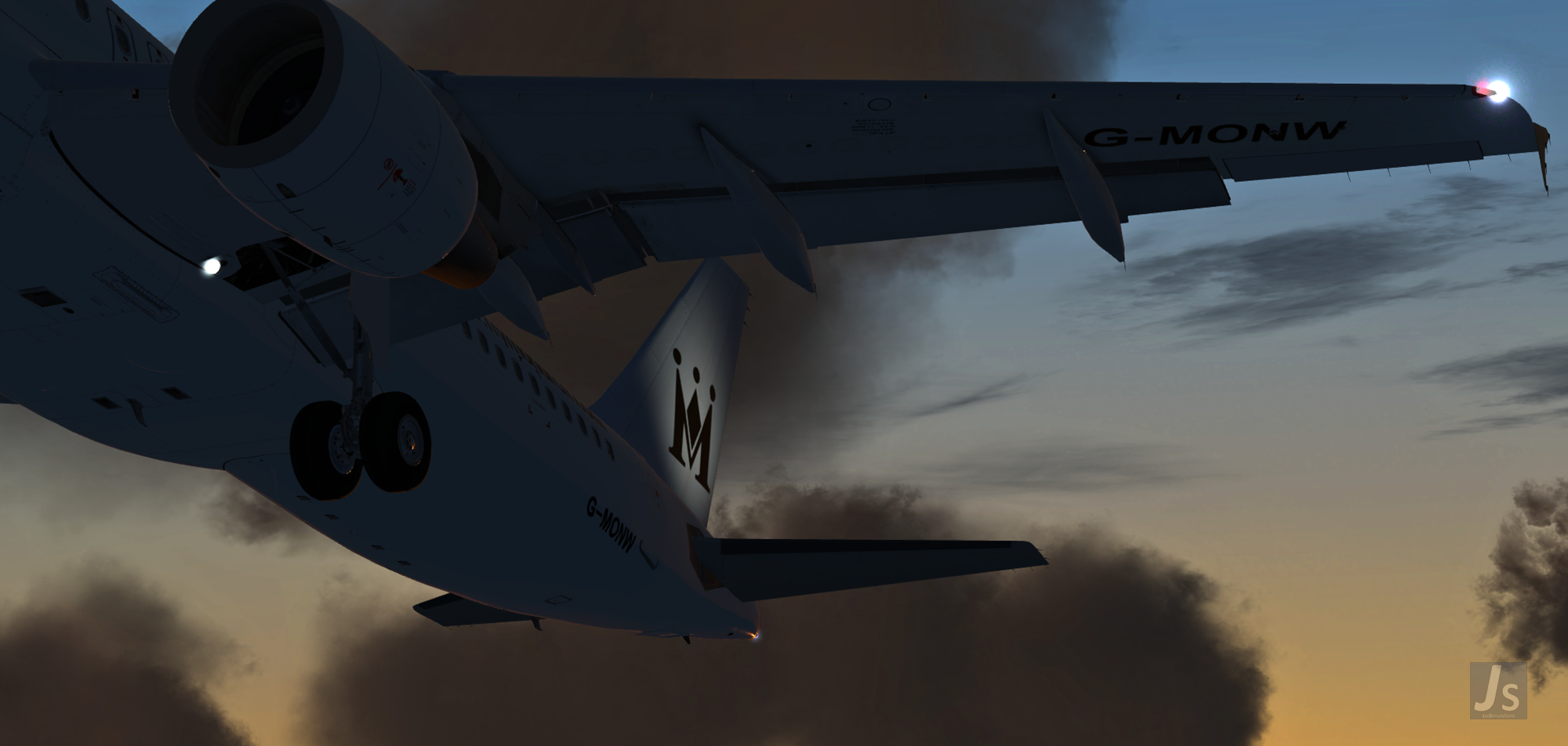
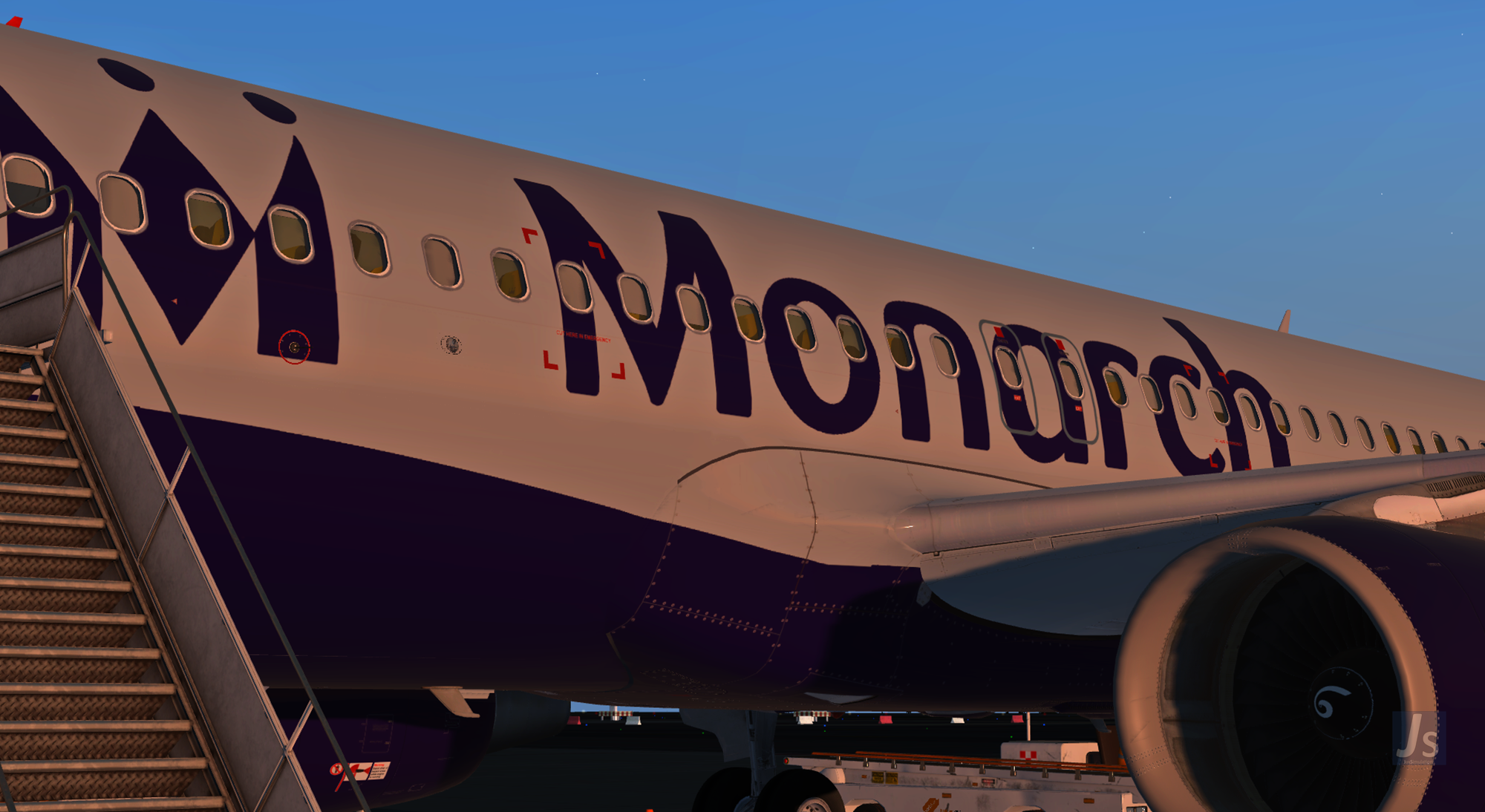
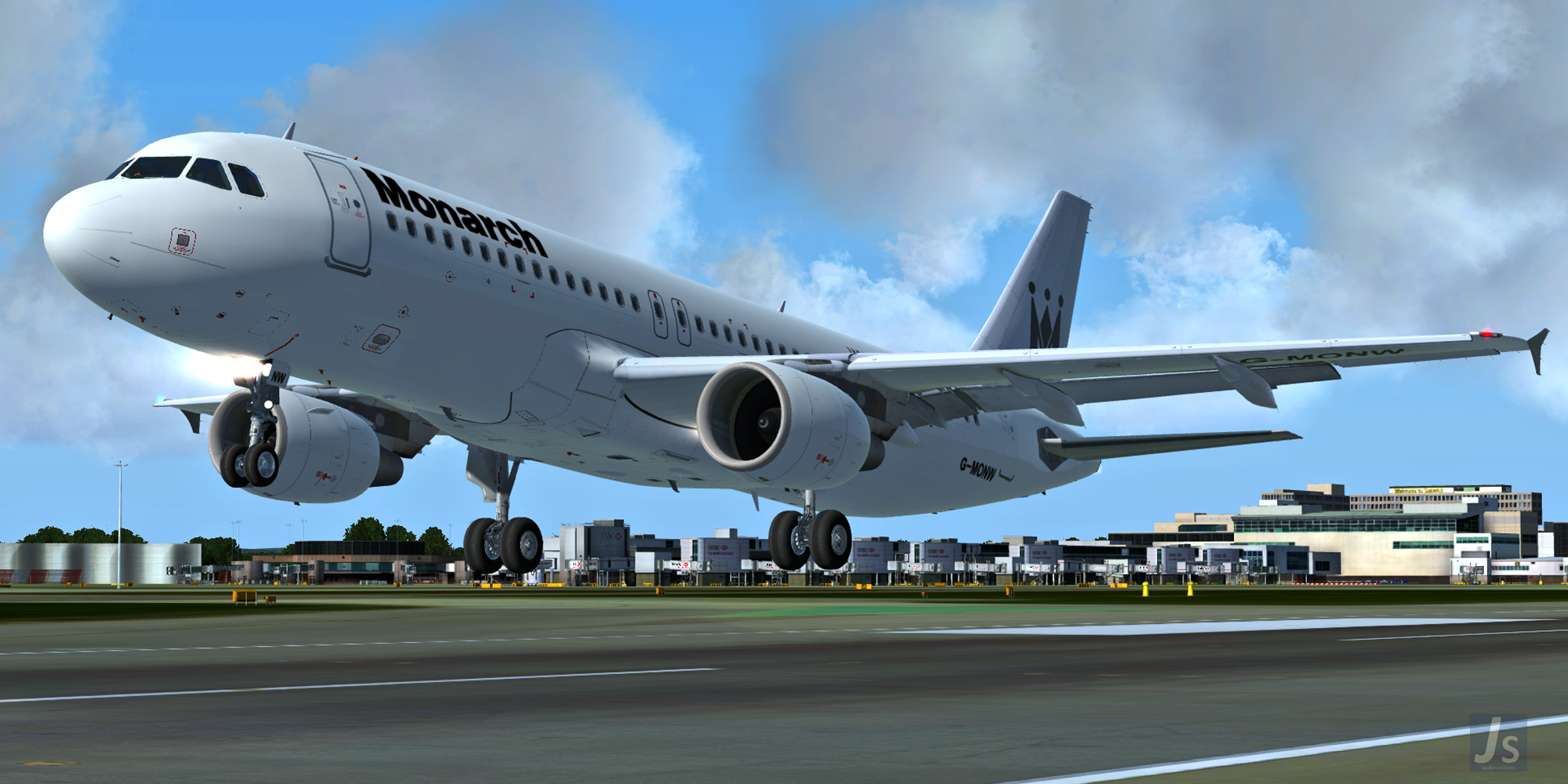
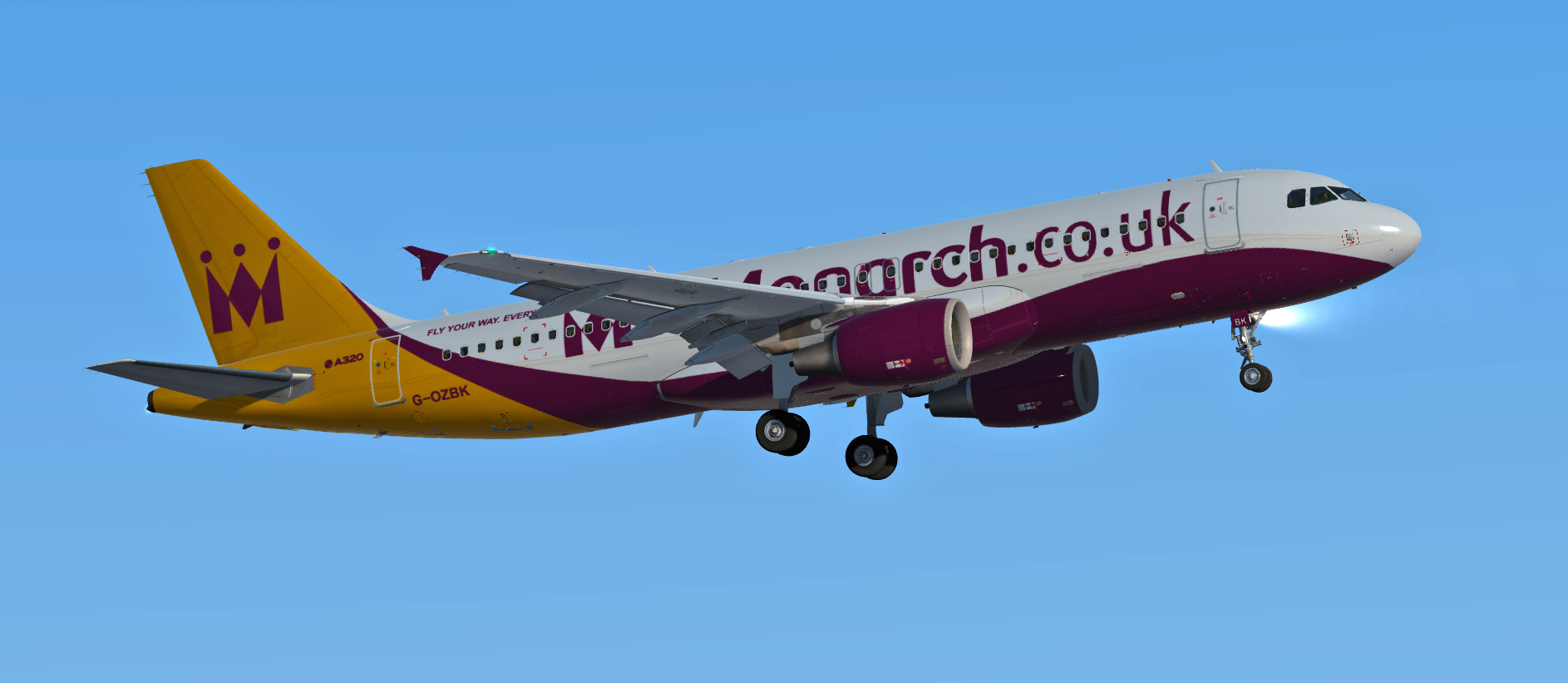
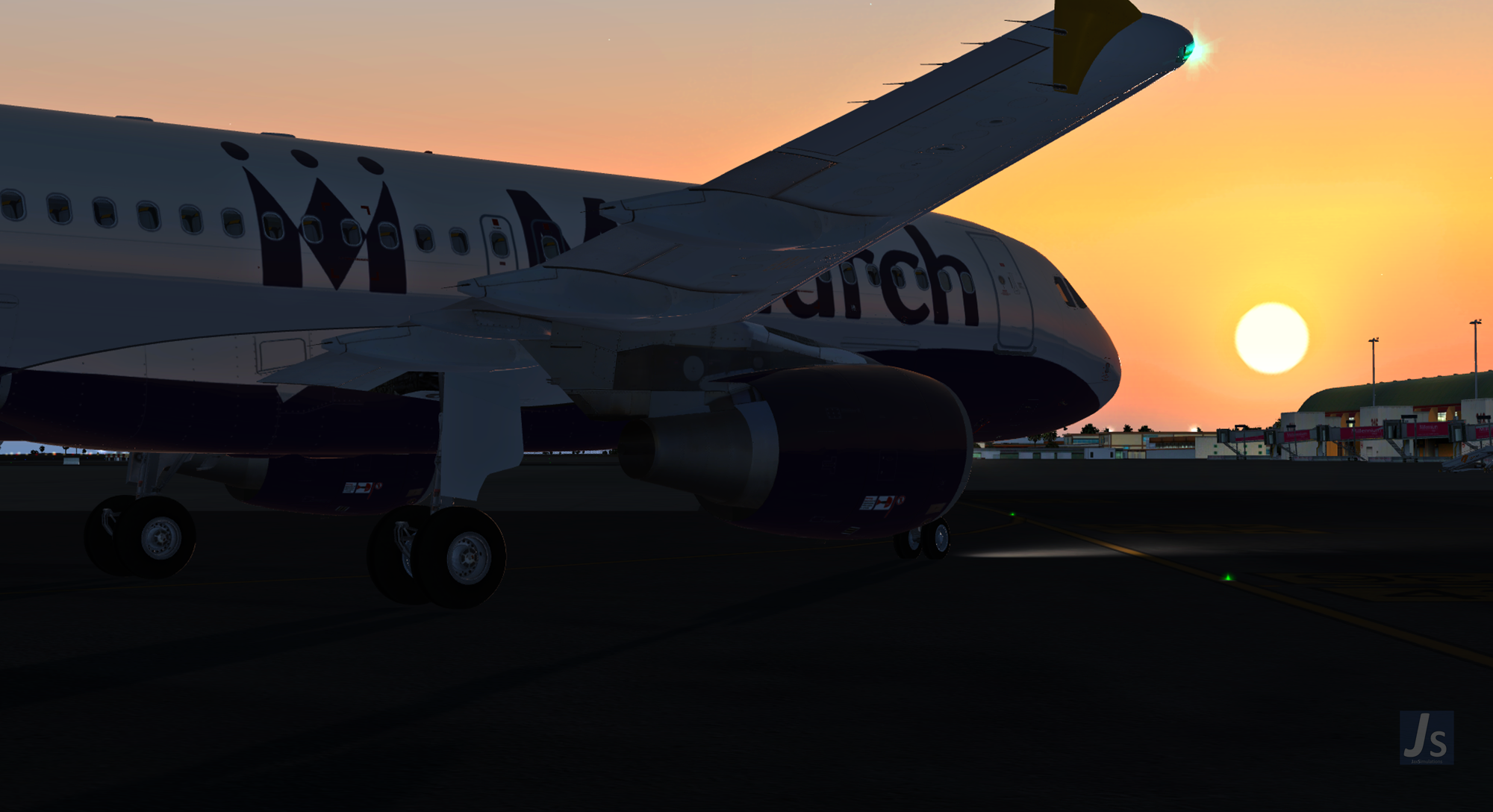
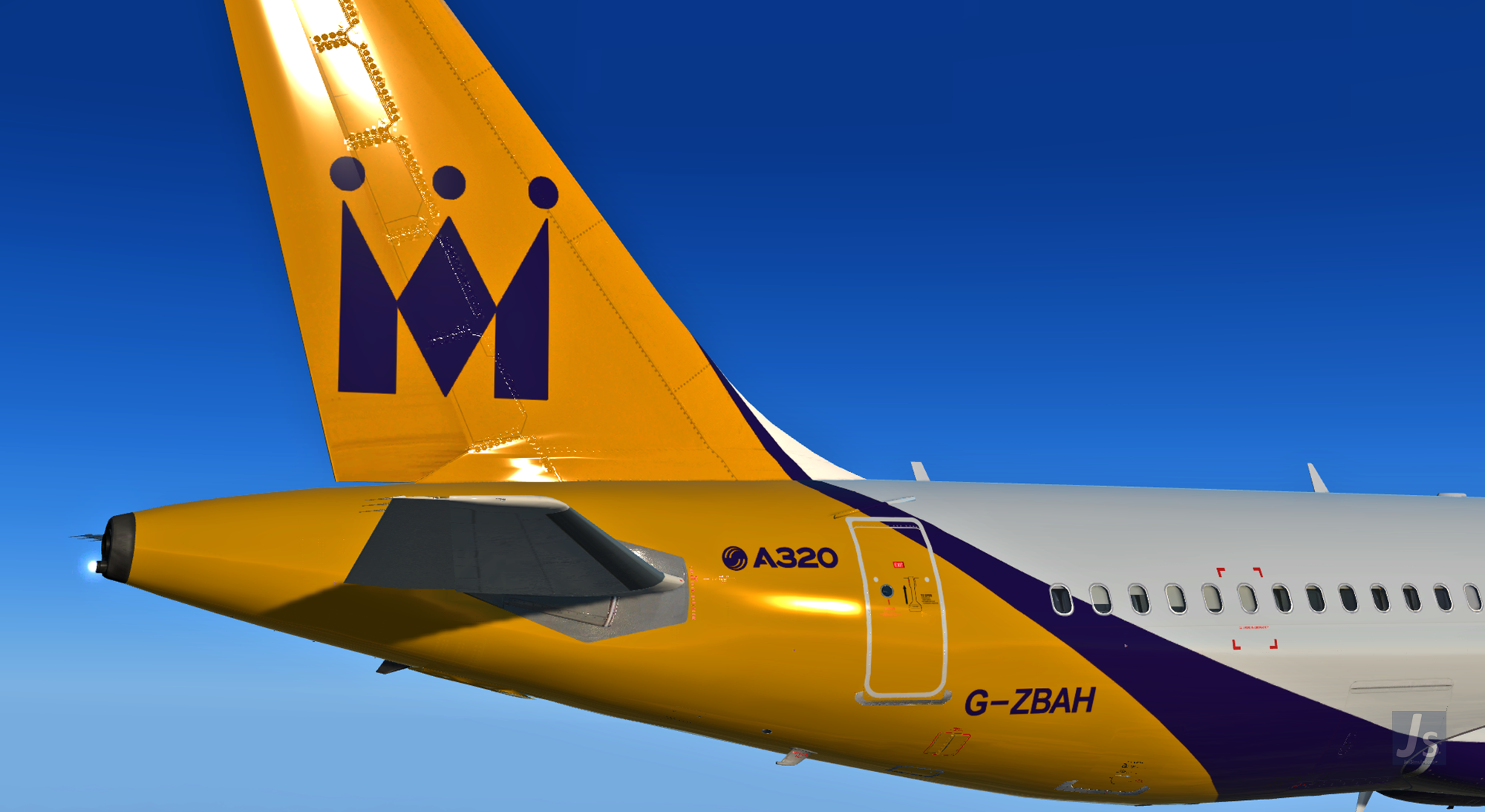
Entire fleet of Monarch Airlines from the day it was founded to the day it ceased operations.
Custom Features:
-
Safety briefing included
-
Stand allocations included for over 48 airports across Europe
-
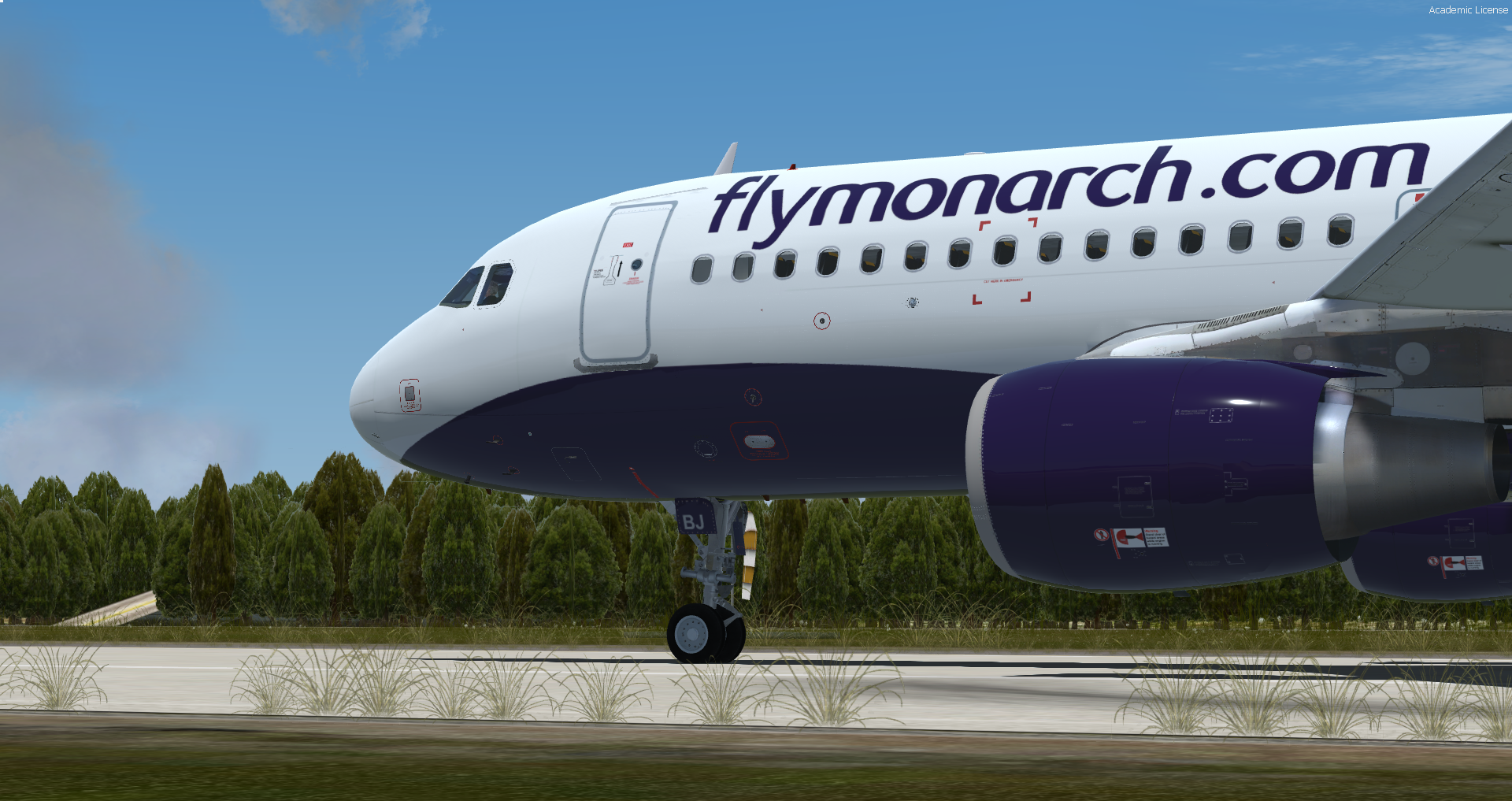
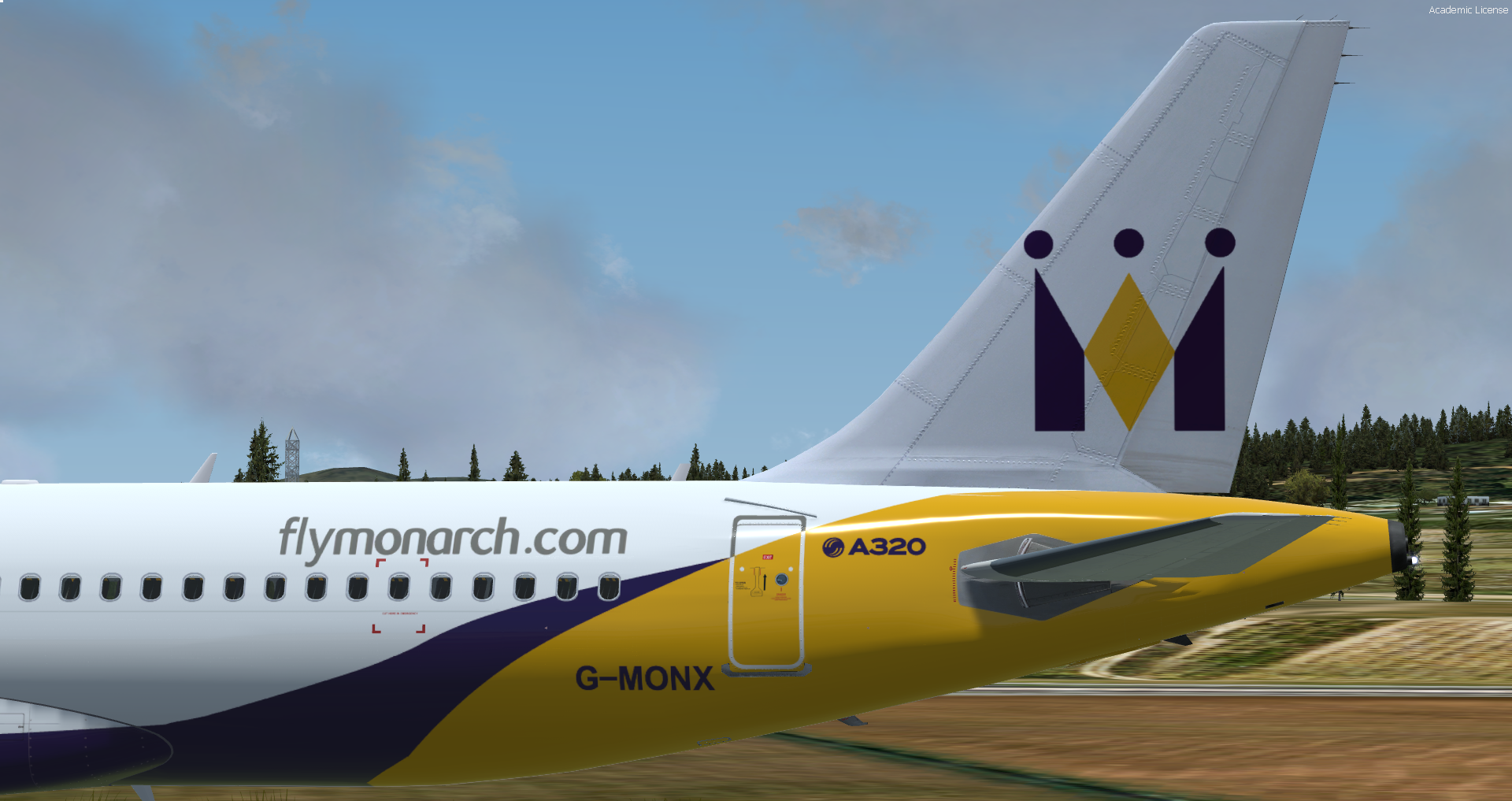
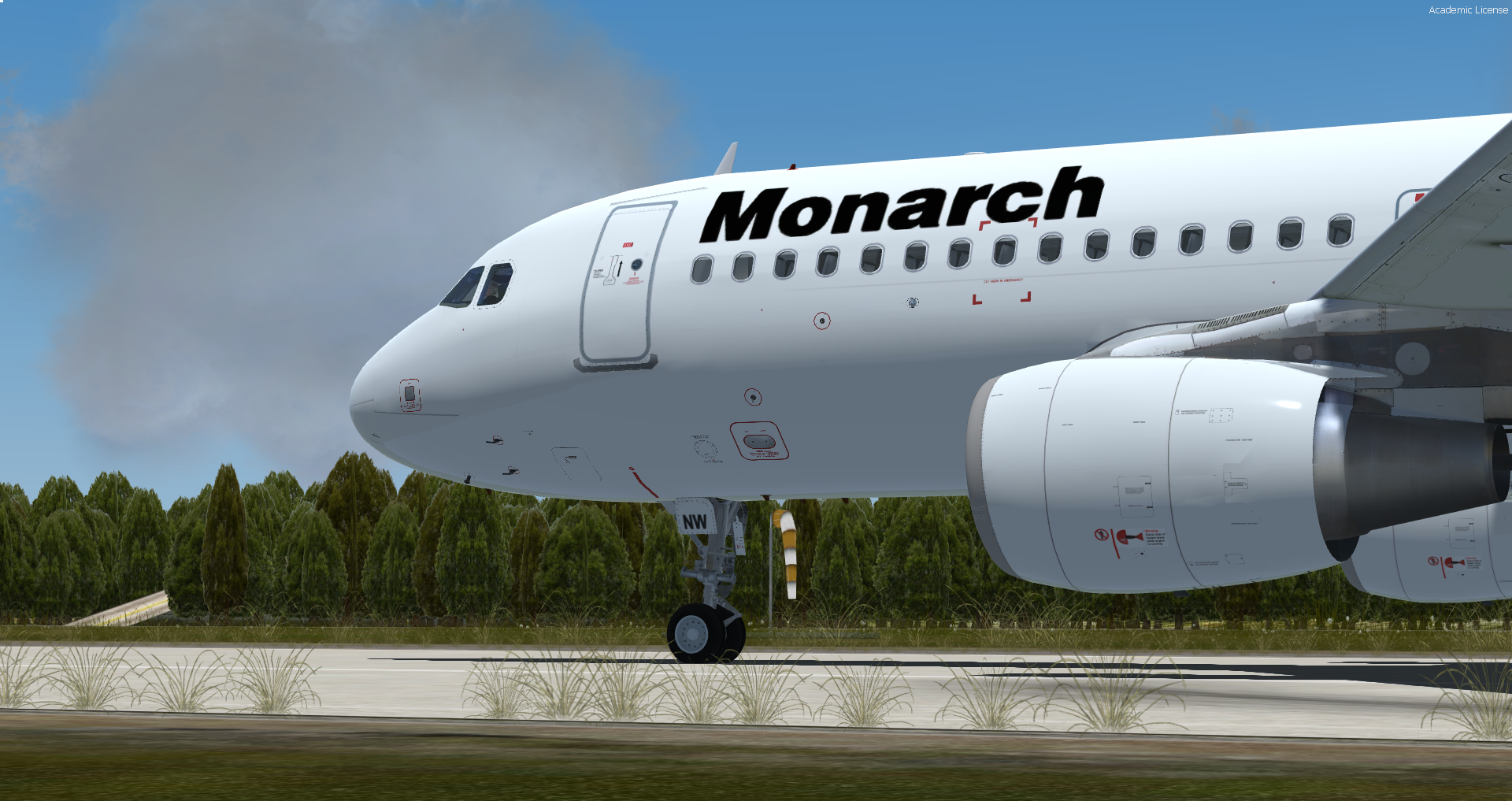
Three generations of liveries
-
New custom engine textures for IAE engines
-
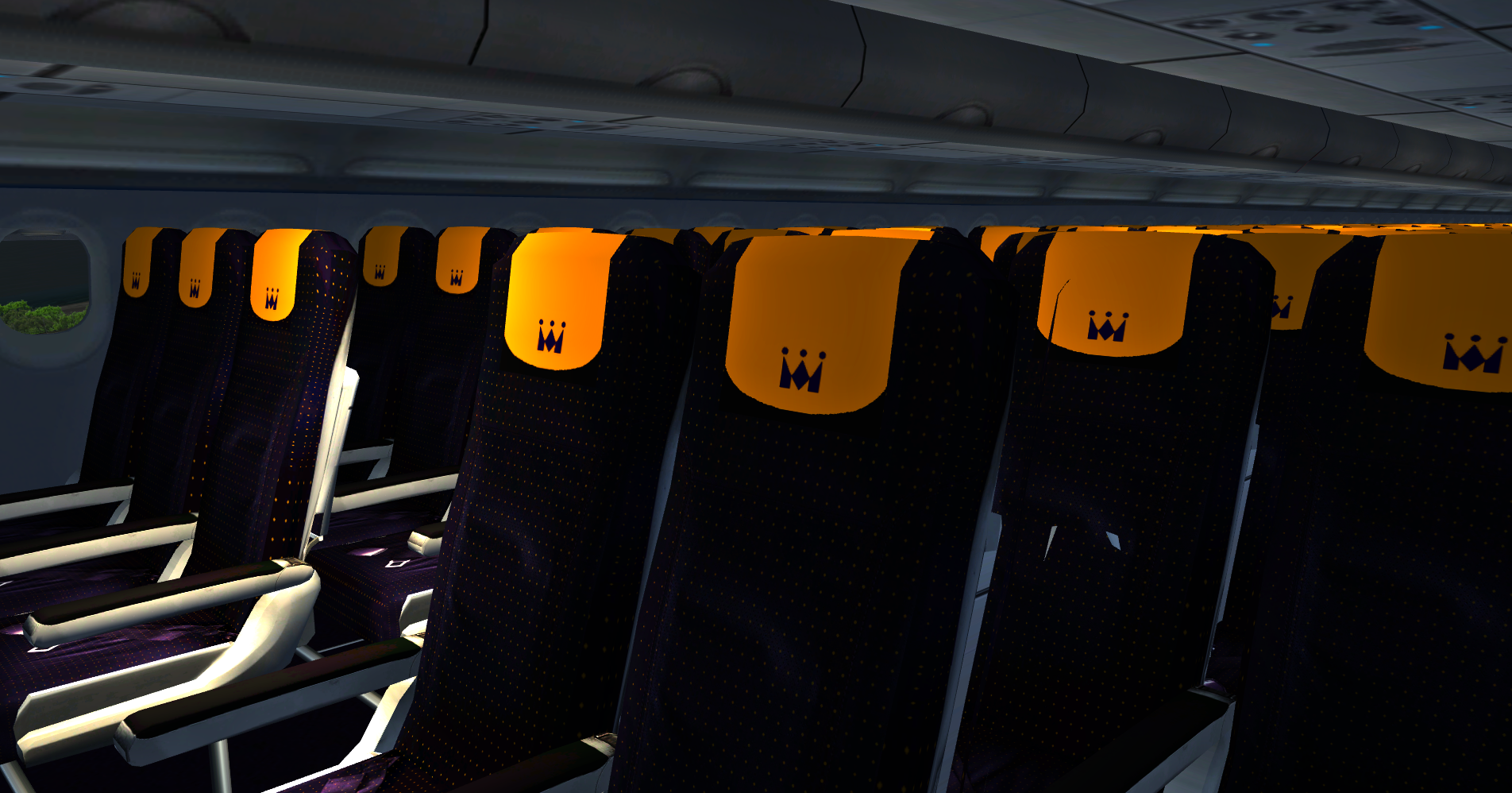
Interior and cabin textures re-designed and included
Included liveries with fleet pack:
-
G-MONW (flymonarch, retro, retro with mis-match nose cone & white)
-
G-MONX (standard, retro, flymonarch & monarch.co.uk)
-
G-MONY & G-MONZ (retro)
-
G-MPCD (standard, monarch.co.uk, retro & retro with mis-match nose cone)
-
G-MRJK (standard & flymonarch)
-
G-OZBA (retro)
-
G-OZBB (standard, monarch.co.uk & retro)
-
G-OZBJ (flymonarch)
-
G-OZBK (standard & magenta)
-
G-OZBW, G-OZBX, G-OZBY, G-ZBAA, G-ZBAB, G-ZBAH, G-ZBAP, G-ZBAR, G-ZBAS, G-ZBAT, G-ZBAU
-
SmartLynx Monarch (YL-LCP) - leased)
What's New in Version 1.0.0
Released
No changelog available for this version.
-
 6
6
-
 1
1