

Note:
FOR FSL A320 v5.0.100+ ONLY !!!
Installation instructions:
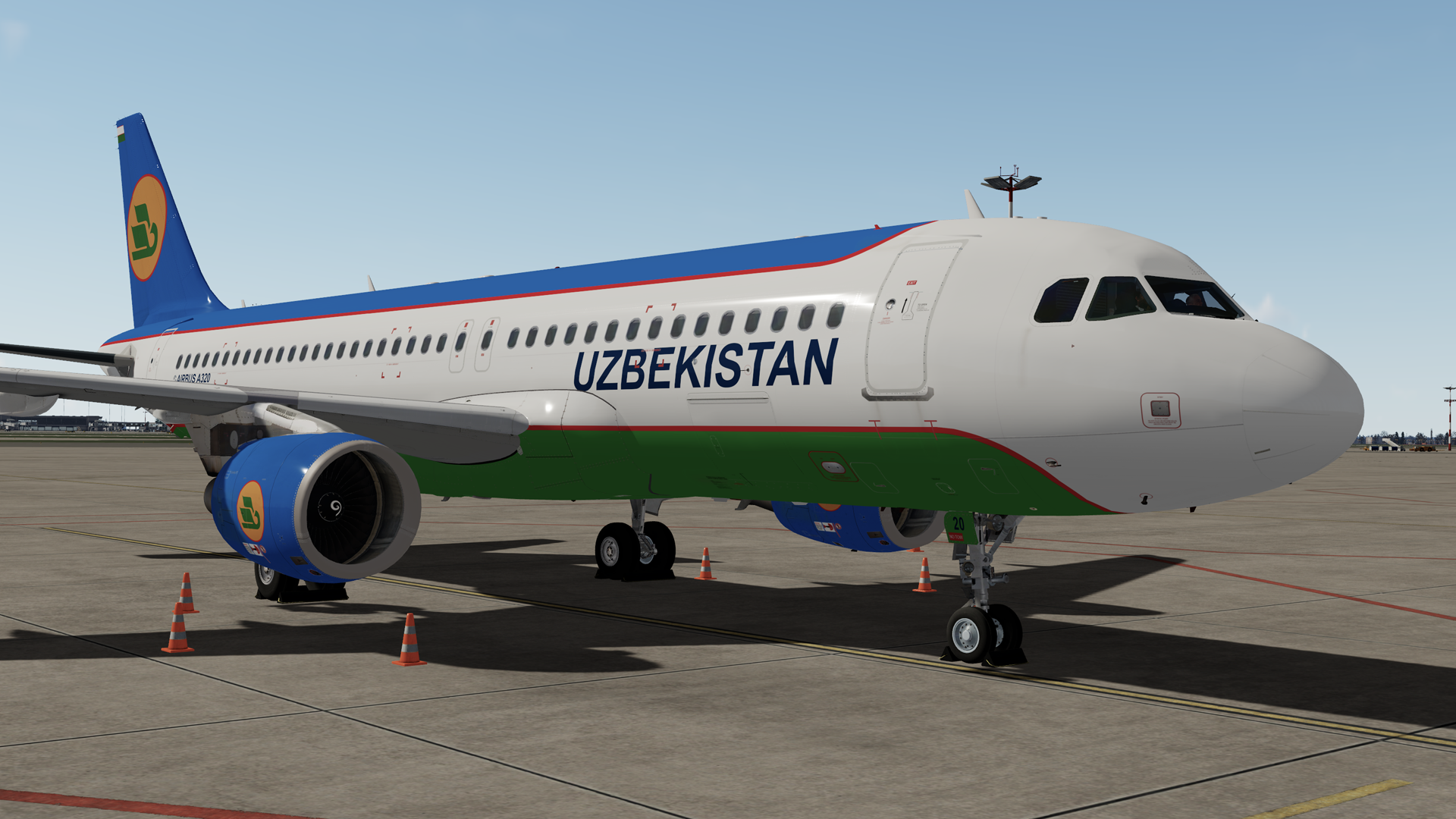
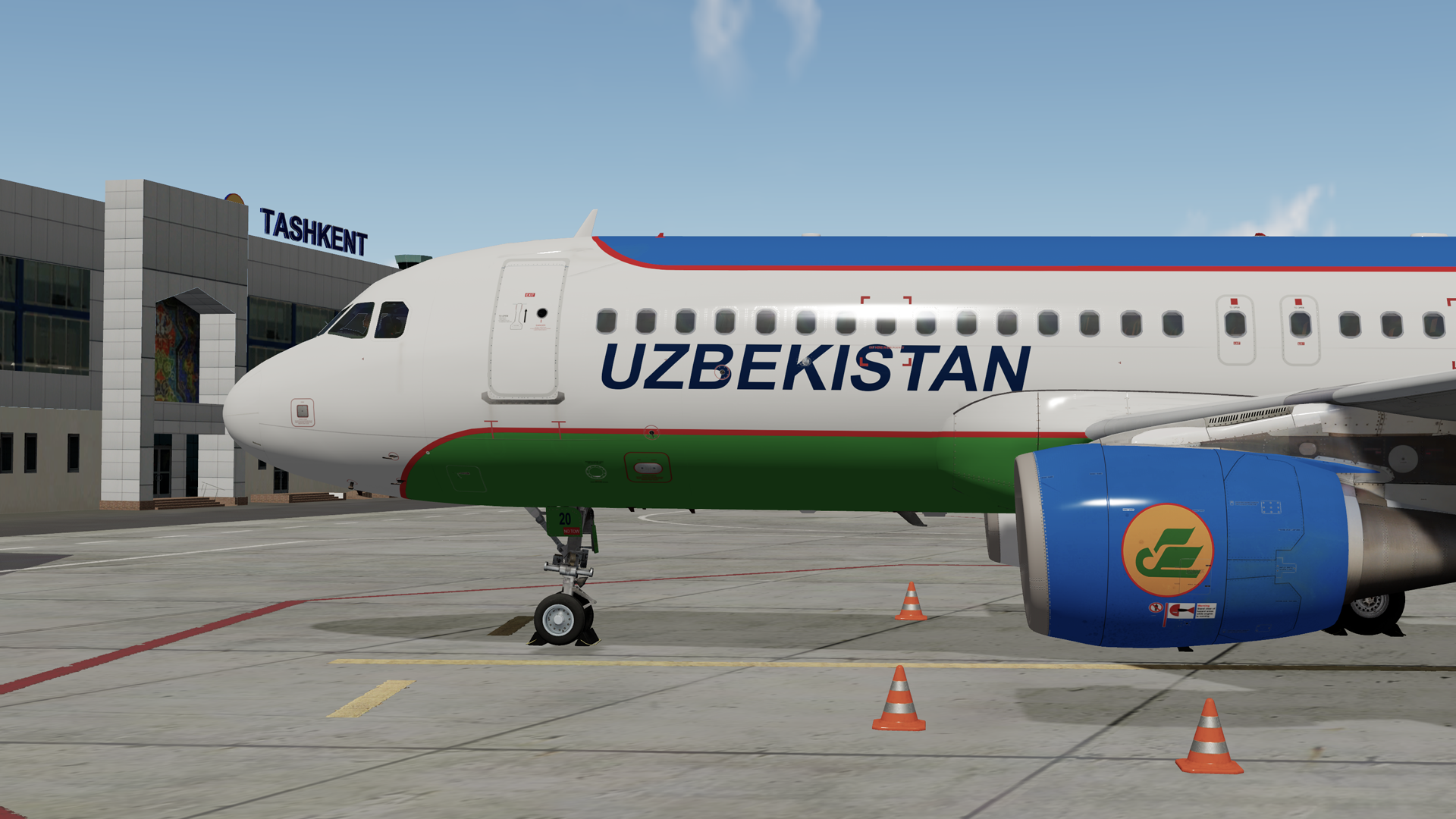
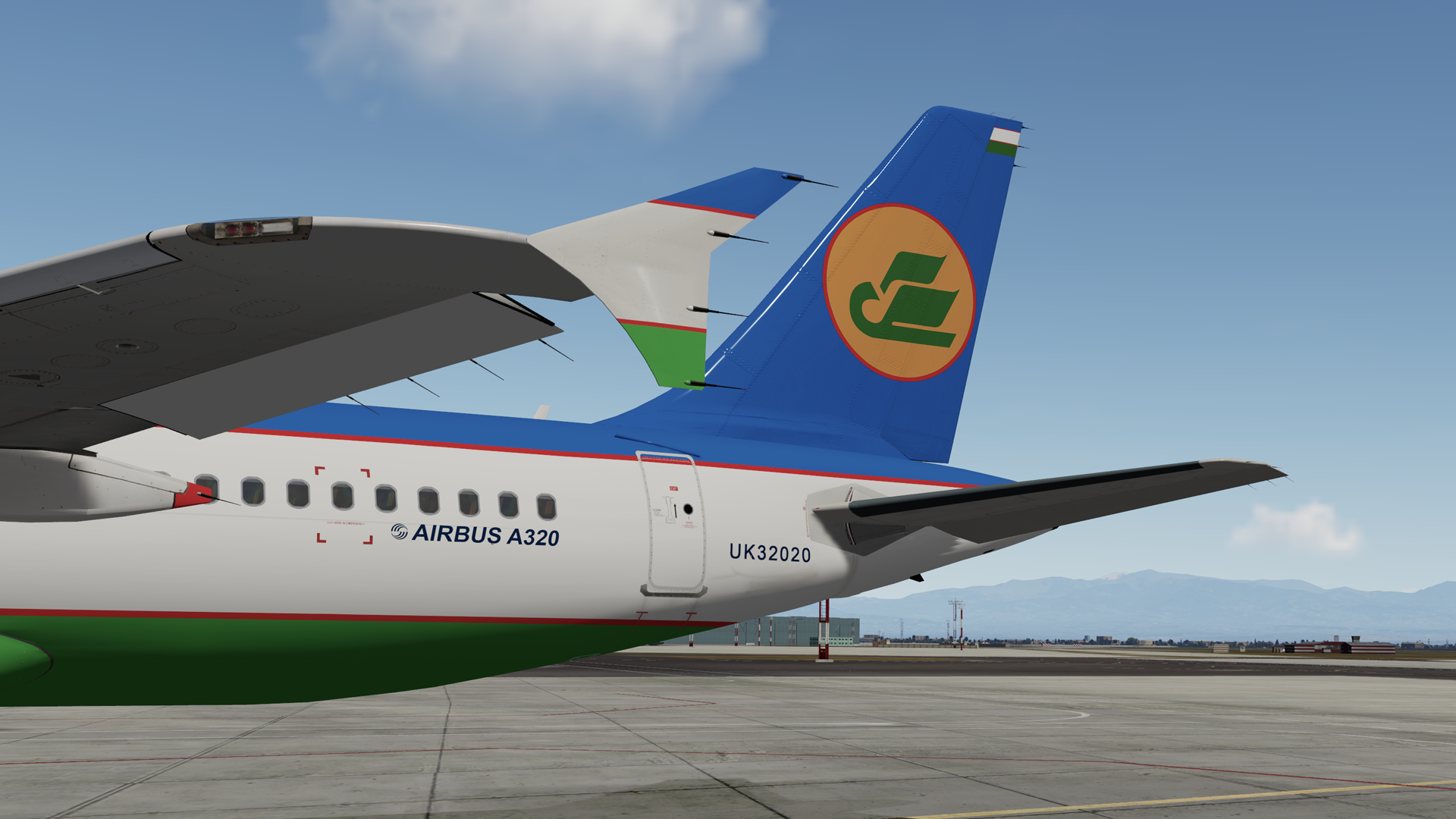
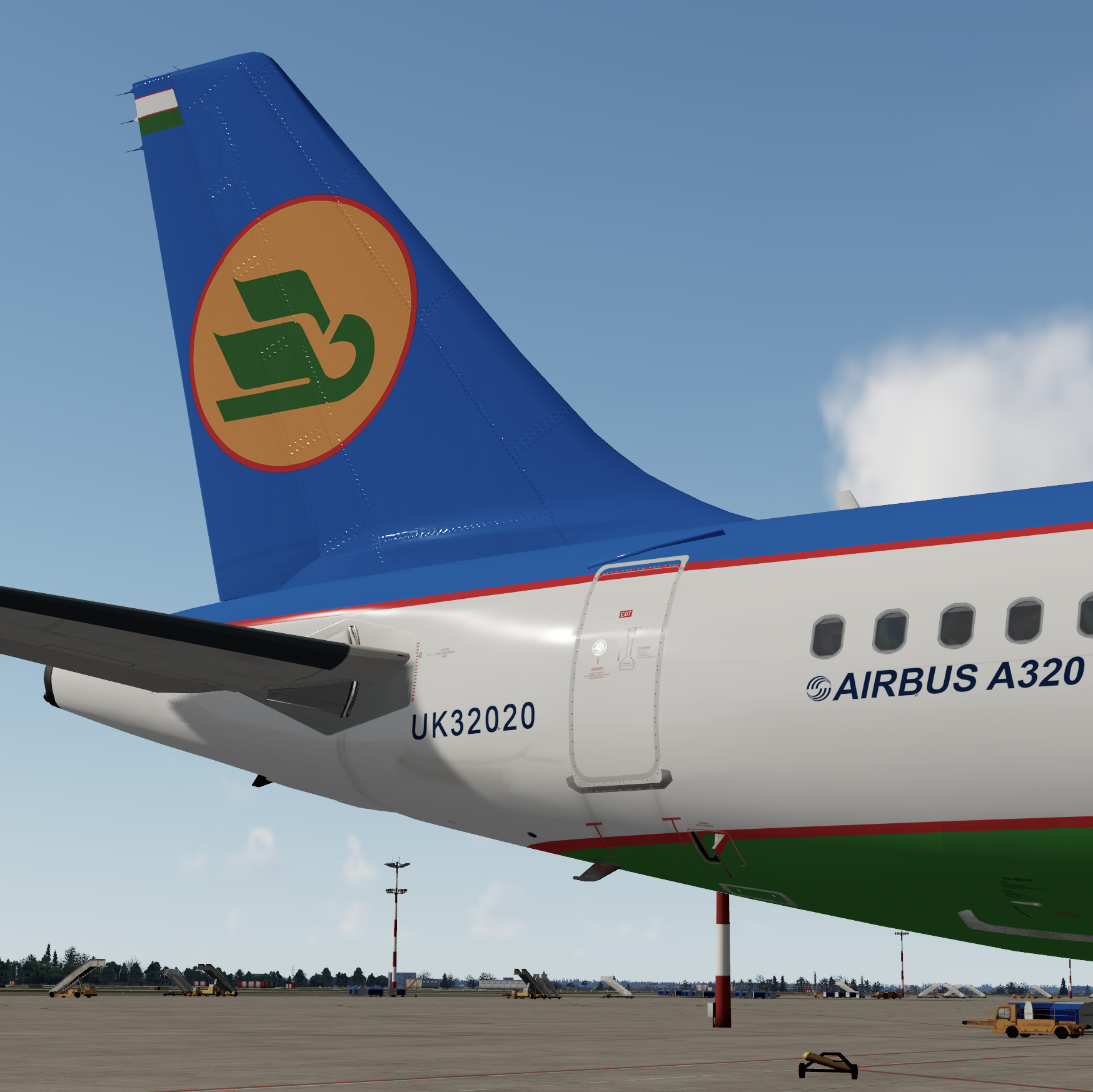
This is a Uzbekistan airways A320-214, UK32020.
--------------------------------------
Installation:
Please remove any previous versions.
Drag Texture.UZB UK32020 into your FSLabs A320 CFM folder.
--------------------------------------
Enjoy your flights!
For question or remarks, please contact me via the FSLabs forums.
Copyright and legal:
It took me a lot of time and effort to create this livery. Please don't copy any file or upload to any place without written permission.
This work is protected by international intellectual property and copyright laws.
Any unauthorized use, dissemination and/or distribution of the content of this download is prohibited without the prior written consent of the author.
If you like my work, why not show your appreciation with a small PayPal donation? Any donations are highly appreciated but never required.
https://streamlabs.com/skyteam78/tip
Thanks,
Greg
-
 1
1
There are no reviews to display.