
Skip to content
View in the app

A better way to browse. Learn more.

Flight Sim Labs Forums

A full-screen app on your home screen with push notifications, badges and more.

To install this app on iOS and iPadOS
  1. Tap the Share icon in Safari
  2. Scroll the menu and tap Add to Home Screen.
  3. Tap Add in the top-right corner.
To install this app on Android
  1. Tap the 3-dot menu (⋮) in the top-right corner of the browser.
  2. Tap Add to Home screen or Install app.
  3. Confirm by tapping Install.

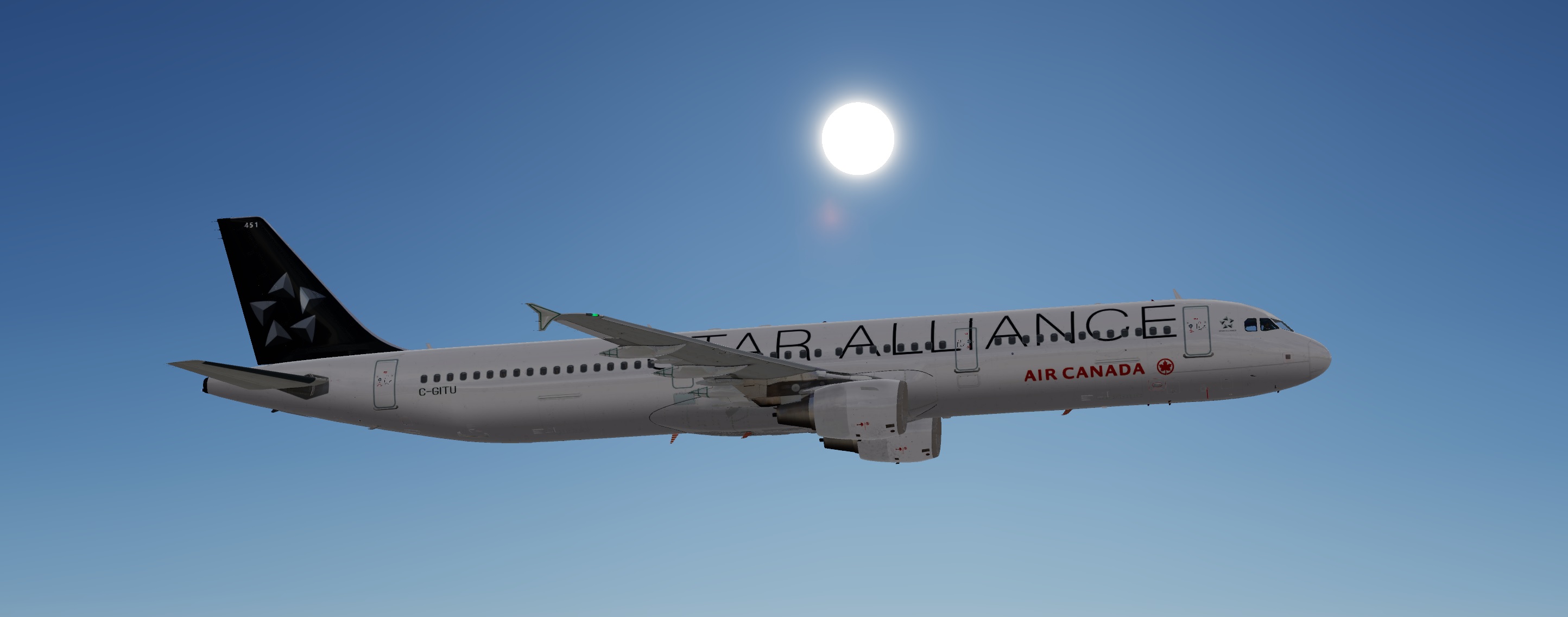
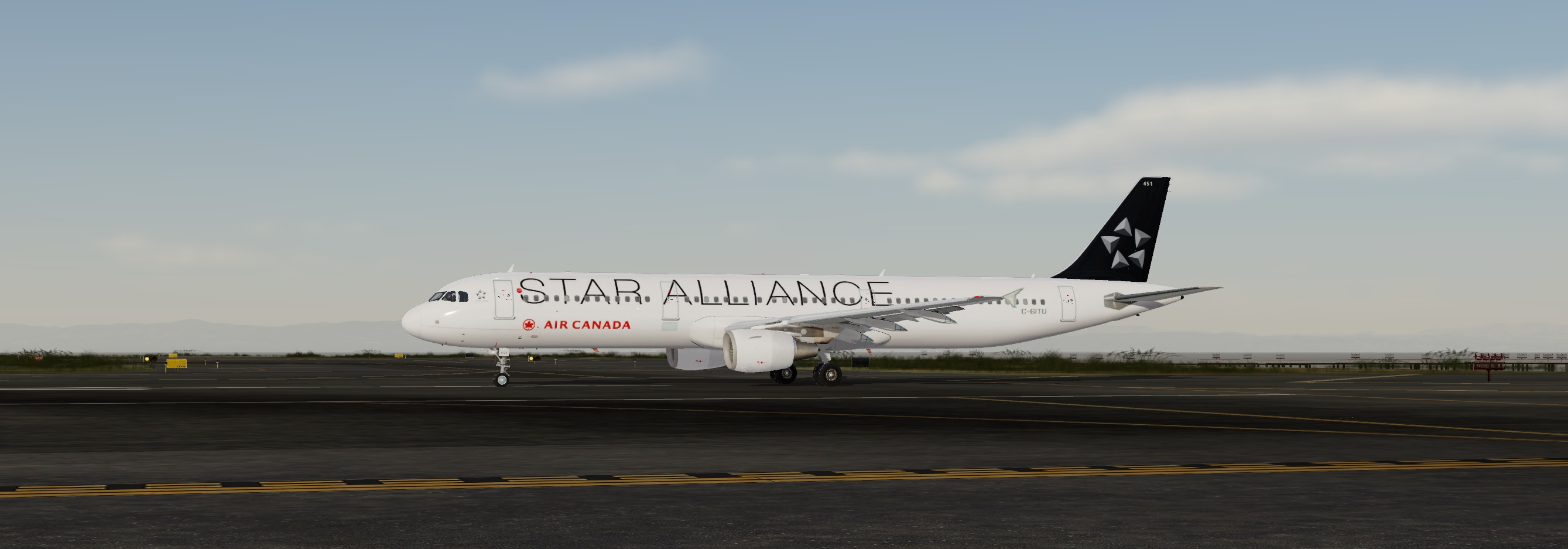
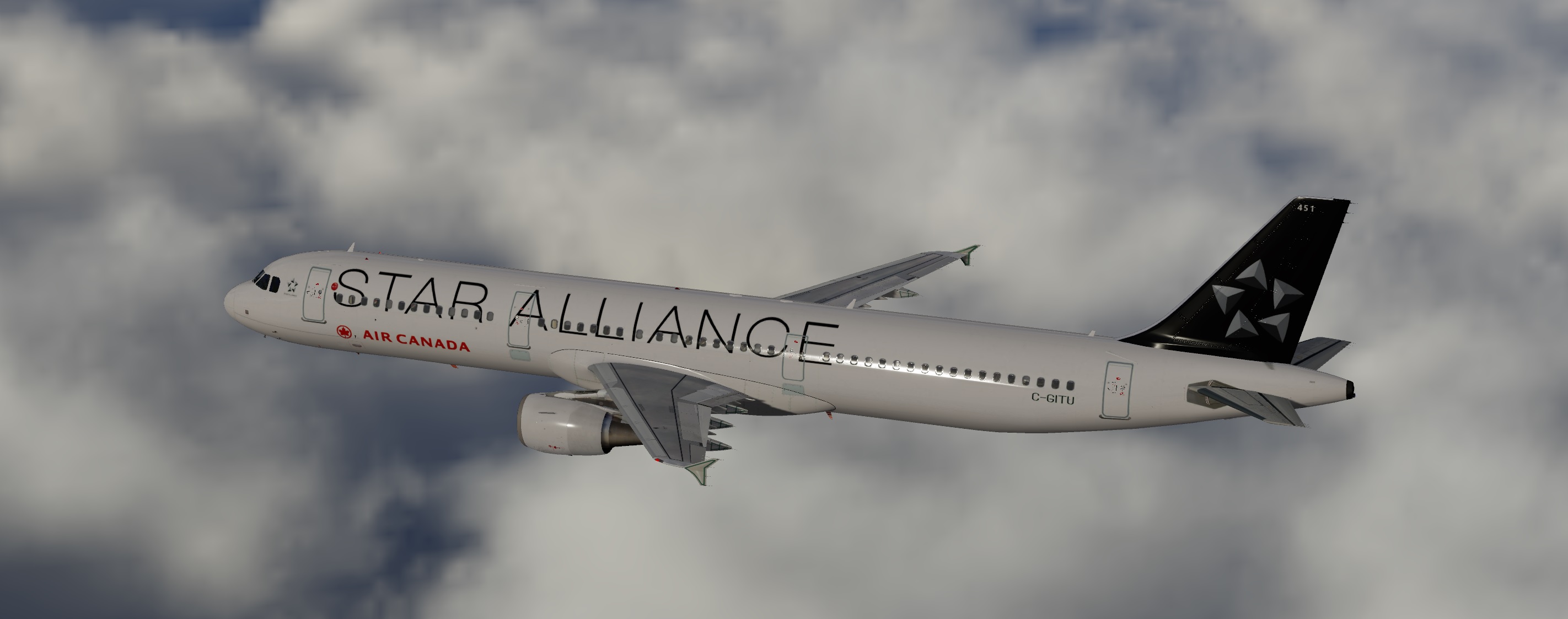
Air Canada Star Alliance A321 C-GITU V5 1.0.0

(0 reviews)

3 Screenshots

Updated for V5. See the readme.txt for installation instructions.

Note:

Within the folder are two alternate fuselage texture files…the internet has several photos which appear to show this aircraft with alternate slide panels on exits 2L. 3L and 3R from an aircraft with the “Toothpaste” livery. I’ve included those as well as plain white slide panels in the additional folders within the main texture folder…just drop your preferred version into the main texture folder.

What's New in Version 1.0.0

Released

No changelog available for this version.

User Feedback

There are no reviews to display.

Account

Navigation

Search

Search

Configure browser push notifications

Chrome (Android)
  1. Tap the lock icon next to the address bar.
  2. Tap Permissions → Notifications.
  3. Adjust your preference.
Chrome (Desktop)
  1. Click the padlock icon in the address bar.
  2. Select Site settings.
  3. Find Notifications and adjust your preference.

