

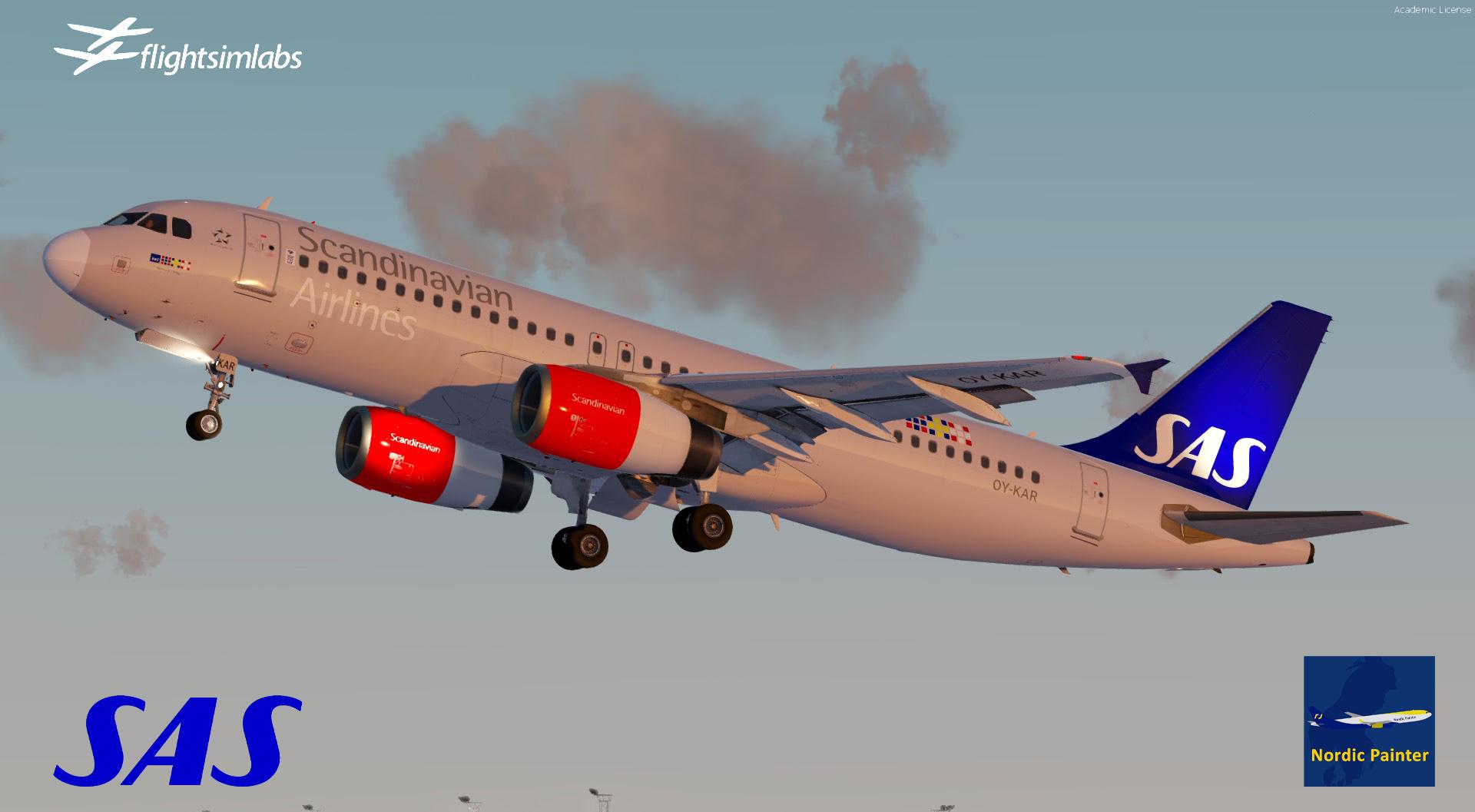
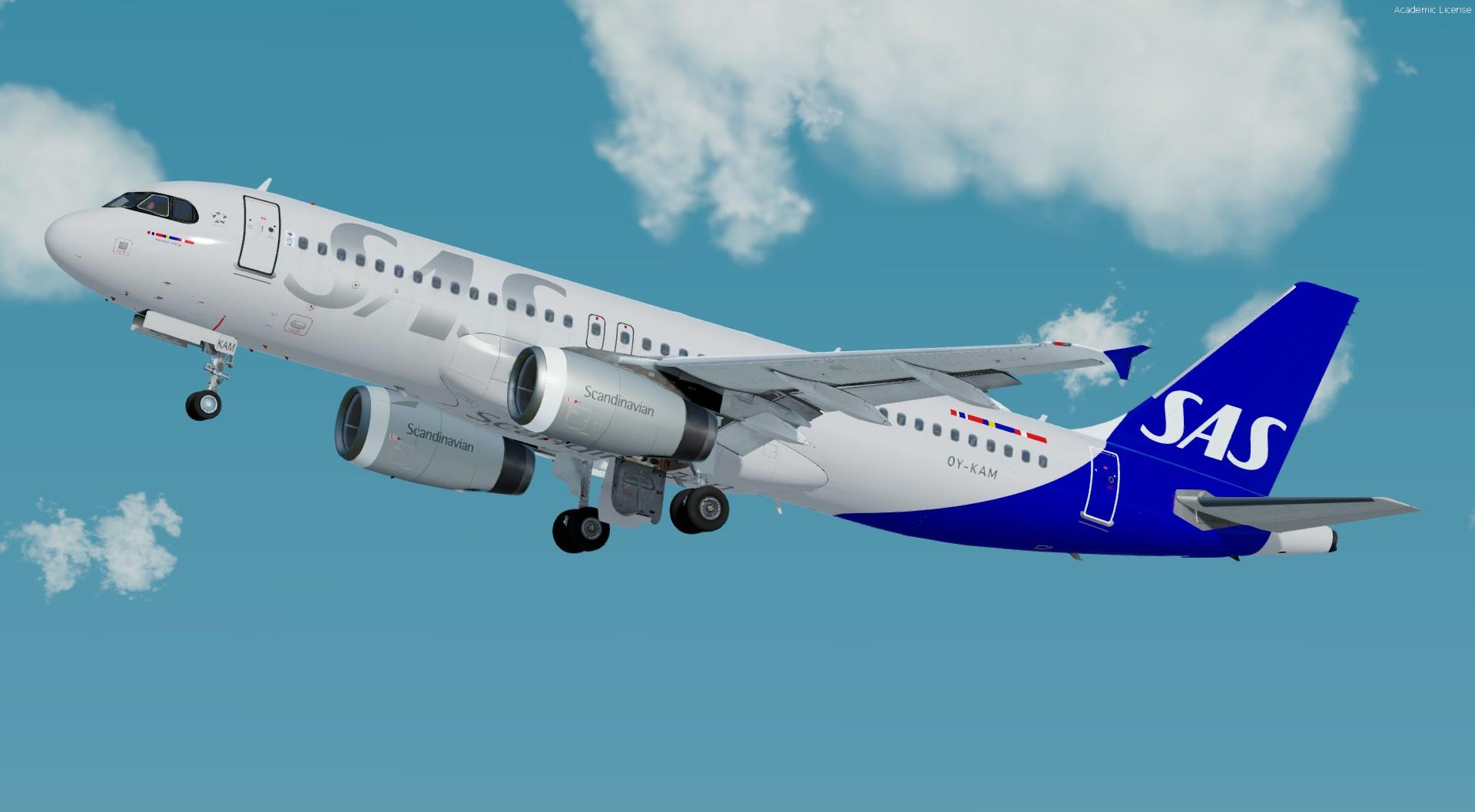
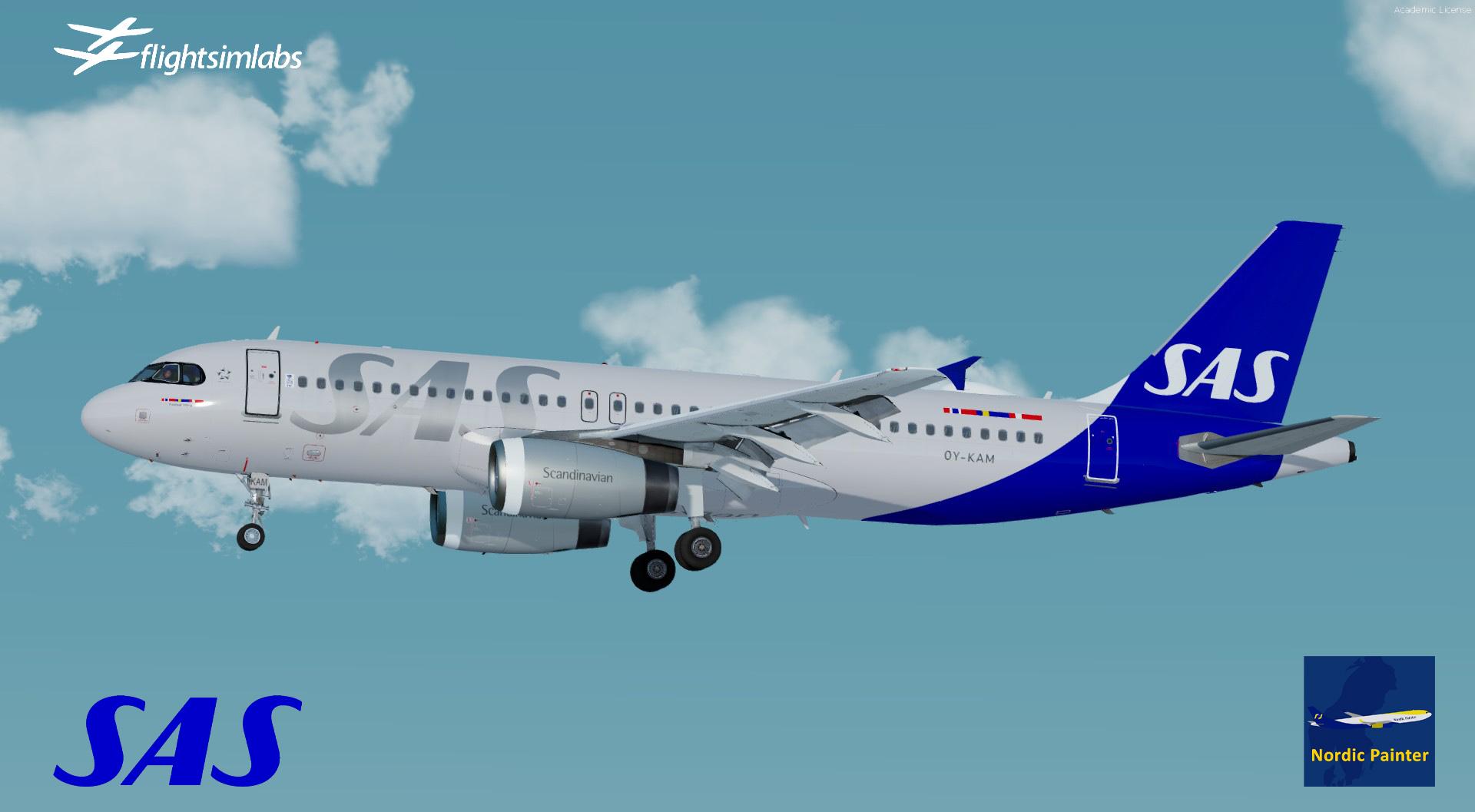
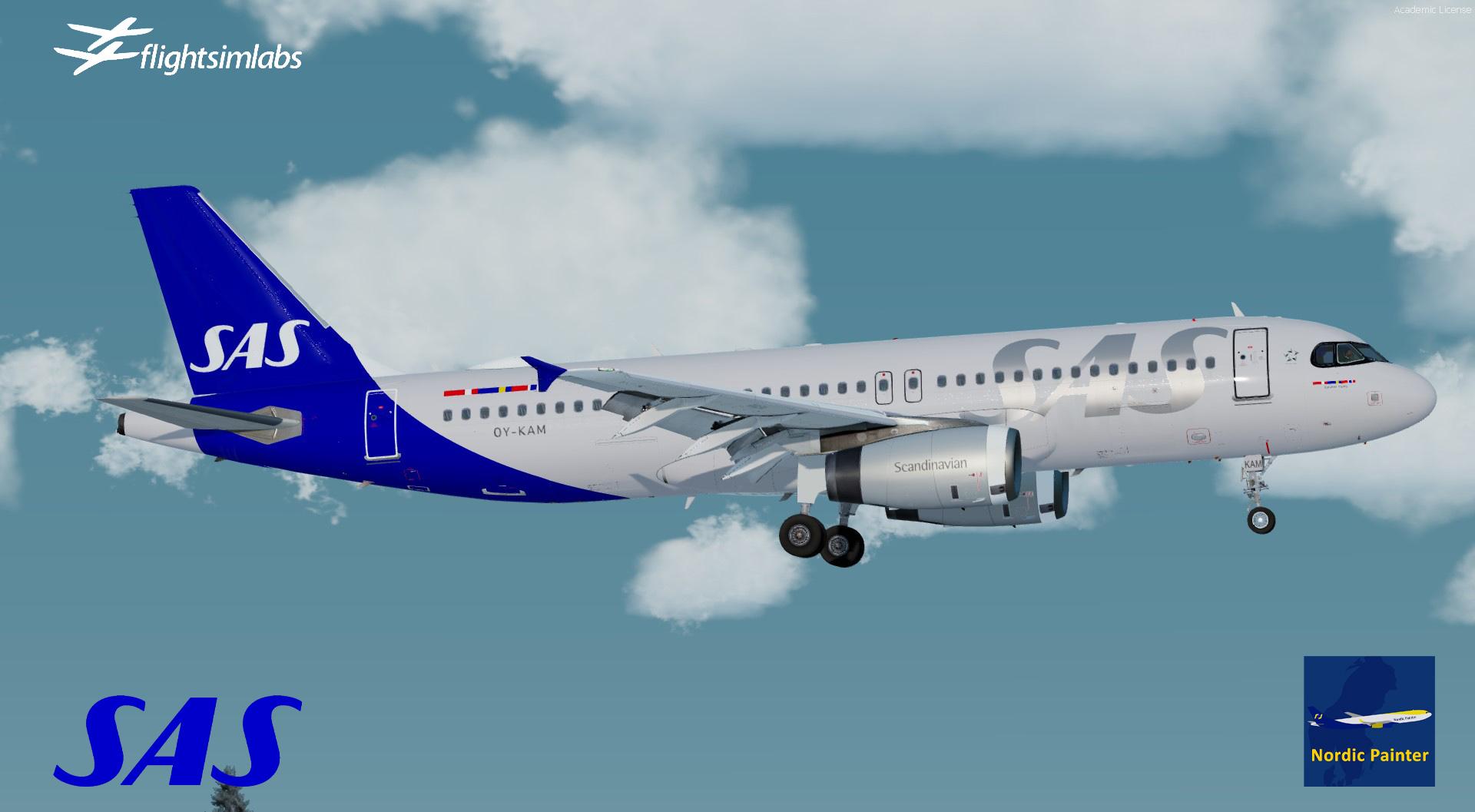
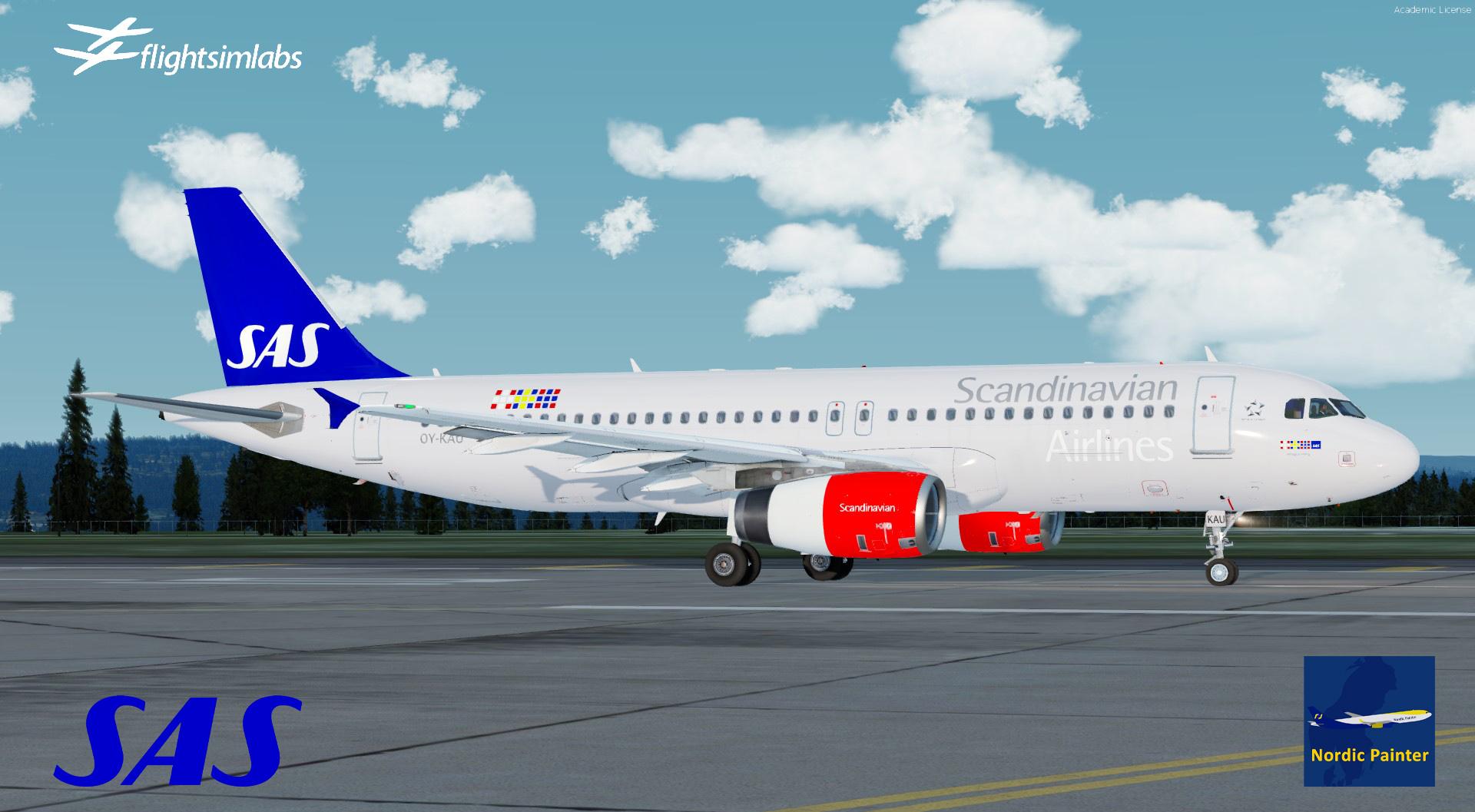
SAS Fleet for Fslabs A320-X P3Dv4/5
made by NordicPainter
This package contains all SAS A320-IAE except SAS OY-KAW A320 which can be found here:
What's New in Version 3.0.2
Released
- This update should fix cabin, when cabin is lighten up, it revert to defalut cabin texture. But should be fixed.
- OY-KAM has now Scandinavian text under fuselage + tail has been adjusted.
Install:
1. Open zipped file
2. There are two files in there, one folder namned "Texture.SAS OY-KAM_v2" which is the fix for OY-KAM and a file cabinseat_lit which fix cabin light tex issue.
3. Just paste folder "Texture.SAS OY-KAM_v2" in location you installed my OY-KAM v2. Should be X:\Users\XXXX\Documents\Prepar3D v5/v4 Add-ons\FSLabs\SimObjects\Airplanes\FSLabs A320 IAE
Then accept then ask for overwrite.
4. Just paste file cabinseat_lit in all Texture.SAS OY-XXX_v2 to fix the cabin.
Which should be here:
X:\Users\XXXX\Documents\Prepar3D v5/v4 Add-ons\FSLabs\SimObjects\Airplanes\FSLabs A320 IAE
-
 1
1
-
 2
2