
Skip to content
View in the app

A better way to browse. Learn more.

Flight Sim Labs Forums

A full-screen app on your home screen with push notifications, badges and more.

To install this app on iOS and iPadOS
  1. Tap the Share icon in Safari
  2. Scroll the menu and tap Add to Home Screen.
  3. Tap Add in the top-right corner.
To install this app on Android
  1. Tap the 3-dot menu (⋮) in the top-right corner of the browser.
  2. Tap Add to Home screen or Install app.
  3. Confirm by tapping Install.

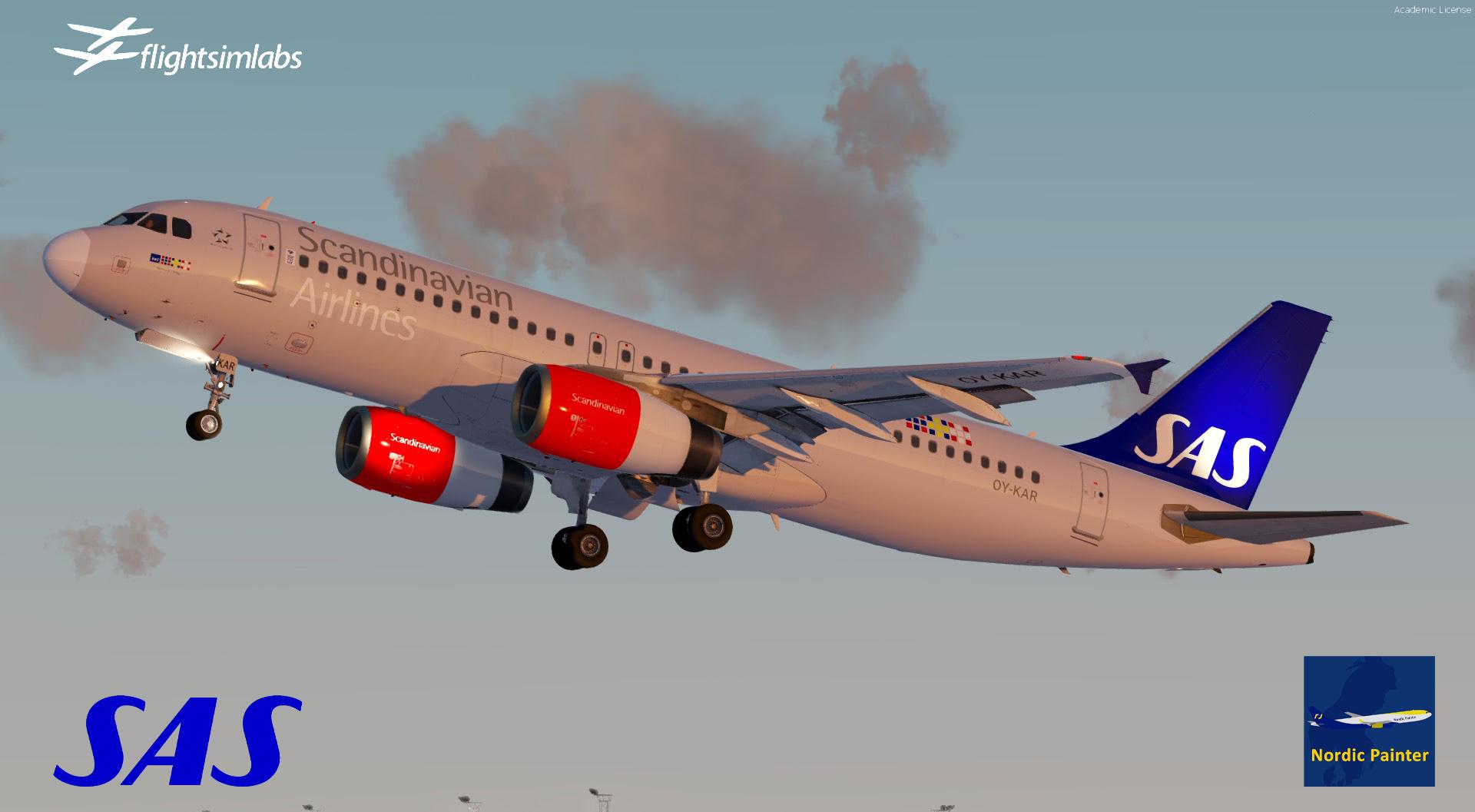
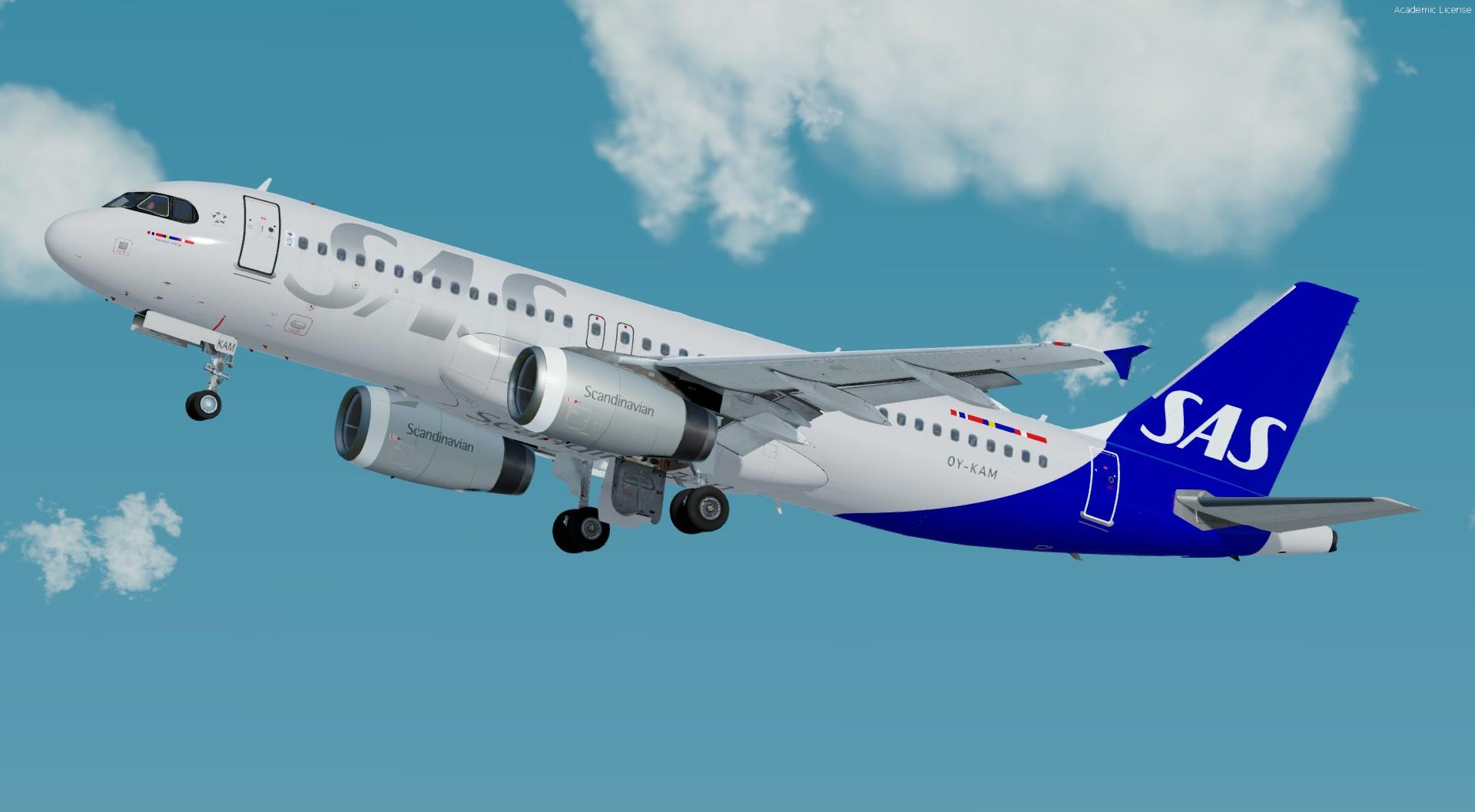
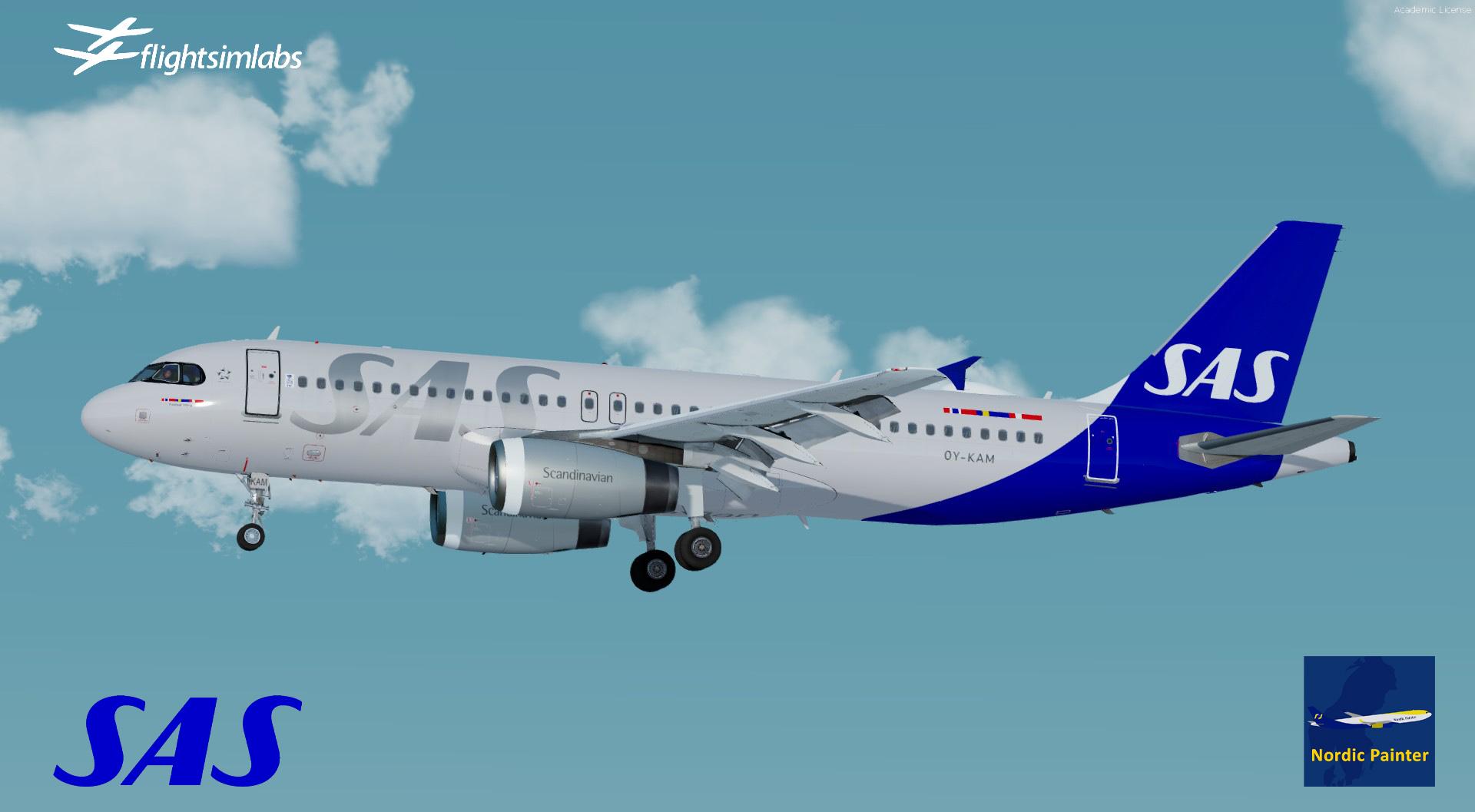
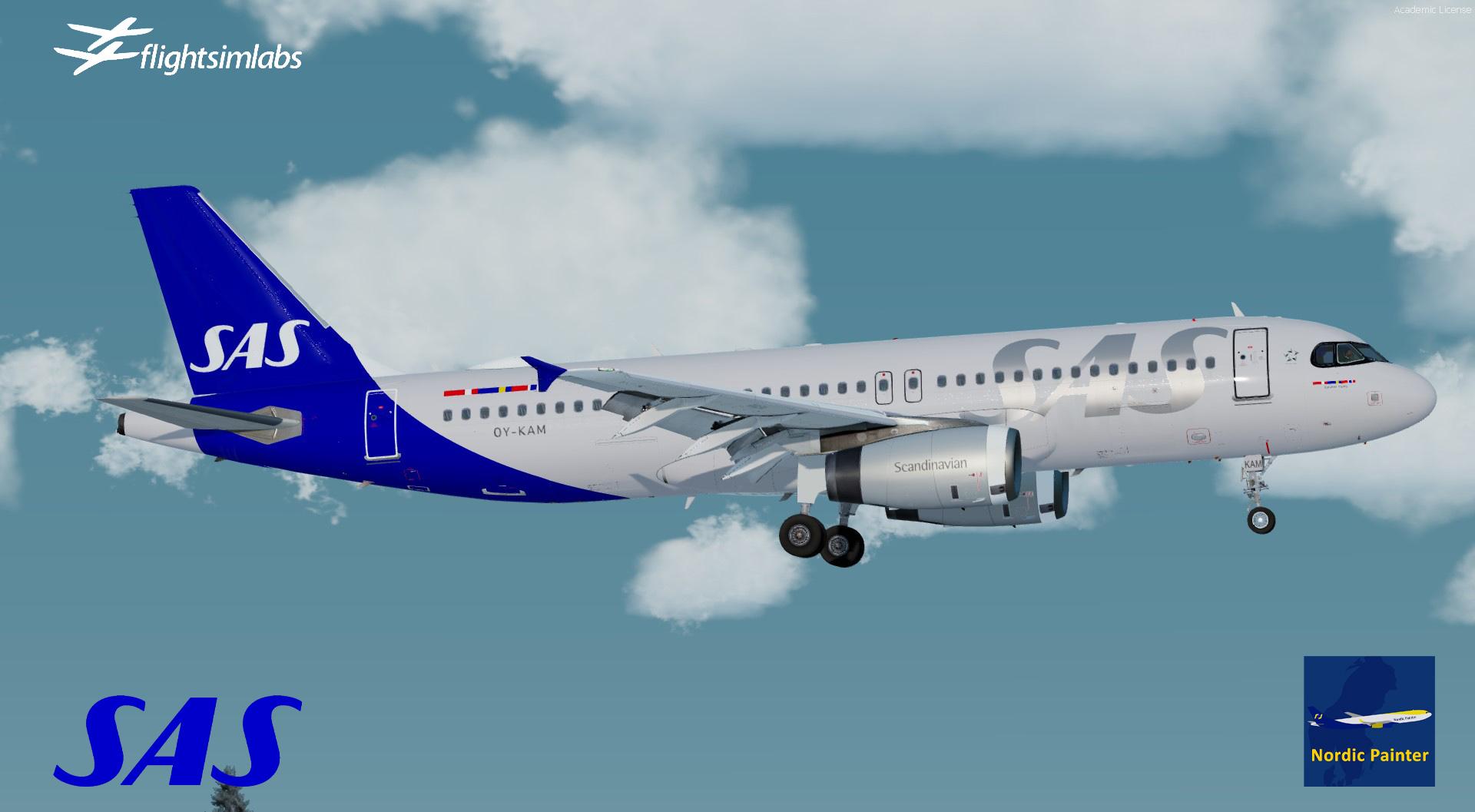
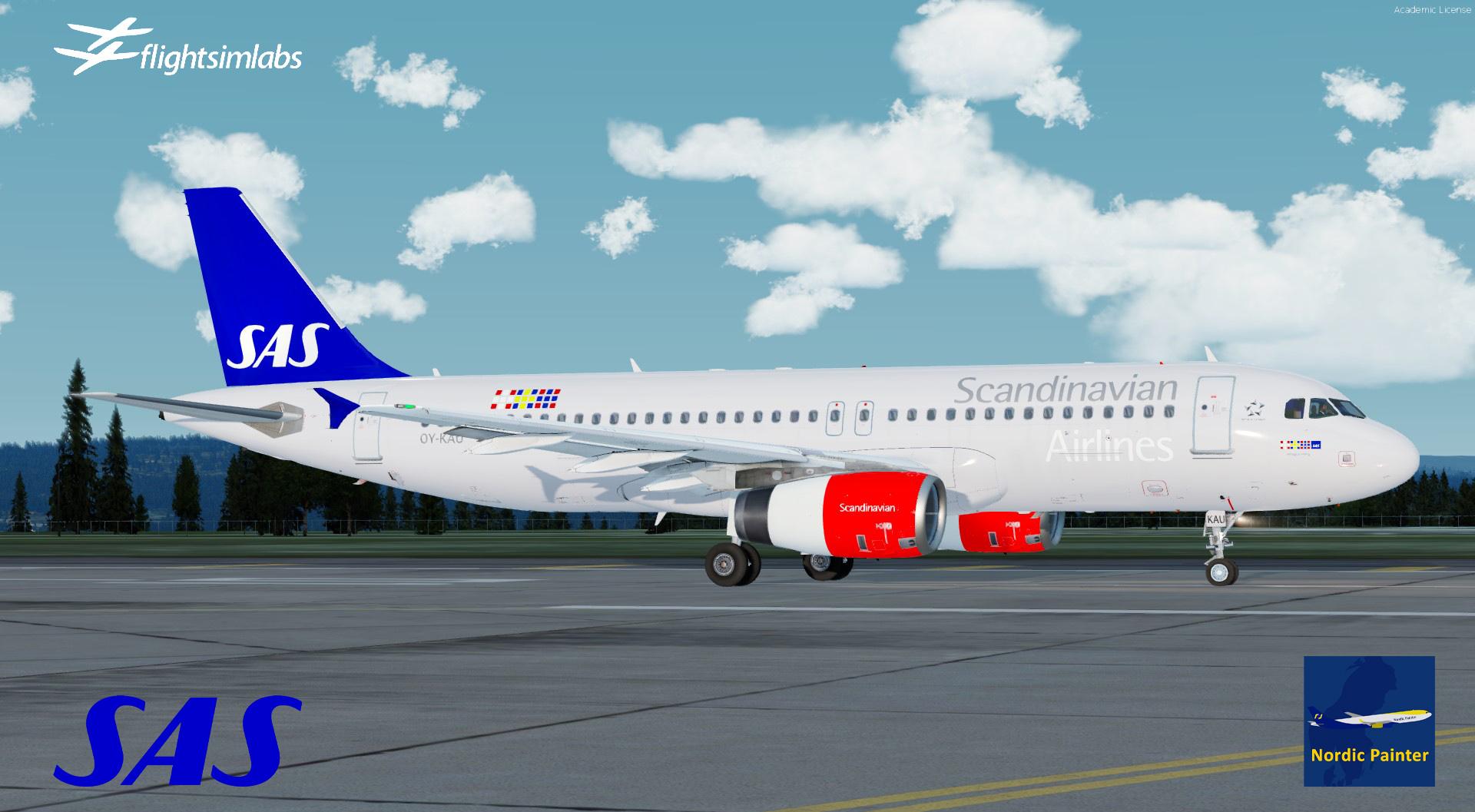
SAS Fleet Package A320-X 4.0.0

(1 review)

5 Screenshots

SAS Fleet for Fslabs A320-X P3Dv4/5

made by NordicPainter

This package contains all SAS A320-IAE except SAS OY-KAW A320 which can be found here: 

What's New in Version 4.0.0

Released

V4.0.0 Is avail

This update is a major update of SAS A320-CEO Fleet, since release of year 2022.

This update brings new visual improvements since V3 relasse, and more reflecting to real world changes on following reg's.


What is new?

+ Brand new metallic files

+ Following reg's has been renewed to match realworld changes in SAS fleet.

+ New colors 

+ Airframe config's include

+ Common file library 

Installation:

The installation is very easy, make sure to remove my old SAS fleet, as this update brings new folder names. Also to avoid any conflicts with my old fleet package.

Just drop all folders in to: 

X:\Documents\Prepar3D v5/v4 Add-ons\FSLabs\SimObjects\Airplanes\FSLabs A320 IAE

Then u are done!

If u have any issues, please reach me at: 

rickard.andersson009@gmail.com
 

User Feedback

Hans Westman

Hans Westman


nice pack

Account

Navigation

Search

Search

Configure browser push notifications

Chrome (Android)
  1. Tap the lock icon next to the address bar.
  2. Tap Permissions → Notifications.
  3. Adjust your preference.
Chrome (Desktop)
  1. Click the padlock icon in the address bar.
  2. Select Site settings.
  3. Find Notifications and adjust your preference.

