


Skip to content
View in the app

A better way to browse. Learn more.

Flight Sim Labs Forums

A full-screen app on your home screen with push notifications, badges and more.

To install this app on iOS and iPadOS
  1. Tap the Share icon in Safari
  2. Scroll the menu and tap Add to Home Screen.
  3. Tap Add in the top-right corner.
To install this app on Android
  1. Tap the 3-dot menu (⋮) in the top-right corner of the browser.
  2. Tap Add to Home screen or Install app.
  3. Confirm by tapping Install.

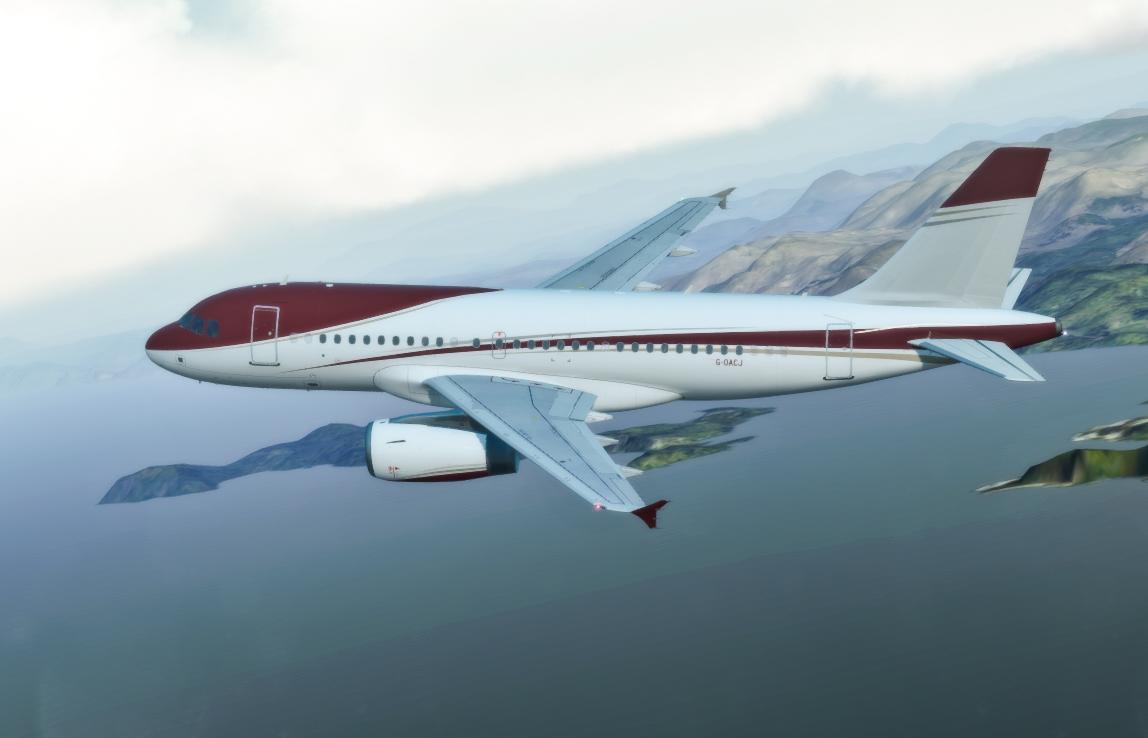
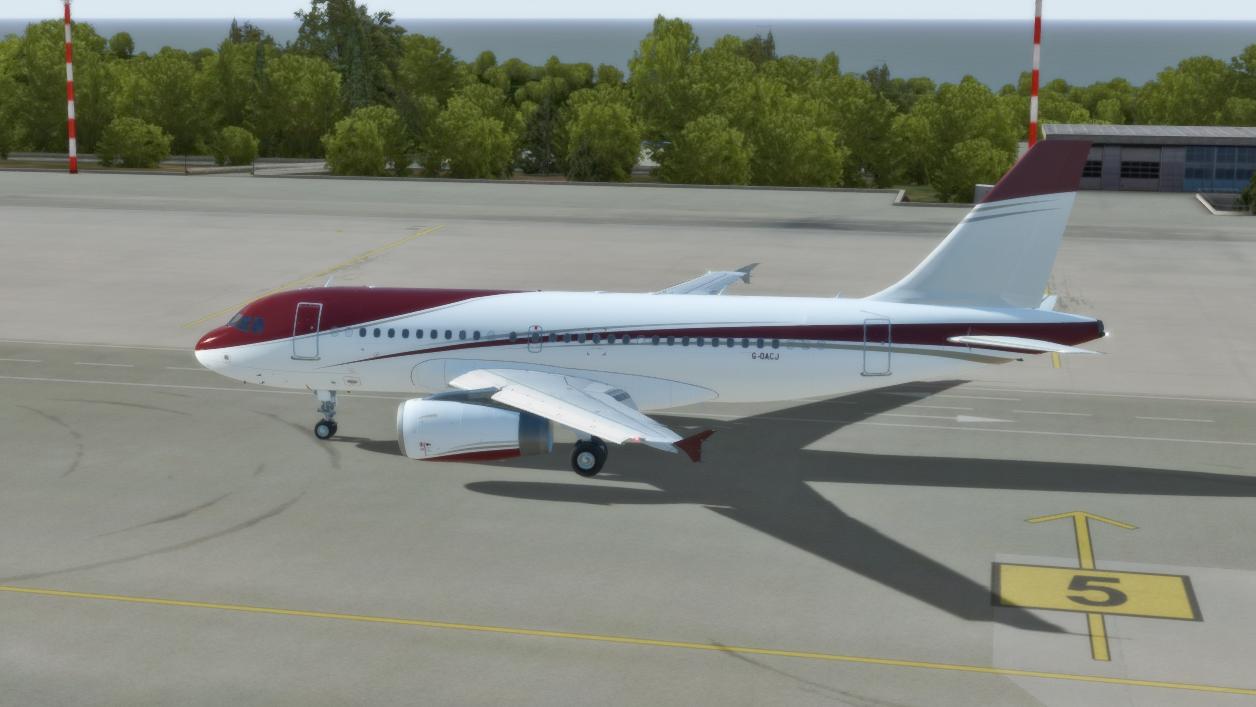
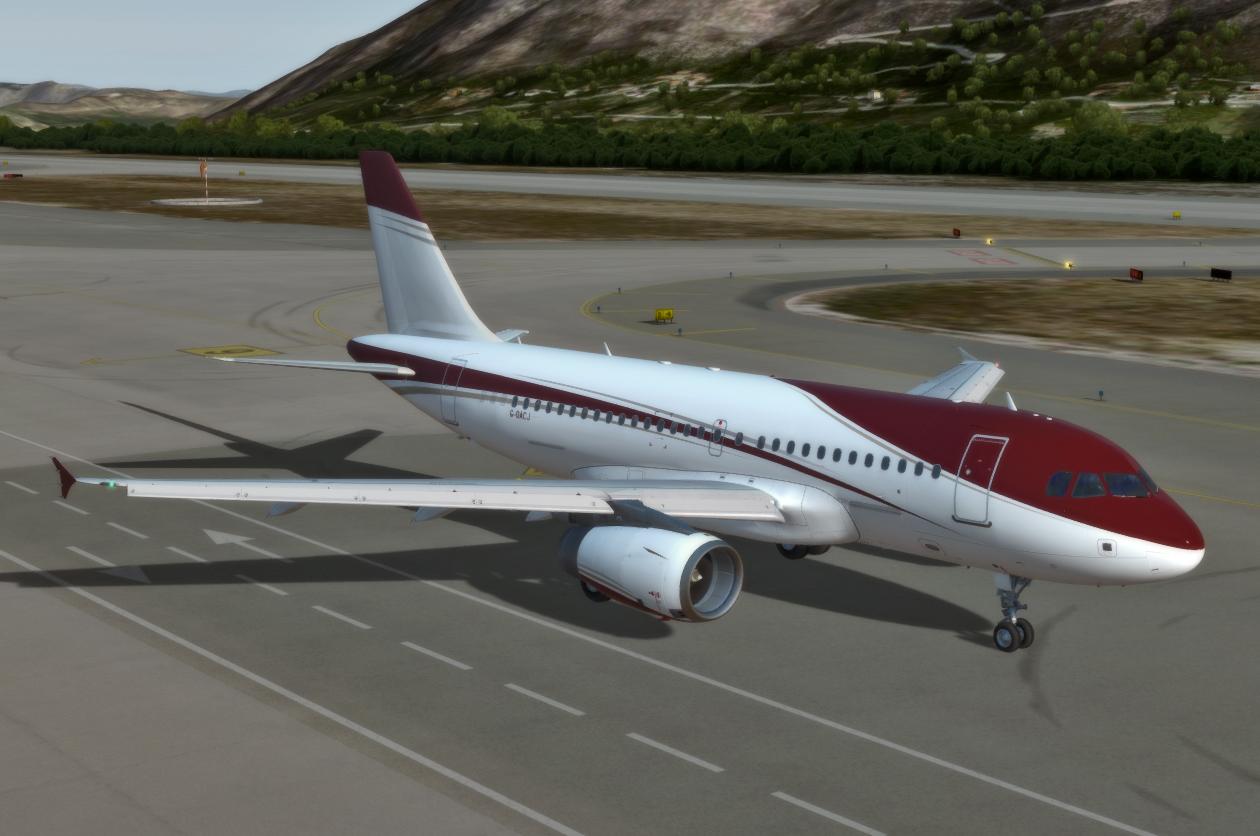
TAG Aviation UK G-OACJ 1.0.2

(1 review)

3 Screenshots

Repaint inspired by TAG Aviation A319 ACJ

What's New in Version 1.0.2

Released

Fixed Windows Transparency 
Fixed Exit Markings

User Feedback

Frederic Nadot

Frederic Nadot

(edited)

   1 of 2 members found this review helpful 1 / 2 members

Ex VP-CCJ (MSN 2421). The very first aircraft I have worked on in real life (2005). :wub:

I have done a flight by night yesterday and I have noticed the windows of the front fuselage not lighted. However, very beautifull aircraft.

2019-3-8_22-32-24-442.jpg

Edited by Frederic Nadot

Response from the author:

Cool! If there's some other liveries you would like to use on the 319, just ask :) 

Account

Navigation

Search

Search

Configure browser push notifications

Chrome (Android)
  1. Tap the lock icon next to the address bar.
  2. Tap Permissions → Notifications.
  3. Adjust your preference.
Chrome (Desktop)
  1. Click the padlock icon in the address bar.
  2. Select Site settings.
  3. Find Notifications and adjust your preference.