
Skip to content
View in the app

A better way to browse. Learn more.

Flight Sim Labs Forums

A full-screen app on your home screen with push notifications, badges and more.

To install this app on iOS and iPadOS
  1. Tap the Share icon in Safari
  2. Scroll the menu and tap Add to Home Screen.
  3. Tap Add in the top-right corner.
To install this app on Android
  1. Tap the 3-dot menu (⋮) in the top-right corner of the browser.
  2. Tap Add to Home screen or Install app.
  3. Confirm by tapping Install.

Eurowings A319-112 [D-ABGS] v 1.1.0

(5 reviews)

2 Screenshots

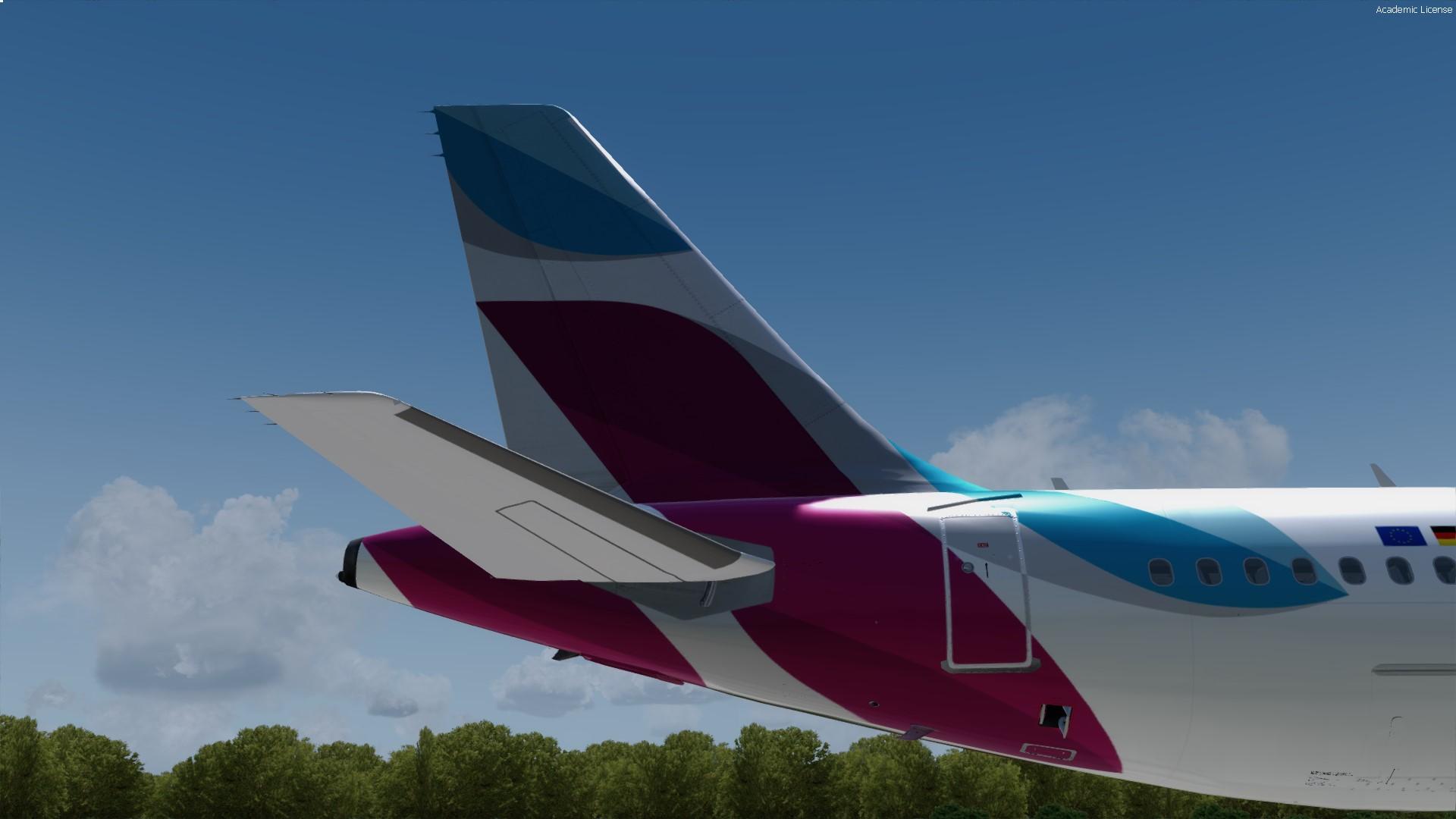
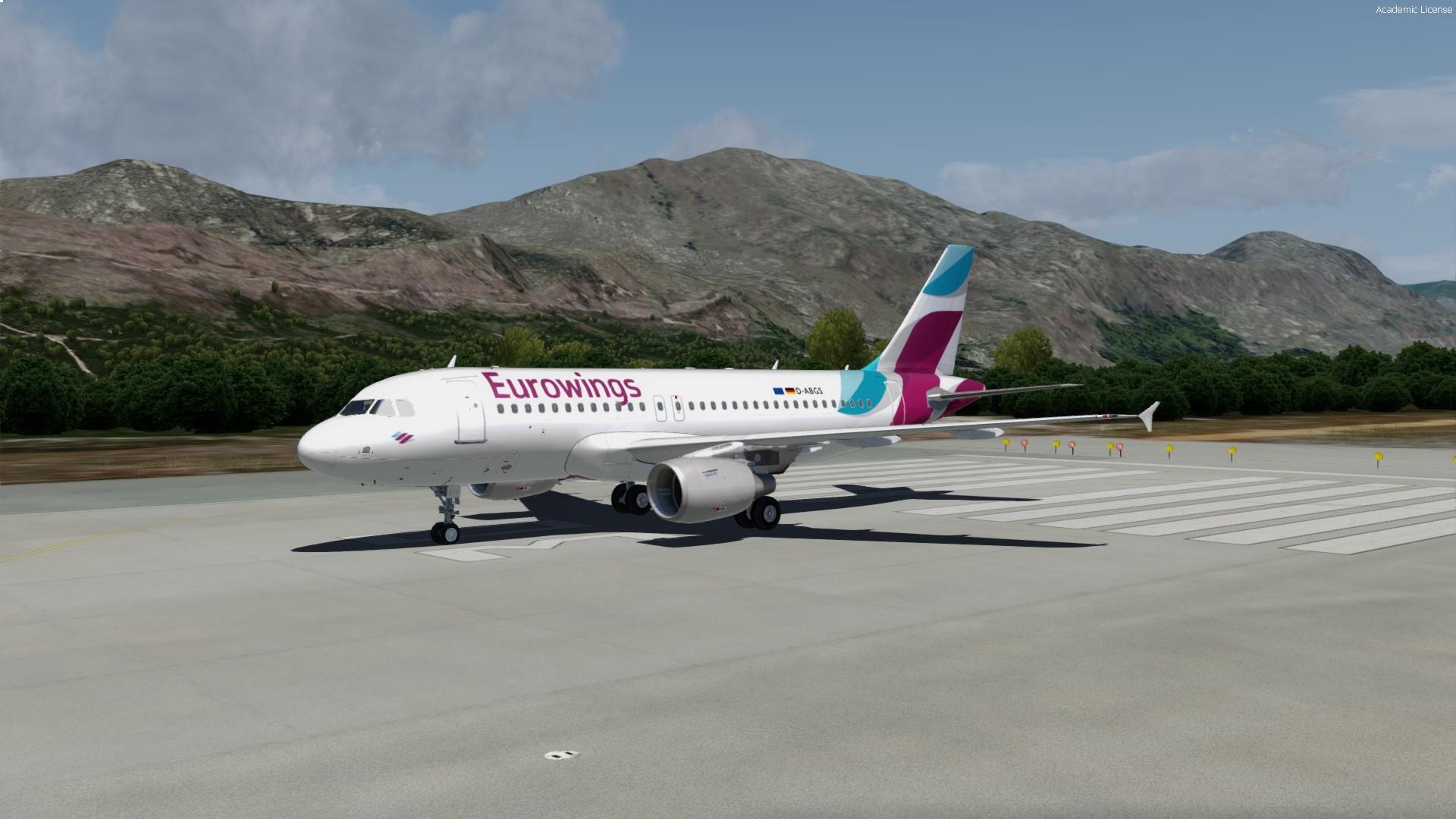
Repaint of Eurowings A319-112

Former aircraft of Airberlin fleet. Since Feb. 2017 part of the EWG fleet, until Mar. 2018.

Prepar3D v4 only || Read Readme.txt for instructions.

Ships with real REG and SELCAL (can be found in description, when loading the acft).


Happy landings!
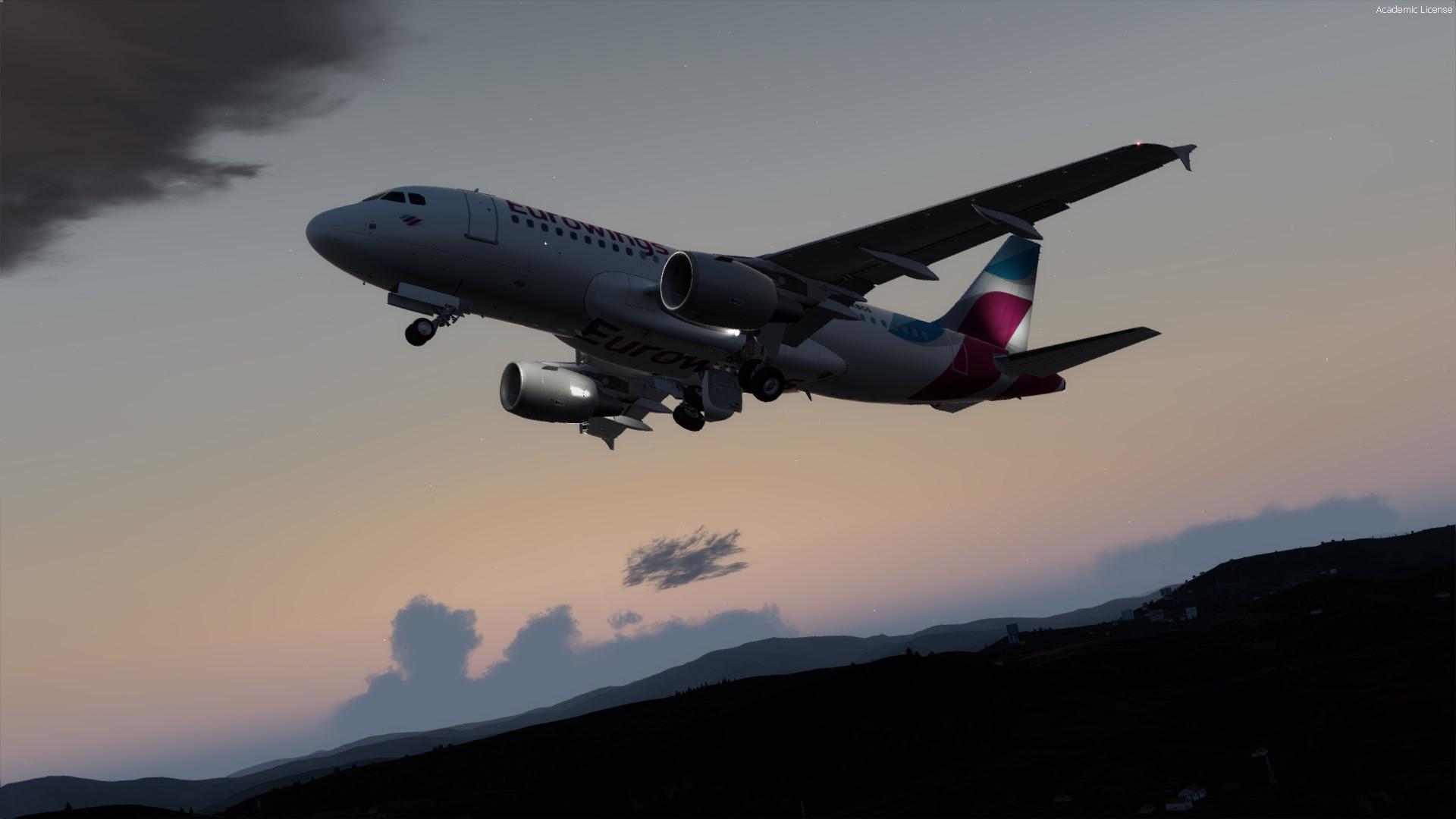
2018-7-9_23-49-46-260.jpg

What's New in Version 1.1.0

Released

  • Added wingtips-color (wings are still grey -> Airberlin conversion)
  • Added weathered textures (decidable)
  • Replaced all Eurowings logos
  • Replaced blurry textures (DXT5) with new ones (DXT3 -> better quality on low texture resolutions)
  • Fixed some minor issues in the aft-section

User Feedback

Alexander Sigg

Alexander Sigg

   2 of 3 members found this review helpful 2 / 3 members

Not done so well. Logo too big. Low resolution on the EUROWINGS logo. And some weired mipmapping on it. Maybe it gets better with a update. 

Response from the author:

Yeah, the Eurowings sign is a bit off in resolution. I just found a better one. and the gap within the 'u' gets also replaced in time. Don´t worry. Be happy :-)

Kurt De Spiegeleire

Kurt De Spiegeleire

   1 of 1 member found this review helpful 1 / 1 member

Finally! :D Top quality! Would you maybe like to create an IAE powered one too? :P OE-LYY would be awesome :lol:

adi_schell

adi_schell

   0 of 1 member found this review helpful 0 / 1 member

Finally. Thx so much for that livery and it´s top quality too. :)

Jan Doehring

Jan Doehring

   1 of 1 member found this review helpful 1 / 1 member

Finally!

Peter Boss

Peter Boss

   1 of 1 member found this review helpful 1 / 1 member

very nice :)

Account

Navigation

Search

Search

Configure browser push notifications

Chrome (Android)
  1. Tap the lock icon next to the address bar.
  2. Tap Permissions → Notifications.
  3. Adjust your preference.
Chrome (Desktop)
  1. Click the padlock icon in the address bar.
  2. Select Site settings.
  3. Find Notifications and adjust your preference.
