
Skip to content
View in the app

A better way to browse. Learn more.

Flight Sim Labs Forums

A full-screen app on your home screen with push notifications, badges and more.

To install this app on iOS and iPadOS
  1. Tap the Share icon in Safari
  2. Scroll the menu and tap Add to Home Screen.
  3. Tap Add in the top-right corner.
To install this app on Android
  1. Tap the 3-dot menu (⋮) in the top-right corner of the browser.
  2. Tap Add to Home screen or Install app.
  3. Confirm by tapping Install.

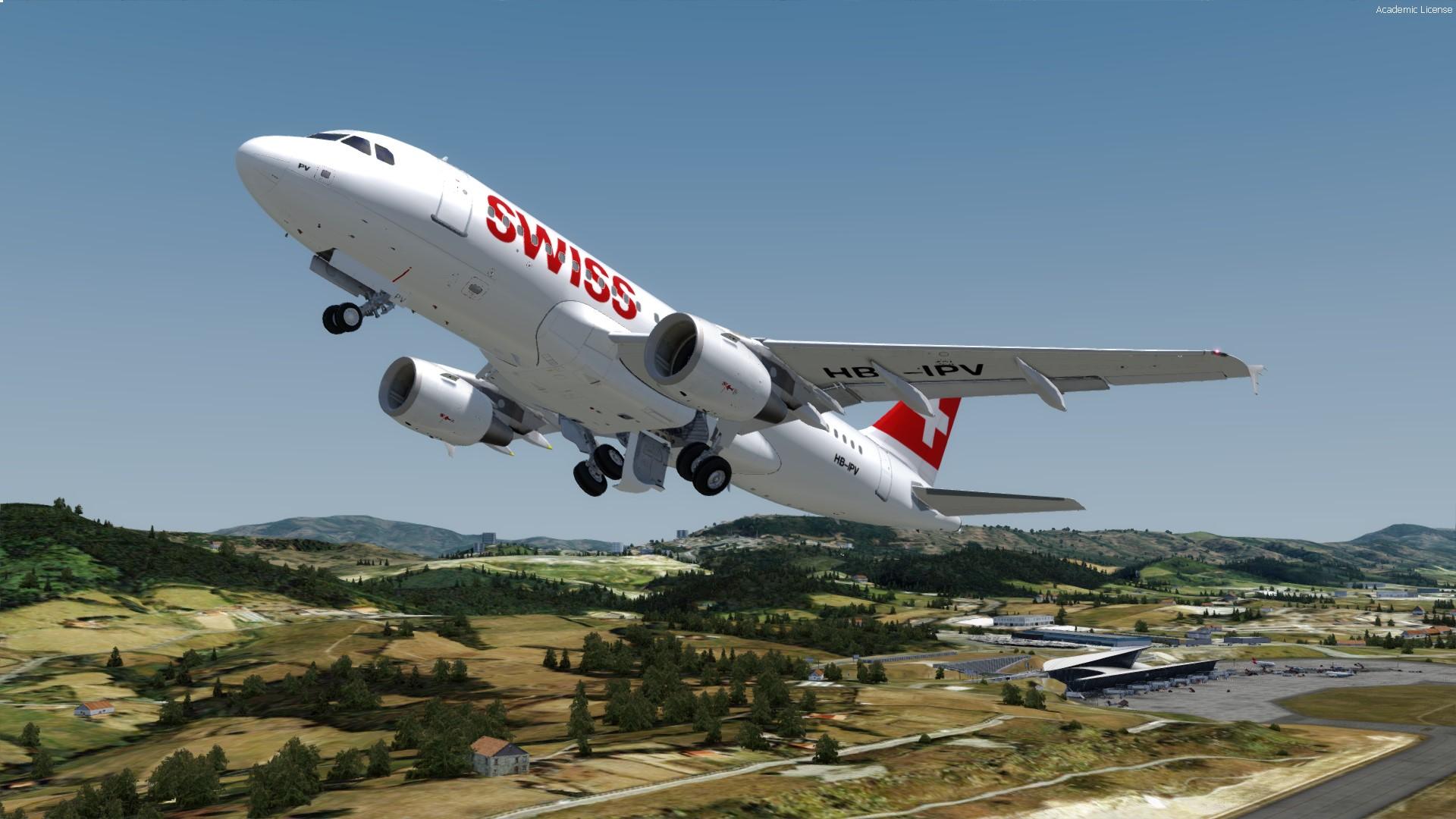
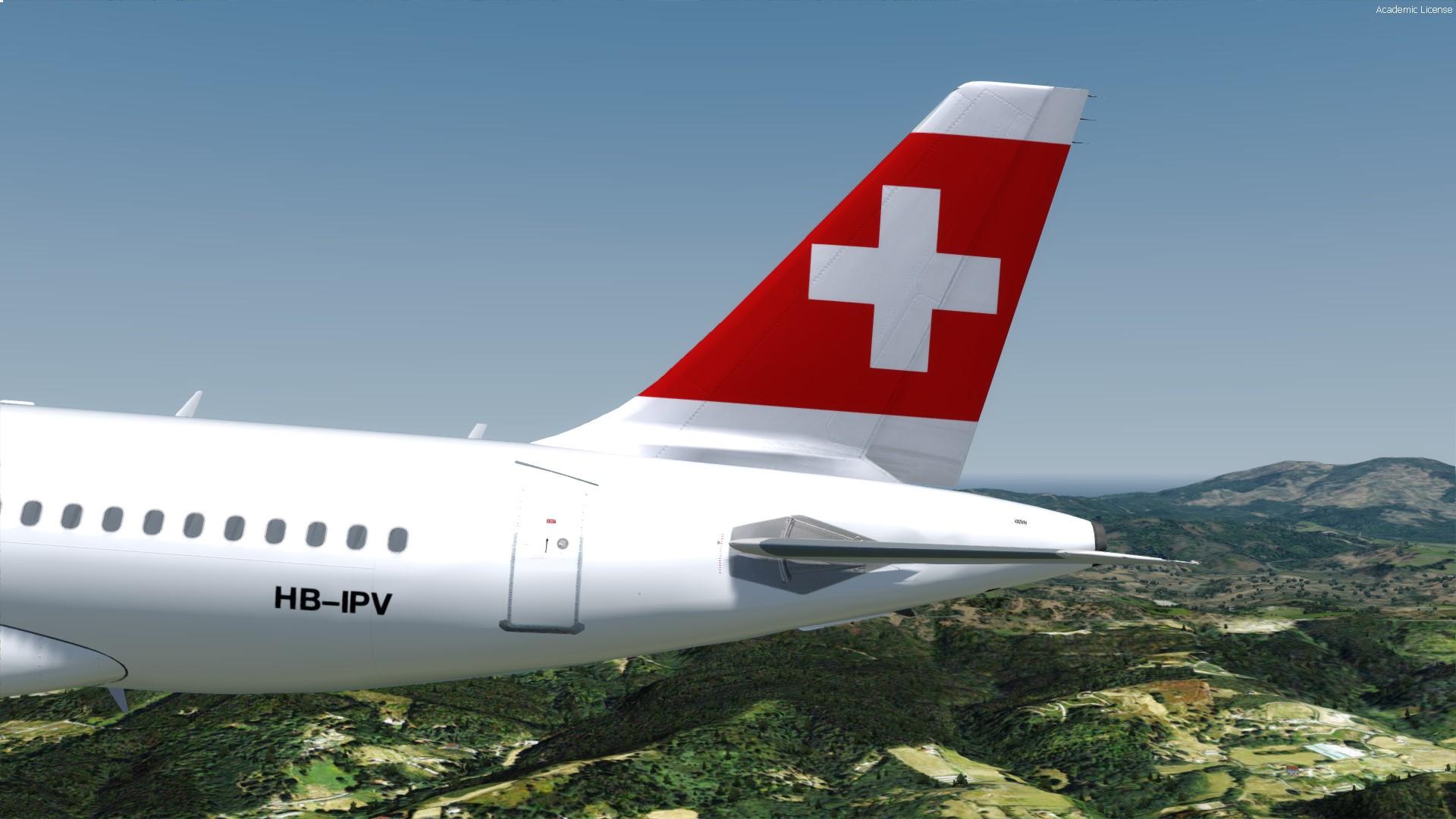
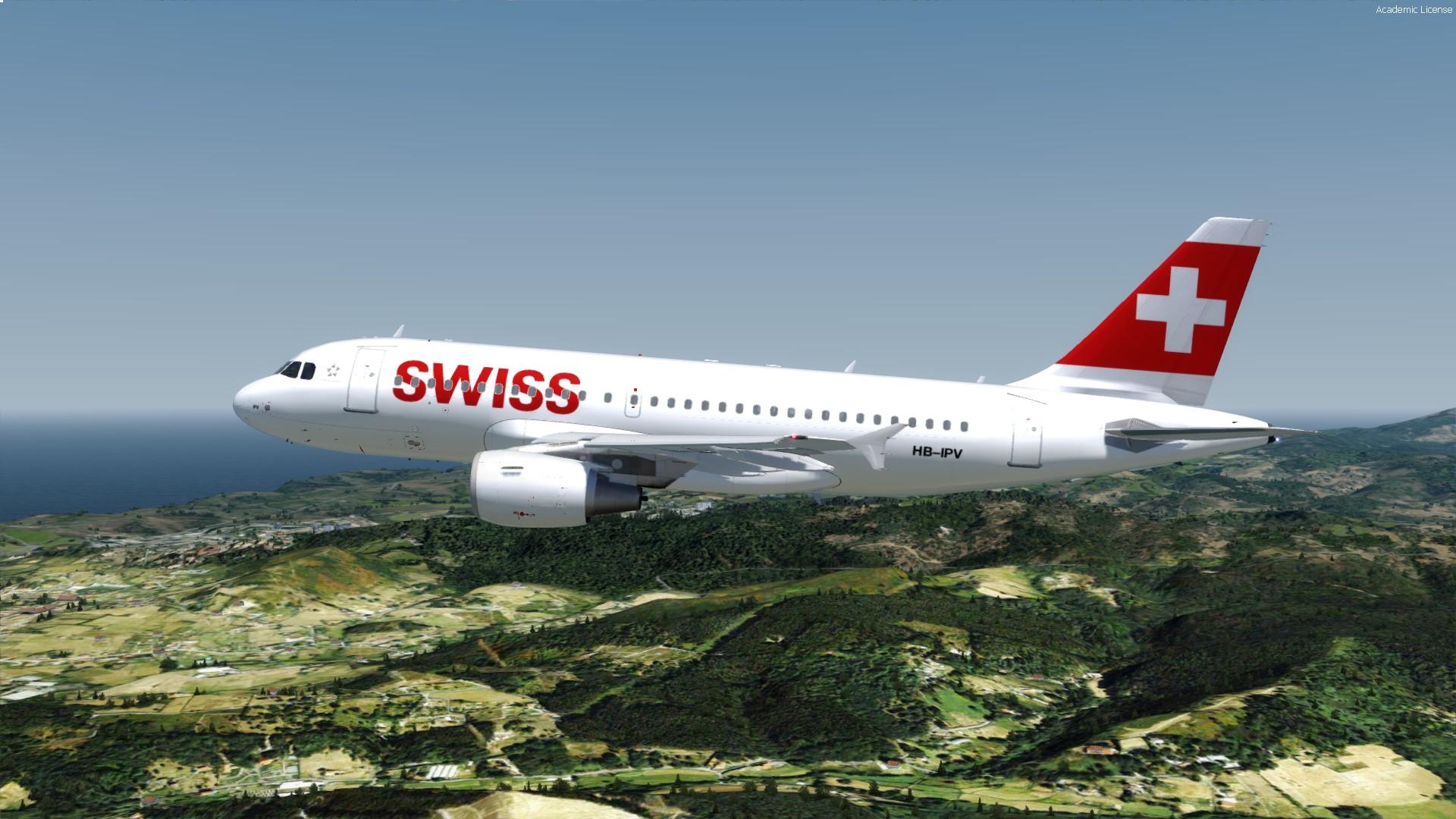
Swiss A319-112 [HB-IPV] v 1.0.0

(0 reviews)

3 Screenshots

Repaint of Swiss A319-112

Flying for Swiss since Mar. 2002.

Prepar3D v4 only || Read Readme.txt for instructions.

Ships with real REG and SELCAL (can be found in description, when loading the acft).


Happy landings!


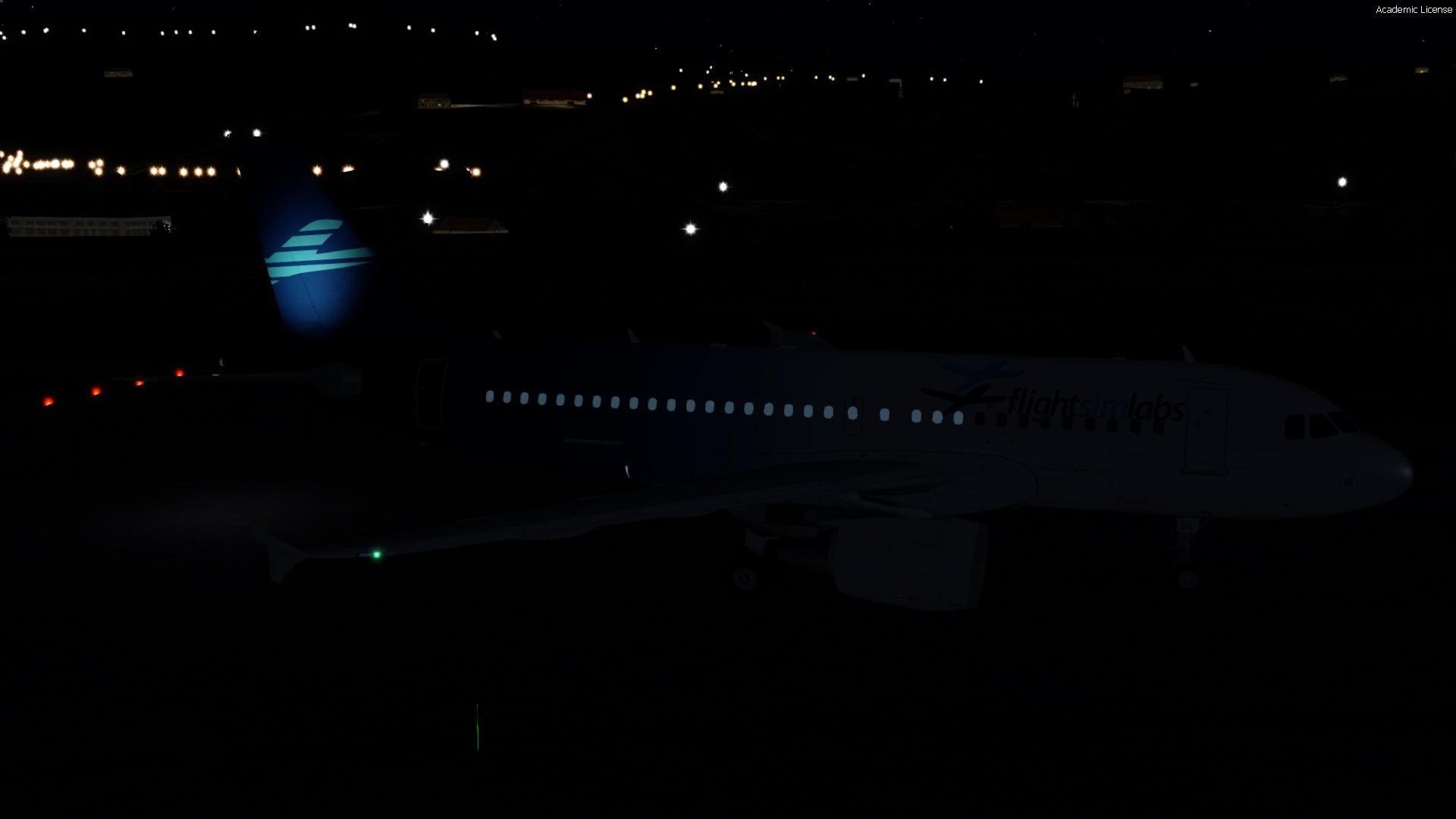
PS: While painting I experienced some weird behaviour of FsLabs A319 at night. The aft section windows are just bright lightblue "things".

THIS IS NOT A PAINT PROBLEM (Check on default FsLabs A319 Liverie [Pic 2], if you don´t trust me ;)).

I think this problem occures, when you insert the camera fix, to fix the cockpit wall-looking windows. Let´s wait and see, if a patch will be offered soon.

 

2018-7-10_13-56-46-0.jpg

2018-7-10_14-7-22-72.jpg

User Feedback

There are no reviews to display.

Account

Navigation

Search

Search

Configure browser push notifications

Chrome (Android)
  1. Tap the lock icon next to the address bar.
  2. Tap Permissions → Notifications.
  3. Adjust your preference.
Chrome (Desktop)
  1. Click the padlock icon in the address bar.
  2. Select Site settings.
  3. Find Notifications and adjust your preference.

