

Skip to content
View in the app

A better way to browse. Learn more.

Flight Sim Labs Forums

A full-screen app on your home screen with push notifications, badges and more.

To install this app on iOS and iPadOS
  1. Tap the Share icon in Safari
  2. Scroll the menu and tap Add to Home Screen.
  3. Tap Add in the top-right corner.
To install this app on Android
  1. Tap the 3-dot menu (⋮) in the top-right corner of the browser.
  2. Tap Add to Home screen or Install app.
  3. Confirm by tapping Install.

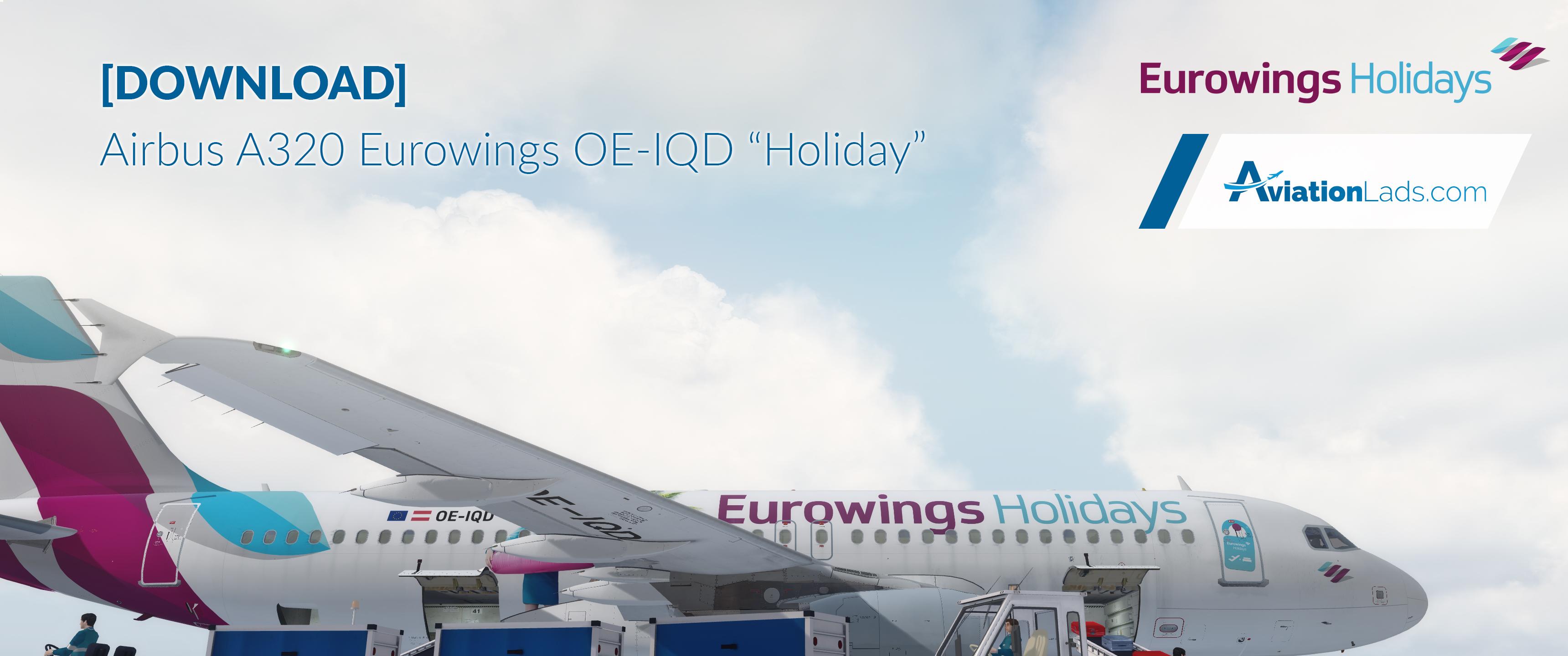
A320-X Eurowings "Holiday" | OE-IQD 2.0.0

(2 reviews)

5 Screenshots

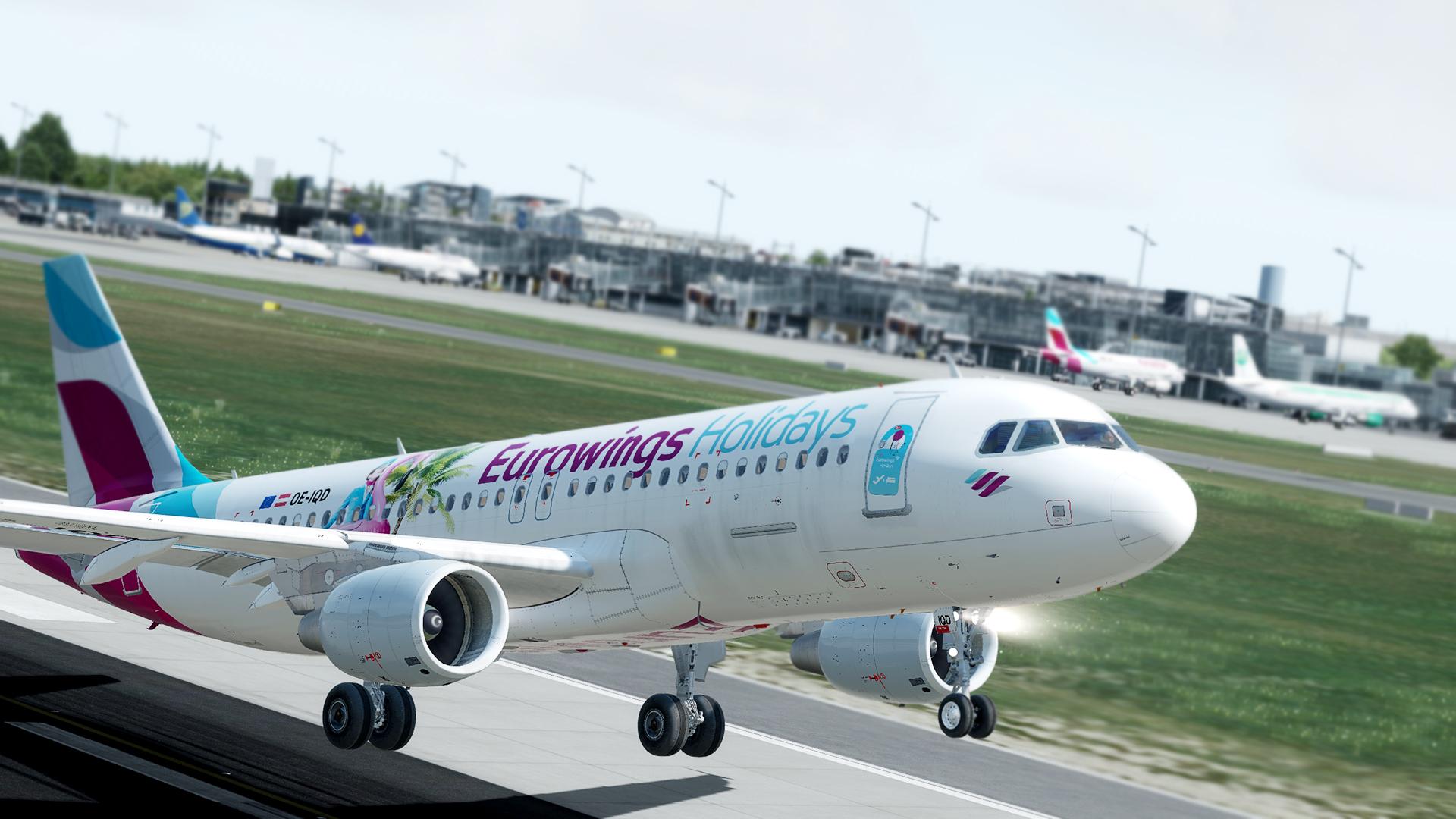
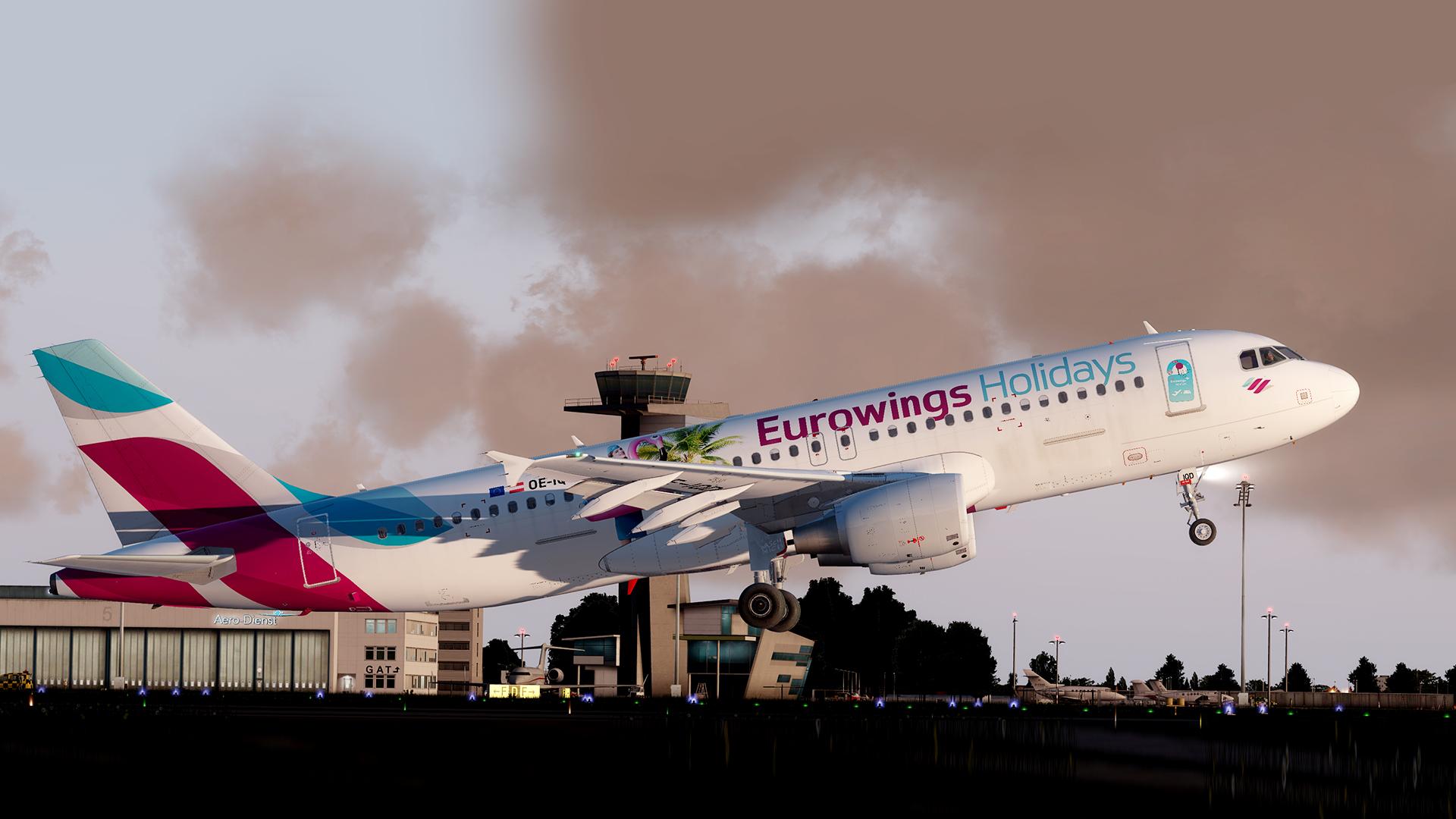
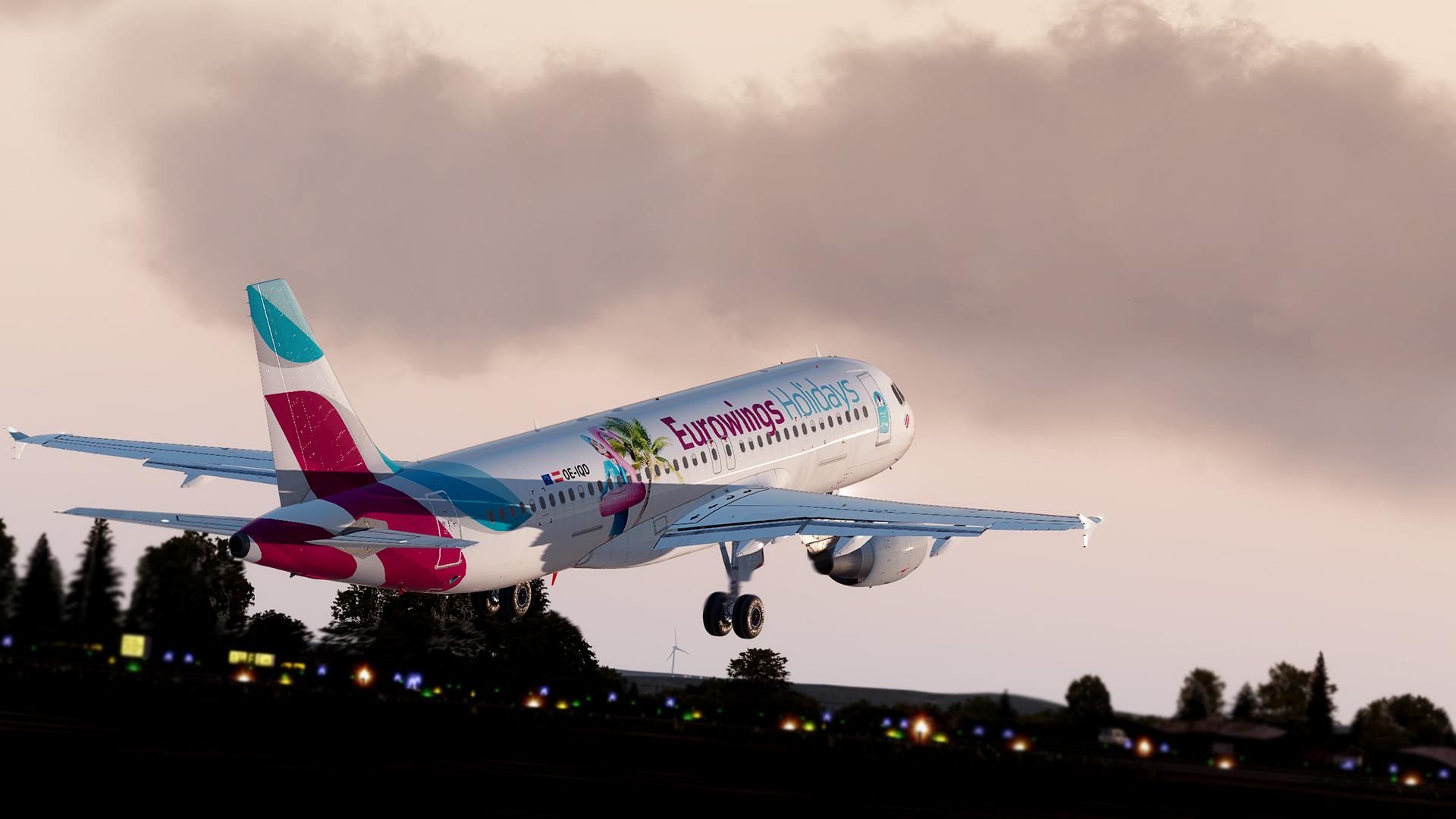
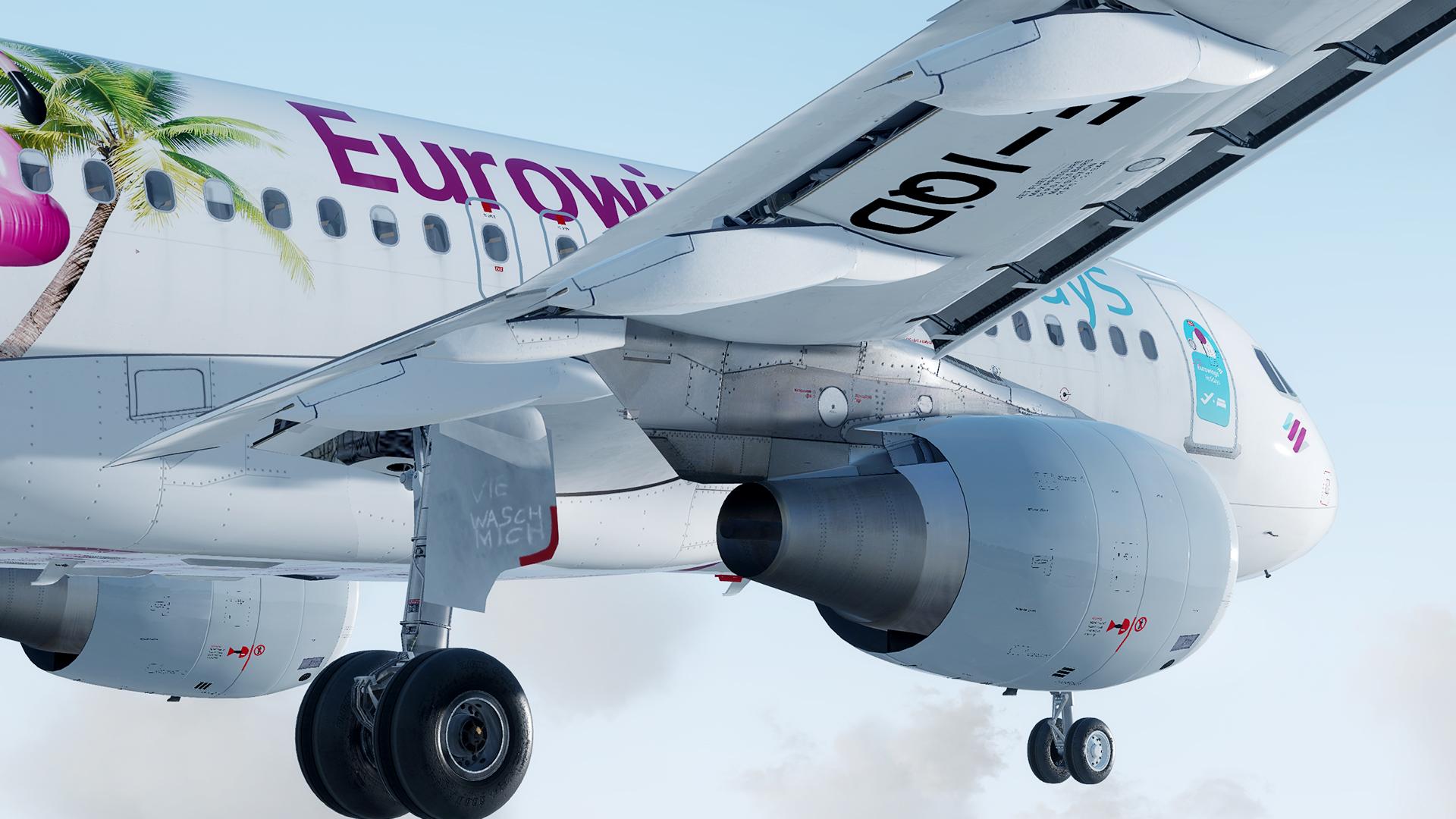
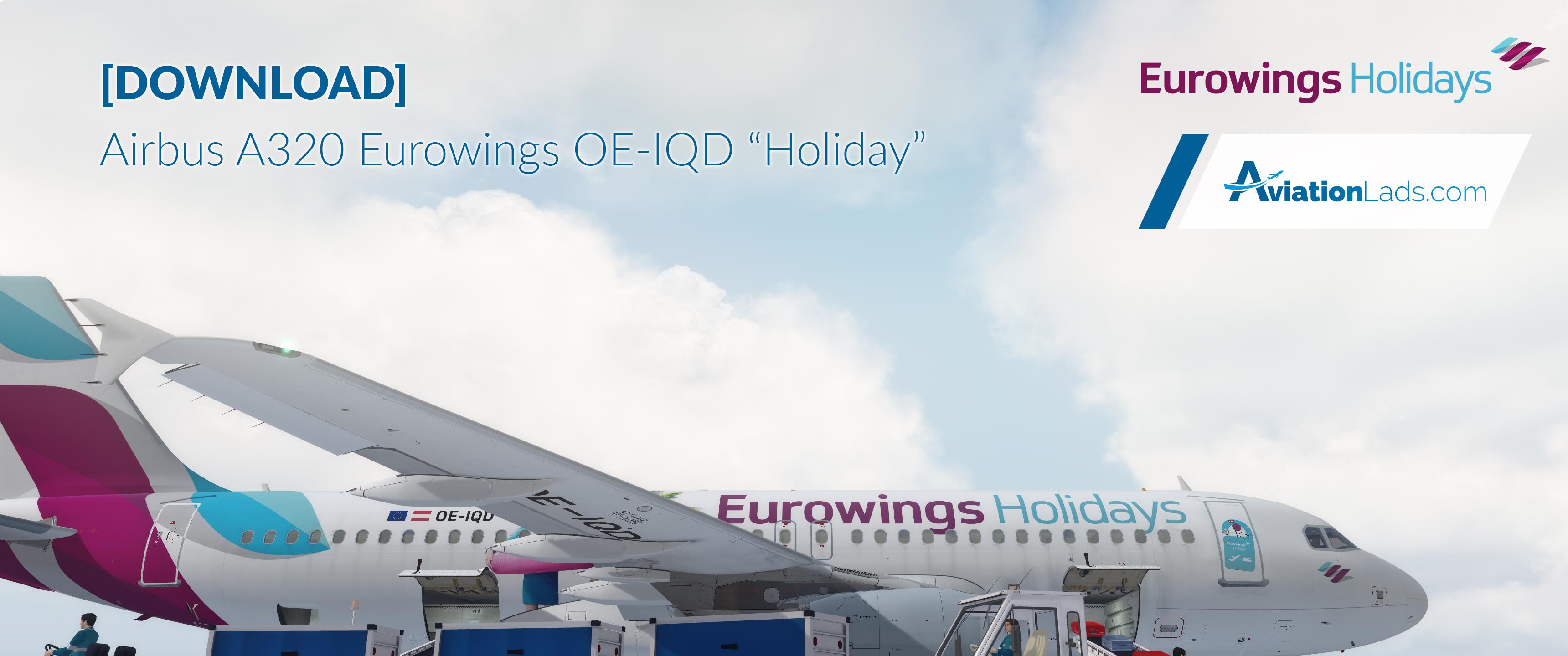
AIRBUS A320-200 Eurowings "Holiday" | OE-IQD

Download our Airbus A320 Eurowings (OE-IQD | "Holiday" LIVERY). Compatible with FSLabs A320-X.
Features:
- original colors
- original font / letters
- special livery
- high level of detail
- dirty + clean version included
- custom dirt effects
- mirror tag at the front doors

More liveries, presets, videos and pictures at www.aviationlads.com
Also visit our Facebook page at @AviationLads  (Facebook).

------------------------------------------------------------------------------------------------------------------------------------------------------------------------------------------------------------------------------------------------

If you like what we are doing please feel free to spend us a cup of coffee: www.paypal.me/aviationlads

### You are not allowed to edit this livery in any way or upload it on other websites. Please support us and share the link to our website. Thank you! ###
 

Prepar3D 2018-04-29 21-29-08.jpg

What's New in Version 1.0.1

Released

No changelog available for this version.

User Feedback

Andre Blossfeld

Andre Blossfeld

   1 of 1 member found this review helpful 1 / 1 member

nice!

TH0R5T€N KlRCHH€lM

TH0R5T€N KlRCHH€lM

   1 of 1 member found this review helpful 1 / 1 member

I love the Details ... Stunning livery and thanks for sharing it publicly. Five Stars on my side ... :-)

Response from the author:

Thank you very much Thorsten :) Appreciate your feedback!

Account

Navigation

Search

Search

Configure browser push notifications

Chrome (Android)
  1. Tap the lock icon next to the address bar.
  2. Tap Permissions → Notifications.
  3. Adjust your preference.
Chrome (Desktop)
  1. Click the padlock icon in the address bar.
  2. Select Site settings.
  3. Find Notifications and adjust your preference.

