
Skip to content
View in the app

A better way to browse. Learn more.

Flight Sim Labs Forums

A full-screen app on your home screen with push notifications, badges and more.

To install this app on iOS and iPadOS
  1. Tap the Share icon in Safari
  2. Scroll the menu and tap Add to Home Screen.
  3. Tap Add in the top-right corner.
To install this app on Android
  1. Tap the 3-dot menu (⋮) in the top-right corner of the browser.
  2. Tap Add to Home screen or Install app.
  3. Confirm by tapping Install.

The BA Club

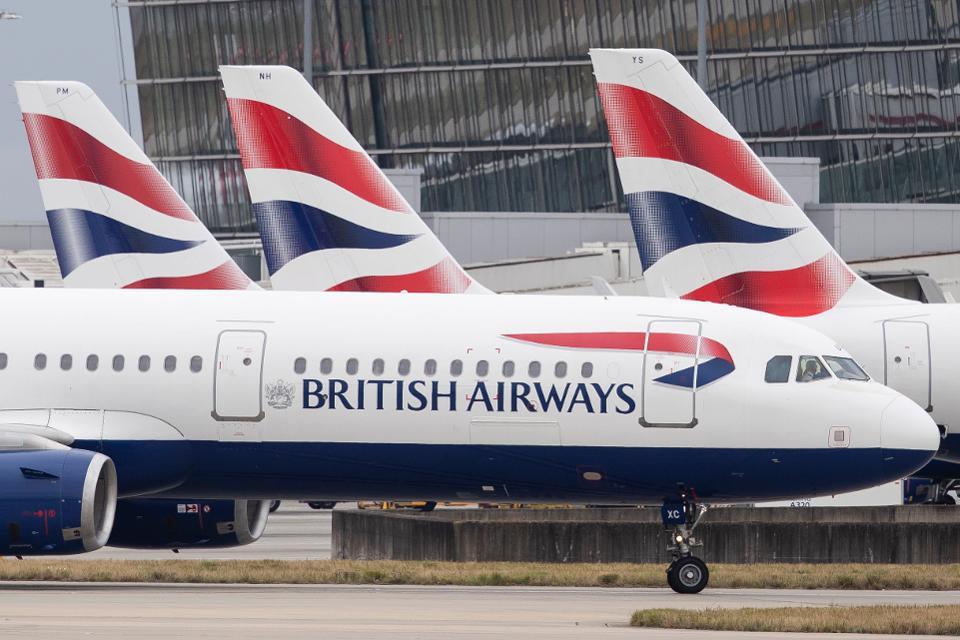
Hello, I started this Club as I finally entered in BA via A Pilot's Life (APL) and hopefully get accepted in BAVirtual.

Hopefully you have the same criteria as mine.


Hope to hear some opinions from you'll and see what we can do for a group flight.


Regards

David

    • 3 replies
    • 21.5k views
    Pablo Moreno Park
    Pablo Moreno Park
    • 0 replies
    • 2.5k views
    David Guadagno
    David Guadagno
    • 0 replies
    • 464 views
    Lee Lynch
    Lee Lynch

Forum Statistics

  • Total Topics 32.9k
  • Total Posts 286.7k

Account

Navigation

Search

Search

Configure browser push notifications

Chrome (Android)
  1. Tap the lock icon next to the address bar.
  2. Tap Permissions → Notifications.
  3. Adjust your preference.
Chrome (Desktop)
  1. Click the padlock icon in the address bar.
  2. Select Site settings.
  3. Find Notifications and adjust your preference.