
Skip to content
View in the app

A better way to browse. Learn more.

Flight Sim Labs Forums

A full-screen app on your home screen with push notifications, badges and more.

To install this app on iOS and iPadOS
  1. Tap the Share icon in Safari
  2. Scroll the menu and tap Add to Home Screen.
  3. Tap Add in the top-right corner.
To install this app on Android
  1. Tap the 3-dot menu (⋮) in the top-right corner of the browser.
  2. Tap Add to Home screen or Install app.
  3. Confirm by tapping Install.

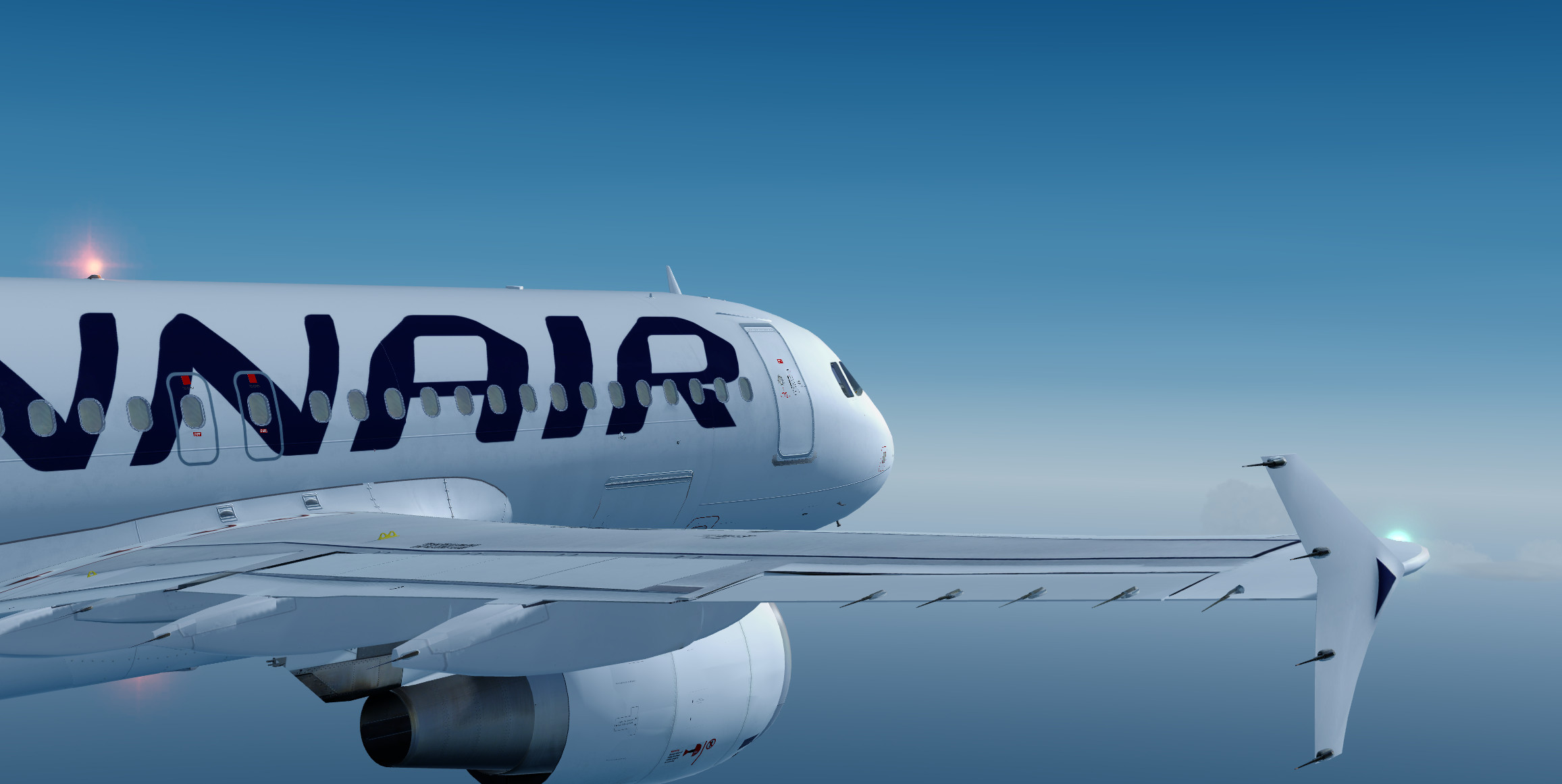
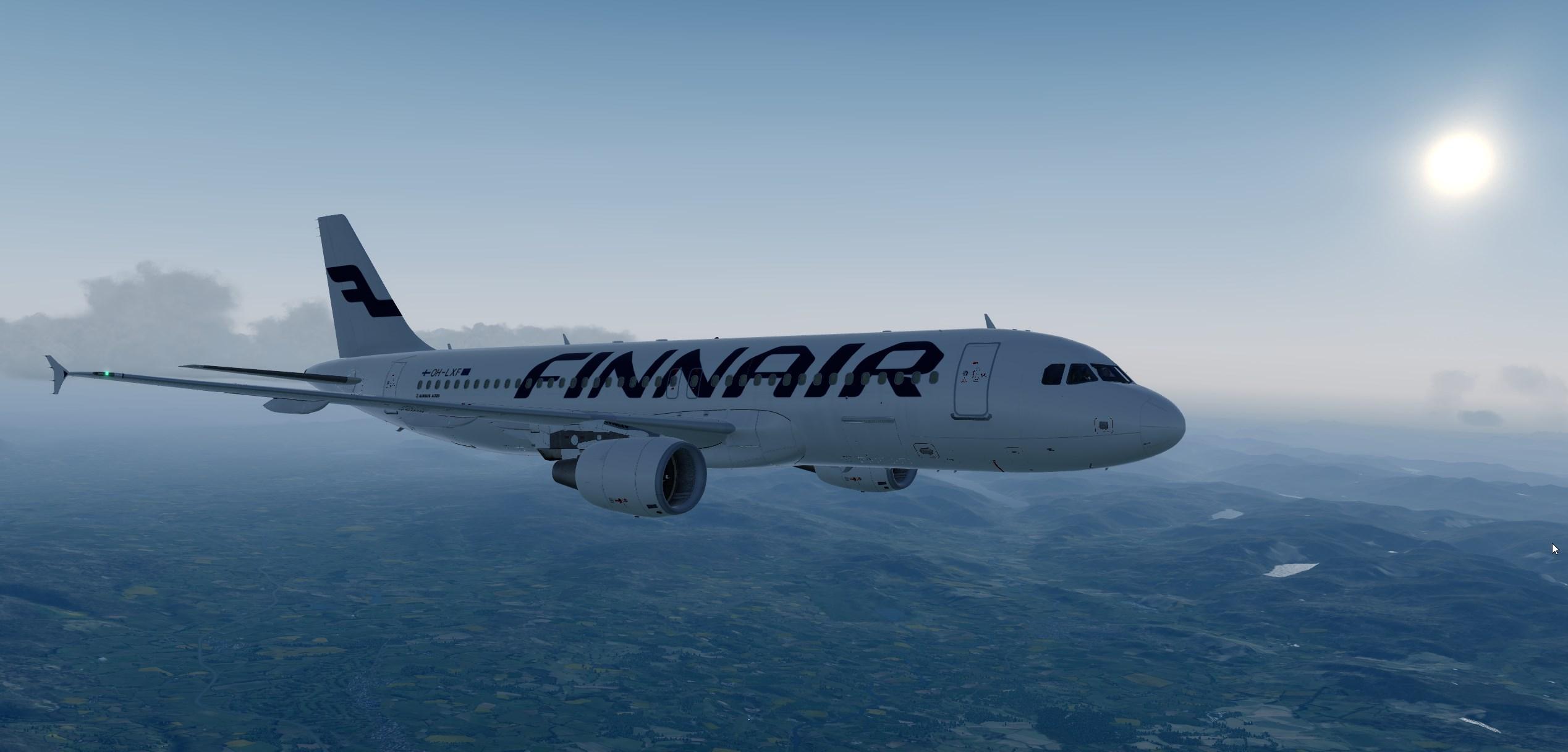
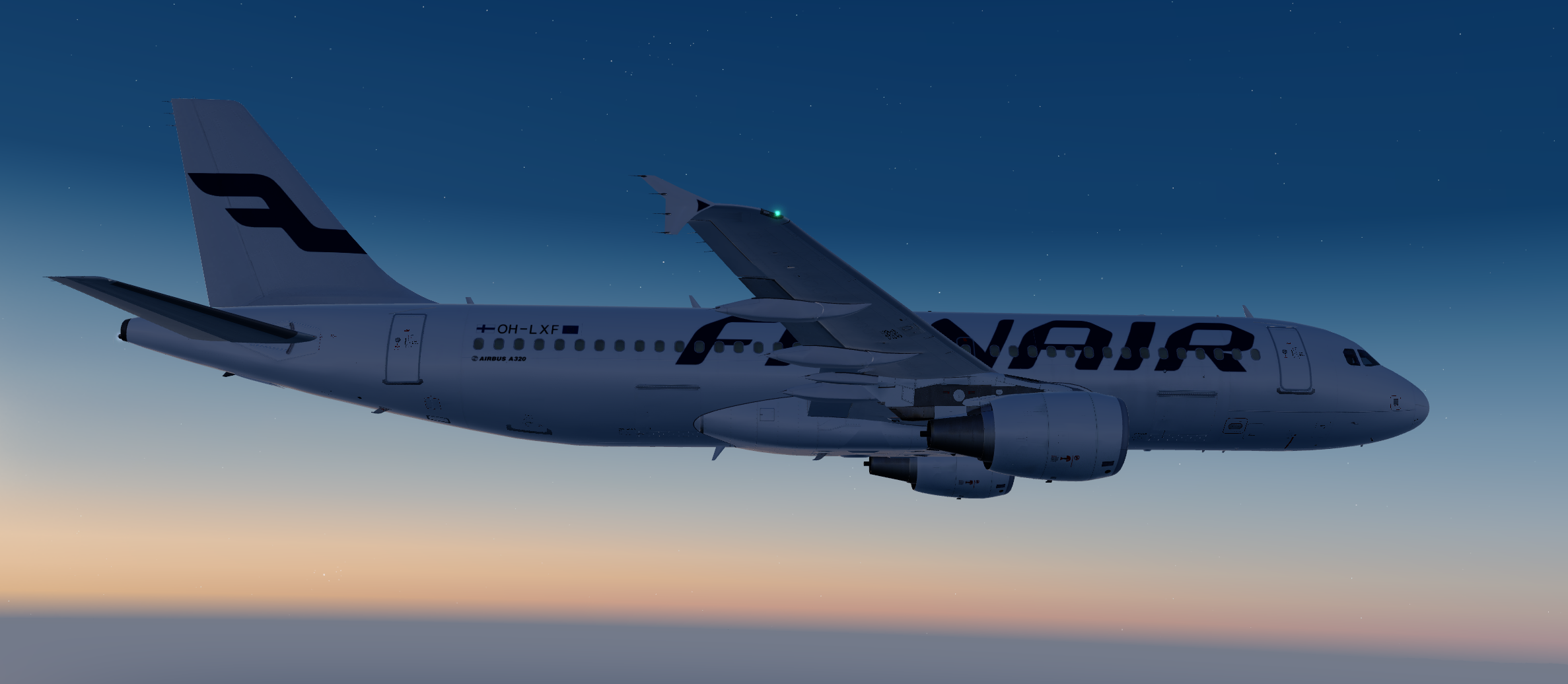
Finnair A320 Fleet 3.1

(2 reviews)

6 Screenshots

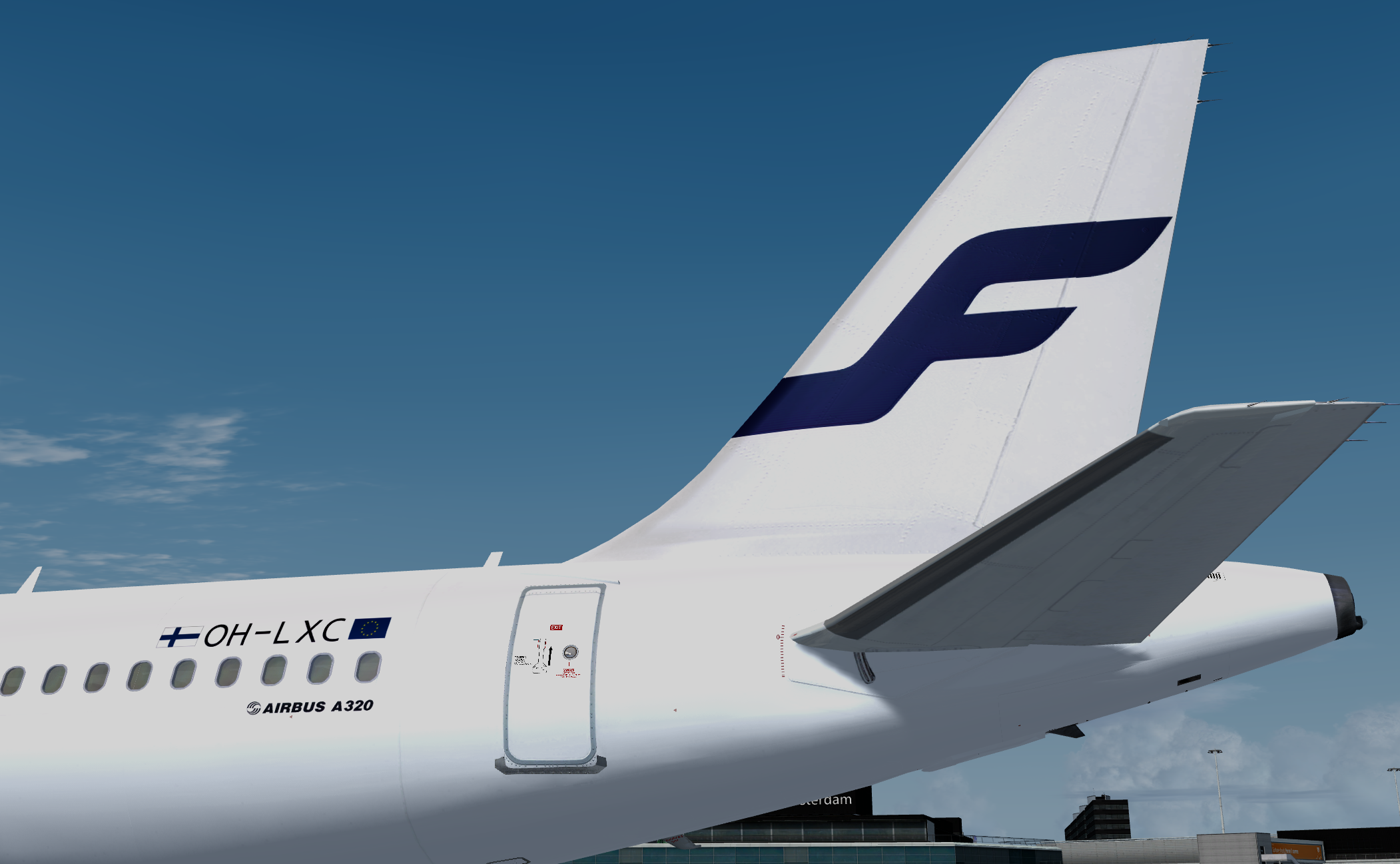
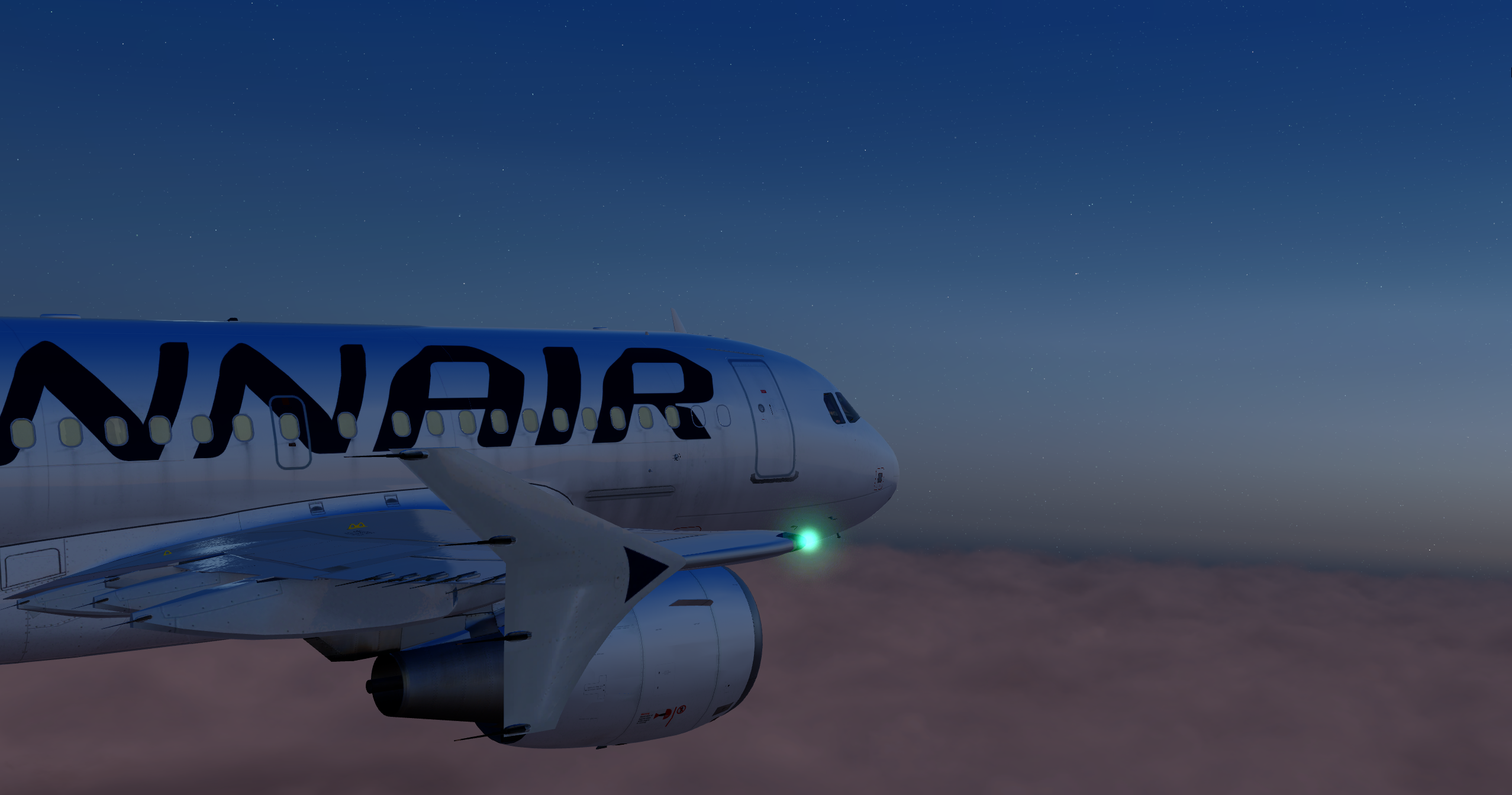
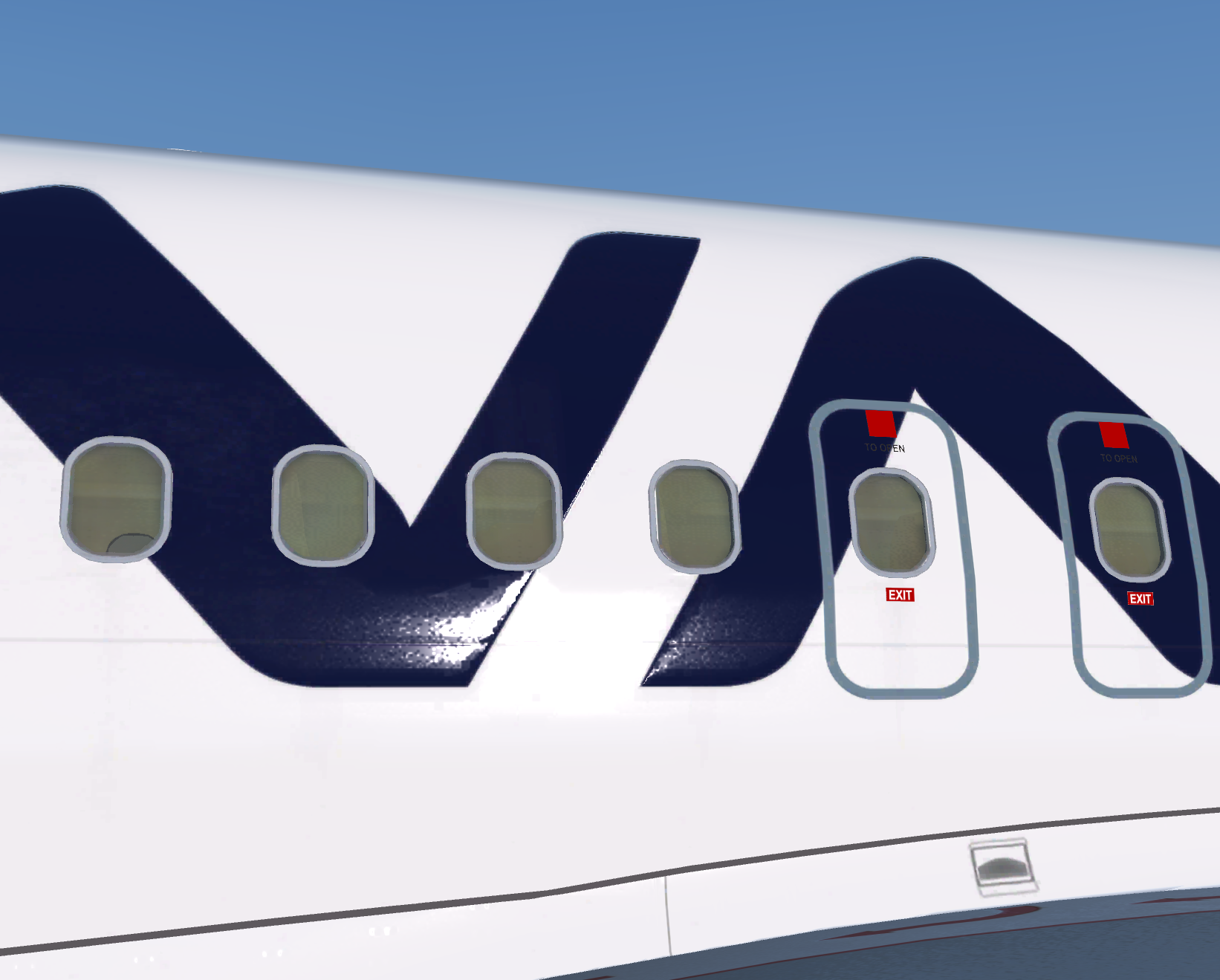
This is the complete fleet of Finnair´s A320 (except OH-LXL).

OH-LXA, OH-LXB, OH-LXC, OH-LXD, OH-LXF, OH-LXH, OH-LXI, OH-LXK, OH-LXM

Installation: Just drop all the texture folders to your Fslabs A320CFM folder. (No need of aircraft.cfg editing). But if it does not work for some reason theres also a text file just in cause.

Enjoy! :)

What's New in Version 1.0.1

Released

Correct SELCAL`s for each registration.

User Feedback

Henry Weber

Henry Weber


Version 3 is awesome! Hope you do also the A319 fleet!

Daniel Kittler

Daniel Kittler

   0 of 2 members found this review helpful 0 / 2 members

Hi,

The left window in the cockpit as no transparency texture but stone white.???


Only by me?

Cheers

Daniel

Account

Navigation

Search

Search

Configure browser push notifications

Chrome (Android)
  1. Tap the lock icon next to the address bar.
  2. Tap Permissions → Notifications.
  3. Adjust your preference.
Chrome (Desktop)
  1. Click the padlock icon in the address bar.
  2. Select Site settings.
  3. Find Notifications and adjust your preference.

