
Skip to content
View in the app

A better way to browse. Learn more.

Flight Sim Labs Forums

A full-screen app on your home screen with push notifications, badges and more.

To install this app on iOS and iPadOS
  1. Tap the Share icon in Safari
  2. Scroll the menu and tap Add to Home Screen.
  3. Tap Add in the top-right corner.
To install this app on Android
  1. Tap the 3-dot menu (⋮) in the top-right corner of the browser.
  2. Tap Add to Home screen or Install app.
  3. Confirm by tapping Install.

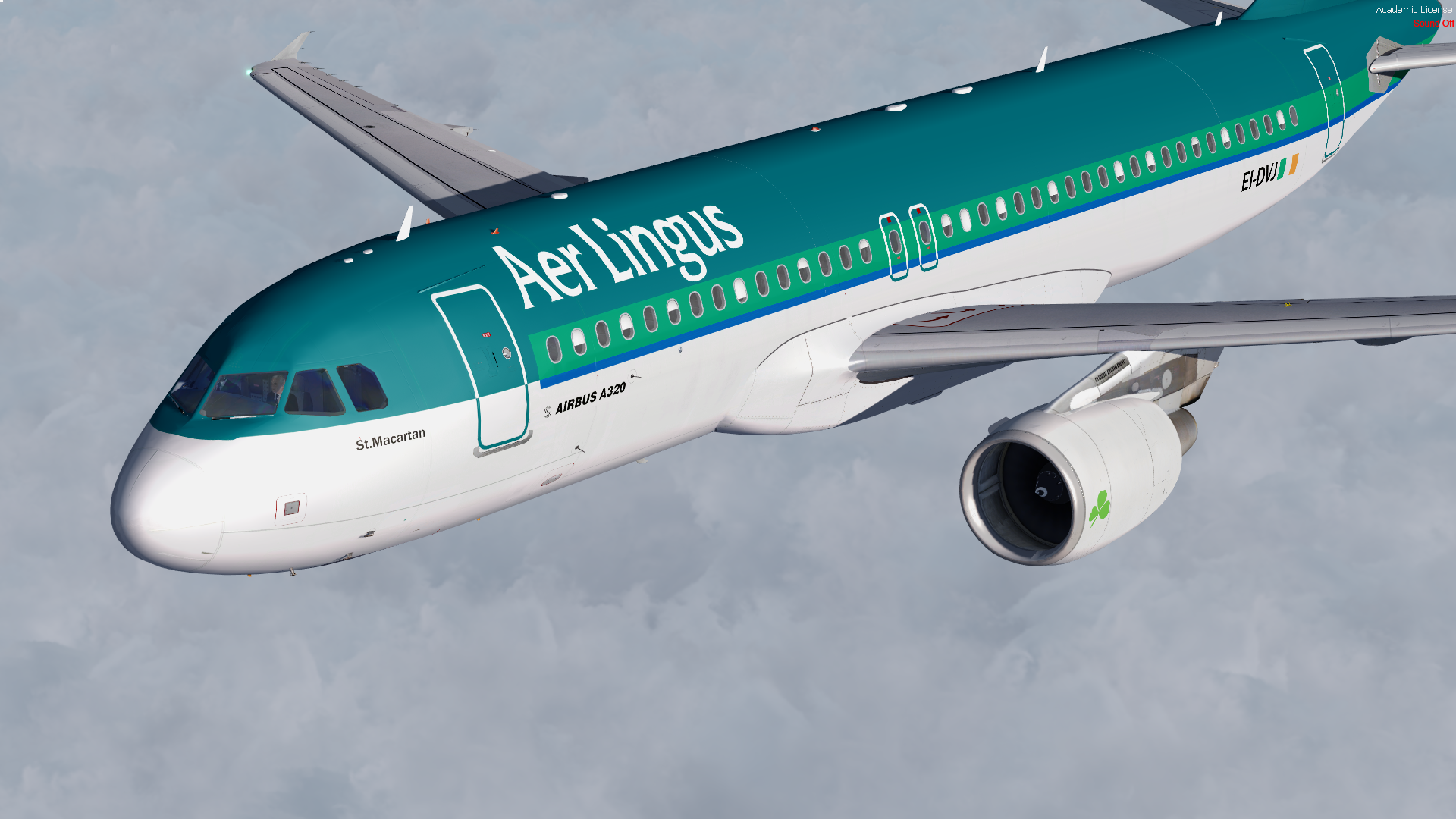
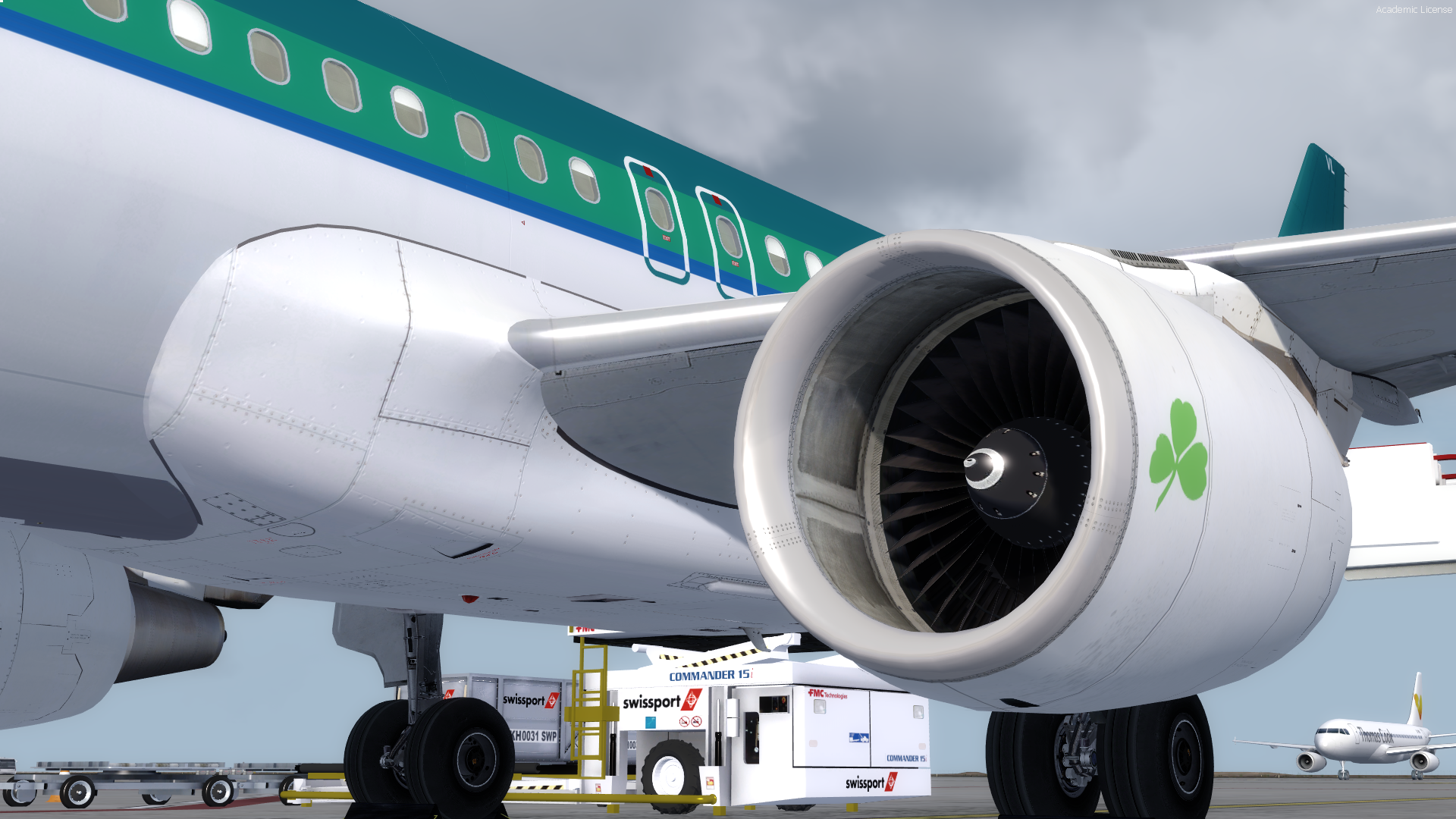
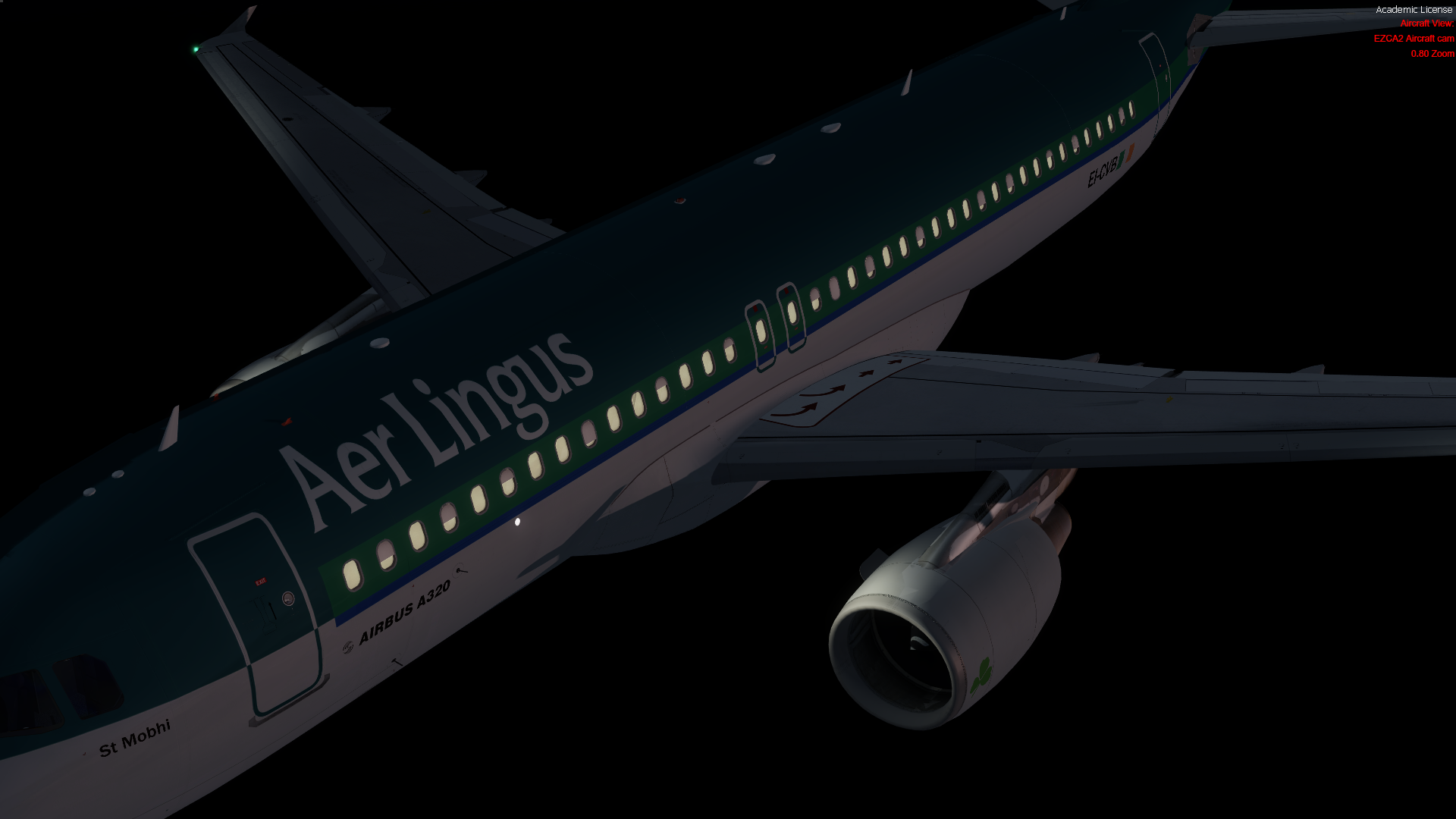
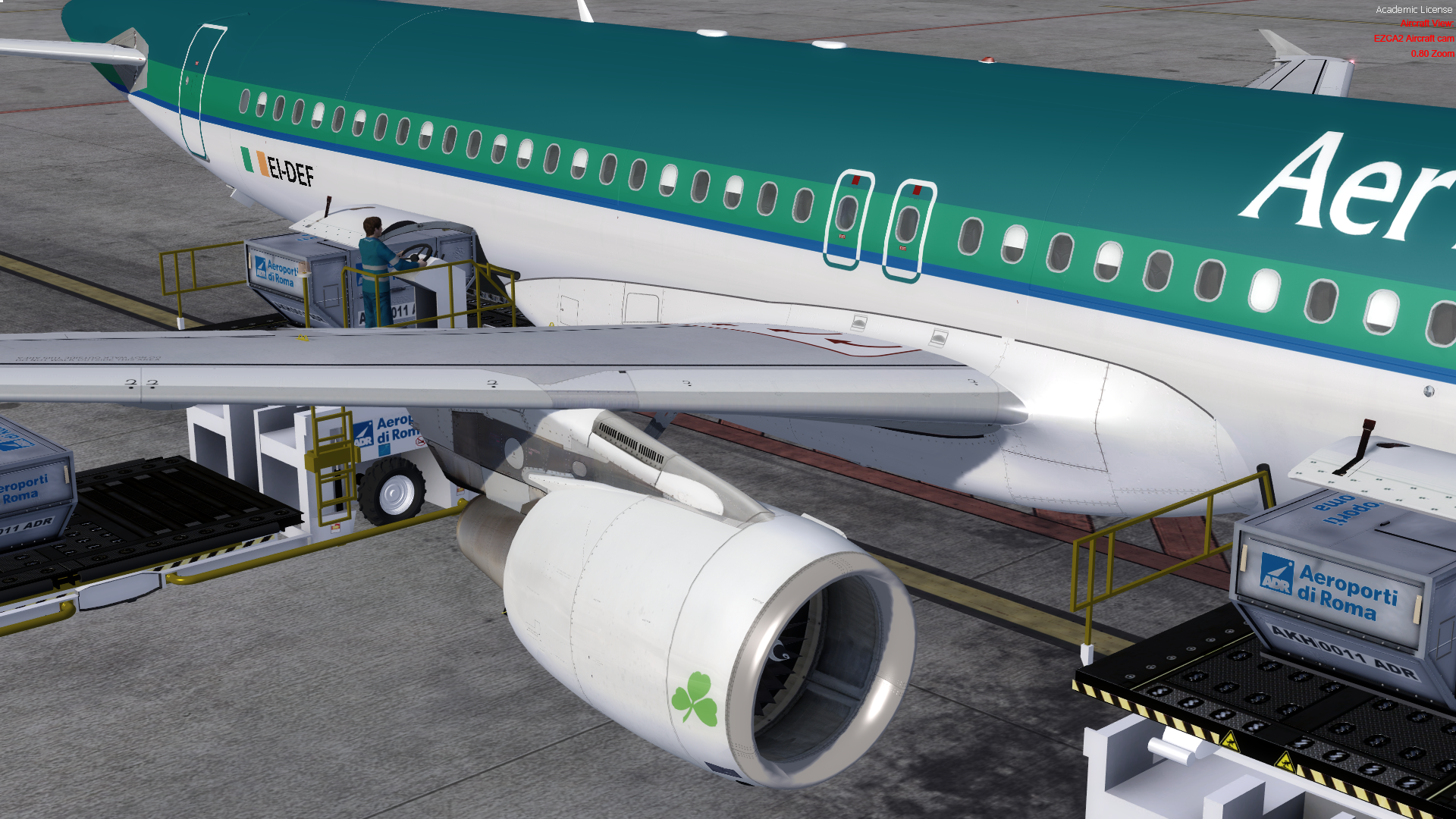
Aer Lingus A320-214 Livery Pack for FSL A32x 1.1

(2 reviews)

4 Screenshots

My Aer Lingus A320-214CFM Livery Pack for the FSL A32x,

Just drop in the folder in FSLabs\SimObjects\Airplanes\FSLabs A320 CFM

Includes:18 Aer Lingus Aircraft: 

EI-CVB A320-214CFM              
EI-CVA A320-214CFM 
EI-DEG A320-214CFM
EI-DES A320-214CFM
EI-DEA A320-214CFM
EI-DEP A320-214CFM       
EI-DEF A320-214CFM
EI-DEB A320-214CFM
EI-DEN A320-214CFM
EI-DEK A320-214CFM
EI-DVE A320-214CFM
EI-DVL A320-214CFM
EI-DVH A320-214CFM
EI-DVK A320-214CFM
EI-DVJ A320-214CFM
EI-EDS A320-214CFM
EI-FNJ A320-214CFM
EI-GAL A320-214CFM

P3D v4.1 compatible

Thanks to @John Tavendale for letting me use his Master Spec files.
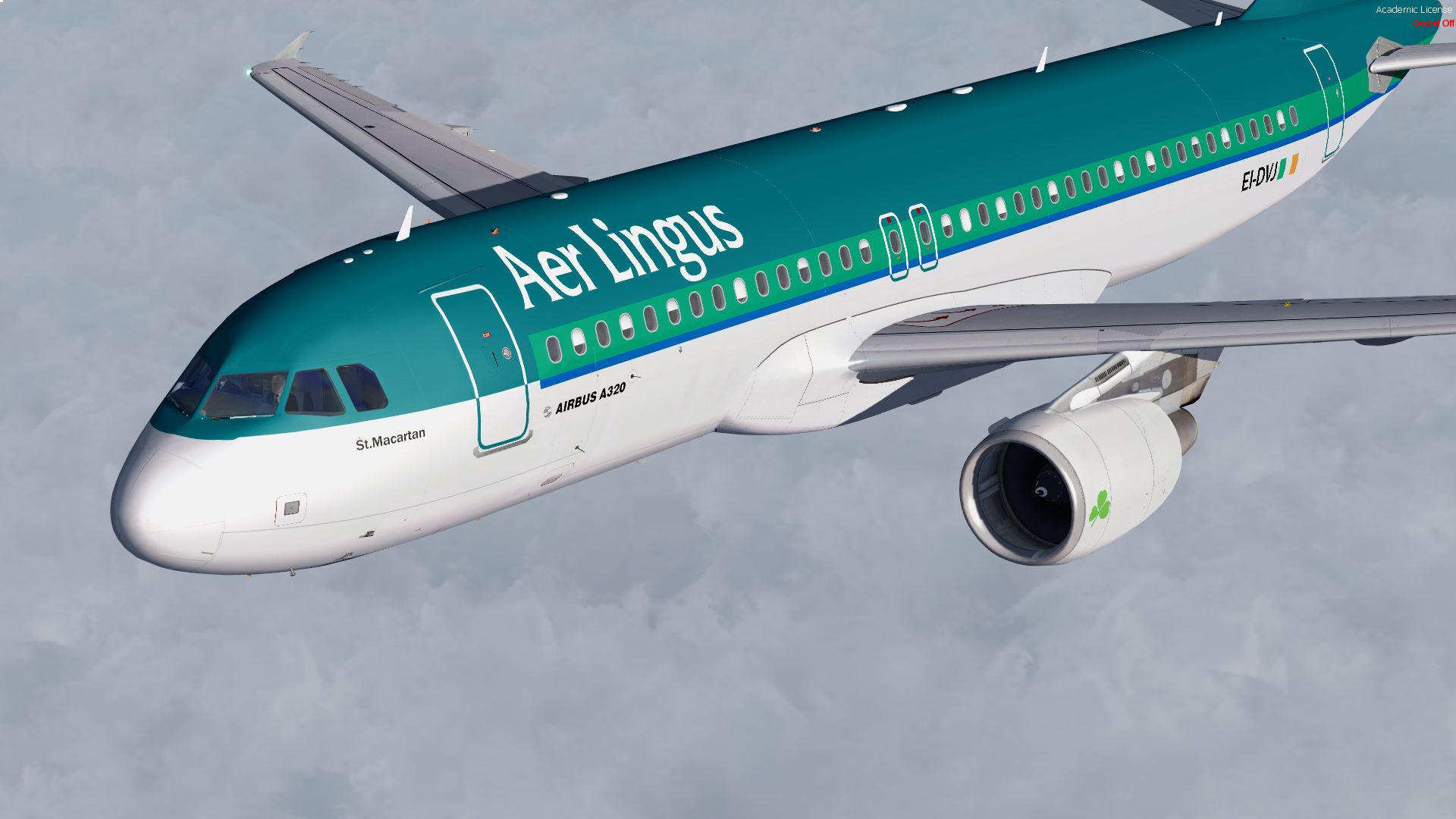
2017-12-10_21-21-54-834.png

What's New in Version 1.0.0

Released

No changelog available for this version.

User Feedback

Brett Pyle

Brett Pyle

   1 of 1 member found this review helpful 1 / 1 member

Finally, Thanks!

Andre Li

Andre Li

   2 of 2 members found this review helpful 2 / 2 members

Nice Job :) really good Job! 

Account

Navigation

Search

Search

Configure browser push notifications

Chrome (Android)
  1. Tap the lock icon next to the address bar.
  2. Tap Permissions → Notifications.
  3. Adjust your preference.
Chrome (Desktop)
  1. Click the padlock icon in the address bar.
  2. Select Site settings.
  3. Find Notifications and adjust your preference.