Skip to content
View in the app

A better way to browse. Learn more.

Flight Sim Labs Forums

A full-screen app on your home screen with push notifications, badges and more.

To install this app on iOS and iPadOS
  1. Tap the Share icon in Safari
  2. Scroll the menu and tap Add to Home Screen.
  3. Tap Add in the top-right corner.
To install this app on Android
  1. Tap the 3-dot menu (⋮) in the top-right corner of the browser.
  2. Tap Add to Home screen or Install app.
  3. Confirm by tapping Install.

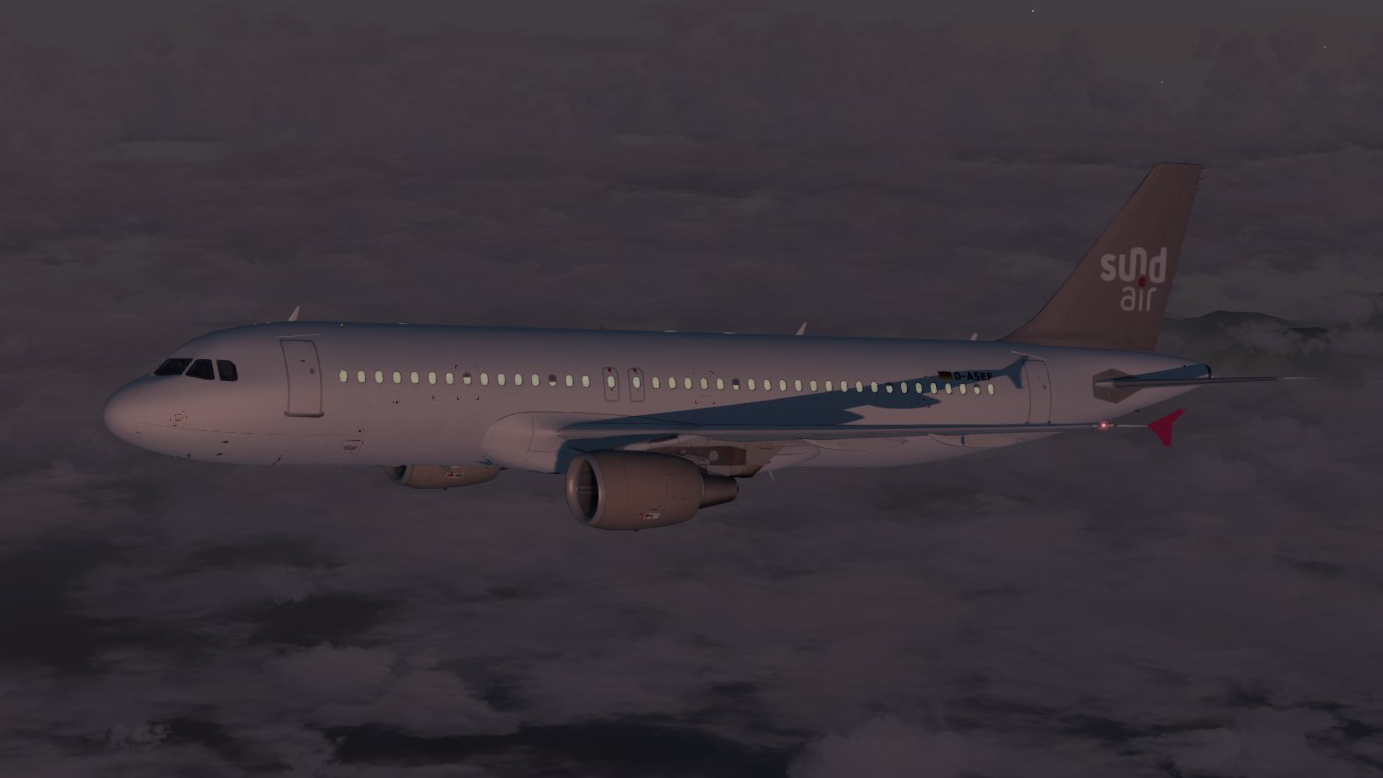
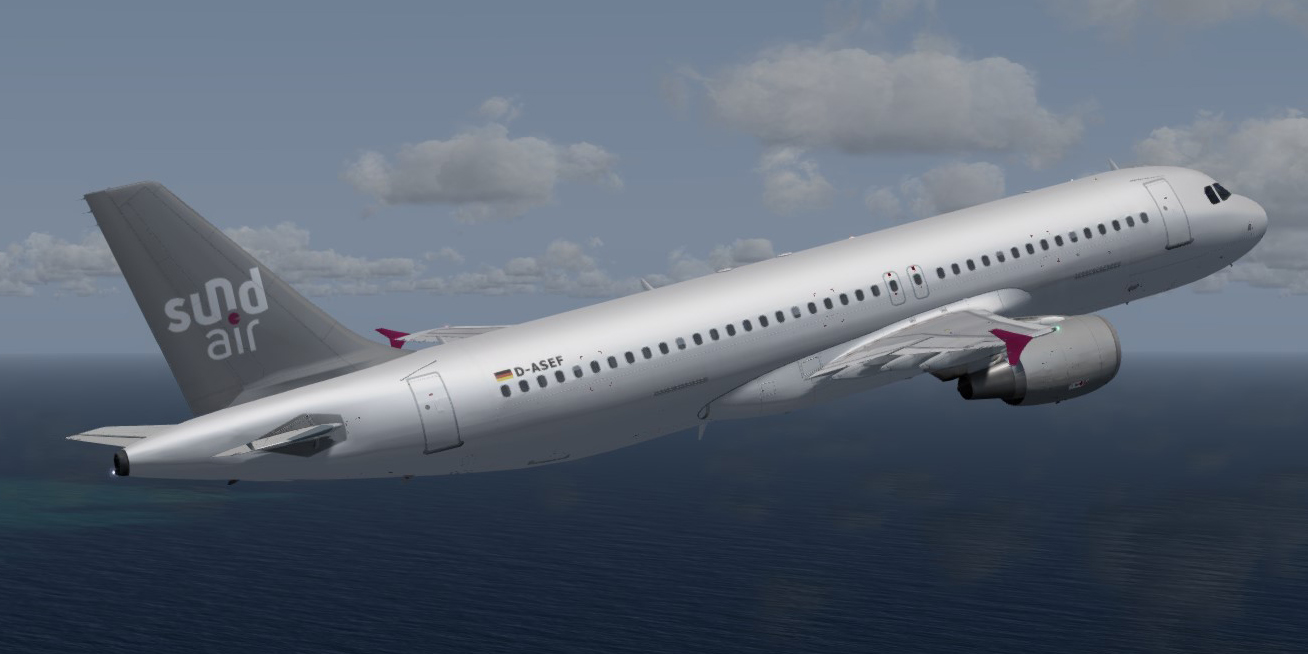
Sundair D-ASEF CFM 4.0.2

(1 review)

1 Screenshot

Hello,

this is the D-ASEF of the new german Airline Sundair AOC: 26 Sep 2017.

Sorry that I'm not able to add screenshots, because i have actually P3d v4 installed. It would be great if anyone could make a screenshot and add it in comments. Maybe with allowance to use it, that I can add it to the file.

Have fun and thank you!


best regards

Michael
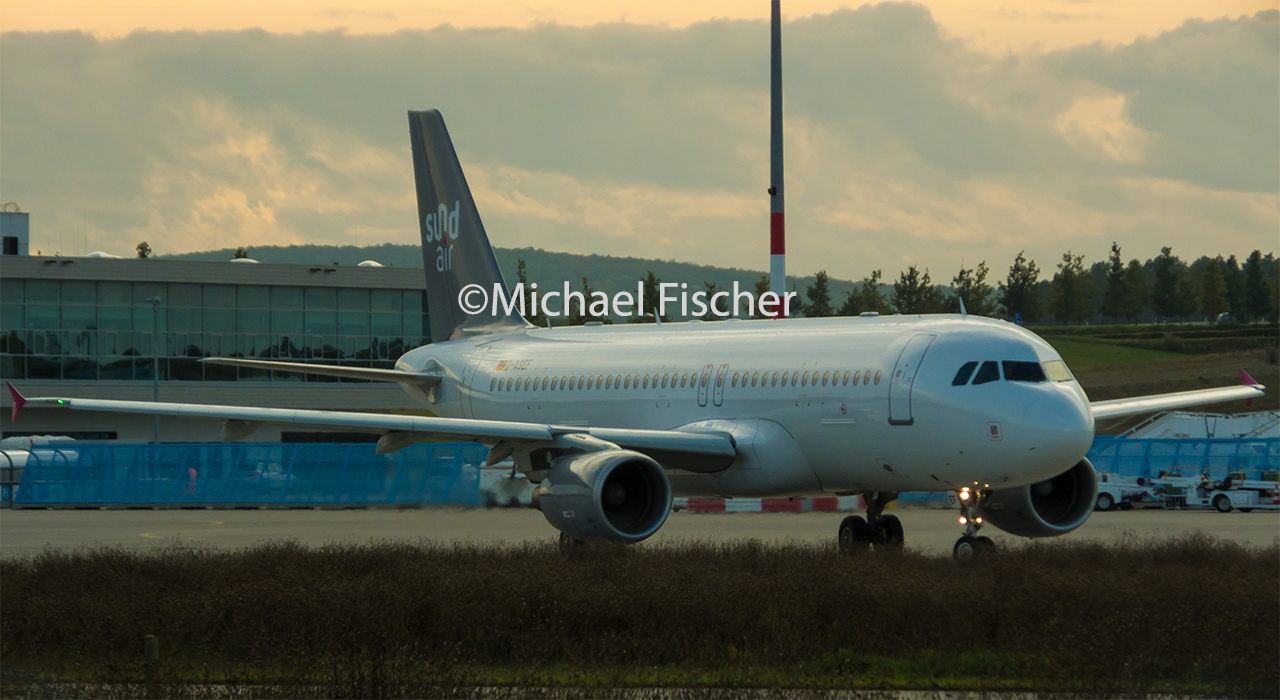
D-ASEFD-ASEF2.thumb.jpg.1e4c229b84a8f1dae80422d9907a500d.jpg

What's New in Version 3.0.0

Released

Hello again,

this is version 3.0 of the Sundair D-ASEF A320-214.

Changelog:
-Added this fltsim.cfg for P3Dv4 compatiblity (The old entry for older sims is insde the readme. I'm not sure if it is needed  for FSX and older P3D versions.)
-Changed to alternate doorframes, like the real D-ASEF
-Changed GPS antenna colours to yellow
-added the MSN 4974 of the real aircraft to the Main Instrument Panel
-calibrated alphas for better night effects

kind regards


DASEF.zip

User Feedback

Sebastian Brabsche

Sebastian Brabsche

   1 of 3 members found this review helpful 1 / 3 members

Looks Great.

Account

Navigation

Search

Search

Configure browser push notifications

Chrome (Android)
  1. Tap the lock icon next to the address bar.
  2. Tap Permissions → Notifications.
  3. Adjust your preference.
Chrome (Desktop)
  1. Click the padlock icon in the address bar.
  2. Select Site settings.
  3. Find Notifications and adjust your preference.