
Skip to content
View in the app

A better way to browse. Learn more.

Flight Sim Labs Forums

A full-screen app on your home screen with push notifications, badges and more.

To install this app on iOS and iPadOS
  1. Tap the Share icon in Safari
  2. Scroll the menu and tap Add to Home Screen.
  3. Tap Add in the top-right corner.
To install this app on Android
  1. Tap the 3-dot menu (⋮) in the top-right corner of the browser.
  2. Tap Add to Home screen or Install app.
  3. Confirm by tapping Install.

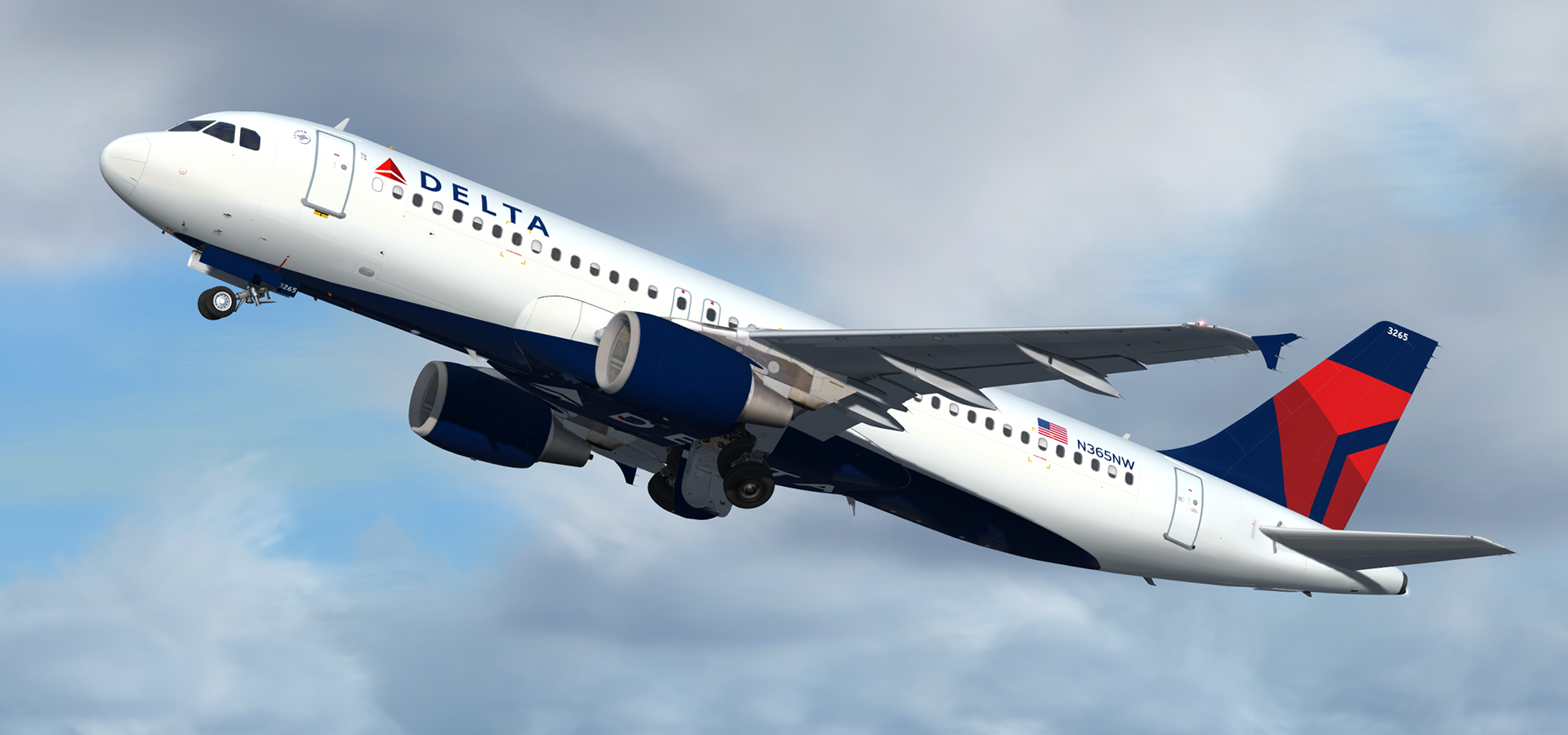
Airbus A320-212 CFM Delta Air Lines N365NW 3.0.0

(6 reviews)

5 Screenshots

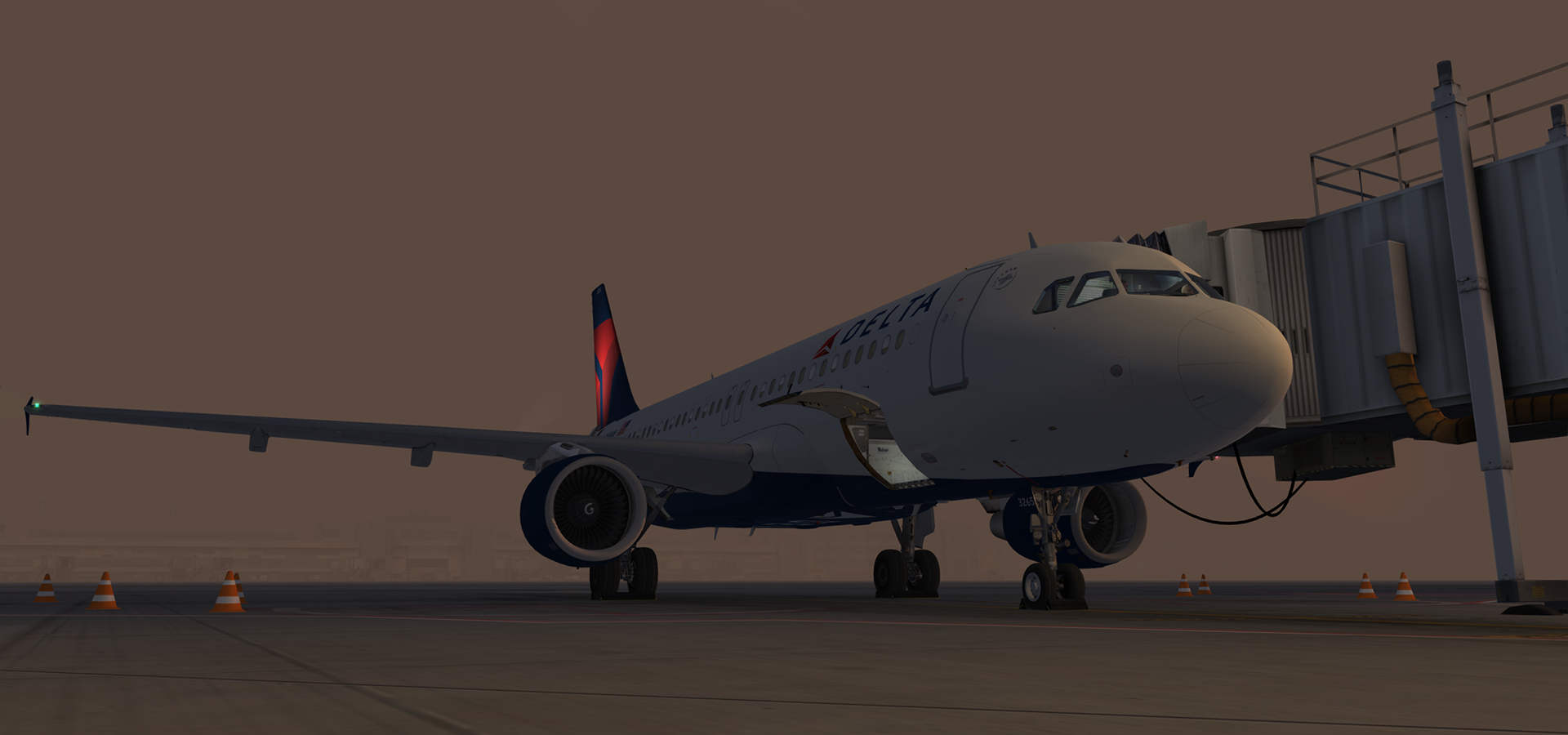
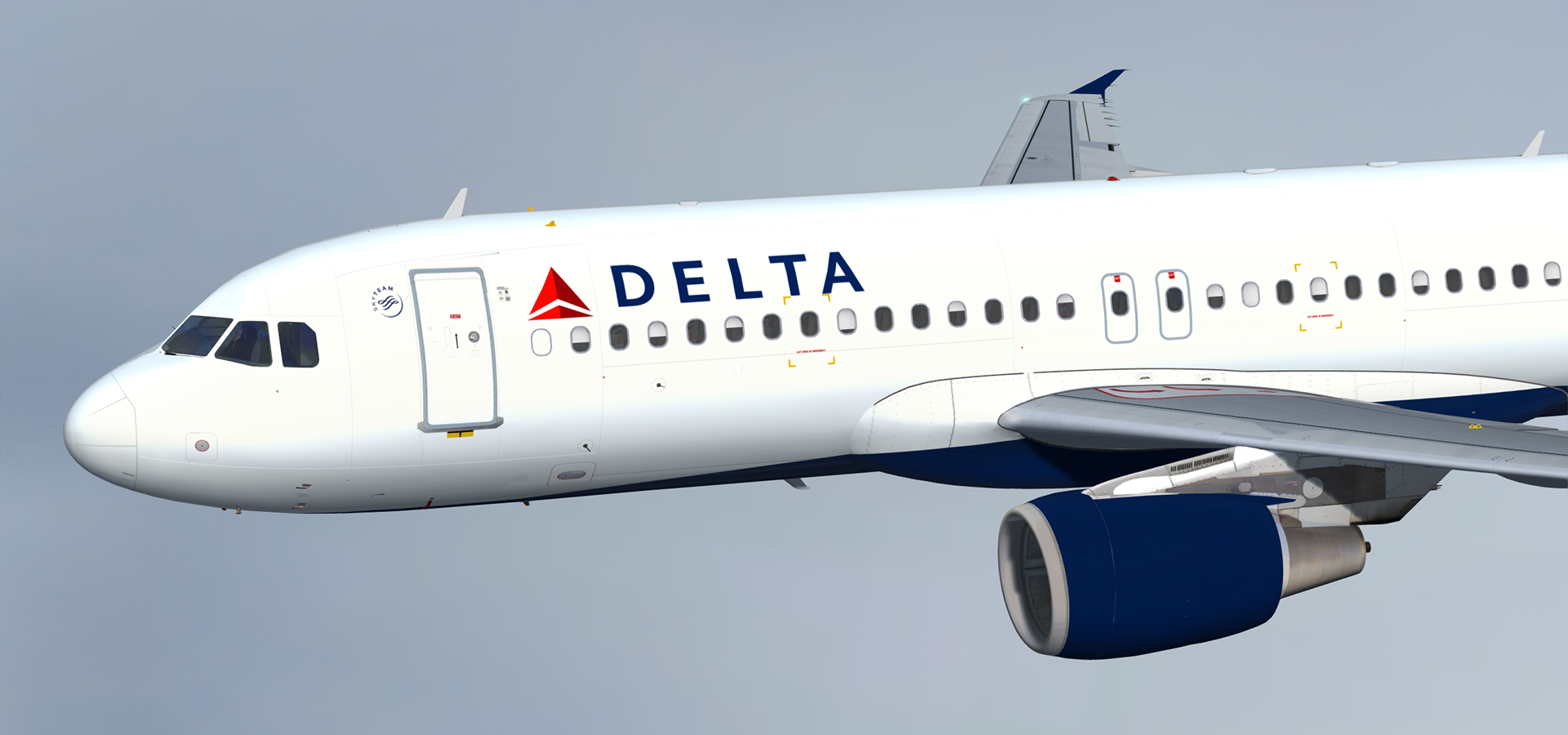
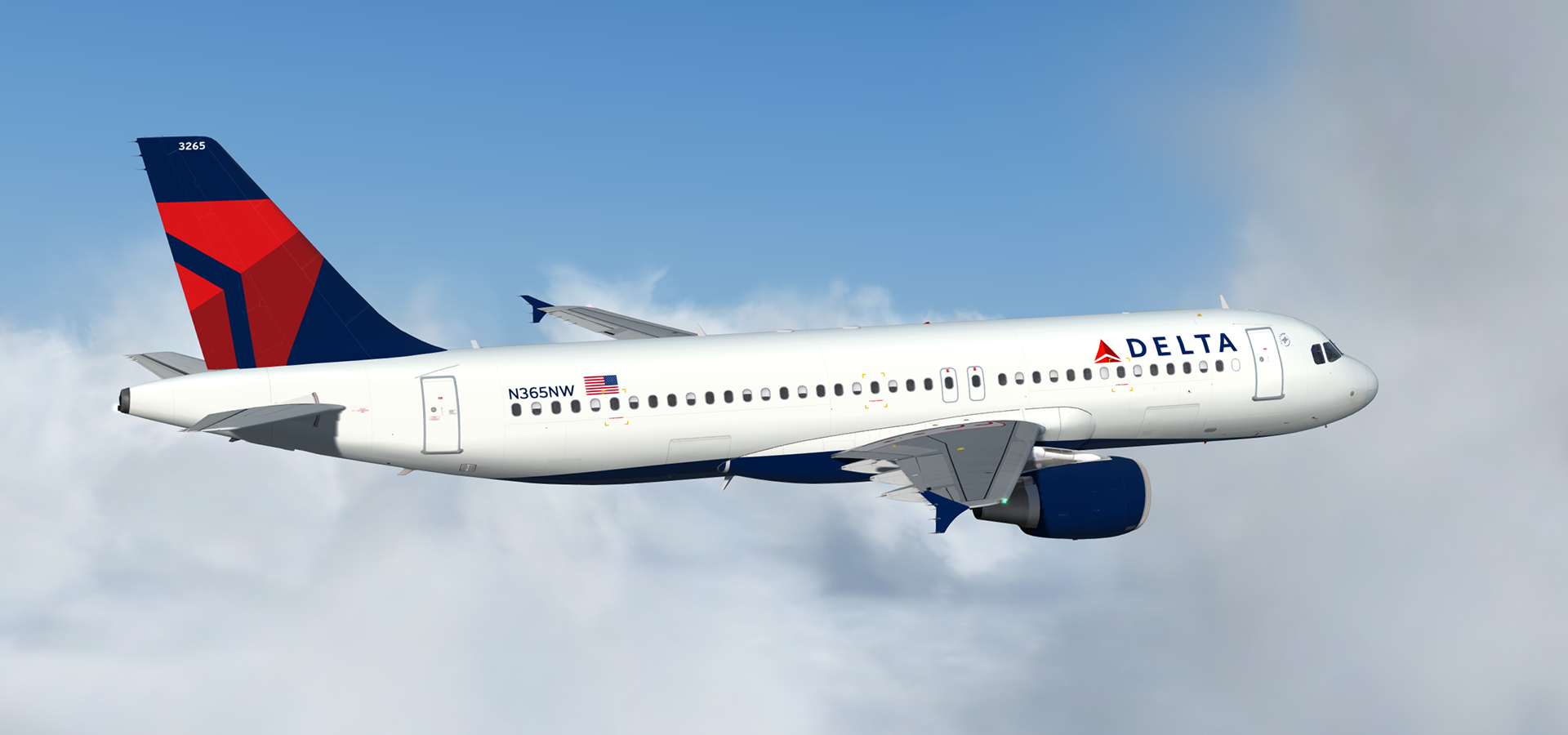
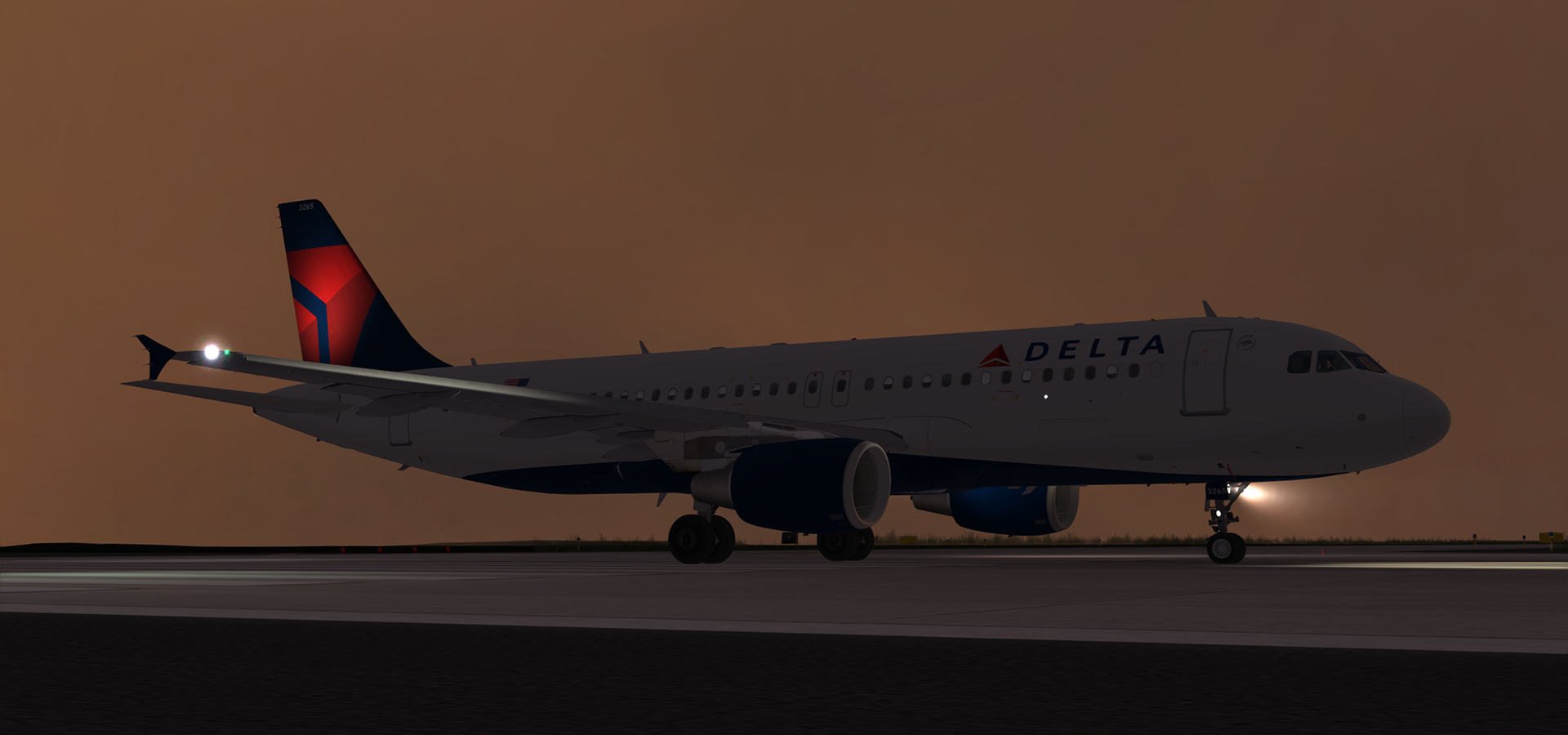
A320-212 CFM in Delta Air Lines' current livery.  This airframe, N365NW (MSN 964), joined the Delta fleet through their acquisition of Northwest Airlines.  It was originally delivered to NWA on the 9th of March 1999.

This release features my custom CFM56 engine texture mod which can be found here in the library:

Many thanks to @Tavers for allowing me to use his excellent A320 master textures and to @Christian Mohr for allowing me to use his wing textures.  You can find both of these gents' excellent repaints on the flightsimlabs forums.

Tavers Repaints

Christian Mohr Repaints

What's New in Version 1.0.0

Released

No changelog available for this version.

User Feedback

Brett Pyle

Brett Pyle

   1 of 1 member found this review helpful 1 / 1 member

My fav, to use!

Jackson Strand

Jackson Strand

   1 of 1 member found this review helpful 1 / 1 member

Wonderful. Thank you so much. 

P.S. Would love it if you had time to make one for the A319. 

Martin Creighan

Martin Creighan

   1 of 2 members found this review helpful 1 / 2 members

Up to V4.2 of P3D this livery loaded without a problem.
After the update to V4.3 and the update of the FSLabs for 4.3 I am now experiencing a facilities.dll CTD.
Is anyone else experiencing this?

Response from the author:

Hi Martin,

Are you having this only with this one specific livery?  I just tested this and it's working fine for me in 4.3 without issues.

Stefan van Hierden

Stefan van Hierden

   2 of 2 members found this review helpful 2 / 2 members

Stunning!

I don't know why but I like those belly logo's :)

NilsUnger

NilsUnger

   4 of 5 members found this review helpful 4 / 5 members

Brilliant!

John has already covered the rest of my review.

John Tavendale

John Tavendale

   8 of 9 members found this review helpful 8 / 9 members

Brilliant repaint as always.
 

Account

Navigation

Search

Search

Configure browser push notifications

Chrome (Android)
  1. Tap the lock icon next to the address bar.
  2. Tap Permissions → Notifications.
  3. Adjust your preference.
Chrome (Desktop)
  1. Click the padlock icon in the address bar.
  2. Select Site settings.
  3. Find Notifications and adjust your preference.

