
Skip to content
View in the app

A better way to browse. Learn more.

Flight Sim Labs Forums

A full-screen app on your home screen with push notifications, badges and more.

To install this app on iOS and iPadOS
  1. Tap the Share icon in Safari
  2. Scroll the menu and tap Add to Home Screen.
  3. Tap Add in the top-right corner.
To install this app on Android
  1. Tap the 3-dot menu (⋮) in the top-right corner of the browser.
  2. Tap Add to Home screen or Install app.
  3. Confirm by tapping Install.

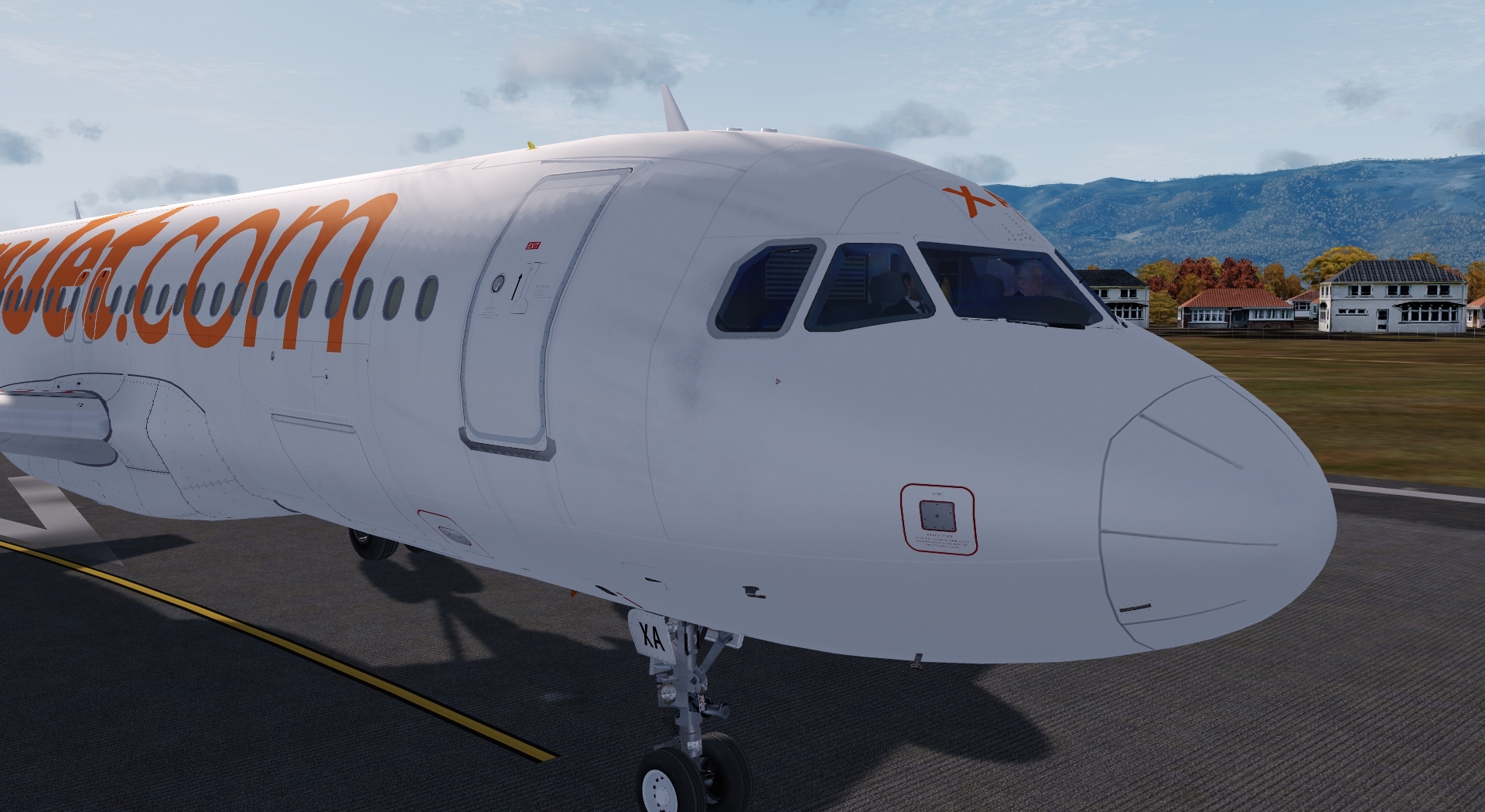
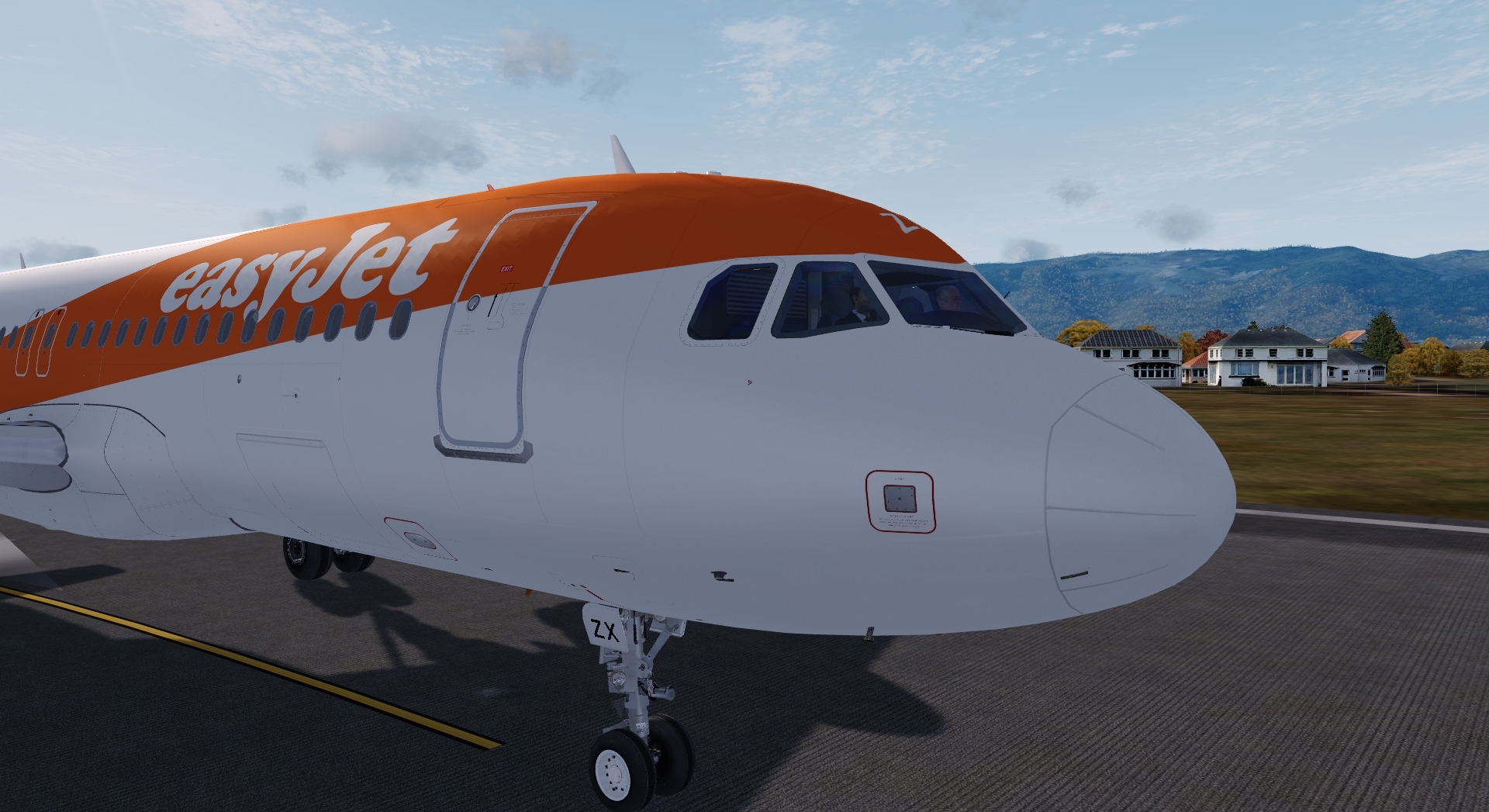
EasyJet Switzerland Fleet pack //TOPSWISS // 2.0.0

(2 reviews)

5 Screenshots

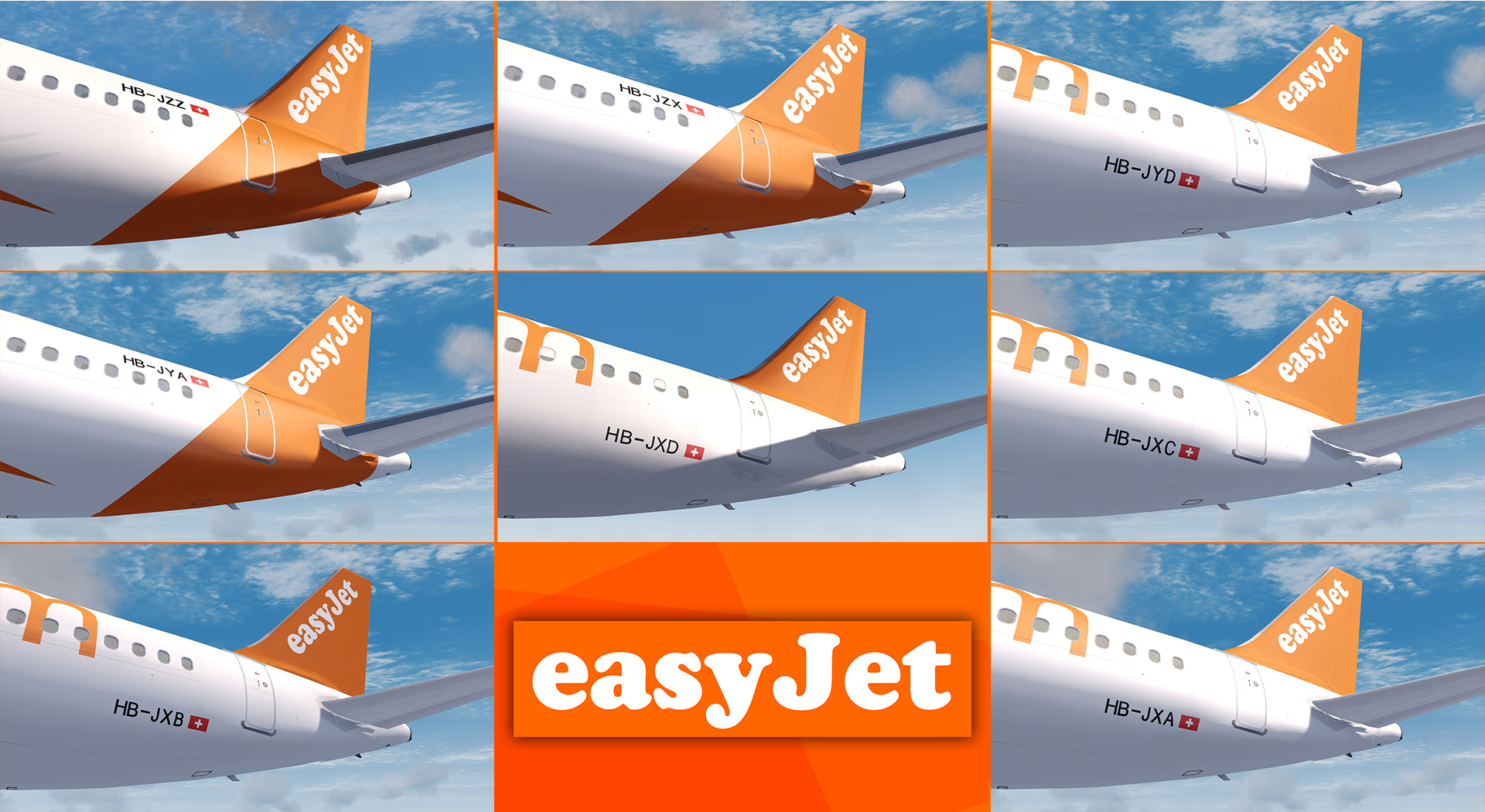
HB-JXA

HB-JXB

HB-JXC

HB-JXD

HB-JYA

HB-JYD

HB-JZX

HB-JZZ


TOPSWISS

Repaint by Hugo Bicho (modification of the fuselage, new tail texture and turbine-metal)


Thanks to @John Tavendale for according me to use his A320 textures

and @Christian Mohr for the engine metal texture (not all)


For remarks or some reports :

adocube.studio@gmail.com


Enjoy your fly !!!

What's New in Version 2.0.0

Released

v4 compatibility 

User Feedback

Alexandre Kubatko

Alexandre Kubatko

   1 of 1 member found this review helpful 1 / 1 member

:wub:

Christian Urban

Christian Urban

   3 of 3 members found this review helpful 3 / 3 members

B)

Account

Navigation

Search

Search

Configure browser push notifications

Chrome (Android)
  1. Tap the lock icon next to the address bar.
  2. Tap Permissions → Notifications.
  3. Adjust your preference.
Chrome (Desktop)
  1. Click the padlock icon in the address bar.
  2. Select Site settings.
  3. Find Notifications and adjust your preference.

