Skip to content
View in the app

A better way to browse. Learn more.

Flight Sim Labs Forums

A full-screen app on your home screen with push notifications, badges and more.

To install this app on iOS and iPadOS
  1. Tap the Share icon in Safari
  2. Scroll the menu and tap Add to Home Screen.
  3. Tap Add in the top-right corner.
To install this app on Android
  1. Tap the 3-dot menu (⋮) in the top-right corner of the browser.
  2. Tap Add to Home screen or Install app.
  3. Confirm by tapping Install.

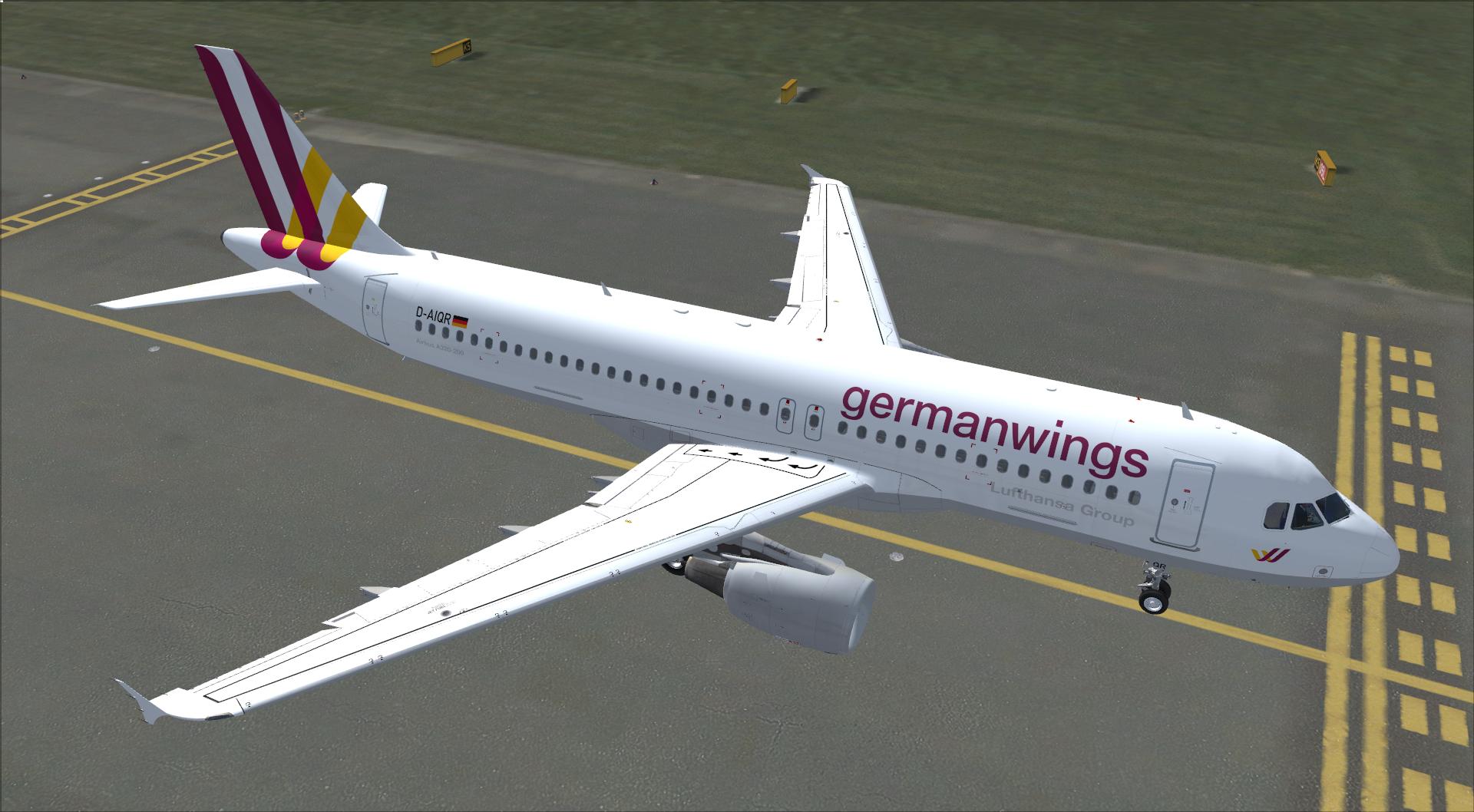
germanwings A320 Fleet Package 1.1

(0 reviews)

7 Screenshots

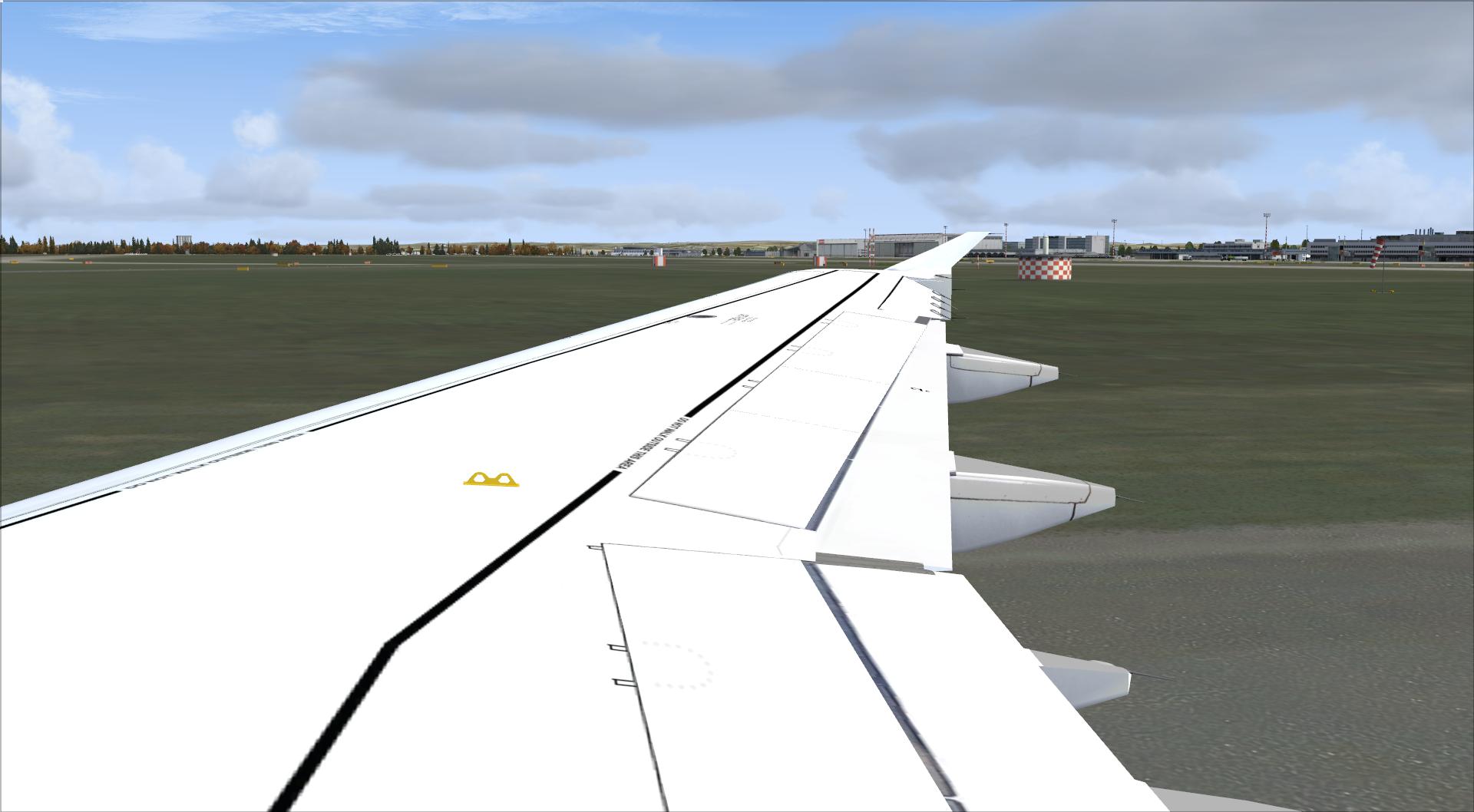
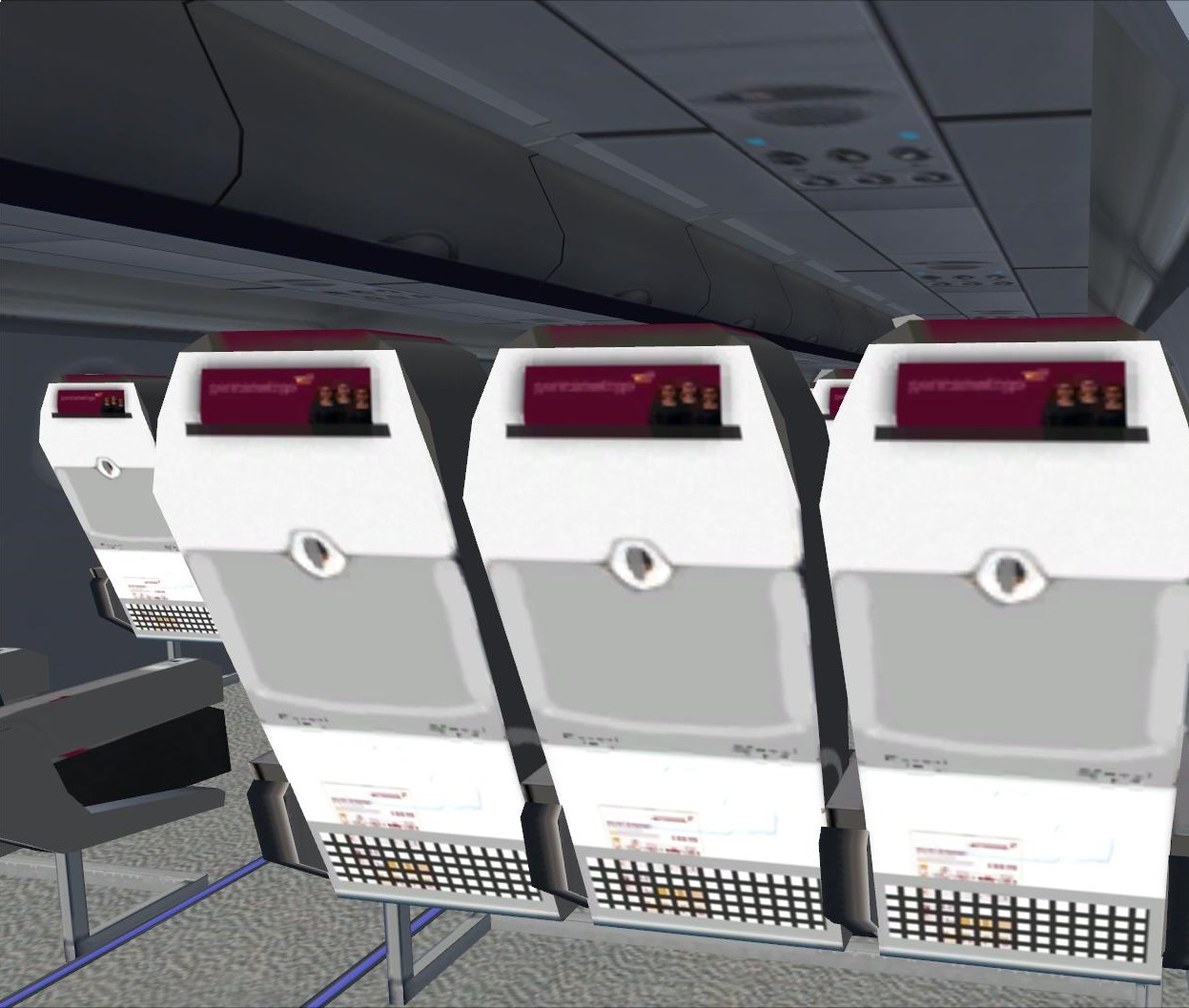
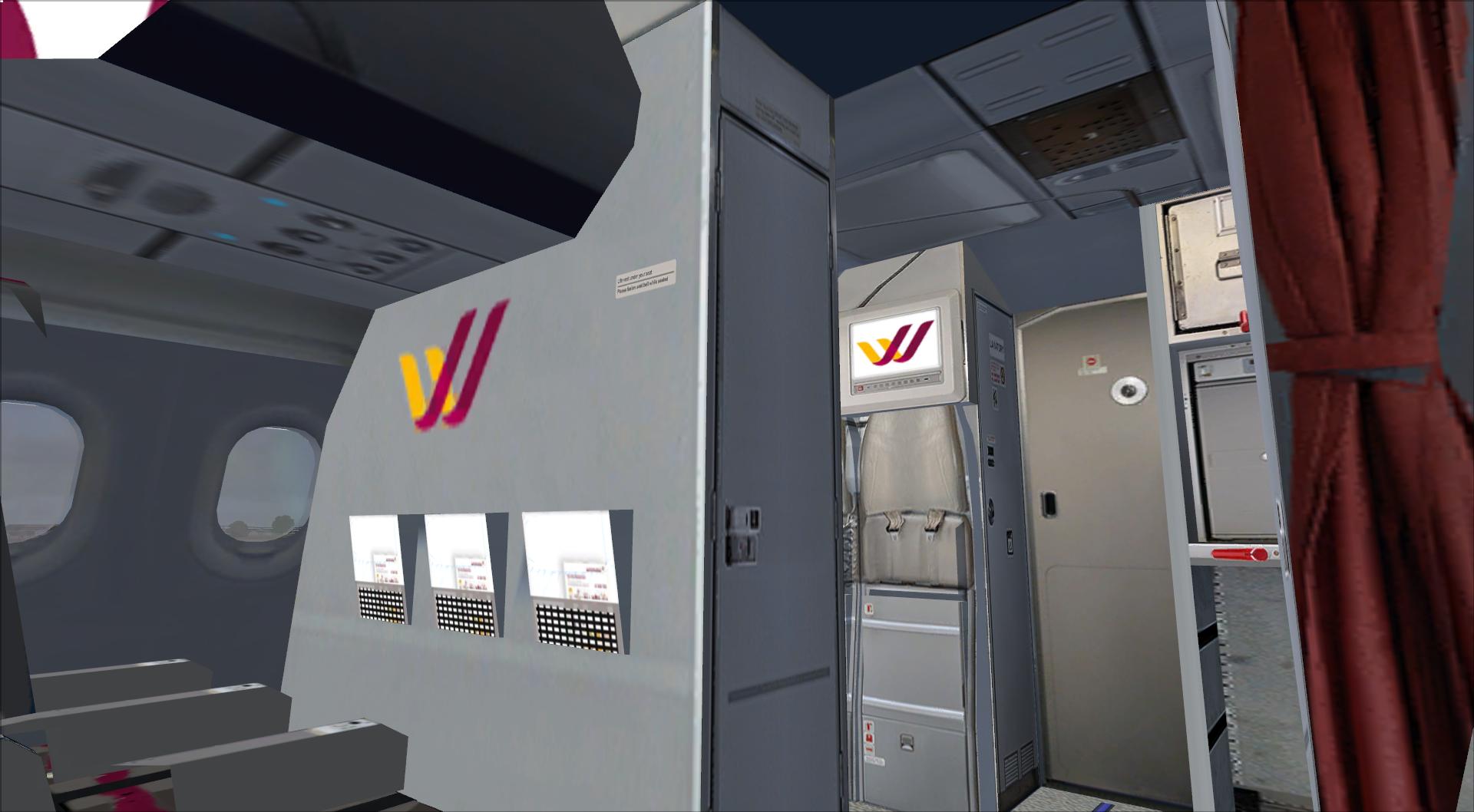
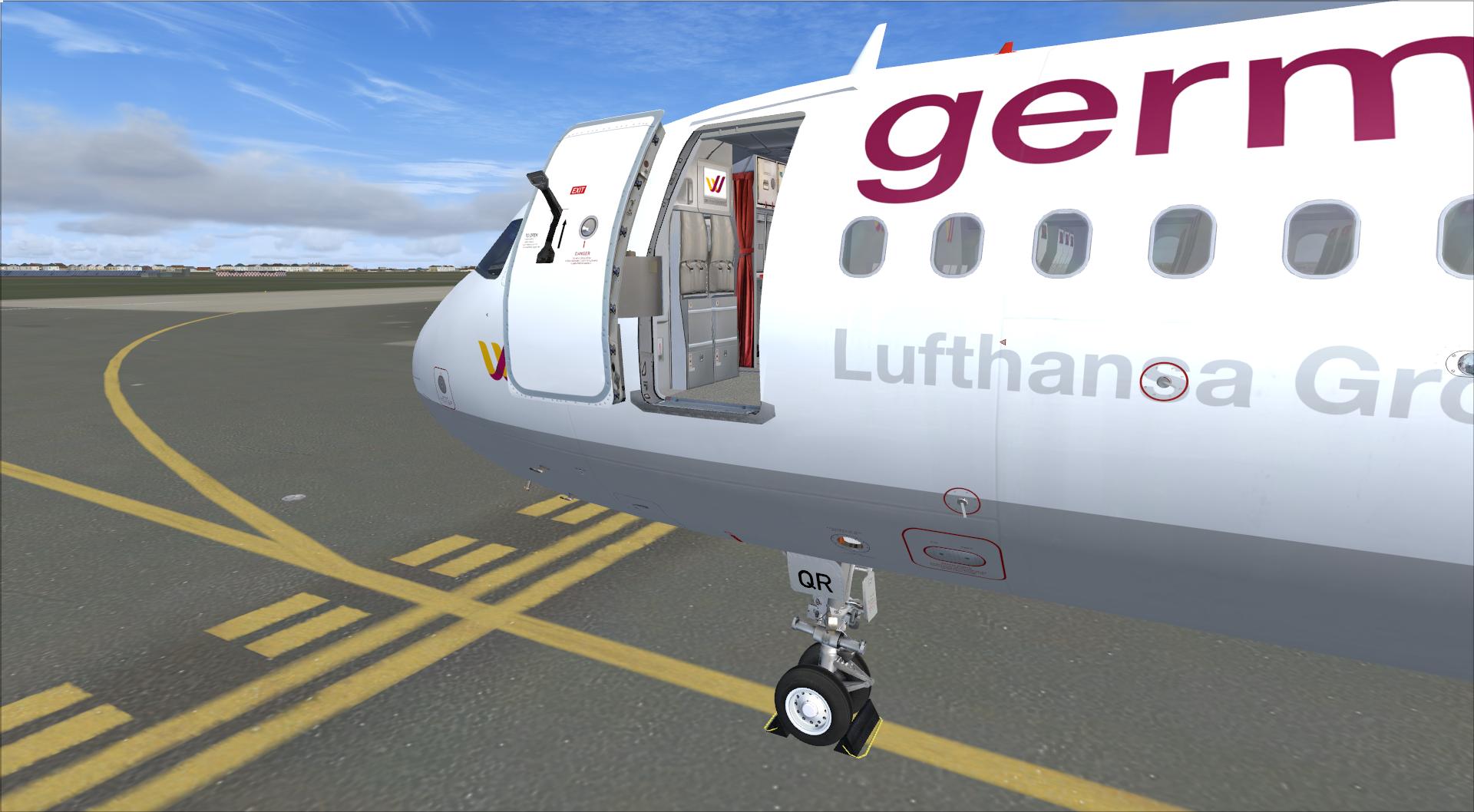
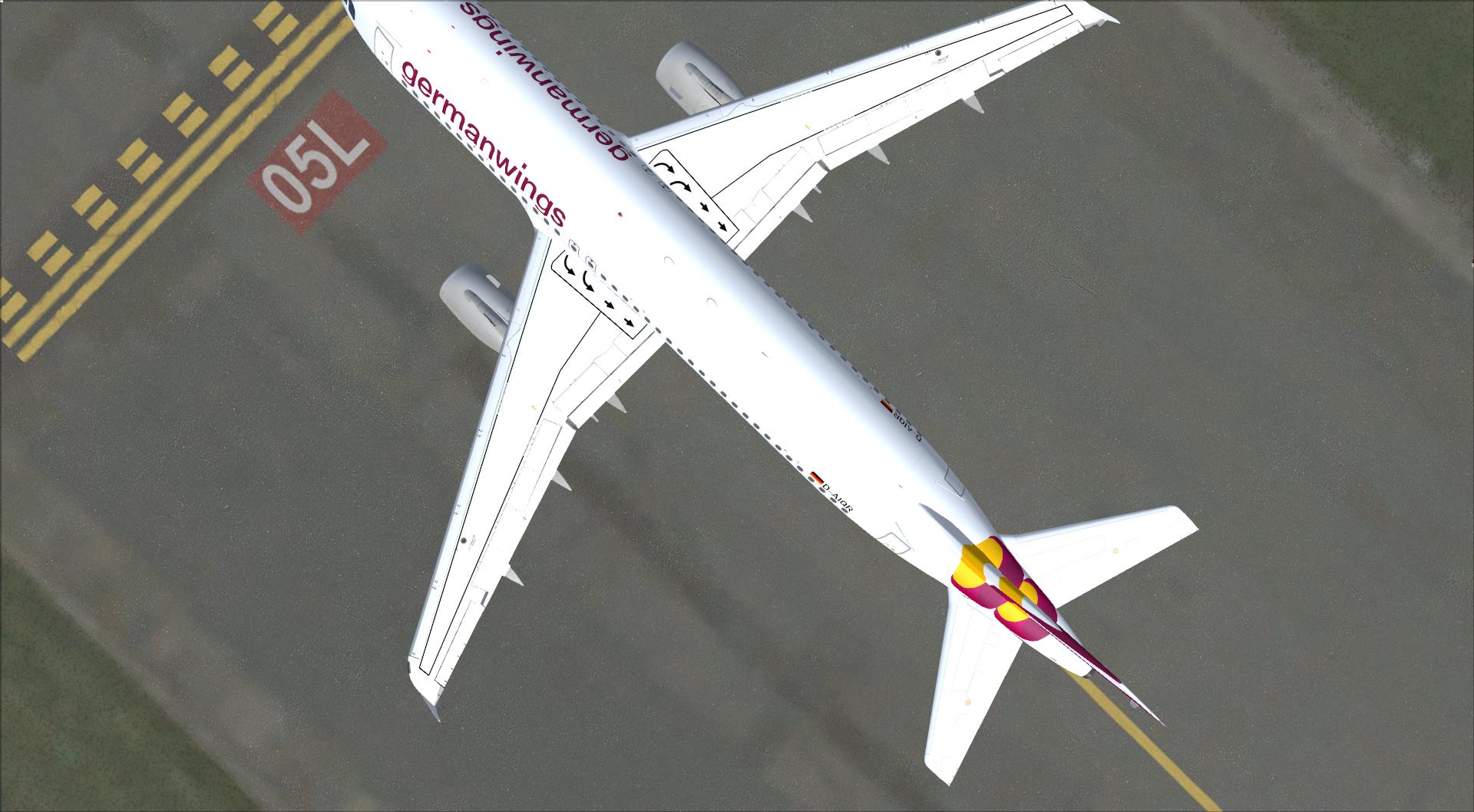
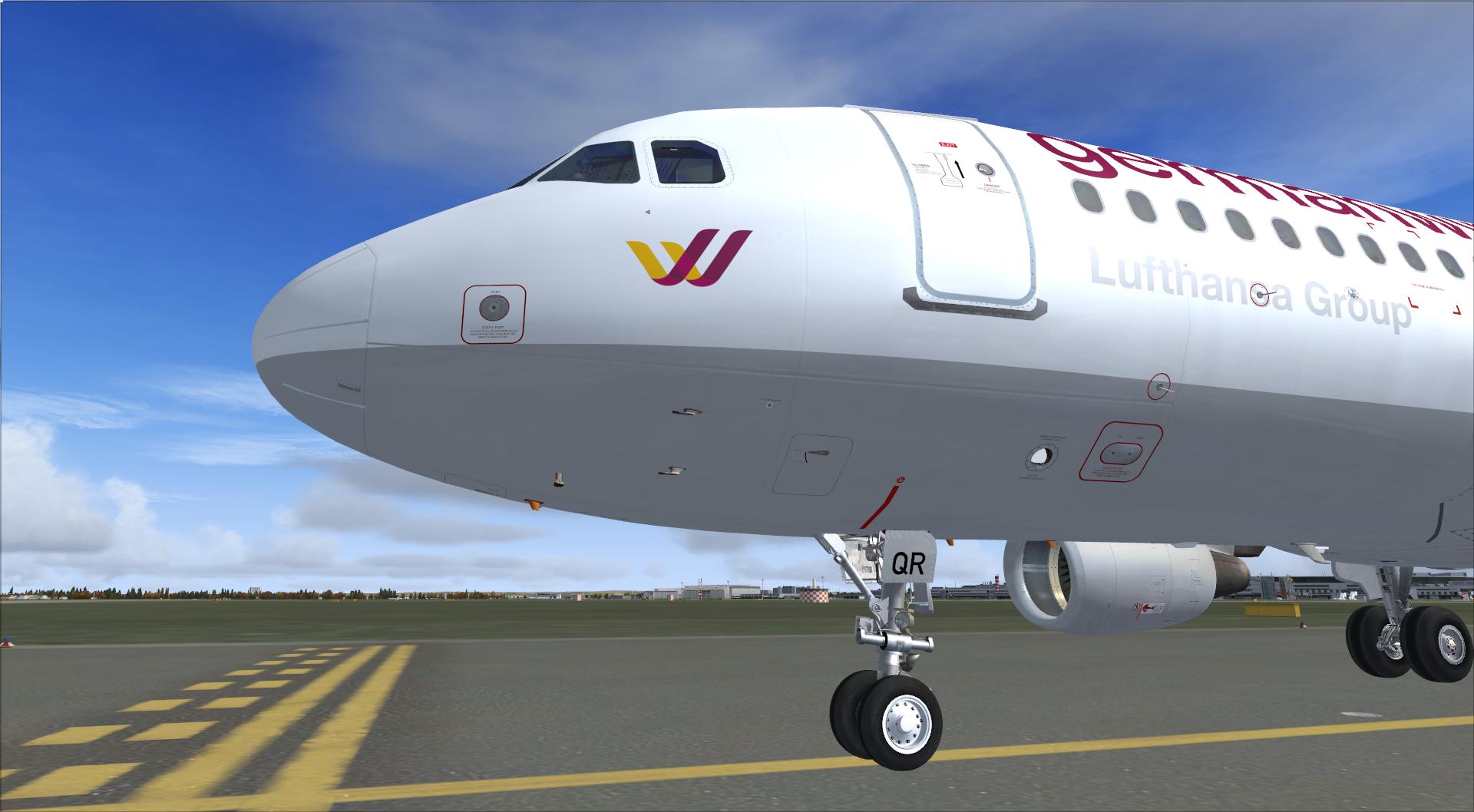
In this pack you can find every A320 germanwings currently has and uses!
I've put much effort into that and I really hope that you like it and that this package will make your flying experience a bit more realistic.
If you find something that could be changed according to the real world A320 or if you have some tips or even if you would suggest some modification then just contact me!

Thanks for downloading!

What's New in Version 1.1

Released

- Fixed black texture issue (sorry for that, forget the texture.cfg)

- removed "CUT HERE" decals

- changed registration right side (before: DOOR - REG - FLAG, real: DOOR - FLAG - REG)

- added "Tavers" beautiful Spec-Textures! (thanks to him!)

User Feedback

There are no reviews to display.

Account

Navigation

Search

Search

Configure browser push notifications

Chrome (Android)
  1. Tap the lock icon next to the address bar.
  2. Tap Permissions → Notifications.
  3. Adjust your preference.
Chrome (Desktop)
  1. Click the padlock icon in the address bar.
  2. Select Site settings.
  3. Find Notifications and adjust your preference.