
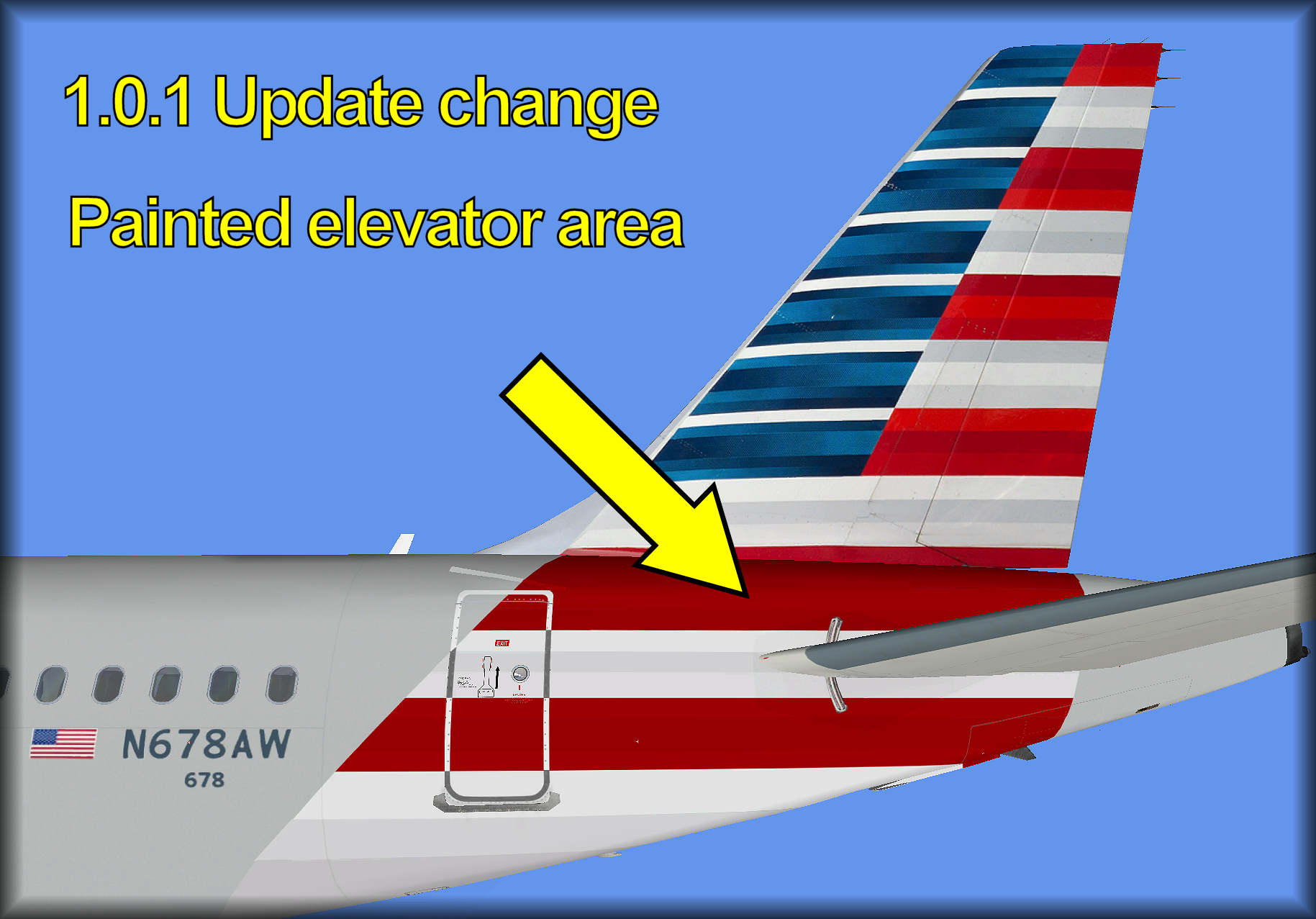
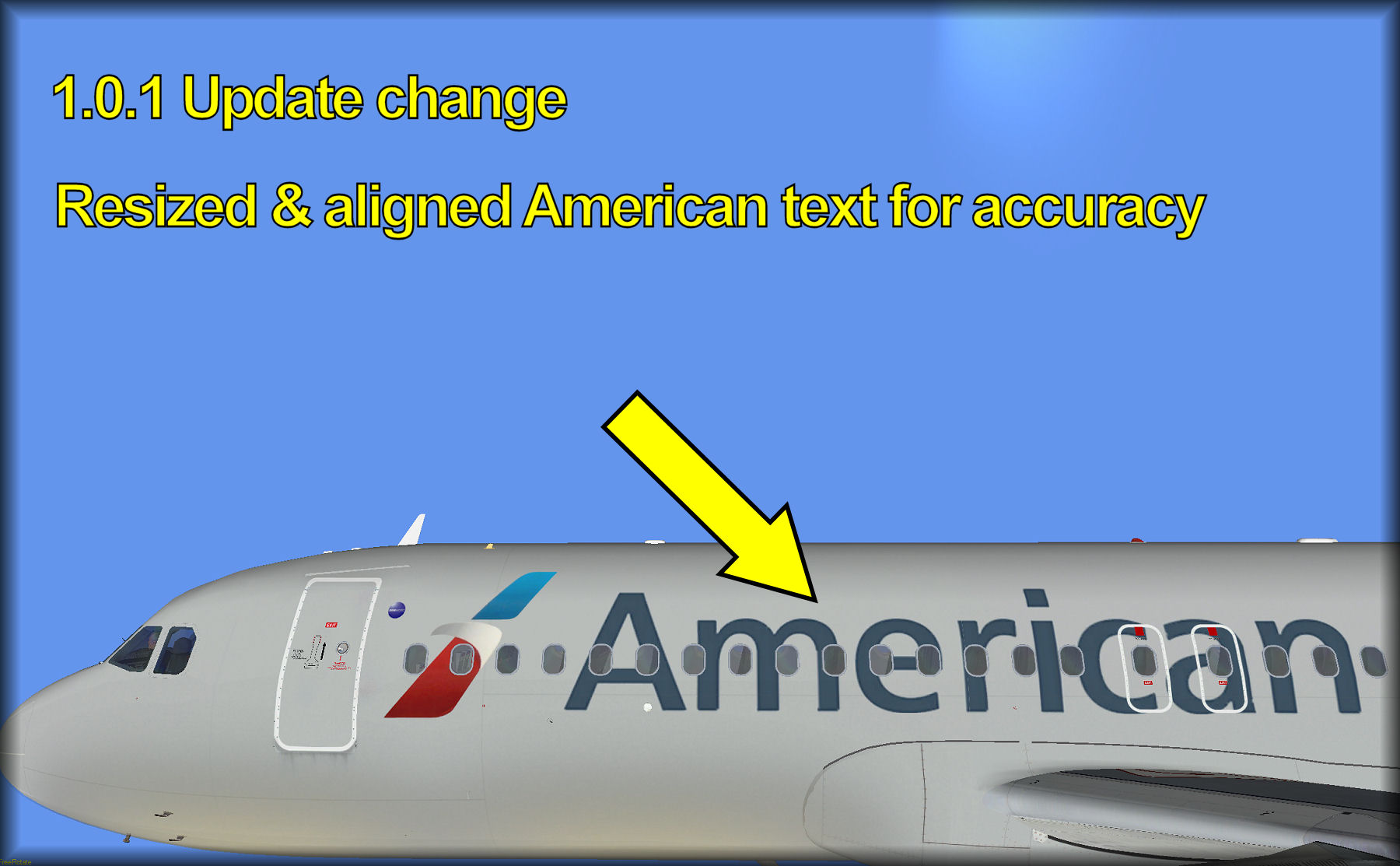
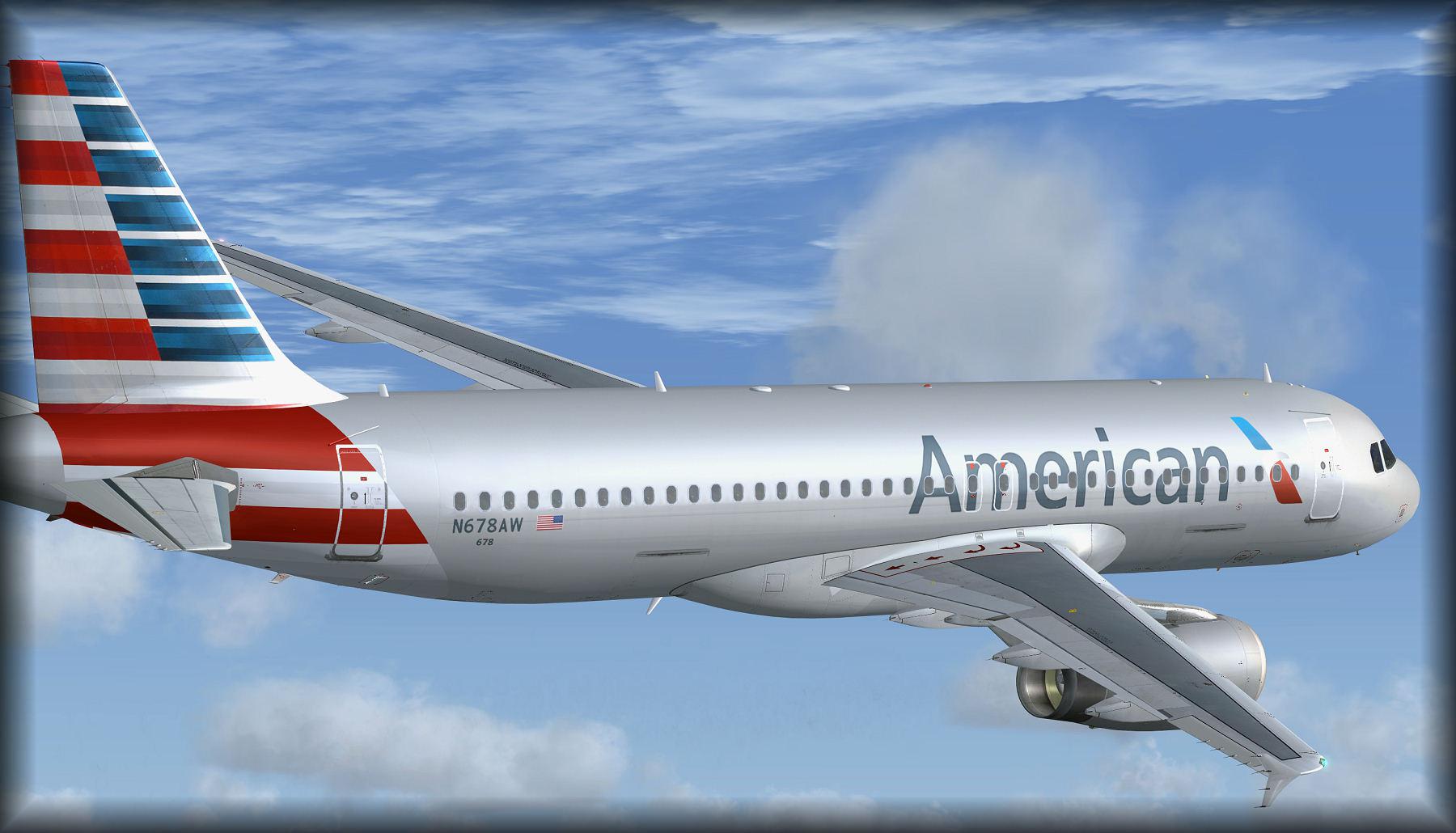
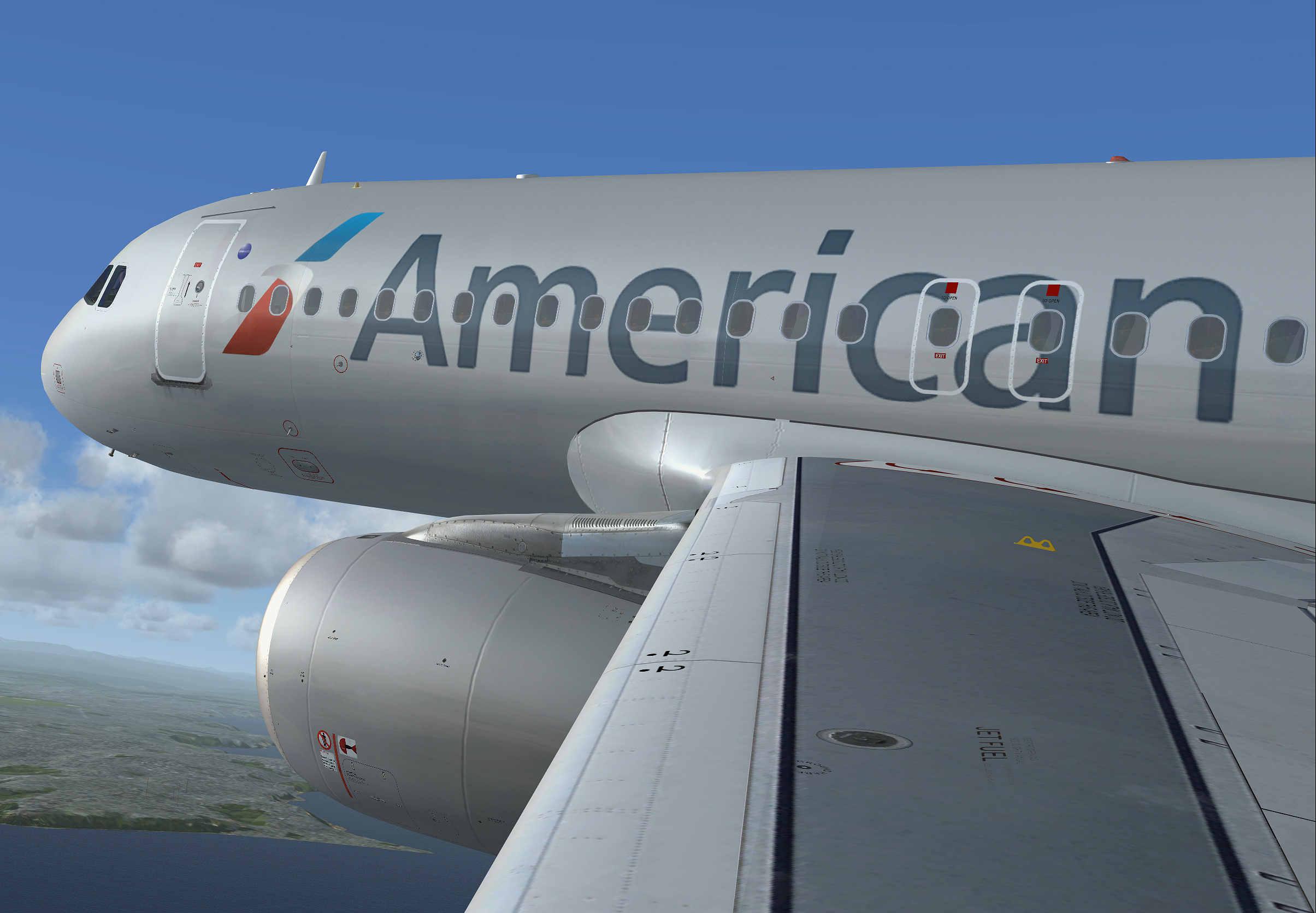
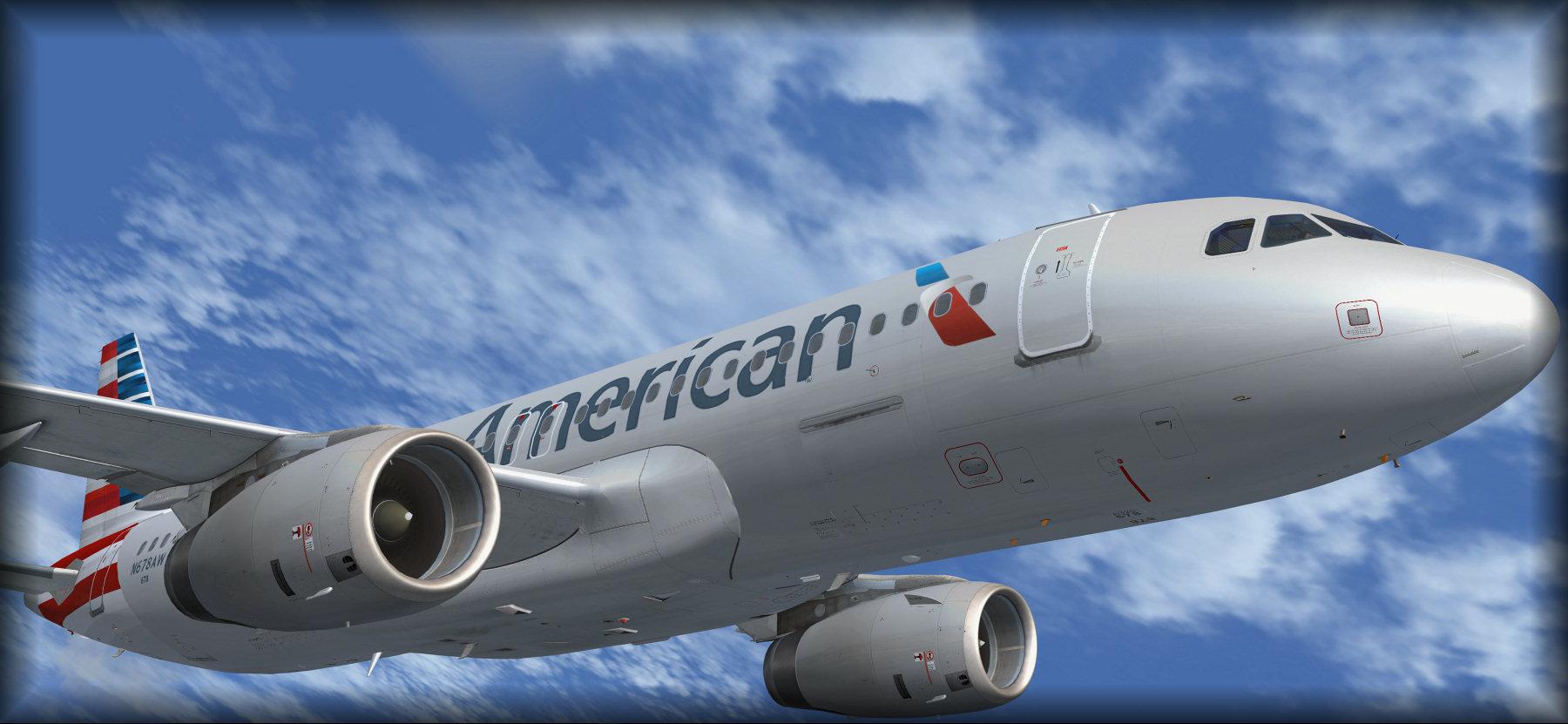
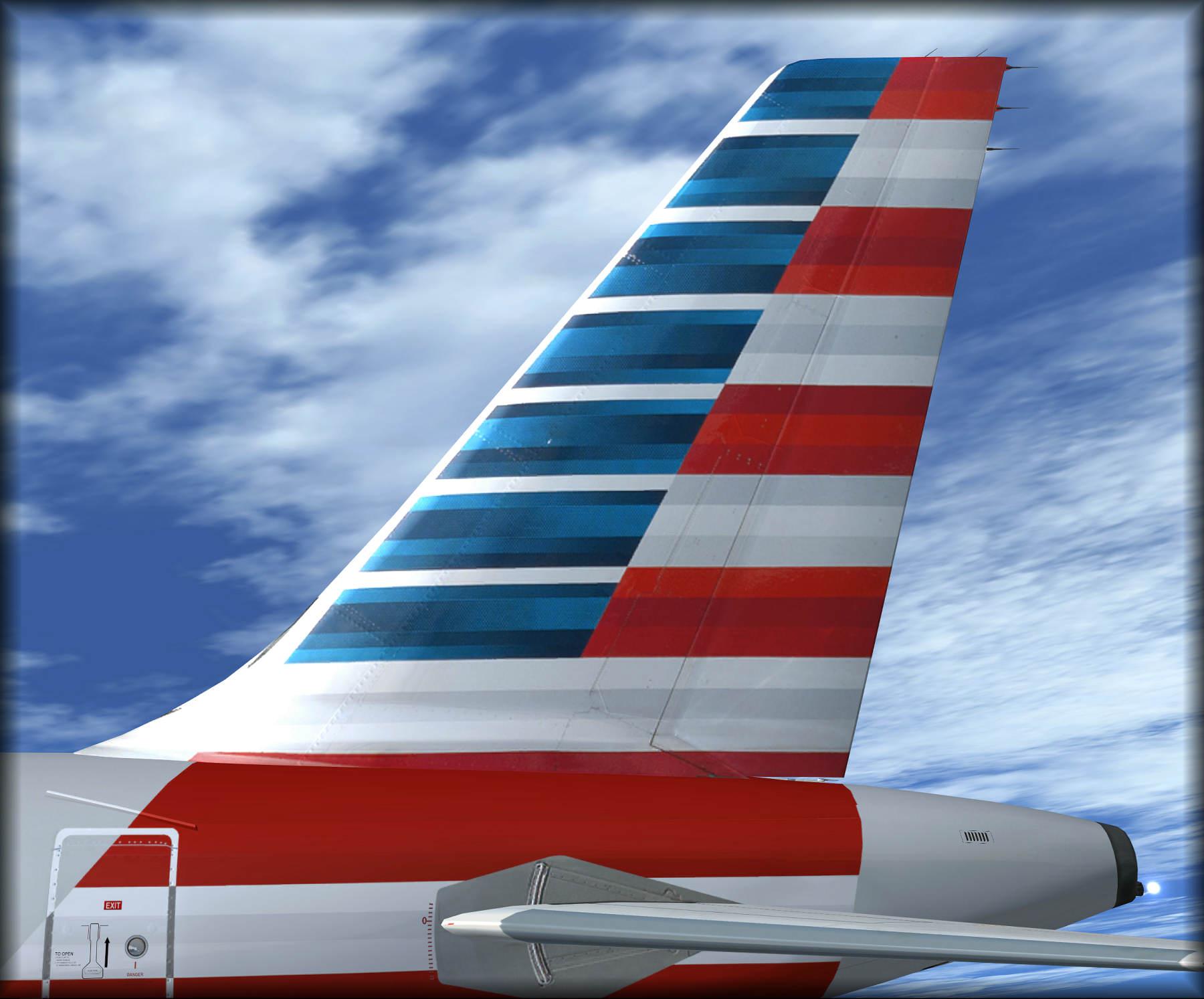
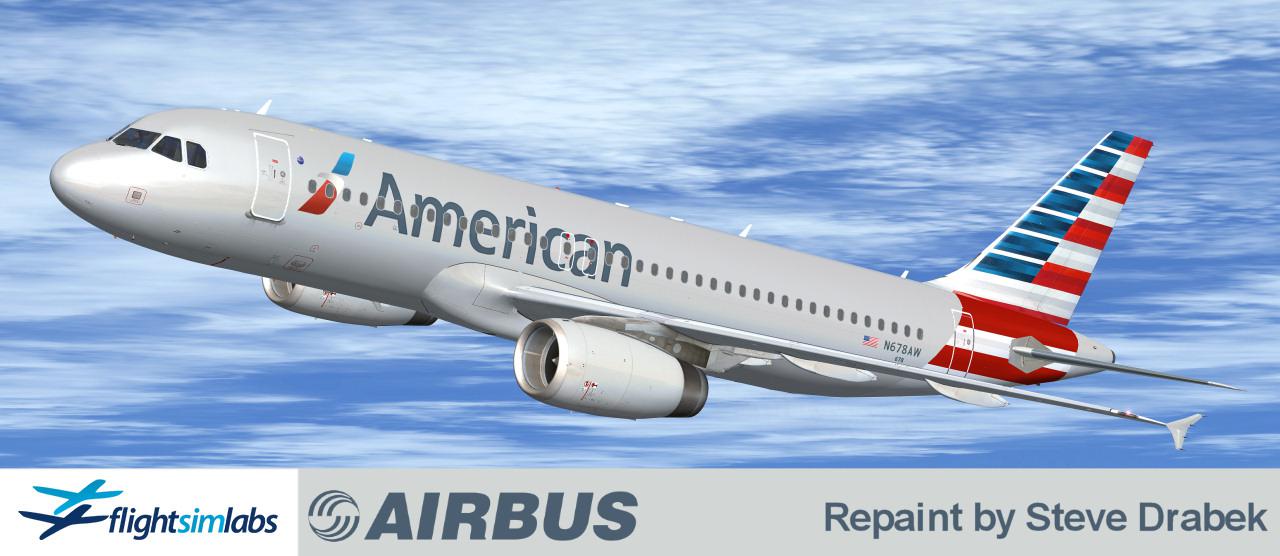
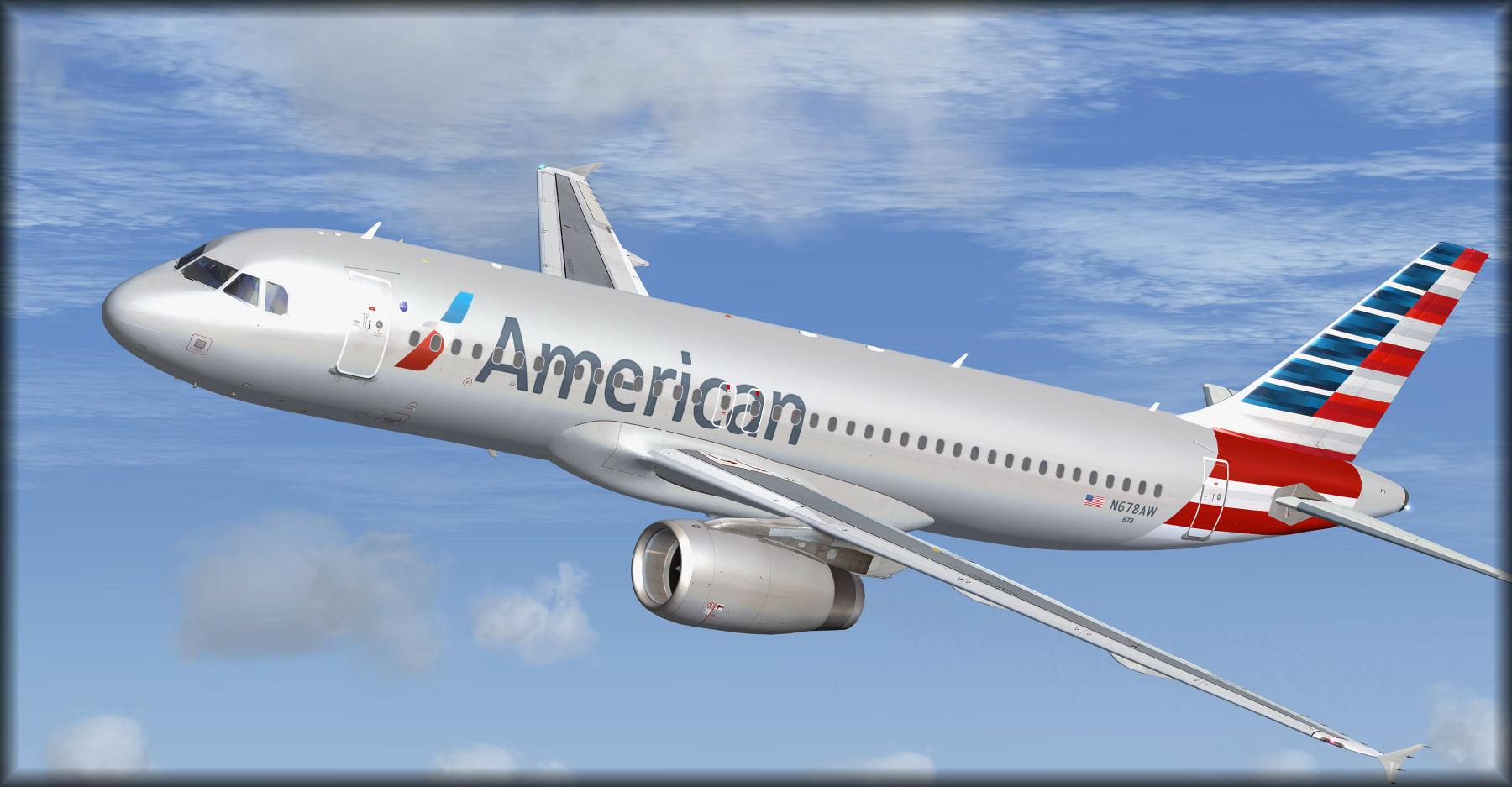
This is a repaint for the FS Labs A320 in American colors (N678AW)
Repaint by Steve Drabek
Reference photo by CJMoeser
INSTALL INSTRUCTIONS:
Extract this folder into your FSLabs A320 IAE folder
Open the Aircraft.cfg file in that folder and add these lines to your file: (replace the "XX" in the 1st line with the next number in sequence, this of course varies per user as we all have a different amount of repaints installed)
[fltsim.XX]
title=FSLabs A320-X AA_N678AW
sim=A320
model=
panel=
sound=
texture=AA_N678AW
kb_checklists=AirbusA320_check
kb_reference=AirbusA320_ref
atc_model=A320
atc_id=N678AW
atc_airline=American
atc_flight_number=AA123
atc_type=Airbus
ui_manufacturer=Airbus
ui_type=A320-232 (IAE)
ui_variation=American_N678AW
ui_typerole=Commercial Airliner
ui_createdby=Flight Sim Labs
atc_parking_types=GATE
description=repaint by Steve Drabek. FSLabs A320X - V2527-A5 - 180 passengers version OEW 43.662 KG and 29.3% CG - FSLabs\nFlight Sim Labs - www.FlightSimLabs.com
// FSLabs Added Variables
engine_variant=IAE2527A5
system_variant=EIS2
selcal_id=AA-CM
version=1
// END FSLabs Added Variables
What's New in Version 1.0.0
Released
No changelog available for this version.
-
 5
5
There are no reviews to display.