

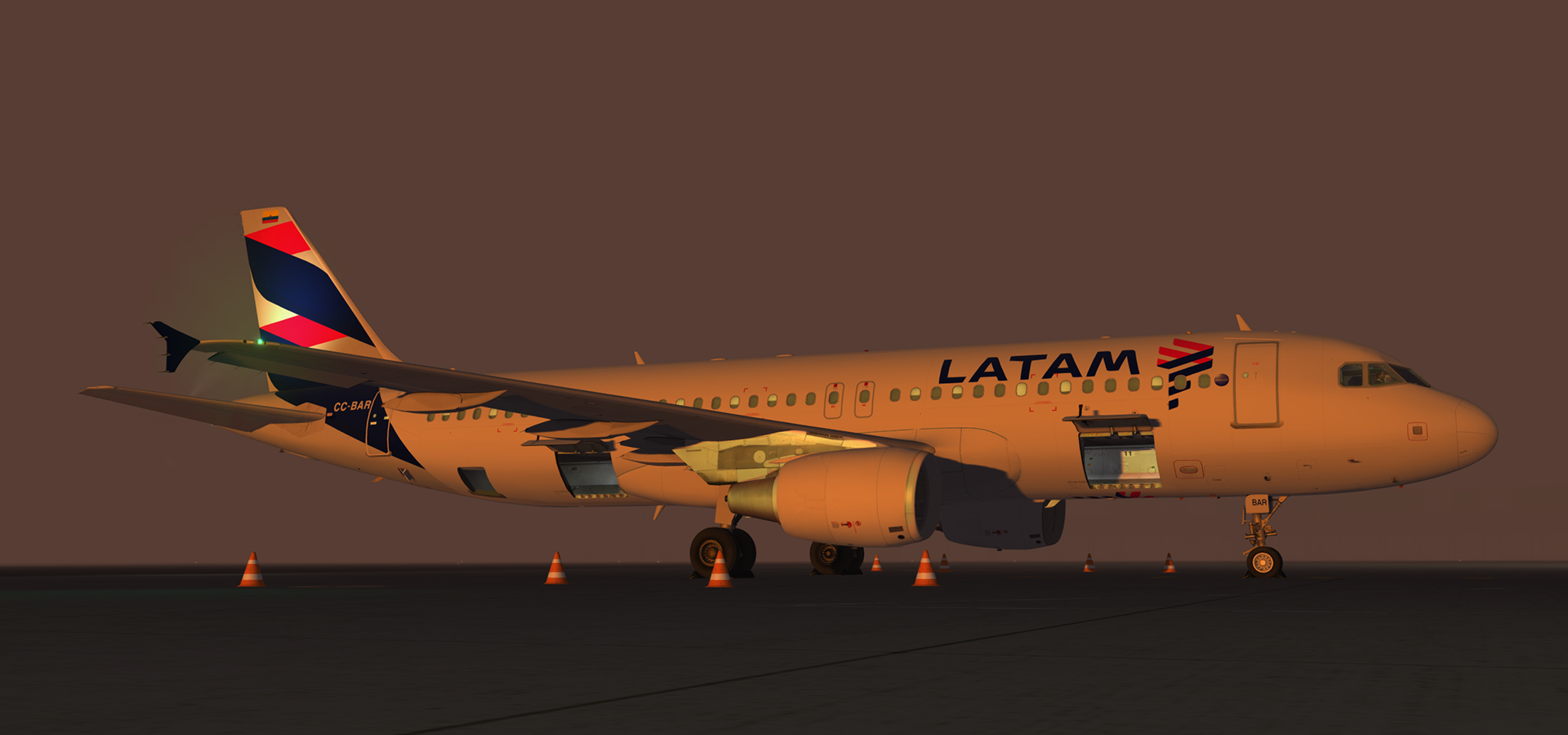
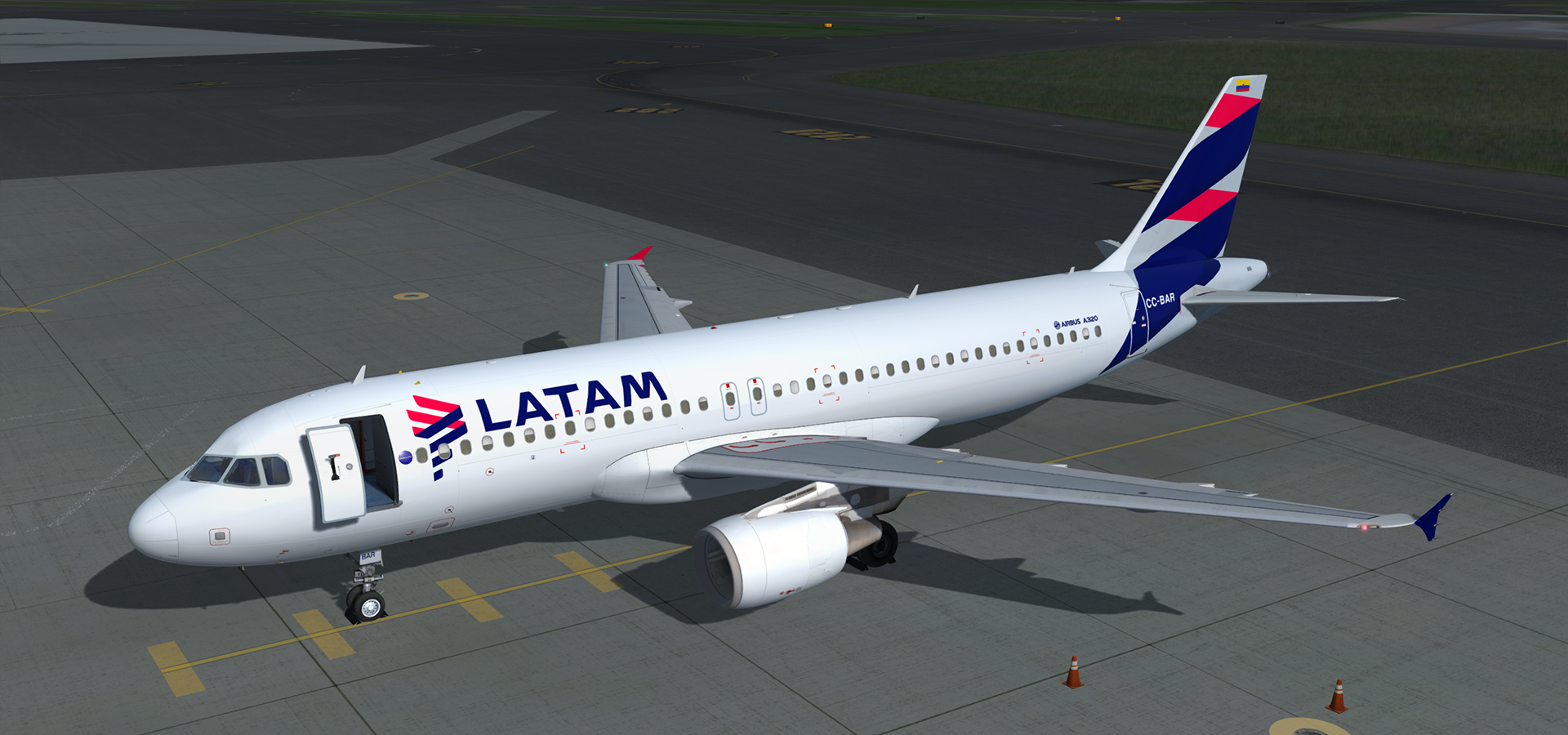
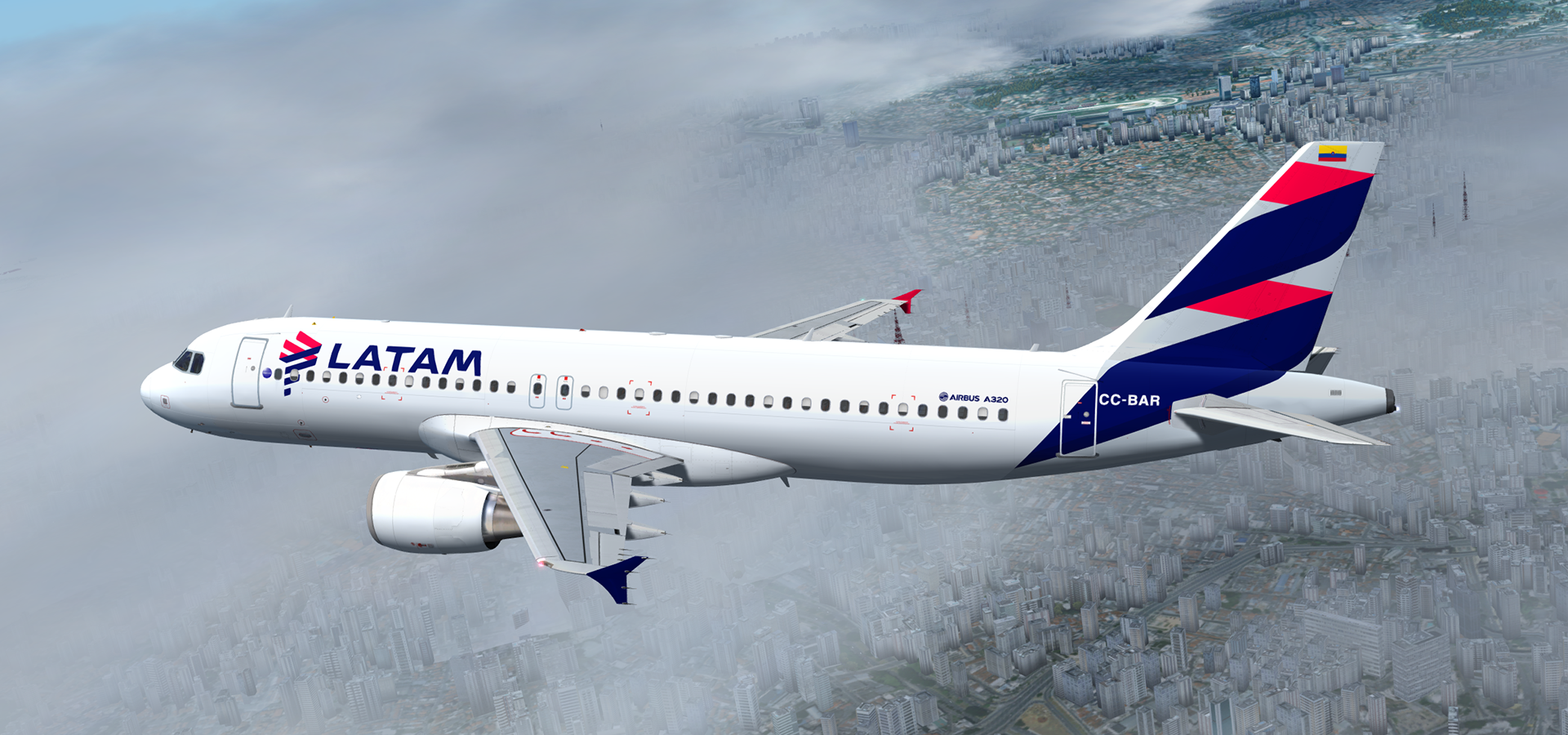
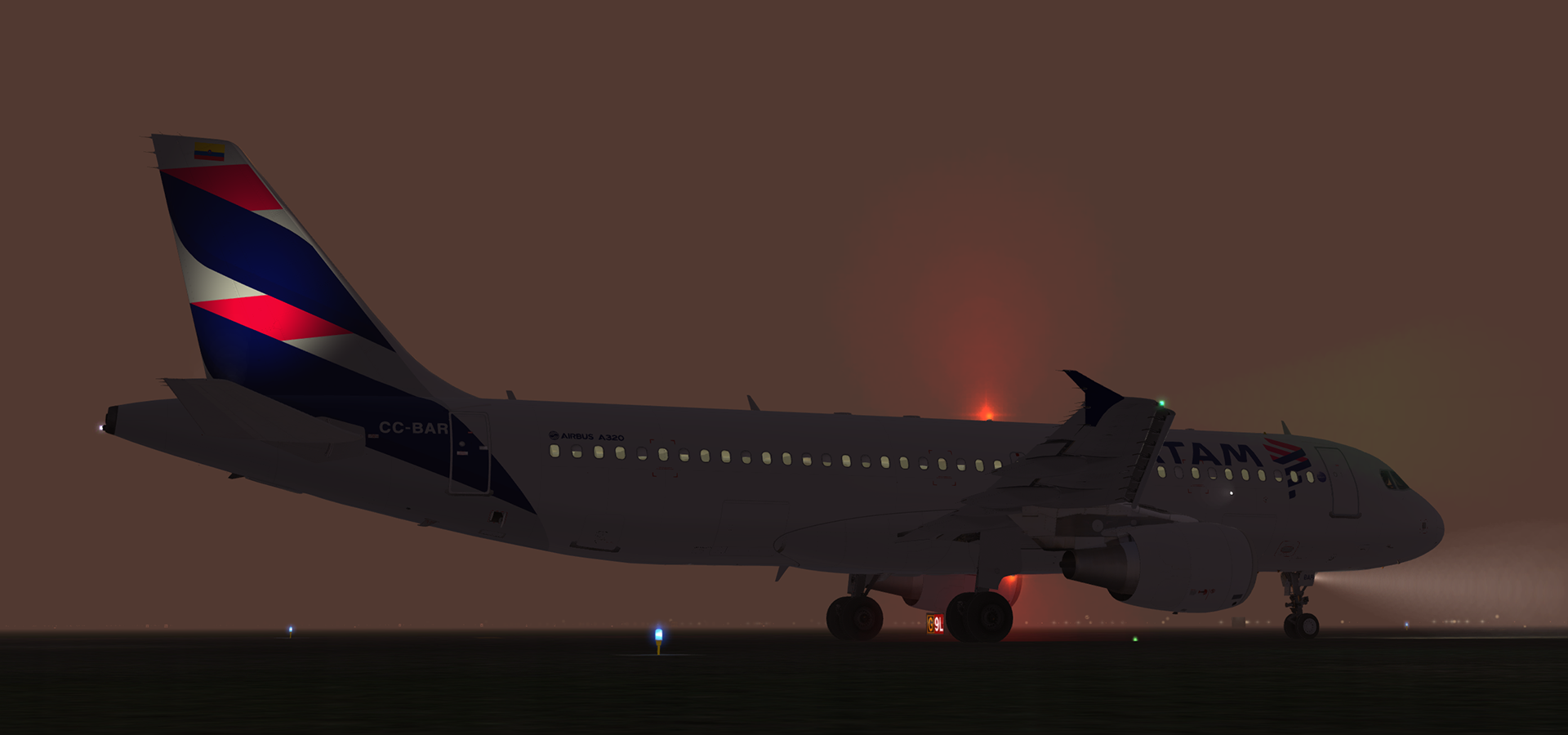
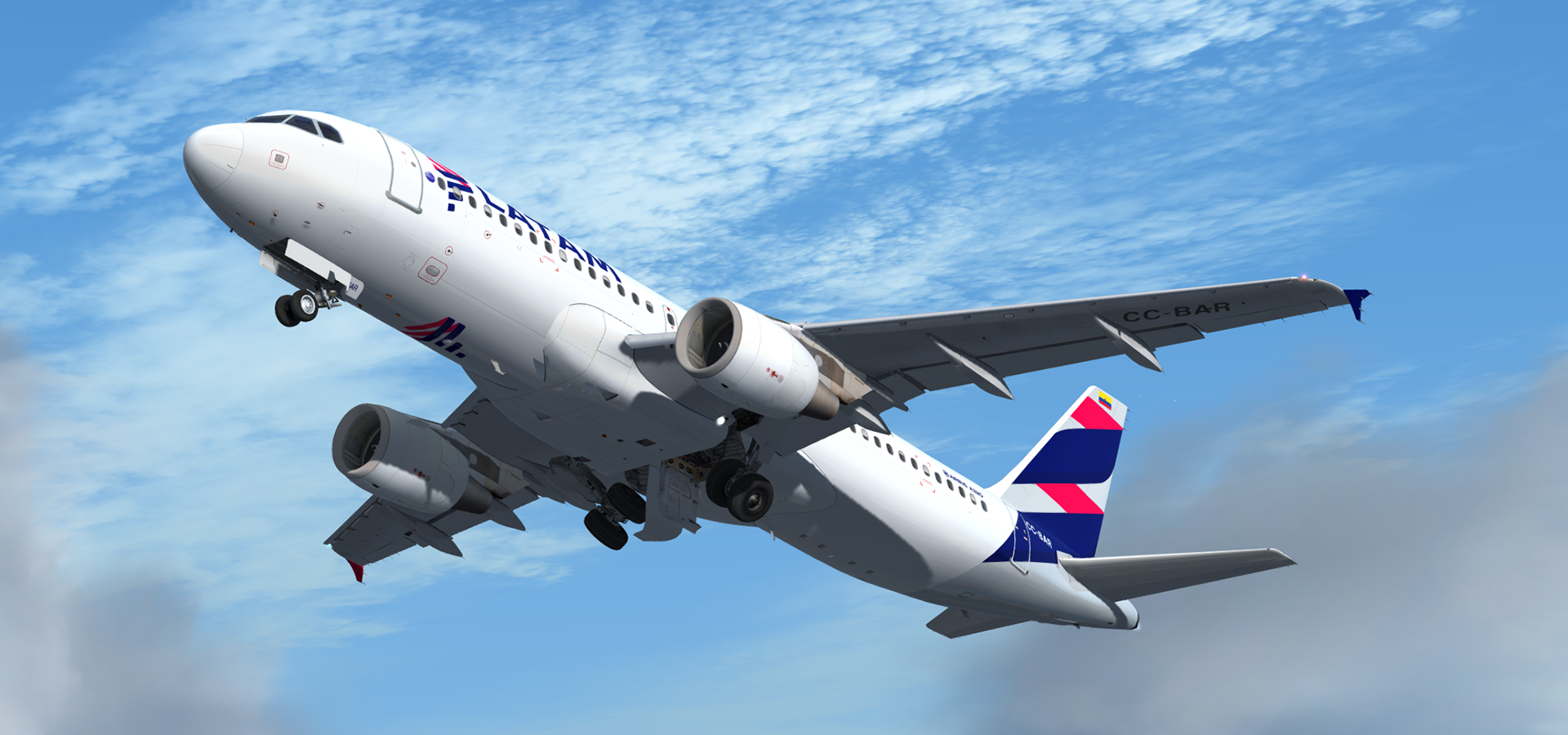
A320-214 CFM in LATAM Airlines Colombia livery. This airframe, CC-BAR (MSN 4892), was delivered to LAN Airlines on the 29th of October 2011. It operated under LATAM Chile from 05/05/2016 and was then transferred to LATAM Colombia on 18/06/2016.
What's New in Version 3.0.0
Released
- P3D v4.1 compatibility. You can now simply drop the Texture.XXX folder into your sim and the aircraft will automatically be added to the vehicles list. A ReadMe with instructions are included in the archive.
- Updated Fresnel light maps (A special thanks to @John Tavendale for discovering this trick)
- New fuselage, tail and engine specular maps
- Minor livery adjustments and colour corrections
NB: The CFM variant in P3Dv4.1 is NOT compatible with my CFM engine mod and those textures will not be used in this version. I've included the textures for legacy FSX/P3Dv3.x users regardless.
Previous Version fixes:
Minor wing registration corrections. This release has also been updated to feature my custom CFM56 engine texture mod which can be found here in the library:
Version 2.0 changes (inclusive in this update):
Completely reworked base textures.
Many thanks to @Tavers for allowing me to use his excellent A320 master textures and to @Christian Mohr for allowing me to use his wing textures. You can find both of these gents' excellent repaints on the flightsimlabs forums.
-
 1
1