
Skip to content
View in the app

A better way to browse. Learn more.

Flight Sim Labs Forums

A full-screen app on your home screen with push notifications, badges and more.

To install this app on iOS and iPadOS
  1. Tap the Share icon in Safari
  2. Scroll the menu and tap Add to Home Screen.
  3. Tap Add in the top-right corner.
To install this app on Android
  1. Tap the 3-dot menu (⋮) in the top-right corner of the browser.
  2. Tap Add to Home screen or Install app.
  3. Confirm by tapping Install.

Royal Jordanian A321 (JY-AYT - Karak) 2.0.0

(1 review)

3 Screenshots

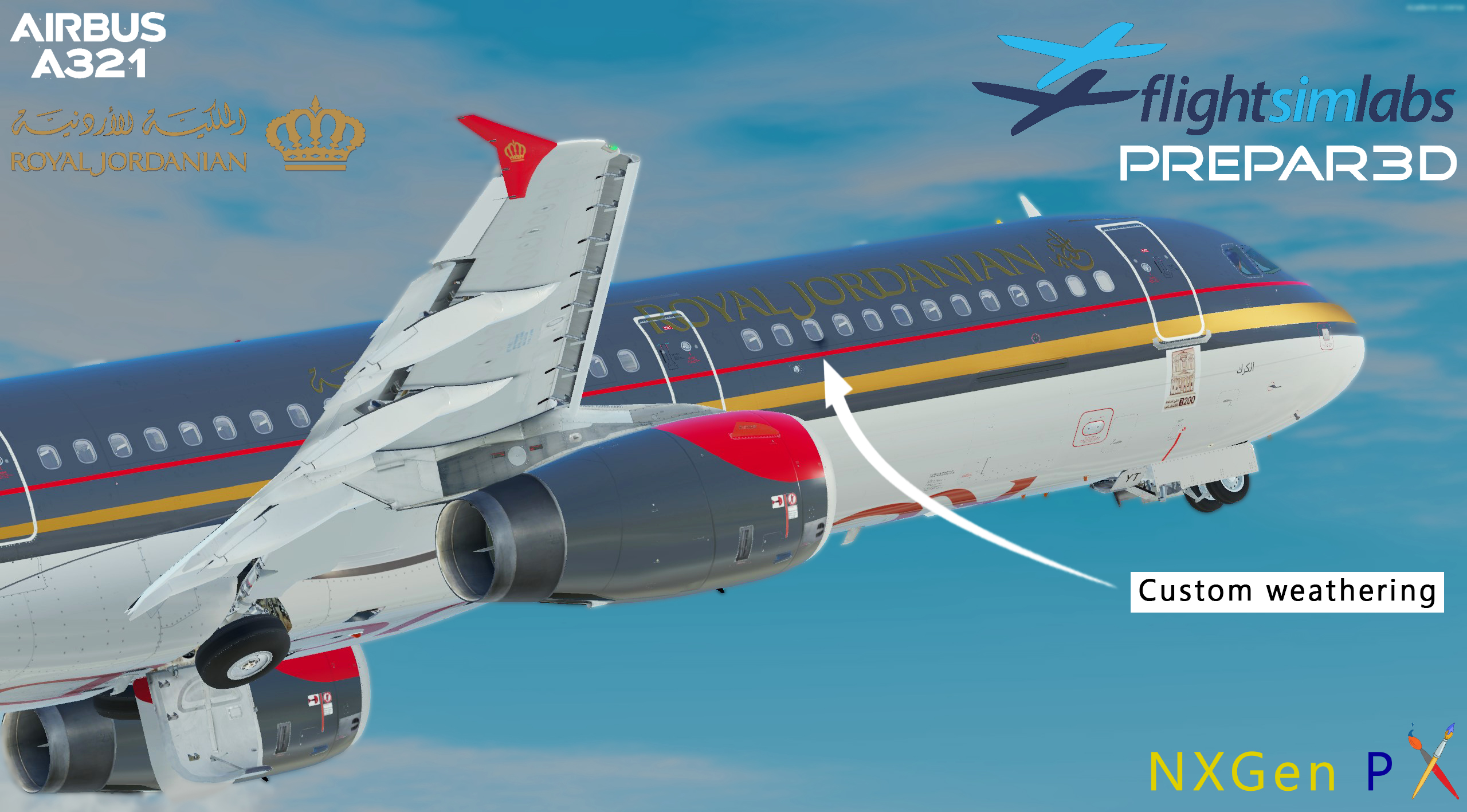
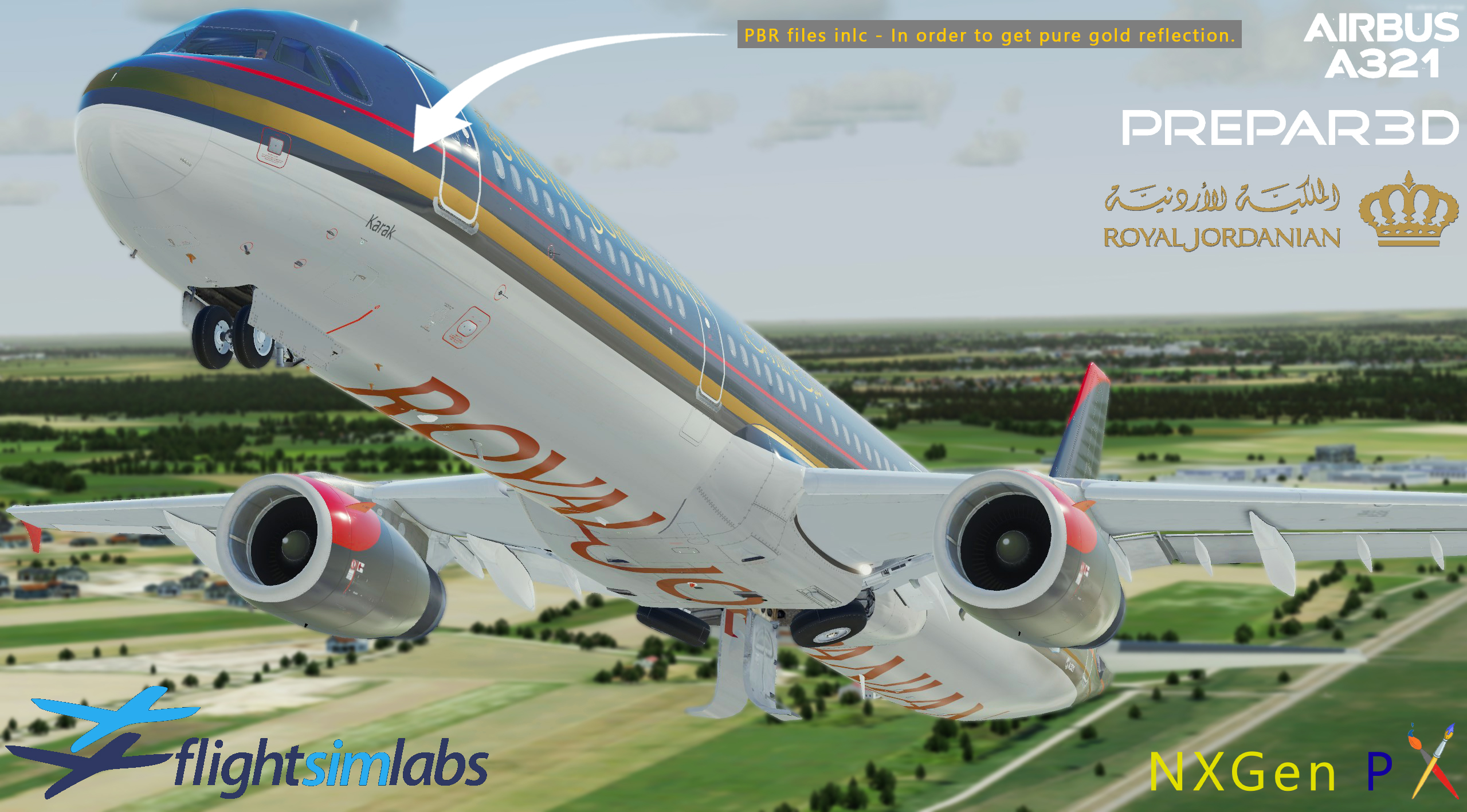
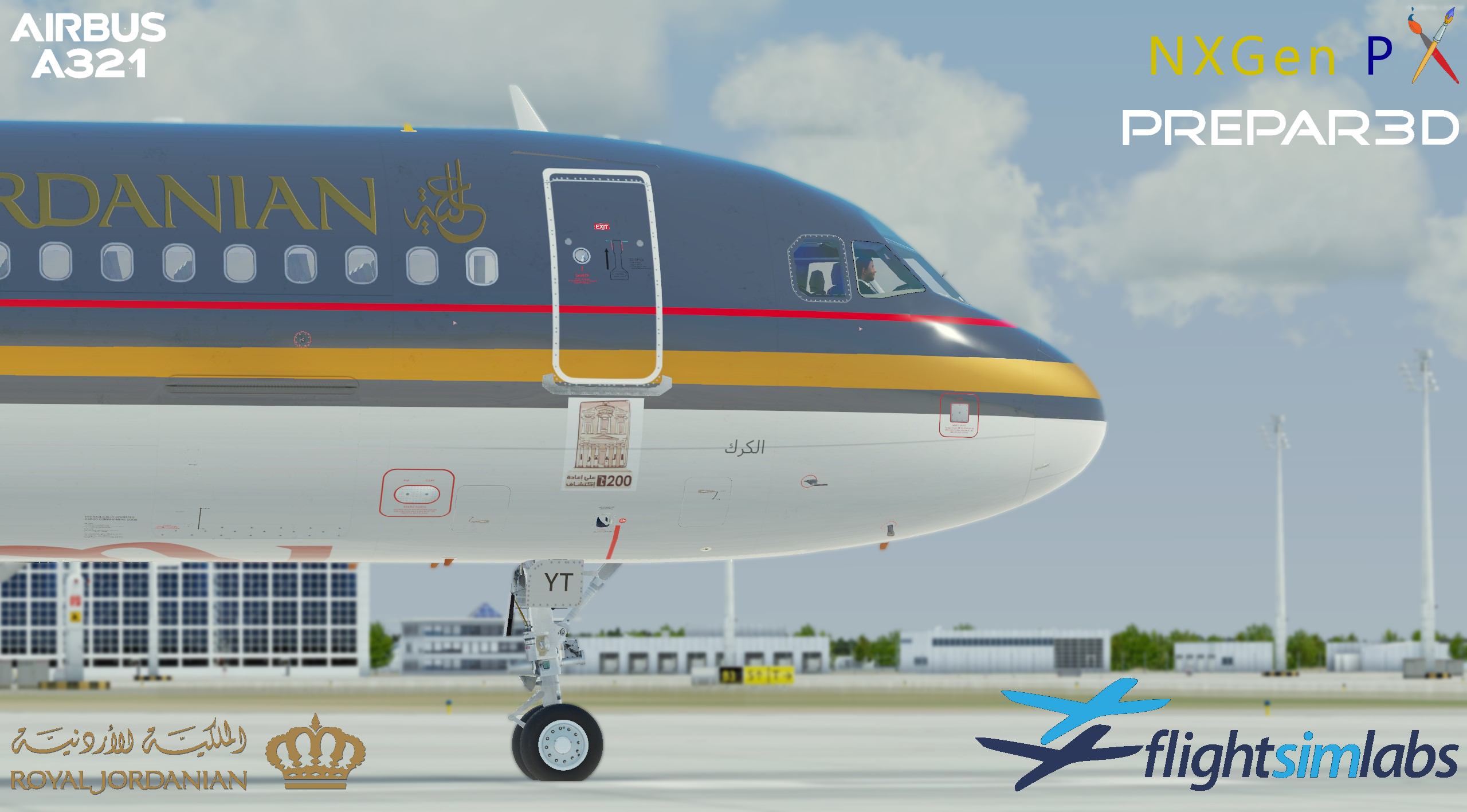
Royal Jordanian A321 JY-AYT (Karak) circa 2022

A very HD made livery of Royal Jordanian A321 JY-AYT namned Karak. 

The livery contains metallic files (PBR files), which reveals truly gold reflection on yellow/brown stripes on the fuselage + Royal Jordanian text, as the real aircraft. 

Addiotional info:

  • Vector based logos
  • Livery made from ground up using inhouse methods.

Installtion is very simple:

Just extract the folder, from the zipped file (JY-AYT (Royal Jordanian) by NXgen P

Texture.JY-AYT (Royal Jordanian) in to X:\Users\XXXX\Documents\Prepar3D v4/v5 Add-ons\FSLabs\SimObjects\Airplanes\FSLabs A321 IAE


If you have any quesstions feel free to reach me on my mail:

rickard.andersson009@gmail.com


User Feedback

Nadeem Zabaneh

Nadeem Zabaneh


Simply Amazing!! Thanks! 

Account

Navigation

Search

Search

Configure browser push notifications

Chrome (Android)
  1. Tap the lock icon next to the address bar.
  2. Tap Permissions → Notifications.
  3. Adjust your preference.
Chrome (Desktop)
  1. Click the padlock icon in the address bar.
  2. Select Site settings.
  3. Find Notifications and adjust your preference.

