

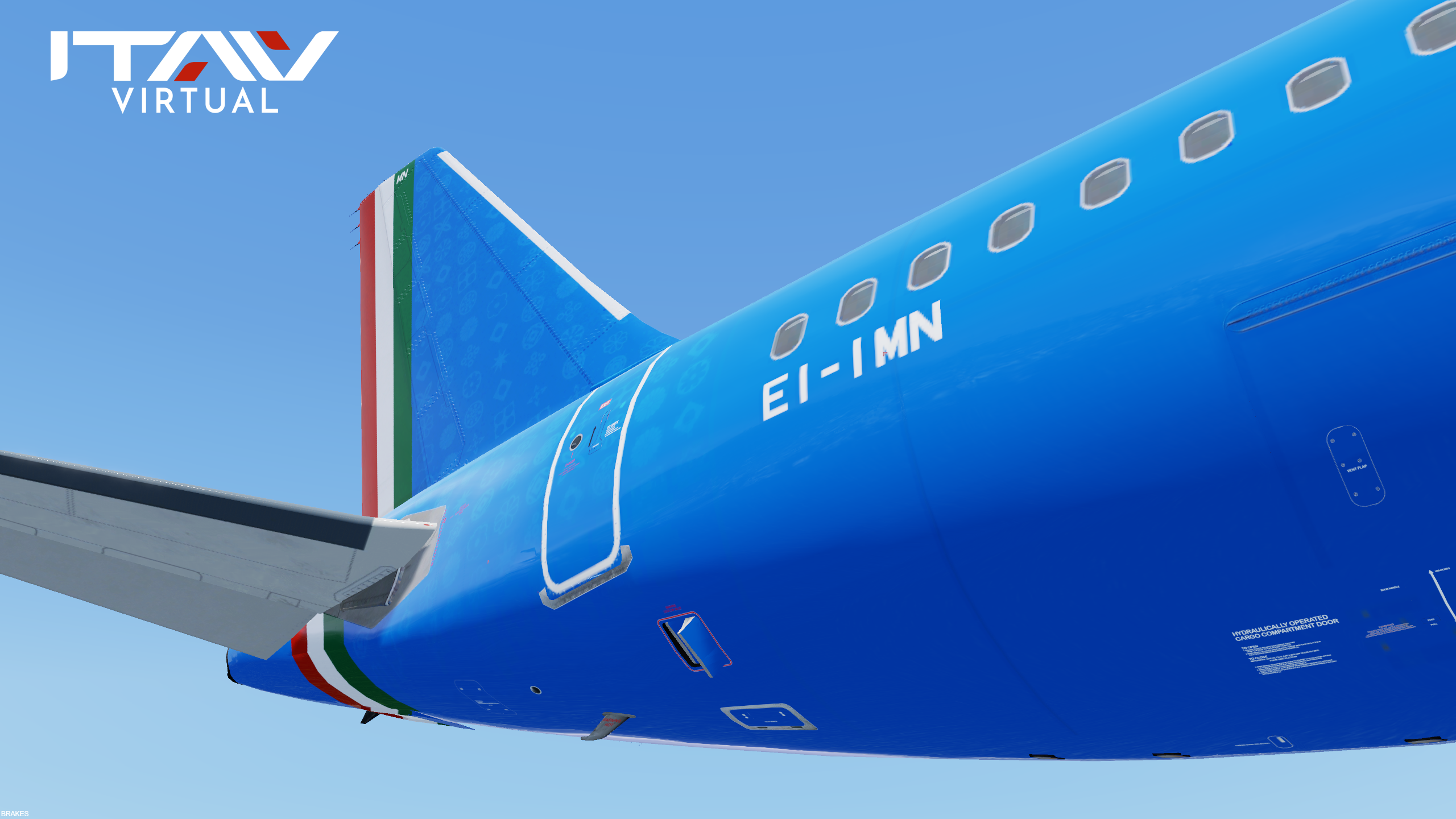
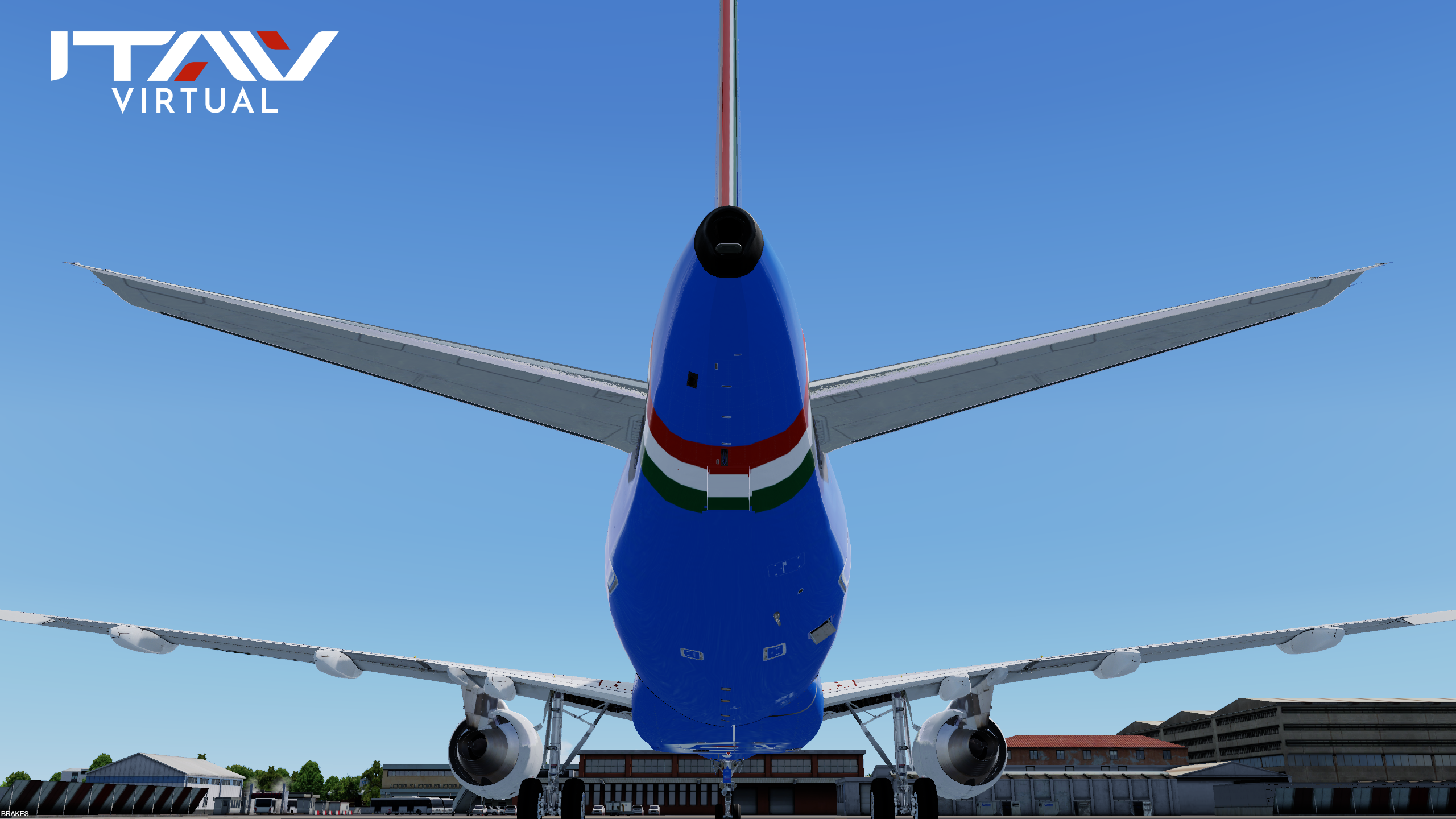
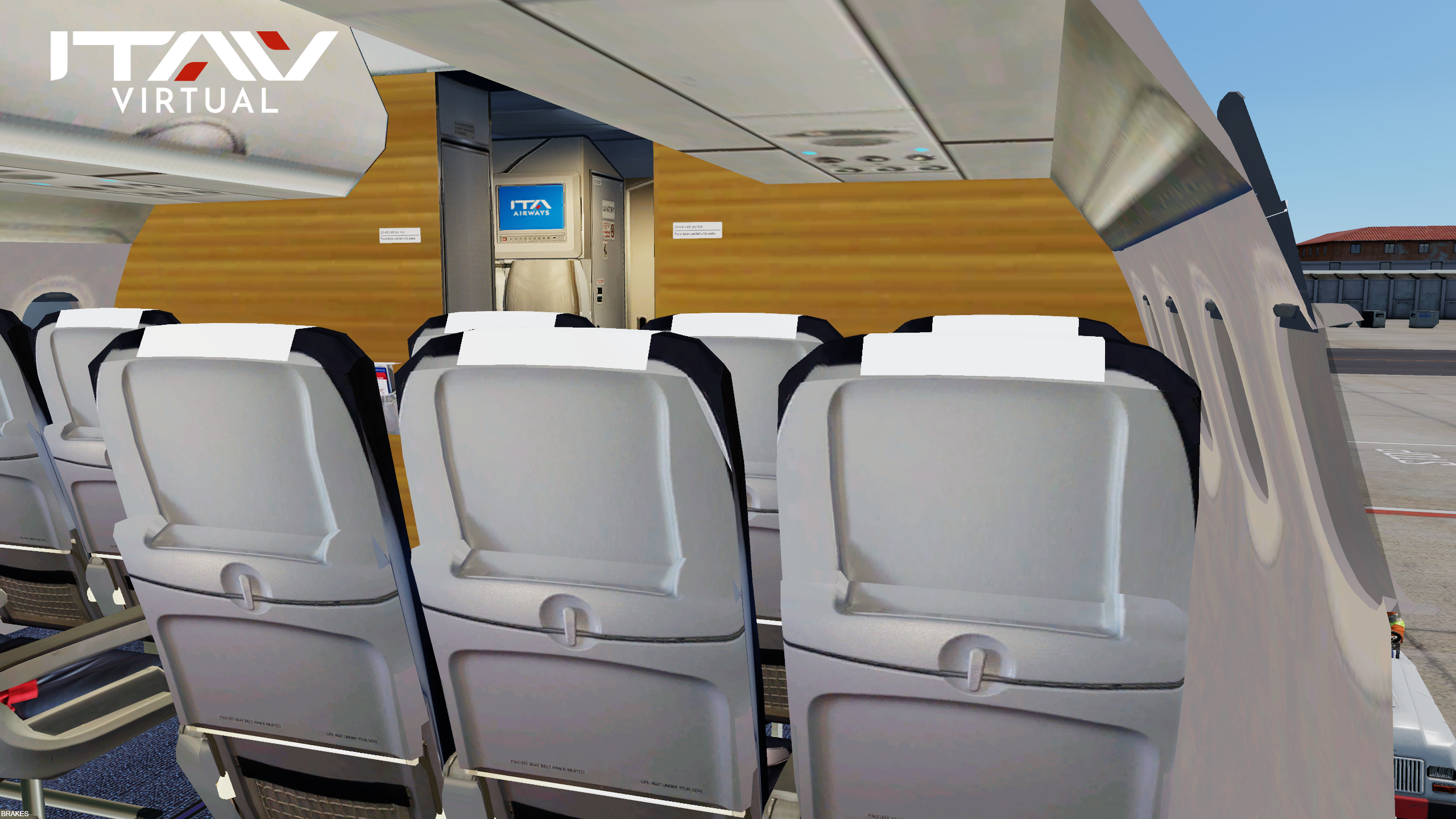
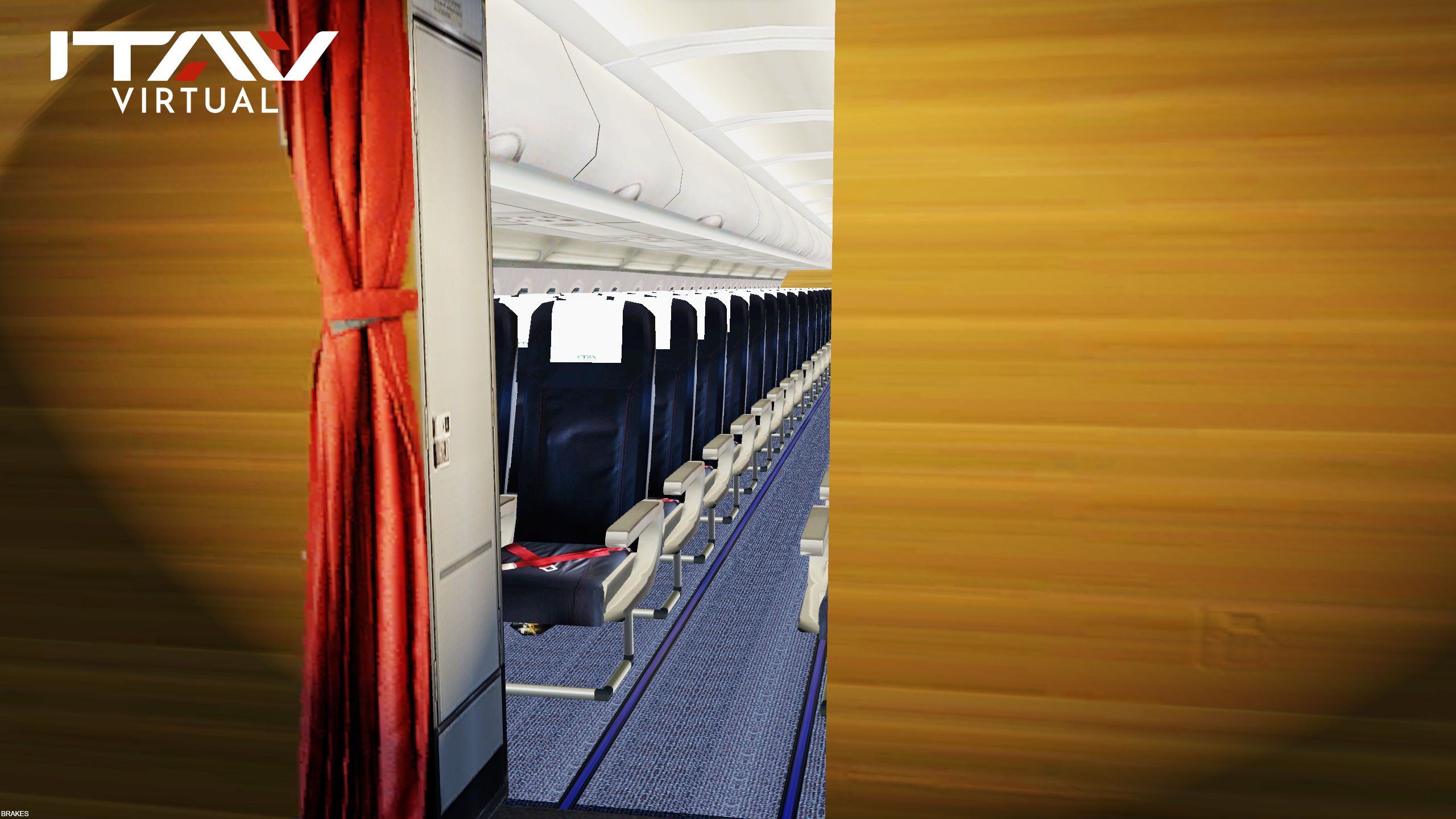

ITA Airways A319-111 and A319-112 Fleet
_____________________________________________
1) Content:
ITA Airways A319-112 EI-IMB "Gino Bartali"
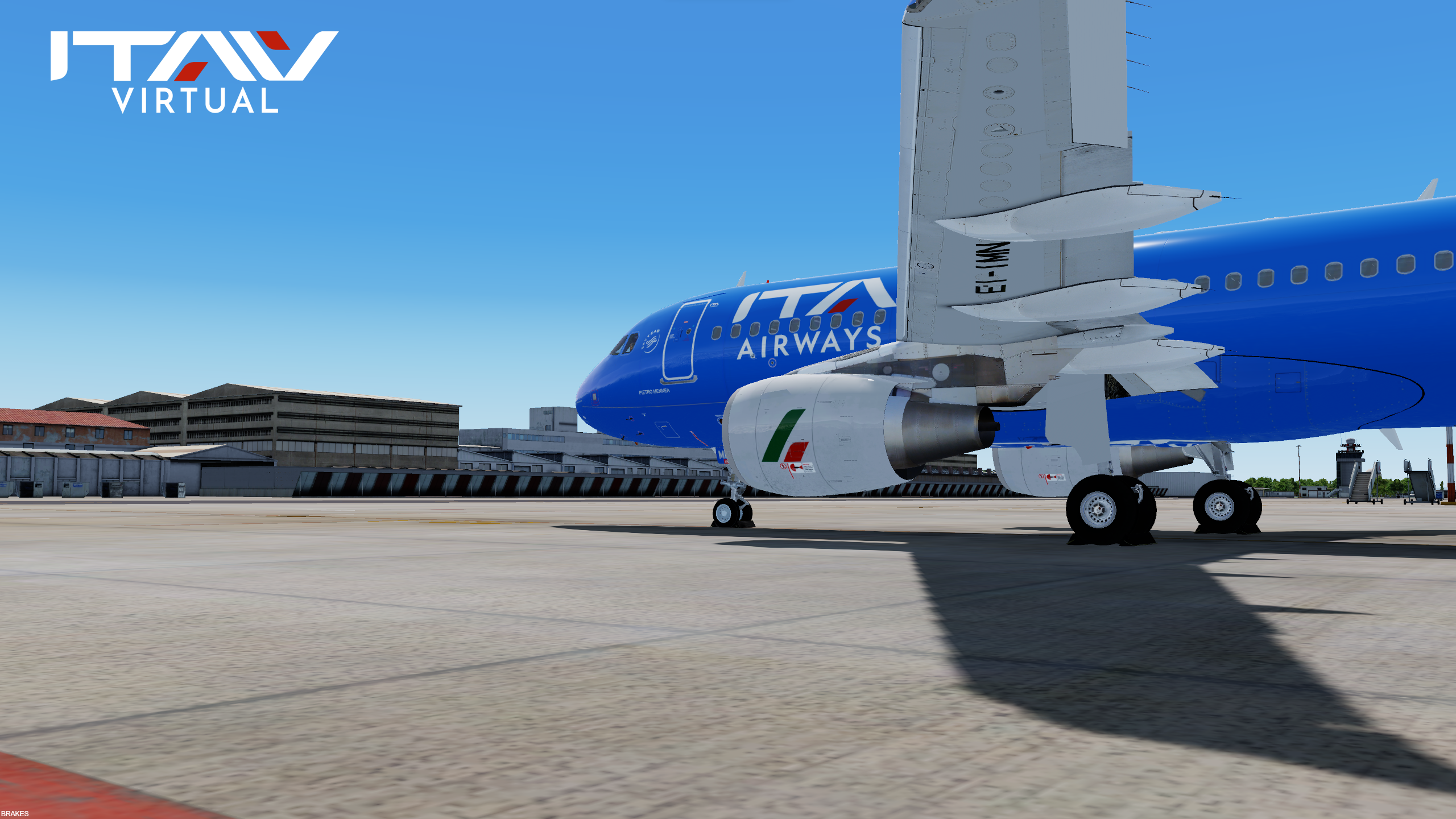
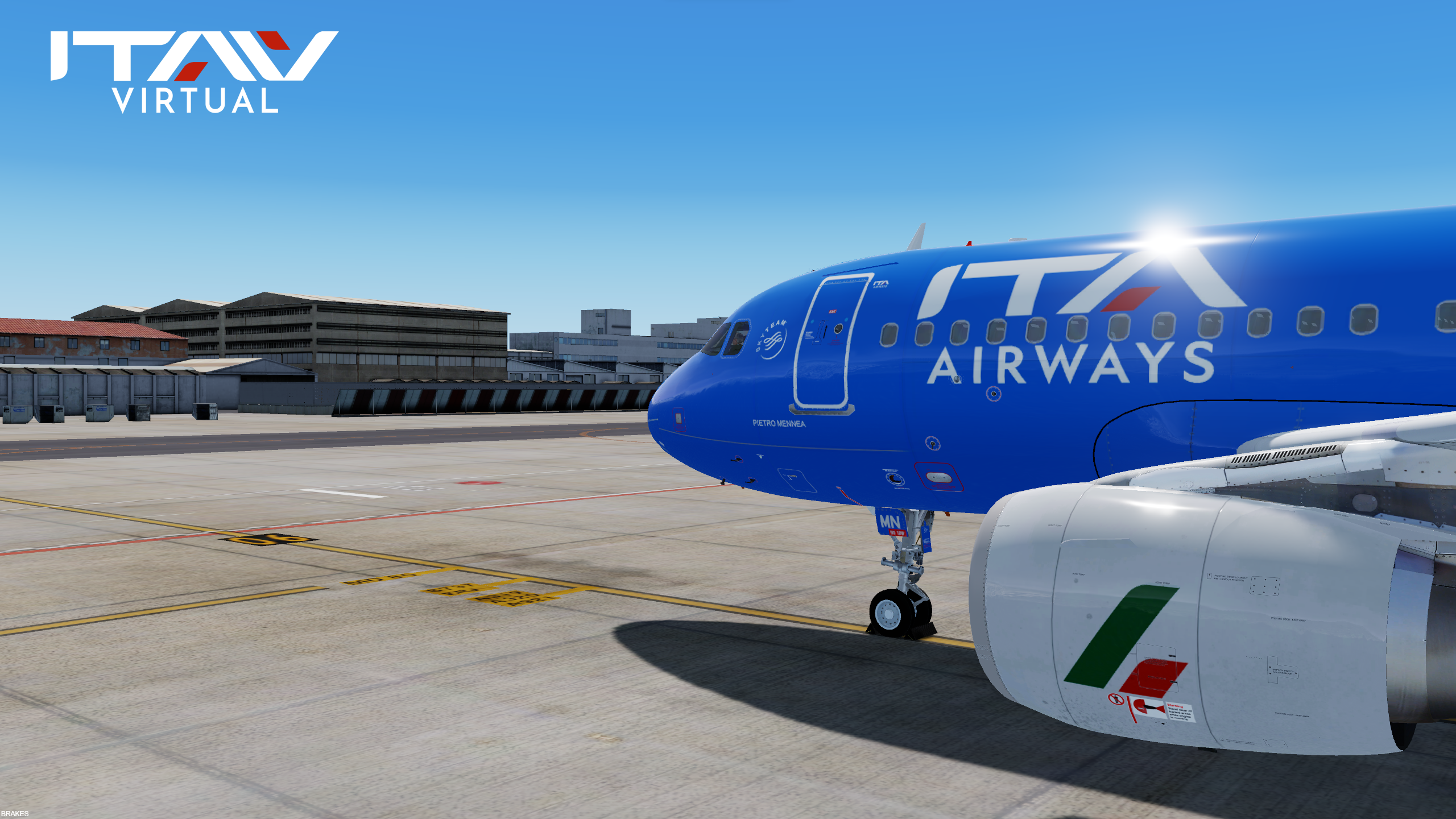
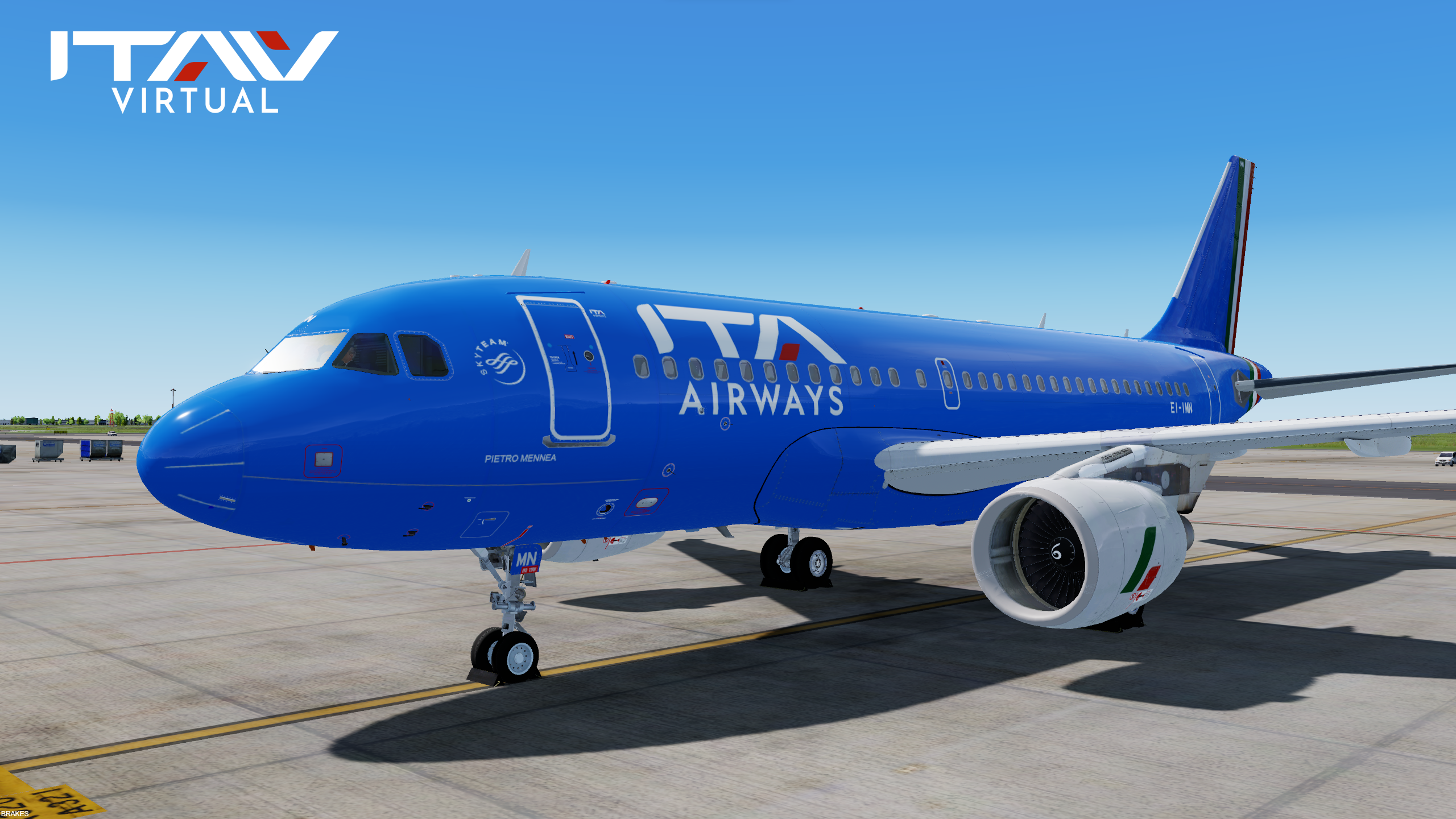
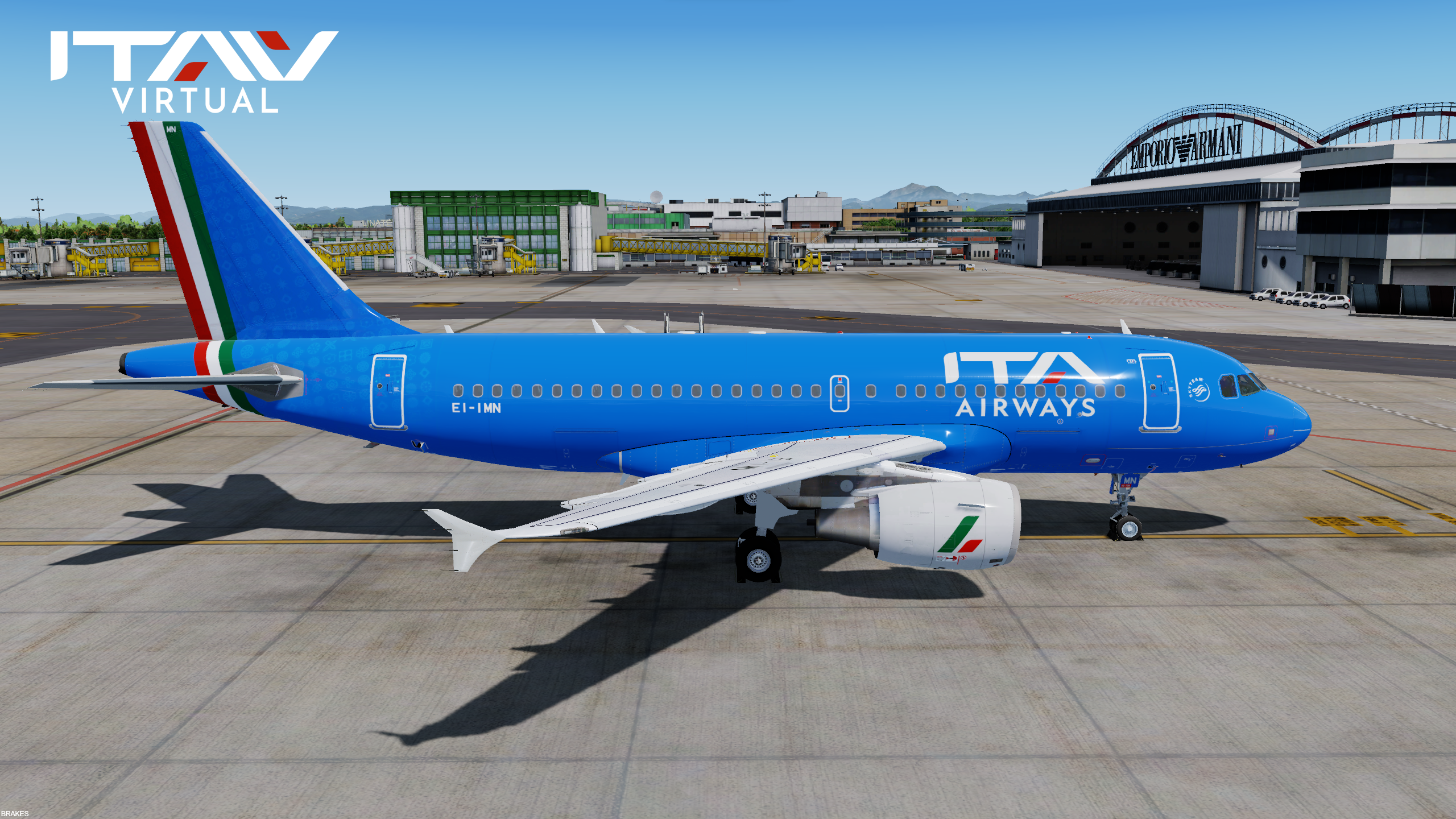
ITA Airways A319-111 EI-IMN "Pietro Mennea"
***as soon as the real airline will paint other airframes, these will be added to the downloads***
_____________________________________________
2) Installation instructions:
Manual included
_____________________________________________
3) Copyright and legal:
This work is protected by international intellectual property and copyright laws. Any unauthorised use, dissemination and/or distribution of the content of this download is prohibited without the prior written consent of the author.
Copyright © ITA Airways Virtual – All rights reserved.
FLIGHTSIMLABS its logo and product & service marks are registered trademarks of Flightsimlabs. All rights reserved.
ITA AIRWAYS its logo and product & service marks are registered trademarks of Ita Airways. All rights reserved.
AIRBUS, its logo and product & service marks are registered trademarks of Airbus. All rights reserved.
_____________________________________________
ARE YOU READY TO JOIN OUR PILOT ROSTER?
Fly as an ITA Airways Virtual Pilot today
JOIN US OR DISCOVER MORE @ www.itaairwaysvirtual.com
What's New in Version 1.0.0
Released
No changelog available for this version.
-
 4
4
-
 2
2
There are no reviews to display.