

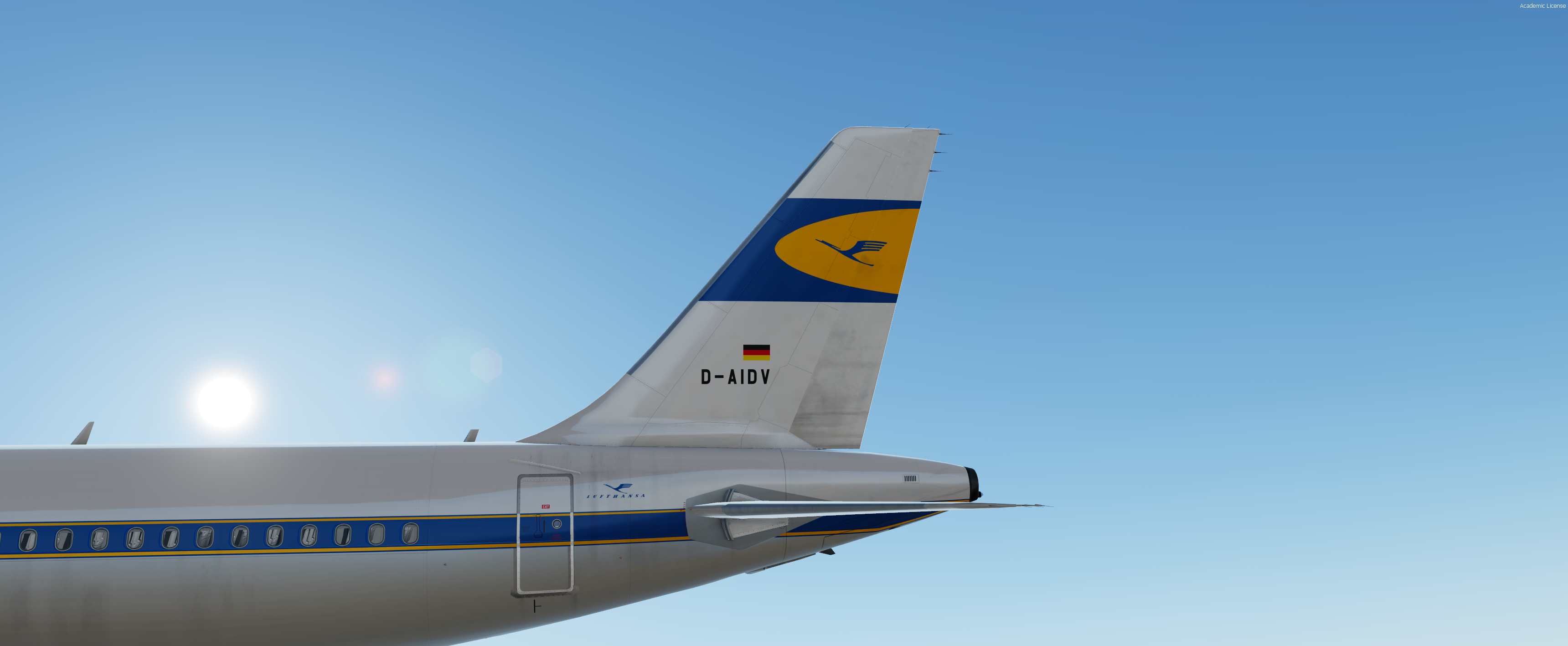
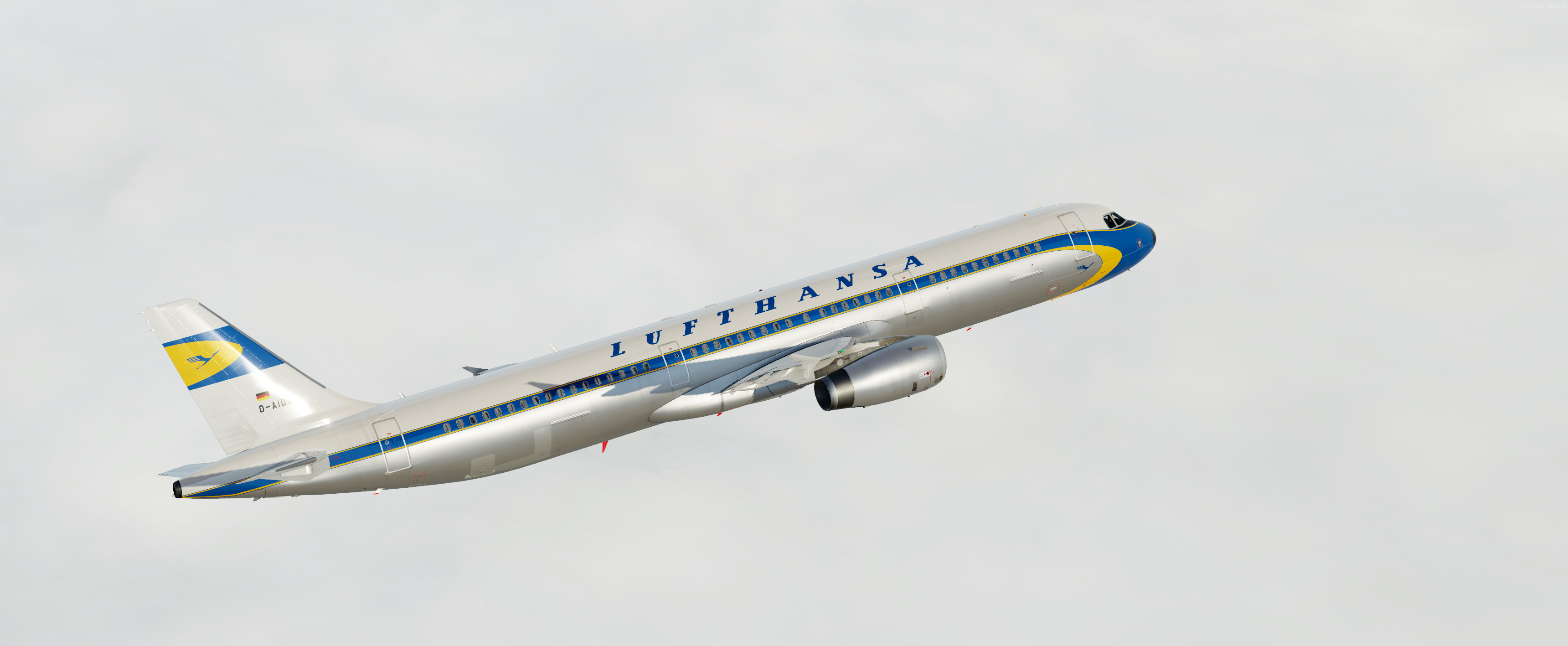
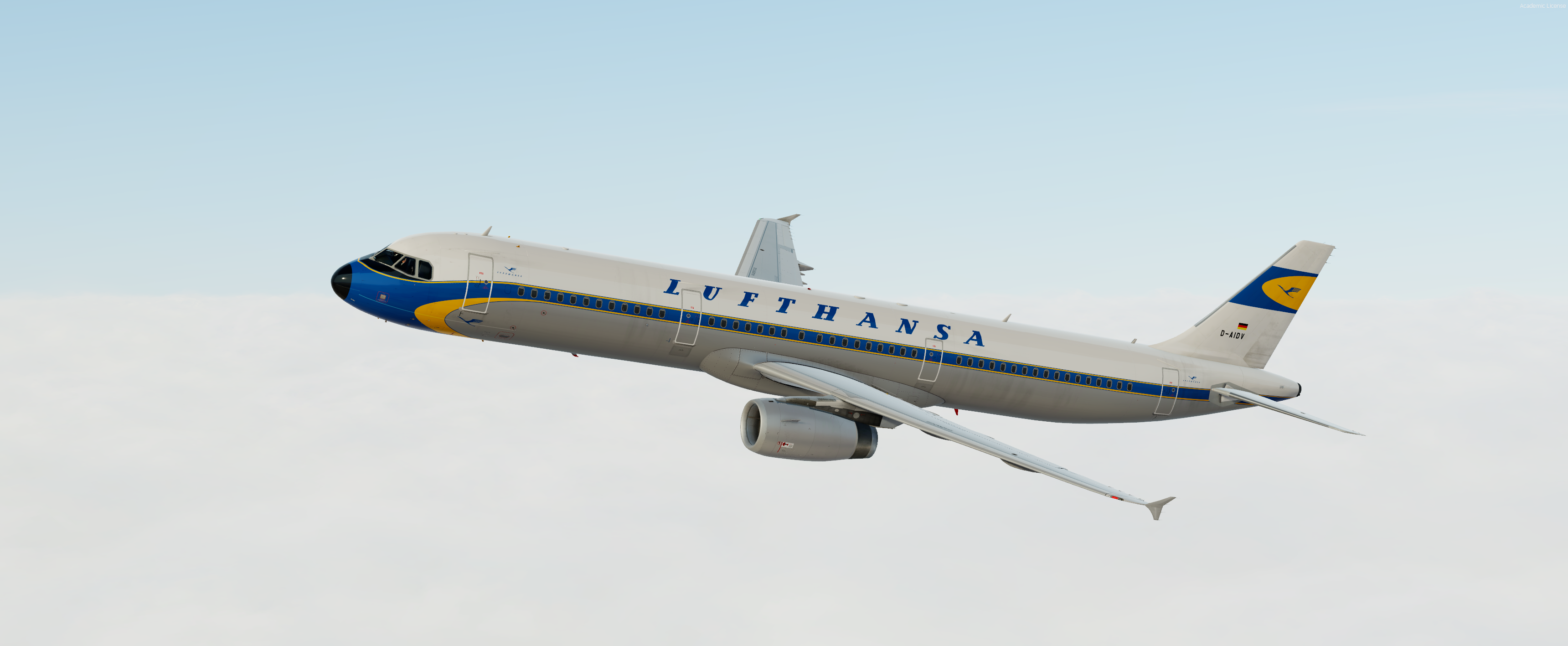
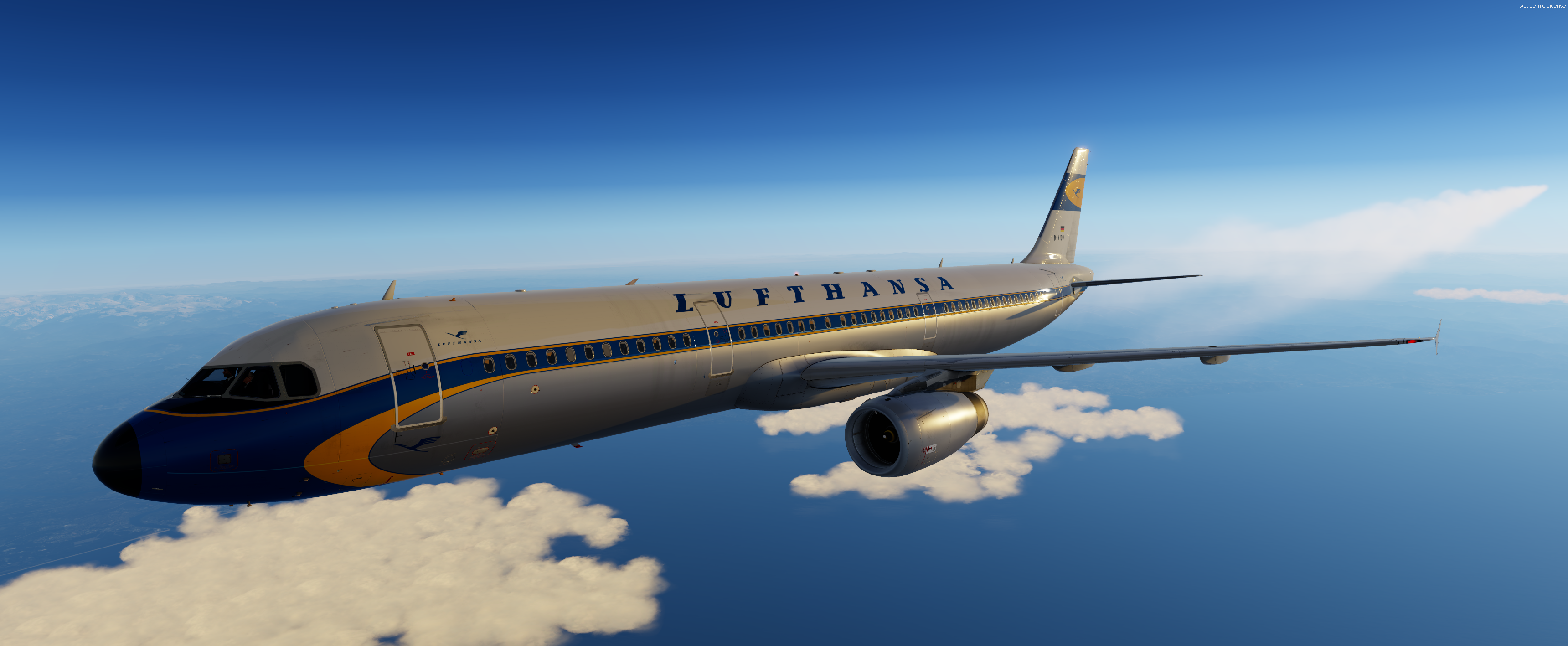
-Lufthansa A321 Retro-
FOR FSL A321 IAE ONLY
Features a complete overhaul of the default FSL A321 paint kit including:
- Custom 4K textures with accurate seam panelling, fuselage section joins and rivets.
- Custom 4K metallic maps (PBR) with baked ambient occlusion (AO) effects.
- Custom 4K normal maps for fuselage, engines, wings and tail.
- Reworked landing gear including tyres and struts with custom PBR effects.
- Enhancements to aircraft overlay textures, including PBR effects.
- Custom dirt effects.
Special thanks to @Hugo Bicho, @Daniel Du Preez and @John Tavendale for the custom 4K A320 Paintkit.
To Install, simply drop the texture folder in your FSLabs A321 IAE simobjects folder.
IMPORTANT: This livery requires the following download to be installed to appear as intended https://forums.flightsimlabs.com/index.php?/files/file/2940-common-files-for-fsl-a321-v501100-custom-4k-pbr-textures/
Special thanks to @Hugo Bicho, @Daniel Du Preez and @John Tavendale for the custom 4K A320 Paintkit.
Please ensure that you have installed this required package before attempting to install this livery.
Please DO NOT upload, share or use the textures without any permission.
If you would like to donate my work, it would be highly appreciated!
https://paypal.me/MarvinToepfer172
What's New in Version 1.0.0
Released
No changelog available for this version.
-
 3
3
-
 5
5