

Hi everyone,
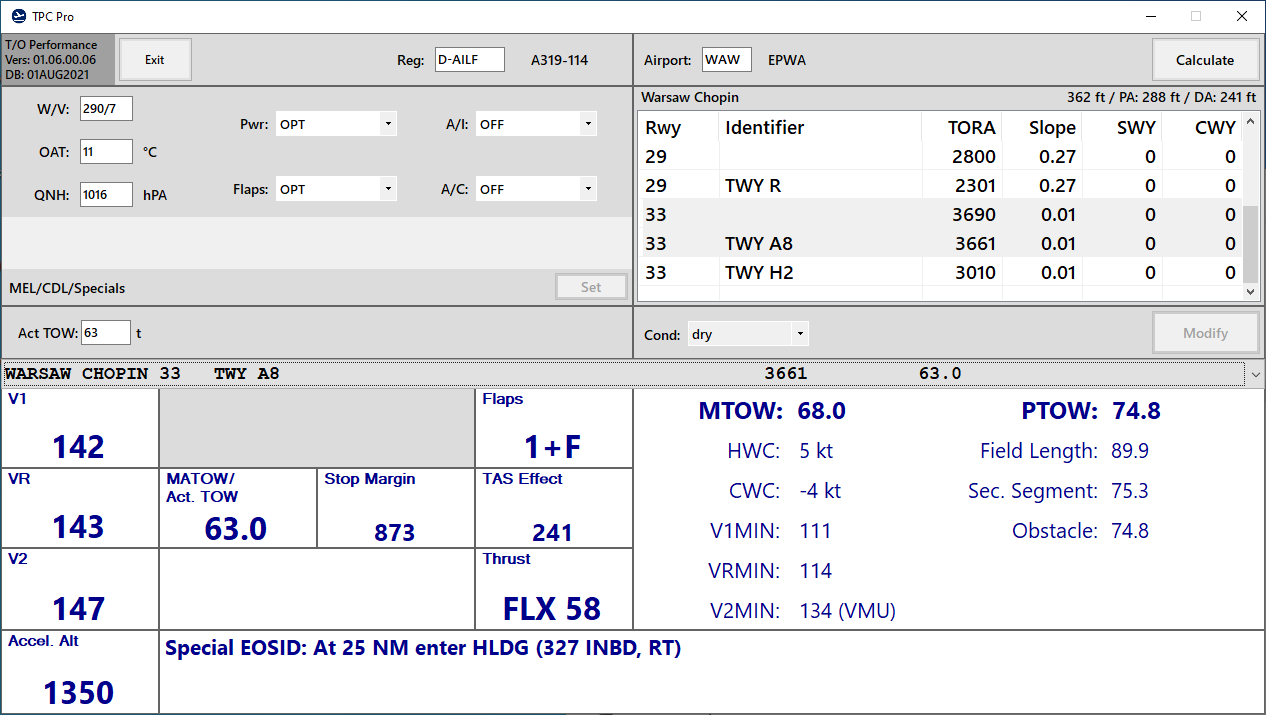
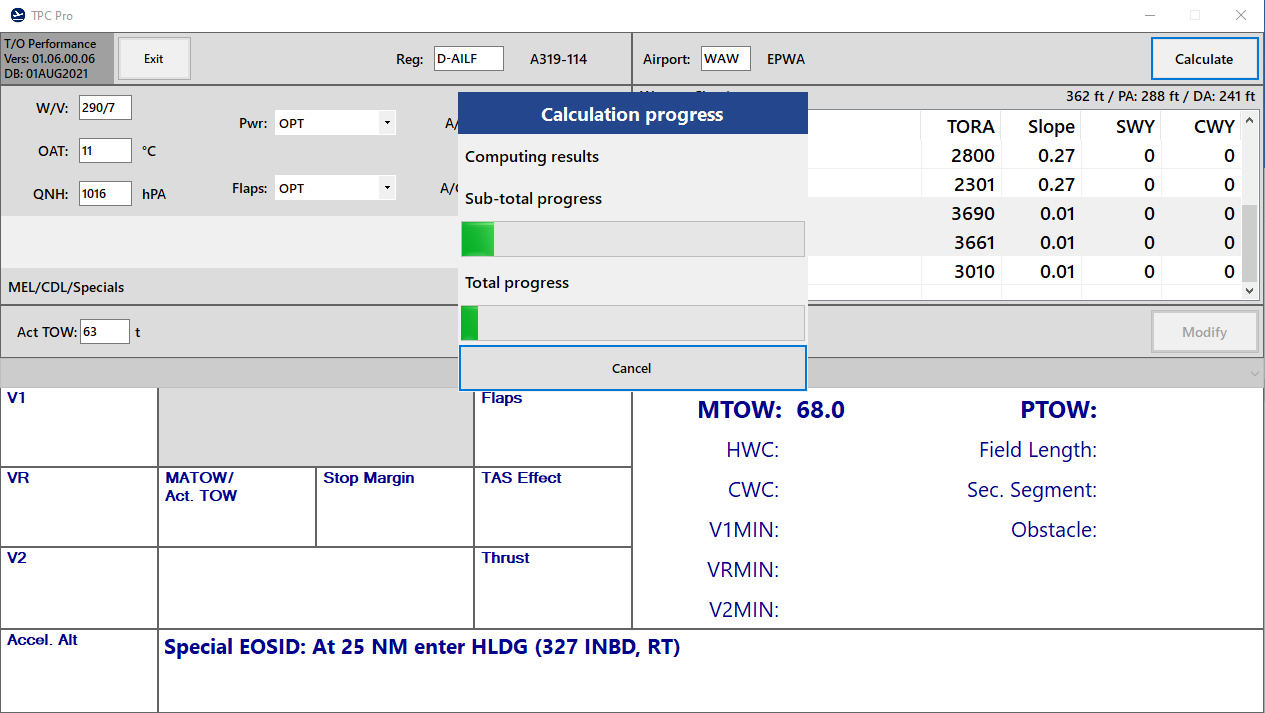
I also developed a Windows version of TPC Pro (based on famous TPC by Roland Wukovits).
Please note that, as I have no need for a Windows version, the GUI will never meet the same quality standards as the Android version.
However, the calculations and database behind the Android and Windows versions are the same.
Thus, LH, OS, LX, SN, TP as well as EW aircrafts are available.
To run the software the following steps are necessary:
1.) The software needs the .Net-Framework 5.0 - You can download the framework from the following link. After downloading just follow the instructions:
.Net-Framework 5.0
2.) Unzip the TPC_Pro.rar-folder.
3.) Make a double click on the TPC_Pro.exe (Do not move the TPC_Pro.exe out of the TPC_Pro-folder as otherwise the program will not start).
Please do not upload the files anywhere else and do not use the program in real world aviation!
If you have any suggestions for improvements or comments please feel free to get in touch!
Kind regards,
Jan
-
 4
4
-
 2
2
There are no reviews to display.