

Skip to content
View in the app

A better way to browse. Learn more.

Flight Sim Labs Forums

A full-screen app on your home screen with push notifications, badges and more.

To install this app on iOS and iPadOS
  1. Tap the Share icon in Safari
  2. Scroll the menu and tap Add to Home Screen.
  3. Tap Add in the top-right corner.
To install this app on Android
  1. Tap the 3-dot menu (⋮) in the top-right corner of the browser.
  2. Tap Add to Home screen or Install app.
  3. Confirm by tapping Install.

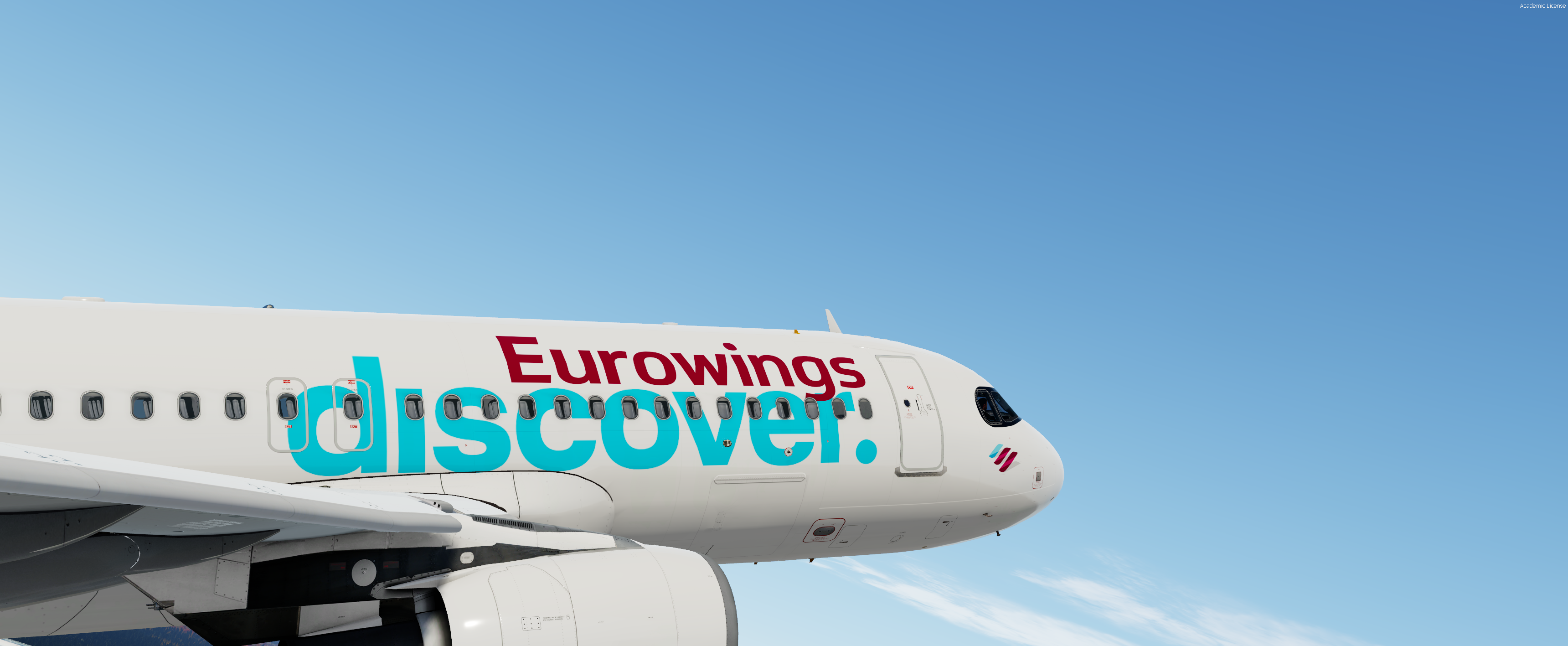
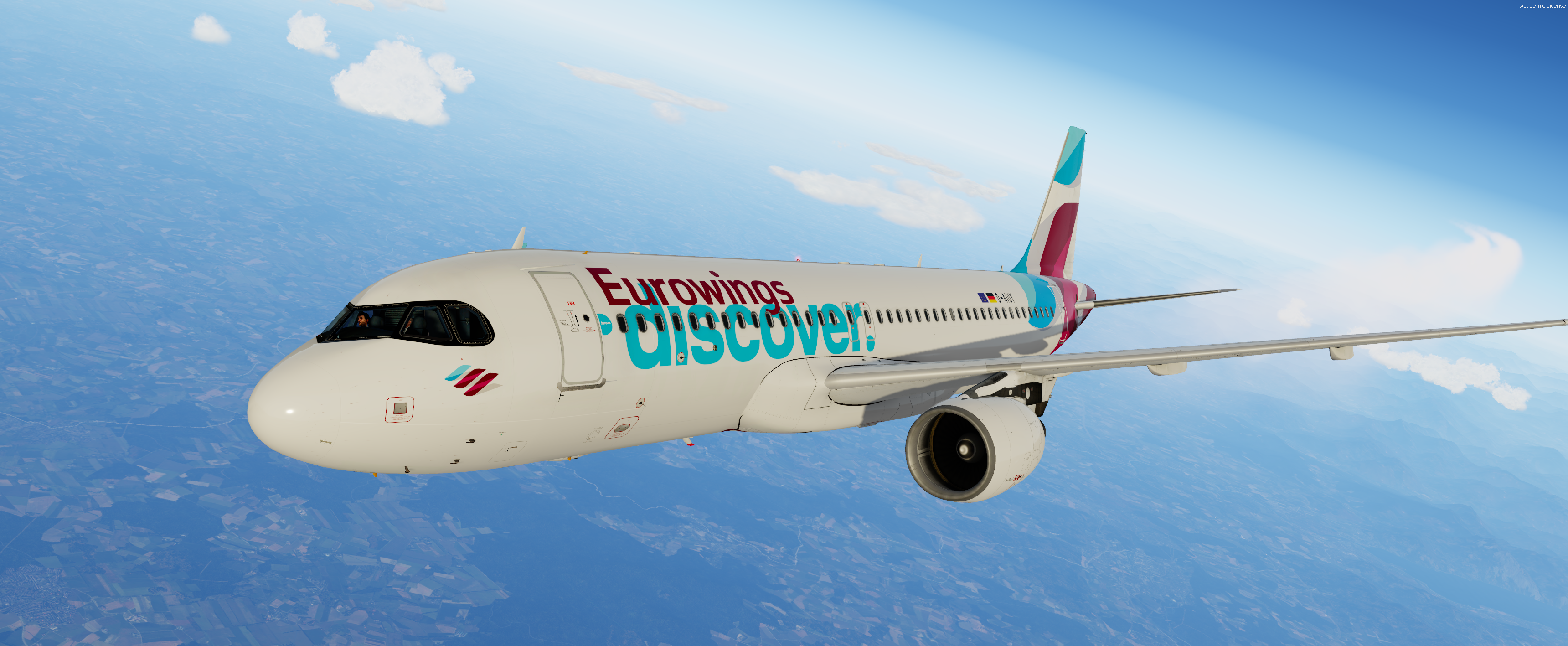
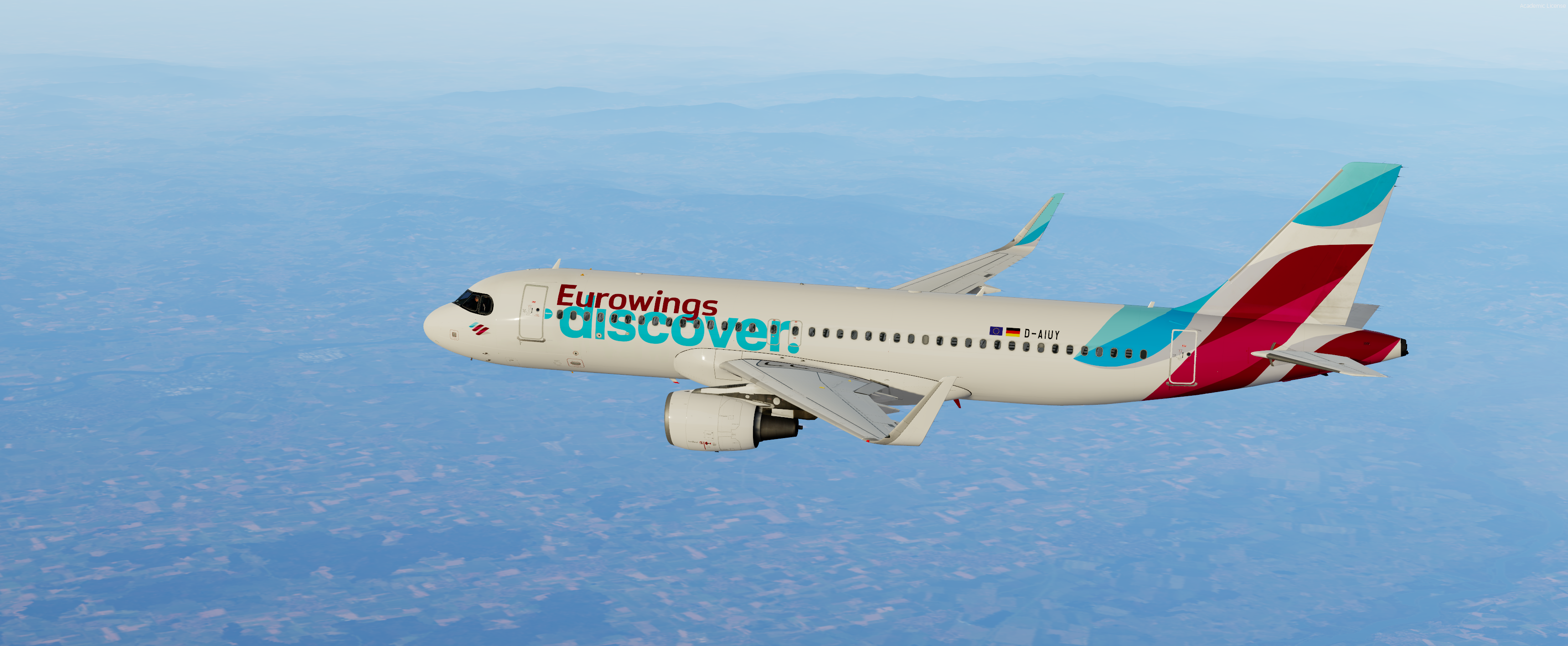
Eurowings Discover A320SL CFM Fleet 1.1

(8 reviews)

3 Screenshots

-Eurowings Discover A320SL CFM-

FOR FSL A320SL CFM ONLY


                Features a complete overhaul of the default FSL A320SL paint kit including:

  • Custom 4K textures with accurate seam panelling, fuselage section joins and rivets.
  • Custom 4K metallic maps (PBR) with baked ambient occlusion (AO) effects.
  • Custom 4K normal maps for fuselage, engines, wings and tail.
  • Reworked landing gear including tyres and struts with custom PBR effects.
  • Enhancements to aircraft overlay textures, including PBR effects.
  • Custom dirt effects.


Special thanks to @Hugo Bicho @Daniel Du Preez and @John Tavendale for the custom 4K A320 Paintkit.


To Install, simply drop the texture folder in your FSLabs A320SL CFM simobjects folder.

IMPORTANT: This livery requires the following download to be installed to appear as intended 

  Please ensure that you have installed this required package before attempting to install this livery.

Please DO NOT upload, share or use the textures without any permission.

If you would like to donate my work, it would be highly appreciated!

https://paypal.me/MarvinToepfer172

What's New in Version 1.1

Released

-completed fleet

User Feedback

Hendrik Schall

Hendrik Schall


Very nice!

2022-1-23_15-44-28-792.thumb.png.3f3f3dcee5fa85455ca0336381f3b5e2.png

Daniel Gmeiner

Daniel Gmeiner


You won't find any more perfect liverys than those by Marvin. The best one out there!

Patrick Muehlmann

Patrick Muehlmann


:ph34r::wub:

Julien marraffa

Julien marraffa

   1 of 1 member found this review helpful 1 / 1 member

thank you for this livery !


212.thumb.png.7923764505e625f98274bd2e40dc4f98.png

Response from the author:

you are welcome! :)

Henrik Lieb

Henrik Lieb


Great work as always!

Prepar3D_jZNJ7MYoXb.png

Response from the author:

Thx a lot :) appreciate it 


Enzo Dewit

Enzo Dewit

   1 of 1 member found this review helpful 1 / 1 member

Outstanding job Marvin !

Response from the author:

Thank you Enzo :)

Patrick Hildebrand

Patrick Hildebrand

   2 of 3 members found this review helpful 2 / 3 members

Beautiful :)

Artur Araripe

Artur Araripe

   3 of 4 members found this review helpful 3 / 4 members

Brilliant work as usual!


2021-9-23_11-28-31-841.png

Account

Navigation

Search

Search

Configure browser push notifications

Chrome (Android)
  1. Tap the lock icon next to the address bar.
  2. Tap Permissions → Notifications.
  3. Adjust your preference.
Chrome (Desktop)
  1. Click the padlock icon in the address bar.
  2. Select Site settings.
  3. Find Notifications and adjust your preference.

