
Skip to content
View in the app

A better way to browse. Learn more.

Flight Sim Labs Forums

A full-screen app on your home screen with push notifications, badges and more.

To install this app on iOS and iPadOS
  1. Tap the Share icon in Safari
  2. Scroll the menu and tap Add to Home Screen.
  3. Tap Add in the top-right corner.
To install this app on Android
  1. Tap the 3-dot menu (⋮) in the top-right corner of the browser.
  2. Tap Add to Home screen or Install app.
  3. Confirm by tapping Install.

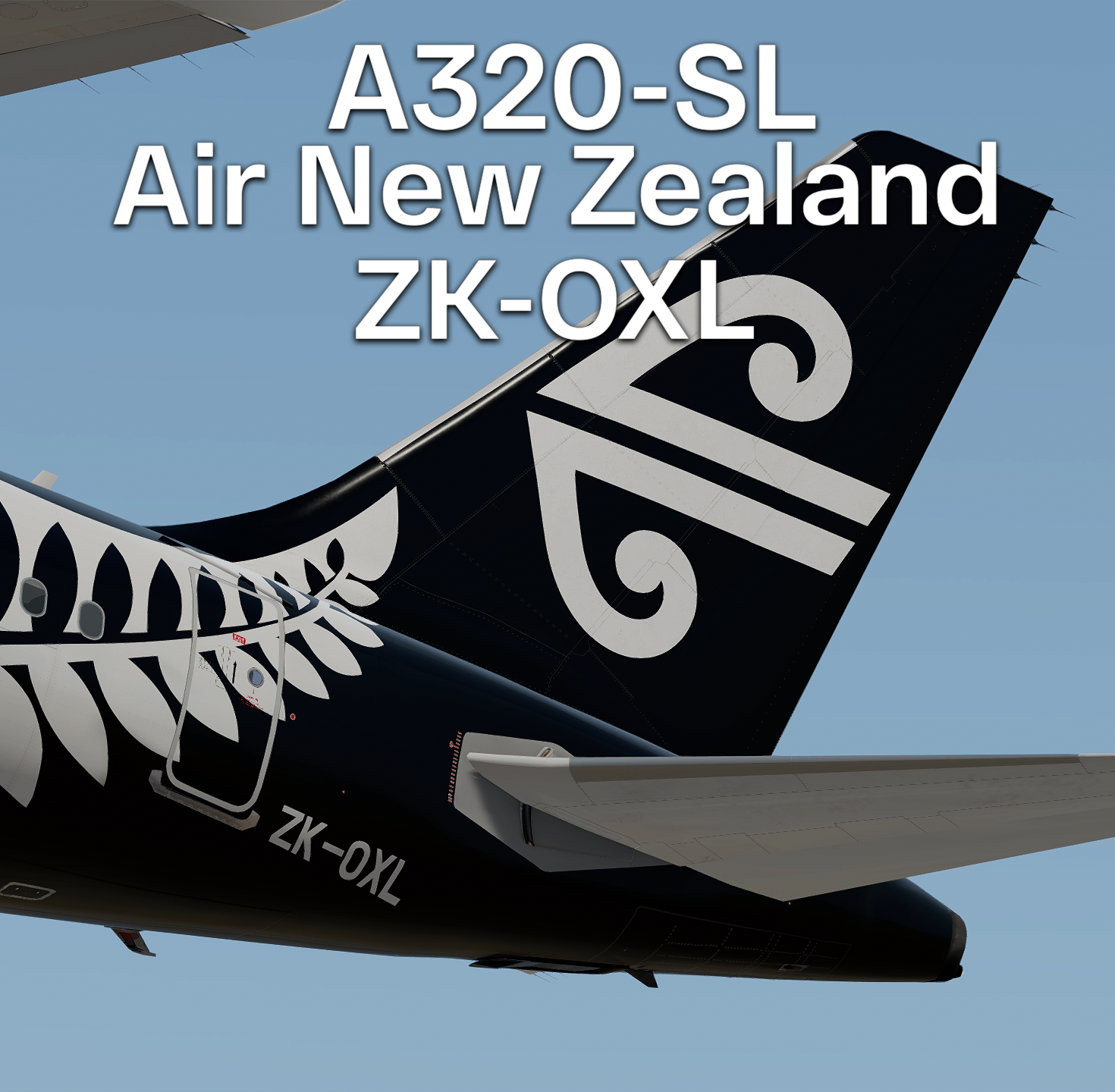
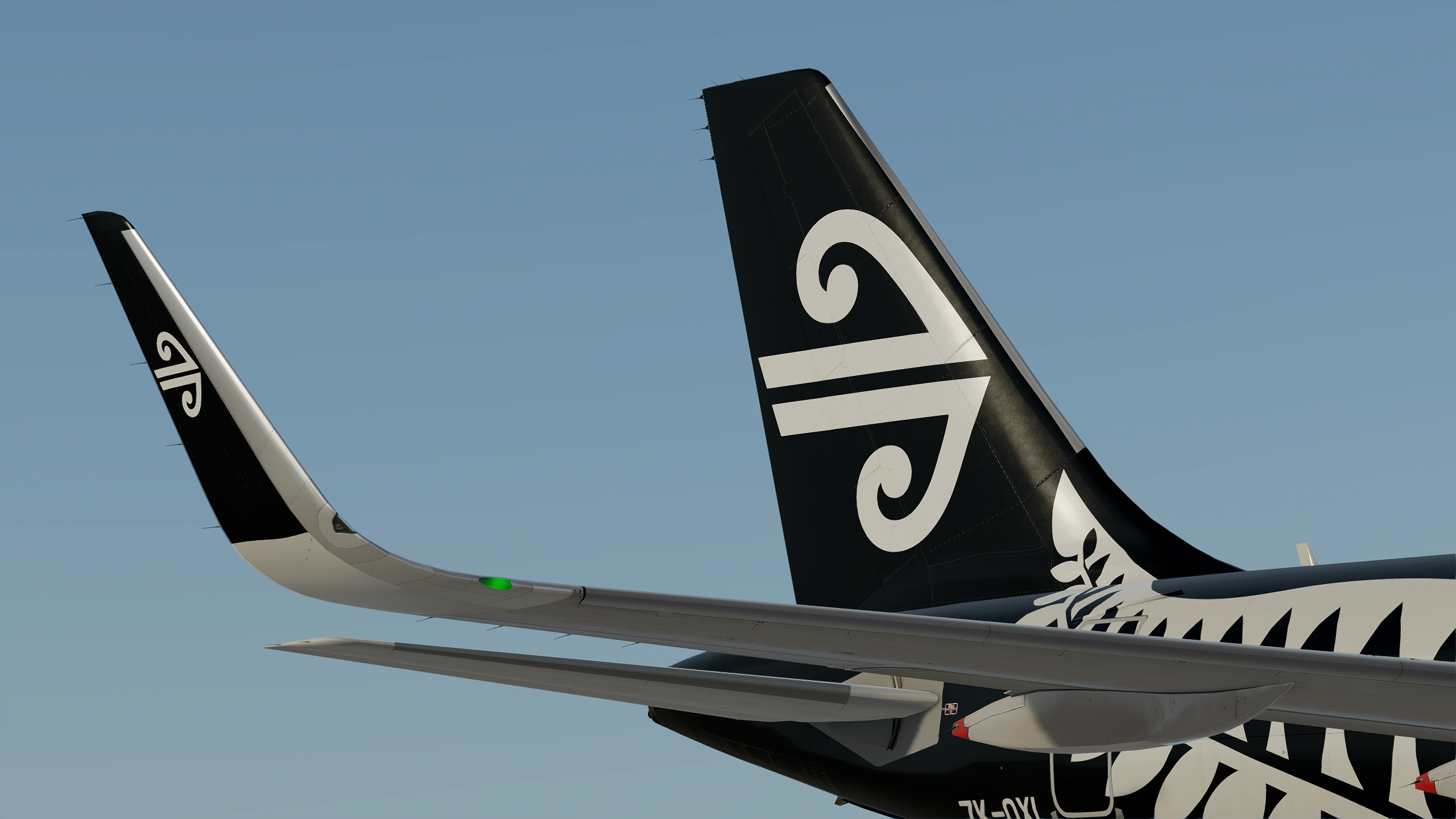
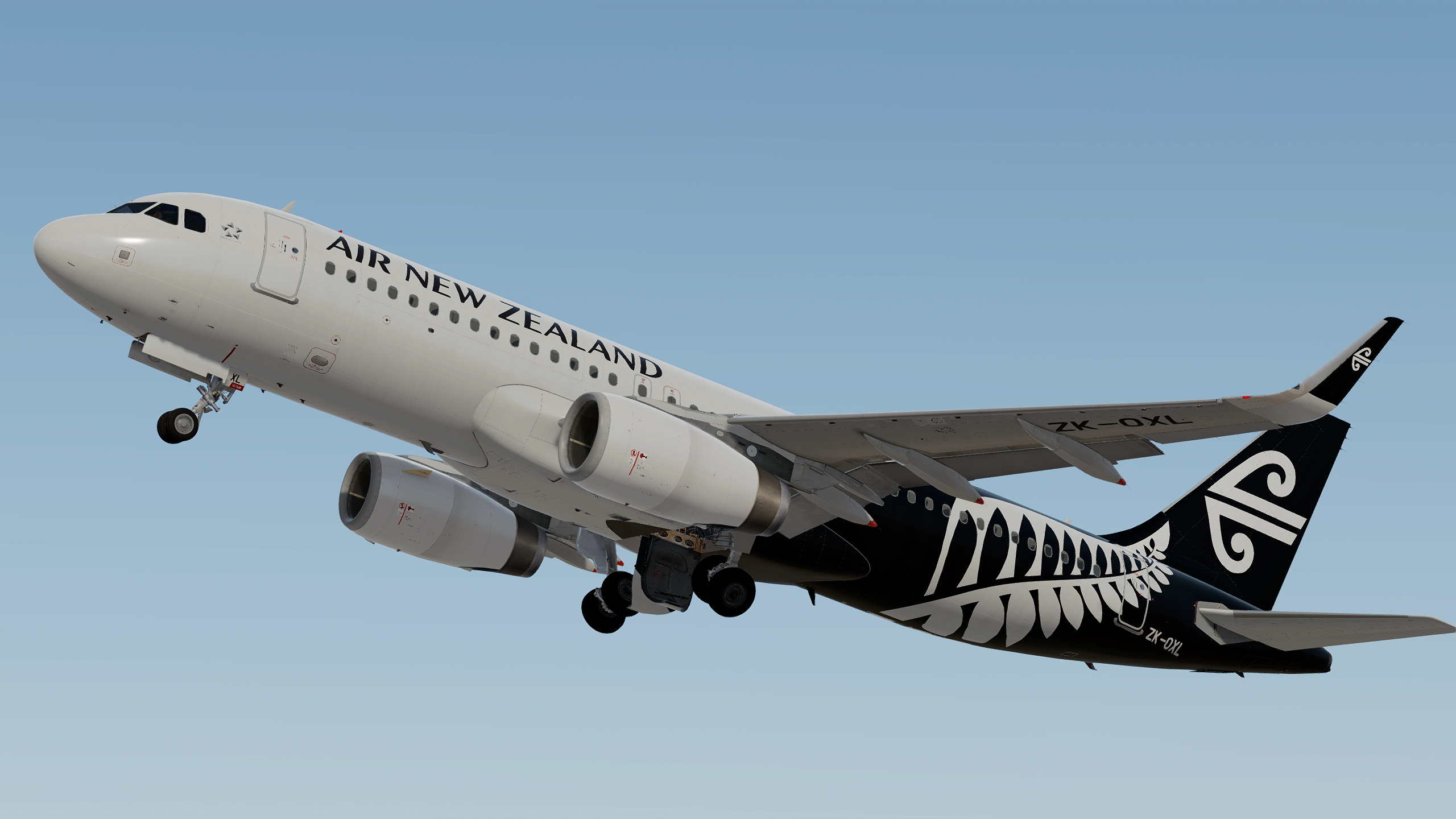
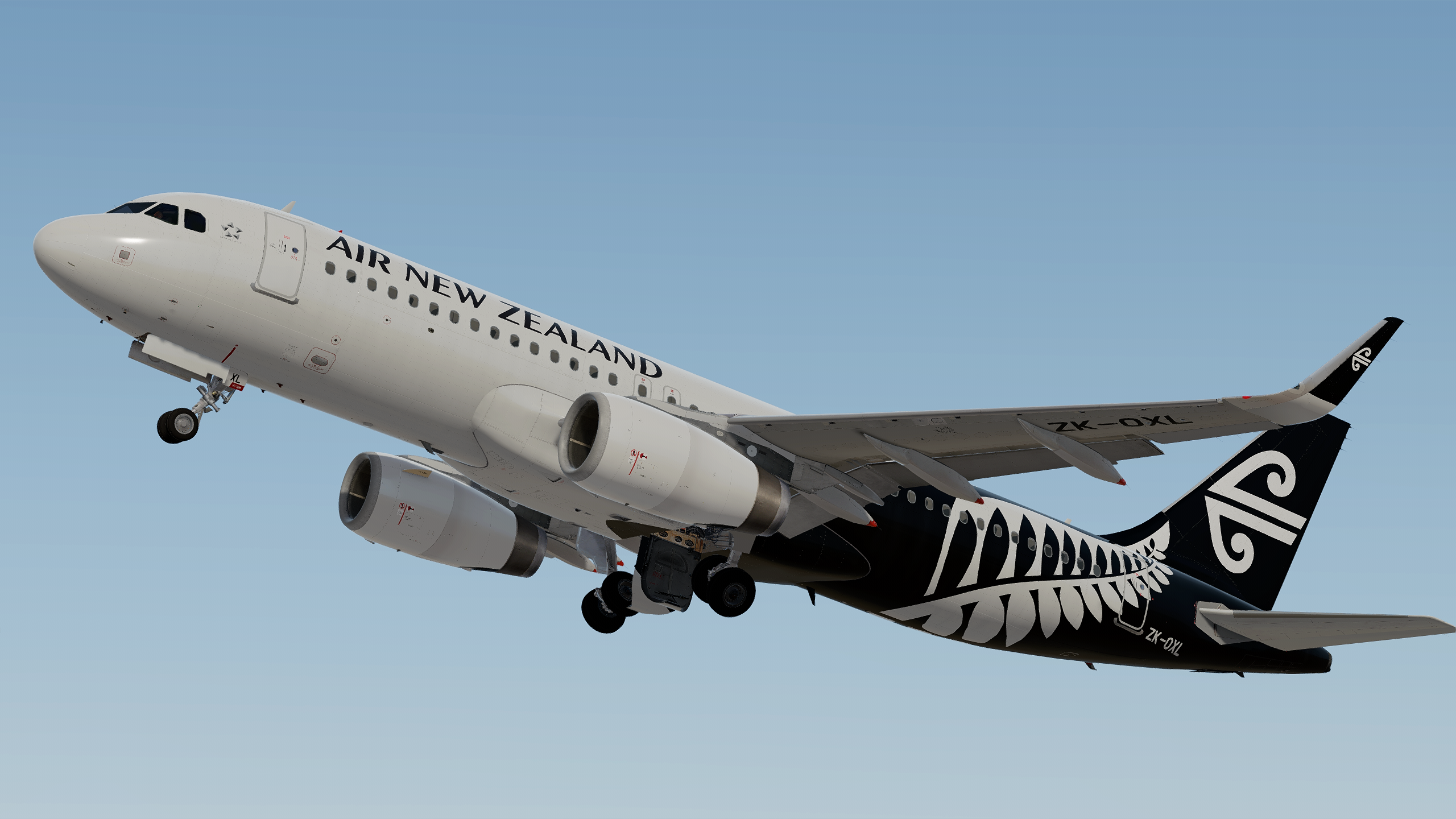
Air New Zealand A320-SL IAE ZK-OXL 1.0.0

(2 reviews)

4 Screenshots

These liveries were done with the Custom Paintkit by

 @Gregory Verba ,  @Enzo Dewit and @Florian Wolf

To have these liveries fully working you MUST download this Common file:
https://forums.flightsimlabs.com/index.php?/files/file/3111-files-for-a320-sl-custom-paintkit-by-gv-ed-fw/


775904817_Prepar3D2021-09-1414-14-24.thumb.png.eceae02f05c61f302b75b6e96493baa9.png


It took me a lot time and effort to create these liveries, so if you like them, reviews are always very welcome ;)
Also, If you like my work, why not show your appreciation with a small PayPal donation?  Any donations are highly appreciated but never required. 

Paypal


Installation:
Copy the files to:
Users\<name>\Documents\Prepar3d v4/v5 Add-ons\FSLabs\SimObjects\Airplanes\FSLabs A320-SL IAE\


YOU ARE NOT ALLOWED TO UPLOAD ANY OF THE CONTENT PROVIDED IN THIS DOWNLOAD ANYWHERE WITHOUT MY WRITTEN PERMISSION!!

What's New in Version 1.0.0

Released

No changelog available for this version.

User Feedback

Zain Khan

Zain Khan

   1 of 2 members found this review helpful 1 / 2 members

Decent effort there. However there are a few inaccuracies when comparing this with the real ZK-OXL which you can probably address in a further update or so

The Air New Zealand text on the front fuselage is too big, could perhaps make it smaller to be more of a fit, plus the registration text is not like the real aircraft, the real aircraft use a narrower font for the registration text on the rear fuselage and on the lower side of the left wing, the fern is slightly incorrect in terms of shape and fit, it would be a bit higher and more correctly shaped, the black contour on the upper rear fuselage does not have a wide curve but a narrower V-shaped curve and lastly the Air NZ logo on the inner sharklet looks to be a bit too downward facing, could be more horizontal. I'm gonna attach a few attachments to visualize it all here

It's got good potential though

2021-9-20_21-12-25-187.png

2021-9-20_22-58-24-210.png

2021-9-20_23-2-9-297.png

38998_1569123318.jpg

94929_1379384632.jpg

99513_1612844818.jpg

Artur Araripe

Artur Araripe

   1 of 1 member found this review helpful 1 / 1 member

Masterpiece! 

Response from the author:

Thanks !

Account

Navigation

Search

Search

Configure browser push notifications

Chrome (Android)
  1. Tap the lock icon next to the address bar.
  2. Tap Permissions → Notifications.
  3. Adjust your preference.
Chrome (Desktop)
  1. Click the padlock icon in the address bar.
  2. Select Site settings.
  3. Find Notifications and adjust your preference.

