
Skip to content
View in the app

A better way to browse. Learn more.

Flight Sim Labs Forums

A full-screen app on your home screen with push notifications, badges and more.

To install this app on iOS and iPadOS
  1. Tap the Share icon in Safari
  2. Scroll the menu and tap Add to Home Screen.
  3. Tap Add in the top-right corner.
To install this app on Android
  1. Tap the 3-dot menu (⋮) in the top-right corner of the browser.
  2. Tap Add to Home screen or Install app.
  3. Confirm by tapping Install.

Frontier N710FR - Fallon the Falcon / Real Cabin / Custom EFB / VC textures 1.0.1

(7 reviews)

5 Screenshots

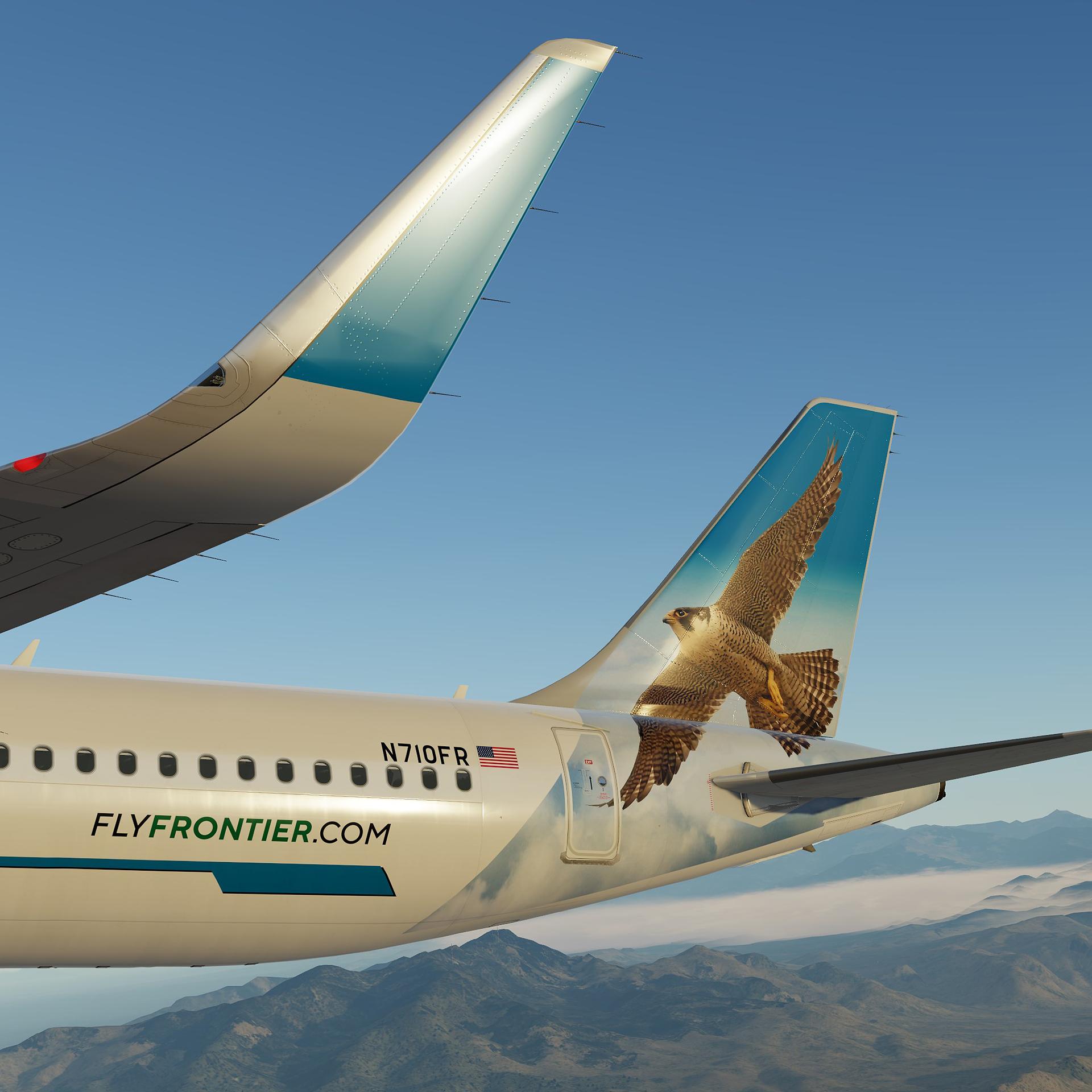
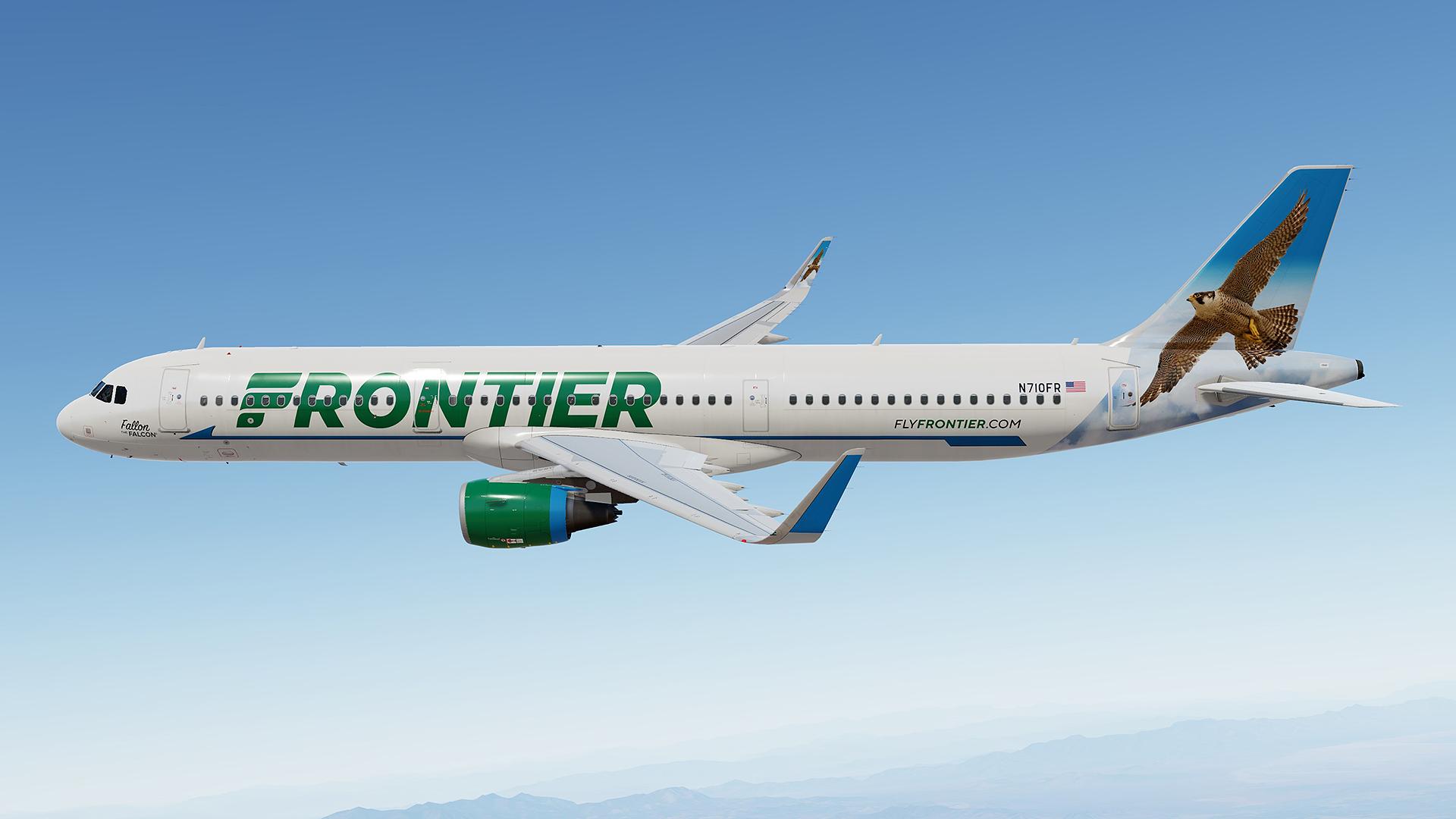
This is Frontier N710FR – Fallon the Falcon :)
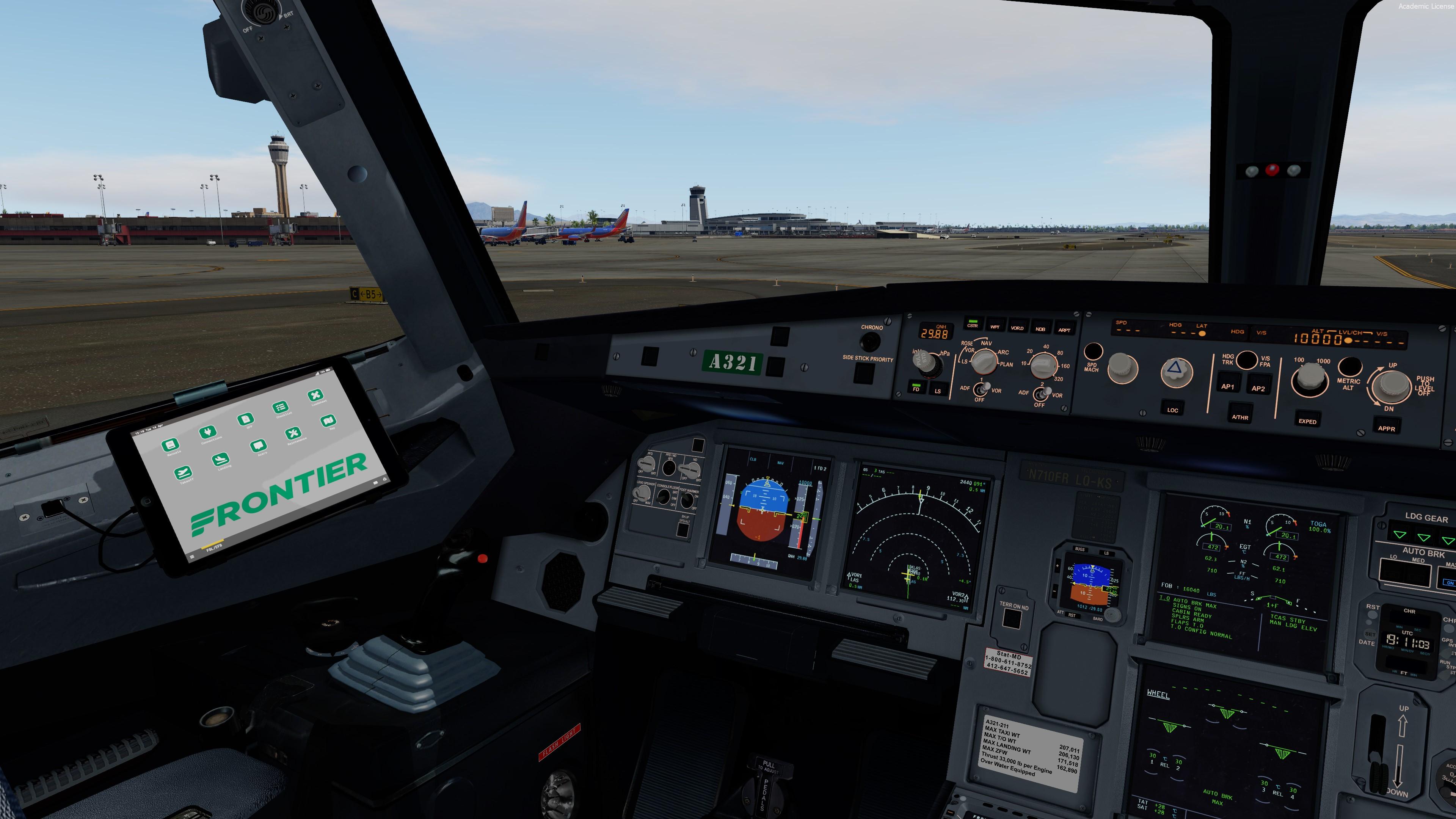
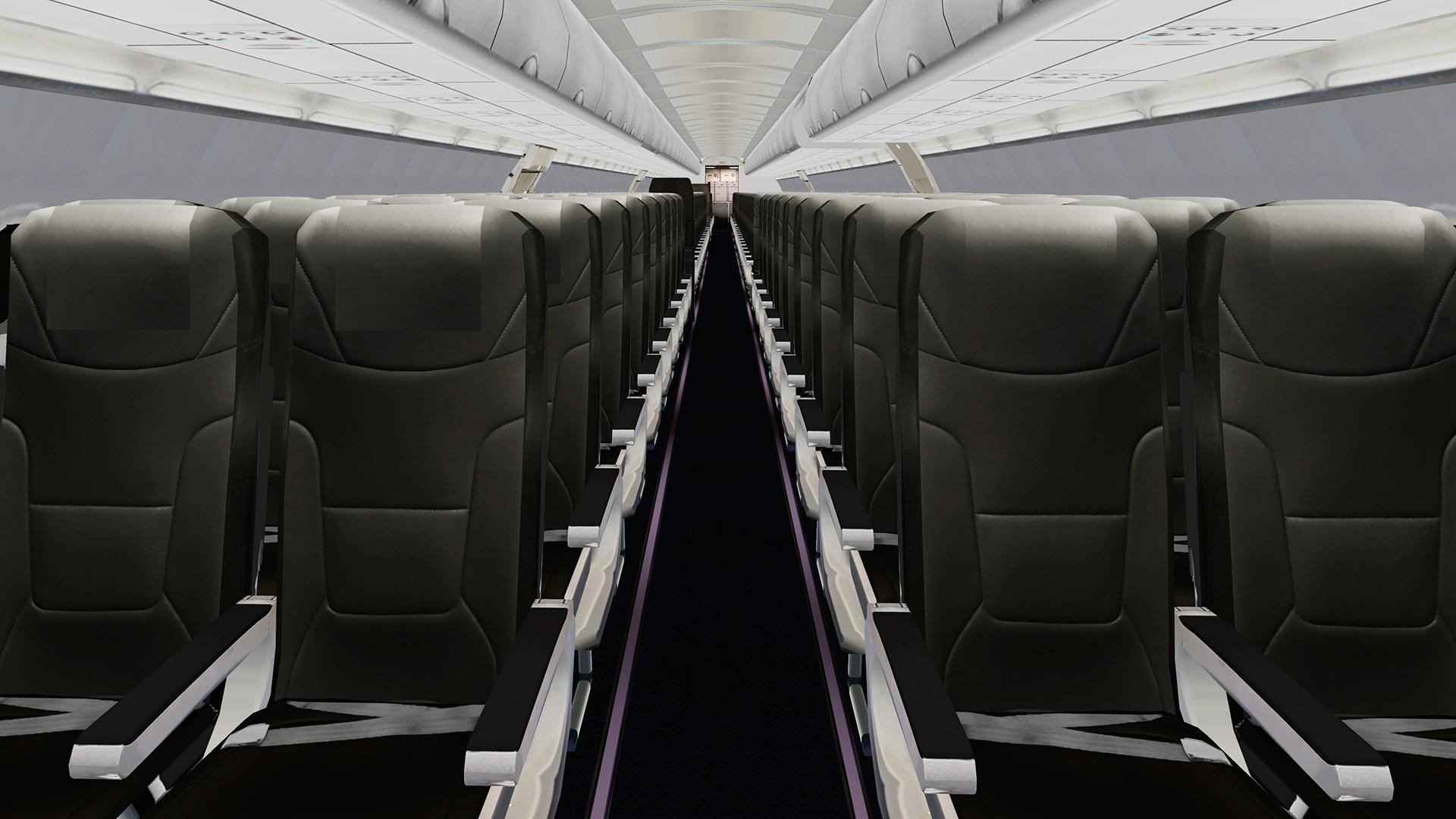
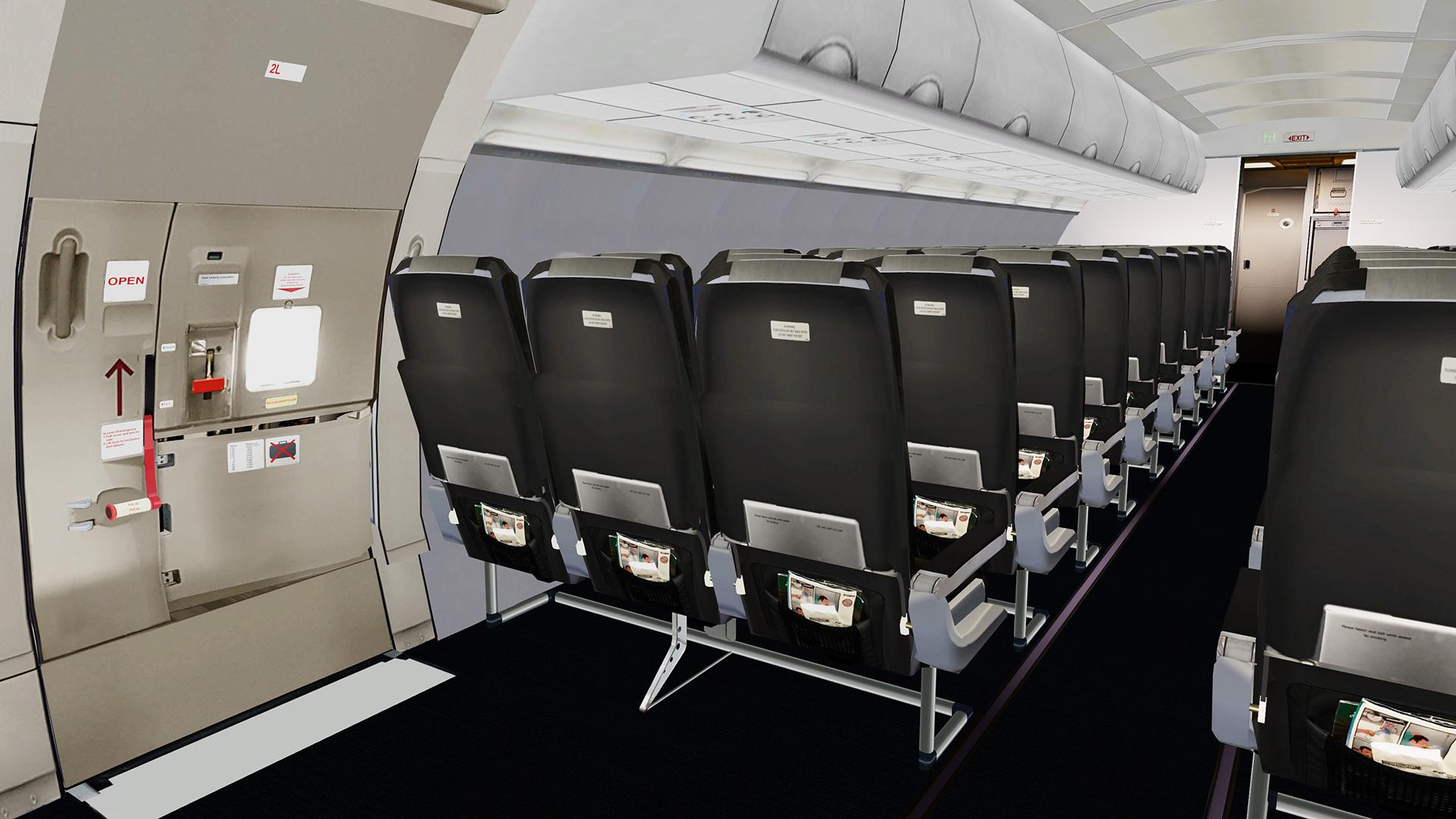
Real cabin, airframe config file, custom EFB and optional VC textures are included!

This livery was done with the Custom Paintkit by

@Gregory Verba , @Florian Wolf and @Enzo Dewit 

To have this livery fully working you MUST download this Common file:

https://forums.flightsimlabs.com/index.php?/files/file/3328-files-for-a321-sl-custom-paintkit-by-gv-ed-fw/

nVGCCfz.jpg

Package contains:
N710FR A321-211(WL)


Installation:
1.Drag Texture.FFT N710FR and Airframe configs folders to your Fslabs A321-SL CFM folder.

2.Copy content of FFT EFB folder to your Fslabs A321-SL folder.

3.Optional VC texture:
If you are using mine VC textures copy content of GV VC folder to Texture.FFT N710FR folder.
If you are using default FSL VC textures copy content of FSL VC folder to Texture.FFT N710FR folder.


Special thanks to Harry Westbury for testing this livery!


YOU ARE NOT ALLOWED TO UPLOAD ANY OF THE CONTENT PROVIDED IN THIS DOWNLOAD ANYWHERE WITHOUT MY WRITTEN PERMISSION!! YOU ARE ALSO NOT ALLOWED TO MODIFY FILES PROVIDED IN THIS PACKAGE!!


It took me a lot time and effort to create this livery, so if you like it, don't forget to leave positive feedback, or just say thanks.

Also, If you like my work, why not show your appreciation with a small PayPal donation? Any donations are highly appreciated but never required. https://streamlabs.com/skyteam78/tip


What's New in Version 1.0.0

Released

No changelog available for this version.

User Feedback

Hary Pinchanski

Hary Pinchanski

   1 of 1 member found this review helpful 1 / 1 member

Once again another great livery and cabin and the efb thanks again amazing job . Might you consider painting N712FR (Spot the Jaguar)  its my favorite frontier livery of all time 

Response from the author:

Thanks Hary! I will consider N712 for my feature projects

Alex Pugh

Alex Pugh


The low VRAM option is greatly appreciated. Thank you!

Response from the author:

Thanks a lot Alex. Enjoy! ;)

Arzaan Khairulla

Arzaan Khairulla

   2 of 2 members found this review helpful 2 / 2 members

Another absolutely stunning livery Greg! The additional cockpit and cabin details really amplify the immersion as well :)

Response from the author:

Many thanks Arzaan! Highly appreciate your review :)

Armando_Perez

Armando_Perez


Fantastic liveries like always! Looking forward to more liveries from you! You should consider making some of the airlines from Mexico.

Response from the author:

Thanks  a lot Armando! :)

Florian Wolf

Florian Wolf

   3 of 3 members found this review helpful 3 / 3 members

Just like the real one!!!

Response from the author:

Thanks a lot Florian! :)

Harry Westbury

Harry Westbury

   3 of 3 members found this review helpful 3 / 3 members

Once again Greg your livery is amazing. Thank you so much for painting some of the Frontier fleet for the community :)

Response from the author:

Thanks a lot Harry! :) It was your idea to paint this beauty and I am very happy with the result :)

Artur Araripe

Artur Araripe

   1 of 1 member found this review helpful 1 / 1 member

Beautiful! Lovely flying sardine can right there

:wub:

Response from the author:

Thanks Artur! ;)

Account

Navigation

Search

Search

Configure browser push notifications

Chrome (Android)
  1. Tap the lock icon next to the address bar.
  2. Tap Permissions → Notifications.
  3. Adjust your preference.
Chrome (Desktop)
  1. Click the padlock icon in the address bar.
  2. Select Site settings.
  3. Find Notifications and adjust your preference.

