
Skip to content
View in the app

A better way to browse. Learn more.

Flight Sim Labs Forums

A full-screen app on your home screen with push notifications, badges and more.

To install this app on iOS and iPadOS
  1. Tap the Share icon in Safari
  2. Scroll the menu and tap Add to Home Screen.
  3. Tap Add in the top-right corner.
To install this app on Android
  1. Tap the 3-dot menu (⋮) in the top-right corner of the browser.
  2. Tap Add to Home screen or Install app.
  3. Confirm by tapping Install.

Sundair A319 9A-BER 3.0.0

(3 reviews)

1 Screenshot


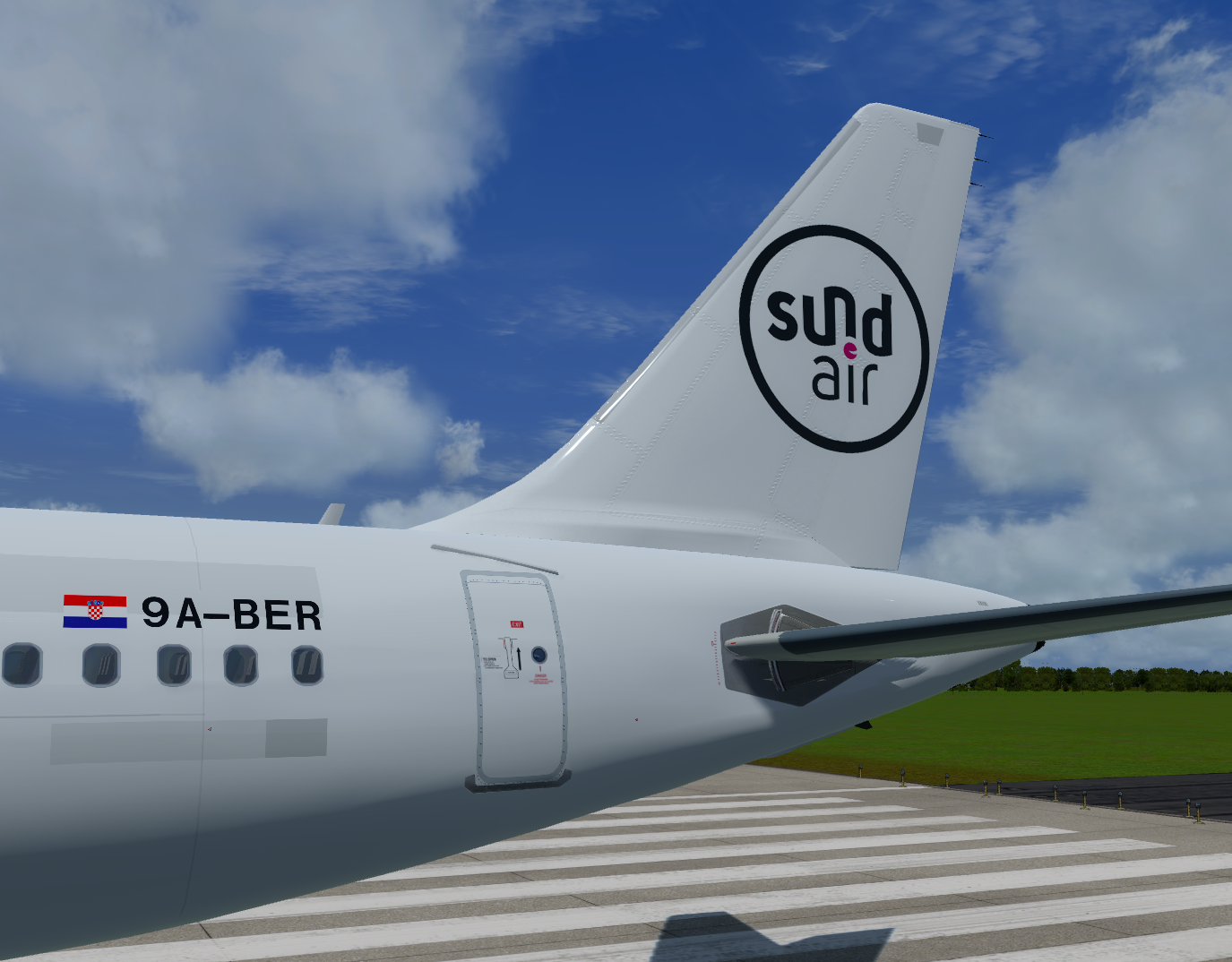
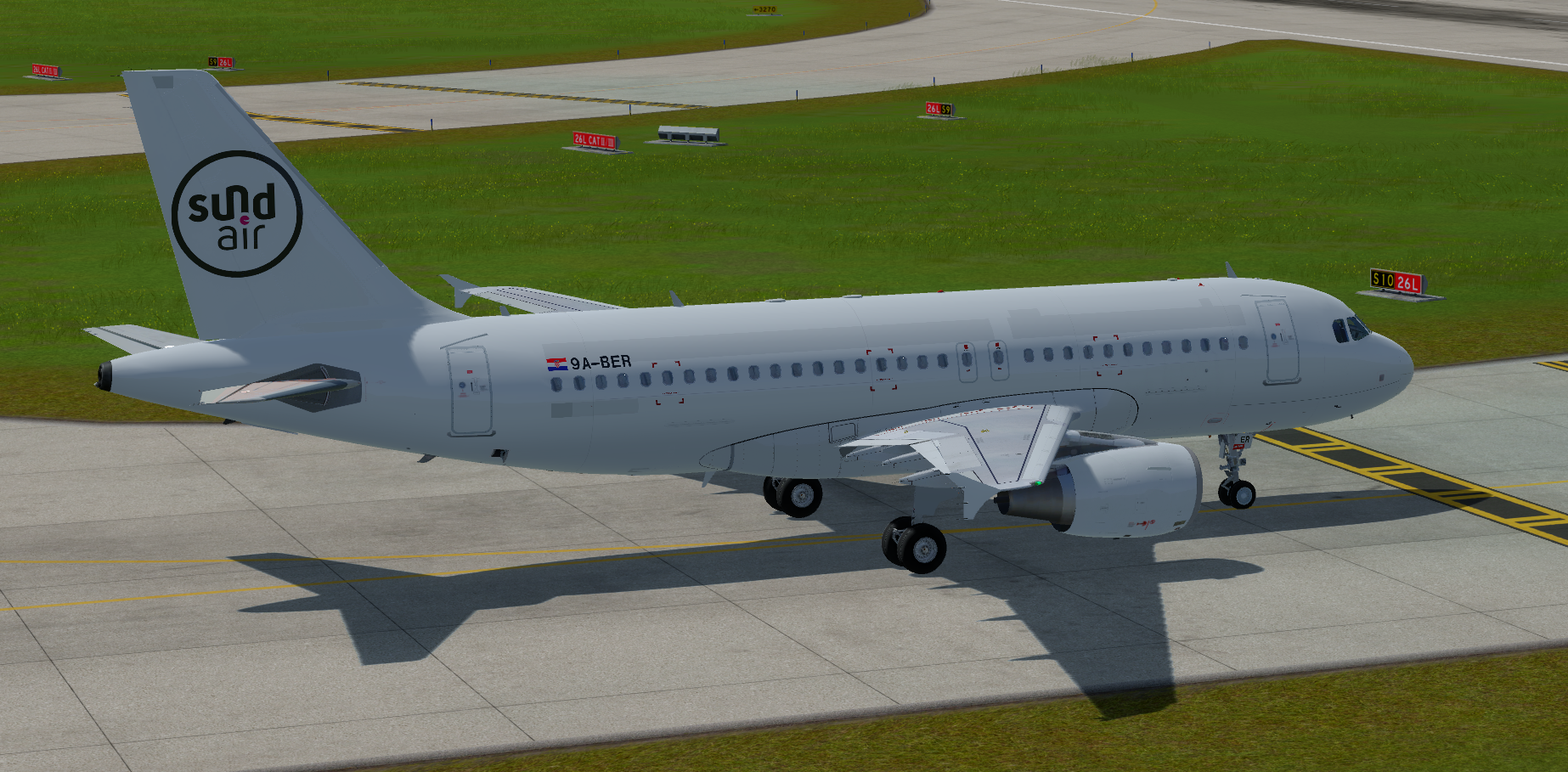
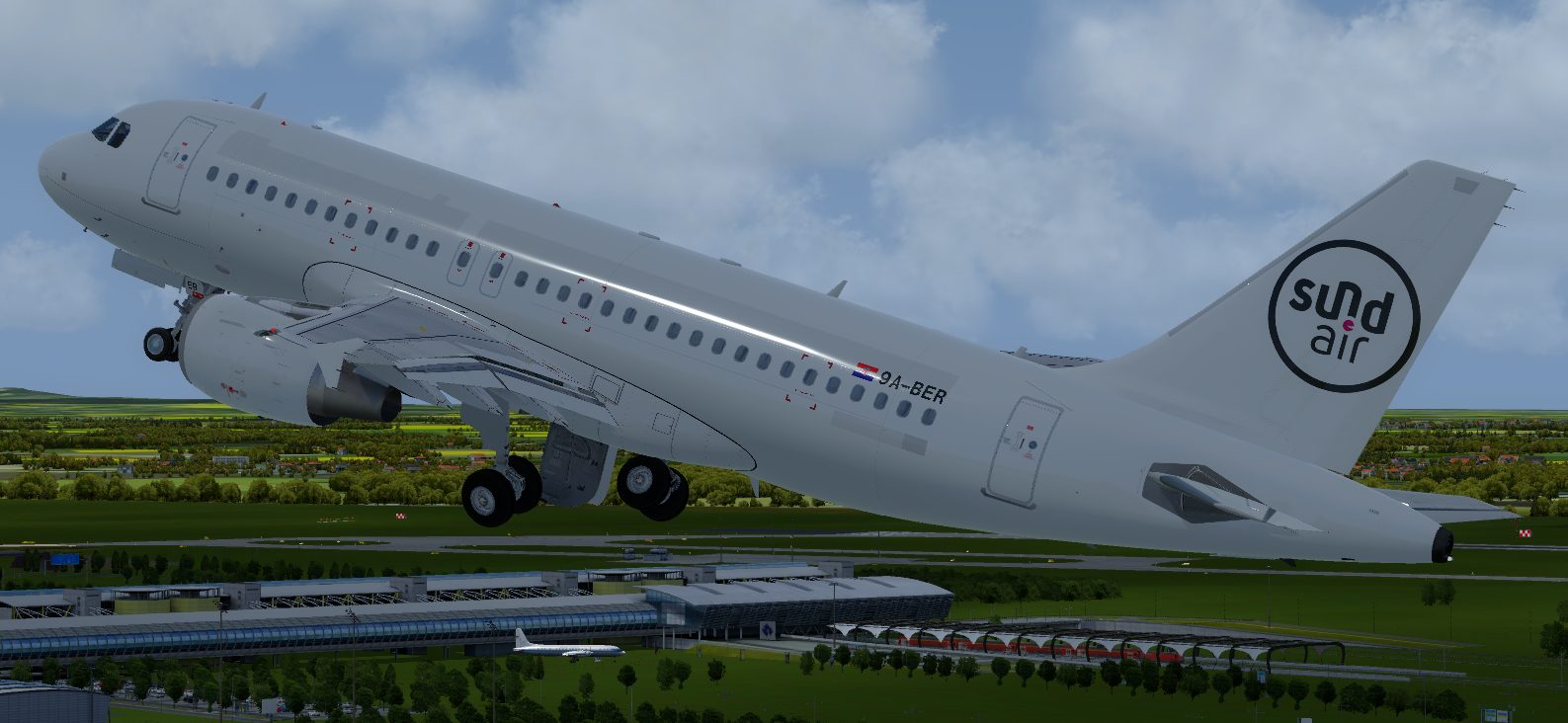
This is the third A319 of the german airline Sundair. The Airbus is operated by the Croatian subsidiary Fly Air41.
 

PIC.thumb.PNG.82a3a420ee9f60ba11e38143133d6ce5.PNGmain.thumb.PNG.3196531e90e311e81a8f00389ccb2a02.PNG


This is my work, please respect it. Do not make unauthorized copies.


If you like what you see, I would be very happy about a small PayPal donation. It would be nice, but not required.

What's New in Version 3.0.0

Released

  • change data

User Feedback

Manuel Siebenlist

Manuel Siebenlist


Very nice. I love this good work. Keep up the spirit

Sebastian Brabsche

Sebastian Brabsche


Nice one, Thanks

Max Moll

Max Moll

   1 of 1 member found this review helpful 1 / 1 member

top!


Account

Navigation

Search

Search

Configure browser push notifications

Chrome (Android)
  1. Tap the lock icon next to the address bar.
  2. Tap Permissions → Notifications.
  3. Adjust your preference.
Chrome (Desktop)
  1. Click the padlock icon in the address bar.
  2. Select Site settings.
  3. Find Notifications and adjust your preference.

