
Skip to content
View in the app

A better way to browse. Learn more.

Flight Sim Labs Forums

A full-screen app on your home screen with push notifications, badges and more.

To install this app on iOS and iPadOS
  1. Tap the Share icon in Safari
  2. Scroll the menu and tap Add to Home Screen.
  3. Tap Add in the top-right corner.
To install this app on Android
  1. Tap the 3-dot menu (⋮) in the top-right corner of the browser.
  2. Tap Add to Home screen or Install app.
  3. Confirm by tapping Install.

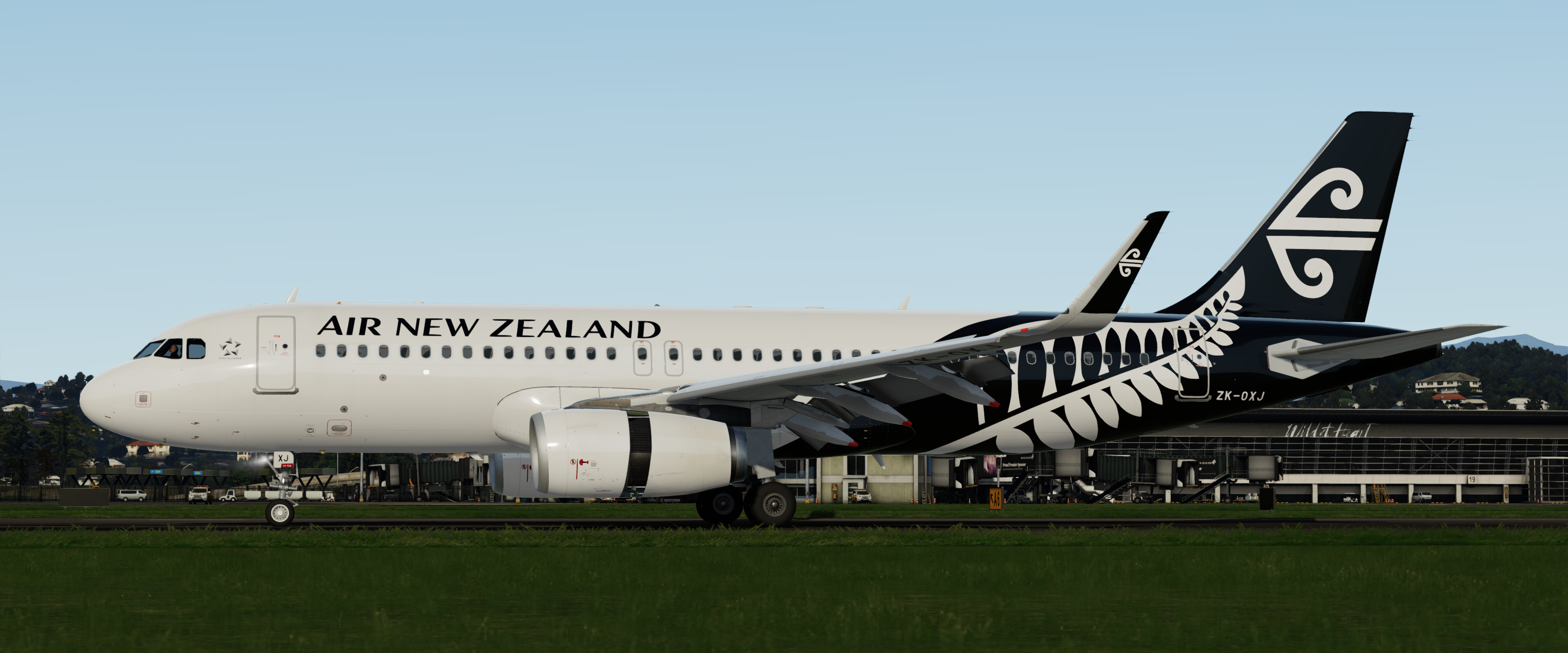
Airbus A320-232 (Sharklets) IAE Air New Zealand ZK-OXJ 1.0.1

(4 reviews)

2 Screenshots

!!! NOTE: READ THESE INSTRUCTIONS CAREFULLY !!!

*** FOR FSL A320 v5.0.160+ ONLY ***

IMPORTANT: This livery requires the following download to be installed to appear as intended 

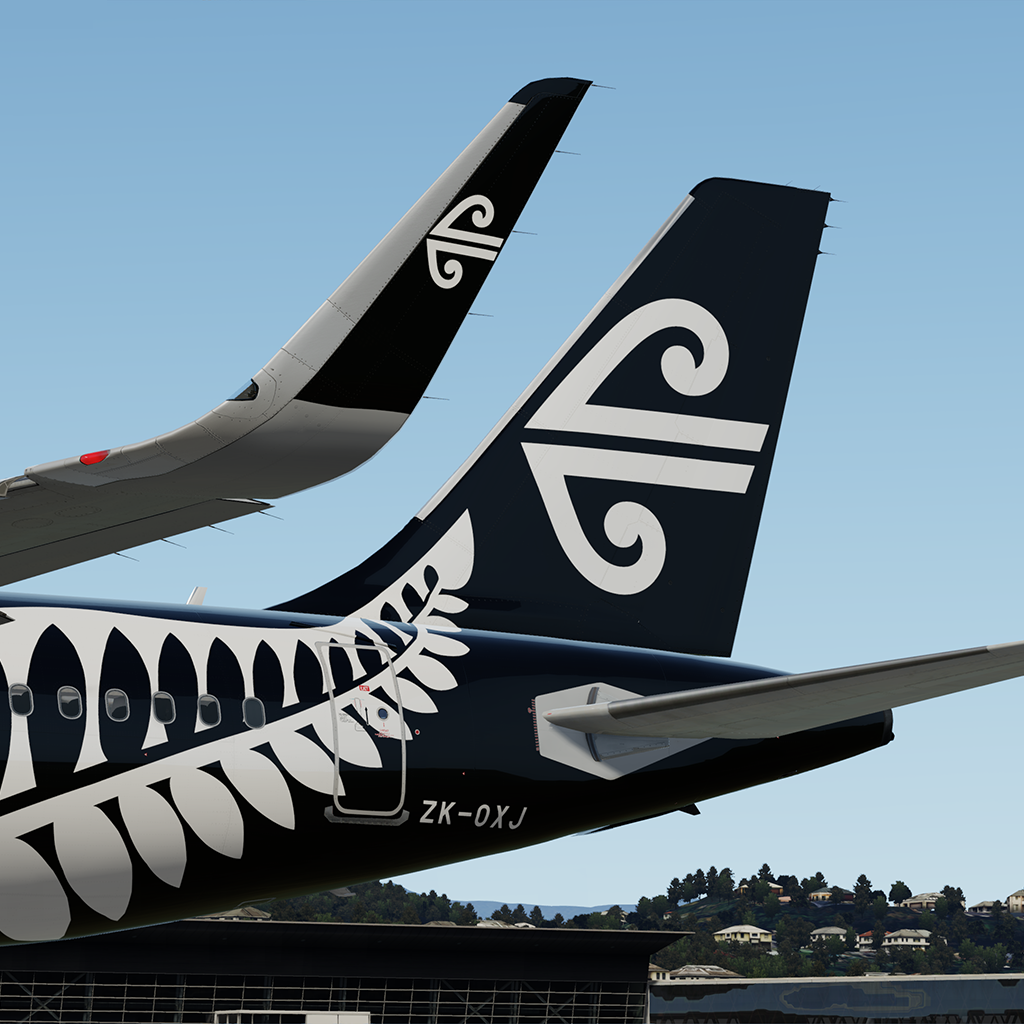
Airbus A320-232 (Sharklets) IAE Air New Zealand ZK-OXJ created using a custom 4K PBR paint kit developed by @Hugo Bicho @Daniel Du Preez and @John Tavendale.

Features a complete overhaul of the default FSL A320 paint kit including:

  • Custom 4K textures with accurate seam panelling, fuselage section joins and rivets
  • Custom 4K metallic maps (PBR) with baked ambient occlusion (AO) effects
  • Custom 4K normal maps for fuselage, engines, sharklets, wings and tail
  • Reworked landing gear including tyres and struts with custom PBR effects
  • Enhancements to aircraft overlay textures, including PBR effects
  • Custom dirt effects

Installation instructions:

  1. Install the contents of the Common Files download located at https://forums.flightsimlabs.com/index.php?/files/file/3273-common-files-for-fsl-a320-sl-v501160-custom-4k-pbr-paint-kit/ using the provided instructions
  2. Drag the Texture.ANZ ZK-OXJ and Airframe Configs (if present) folders contained in this download to your {Prepar3D v5 Add-ons}\FlightSimLabs\FSLabs\SimObjects\Airplanes\FSLabs A320-SL IAE folder
  3. Installation is complete!  Start P3D and search for ZK-OXJ to load the aircraft

Copyright and legal:

This work is protected by international intellectual property and copyright laws.  Any unauthorised use, dissemination and/or distribution of the content of this download is prohibited without the prior written consent of the author.  A lot of time and effort was spent creating this repaint.  Please respect our work.

Daniel Du Preez (professormadman@gmail.com) - https://goo.gl/Ji9kH5

Creating these liveries takes a lot of time and effort.  If you like my work, why not show your appreciation with a small PayPal donation?  Any donations are highly appreciated but never required.

What's New in Version 1.0.0

Released

No changelog available for this version.

User Feedback

Zain Khan

Zain Khan

   2 of 2 members found this review helpful 2 / 2 members

A nice realistic rendition of a Air New Zealand paint and perfect texture work of the Sharklets compared to the real aircraft. I took her on two domestic hops from Auckland to Christchurch and back and she was a charm to command. Looking forward to more work

Artur Araripe

Artur Araripe

   3 of 3 members found this review helpful 3 / 3 members

Fantastic. Now we just need NZAA :P


Robert Sutherland

Robert Sutherland

   2 of 2 members found this review helpful 2 / 2 members

Fantastic work. 

Read the instructions. Downloaded all the required files, and it works beautifully. 

Thank you! 

John Tavendale

John Tavendale

   10 of 10 members found this review helpful 10 / 10 members

Fantastic representation of Air New Zealand. I really like how you've captured the difference in details of the fern on this SL v the WTF version.

She looks and works a treat! Especially when you read the readme and the big red text in the description

Account

Navigation

Search

Search

Configure browser push notifications

Chrome (Android)
  1. Tap the lock icon next to the address bar.
  2. Tap Permissions → Notifications.
  3. Adjust your preference.
Chrome (Desktop)
  1. Click the padlock icon in the address bar.
  2. Select Site settings.
  3. Find Notifications and adjust your preference.

