

Skip to content
View in the app

A better way to browse. Learn more.

Flight Sim Labs Forums

A full-screen app on your home screen with push notifications, badges and more.

To install this app on iOS and iPadOS
  1. Tap the Share icon in Safari
  2. Scroll the menu and tap Add to Home Screen.
  3. Tap Add in the top-right corner.
To install this app on Android
  1. Tap the 3-dot menu (⋮) in the top-right corner of the browser.
  2. Tap Add to Home screen or Install app.
  3. Confirm by tapping Install.

[REAL] Air France EFB Background + CheckList ! 1.3

(2 reviews)

7 Screenshots

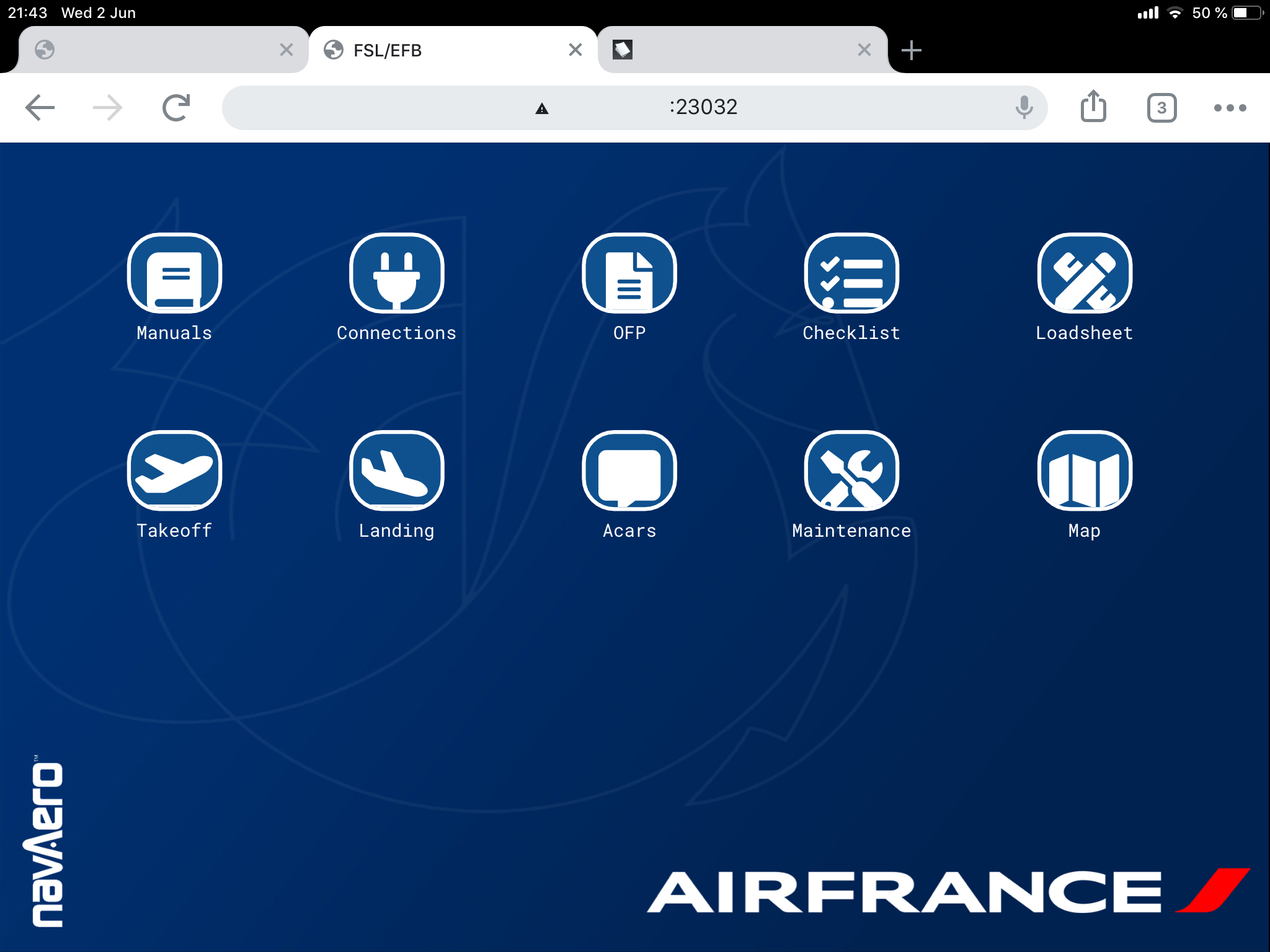
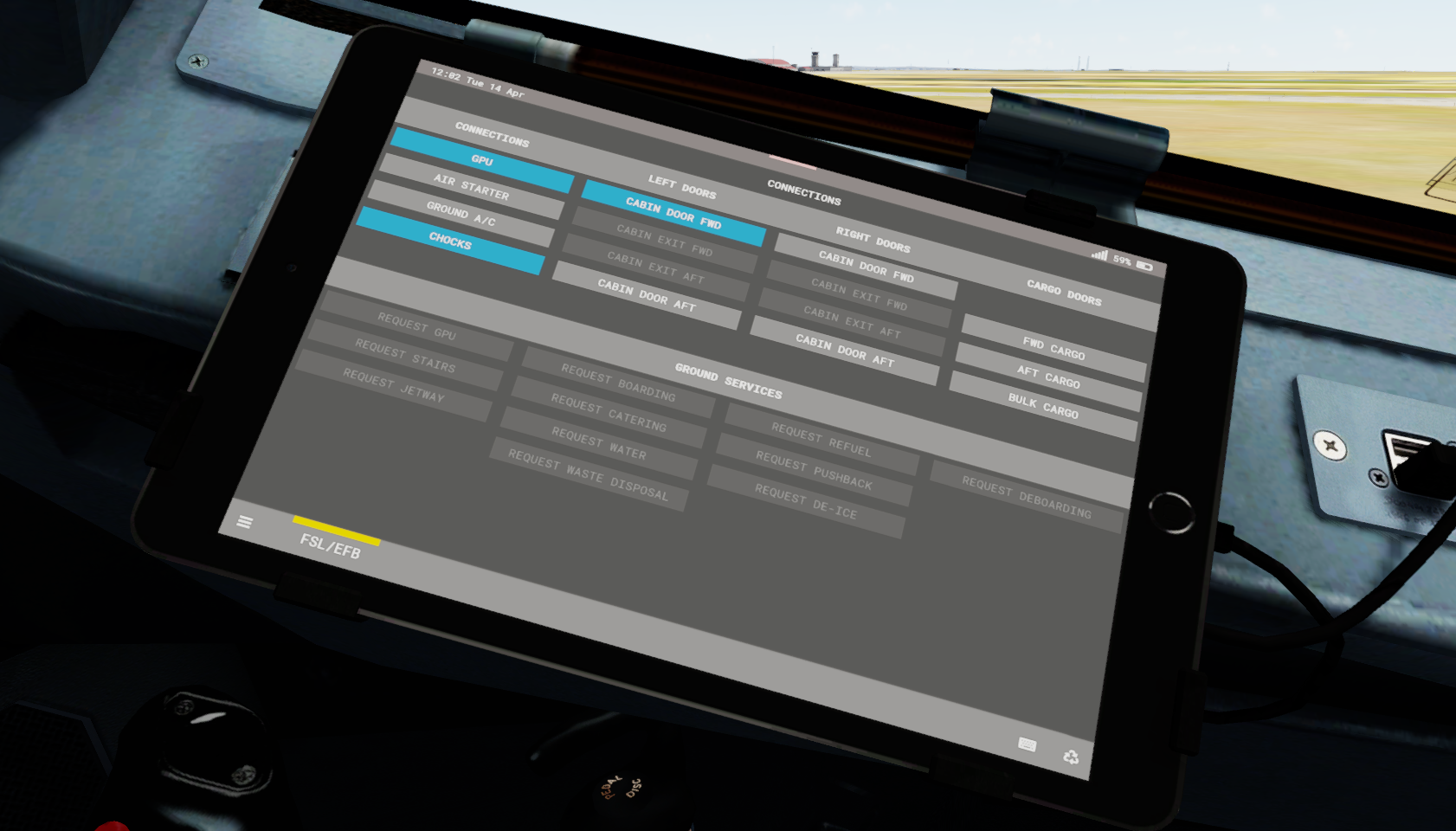
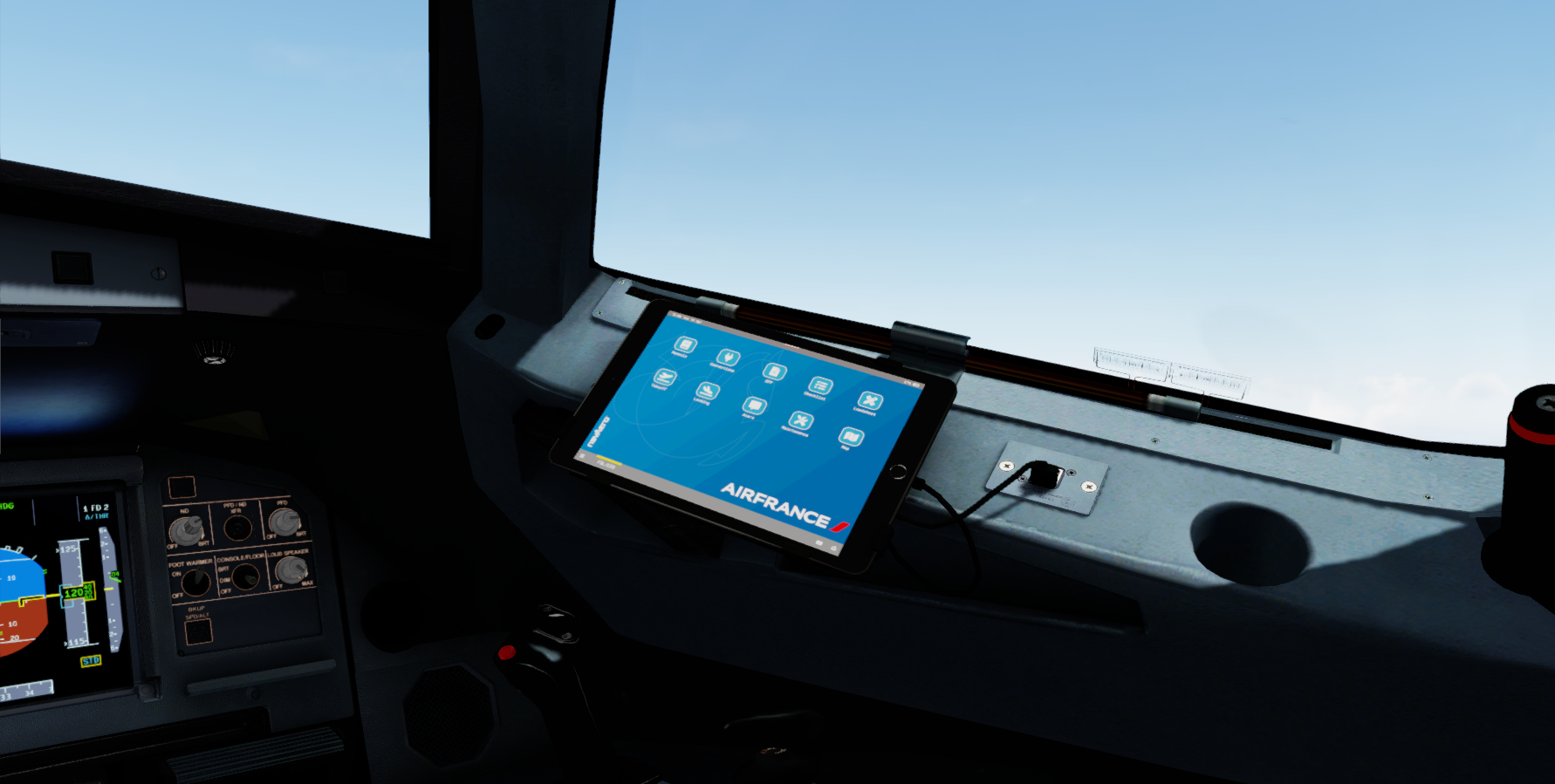
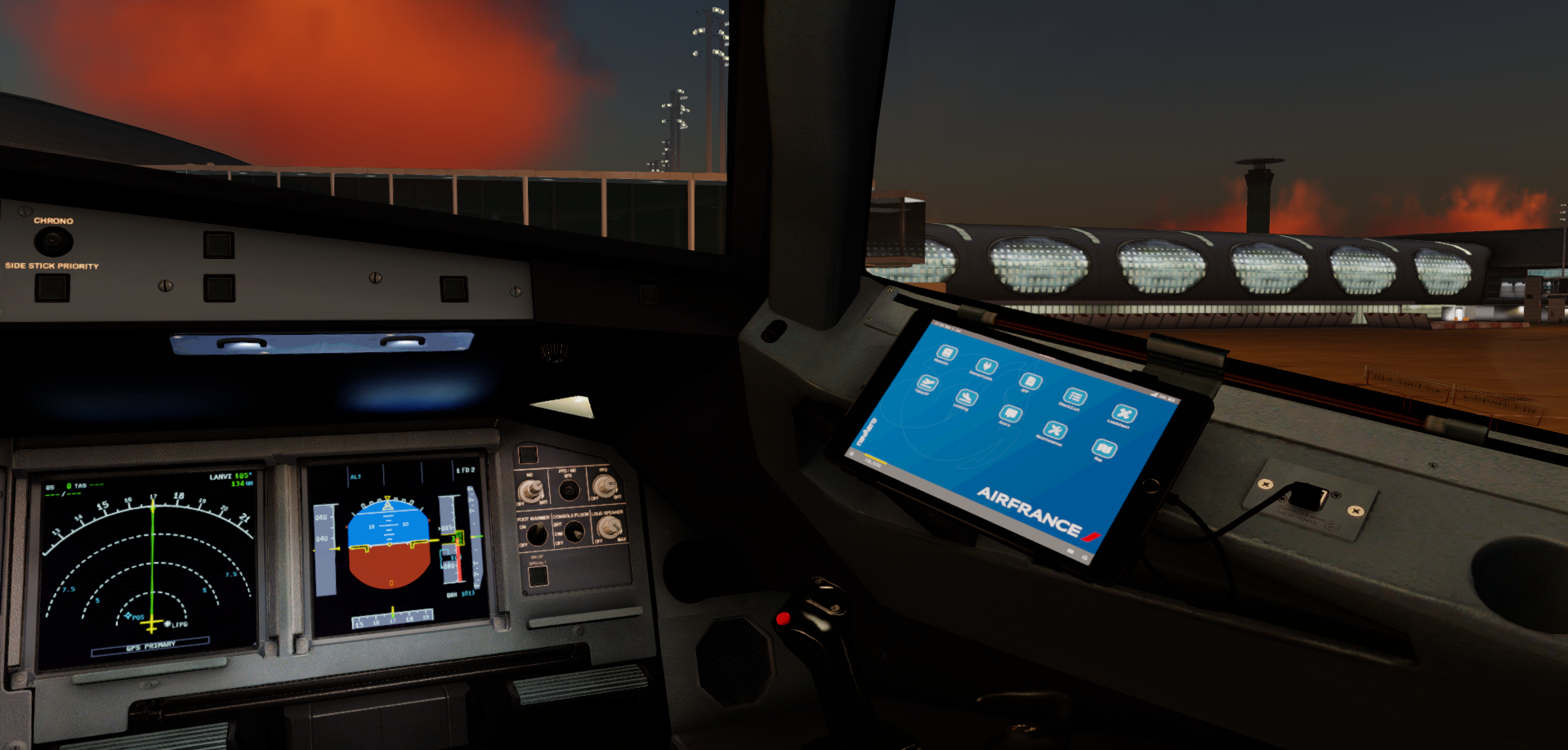
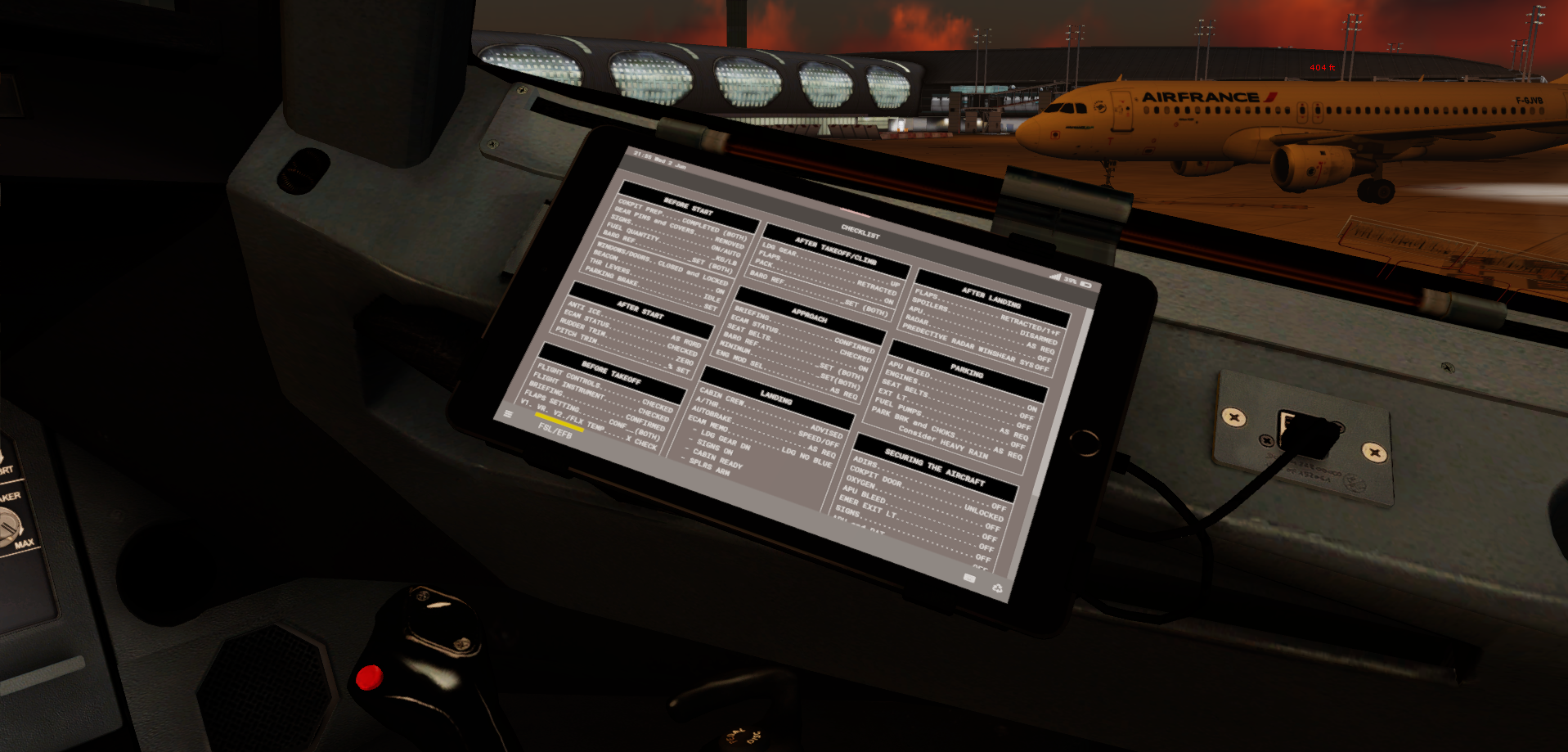
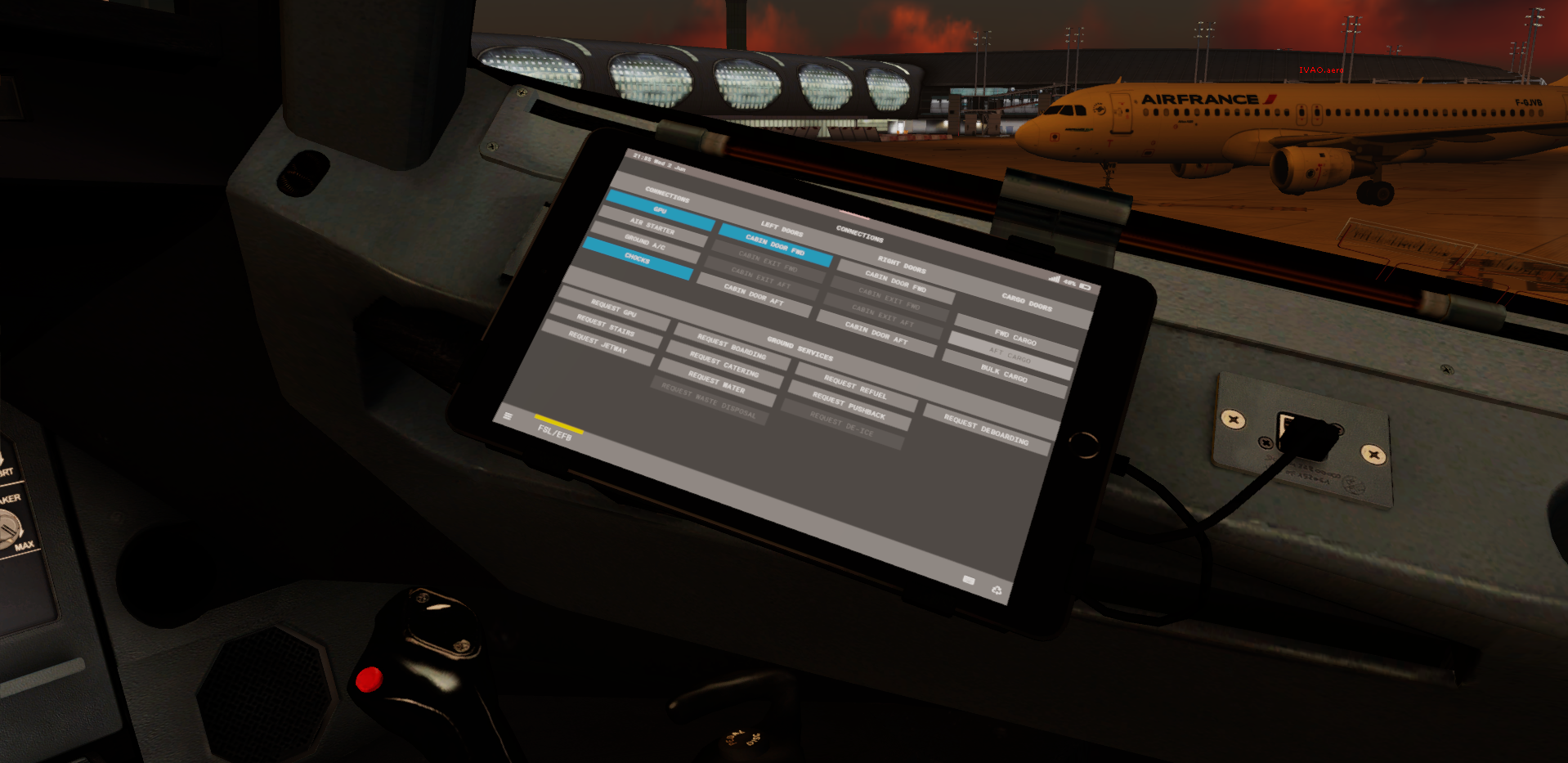
A320 EFB Background + CheckList !

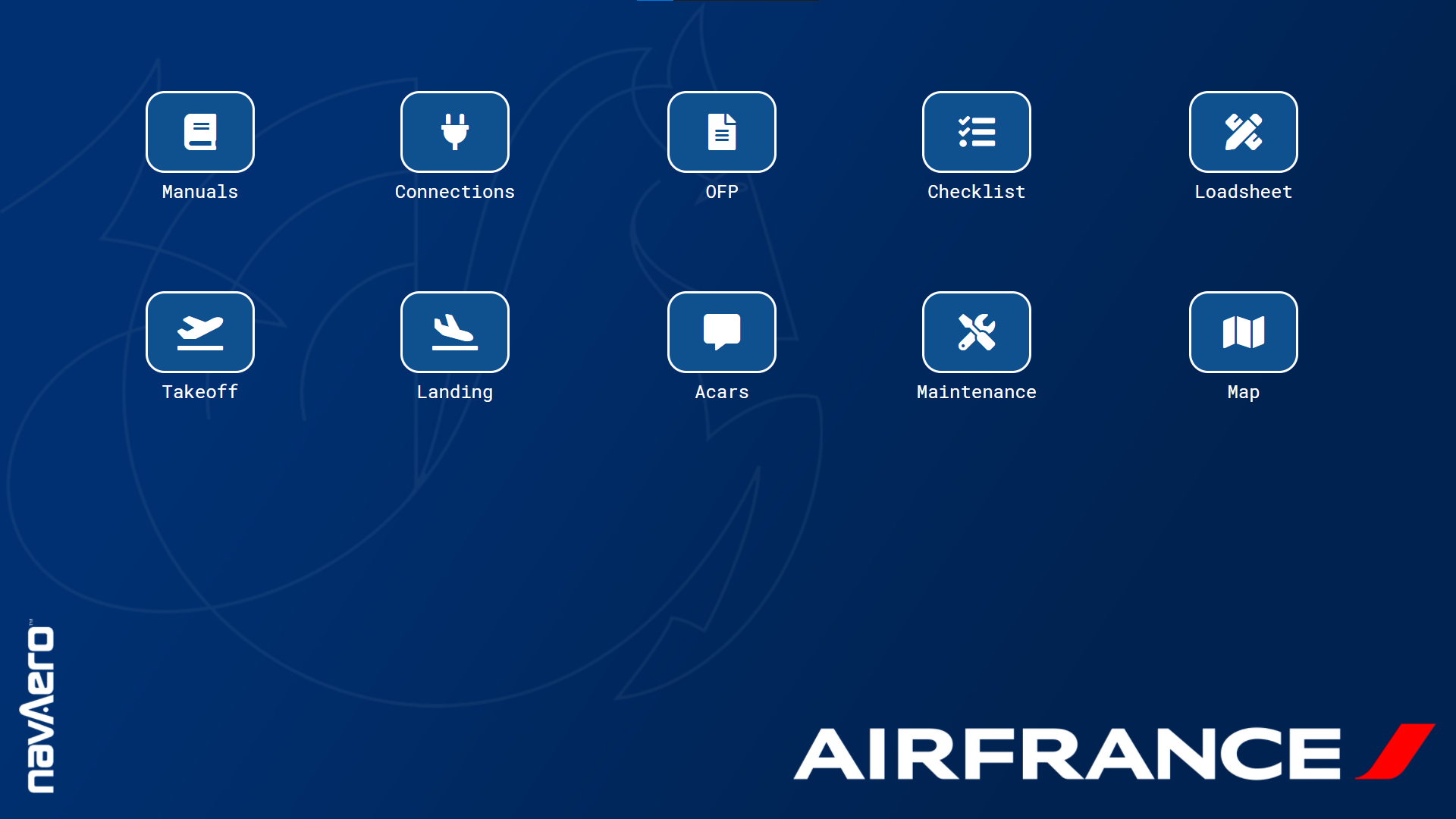
- "Hippocampe ailé" background with faded blue
- NavAero logo (In real-life the logo is on the EFB unit not on the background)
- Air France logo on the bottom right corner
- Real Air France A320 Family Checklist
- 4:3 version (if you are using the remote EFB on a real tablet)
- 16:9 (if you are using the remote EFB on a computer)


Install in this directory :

Prepar3D v5 Add-ons\FSLabs\SimObjects\Airplanes\FSLabs A320-SL\Airlines\AFR\Config

Enjoy! ;)

Quote

"Faire du ciel le plus bel endroit de la terre"


What's New in Version 1.0.1

Released

- Edit Wallpaper for better quality tablet and computer version !

User Feedback

Javin Sylvester

Javin Sylvester


Amazing !!!!!!!!!!!!!!!!!!!!!!!!!!!!!!!!!! 


all that needs to be said 


Jeffrey Smith

Jeffrey Smith

   2 of 2 members found this review helpful 2 / 2 members

Excellent work Théo! Really accurate!

Account

Navigation

Search

Search

Configure browser push notifications

Chrome (Android)
  1. Tap the lock icon next to the address bar.
  2. Tap Permissions → Notifications.
  3. Adjust your preference.
Chrome (Desktop)
  1. Click the padlock icon in the address bar.
  2. Select Site settings.
  3. Find Notifications and adjust your preference.

