
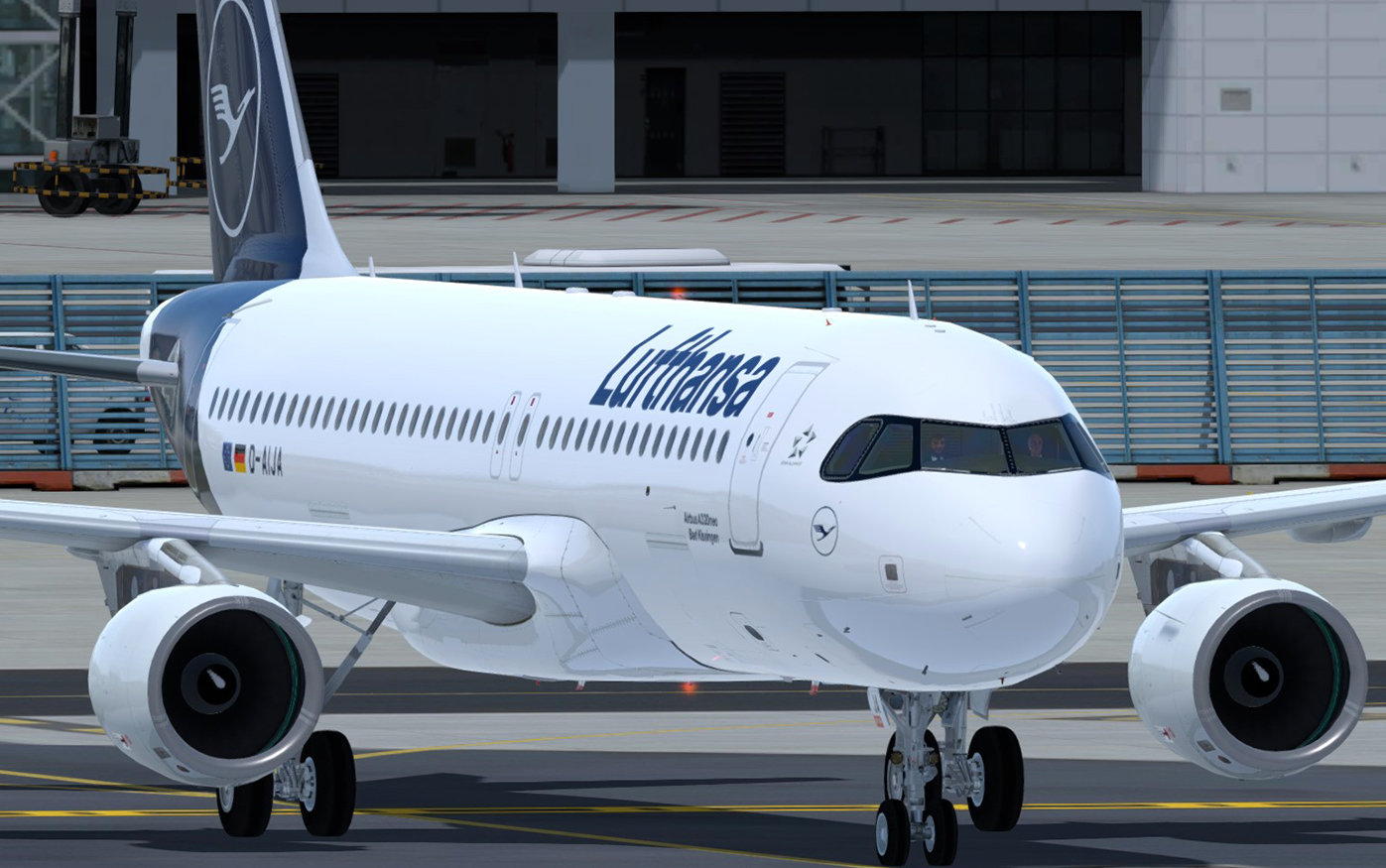
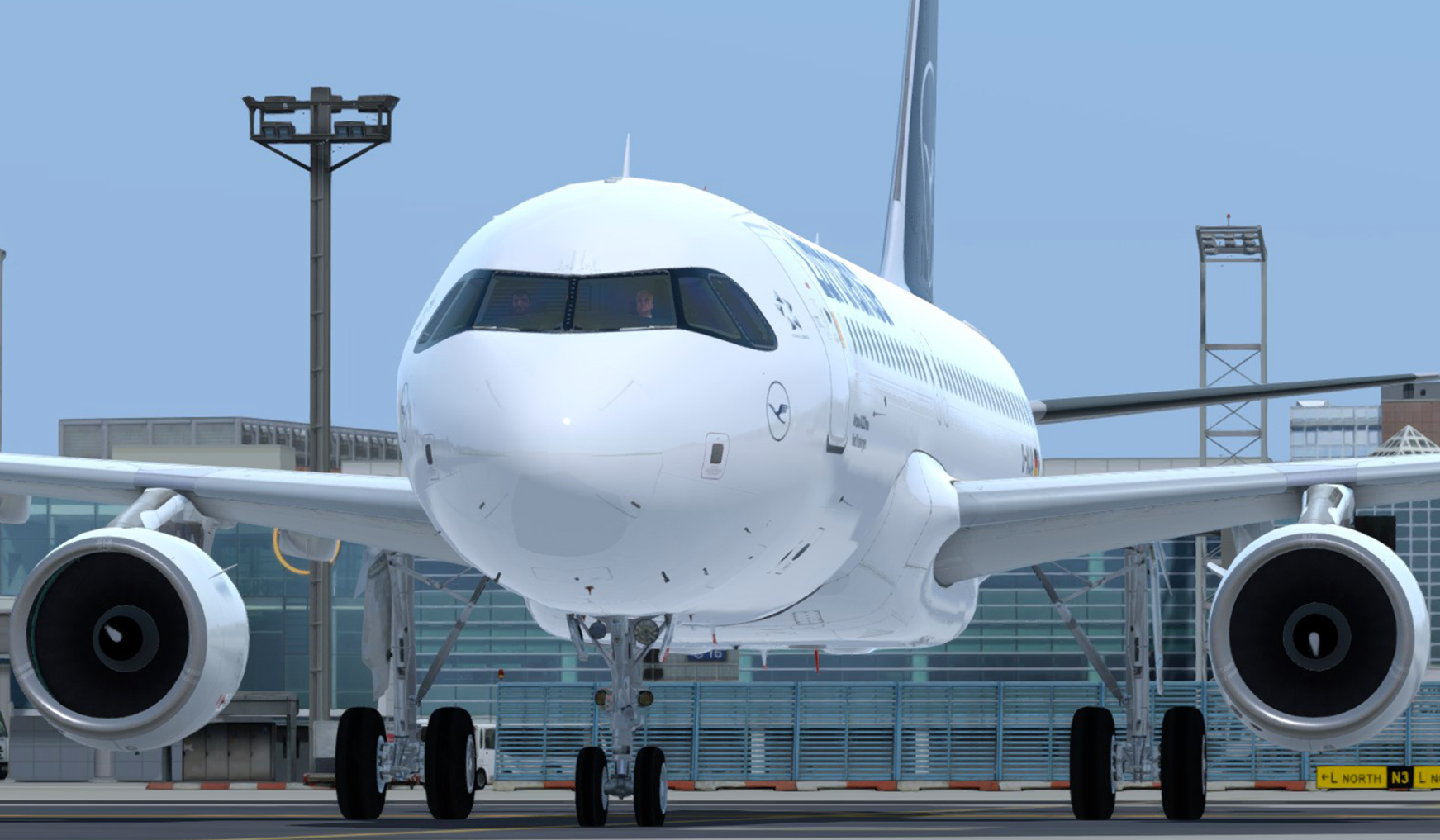
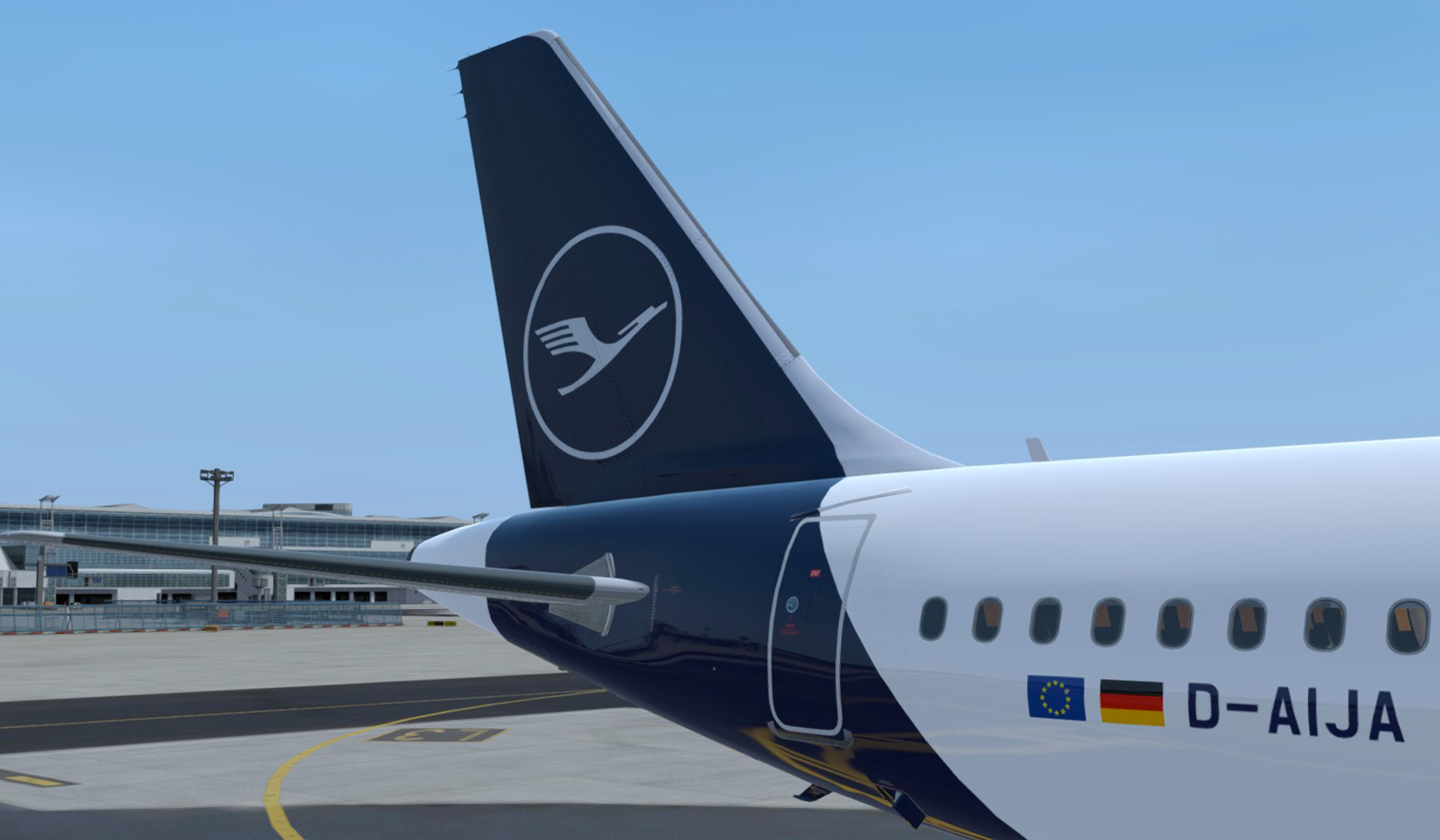
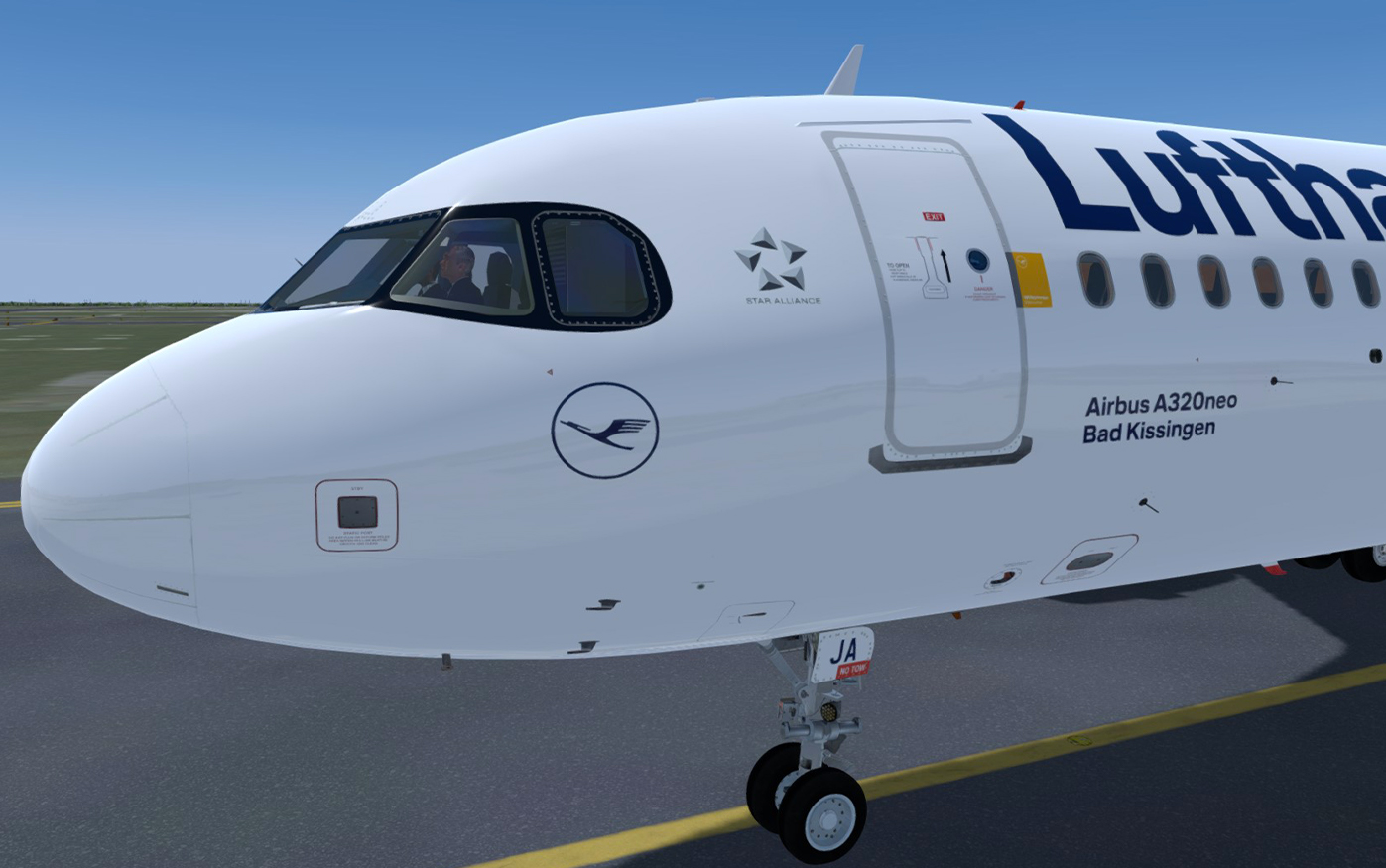
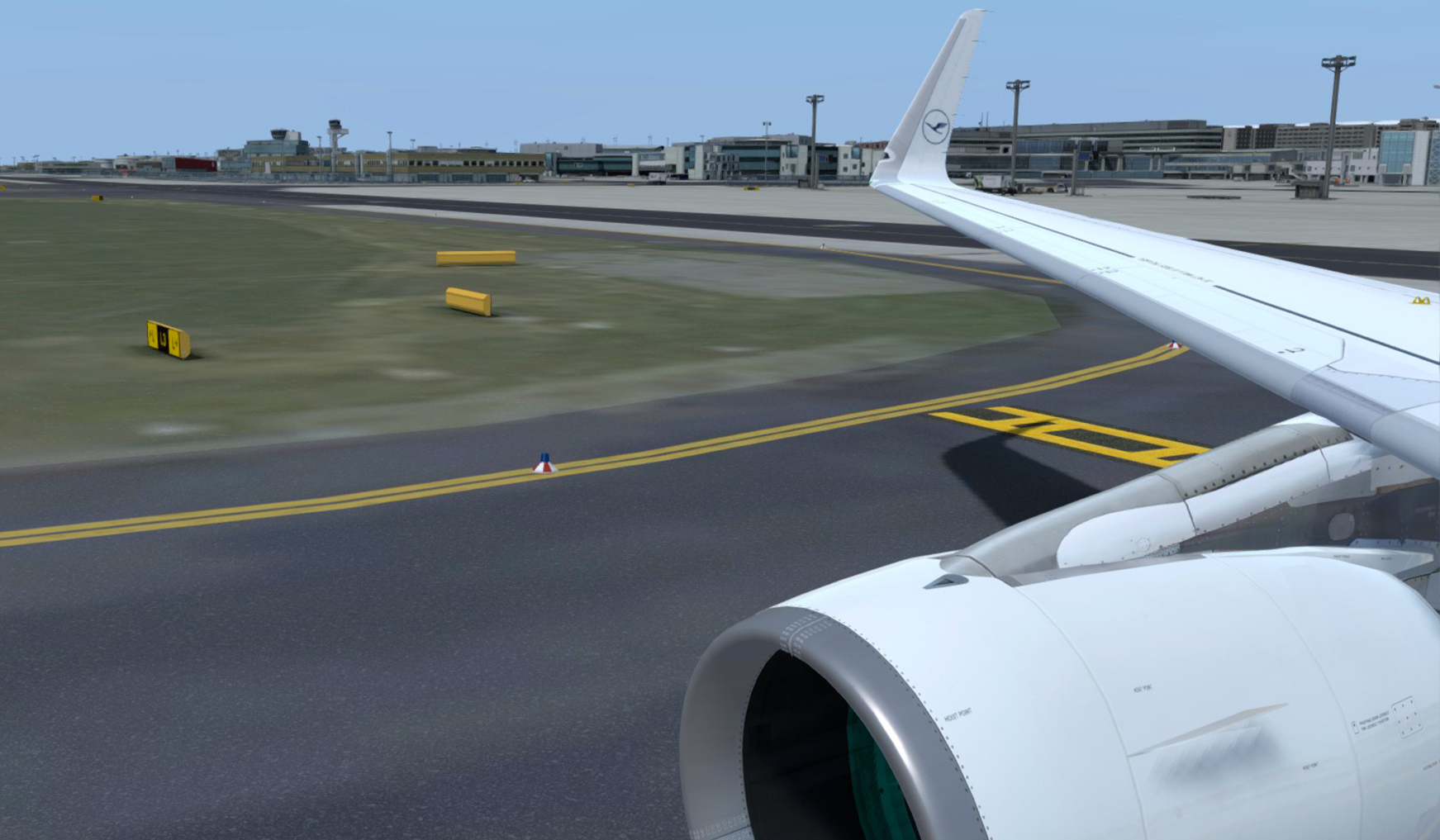
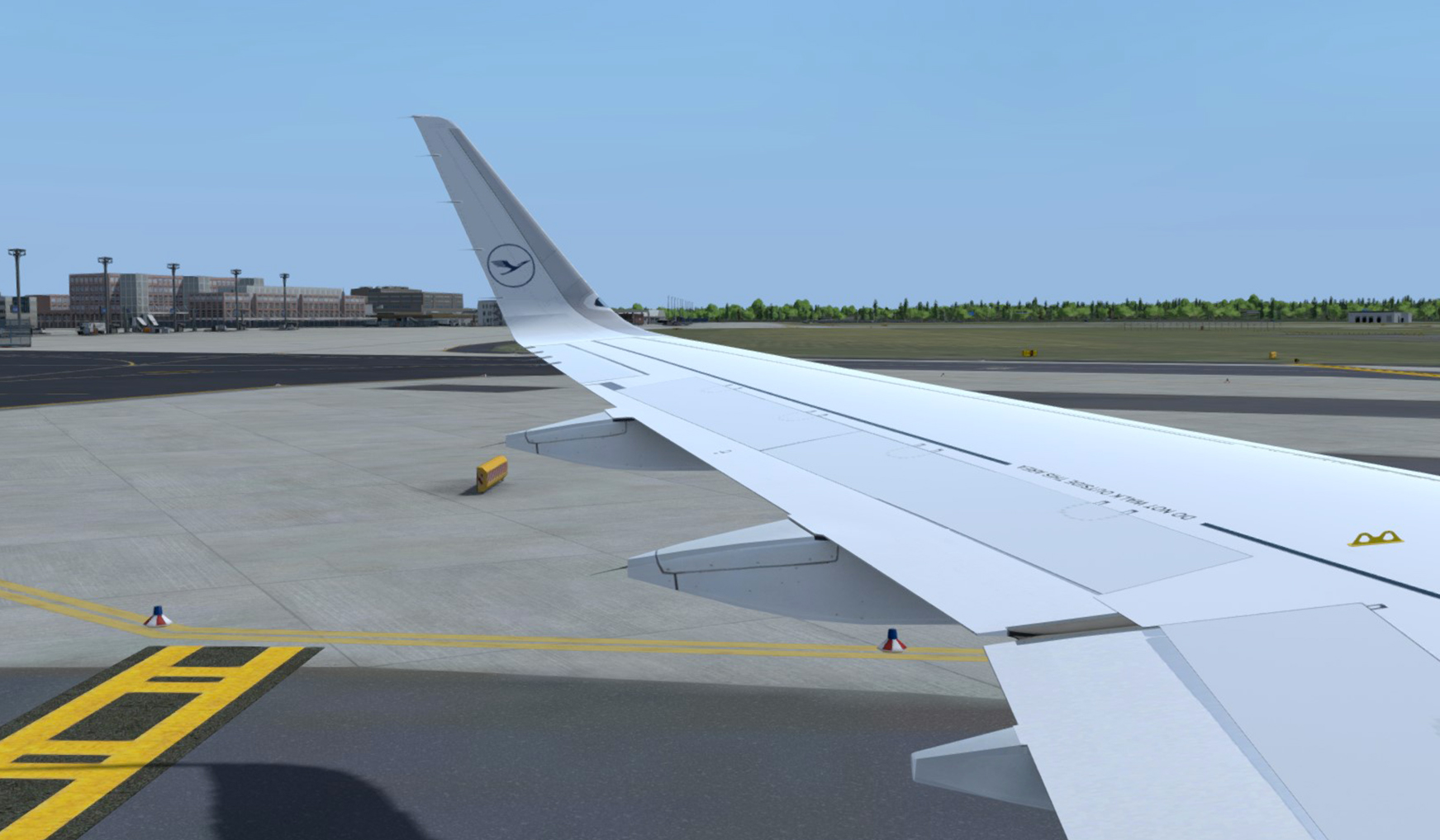
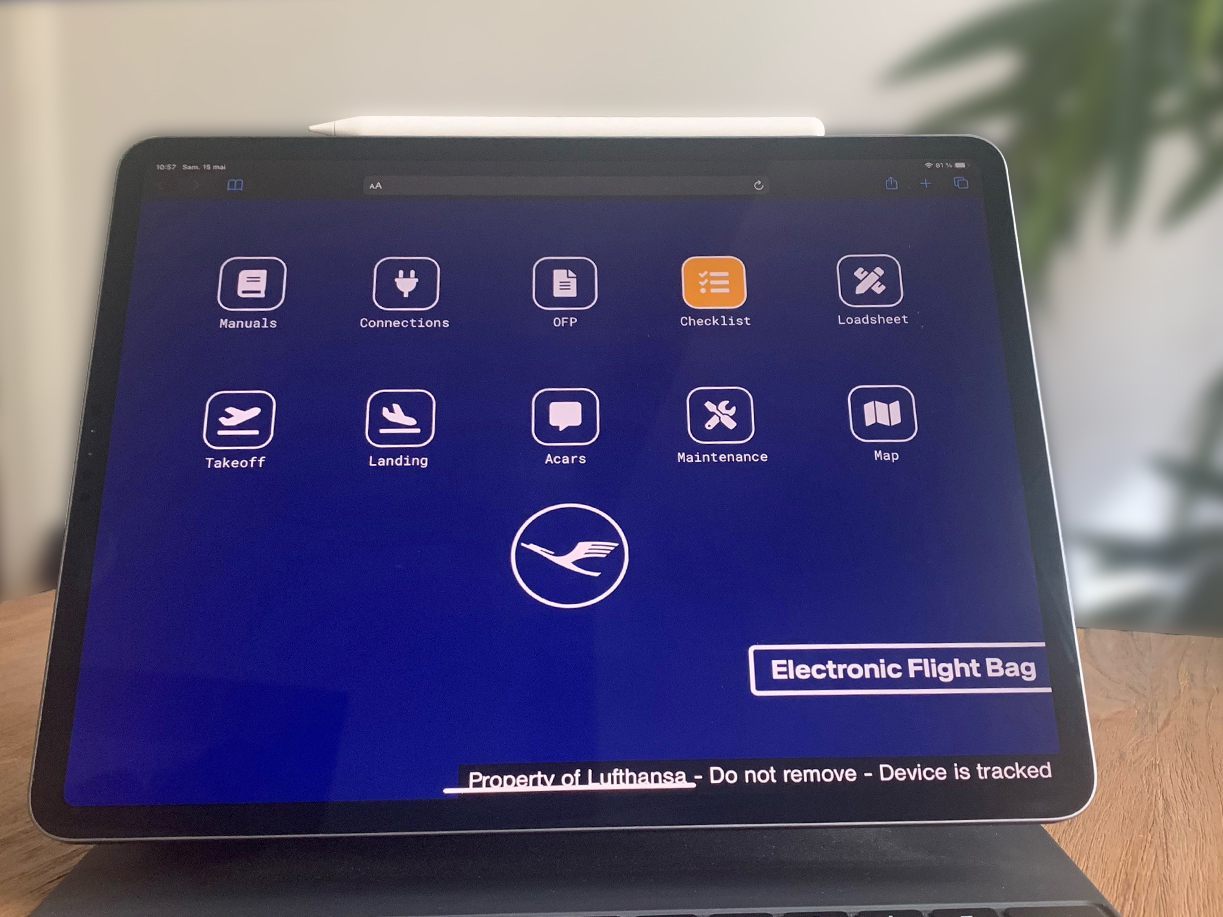
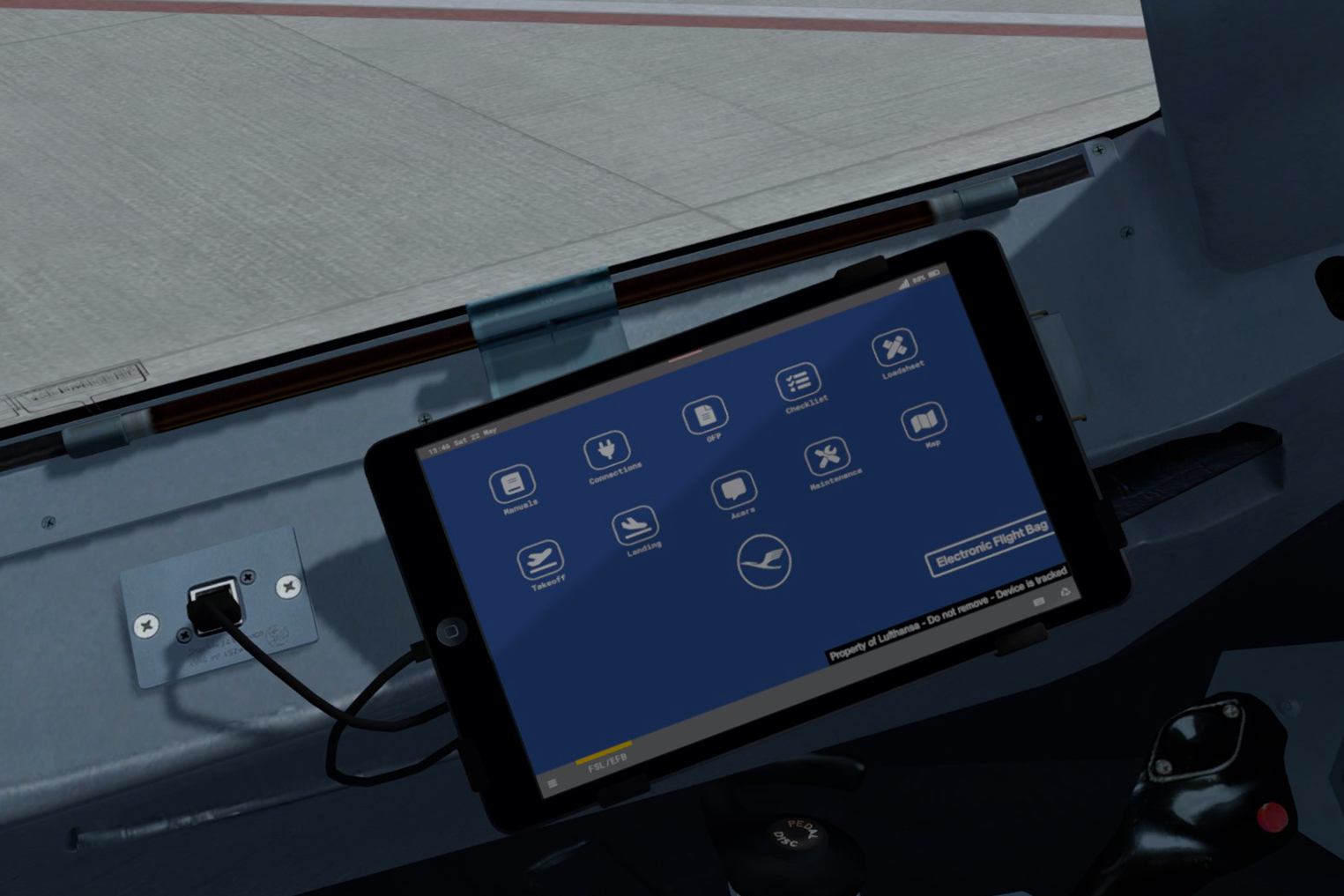
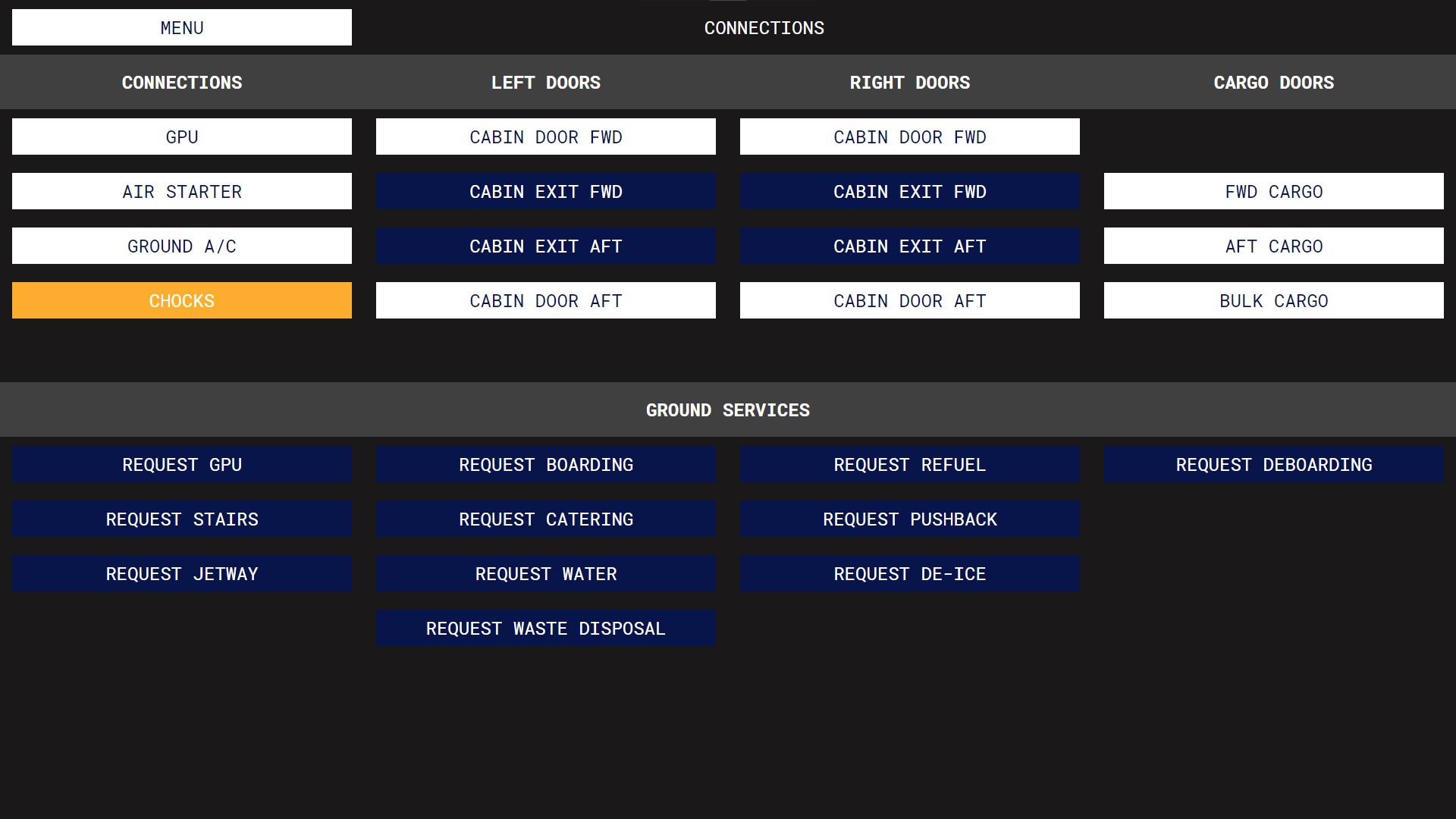
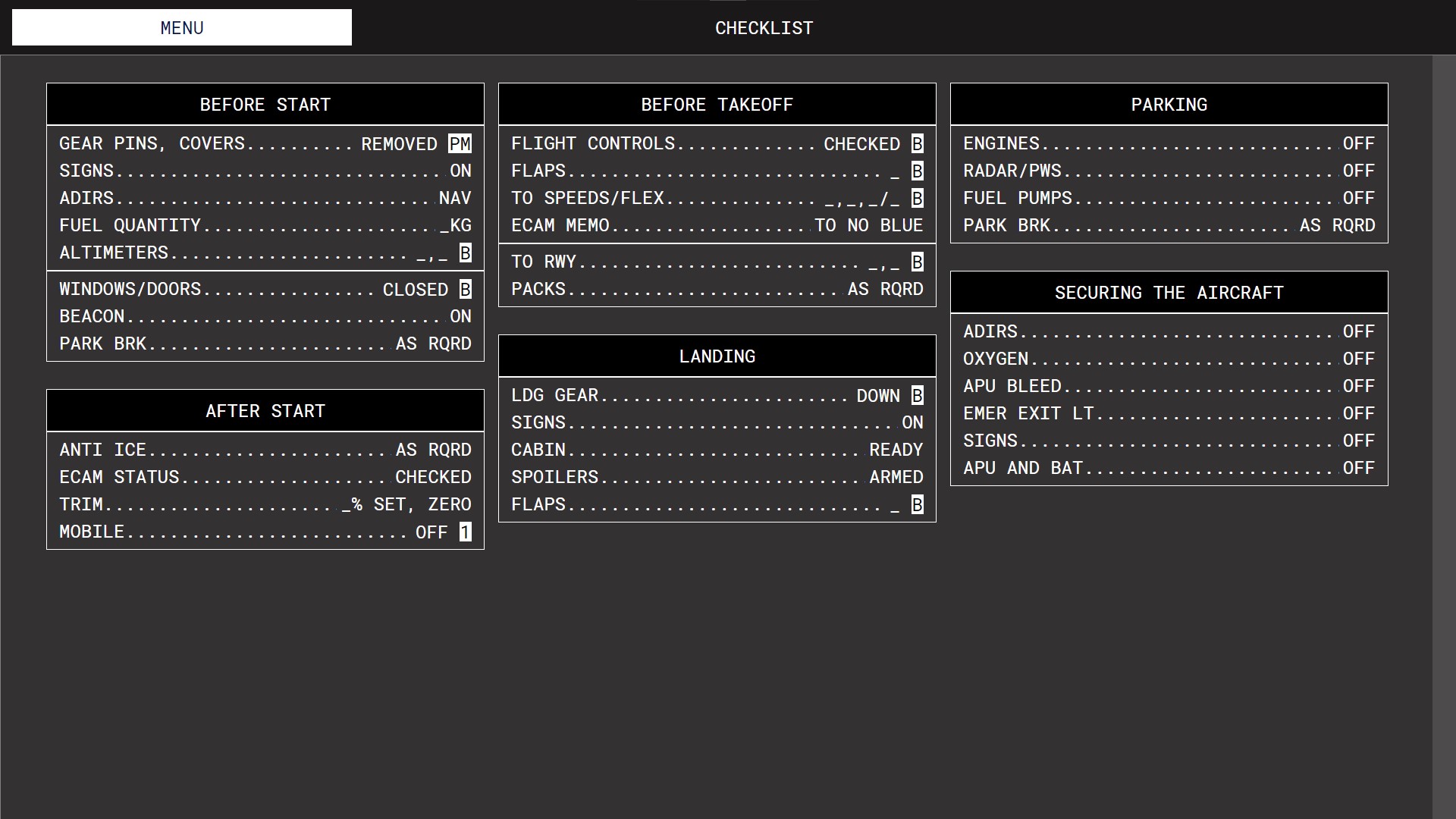
- Concept livery of Lufthansa D-AIJA "Bad Kissingen" (New Livery with the mask) for A320-SL.
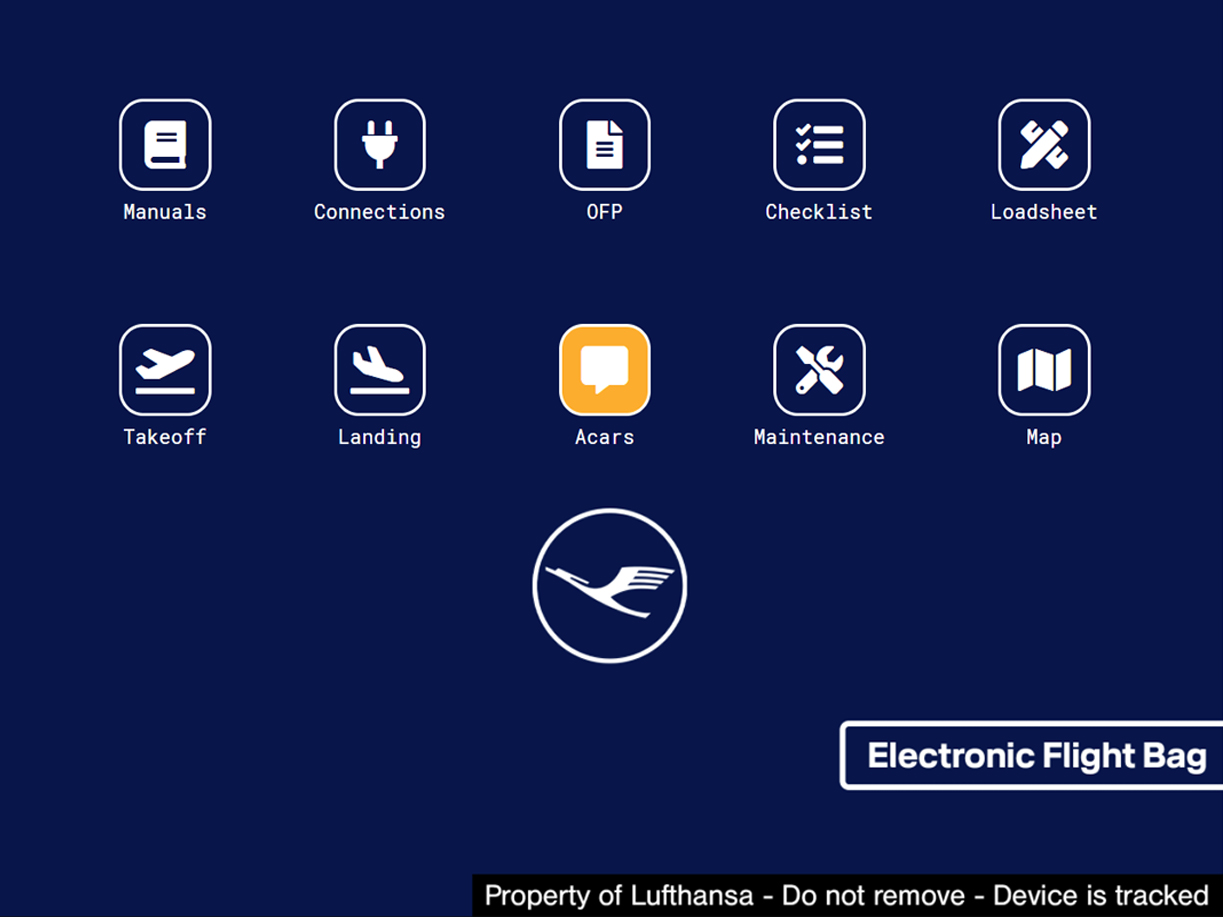
- REAL Lufthansa EFB wallpaper that can be found on Lufthansa's Microsoft Surface in the cockpit of A320 Family aircraft. It also includes color customizations on the home screen and in the entire EFB in the Lufthansa color scheme, as well as Lufthansa checklists.
To install the livery, please place the contents of the "FSLabs A320-SL CFM" folder in "FSLabs/SimObjects/FSLabs A320-SL CFM" then, for the EFB and the checklists, place the contents of the "FSLabs A320-SL" folder in "FSLabs/SimObjects/FSLabs A320-SL". Note that this livery only works with the Sharklets version of Flight Sim Labs!
Thanks to Karim Amr for the Neo CFM Engine Texture.
To get the 16:9 version of the REAL Lufthansa EFB wallpaper (if you are using the remote EFB on a computer):
What's New in Version 1.0
Released
No changelog available for this version.
-
 2
2
-
 5
5
-
 1
1
There are no reviews to display.