Skip to content
View in the app

A better way to browse. Learn more.

Flight Sim Labs Forums

A full-screen app on your home screen with push notifications, badges and more.

To install this app on iOS and iPadOS
  1. Tap the Share icon in Safari
  2. Scroll the menu and tap Add to Home Screen.
  3. Tap Add in the top-right corner.
To install this app on Android
  1. Tap the 3-dot menu (⋮) in the top-right corner of the browser.
  2. Tap Add to Home screen or Install app.
  3. Confirm by tapping Install.

Austrian A320-SL package 1.1.2

(13 reviews)

4 Screenshots

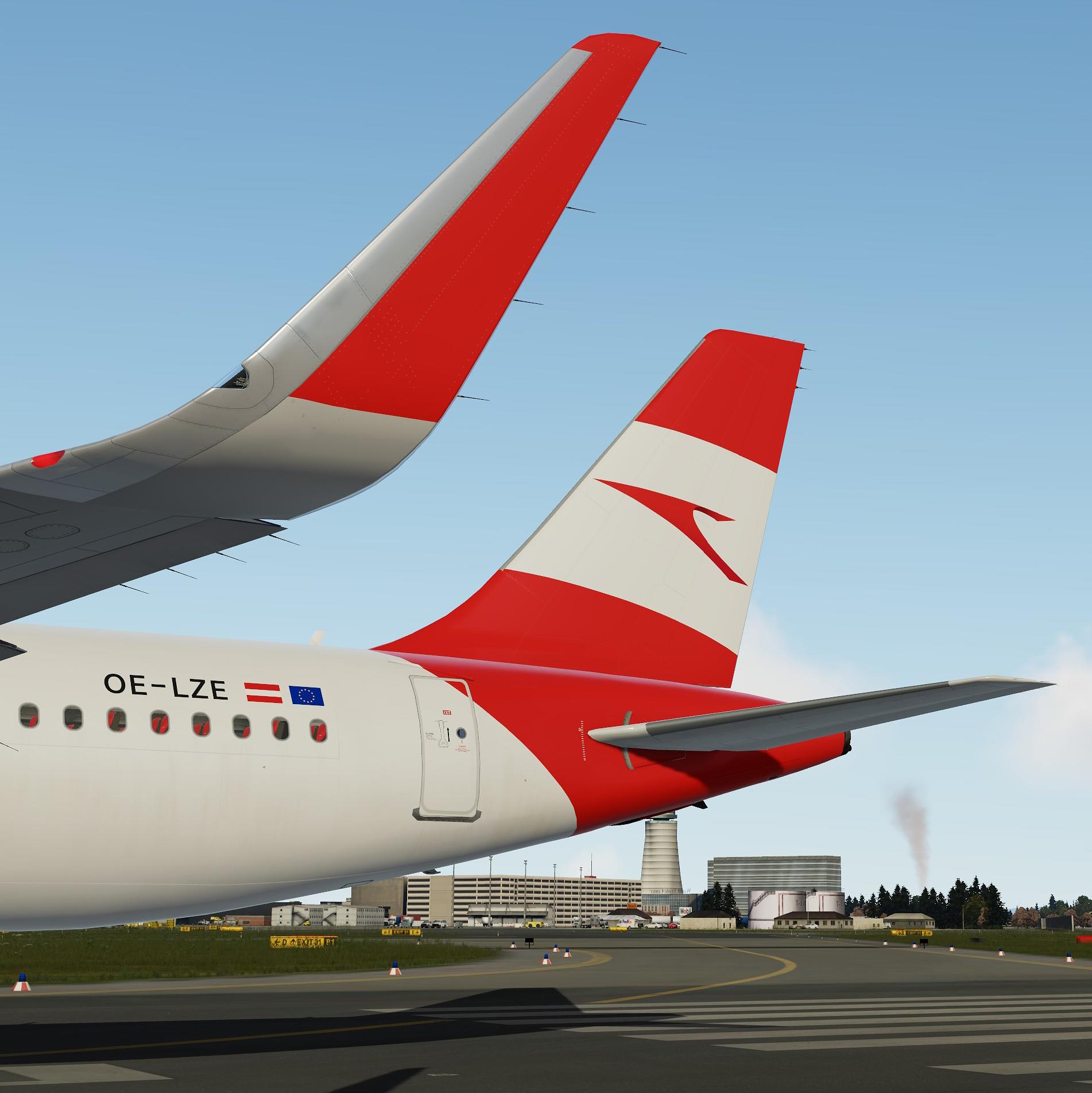
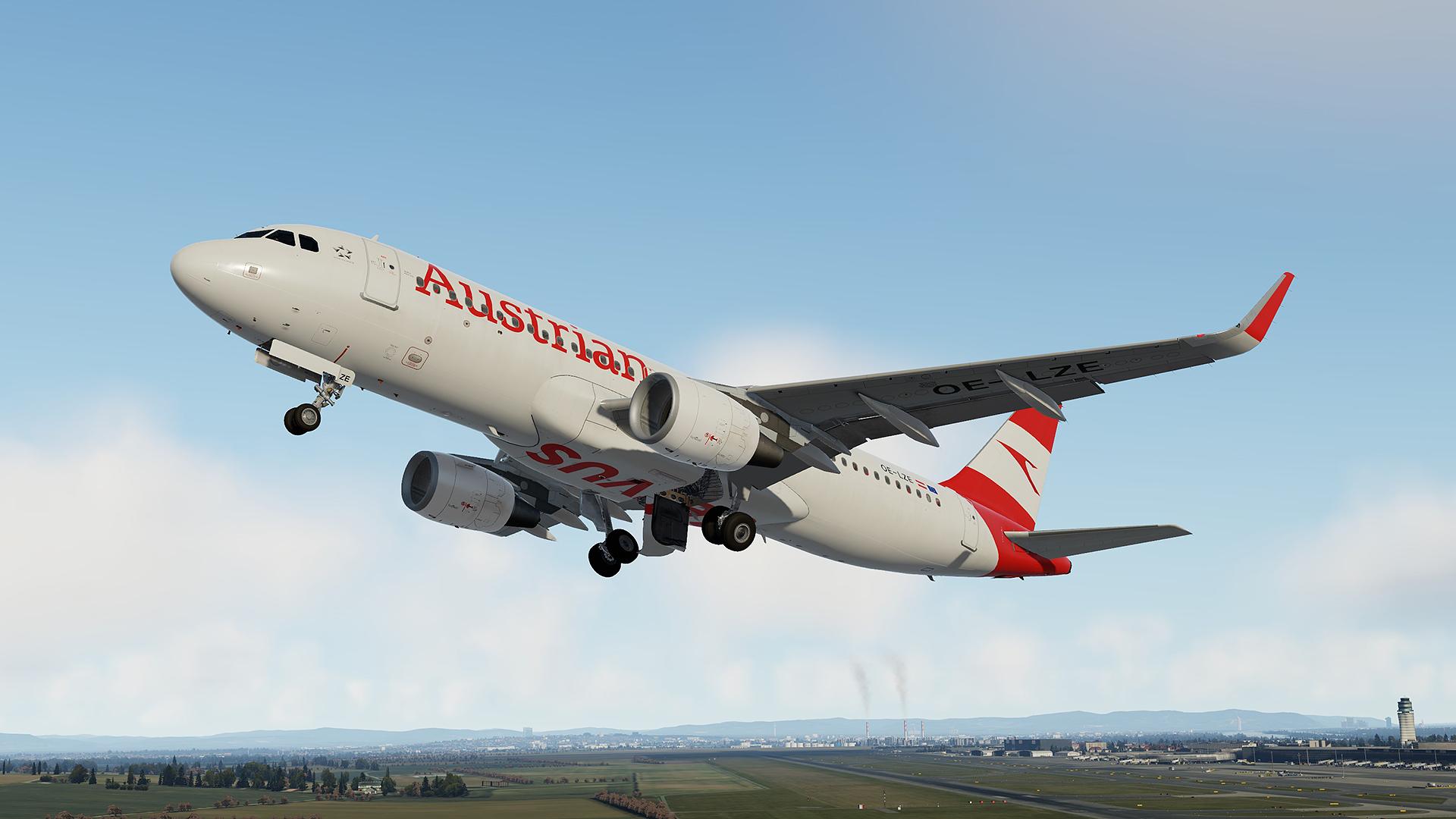
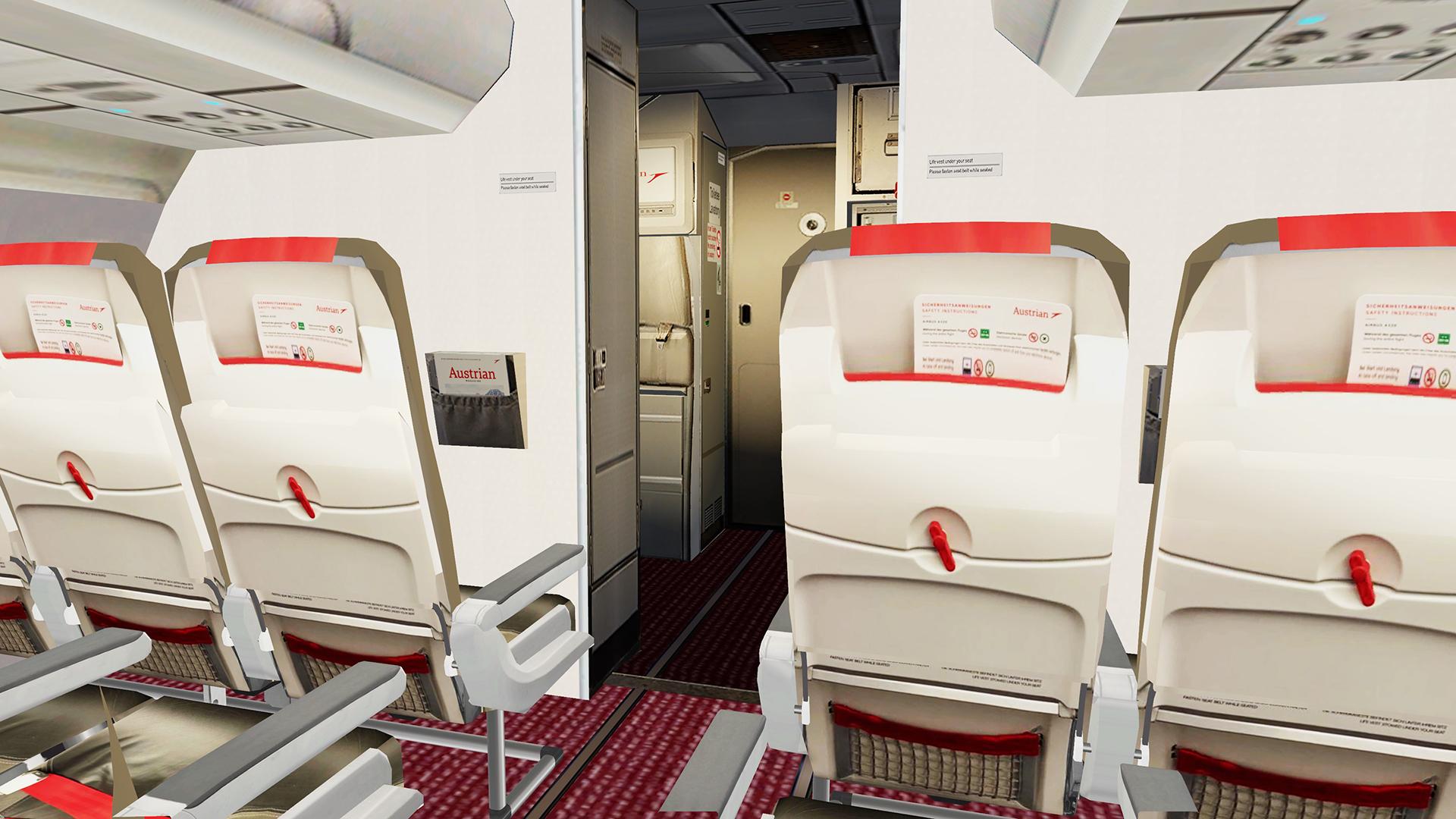
This is Austrian A320-SL pack.
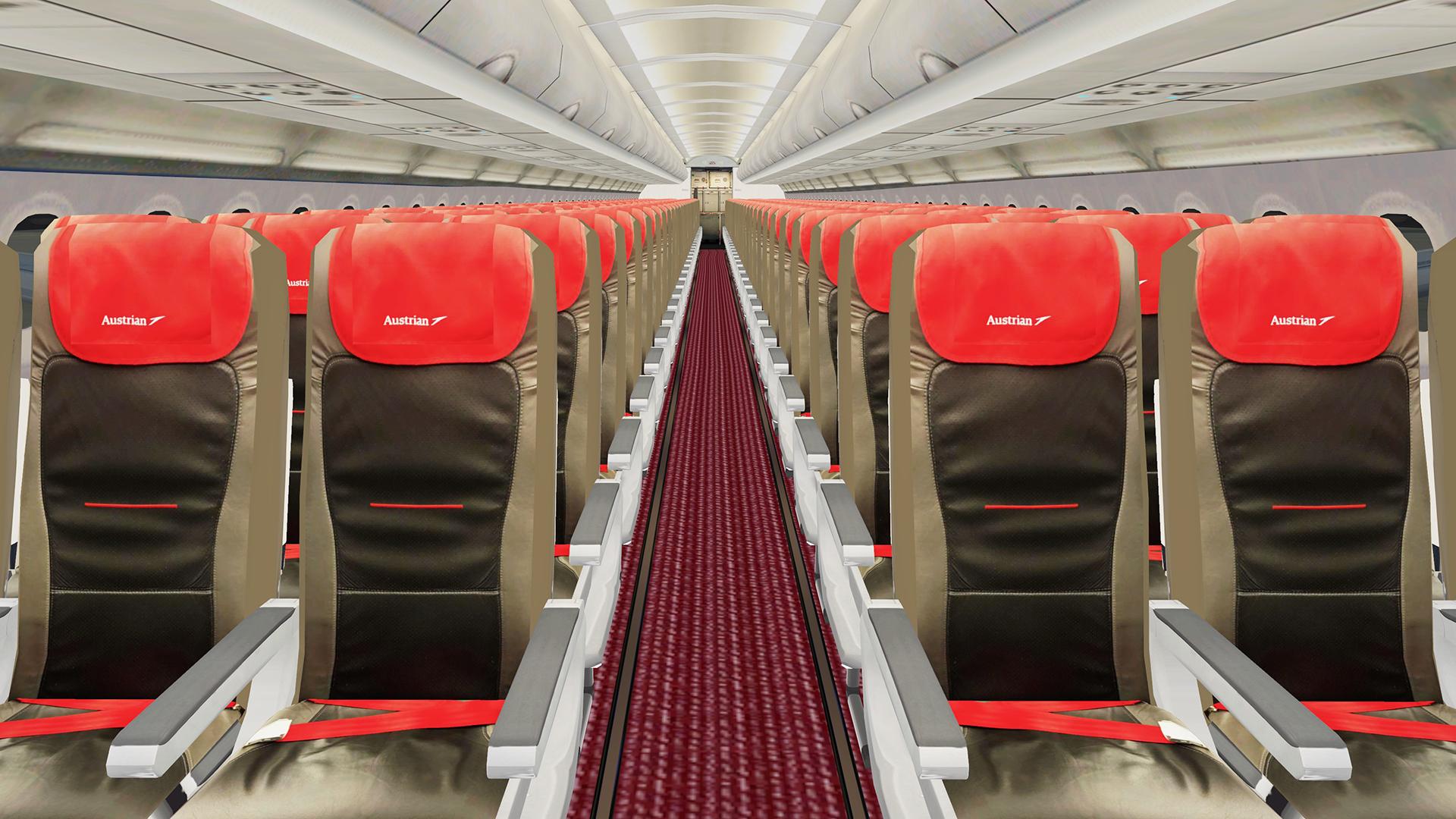
Real cabin files and airframe configs files included.

These liveries were done with the Custom Paintkit by

 @Florian Wolf@Enzo Dewit and , @Gregory Verba 

To have these liveries fully working you MUST download this Common file:

https://forums.flightsimlabs.com/index.php?/files/file/3111-files-for-a320-sl-custom-paintkit-by-gv-ed-fw/

rHrrHfN.png

Package contains:

 -  OE-LZE | OE-LZF

-  Cabin files

-  Airframe config files

Installation:

1.Check that you have installed common files (specified above) into correct folder!

2.Verify you have latest version of common files!

3. Drag all content of this package to your Fslabs A320-SL CFM folder.

To minimalize the file size, I have created common folder, Texture.AUA320-SL, so make sure you don't forget it!!

YOU ARE NOT ALLOWED TO UPLOAD, MODIFY OR SHARE ANY OF THE CONTENT PROVIDED IN THIS DOWNLOAD ANYWHERE WITHOUT MY WRITTEN PERMISSION!!

 It took me a lot time and effort to create these liveries, so if you like them, don't forget to leave positive feedback, or just say thanks. 

Also, If you like my work, why not show your appreciation with a small PayPal donation?  Any donations are highly appreciated but never required.

Paypal


What's New in Version 1.0.3

Released

- Cabin file updated to latest Fslabs method.

User Feedback

Hendrik Schall

Hendrik Schall

   1 of 1 member found this review helpful 1 / 1 member

Looks beautiful as always!

Response from the author:

Thanks a lot Hendrik!

Matei Cojocaru

Matei Cojocaru

   1 of 1 member found this review helpful 1 / 1 member

Awesome work :)

Response from the author:

Thanks a lot Matei!

Wolfgang Reiter

Wolfgang Reiter

   1 of 1 member found this review helpful 1 / 1 member

Looking beautiful! Thank you for those paints:)

Response from the author:

Thanks a lot Wolfgang! 

Michael Damm

Michael Damm


Awesome repaint!

Response from the author:

Thanks a lot Michael!

Martin Berli

Martin Berli


Very good job THX

Response from the author:

Thanks a lot Martin!

Rafal Baczynski

Rafal Baczynski


Amazing livery package.Thank you for that.

Response from the author:

Thanks a lot Rafal! :)

Philip Boelcskei

Philip Boelcskei

   1 of 1 member found this review helpful 1 / 1 member

Amazing!

Response from the author:

Thanks Philip!

Sergei Lobuzko

Sergei Lobuzko


There are two minor issues - one is the rear door, one a tiny one is the front door!

Thank you!

Prepar3D_DyULkru5xl.png

Prepar3D_uQm8EdeAl3.jpg

Response from the author:

Thanks Sergei , Rear door corrected. Please  download new files. Regarding front door, sent you private message.

Brandon Hanley

Brandon Hanley


Amazing!

Response from the author:

Thanks Brandon!

Nicolas Nycz

Nicolas Nycz

(edited)

   2 of 4 members found this review helpful 2 / 4 members

Another really nice job!

You might need to adjust the colours of the fuselage (full eurowhite) and the red (darker) - but otherwise, every detail is there! B)

UPDATE 26JUN21: Looks gorgeous! Thanks @Gregory Verba!

Edited by Nicolas Nycz

Response from the author:

Hi Nicolas. Thanks for your feedback. Red color was adjusted. It would be nice if you can change your review score :). Thanks 

Alexander Polcher

Alexander Polcher

   2 of 2 members found this review helpful 2 / 2 members

Gorgeous aircraft! Beautiful paint. It's nice to see how you've improved your repaints through time.

Response from the author:

Thanks a lot Alexander! Appreciate it. We continue work hard and improve. Enjoy your flights! 

Florian Wolf

Florian Wolf


Spot on!

Harry Westbury

Harry Westbury


Thank you very much Gregory! :wub:

Account

Navigation

Search

Search

Configure browser push notifications

Chrome (Android)
  1. Tap the lock icon next to the address bar.
  2. Tap Permissions → Notifications.
  3. Adjust your preference.
Chrome (Desktop)
  1. Click the padlock icon in the address bar.
  2. Select Site settings.
  3. Find Notifications and adjust your preference.