

Skip to content
View in the app

A better way to browse. Learn more.

Flight Sim Labs Forums

A full-screen app on your home screen with push notifications, badges and more.

To install this app on iOS and iPadOS
  1. Tap the Share icon in Safari
  2. Scroll the menu and tap Add to Home Screen.
  3. Tap Add in the top-right corner.
To install this app on Android
  1. Tap the 3-dot menu (⋮) in the top-right corner of the browser.
  2. Tap Add to Home screen or Install app.
  3. Confirm by tapping Install.

Flight Folder 0.9.9

(0 reviews)

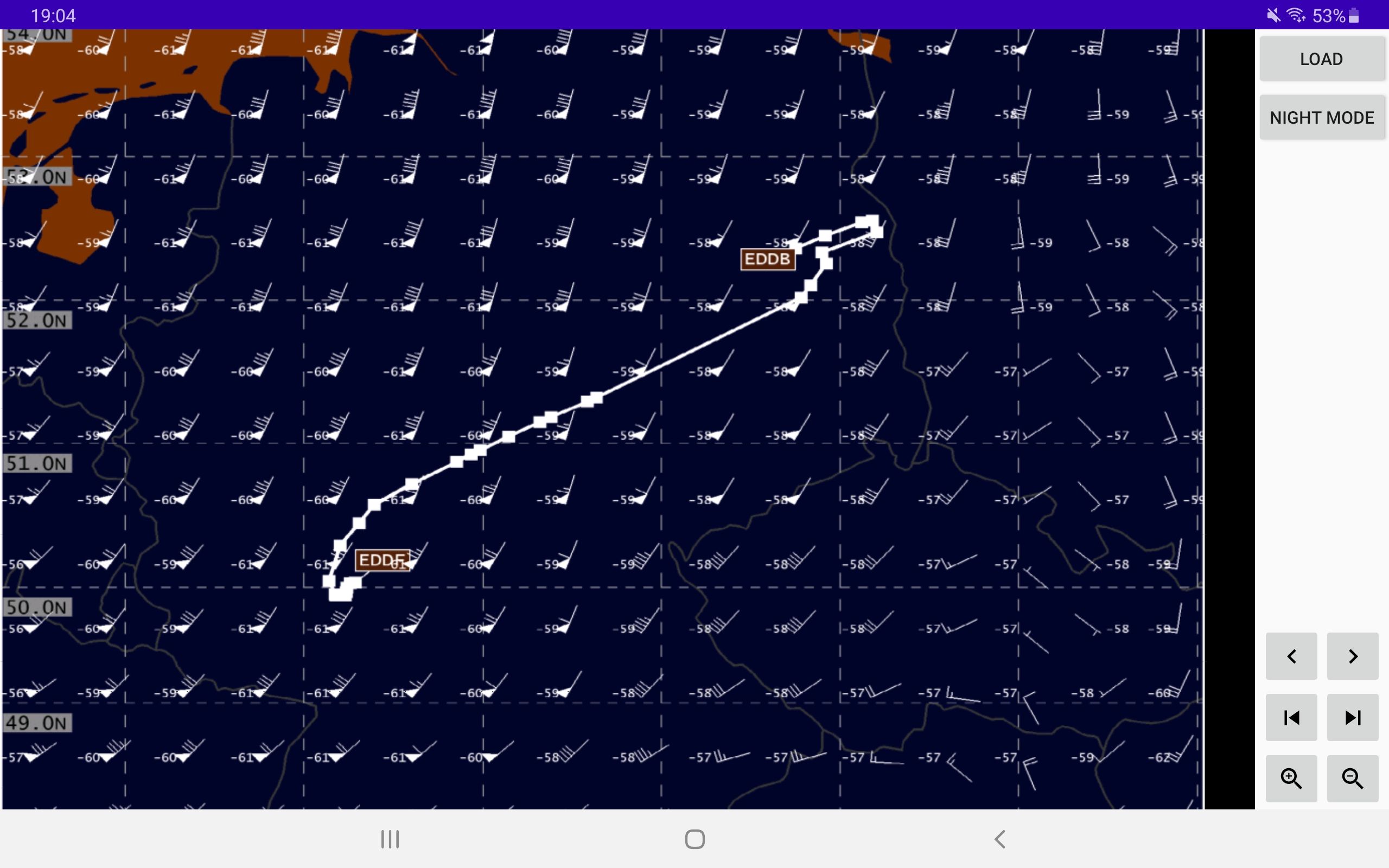
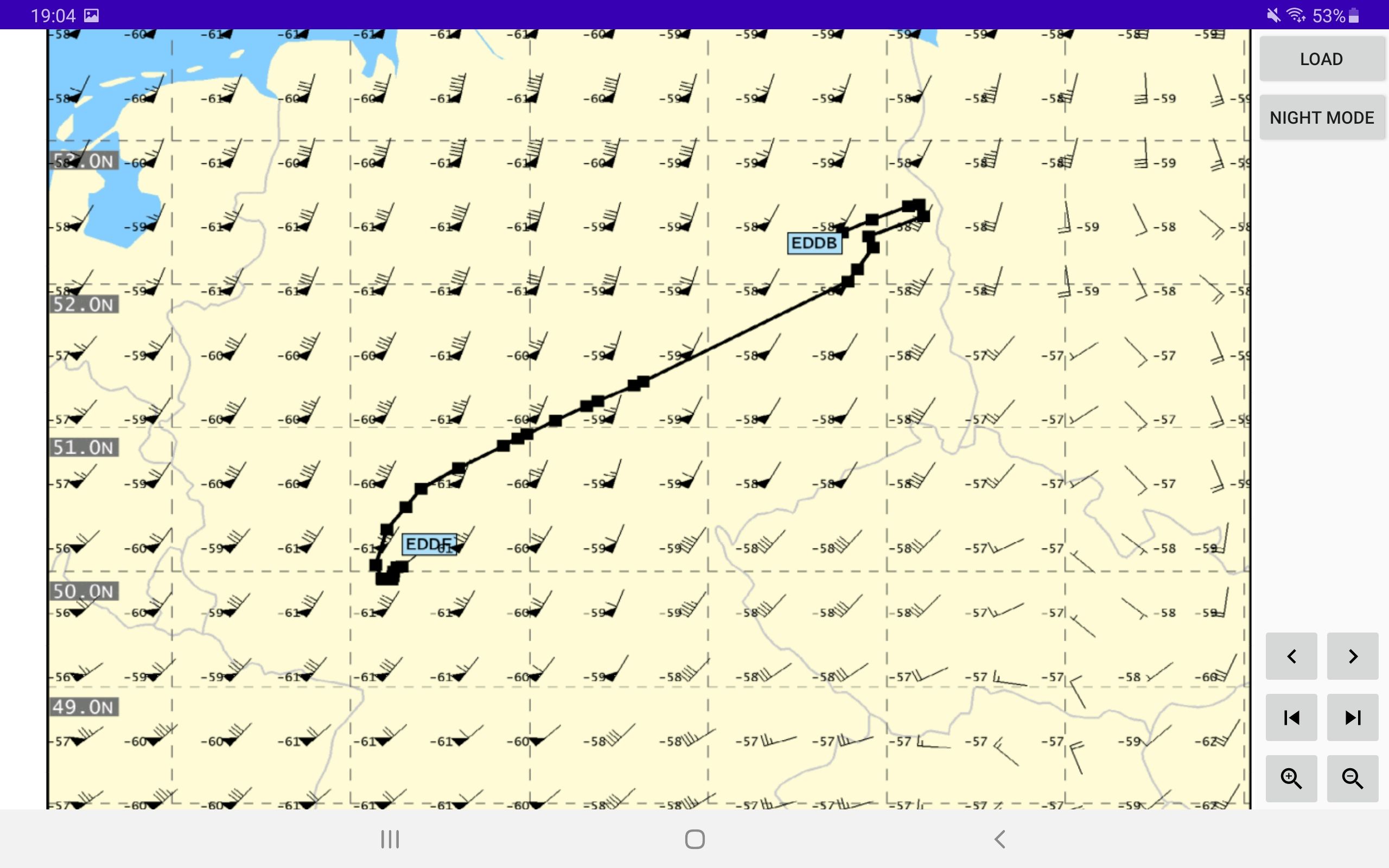
2 Screenshots

Yet another PDF viewer, however tailored to my needs.
The app supports navigating through PDF files by buttons (jump one page to the back/front, jump to the last/first page.)
Zoom by pressing buttons.
All functionalities are available by gestures as well, e.g. pinch to zoom etc.
A night mode is also available.
The tool uses the Android PDF Viewer library by barteksc: https://github.com/barteksc/AndroidPdfViewer
The tool was designed for a Samsung Galaxy Tab 5S, thus there might be scaling errors when used on smaller or larger devices.

Designed for Android.
Do not use for real world operations!
No warranty is given! Please do not upload this file anywhere else!
 

User Feedback

There are no reviews to display.

Account

Navigation

Search

Search

Configure browser push notifications

Chrome (Android)
  1. Tap the lock icon next to the address bar.
  2. Tap Permissions → Notifications.
  3. Adjust your preference.
Chrome (Desktop)
  1. Click the padlock icon in the address bar.
  2. Select Site settings.
  3. Find Notifications and adjust your preference.
