

Skip to content
View in the app

A better way to browse. Learn more.

Flight Sim Labs Forums

A full-screen app on your home screen with push notifications, badges and more.

To install this app on iOS and iPadOS
  1. Tap the Share icon in Safari
  2. Scroll the menu and tap Add to Home Screen.
  3. Tap Add in the top-right corner.
To install this app on Android
  1. Tap the 3-dot menu (⋮) in the top-right corner of the browser.
  2. Tap Add to Home screen or Install app.
  3. Confirm by tapping Install.

Hoppies NL 0.9.9

(0 reviews)

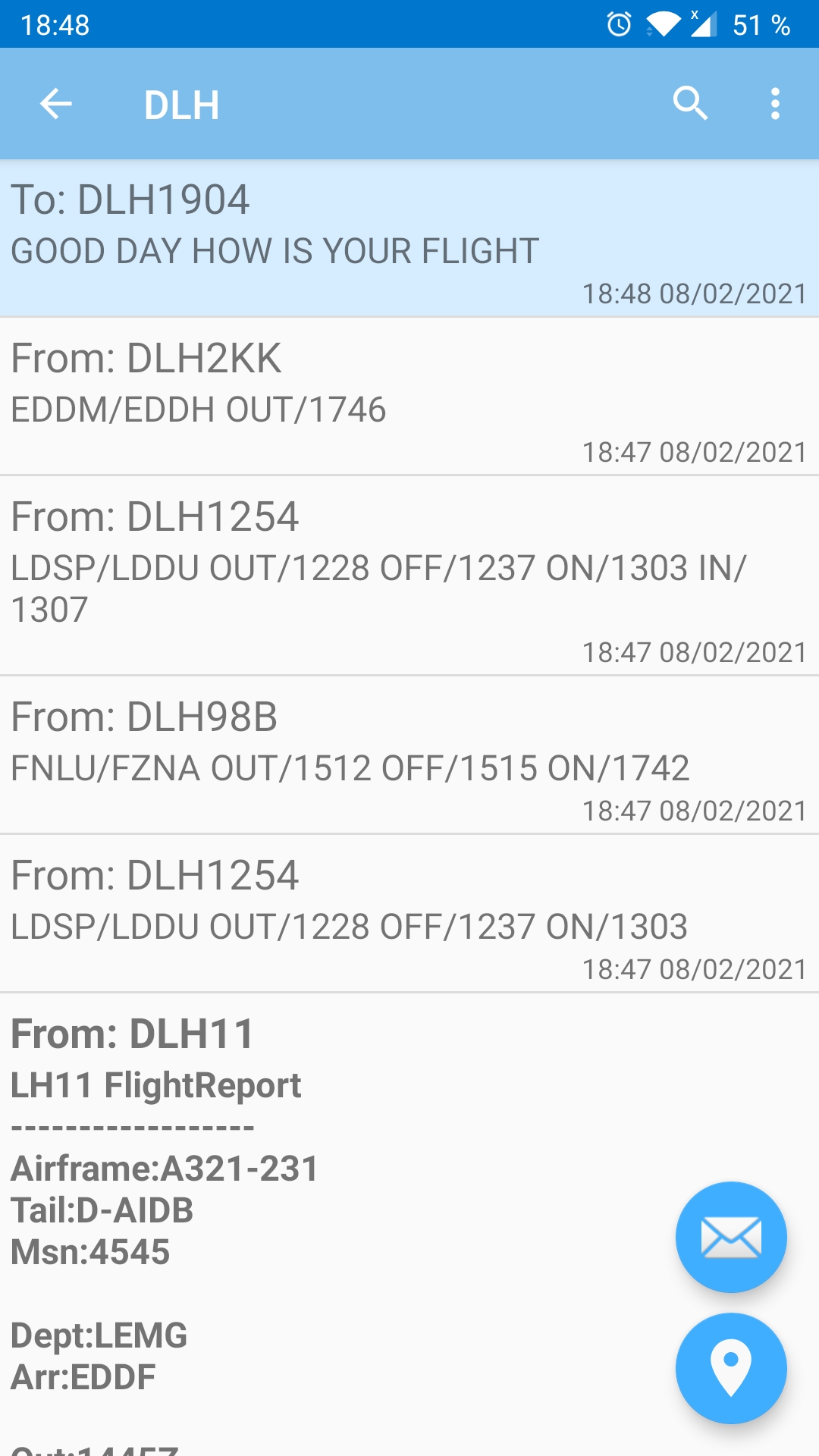
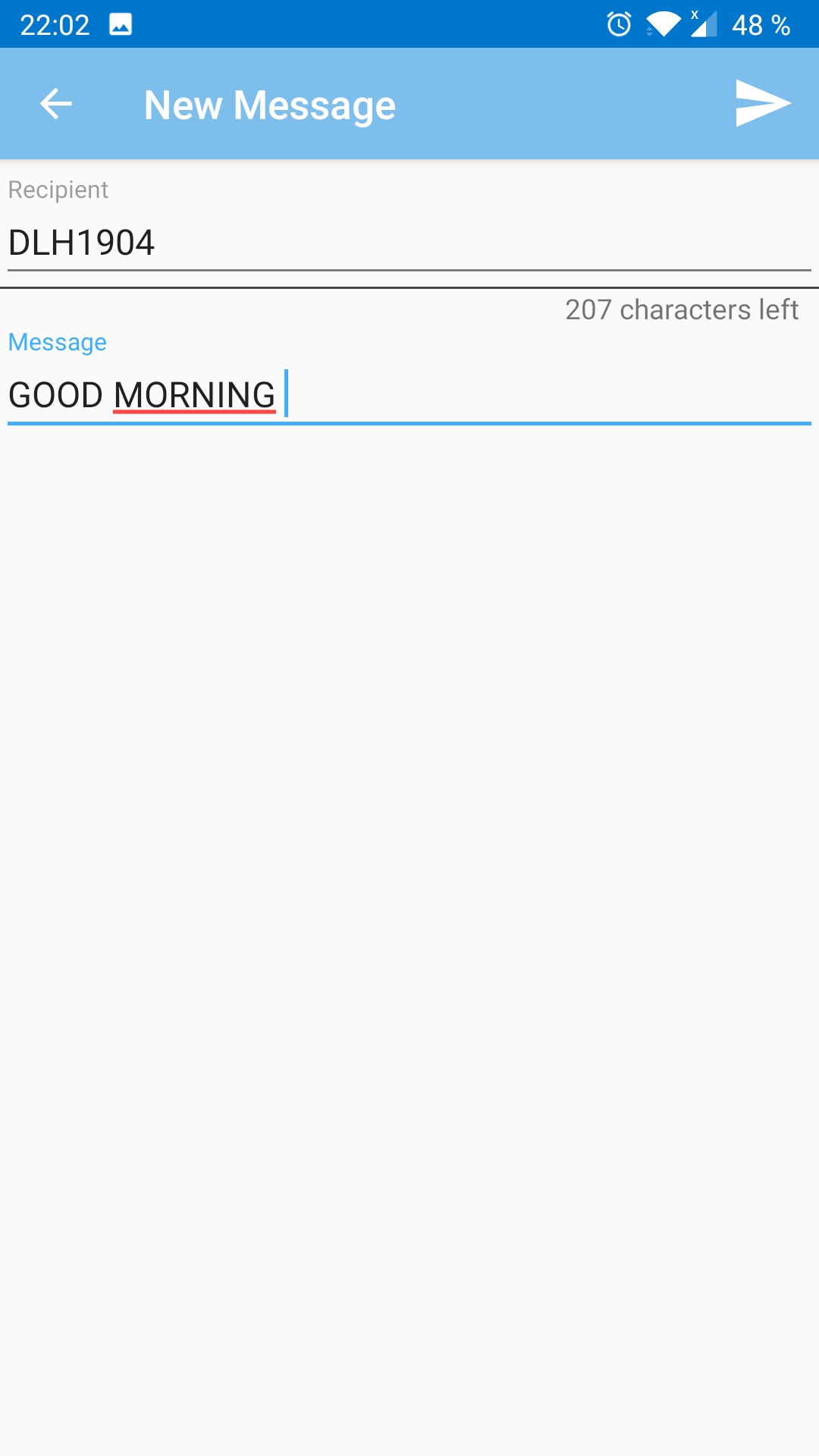
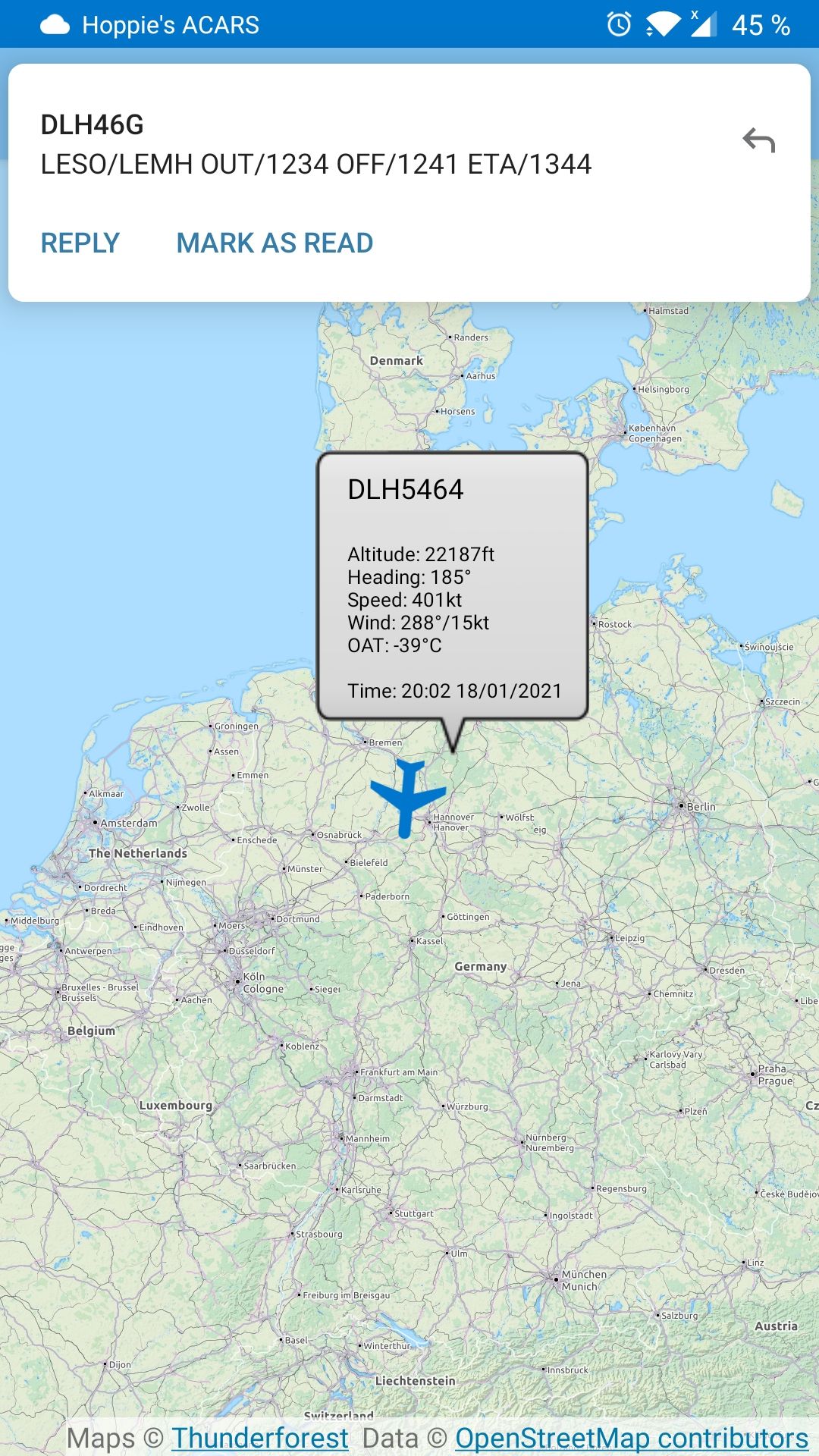
3 Screenshots

An android client, which connects to www.hoppies.nl. Thus, you are able to send (telex-) messages into an airplane's MCDU from your mobile phone.
It is possible to request ads-c contracts and view position reports on an open street view map (https://www.openstreetmap.org) provided by Thunderforest (https://manage.thunderforest.com/).
Designed for Android.
No warranty is given! Please do not upload this file anywhere else!
 

User Feedback

There are no reviews to display.

Account

Navigation

Search

Search

Configure browser push notifications

Chrome (Android)
  1. Tap the lock icon next to the address bar.
  2. Tap Permissions → Notifications.
  3. Adjust your preference.
Chrome (Desktop)
  1. Click the padlock icon in the address bar.
  2. Select Site settings.
  3. Find Notifications and adjust your preference.