Skip to content
View in the app

A better way to browse. Learn more.

Flight Sim Labs Forums

A full-screen app on your home screen with push notifications, badges and more.

To install this app on iOS and iPadOS
  1. Tap the Share icon in Safari
  2. Scroll the menu and tap Add to Home Screen.
  3. Tap Add in the top-right corner.
To install this app on Android
  1. Tap the 3-dot menu (⋮) in the top-right corner of the browser.
  2. Tap Add to Home screen or Install app.
  3. Confirm by tapping Install.

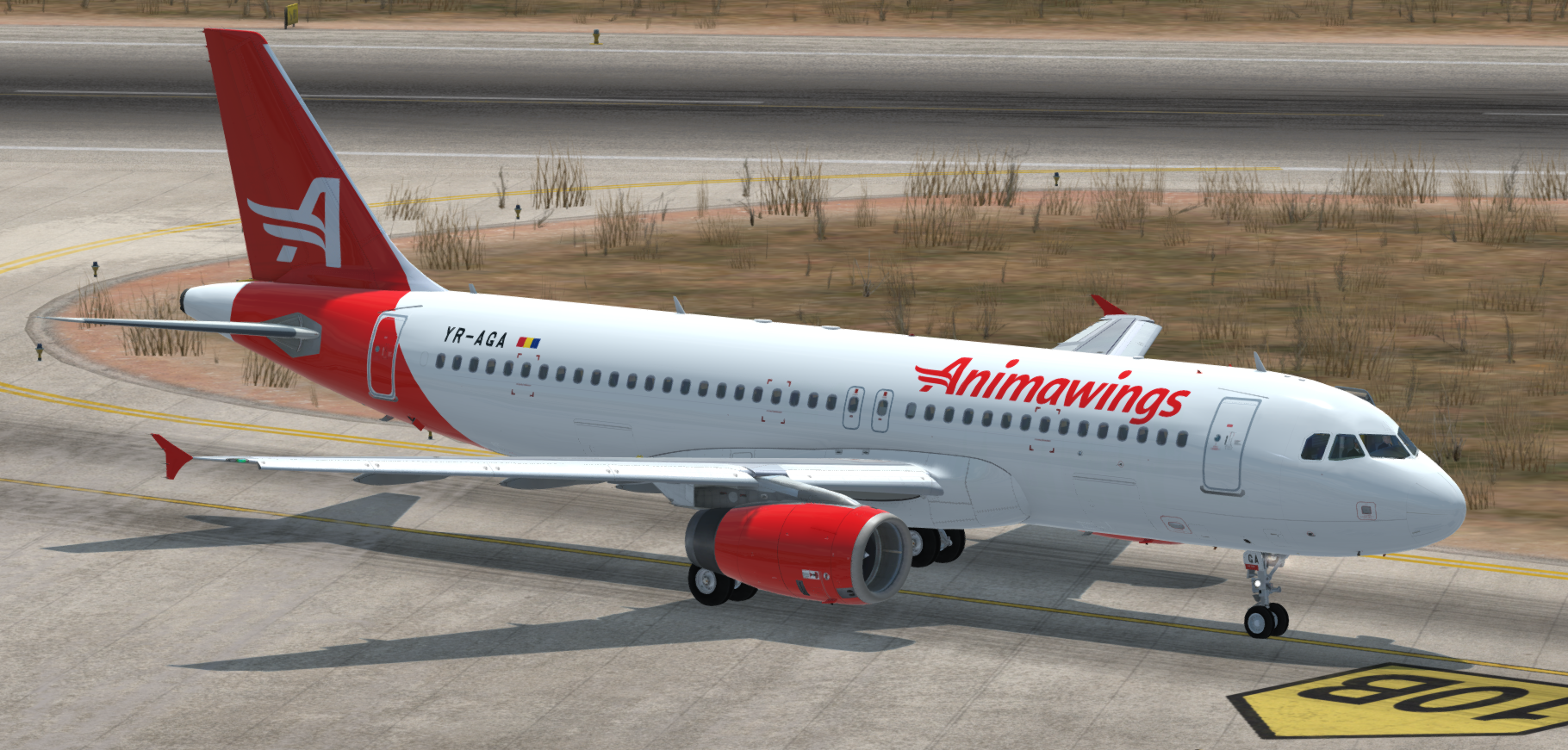
Animawings (YR-AGA) Airbus A320 1.0.1

(1 review)

1 Screenshot

Hello,

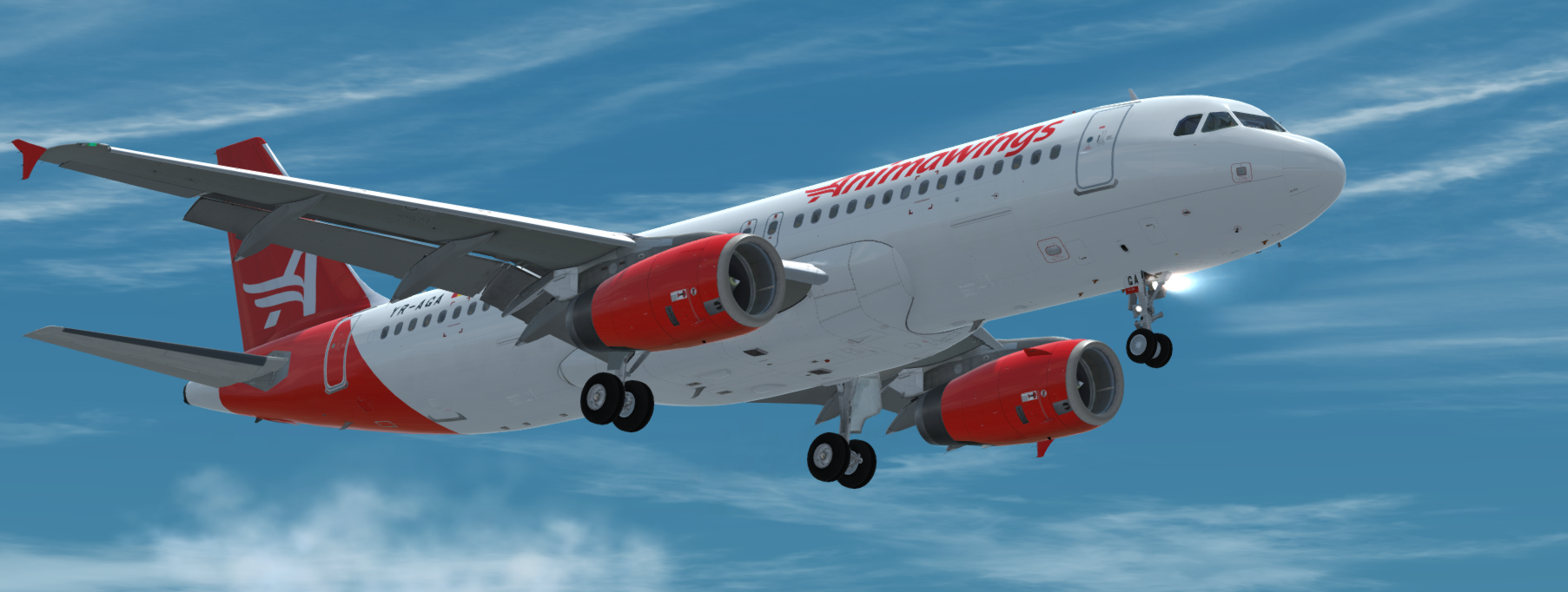
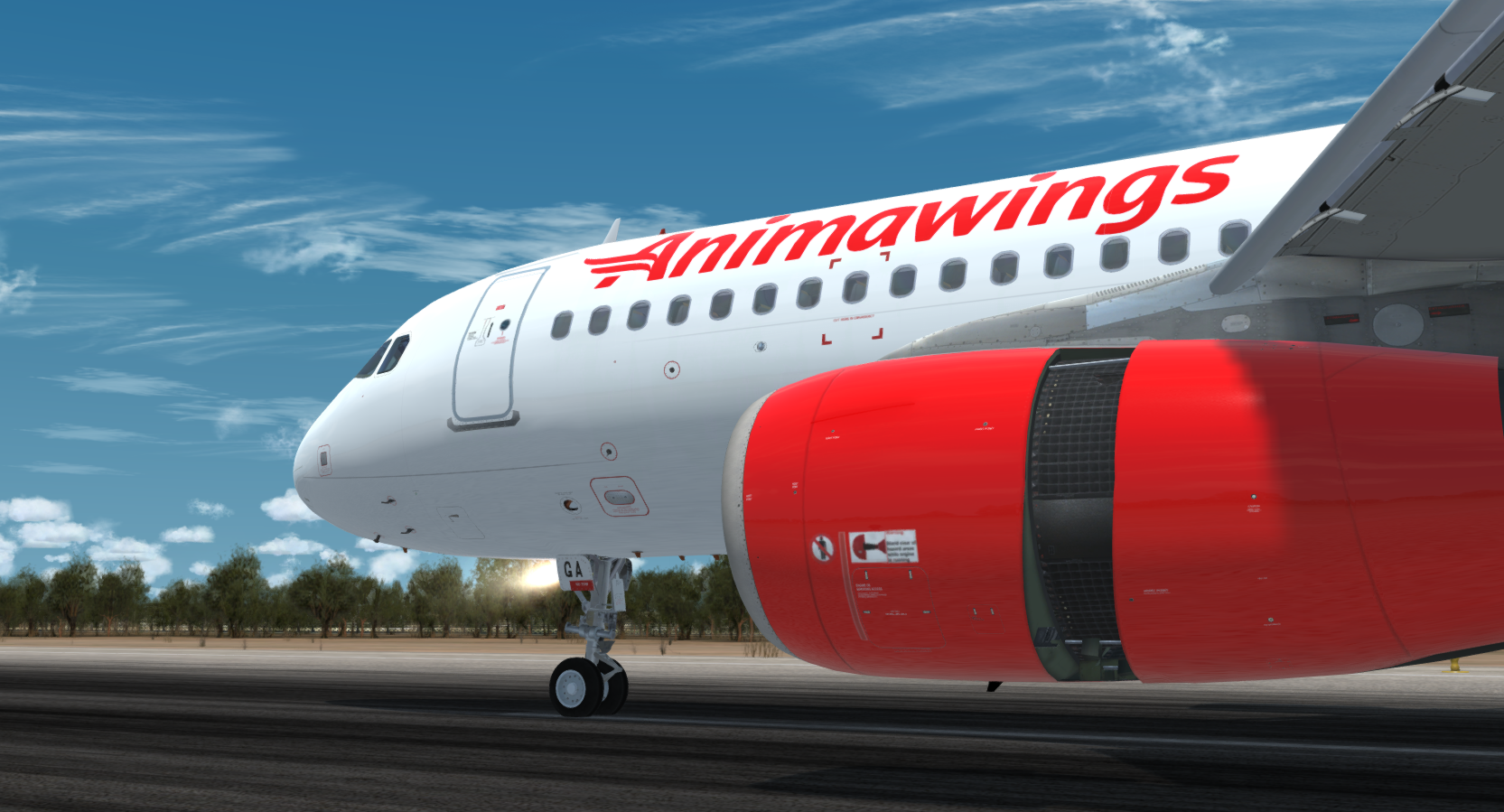
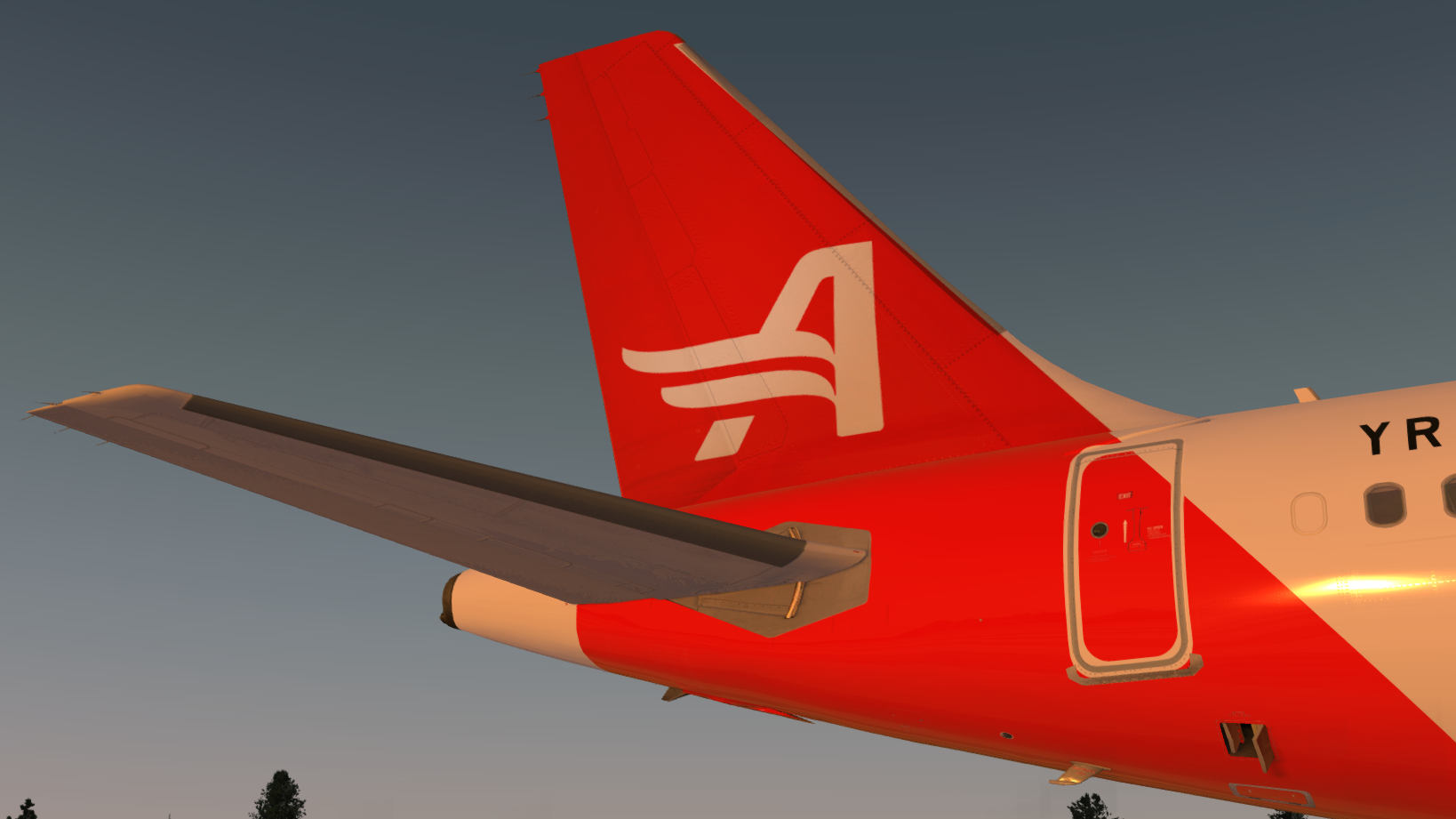
This is about as accurate I could get it due to minimal photos of this aircraft as it's a brand new airline. I've tried my best but if you feel somethings not right, feel free to let me know.

Simply drag and drop the texture file into your FSLabs A320 IAE file and paint will be automatically included.

- Accurate fuselage stencils
- Correct MSN
- Correct Selcal
- Custom made Animawings Logos and writing
- Accurate passenger numbers

Regards, 
Krakes Textures
Screenshot_3.png

Screenshot_1.png

Screenshot_2.png

What's New in Version 1.0.1

Released

Updated configs to allow the sim to recognise the livery

User Feedback

EREK KARTAL

EREK KARTAL

   0 of 1 member found this review helpful 0 / 1 member

Excellent work!

Account

Navigation

Search

Search

Configure browser push notifications

Chrome (Android)
  1. Tap the lock icon next to the address bar.
  2. Tap Permissions → Notifications.
  3. Adjust your preference.
Chrome (Desktop)
  1. Click the padlock icon in the address bar.
  2. Select Site settings.
  3. Find Notifications and adjust your preference.