
Skip to content
View in the app

A better way to browse. Learn more.

Flight Sim Labs Forums

A full-screen app on your home screen with push notifications, badges and more.

To install this app on iOS and iPadOS
  1. Tap the Share icon in Safari
  2. Scroll the menu and tap Add to Home Screen.
  3. Tap Add in the top-right corner.
To install this app on Android
  1. Tap the 3-dot menu (⋮) in the top-right corner of the browser.
  2. Tap Add to Home screen or Install app.
  3. Confirm by tapping Install.

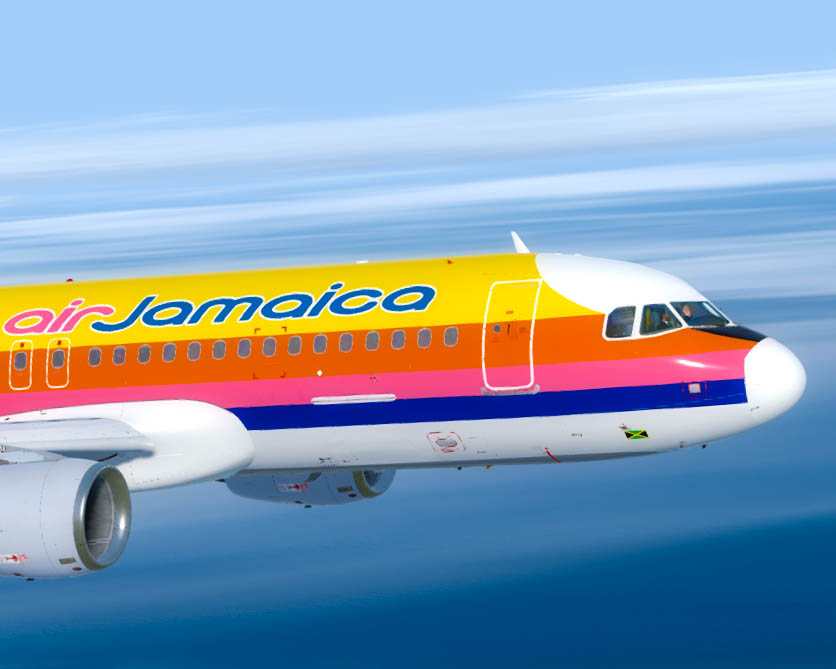
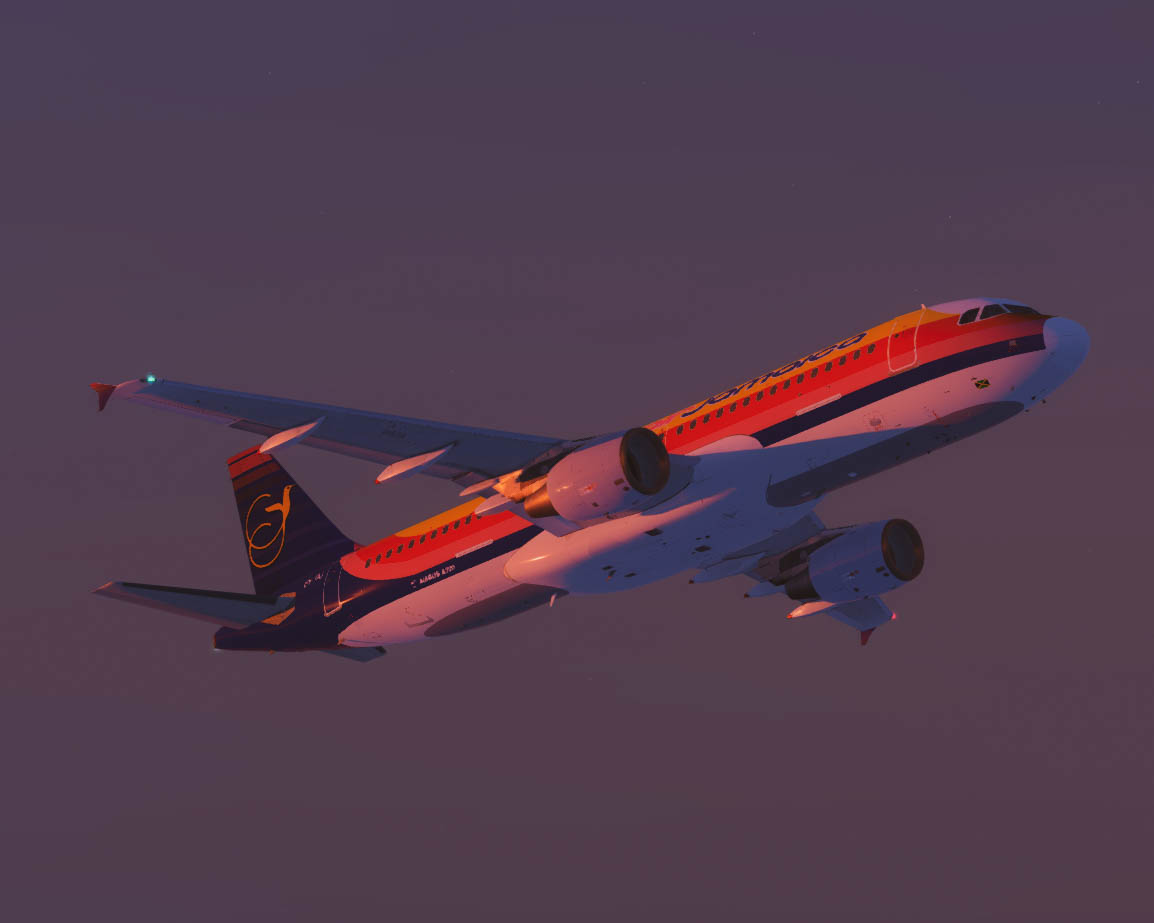
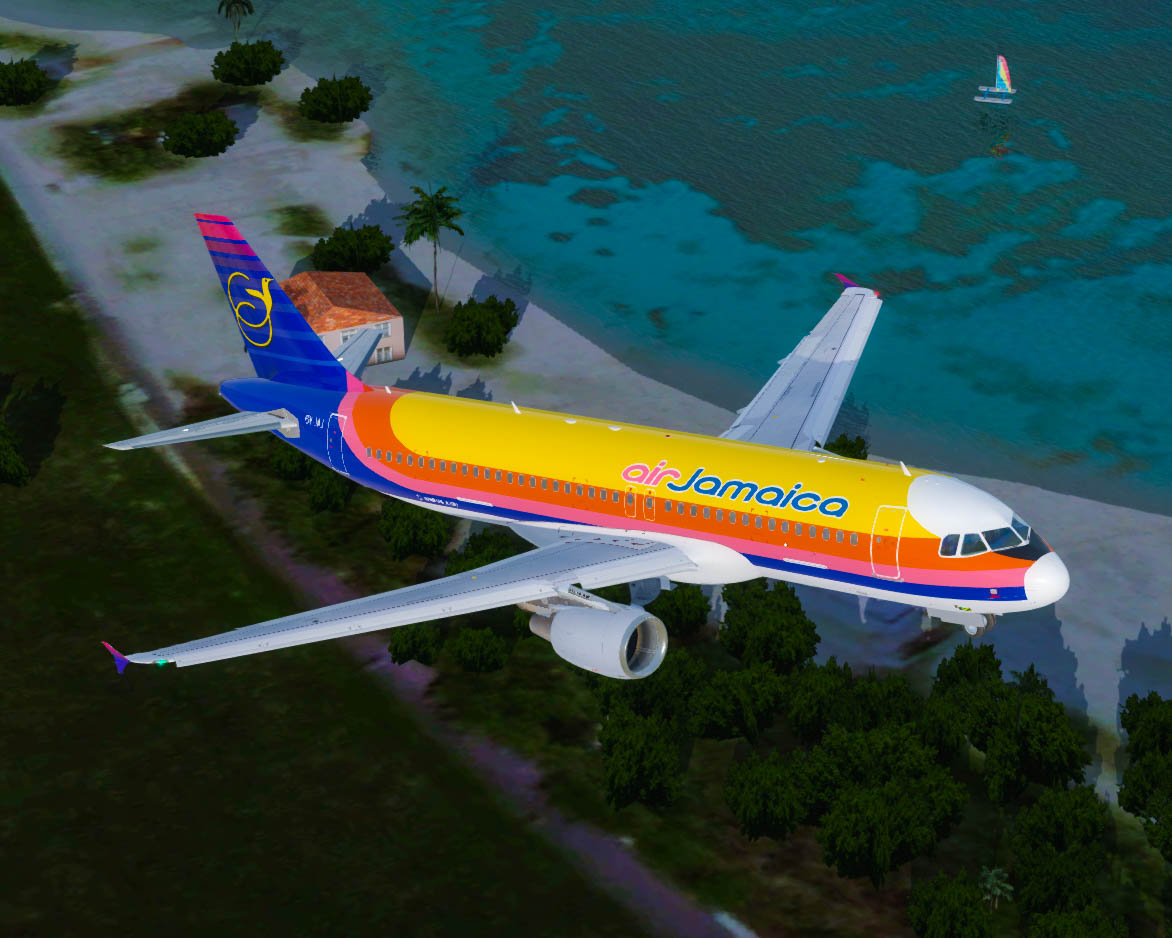
Air Jamaica [6Y-JAJ] 'White Nose' PBR 1.0.0 1.0.0

(1 review)

3 Screenshots

Air Jamaica


A320 CFM for FSLabs V5.0xx+ PBR Model Only
6Y-JAJ based on the actual aircraft, real world selcal.
Airframe Config File Included!

Serial number 630
Type 320-214
First flight date 09/01/1997
Test registration F-WWDE
Seat Configuration F12 Y138

Engines 2 x CFMI CFM56-5B4/P
Delivered to Air Jamaica 08/07/1997 - Original Registration N630AJ(Coming Soon)

INSTALLATION:
Just drop the Texture.AJM 6Y-JAJ & Airframe Configs Folder in the FSLabs A320 CFM Folder and you're good to go!


If you love the content, show some love. All contributions go into software & tech to create more magic for the Aviation World. PayPal

Shoutout to the Jamaica Flyers in the Forum, AJM served well in the past & this connects me to so many childhood memories, stay tuned for more..

[s/n] I found a few common files that I truly enjoy so shoutout to Inibuilds.com on their great paintkit+. If you find any imperfections/fault, shoot me a DM or email: Backtrackrwy08@gmail.com

Enjoy Guys & Gals!


Regards,

Cai - @_belowtheline Instagram


User Feedback

Daniel Schneider

Daniel Schneider

   1 of 1 member found this review helpful 1 / 1 member

Hi Cai,


thanks for this beautiful livery. The level of detail is really amazing. 


Best

Daniel

Response from the author:

This truly means a lot to me, thank you man. It was my first attempt at painting a full body livery & I am pleased hearing this type of feedback.  Happy Flying, take LOTS of screen shots.


Regards,

Cai - @_BelowTheLine

Account

Navigation

Search

Search

Configure browser push notifications

Chrome (Android)
  1. Tap the lock icon next to the address bar.
  2. Tap Permissions → Notifications.
  3. Adjust your preference.
Chrome (Desktop)
  1. Click the padlock icon in the address bar.
  2. Select Site settings.
  3. Find Notifications and adjust your preference.
