

Skip to content
View in the app

A better way to browse. Learn more.

Flight Sim Labs Forums

A full-screen app on your home screen with push notifications, badges and more.

To install this app on iOS and iPadOS
  1. Tap the Share icon in Safari
  2. Scroll the menu and tap Add to Home Screen.
  3. Tap Add in the top-right corner.
To install this app on Android
  1. Tap the 3-dot menu (⋮) in the top-right corner of the browser.
  2. Tap Add to Home screen or Install app.
  3. Confirm by tapping Install.

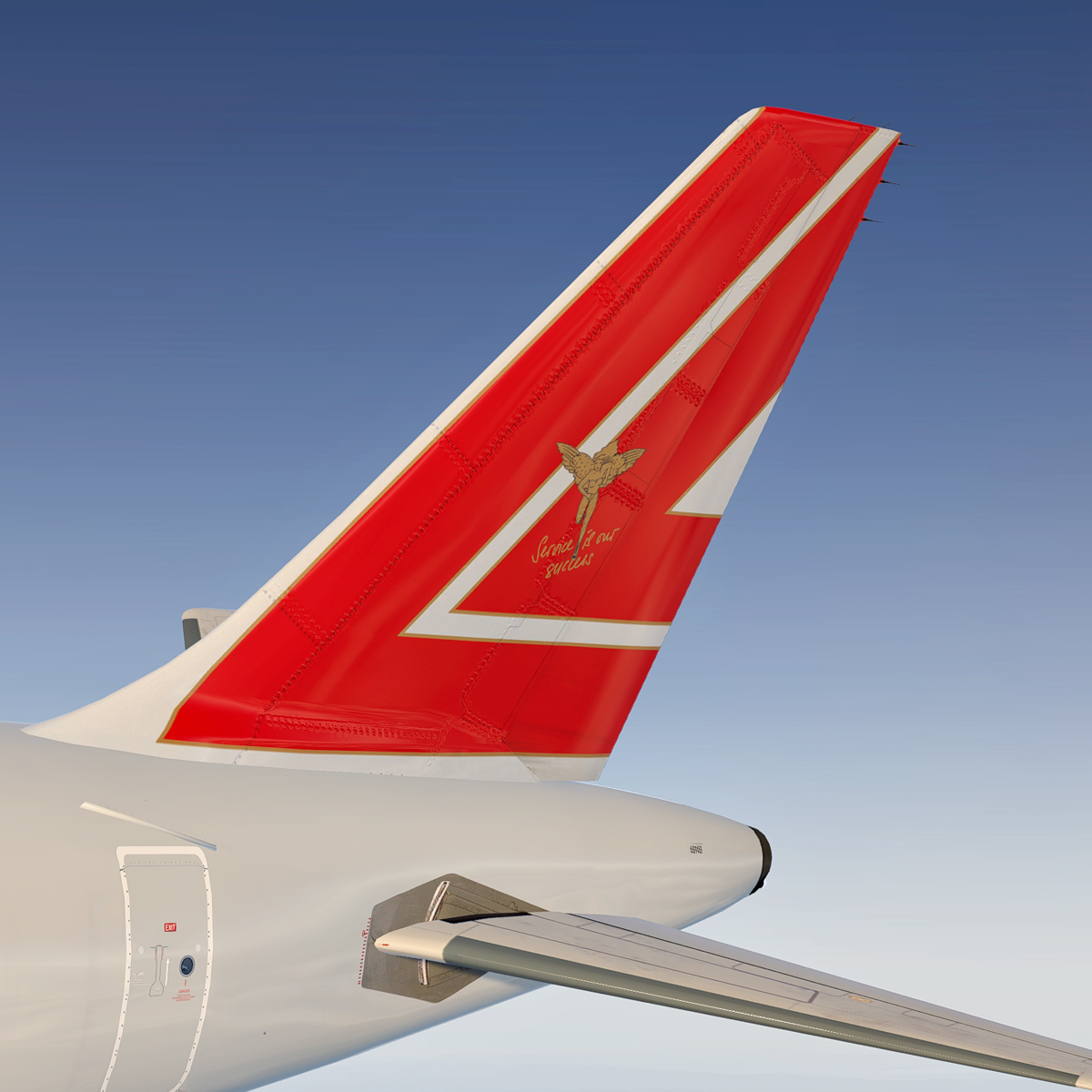
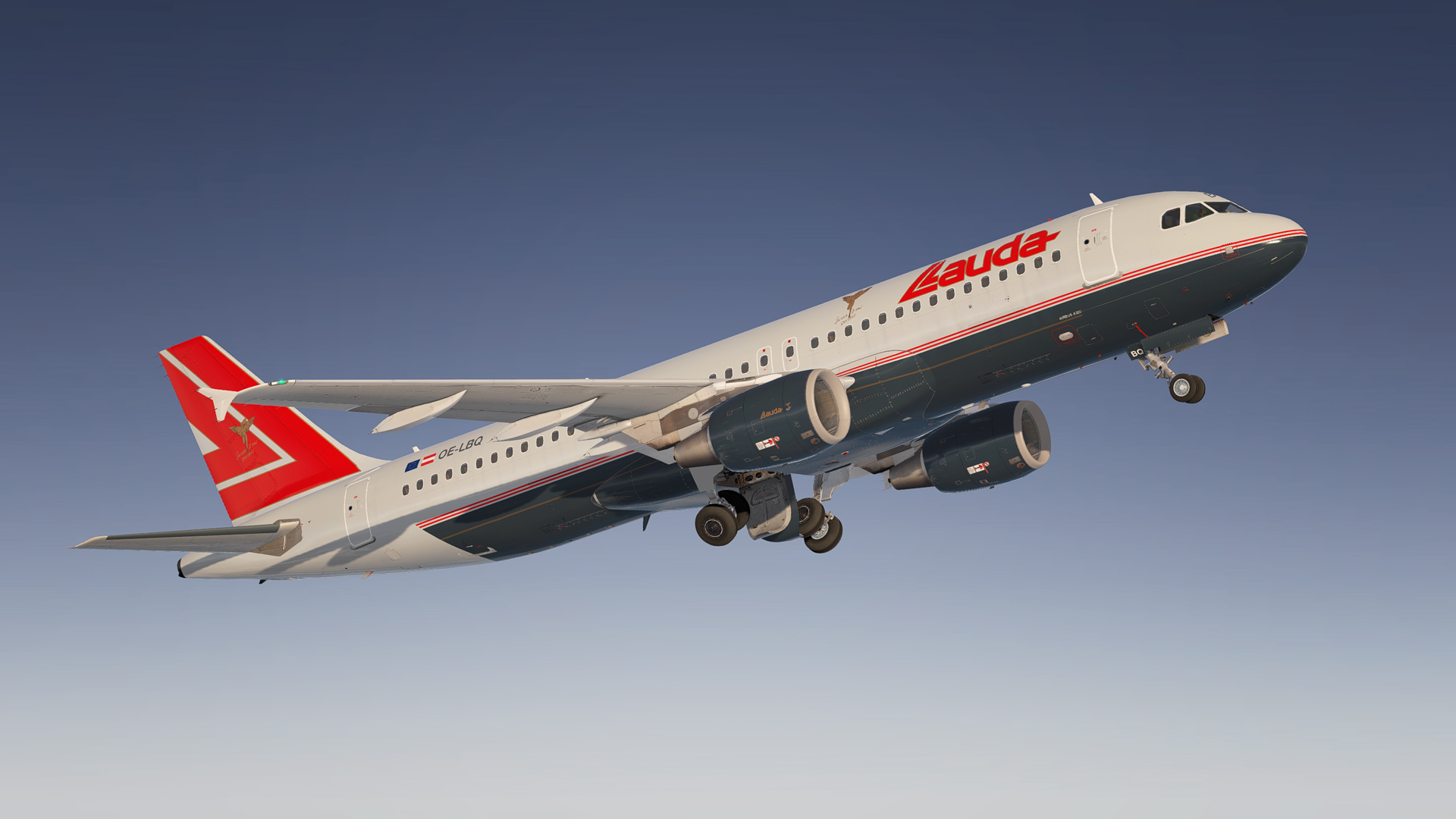
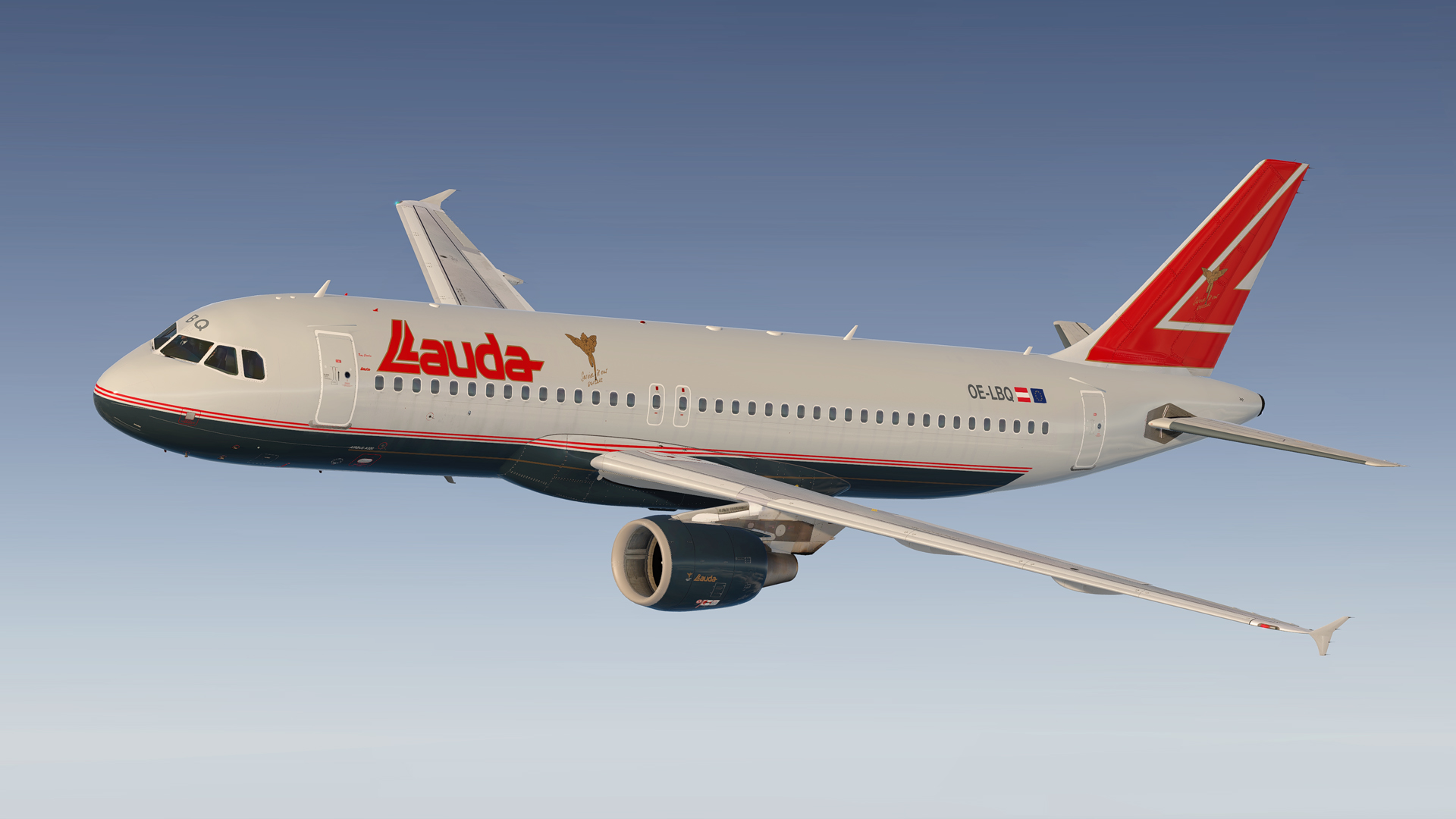
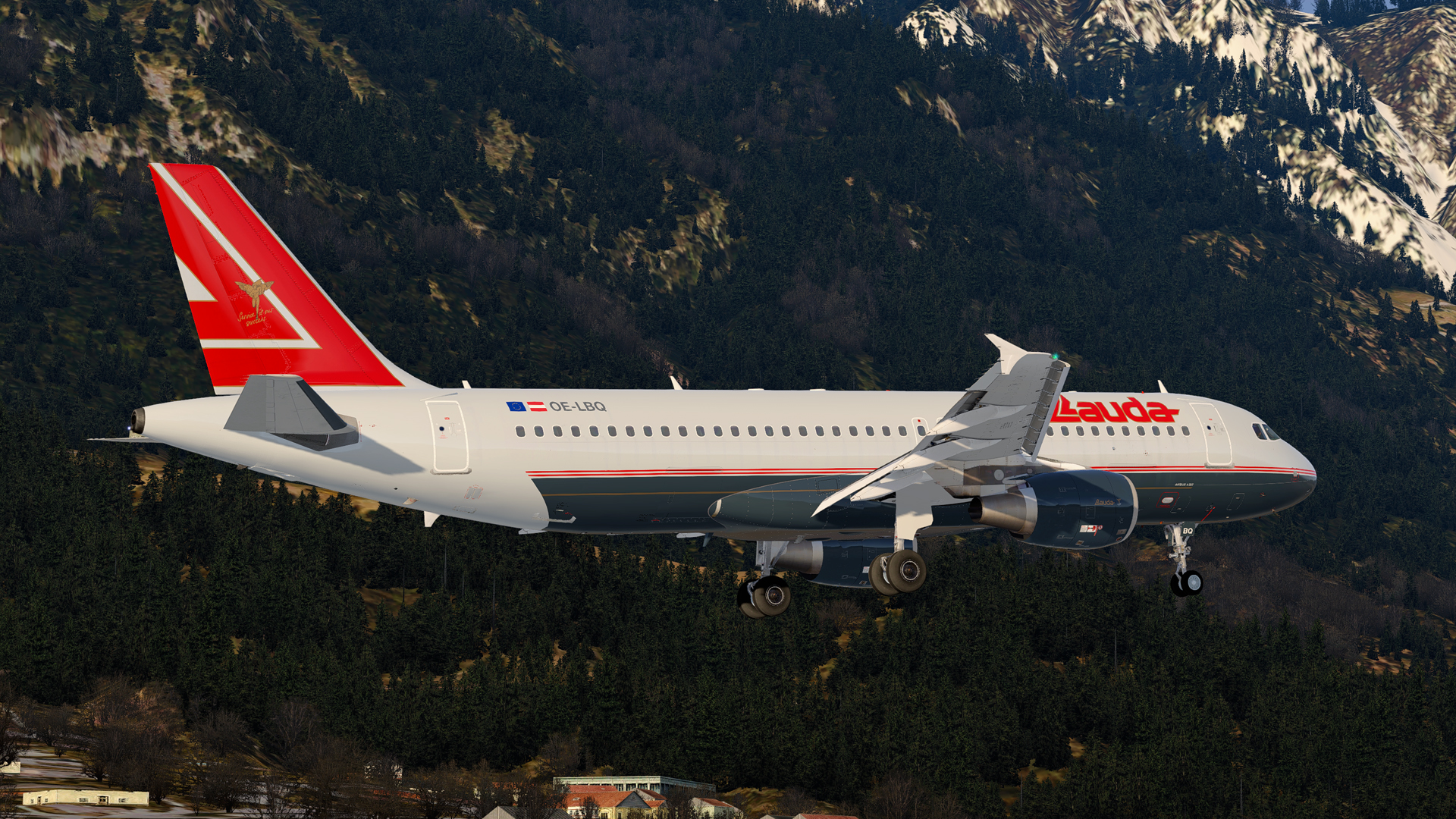
Lauda Air A320 CFM OE-LBQ "Ray Charles" 1.0.0

(2 reviews)

4 Screenshots

ONLY FOR A320 v5.0.100+

Repaint of former Vienna based Lauda Air (1979-2014) A320 OE-LBQ "Ray Charles".

Installation instructions:
Simply drag the "Texture.LDA OE-LBQ" folder into your FSLabs A320 CFM folder.

Hope you like it! If you spot any errors or mistakes, feel free to contact me. 

Happy landings and stay safe!

Rm2vGzP.jpg

User Feedback

Alex Arlow

Alex Arlow


I have been waiting very long for someone to create this amazing livery, thanks Stu! It is simply superb!

Rafal Haczek

Rafal Haczek

   1 of 1 member found this review helpful 1 / 1 member

Absolutely amazing, Stu!
Each next repaint you upload makes me get goosebumps.
Not only because of your choices (which fit me perfectly), but also due to the quality you offer. For free.
Thank you very much, sir!

Account

Navigation

Search

Search

Configure browser push notifications

Chrome (Android)
  1. Tap the lock icon next to the address bar.
  2. Tap Permissions → Notifications.
  3. Adjust your preference.
Chrome (Desktop)
  1. Click the padlock icon in the address bar.
  2. Select Site settings.
  3. Find Notifications and adjust your preference.

