

Skip to content
View in the app

A better way to browse. Learn more.

Flight Sim Labs Forums

A full-screen app on your home screen with push notifications, badges and more.

To install this app on iOS and iPadOS
  1. Tap the Share icon in Safari
  2. Scroll the menu and tap Add to Home Screen.
  3. Tap Add in the top-right corner.
To install this app on Android
  1. Tap the 3-dot menu (⋮) in the top-right corner of the browser.
  2. Tap Add to Home screen or Install app.
  3. Confirm by tapping Install.

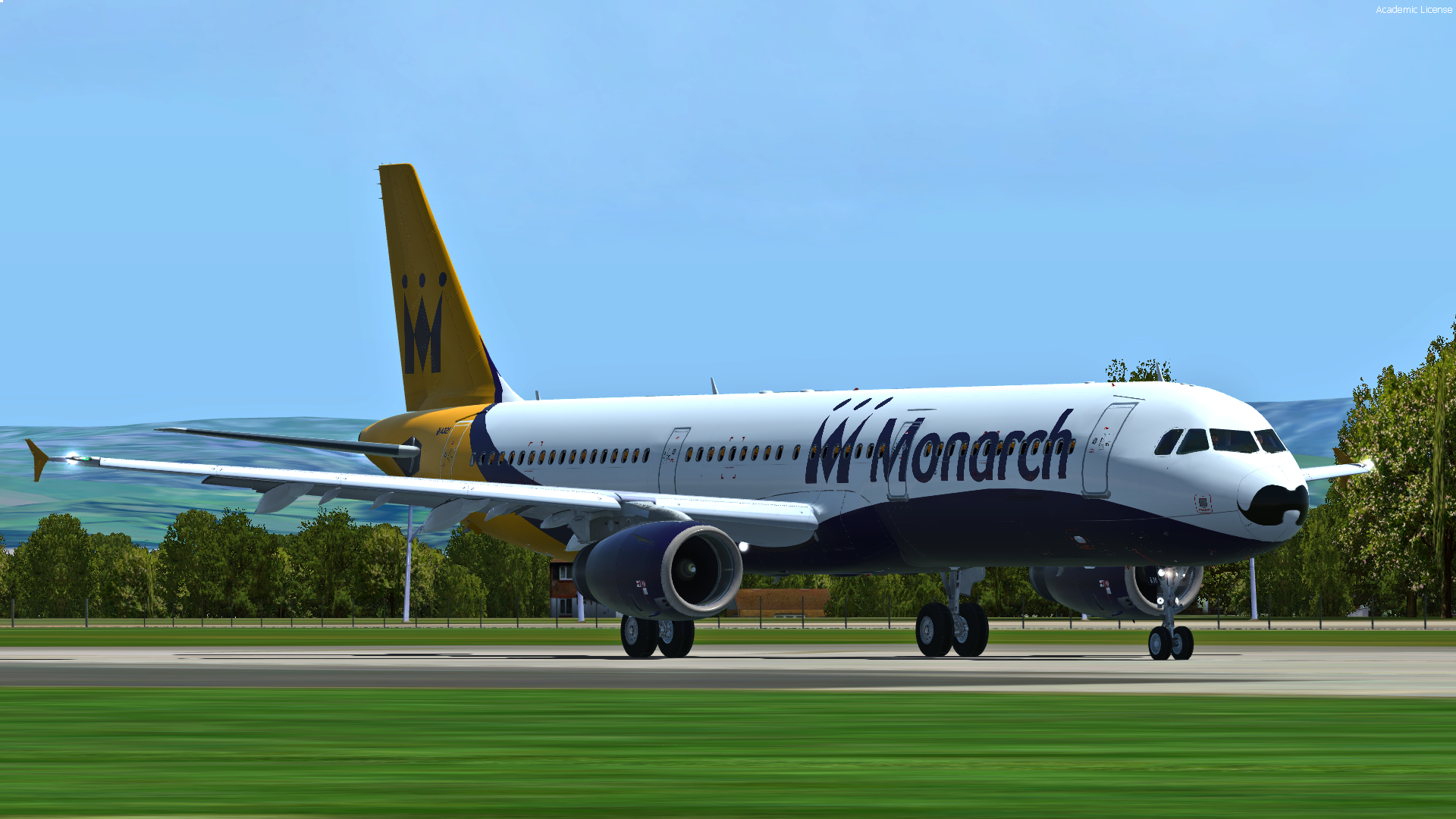
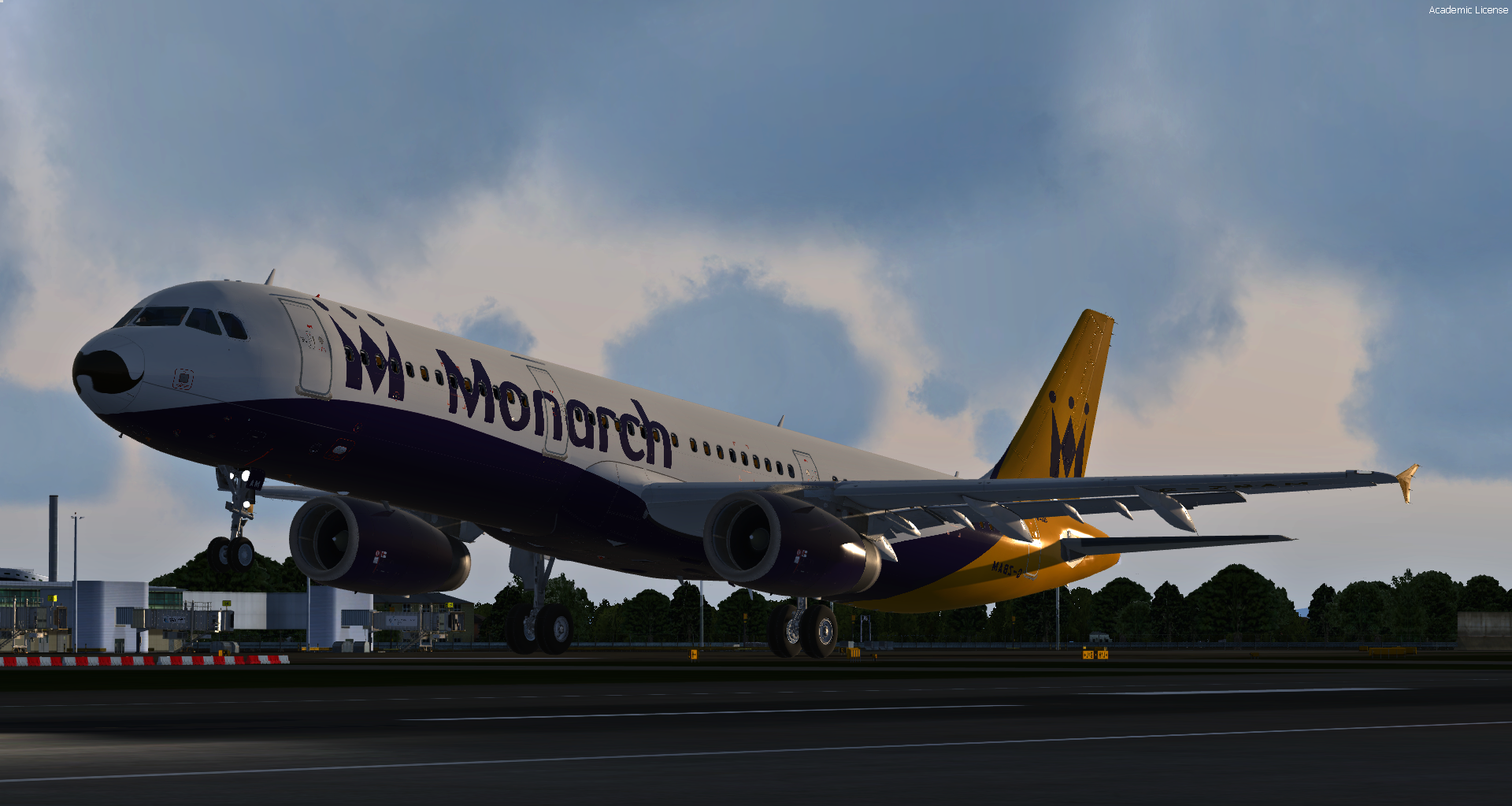
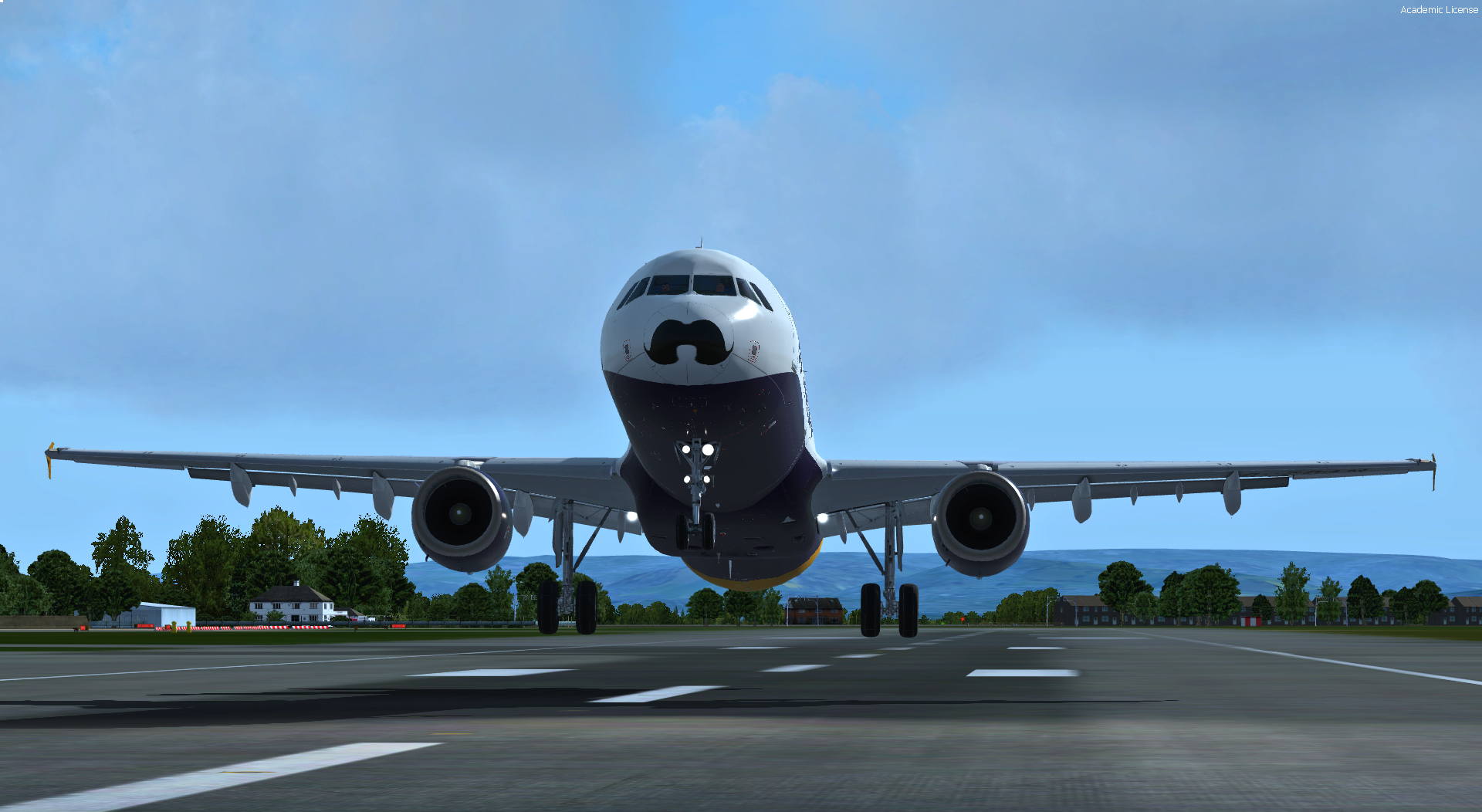
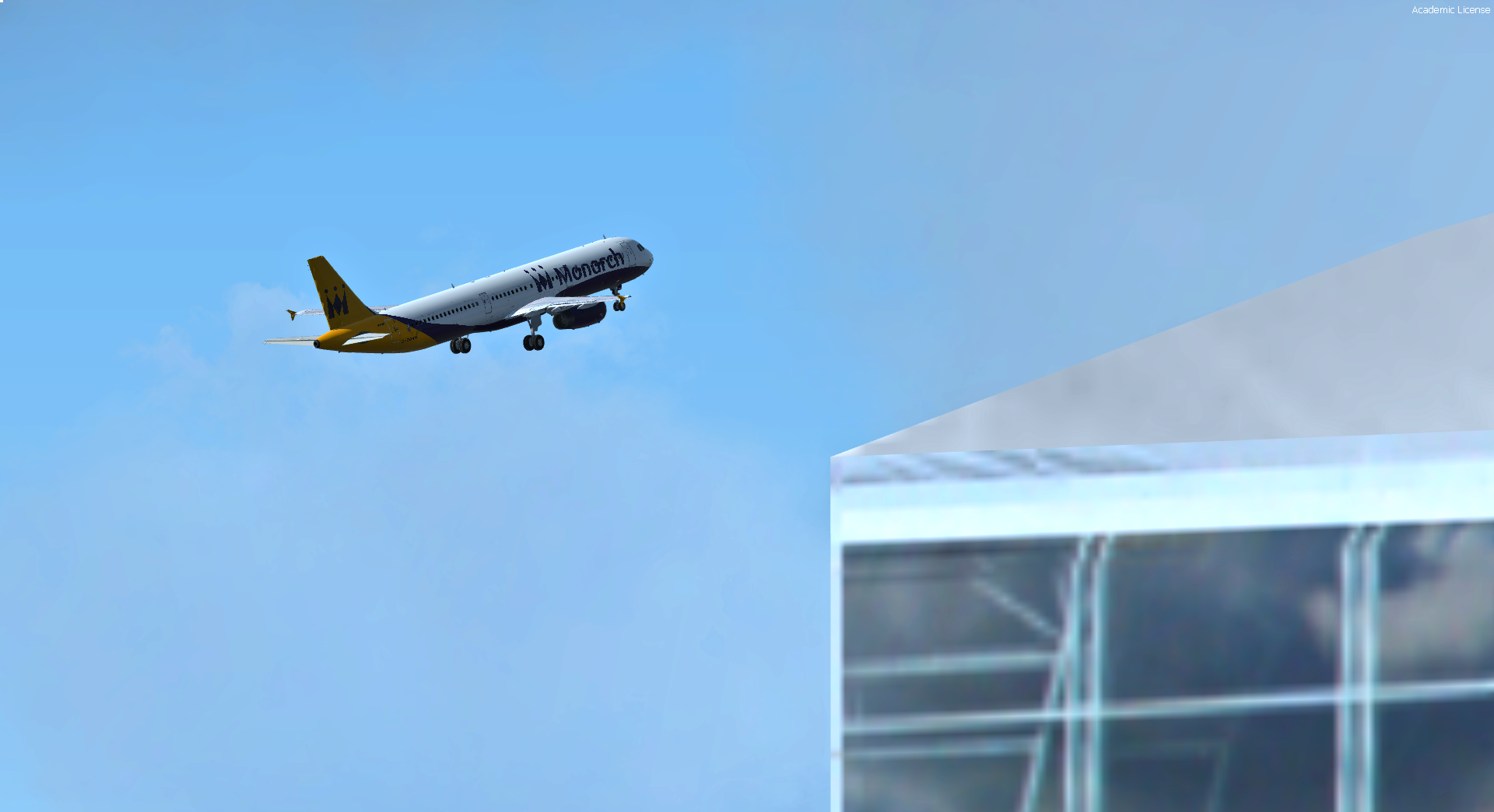
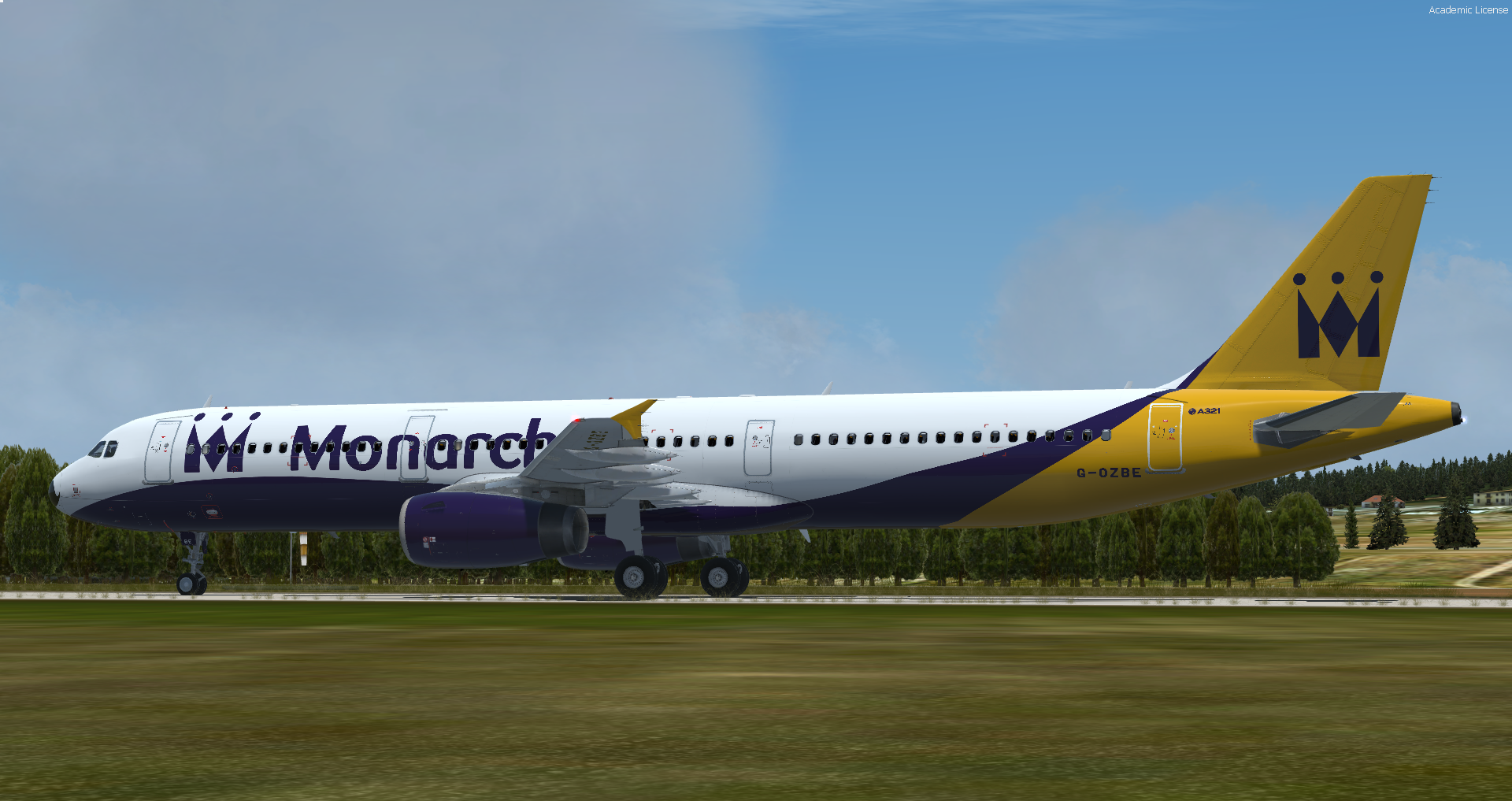
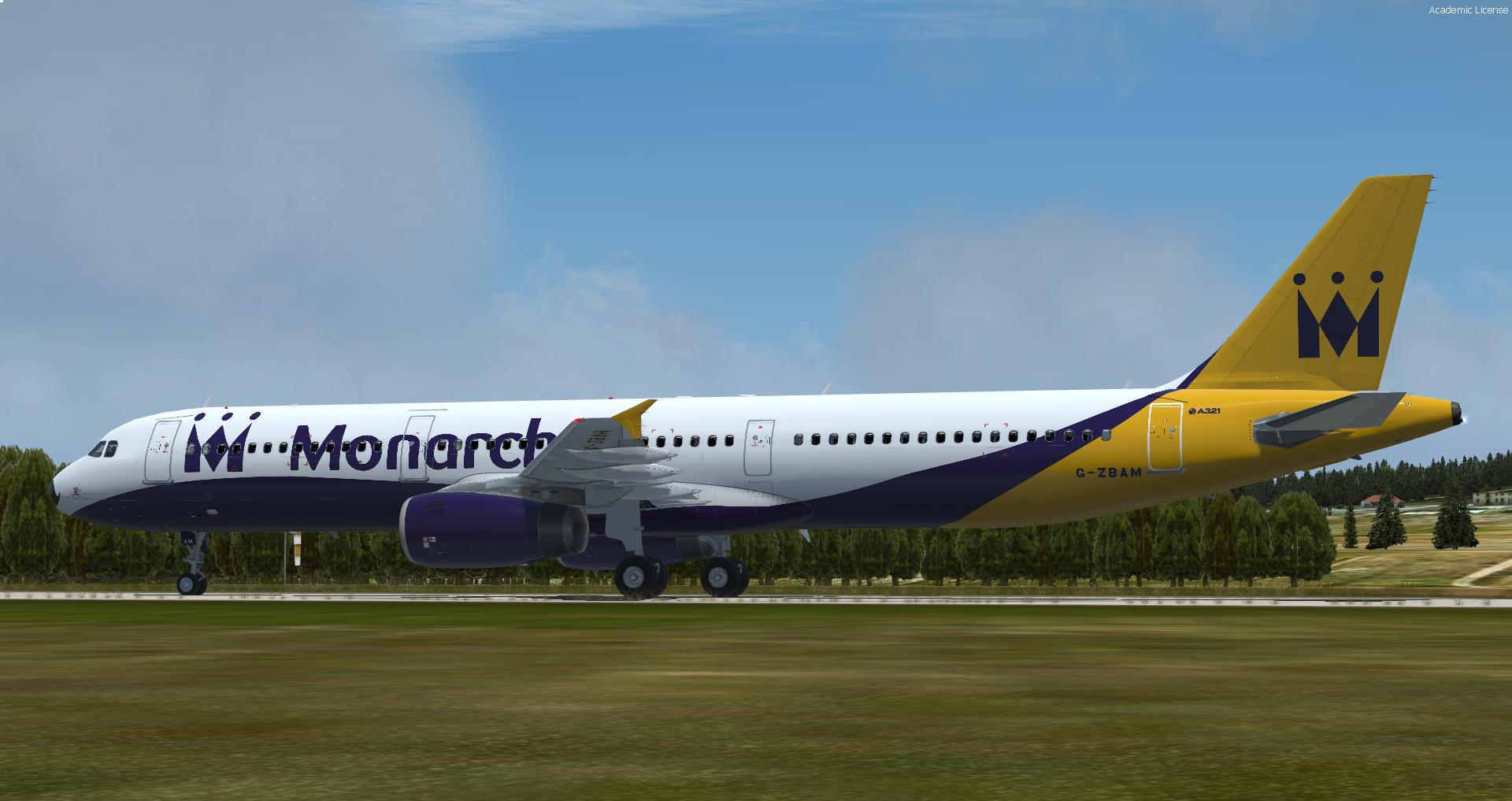
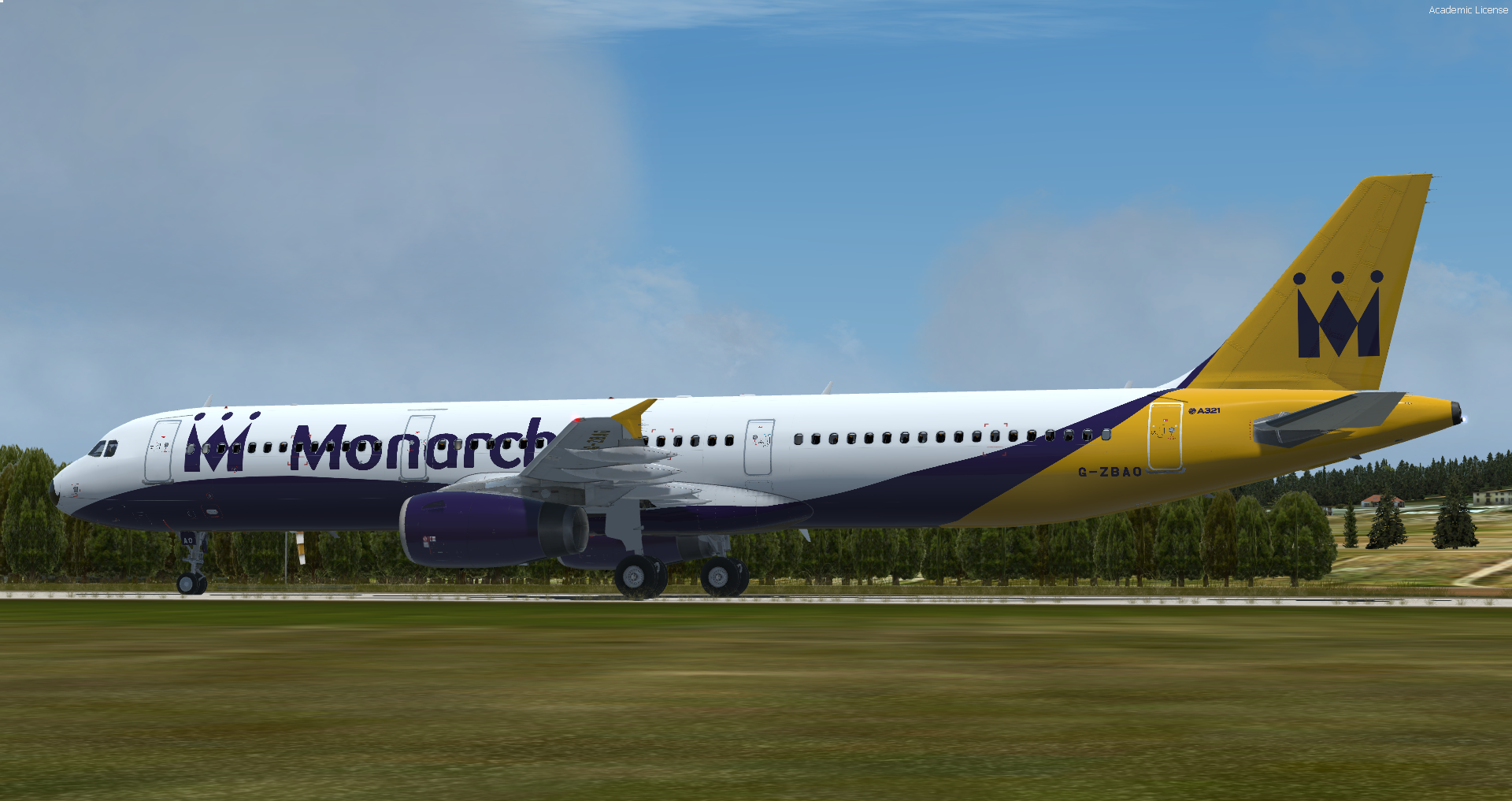
[JS] Monarch Airlines A321 Movember Pack 1.2.0

(1 review)

9 Screenshots

This version is only compatible with A321-X V5.0.X.X+

Please read the readme for more information.


Movember fleet including G-OZBE, G-ZBAM & G-ZBAO for Monarch Airlines A321.

Custom Features:

  • Safety briefing included

  • Stand allocations included for over 48 airports across Europe

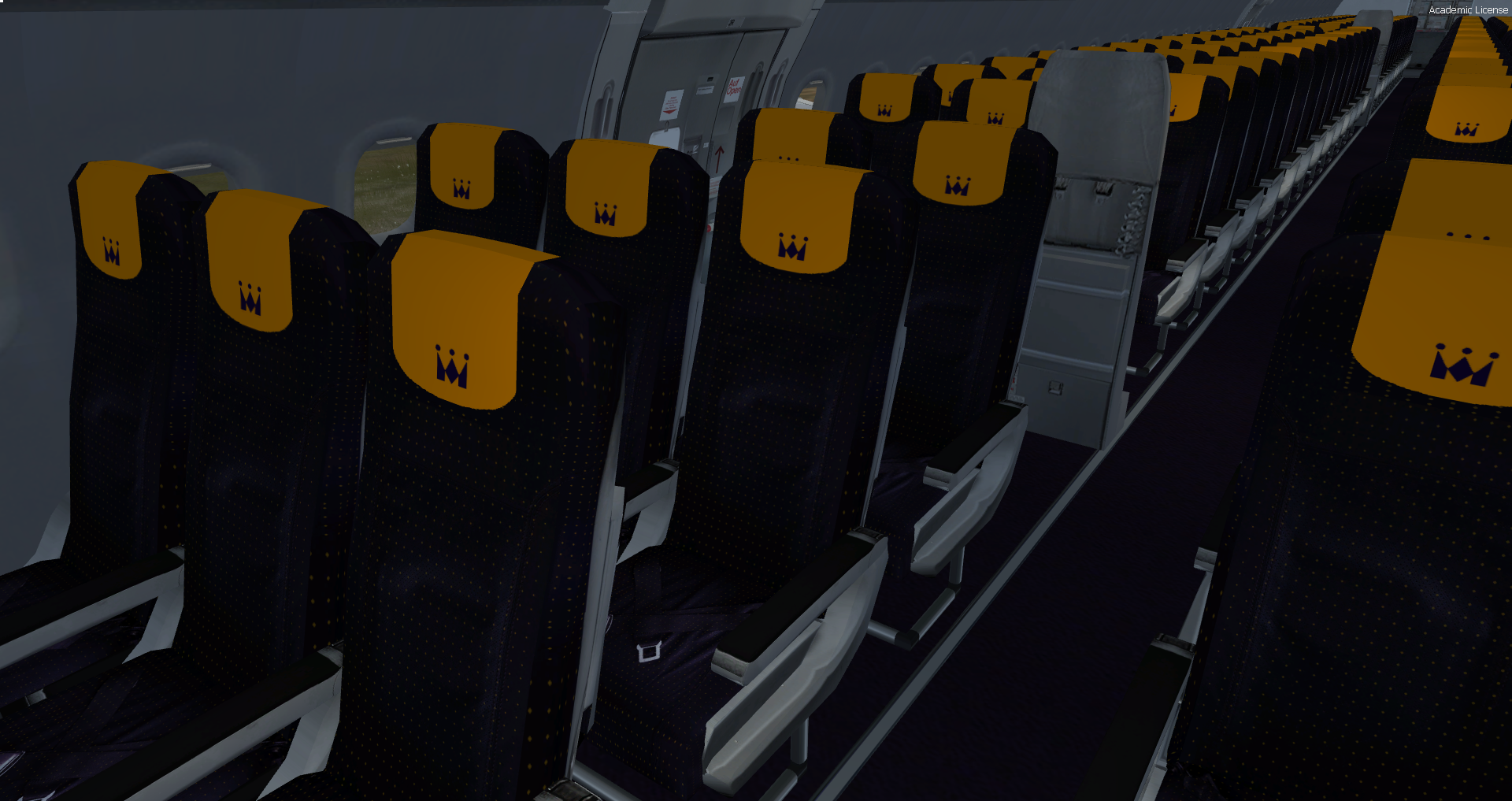
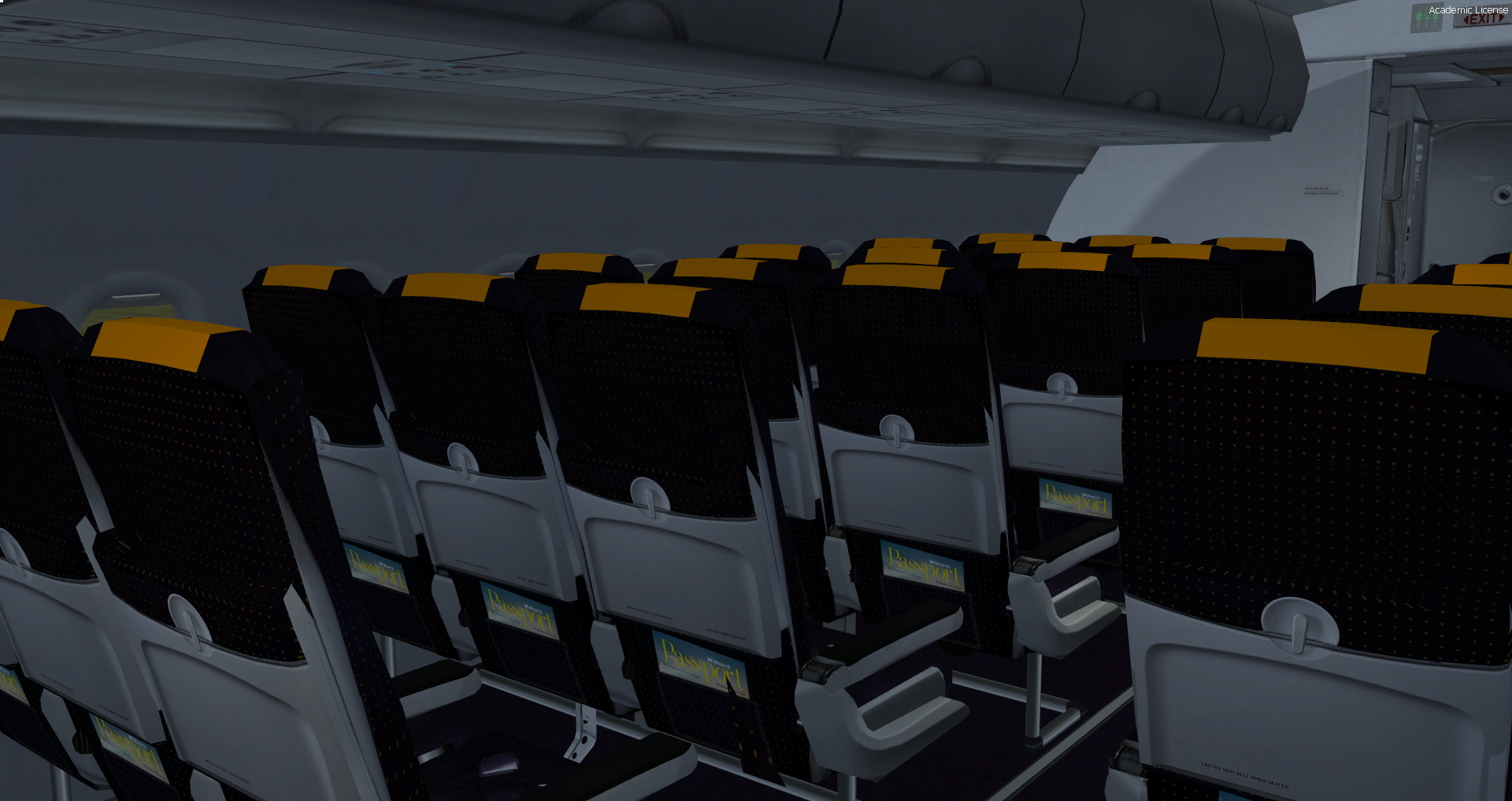
  • Interior, exterior and cabin textures re-designed and included


To download a livery individually visit www.jaxsimulations.co.uk

What's New in Version 1.0.0

Released

No changelog available for this version.

User Feedback

Sam Orange

Sam Orange


Needed this for ages, cracking livery Jack! :) 

Account

Navigation

Search

Search

Configure browser push notifications

Chrome (Android)
  1. Tap the lock icon next to the address bar.
  2. Tap Permissions → Notifications.
  3. Adjust your preference.
Chrome (Desktop)
  1. Click the padlock icon in the address bar.
  2. Select Site settings.
  3. Find Notifications and adjust your preference.
