

Skip to content
View in the app

A better way to browse. Learn more.

Flight Sim Labs Forums

A full-screen app on your home screen with push notifications, badges and more.

To install this app on iOS and iPadOS
  1. Tap the Share icon in Safari
  2. Scroll the menu and tap Add to Home Screen.
  3. Tap Add in the top-right corner.
To install this app on Android
  1. Tap the 3-dot menu (⋮) in the top-right corner of the browser.
  2. Tap Add to Home screen or Install app.
  3. Confirm by tapping Install.

ACJ319 Global Jet Luxembourg LX-GVV 1.1

(2 reviews)

3 Screenshots

ONLY FOR A319 v5.0.100+

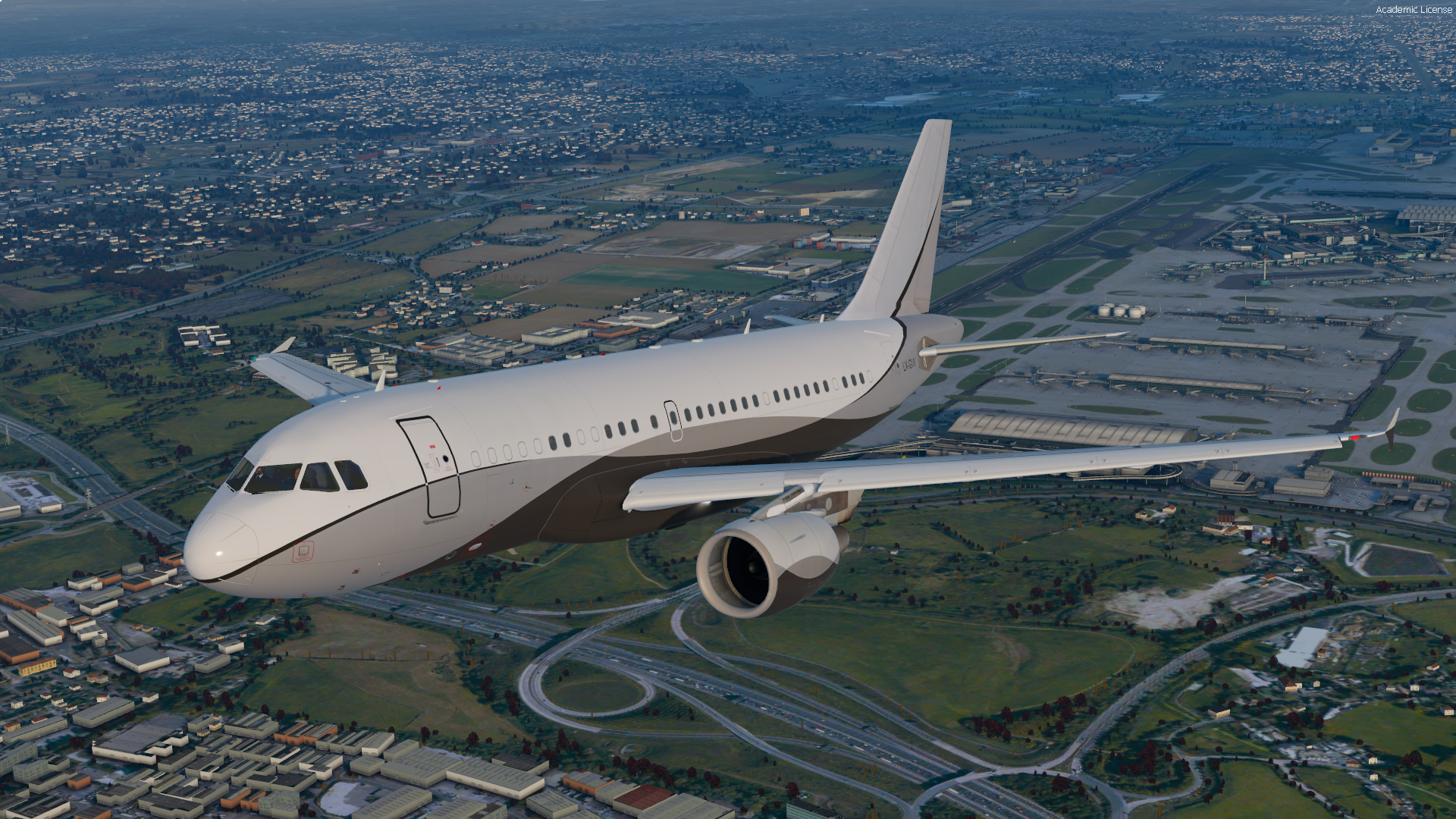
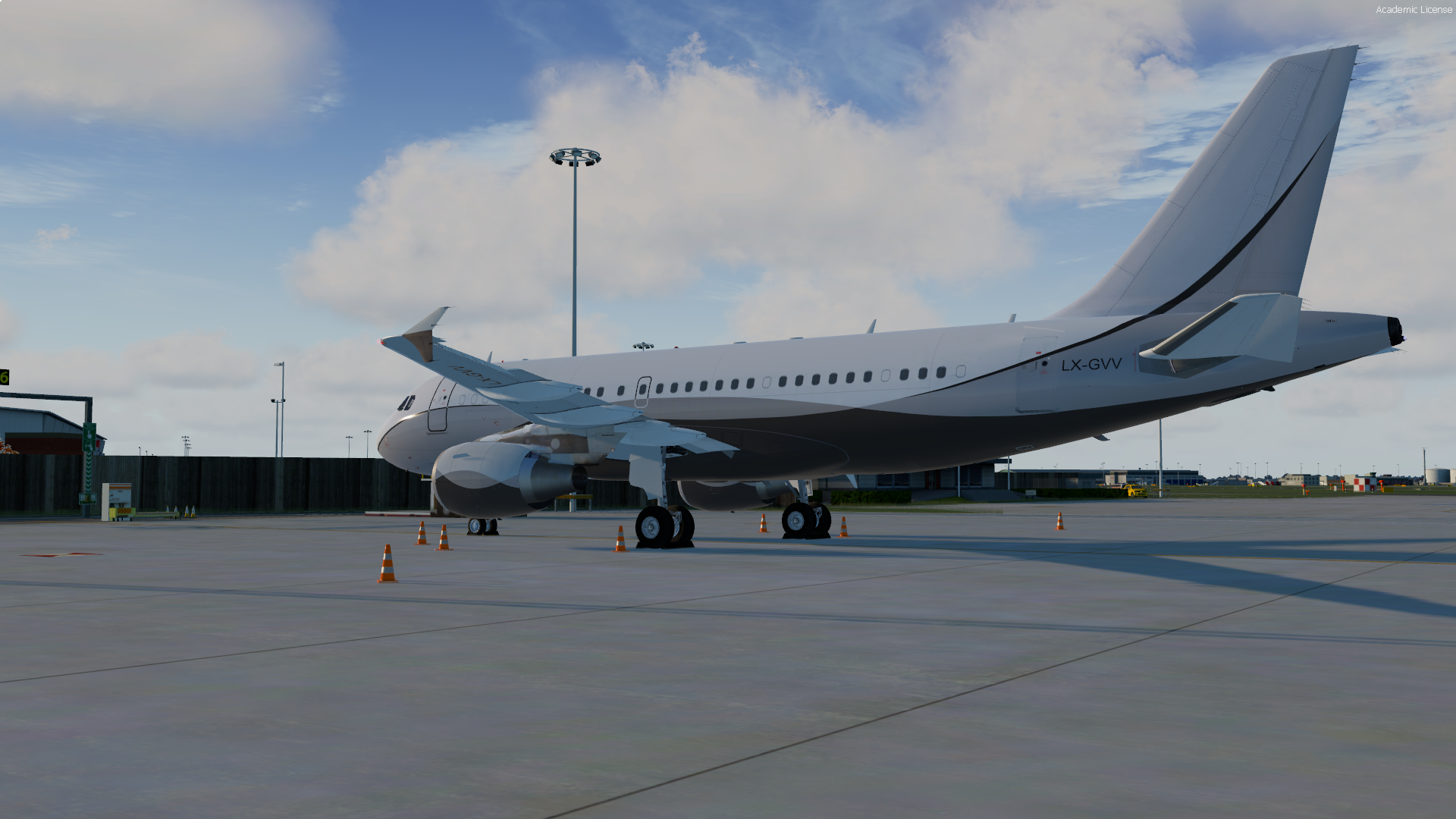
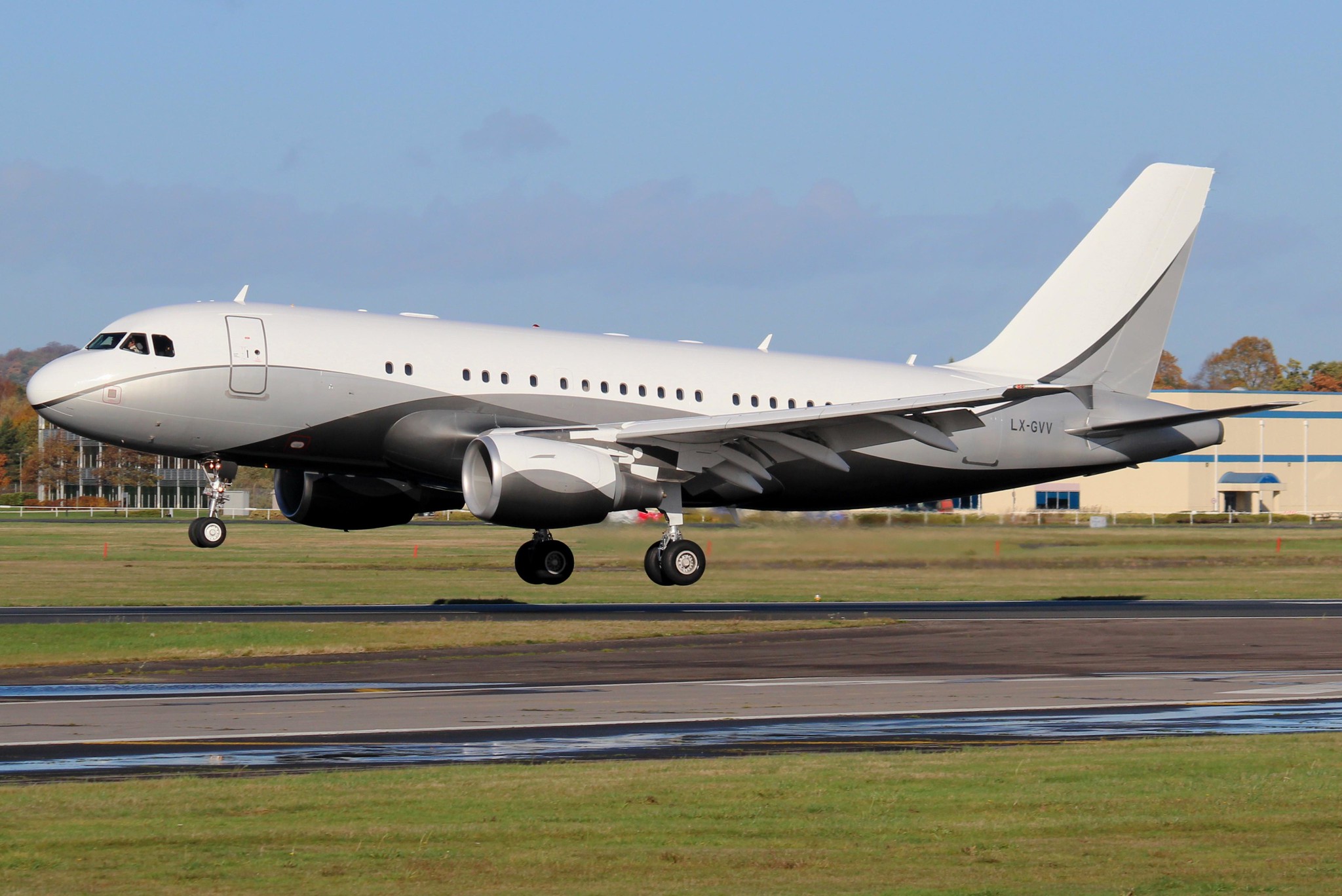
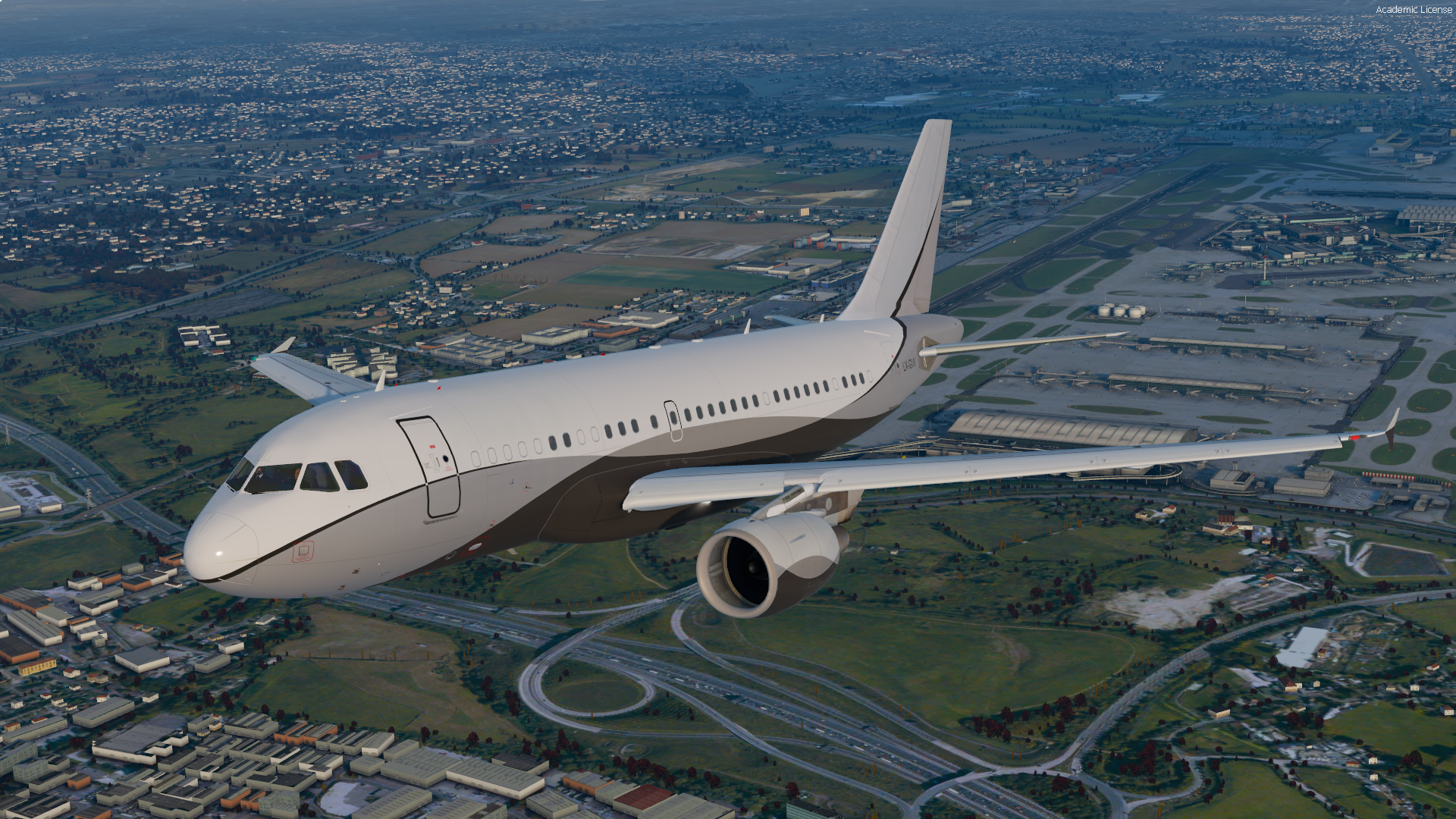
Here is my rendition of ACJ319 LX-GVV!

Operated by Global Jet Luxembourg, this aircraft is based at Paris Le Bourget and flies regularly within Europe. 

  • Accurate rendition of the real aircraft, including metallic PBR.
  • Custom coloured components and decals to correctly reflect the ACJ319

Simply drag and drop into your "FSLabs A319 CFM" folder

Enjoy!
LXGVV.png

LXGVV2.png

45108216494_b10eeb2e6e_k.jpg

What's New in Version 1.0.0

Released

No changelog available for this version.

User Feedback

Sam Turner

Sam Turner

   1 of 1 member found this review helpful 1 / 1 member

Great livery

Really recommend as it creates so many options for destinations to fly 

Rob Jones

Rob Jones

   1 of 1 member found this review helpful 1 / 1 member

Ideal for mooching around Europe. I like it.

Account

Navigation

Search

Search

Configure browser push notifications

Chrome (Android)
  1. Tap the lock icon next to the address bar.
  2. Tap Permissions → Notifications.
  3. Adjust your preference.
Chrome (Desktop)
  1. Click the padlock icon in the address bar.
  2. Select Site settings.
  3. Find Notifications and adjust your preference.

