
Skip to content
View in the app

A better way to browse. Learn more.

Flight Sim Labs Forums

A full-screen app on your home screen with push notifications, badges and more.

To install this app on iOS and iPadOS
  1. Tap the Share icon in Safari
  2. Scroll the menu and tap Add to Home Screen.
  3. Tap Add in the top-right corner.
To install this app on Android
  1. Tap the 3-dot menu (⋮) in the top-right corner of the browser.
  2. Tap Add to Home screen or Install app.
  3. Confirm by tapping Install.

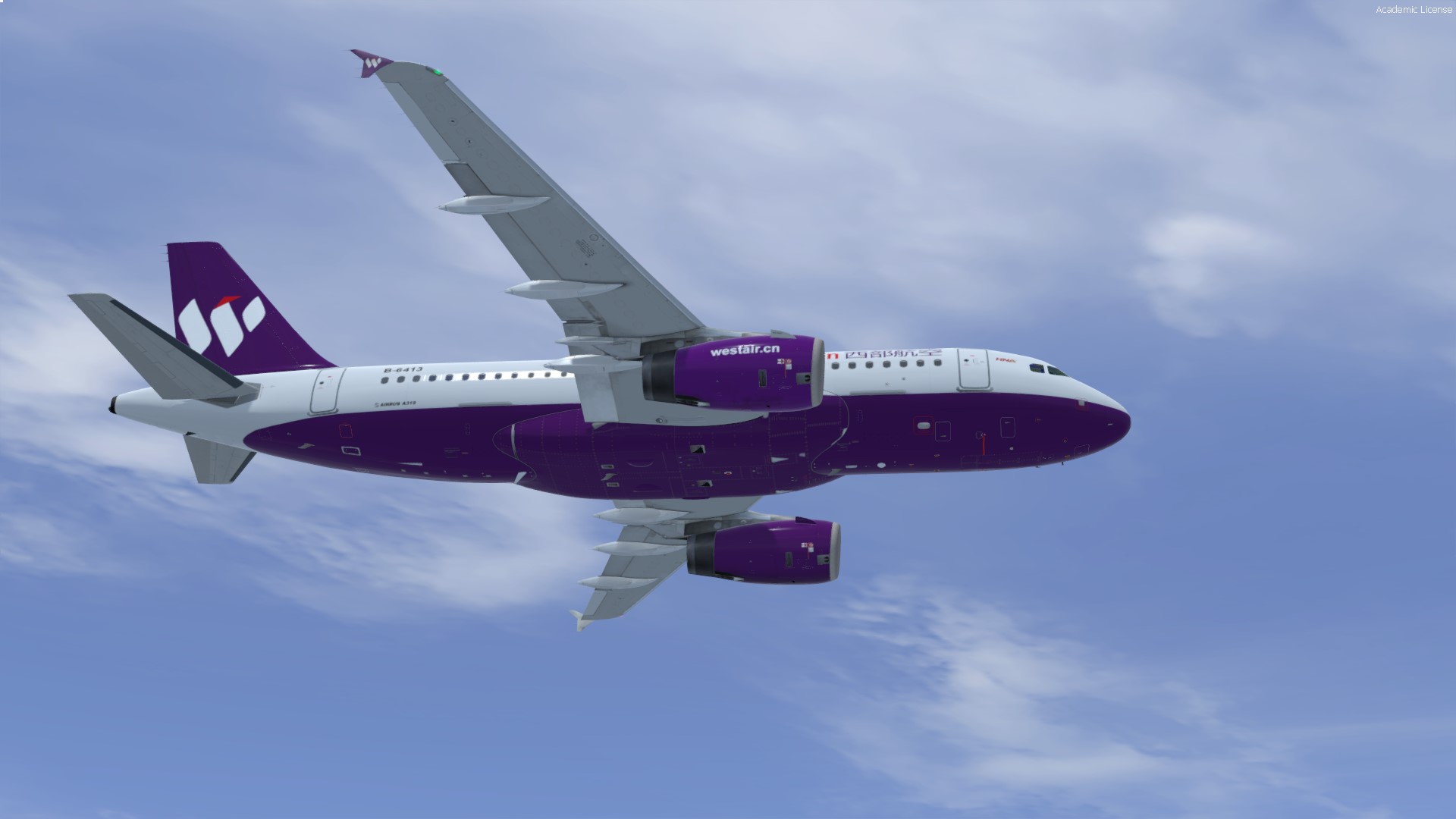
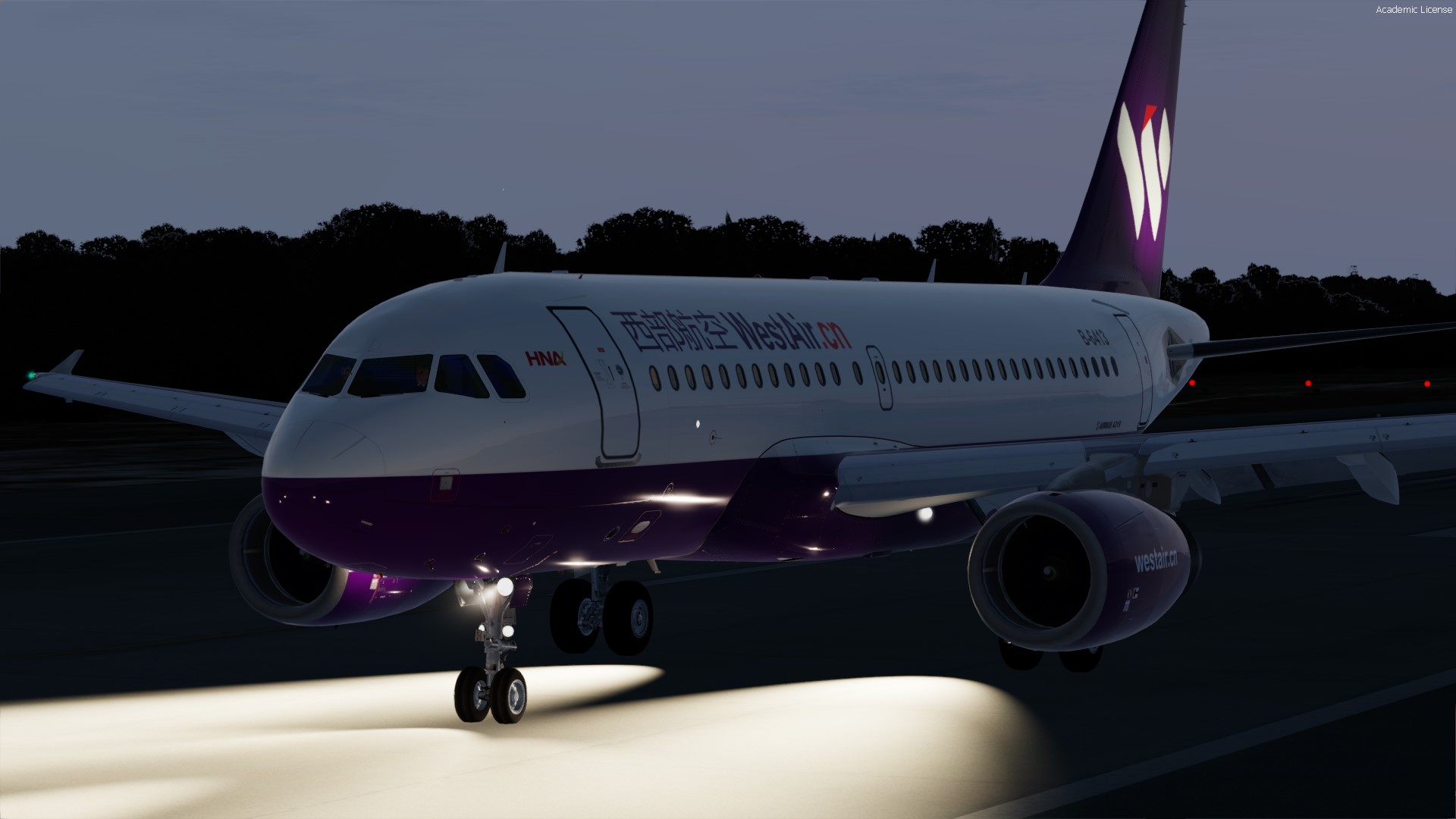
China WestAir A319 IAE v5 1.0.4

(1 review)

2 Screenshots

v1.0.0


Inspired by China Westair B-6413 A319 IAE
 

nicolas


[Fltsim]
texture=ChinaWestAirB6413
atc_id=B-6413
atc_airline=China Westair
ui_variation=China Westair B-6413
selcal_id=AD-LR
airline_icao_code=CHB
num_wing_exits=1
max_num_pax=156/54/54/48
airframe_msn=4452
 

What's New in Version 1.0.1

Released

-windows bug fixed

User Feedback

Ross Emanuel

Ross Emanuel

   2 of 2 members found this review helpful 2 / 2 members

Very good painted.


But the size and gap of the Chinese airline name letters are a little bit wrong.


155.jpg

Response from the author:

That's right. Thank you, it's in the to-do list to be fixed soon

Account

Navigation

Search

Search

Configure browser push notifications

Chrome (Android)
  1. Tap the lock icon next to the address bar.
  2. Tap Permissions → Notifications.
  3. Adjust your preference.
Chrome (Desktop)
  1. Click the padlock icon in the address bar.
  2. Select Site settings.
  3. Find Notifications and adjust your preference.
