

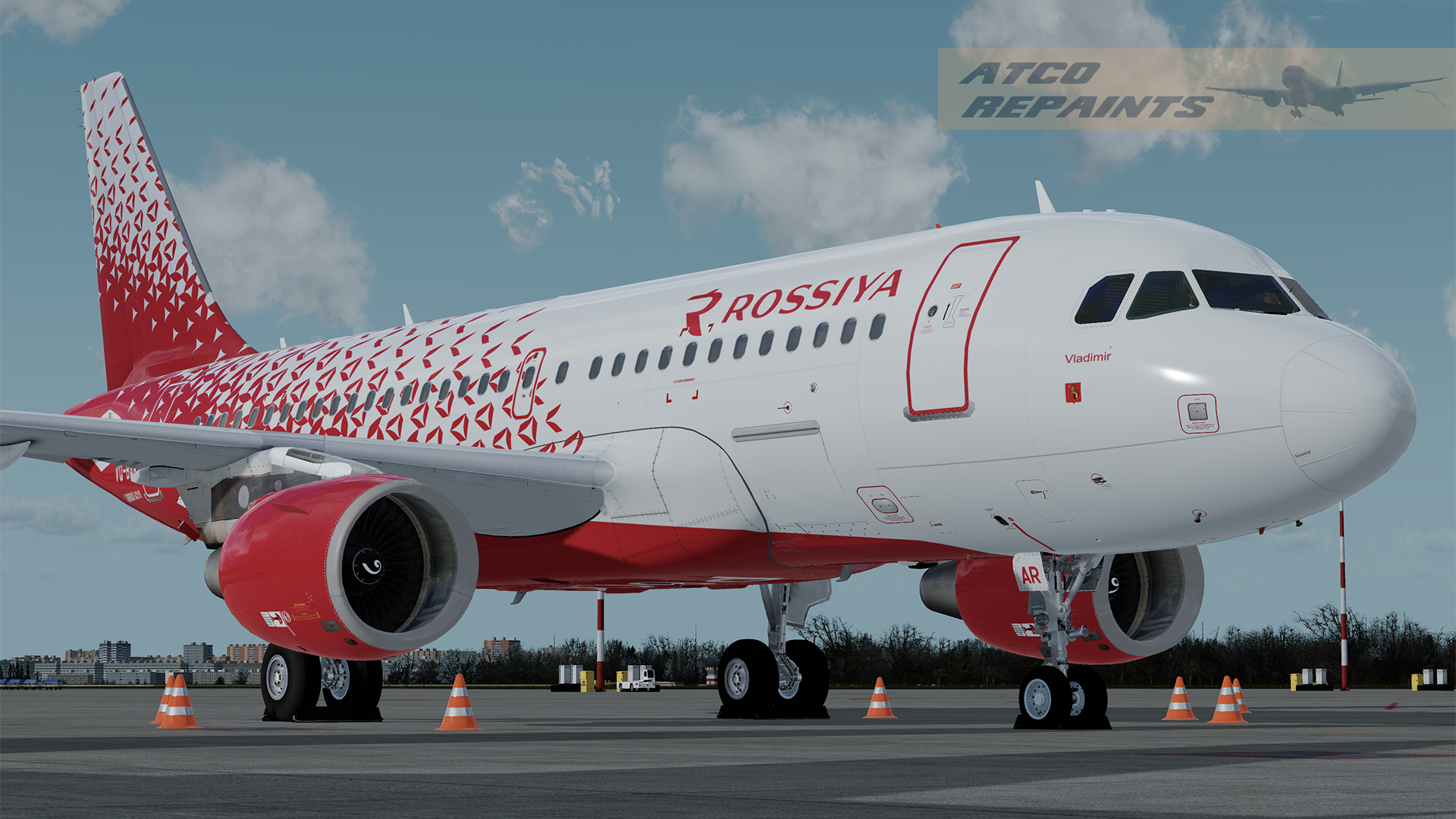
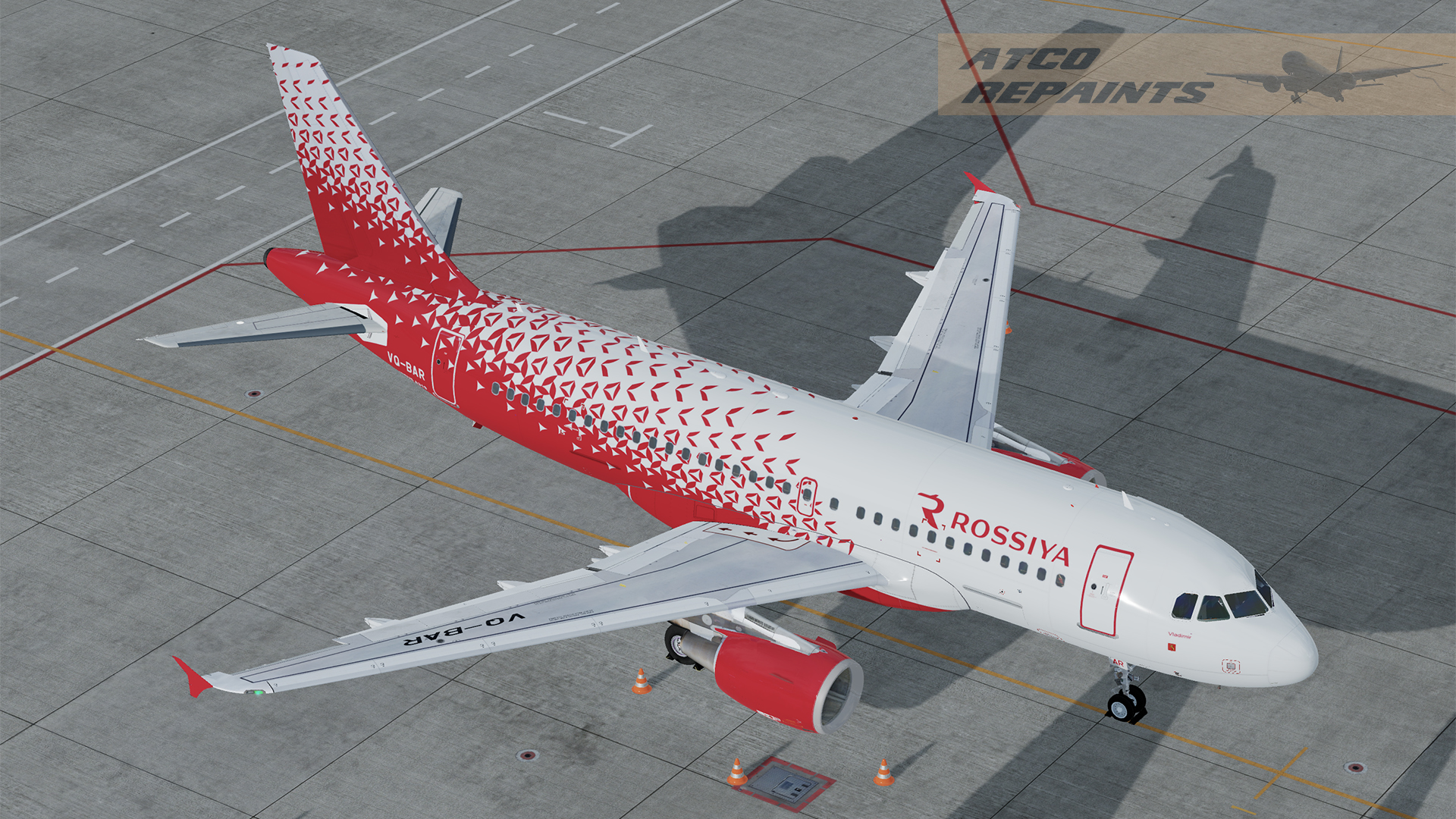
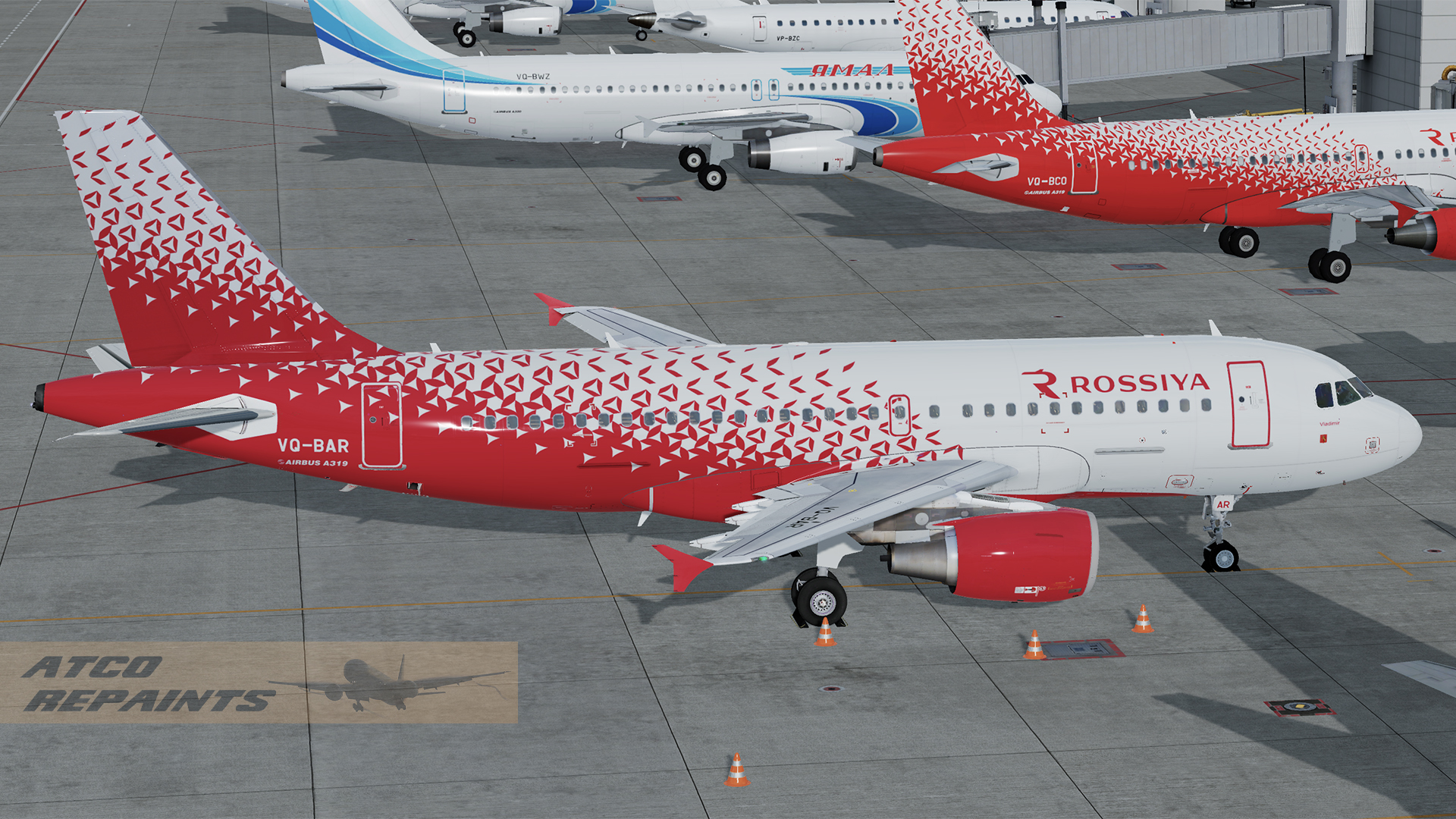
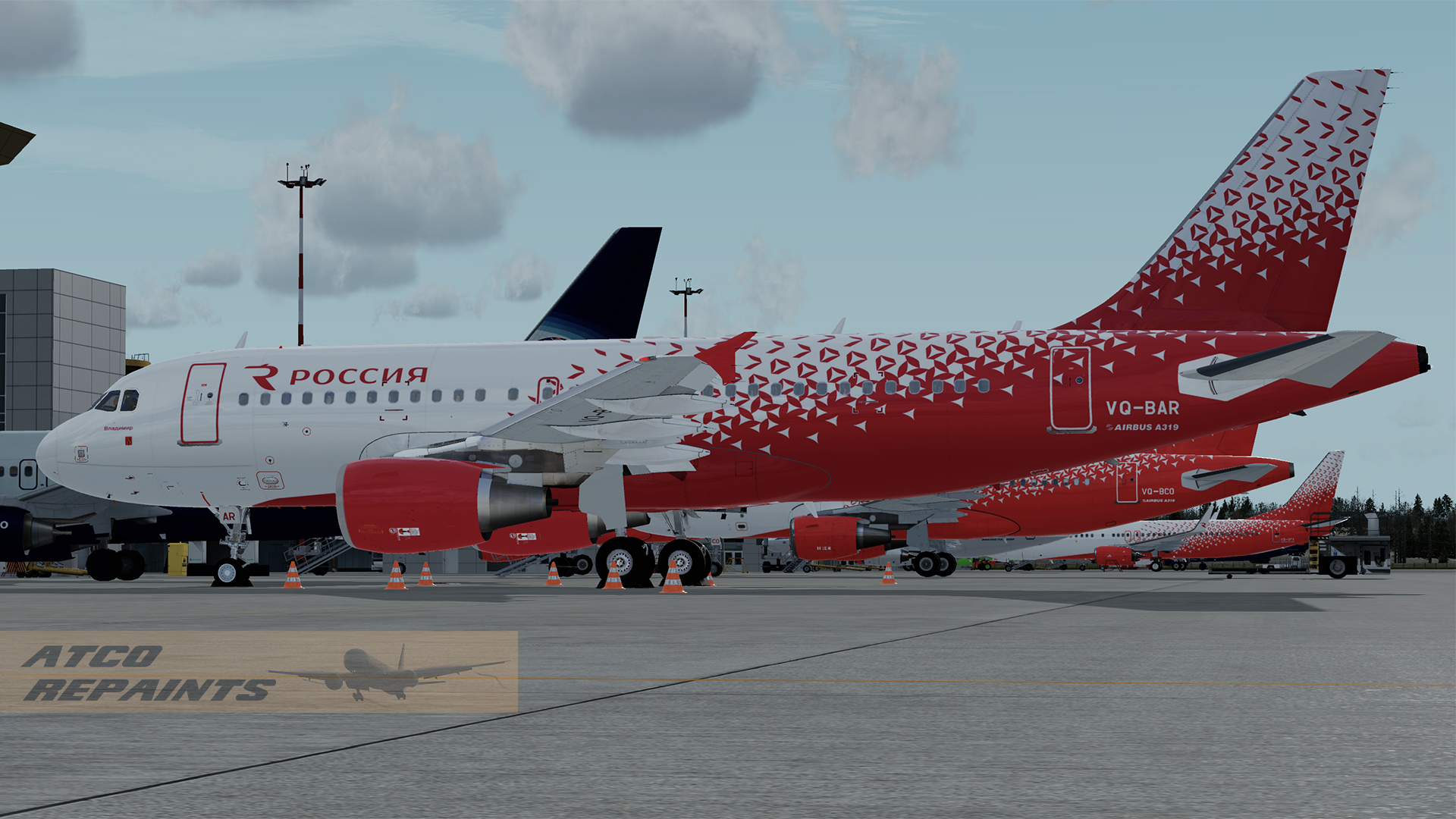
Rossiya Airlines (formed from Pulkovo Aviation, Donavia and Orenair) is one of the largest airlines in Russia with its main
base at St.Petersburg's Pulkovo Airport.
It is part of the Aeroflot Group and like its parent has a large fleet of Airbus aircraft, with 20 A319's.
In 2015 the airline rebranded with a dramatic red and grey livery which is featured on this repaint.
This repaint of VQ-BAR has been painstakingly hand painted and is the best I can manage within the limitations of the texture mapping
of the base model.
For use with the FSLabs Airbus A319-X v5.0.1.100+ CFM
This is one of my earliest FSL repaints so please forgive any errors and imperfections as I get to grips with the paintkit.
I've been painting since FS5 days but in the last 15 years or so AI aircraft have been my usual subjects. I've decided
its time to branch out a little! The repaint is based off the base FSL paintkit and features PBR throughout.
To Install:
Simply add the texture folder to your FSLabs A319 CFM folder
....\SimObjects\Airplanes\FSLabs A319 CFM
Next time you run P3D the livery will be auto installed.
-
 4
4
-
 8
8