Skip to content
View in the app

A better way to browse. Learn more.

Flight Sim Labs Forums

A full-screen app on your home screen with push notifications, badges and more.

To install this app on iOS and iPadOS
  1. Tap the Share icon in Safari
  2. Scroll the menu and tap Add to Home Screen.
  3. Tap Add in the top-right corner.
To install this app on Android
  1. Tap the 3-dot menu (⋮) in the top-right corner of the browser.
  2. Tap Add to Home screen or Install app.
  3. Confirm by tapping Install.

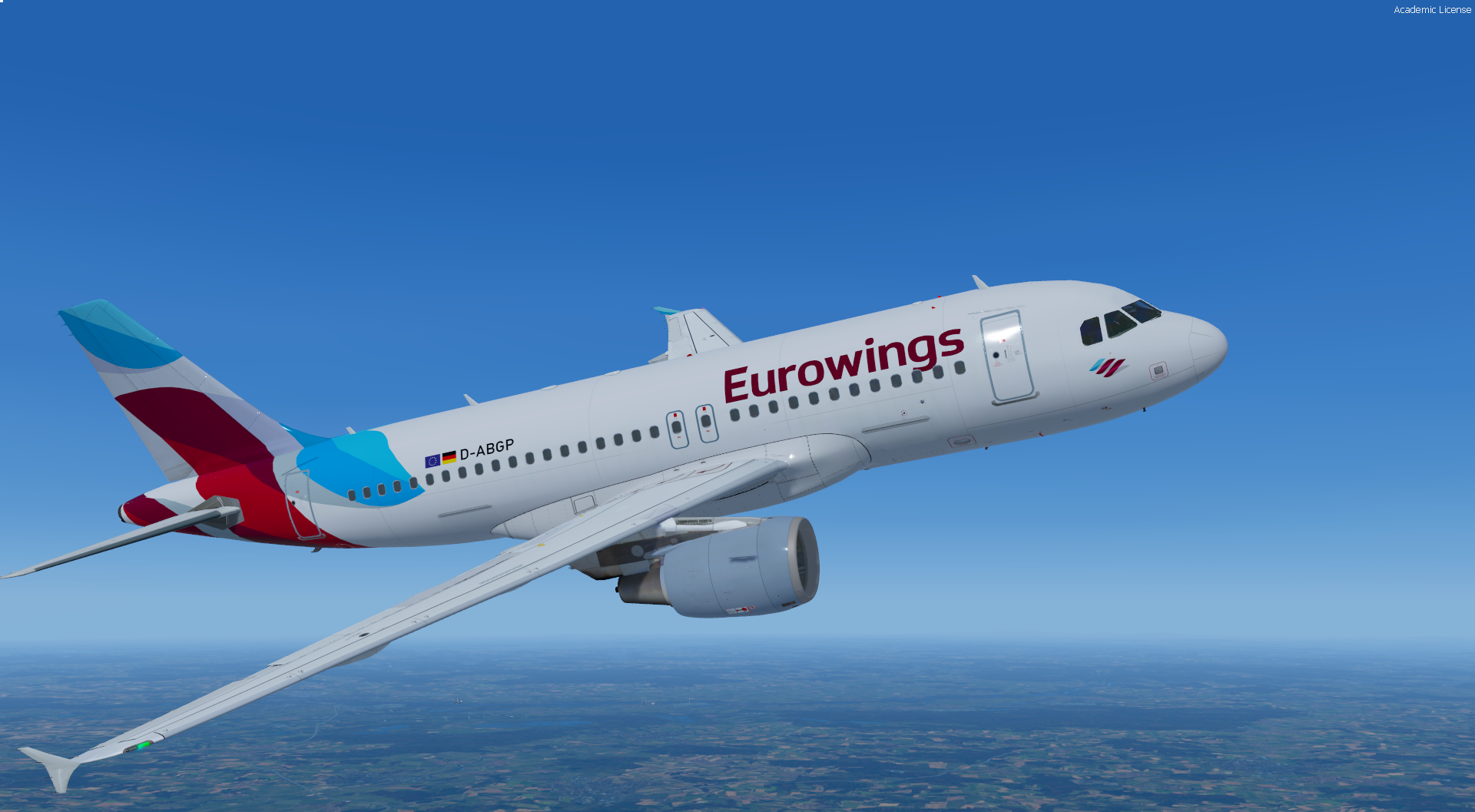
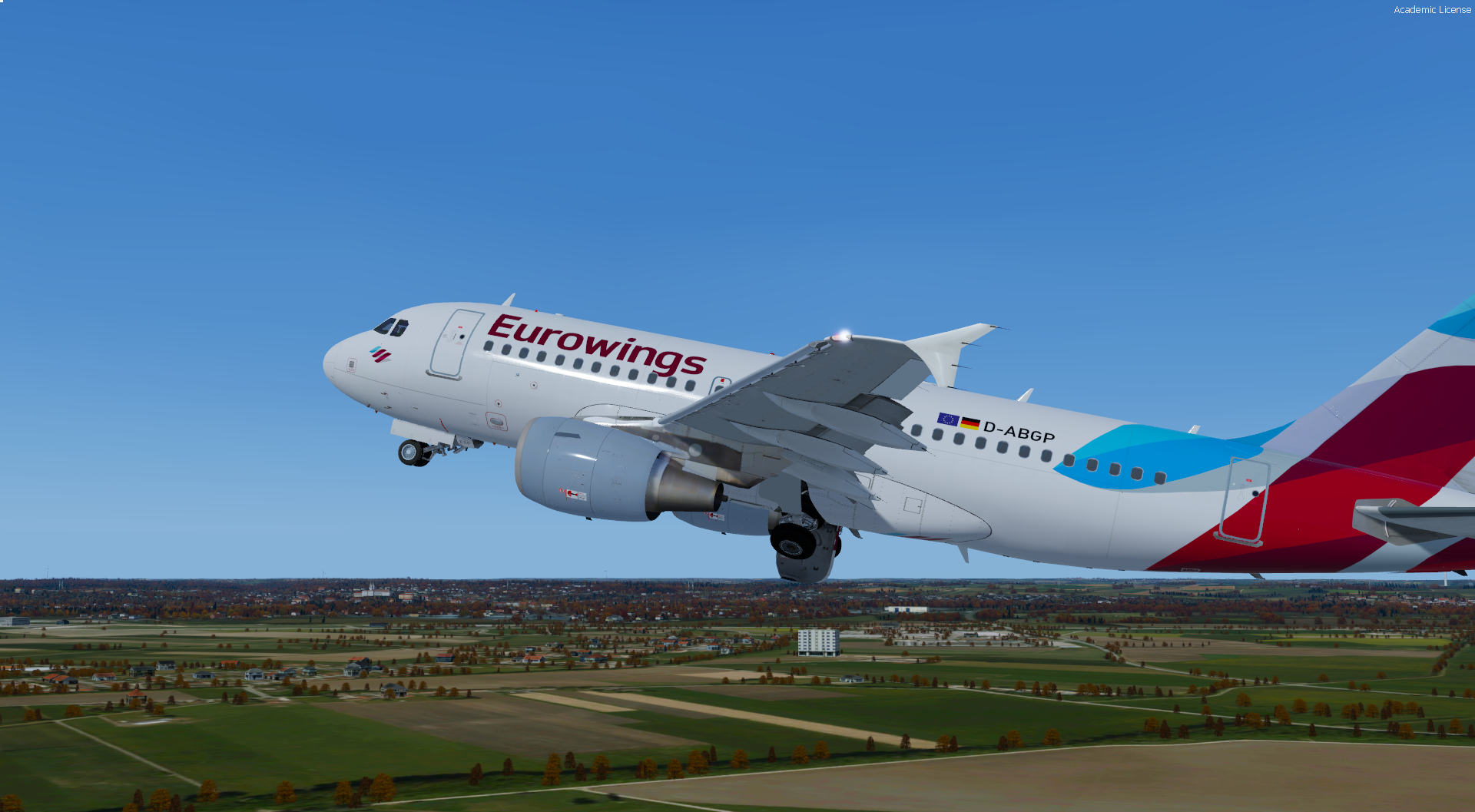
Eurowings D-ABGP 1.0.2

(4 reviews)

2 Screenshots

User Feedback

Patrick Hildebrand

Patrick Hildebrand

   2 of 2 members found this review helpful 2 / 2 members

@Robin Locher yes GP has white Wings, GQ e.g. not

Response from the author:

yes, i saw it on a video now. i only had a picture from airberlin times. i will update it

Nuno M Pinto

Nuno M Pinto

   1 of 1 member found this review helpful 1 / 1 member

Very very good. Thank you.

PS: If you have the time and will, please make us an old GWI paint as too :)  Oh and if not asking much, IAE as well :)

Response from the author:

Thanks Nuno, glad you like it :) I will think about about. That tail section drove me nuts during painting :D

Robin Locher

Robin Locher

   1 of 1 member found this review helpful 1 / 1 member

Perfect, but does the ABGP not have white wings?

Response from the author:

Does it? I have a picture where it doesn't but I will look for a few more

Artur Araripe

Artur Araripe


Superb!

Account

Navigation

Search

Search

Configure browser push notifications

Chrome (Android)
  1. Tap the lock icon next to the address bar.
  2. Tap Permissions → Notifications.
  3. Adjust your preference.
Chrome (Desktop)
  1. Click the padlock icon in the address bar.
  2. Select Site settings.
  3. Find Notifications and adjust your preference.