
Skip to content
View in the app

A better way to browse. Learn more.

Flight Sim Labs Forums

A full-screen app on your home screen with push notifications, badges and more.

To install this app on iOS and iPadOS
  1. Tap the Share icon in Safari
  2. Scroll the menu and tap Add to Home Screen.
  3. Tap Add in the top-right corner.
To install this app on Android
  1. Tap the 3-dot menu (⋮) in the top-right corner of the browser.
  2. Tap Add to Home screen or Install app.
  3. Confirm by tapping Install.

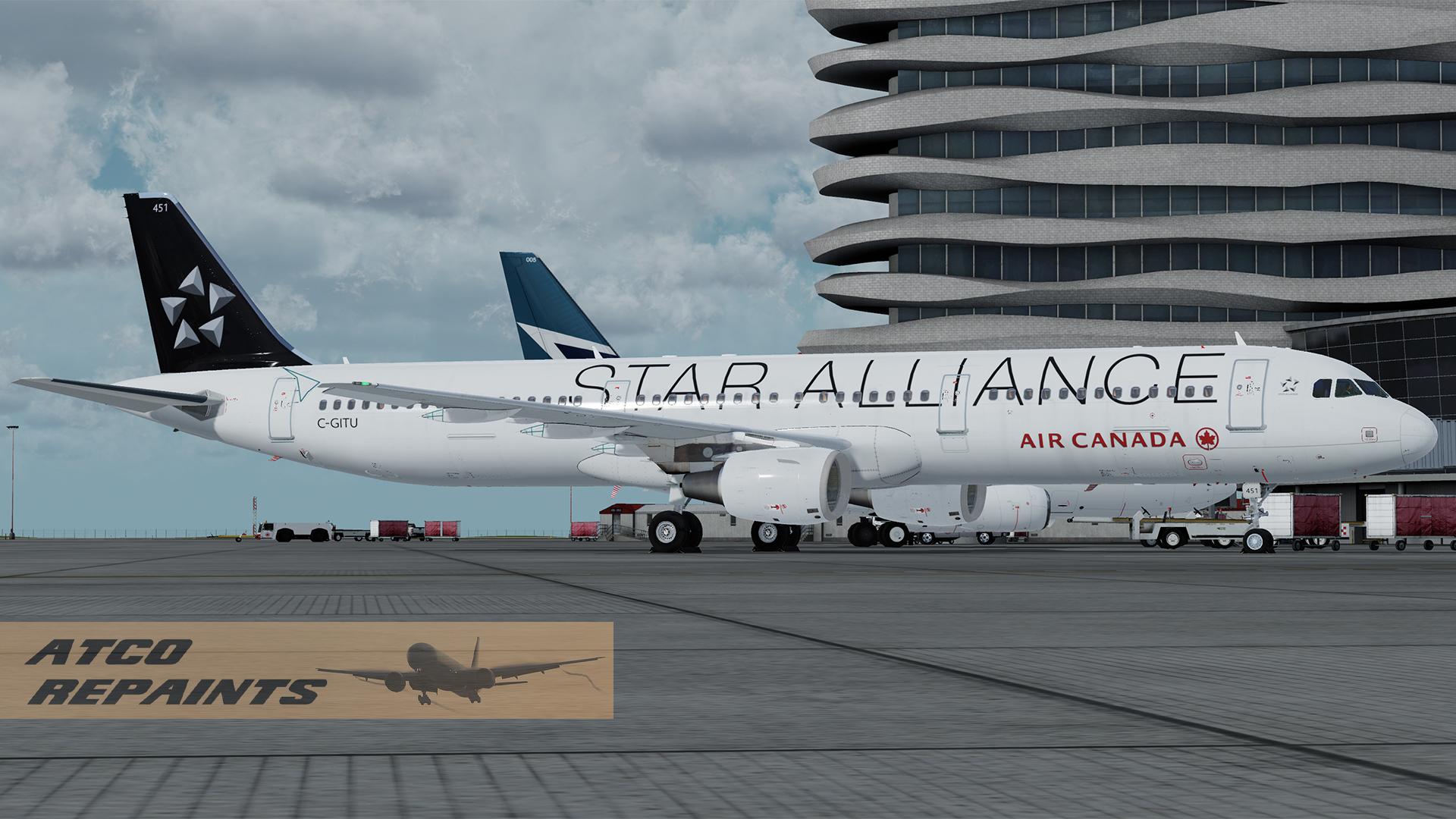
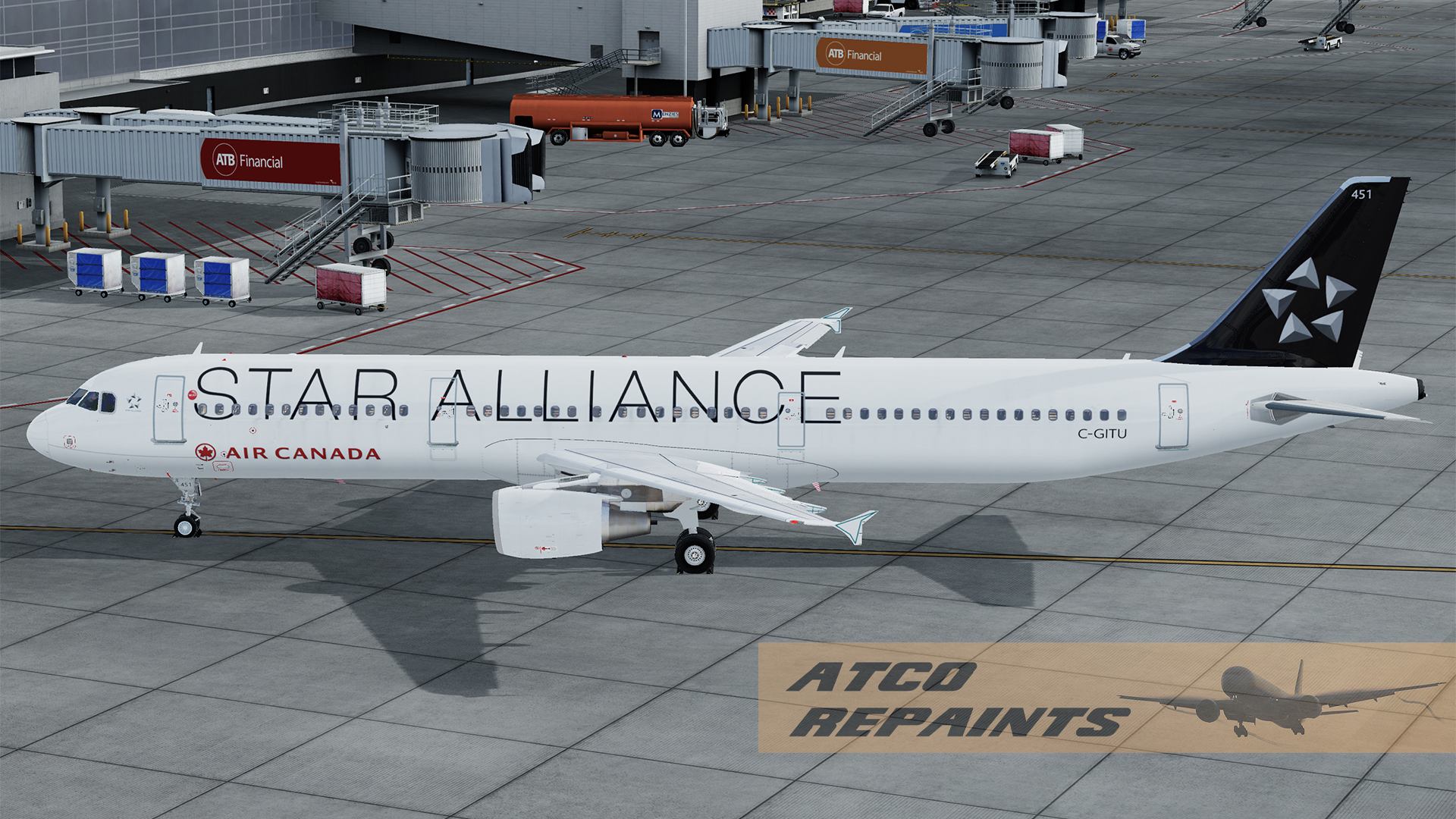
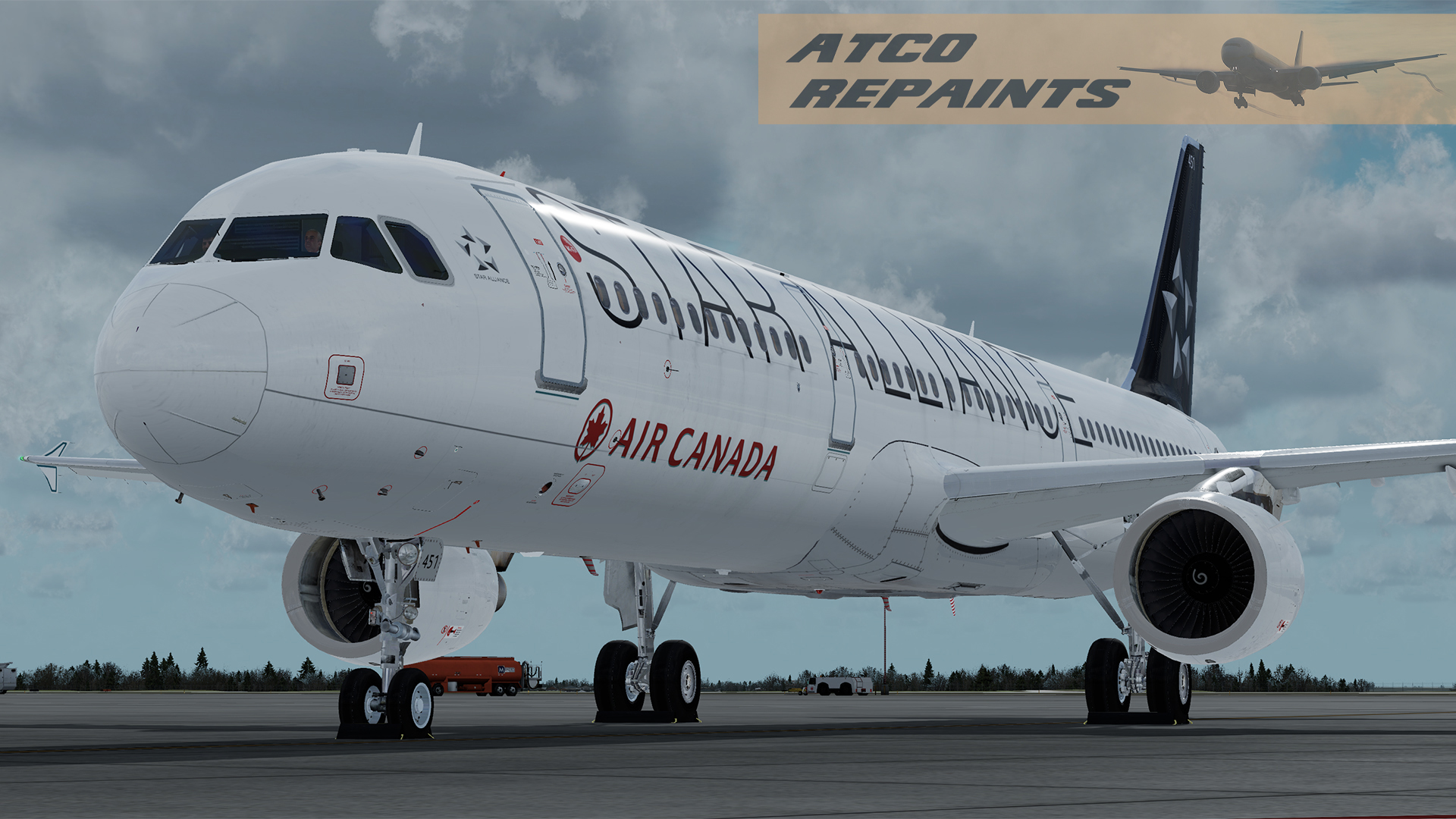
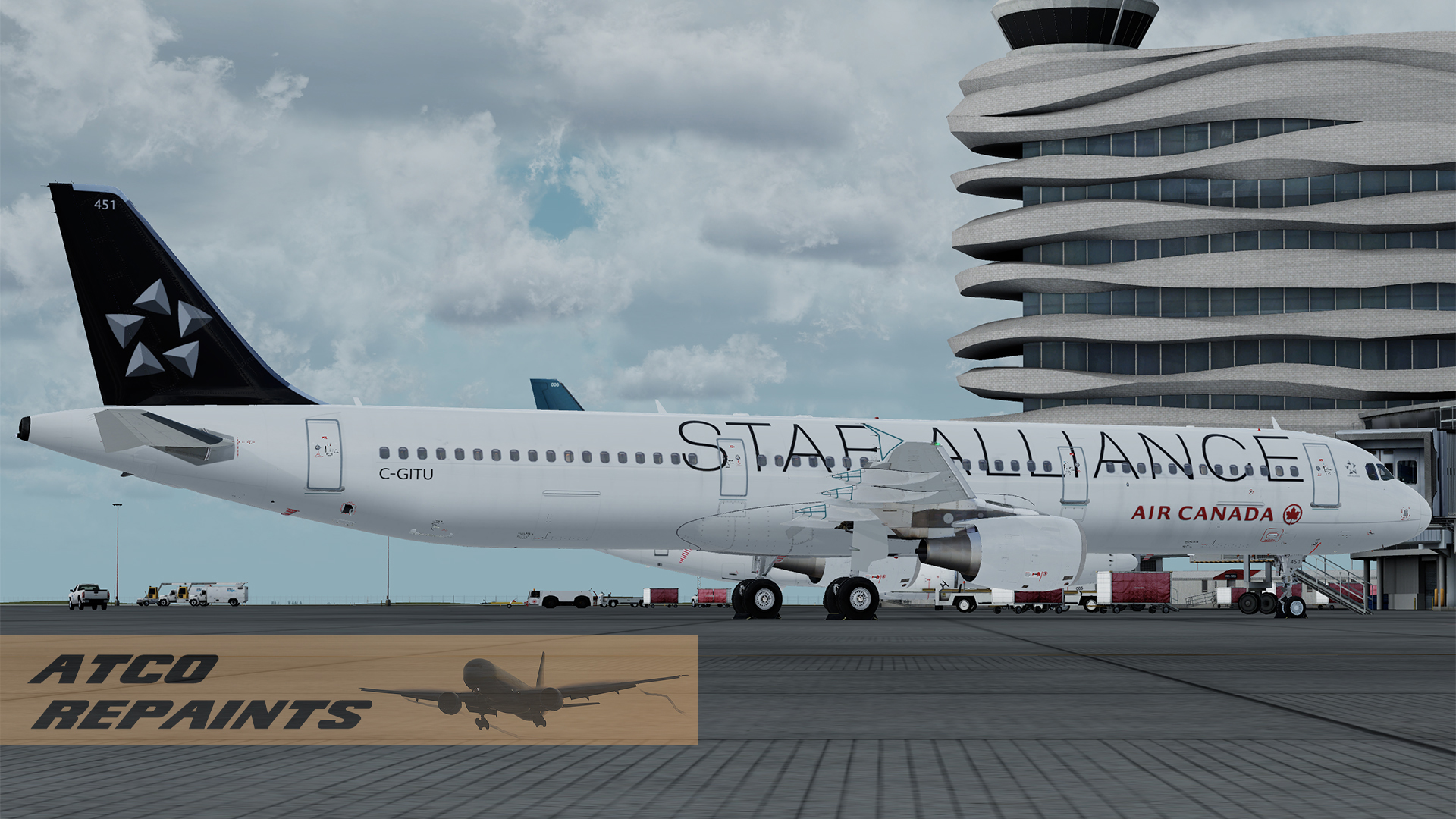
Air Canada A321 C-GITU Star Alliance V5 PBR 1.0.0

(0 reviews)

4 Screenshots

Air Canada have a fleet of 15 Airbus A321's, 9 of which are currently flying with the other 6 in storage due to COVID
induced schedule reductions. All are painted in the current Air Canada livery, except for a single frame, C-GITU which
features the Star Alliance livery.

For use with the FSLabs Airbus A321-X v5.0.1.100+ CFM

This is one of my earliest FSL repaints so please forgive any errors and imperfections as I get to grips with the paintkit.
I've been painting since FS5 days but in the last 15 years or so AI aircraft have been my usual subjects. I've decided
its time to branch out a little! The repaint is based off the base FSL paintkit and features PBR throughout.

To Install:
Simply add the texture and airframe configs folders to your FSLabs A321 CFM folder

....\SimObjects\Airplanes\FSLabs A321 CFM

Next time you run P3D the livery will be auto installed.

User Feedback

There are no reviews to display.

Account

Navigation

Search

Search

Configure browser push notifications

Chrome (Android)
  1. Tap the lock icon next to the address bar.
  2. Tap Permissions → Notifications.
  3. Adjust your preference.
Chrome (Desktop)
  1. Click the padlock icon in the address bar.
  2. Select Site settings.
  3. Find Notifications and adjust your preference.

