
Skip to content
View in the app

A better way to browse. Learn more.

Flight Sim Labs Forums

A full-screen app on your home screen with push notifications, badges and more.

To install this app on iOS and iPadOS
  1. Tap the Share icon in Safari
  2. Scroll the menu and tap Add to Home Screen.
  3. Tap Add in the top-right corner.
To install this app on Android
  1. Tap the 3-dot menu (⋮) in the top-right corner of the browser.
  2. Tap Add to Home screen or Install app.
  3. Confirm by tapping Install.

Lufthansa A321 old colours Fleet Pack 1.0.3

(2 reviews)

4 Screenshots

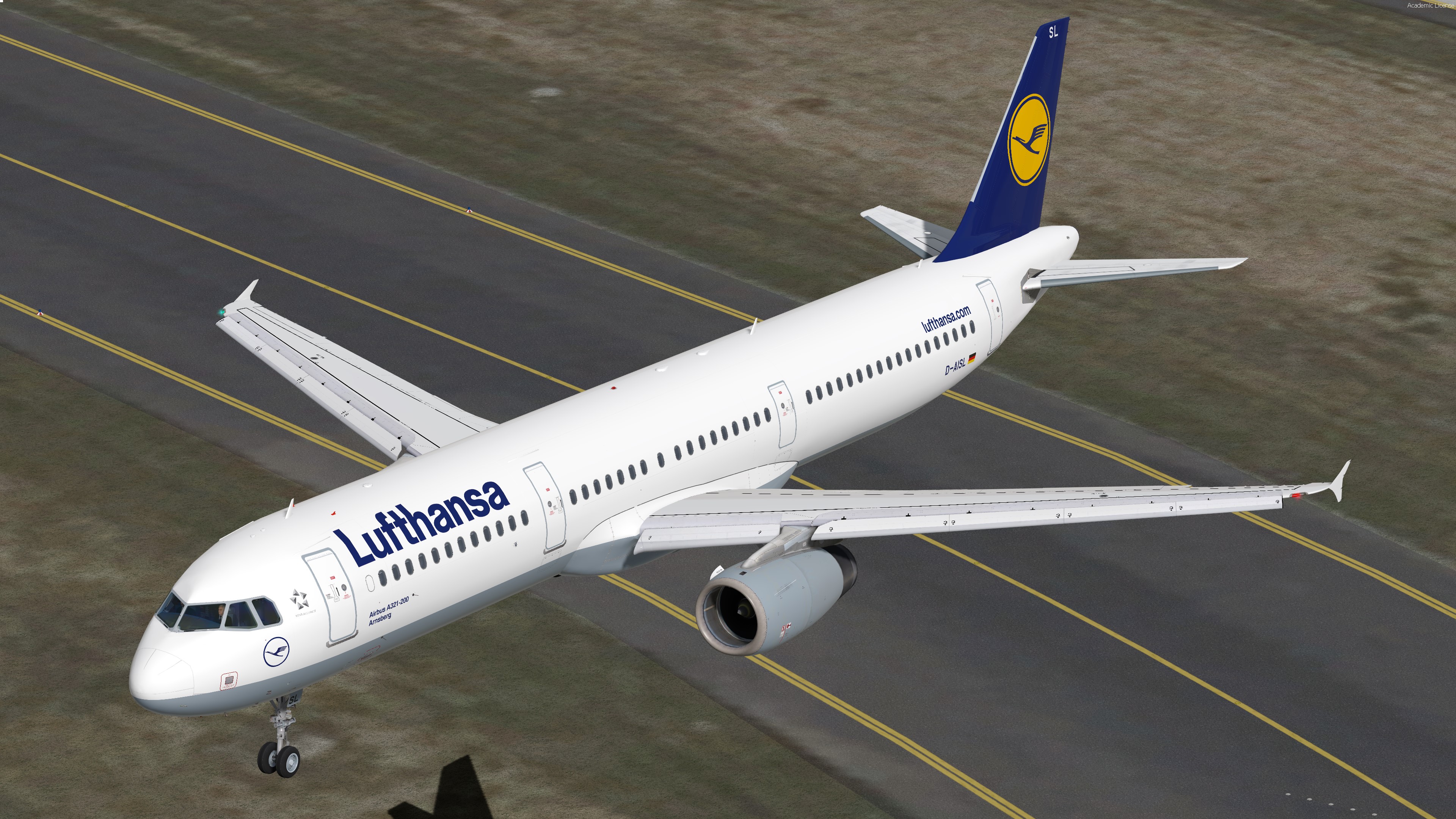
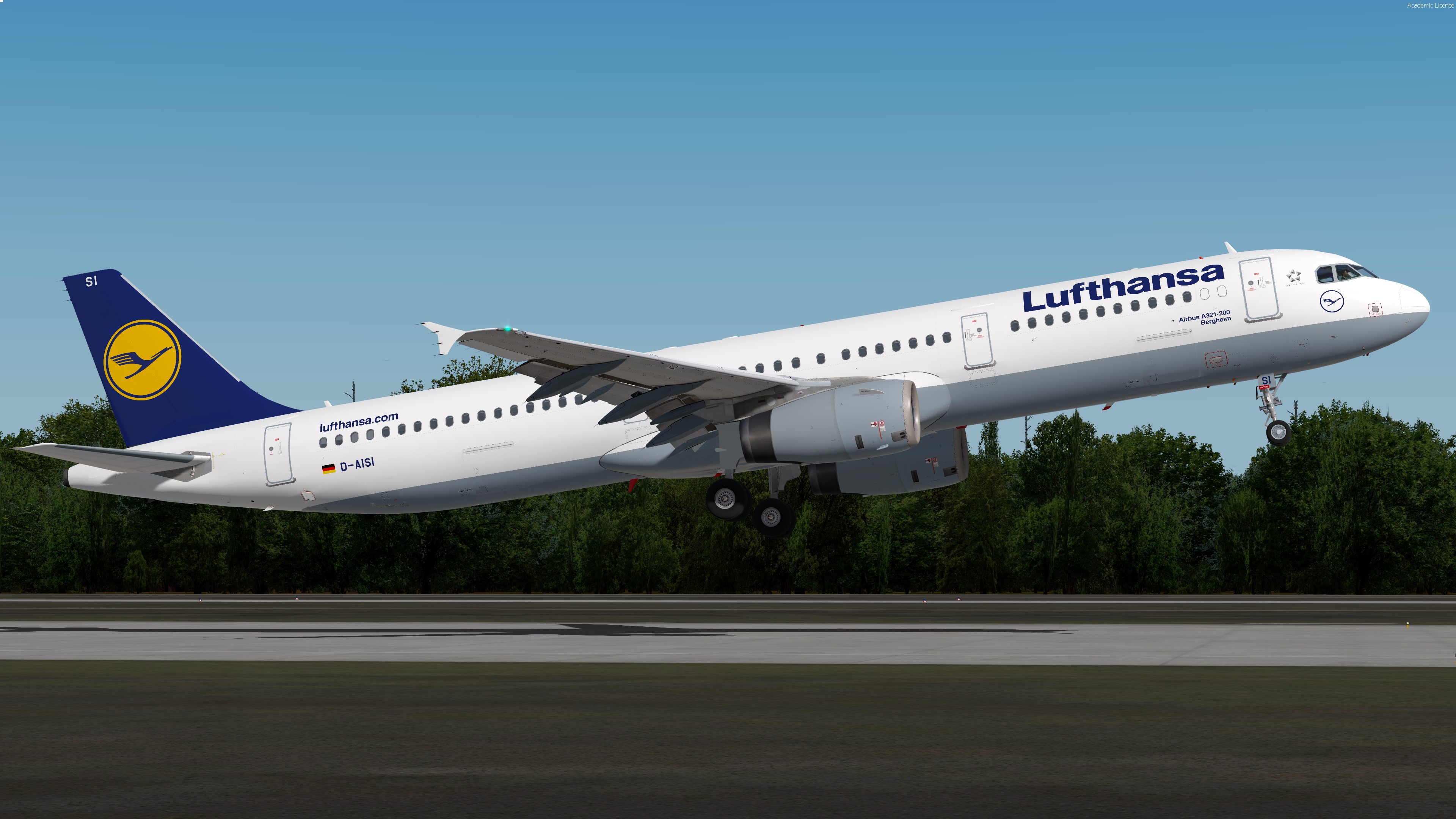
Lufthansa A321 OC Fleet Pack

This Fleet Pack includes all currently active A321s of Lufthansa in the old colour scheme. Once more A321s get out of storage I'll update this Pack accordingly.

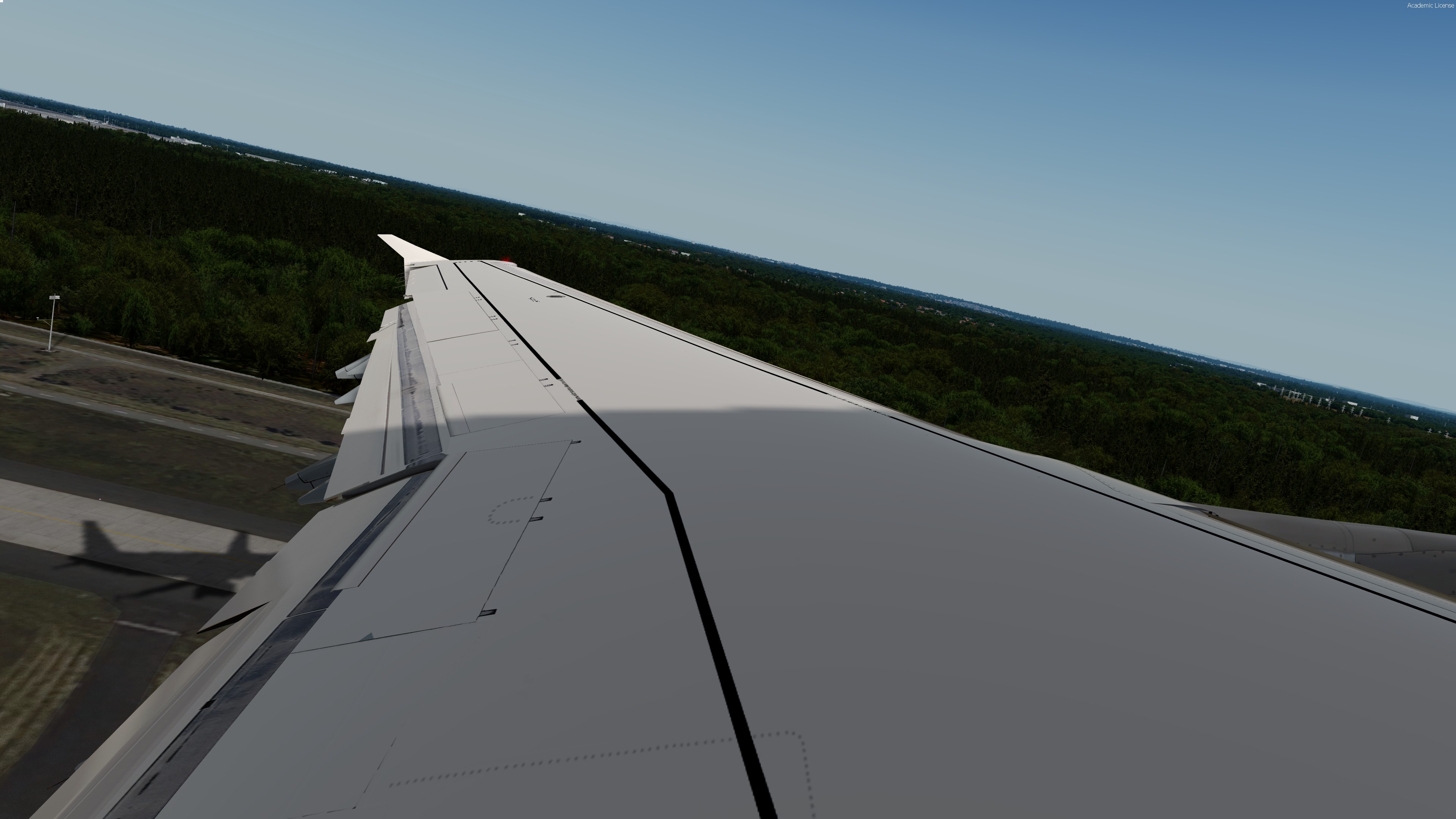
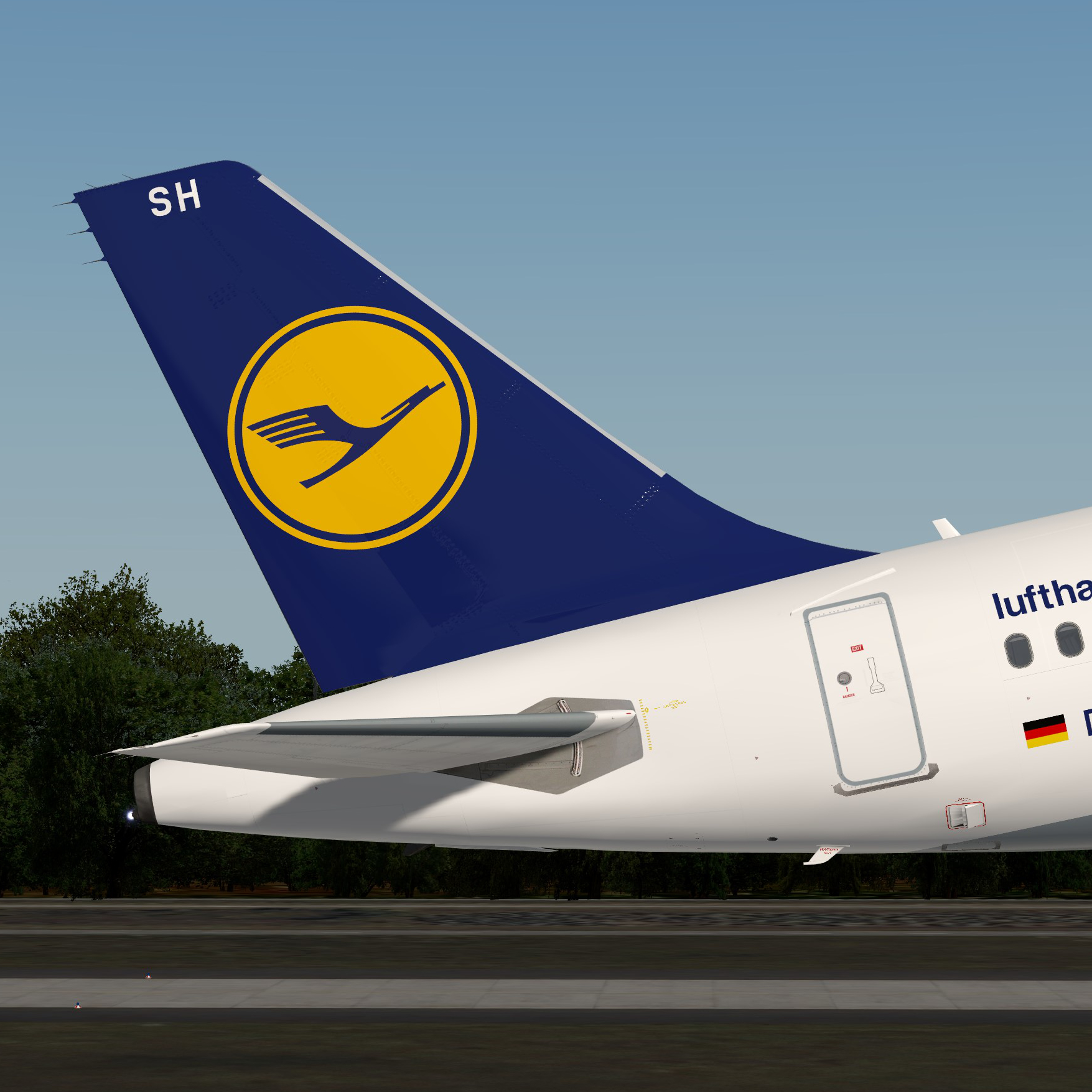
The liveries feature a realistic replica of the real livery including the correct Lufthansa wing texture, completely reworked window textures to fit the real Airbus windows and custom dirt effects

2020-9-20_19-40-43-926.thumb.jpg.aa4fd4a5185c51fe836b58decd0b9dd4.jpg

These liveries take up a lot of time, so if you like my work and would like to support me, feel free to visit this page:

Paypal


As of v1.0.0 included are:

D-AISL, D-AISK, D-AISH, D-AISI, D-AISX (check changelog for new liveries)

If you'd like to fly a certain registration of the A321, just write me a PM and I'll do it for you:)


Note this livery is only for v.5.0.1.103+

To install extract the livery inside : 

Users\<name>\Documents\Prepar3d v4 Add-ons\FSLabs\SimObjects\Airplanes\FSLabs A321 IAE\

What's New in Version 1.0.3

Released

Added D-AIRP

User Feedback

Pascal Blau

Pascal Blau


Very good job, looks exactly like the real one

Frederic Nguyen

Frederic Nguyen


nice

Account

Navigation

Search

Search

Configure browser push notifications

Chrome (Android)
  1. Tap the lock icon next to the address bar.
  2. Tap Permissions → Notifications.
  3. Adjust your preference.
Chrome (Desktop)
  1. Click the padlock icon in the address bar.
  2. Select Site settings.
  3. Find Notifications and adjust your preference.

